
IceVault - Encrypted Database
No subscription. No account.
Conçue pour iPhone, iPad
Achats intégrés
- Classification d’âge4+
- CatégorieProductivité
- DéveloppeurKouichi Abe
- LanguesJaponais+ 1 de plus
- Taille16,3 Mo
IceVault - Encrypted Database n’est peut-être pas disponible sur App Store pour le moment
La fiche de la boutique était inaccessible lors de notre dernière vérification. Le lien mène toujours à la page App Store officielle.
Captures d’écran



À propos
Le développeur n’a pas fourni ce texte dans votre langue.
Design your own private database.
A database for everything you’d never put in the cloud. IceVault is an encrypted, local-only database whose structure you design yourself — for bank accounts, reading logs, business cards, warranties, Wi-Fi and more.
Define fields in a “template” — text, dates, money, photos, ratings, choices and more — and it becomes your form and data structure. Pin a template to a folder for a purpose-built workspace
BUILD YOUR OWN STRUCTURE
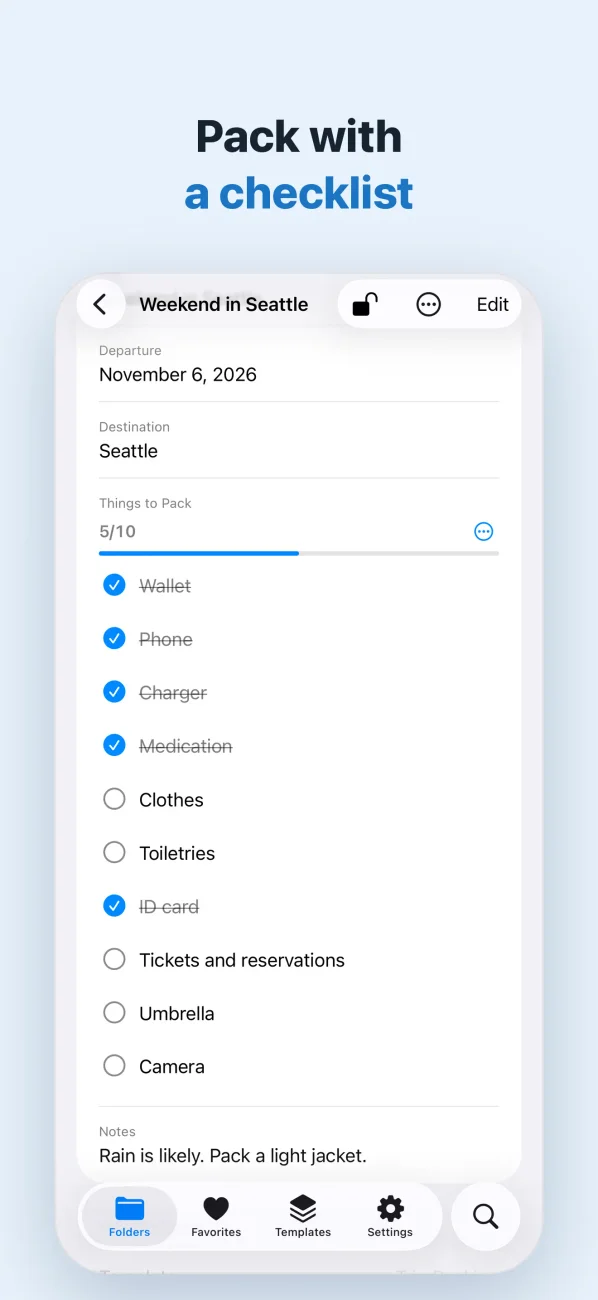
* 60+ field types: text, number, date, duration, measurement, checklist, contact card, signature, money, rating, weather, photo, video, audio, barcode, choices, address, email, phone, URL, links, files, formulas and more
* 12 field attributes: required, encrypted, searchable, auto-tag, show in list, unique, Markdown, per-item currency and more
* Layout presets: cards, timelines, spec sheets, photo galleries and a spreadsheet grid, with a live preview while you edit
* Formula fields calculate on-device from number and money fields, such as quantity × unit price, and can even use a value from a linked item
* Link items and see incoming links under “Referenced By”
* Draft templates with AI, on-device with Apple Intelligence
* Edit templates any time — existing records update to match
KEEP THINGS SAFE
* Master password with Face ID / Touch ID unlock
* Per-field AES-GCM encryption for passwords, PINs, card numbers and more
* Videos and audio are encrypted too, and play without leaving an unencrypted copy
* Keys are derived from your master password and never stored
* iOS Data Protection on every database
PUT THINGS IN
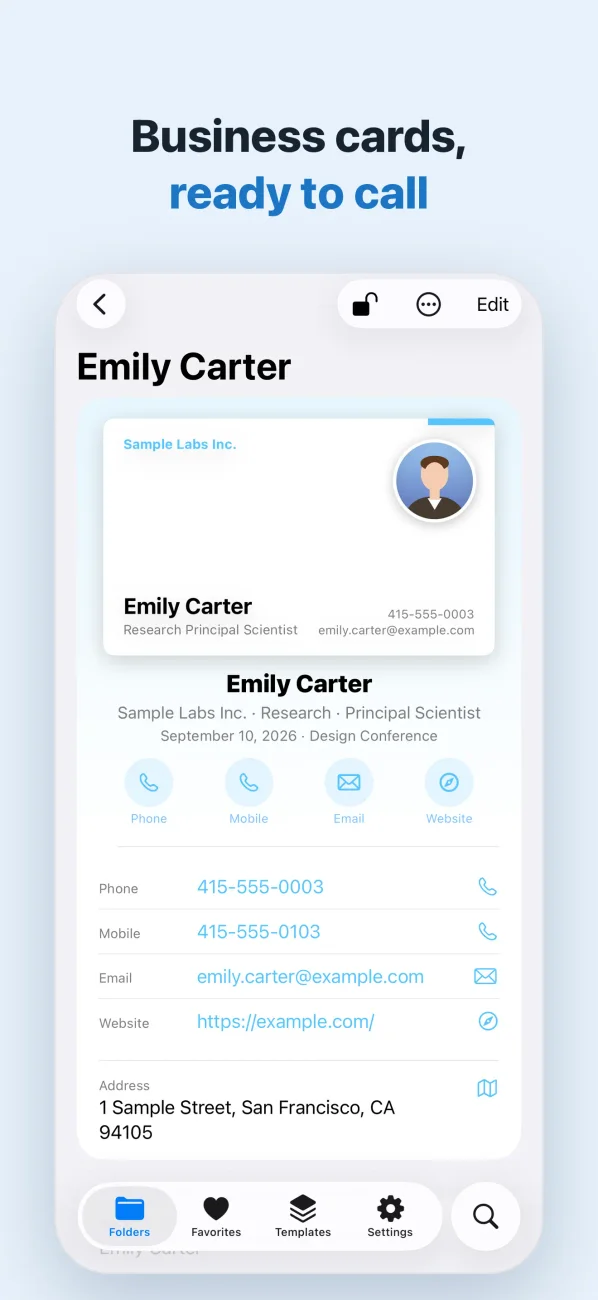
* Camera capture and document scanning. Read the text of a business card or receipt on your device and fill the item's fields with it
* Attach files up to 50 MB and preview them in place
* Keep a short video (3 min) or audio (30 min) with an item
* QR code and barcode scanning, live or from a photo. Show saved barcodes full screen at checkout
* TOTP two-factor codes from otpauth:// links
* CSV import that builds a template from the header row
* On-device writing assistance with Apple Intelligence — your text never leaves the device
FIND IT AGAIN
* Full-text search across every folder
* Manual and automatic tags; filters that combine keywords, choices and ranges
USE YOUR DATA
* Save links, text, photos, files and Apple Maps places from the share sheet into an inbox, then file them later
* Open or lock IceVault, or send to the inbox, from Control Center and Shortcuts — what you stored is never shown
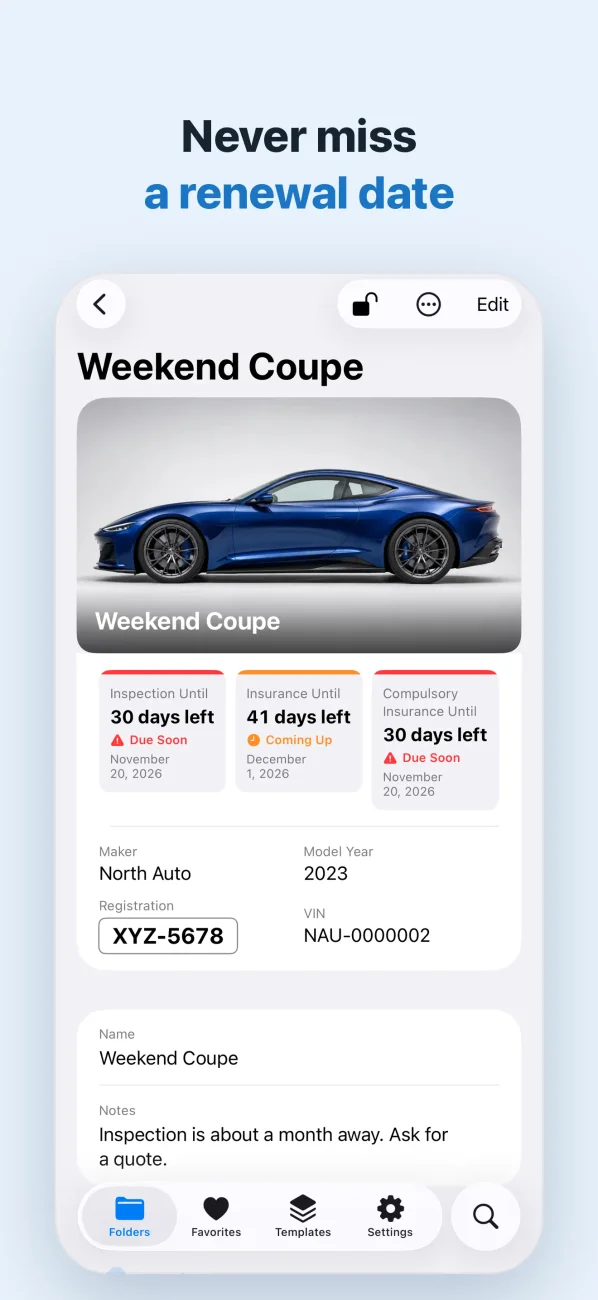
* Get on-device reminders before expiries, daily at a set time, or when you arrive at a saved place — your location never leaves the device
* Sum, average and count spreadsheet rows; chart columns (overlay up to 4) as bars, lines, areas, points or a donut
HAND IT OVER
* Each folder is a single document, images included
* Encrypted .icevaultarchive files for full backups
* Share a folder with family, friends or groups using a one-time password
* Distribute a folder to many people: read-only, not counted toward their free limit of 3 folders, and you can send updates
* Share templates alone, without your data
* Export spreadsheets to CSV and Markdown notes to PDF
PRIVATE BY DESIGN
* No account, sign-up or email address
* No cloud. IceVault makes no network connections
* No ads, analytics or tracking SDKs. No usage data is collected
IMPORTANT
If you forget your master password, encrypted fields cannot be recovered — not by anyone, including the developer.
FREE, WITH A ONE-TIME PRO UNLOCK
Every feature is free: all field types, encryption, search, writing assistance, import and export. The free version supports up to 3 folders; a one-time purchase of IceVault Pro removes that limit. No subscription. No account.
COMES WITH 27 TEMPLATES
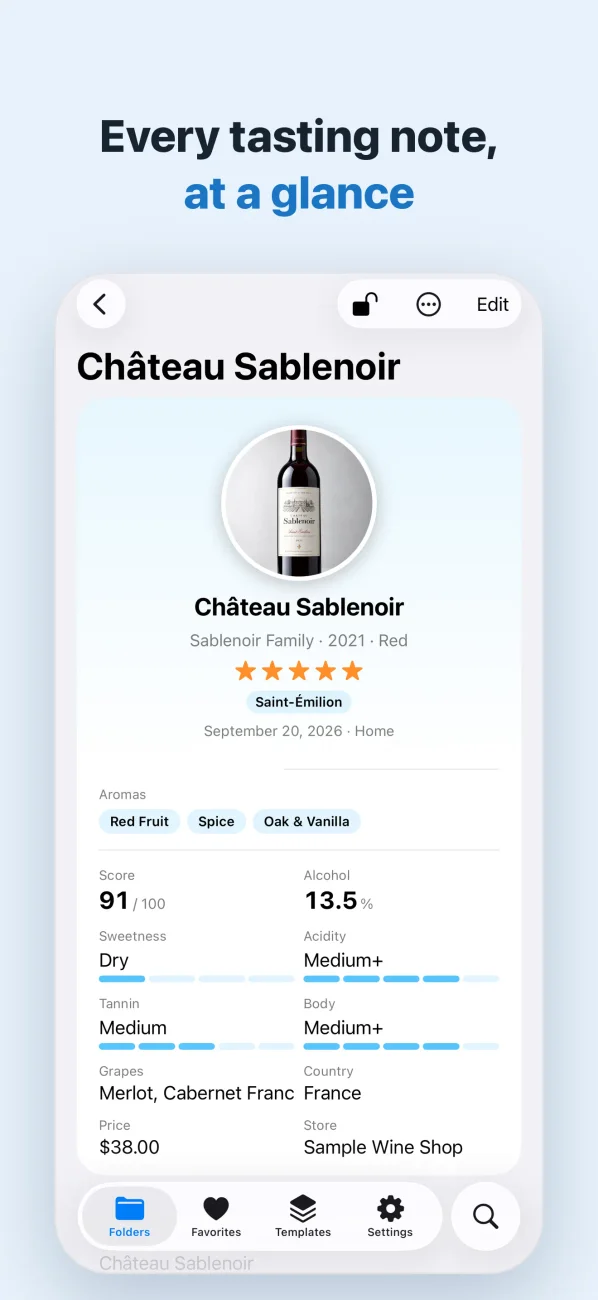
Bank Account, Credit Card, Insurance Policy, Online Account, Wi-Fi, Business Card, Book, Film, Wine, Whisky, Vehicle, Purchase & Warranty, Trip Booking and more. Use them as-is, customize them, or start from scratch.
Nouveautés
Version 1.10 · 23/11/2026
New in this update:
NEW
• Sort by name: the sort menu now has Name (A to Z or Z to A). A field marked Reading of Name (such as furigana) is used if there is one
• Overlay charts: put up to 4 columns that share a unit on one chart. The bundled Income and Expenses template now has separate Income and Expense amounts (folders already using it show an update)
• CSV export: choose which columns to export. For secret fields, choose per column to hide the values or export them as they are. Fields marked Encrypted are hidden at first too
• Formula results as percent: a formula's Result Type can now be Percent, so 0.83 shows as 83%
• Daily reminders: turn on Remind Me Every Day under a time field to get a notification at that time every day, such as when to take medicine. The notification shows only the folder's name
IMPROVED
• The field type picker in the template editor is now grouped by use; types you turned off in Settings are listed under More Types
• Number columns in the spreadsheet are right-aligned with equal-width digits
• Editing a template: attributes that cannot be used with Encrypted are disabled while it is on
Everything else works as in version 1.9.
Confidentialité de l’application
Ce que Kouichi Abe déclare sur l’App Store au sujet du traitement des données par cette application.
-
Données non collectées
Le développeur ne collecte aucune donnée à partir de cette application.
Les pratiques en matière de confidentialité peuvent varier, notamment en fonction des fonctionnalités que vous utilisez ou de votre âge.
Informations
- Vendeur
- Kouichi Abe
- Catégorie
- Productivité
- Version
- 1.10
- Mis à jour
- 23/11/2026
- Publié
- 13/09/2026
- Taille
- 16,3 Mo
- Nécessite
- iOS 26.2 ou version ultérieure
- Classification d’âge
- 4+
- Achats intégrés
- Oui
- Langues
- Japonais, Anglais
- Copyright
- © 2026 MagickWorX
Vous aimerez peut-être aussi
-
 memomer - Tree Notes+Productivité
-
 MonoMemo - 階層型メモ帳&ToDoリストProductivité
-
 StockPal: Smart InventoryProductivité
-
 Foodle - The Original ListProductivité
-
 生産日誌Productivité
-
 日々のログ:カスタマイズできる個人/家族向けデータベースProductivité
-
 QwkList: Grocery List MakerProductivité
-
 Clastly — Personal DatabaseProductivité
-
 Clippo - Presse-papiersCouteau suisse presse-papiers
-
 KakejikuProductivité