
- Classification d’âge4+
- CatégorieUtilitaires
- Développeur潮激 李
- LanguesAnglais
- Taille7,7 Mo
Renvoie vers la page App Store officielle
Download.org n’héberge aucun fichier de iDOS 3. Le bouton ouvre la page de l’application sur App Store, où 潮激 李 la publie. Fiche vérifiée pour la dernière fois le 12/11/2026.
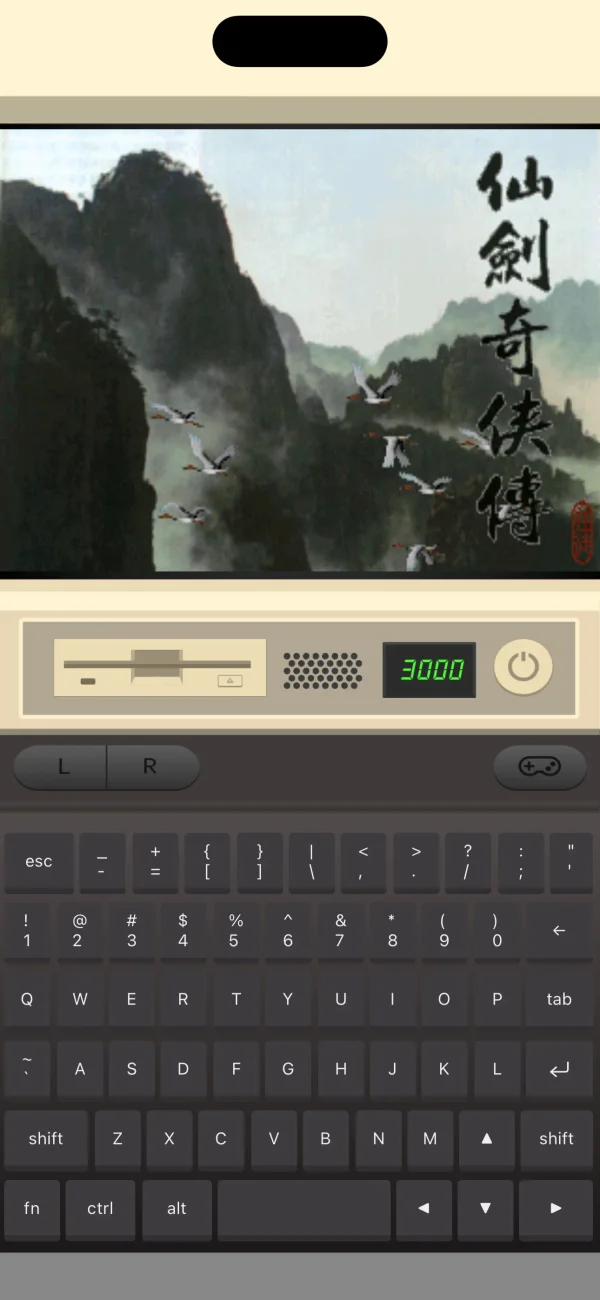
Captures d’écran
À propos
Le développeur n’a pas fourni ce texte dans votre langue.
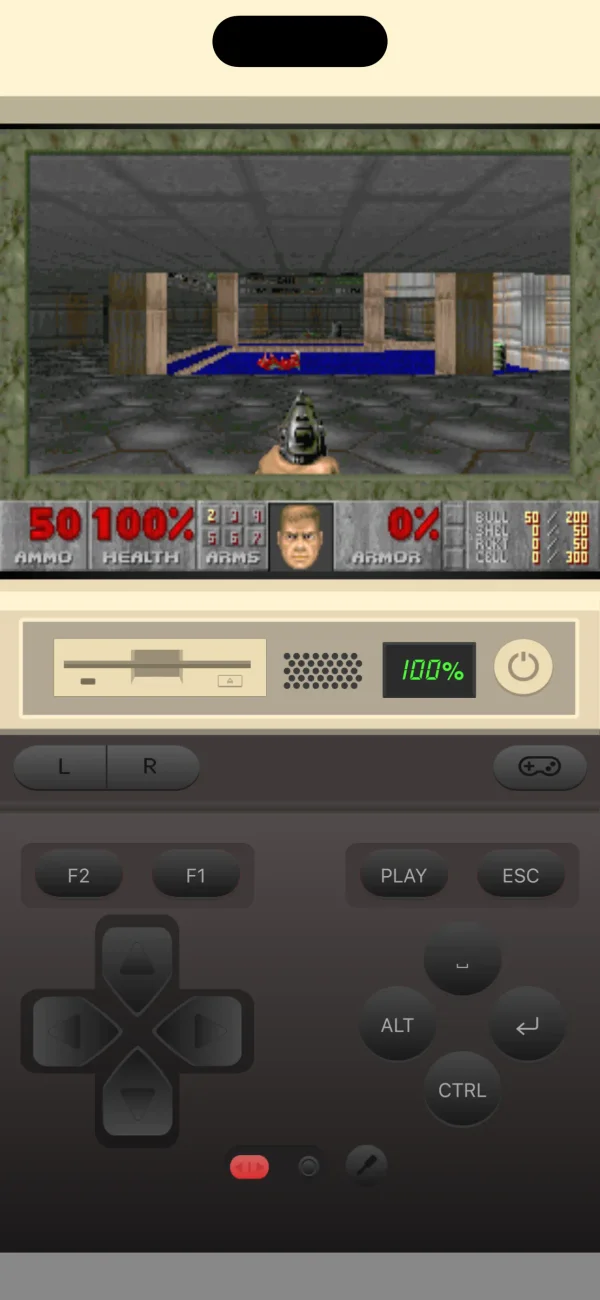
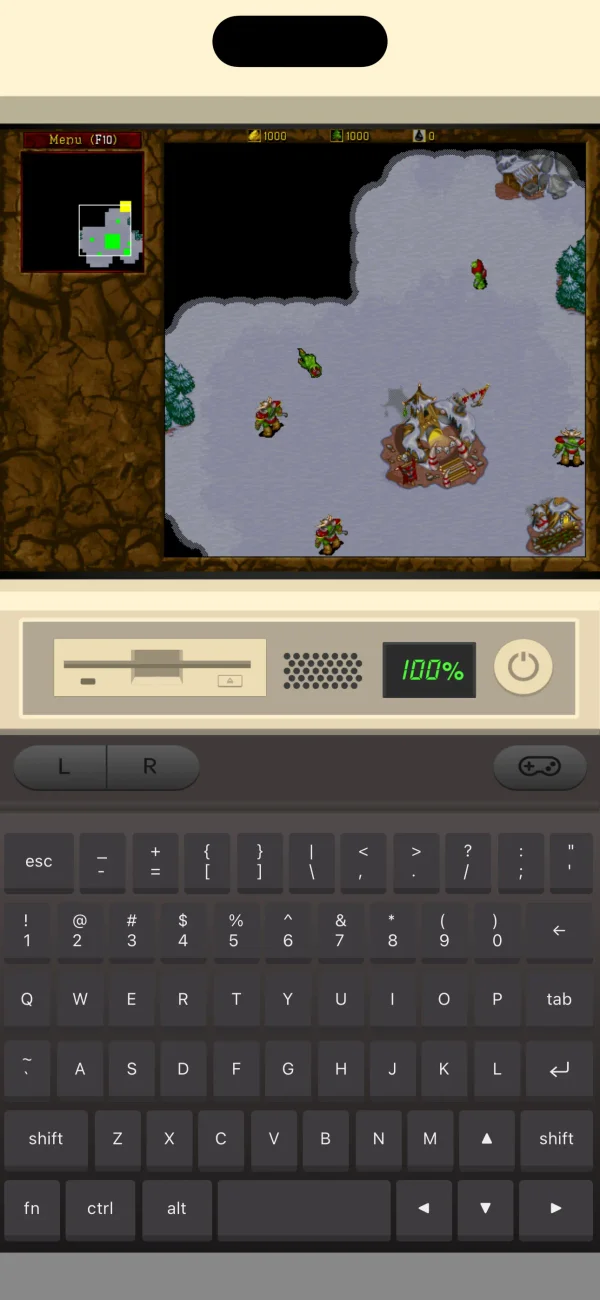
Play classic DOS games on your iPhone and iPad!
iDOS turns your device right into a powerful DOS gaming PC, with modern game control to make your old favorites as playable as possible.
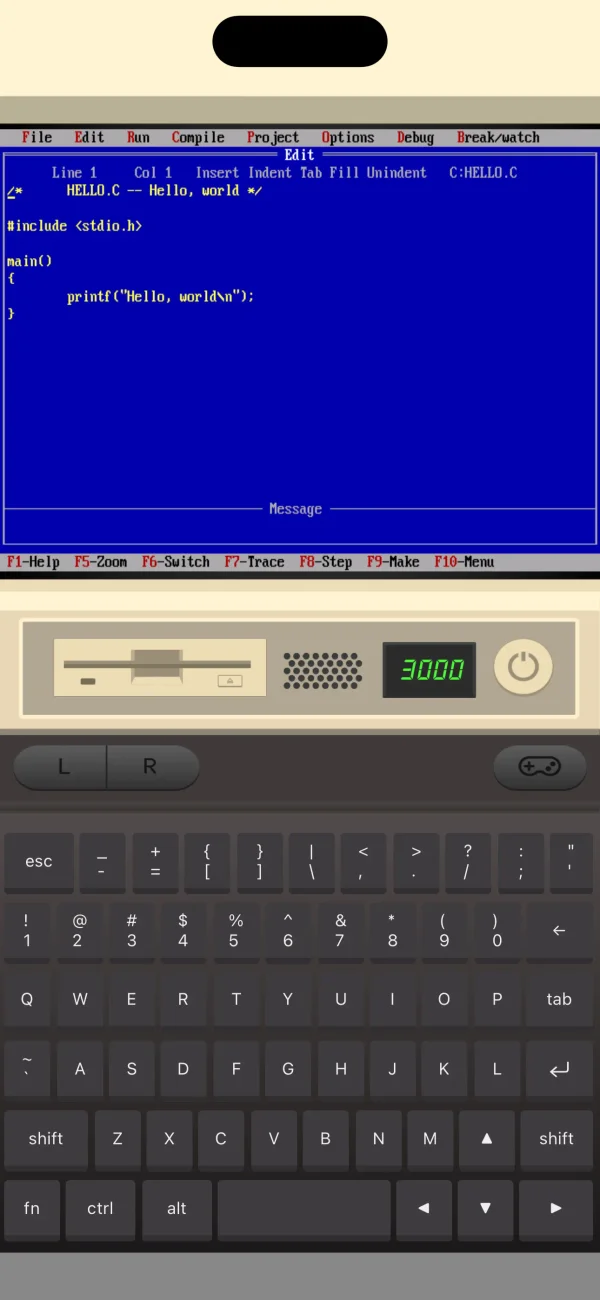
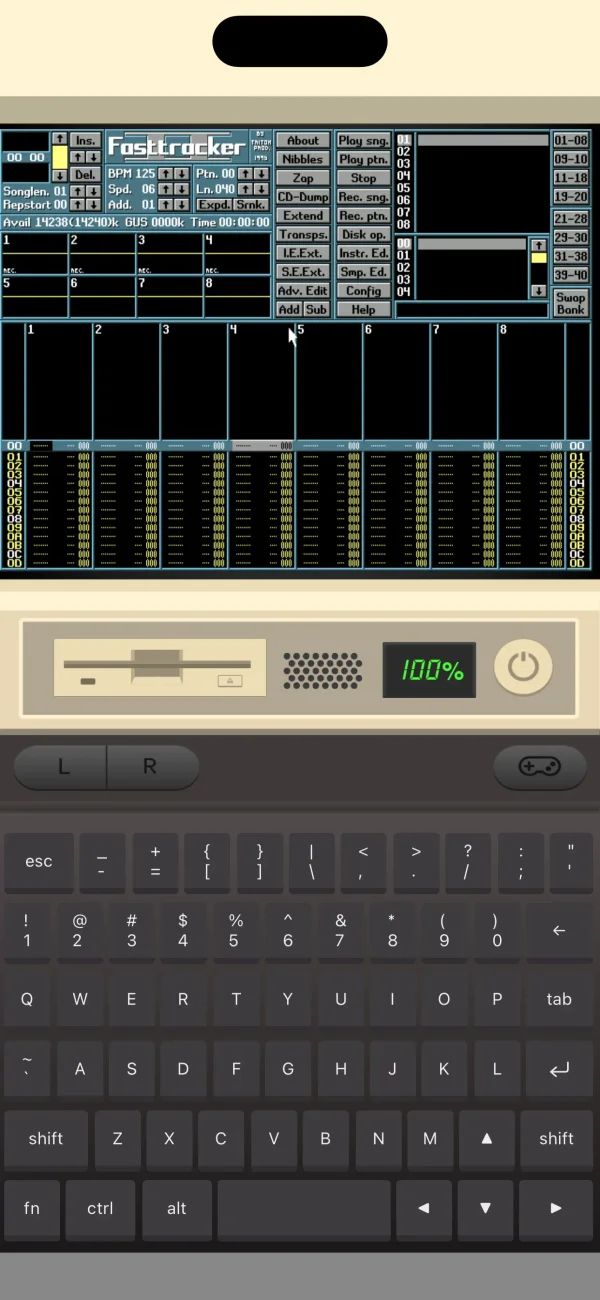
You can also use iDOS for non-gaming purposes, such as word processing, casual programming. Apps in the DOS days are often simpler and surprisingly productive.
KEYBOARD
iDOS provides a PC compatible on-screen keyboard with carefully designed layouts for different devices and orientations. The keyboard has a sliding control in landscape mode so that you can keep it from covering critical part of the screen.
Bluetooth keyboard is fully supported on iOS 14+.
GAMEPAD
iDOS provides a virtual gamepad with key bindings that are fairly common in DOS games. You can customize the bindings. The DPAD works in 8-axis way. It can also be toggled into a joystick.
External bluetooth game controllers are supported. Make sure your game controller is connected (System Settings->Bluetooth). To customize button bindings, go to iDOS in landscape mode, tap on bluetooth icon on the auto-hiding top bar.
MOUSE
The screen area serves as a trackpad for moving mouse pointer.
Tap on the screen for left click. If direct touch is enabled, the mouse pointer will move to where you tap.
Hold one finger on the screen, and tap with another finger for right click.
On-screen mouse buttons are also provided for your convenience.
Bluetooth mouse are fully supported on iOS 14+.
AUDIO
iDOS supports mt32 emulation, MIDI sound fonts, cuesheet based CDimage with compressed audio tracks (ogg/mp3/flac).
SUPPORT
- Visit https://litchie.com/dospad for more information
- Send email to idos@litchie.com
- Follow the developer on Twitter: https://twitter.com/litchiedev
- iDOS is open source, report issue on https://github.com/litchie/dospad
Nouveautés
Version 3.3 · 06/08/2025
- Allow adjusting speed by tapping on cycles window
- Support Documentation folder in a game package
- Minor fixes
Confidentialité de l’application
Ce que 潮激 李 déclare sur l’App Store au sujet du traitement des données par cette application.
-
Données non collectées
Le développeur ne collecte aucune donnée à partir de cette application.
Les pratiques en matière de confidentialité peuvent varier, notamment en fonction des fonctionnalités que vous utilisez ou de votre âge.
Informations
- Vendeur
- 潮激 李
- Catégorie
- Utilitaires
- Version
- 3.3
- Mis à jour
- 06/08/2025
- Publié
- 09/08/2024
- Taille
- 7,7 Mo
- Nécessite
- iOS 15.0 ou version ultérieure
- Classification d’âge
- 4+
- Prix
- 5,99 €
- Langues
- Anglais
- Copyright
- © 2025 Chaoji Li
Vous aimerez peut-être aussi
-
 CloudpilotEmuUtilitaires
-
 MuffinTermUtilitaires
-
 Private LLM - Chat IA LocalChat IA Local et Privé
-
 My Classic-Retro ConsoleUtilitaires
-
 Geekbench AIUtilitaires
-
 Screens 5: VNC à distanceAccès rapide et sécurisé
-
 Kagi for SafariUtilitaires
-
 iVerify BasicUtilitaires
-
 On-Device AI: TTS & STT AgentIA Hors Ligne, Chat & Voix
-
 Wipr 2Utilitaires