iGoKardz
Multiplayer card game
Conçue pour iPhone, iPad, iPod touch
Gratuit · Achats intégrés
- Classification d’âge4+
- CatégorieCartes
- DéveloppeurIgor Tupitsyn
- LanguesAnglais
- Taille56,6 Mo
Renvoie vers la page App Store officielle
Download.org n’héberge aucun fichier de iGoKardz. Le bouton ouvre la page de l’application sur App Store, où Igor Tupitsyn la publie. Fiche vérifiée pour la dernière fois le 20/11/2026.
Captures d’écran


À propos
Le développeur n’a pas fourni ce texte dans votre langue.
Select a card game of your choice and play with your family and friends while observing social distancing. Up to six players can play together in Extended Version of the game (two in Default Version). Players can play via WiFi or, if WiFi is not available (e.g. on airplanes), via Bluetooth.
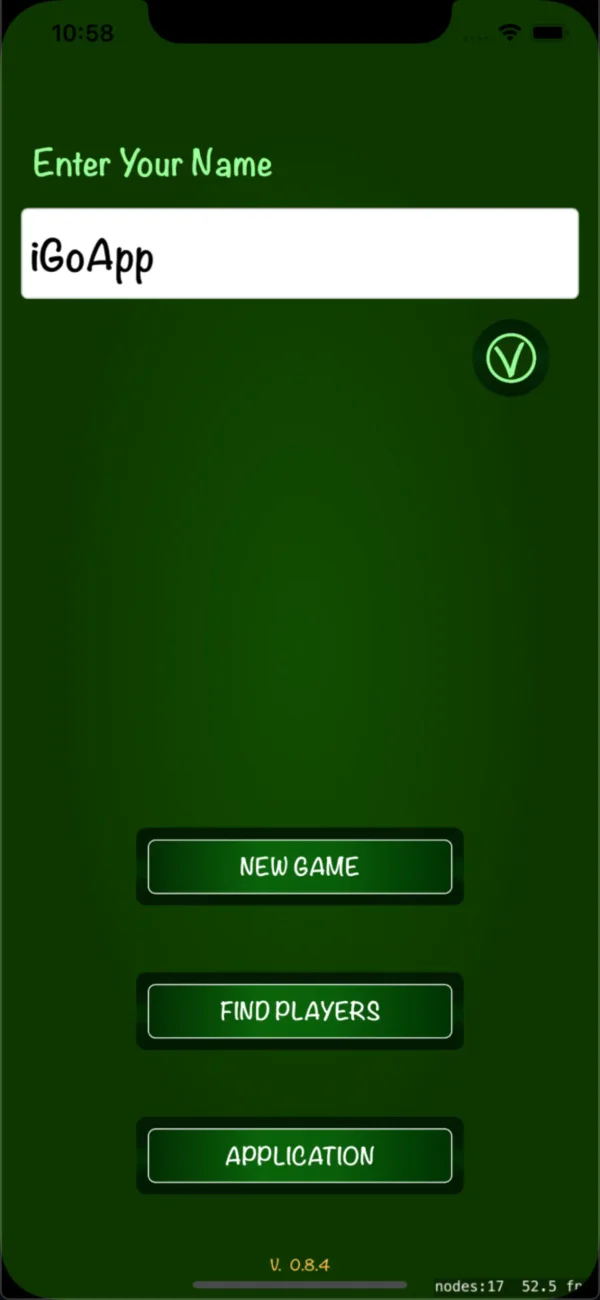
One player starts a new game by tapping on the New Game button, and then selecting game rules on the next panel. Choose how many decks you want to play, which cards should be removed from the deck, whether cards should be dealt and played with face up or down.
Once the game has been initiated, other people may join it. Tap on the Find Players button and then select anyone who is already in a game.
Swipe the table down to show the Game Menu with additional options:
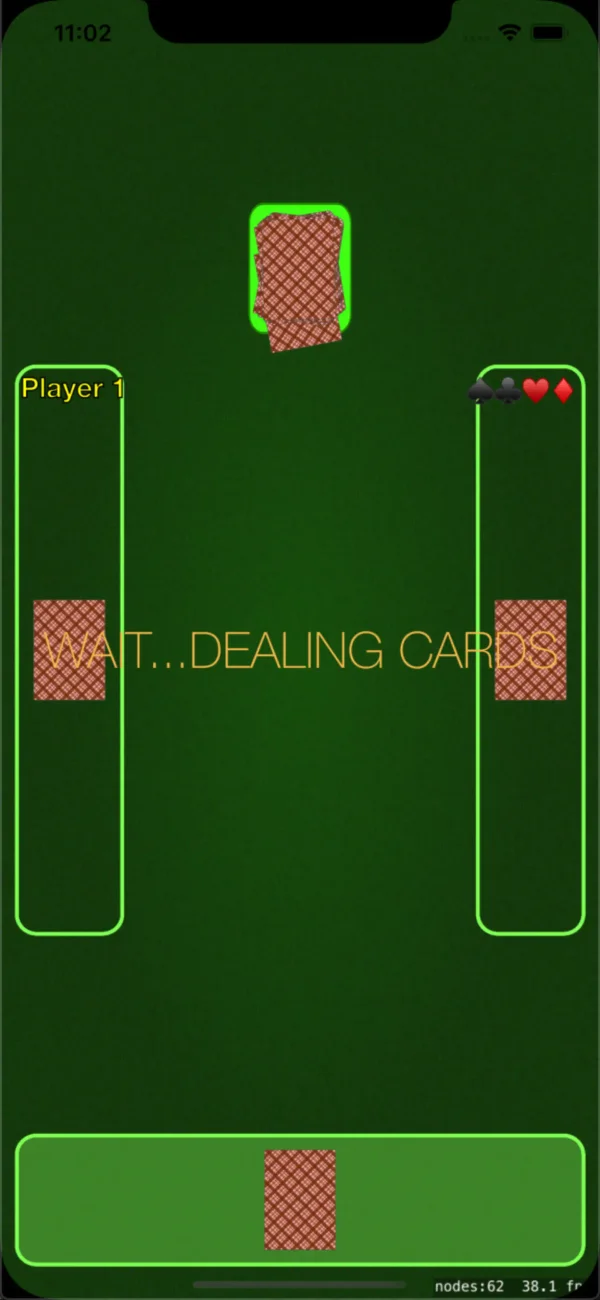
- Deal cards to other players. Select how many cards each player should get.
- Shuffle the deck.
- See how many cards are left in the deck (Extended Version only).
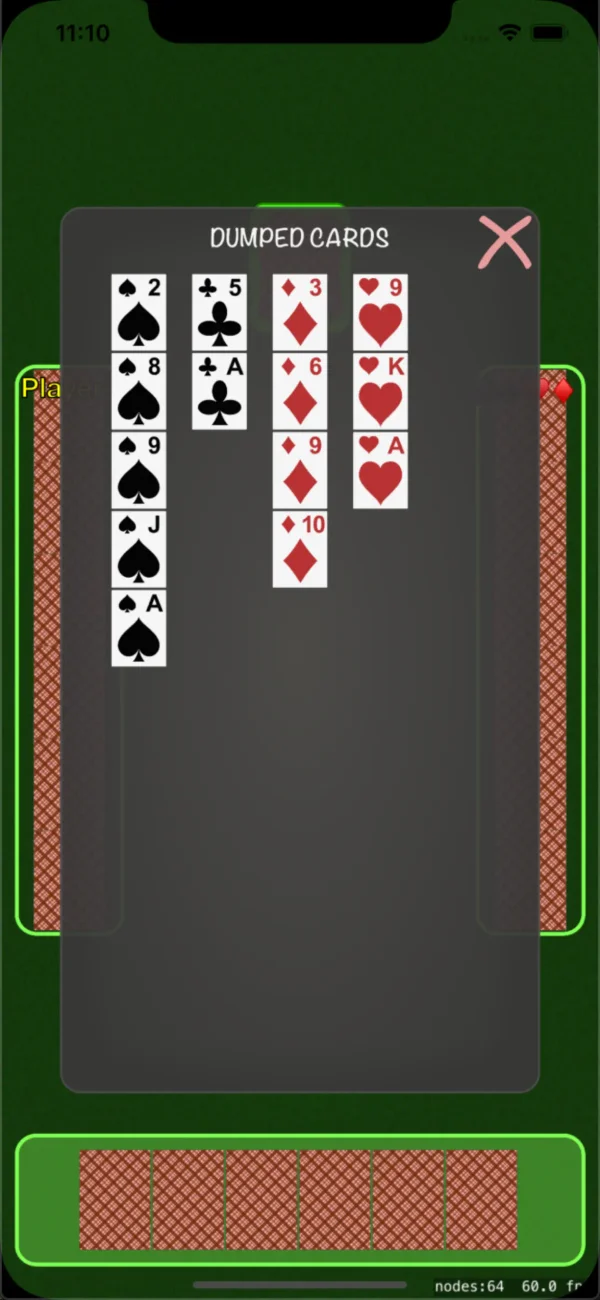
- See all dumped cards.
- Show your cards to other players (Extended Version only). You select who should see your cards. If you are shown another player's cards, you may expand the view by tapping on the player's hand and holding it for a few seconds. A view with all of his/her cards will be displayed.
- Show or hide notifications of all the game moves.
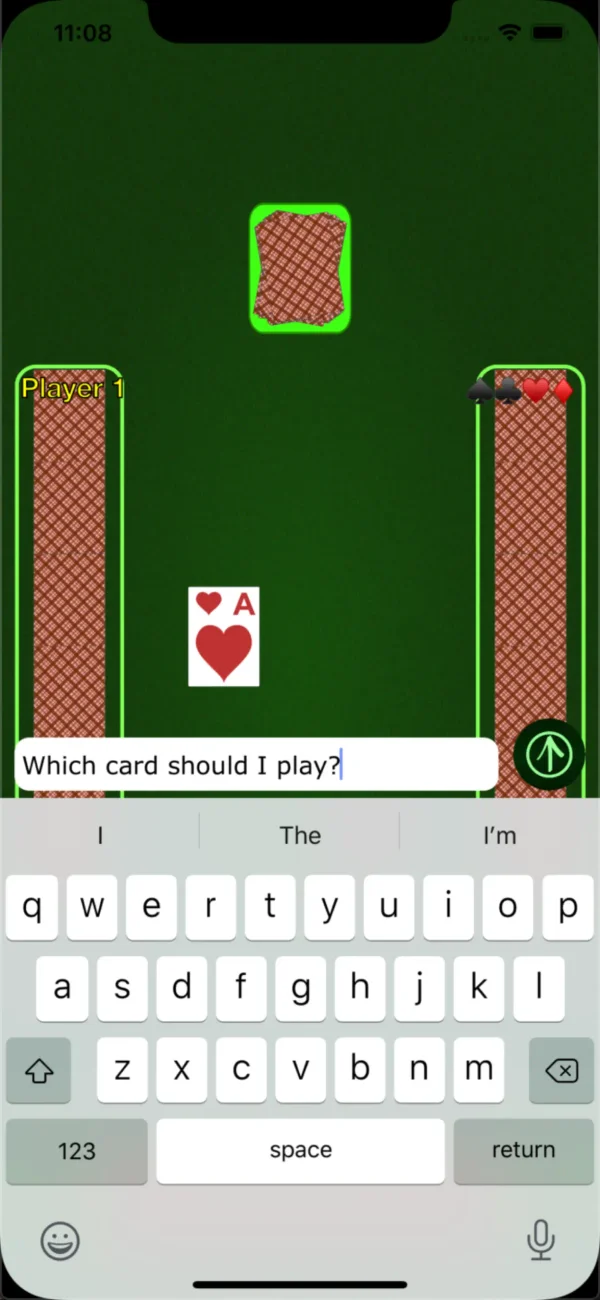
- Send a text message to other players (Extended Version only). You select who should receive your message. To discard a received message swipe the message to the right.
Swipe the table up to hide the Game Menu.
Once you are playing, move cards on the table, to your hand or to the deck by holding you finger on a card and moving it. Note that you cannot move a card to other players' hands. Double tap on a card to flip it; the card will also be flipped for other players. Dump a card(s) by swiping the table to the right. Swipe the table to the left to return the dumped cards to the table (up to 5 times). If you want to keep a card on the table while dumping the others, tap on the card and hold it for a few seconds until the card is selected. Now, this card will stay on the table when you swipe to the right. Do the same to unselect the card. If you have too may cards in your hand and you can barely see their ranks or select any of them, tap on your hand and hold it for a few seconds. Now you can scroll through your cards.
You may move the deck around the table. Tap on the deck and hold it for a few seconds until the deck is selected. Move the deck with your finger. Do the same to unselect the deck.
If you have to switch to another application (e.g., to take a call), you will be disconnected from the game. Other players will see that your hand has turned red, meaning that you are temporarily away. To return back to the game, tap on the Find Players button and select any player. Your hand will be the same as when you left it.
To permanently exit the game (which is recommended), open the Game Menu (swipe the table down) and select Exit Game. Choose what you want to do with your cards: you may dump them, leave them on the table or put them back to the deck.
Try the tutorial or watch a video available on the Application panel.
Enjoy the game!
Nouveautés
Version 1.5 · 07/08/2024
- Fixed a bug which prevented exchange of data between peers in some cases.
- Replaced deprecated methods.
Confidentialité de l’application
Ce que Igor Tupitsyn déclare sur l’App Store au sujet du traitement des données par cette application.
-
Données non collectées
Le développeur ne collecte aucune donnée à partir de cette application.
Les pratiques en matière de confidentialité peuvent varier, notamment en fonction des fonctionnalités que vous utilisez ou de votre âge.
Informations
- Vendeur
- Igor Tupitsyn
- Catégorie
- Cartes
- Version
- 1.5
- Mis à jour
- 07/08/2024
- Publié
- 02/07/2020
- Taille
- 56,6 Mo
- Nécessite
- iOS 12.4 ou version ultérieure
- Classification d’âge
- 4+
- Prix
- Gratuit
- Achats intégrés
- Oui
- Langues
- Anglais
- Copyright
- © Igor Tupitsyn