
- Classification d’âge4+
- CatégorieStyle de vie
- DéveloppeurTakashi Shikone
- LanguesJaponais+ 1 de plus
- Taille17,5 Mo
InfoGen - Multi-functional app n’est peut-être pas disponible sur App Store pour le moment
La fiche de la boutique était inaccessible lors de notre dernière vérification. Le lien mène toujours à la page App Store officielle.
Captures d’écran
À propos
Le développeur n’a pas fourni ce texte dans votre langue.
■ About this app
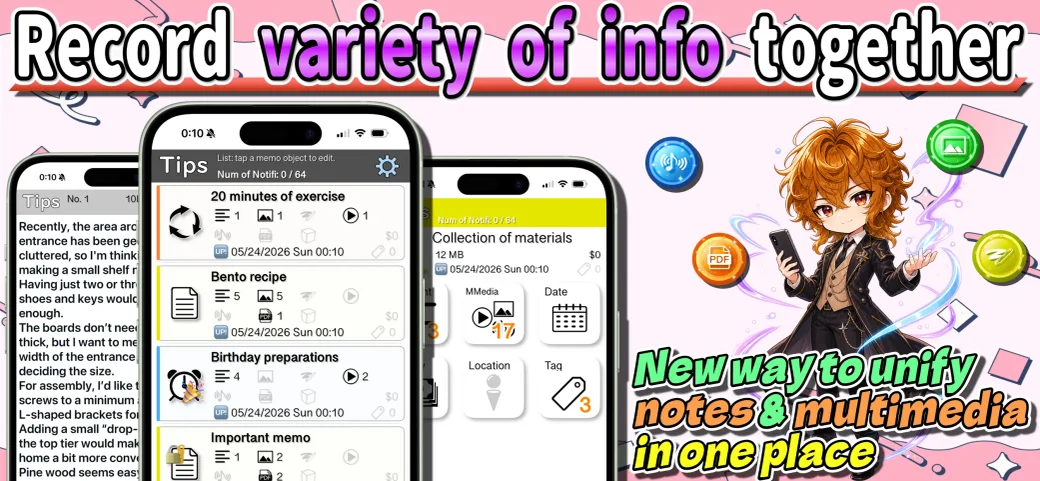
An ultra-high performance memo app that allows you to centrally manage information such as text,
multimedia, income and expenditures.
It records information generated daily using various approaches and supports future decision-making!
The carefully designed UI allows for extremely fast data writing/reading!
It can be effectively used in a variety of fields.
The information you record can be organized into data containers called "memo objects."
■ Main Features
▼ Versatile Memo Features
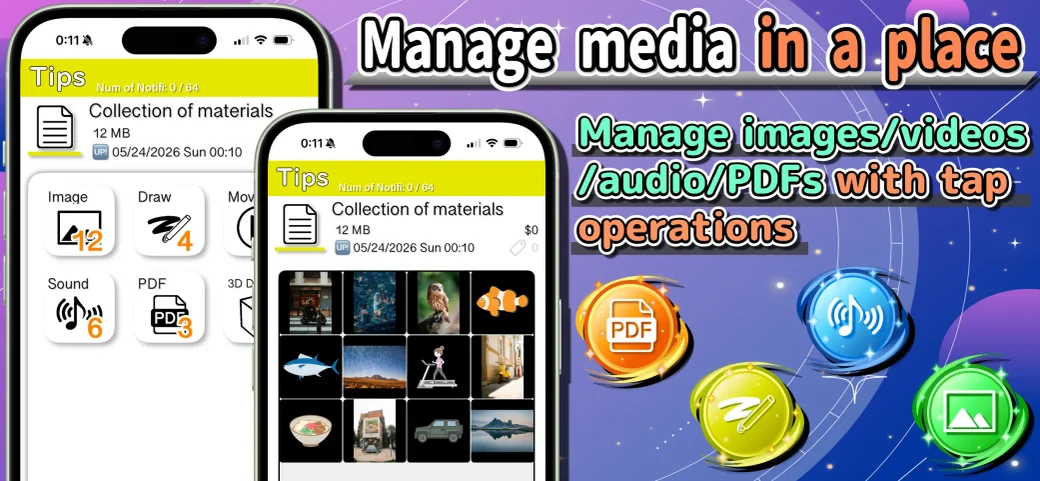
You can record not only text but also multiple items such as images, drawings, videos, audio, PDFs, and 3D data (USDZ files), and organize them together.
With intuitive operation, you can record and view your entries within just a few taps, making daily documentation smooth and stress‑free.
▼ Create Purpose‑Specific Memos from Templates
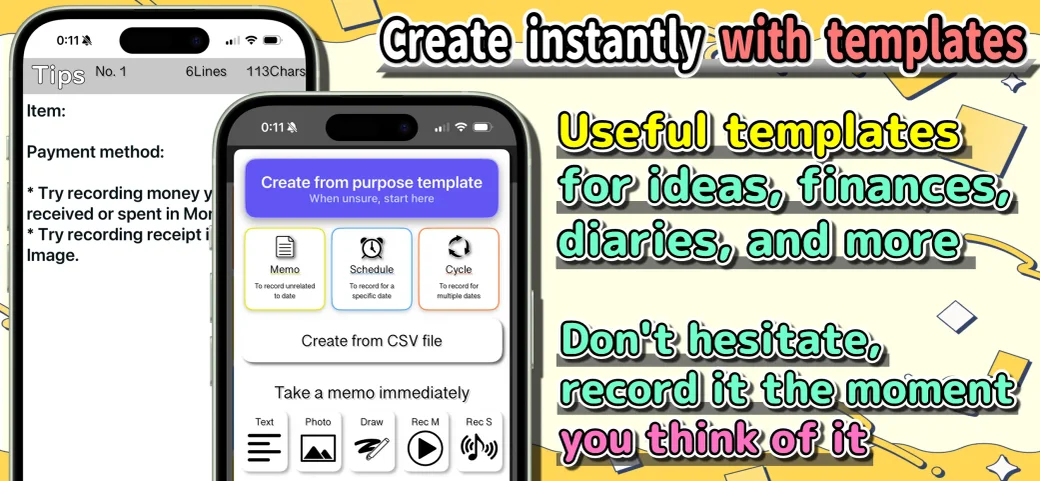
Convenient templates are available so you can instantly create memos tailored to your needs.
Whether it’s ideas, income/expense notes, diaries, or other general‑purpose types, these templates make memo creation extremely efficient.
▼ Calendar & Map Views
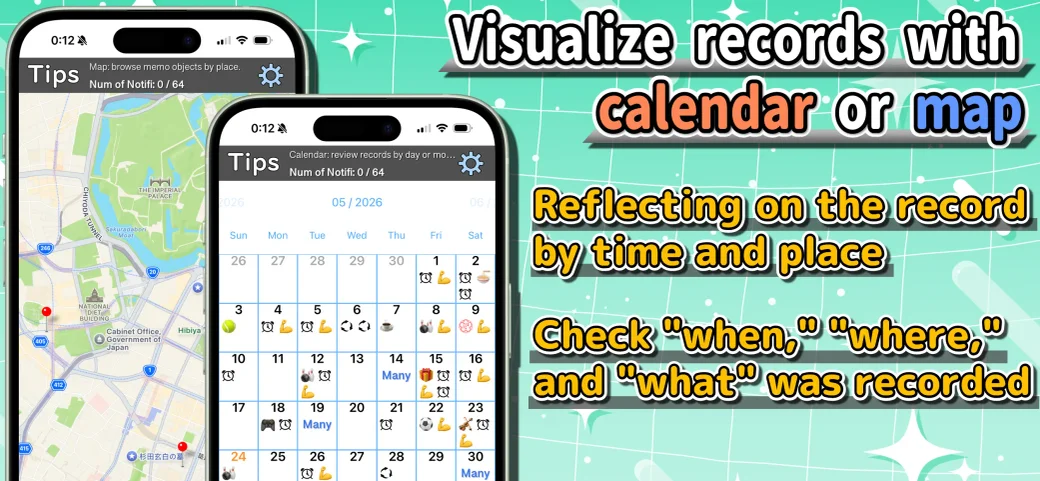
In addition to the standard list view, you can use a time‑based calendar view and a location‑based map view.
Perfect for travel, business trips, and many other situations.
▼ Separate “Content” View
In the “Content” section where text is recorded, you can compare and edit the content of completely different memo objects side by side.
No need to switch back and forth between memos, enabling an unprecedented level of fast and efficient editing.
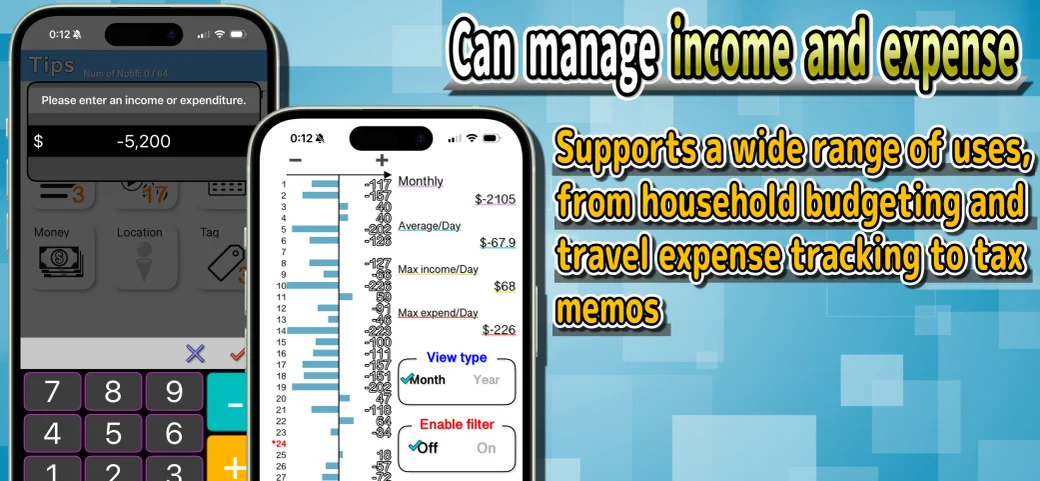
▼ Income & Expense Management
Alongside your memo content, you can also record daily income and expenses.
Useful for tracking travel costs, household budgets, or tax‑related records.
You can also check monthly and yearly financial statistics.
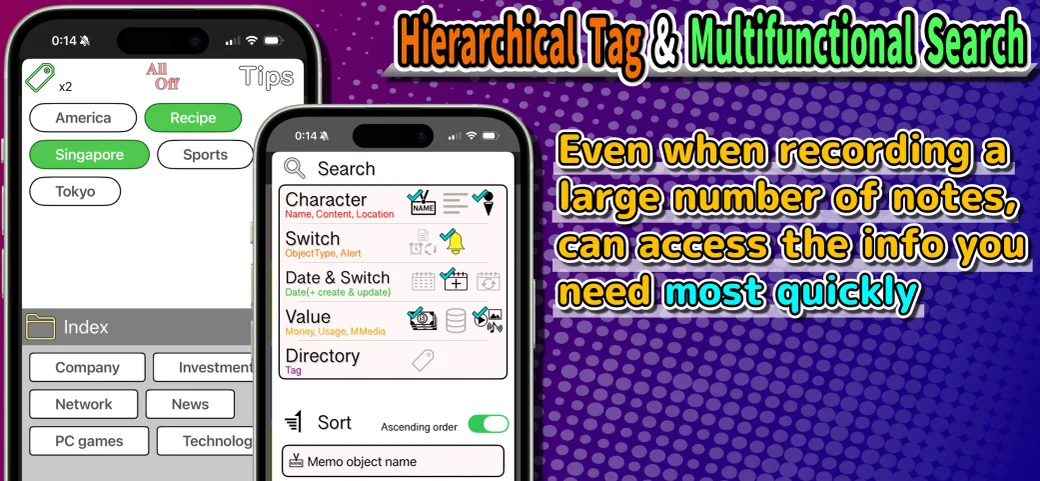
▼ Hierarchical Tags & Advanced Search
Even if you a large amount of record entries, organization is easy.
Tagging and search filtering help you quickly find the memo you need.
Tags use a hierarchical structure, minimizing the effort required to navigate large numbers of tags.
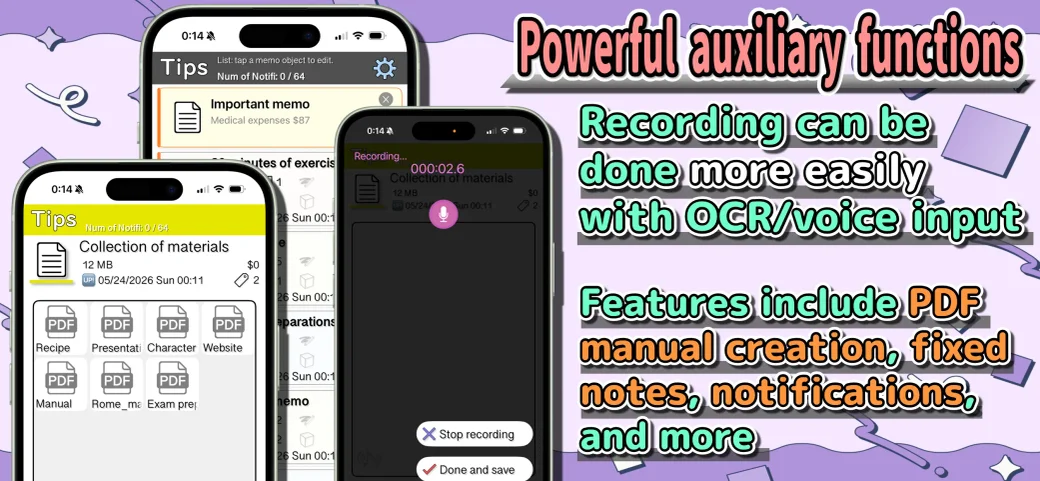
▼ Create PDF Files from “Content” and Images
Using the “Content” and images you’ve saved as manuals, recipes, or catalogs, you can generate PDF files.
You can prepare manuals in advance and instantly share them using this feature.
▼ Easy Text Extraction with OCR & Speech Recognition
OCR lets you extract text from images, and speech recognition converts audio into text.
Perfect for moments when typing feels like too much work.
▼ Pinned Memo Feature
Pin frequently checked memos so they always appear at the top of the main list.
Great for reminders you tend to forget.
▼ Notifications for Scheduled Times
You can record not only past entries but also future schedules, and set notifications for them.
Combined with the “Cycle” memo type, it works as a daily habit reminder.
▼ Tip to Clear Up Any Confusion
Tap the Tips button on each screen to view a quick guide to that screen’s operations.
If you’re unsure how to use a feature or what a button does, just tap Tips for help.
■ Notes
- This app has been developed with the utmost care, but in the unlikely event
that any written data is lost or damage occurs as a result of using the app,
we cannot provide any compensation.
- Please try not to close the app while writing multimedia or other data.
This may cause problems.
- When the image size saved by this app exceeds 1024 pixels in either direction,
it will be resized so that the larger pixel count is 1024.
- Please avoid using the app in a way that places an excessive load on the device.
■ Sample image credits
Zhenyu Luo
Michael Fousert
Marek Piwnicki
Bram Bergers
Danny Greenberg
Colin Watts
(from Unsplash)
■ Background image credits
OKUMONO
https://sozaino.site/
■ Contacts
If you notice anything when using this app,
or if you have any requests for additional functions,
please contact.
X: https://twitter.com/Ayasata_info
Mail: inquiry3493@gmail.com
Nouveautés
Version 2.3.5 · 30/08/2026
- Fixed an issue where the tag editing window did not function correctly when selection mode was activated.
Confidentialité de l’application
Ce que Takashi Shikone déclare sur l’App Store au sujet du traitement des données par cette application.
-
Données utilisées pour vous suivre
Peuvent être utilisées pour vous suivre sur des applications et des sites web appartenant à d’autres sociétés.
- Données d’utilisation
-
Données n’établissant aucun lien avec vous
Peuvent être collectées, mais ne sont pas liées à votre identité.
- Données d’utilisation
Les pratiques en matière de confidentialité peuvent varier, notamment en fonction des fonctionnalités que vous utilisez ou de votre âge.
Informations
- Vendeur
- Takashi Shikone
- Catégorie
- Style de vie
- Version
- 2.3.5
- Mis à jour
- 30/08/2026
- Publié
- 14/02/2021
- Taille
- 17,5 Mo
- Nécessite
- iOS 15.0 ou version ultérieure
- Classification d’âge
- 4+
- Langues
- Japonais, Anglais
- Copyright
- © Ayasata All Rights Reserved.
Vous aimerez peut-être aussi
-
 Planti - Effortless WateringStyle de vie
-
 Chat Diary: One Line a DayStyle de vie
-
 FamShare: Shared CalendarStyle de vie
-
 墨呪Style de vie
-
 MeSceneStyle de vie
-
 Fabit 〜ブックマーク管理&習慣化支援・可視化アプリ〜Style de vie
-
 パスワード - 安全なパスワード管理アプリStyle de vie
-
 ひみつメモ帳 - PINでロック保護Style de vie
-
 ゴミ捨て - ゴミ分別アプリStyle de vie
-
 Roots - 日記・習慣・予定・メモ・タスクStyle de vie