
- Classification d’âge4+
- CatégorieProductivité
- DéveloppeurMarc Kronberg
- LanguesAnglais+ 5 de plus
- Taille20,7 Mo
Renvoie vers la page App Store officielle
Download.org n’héberge aucun fichier de InstaPDF Scanner. Le bouton ouvre la page de l’application sur App Store, où Marc Kronberg la publie. Fiche vérifiée pour la dernière fois le 18/11/2026.
Captures d’écran
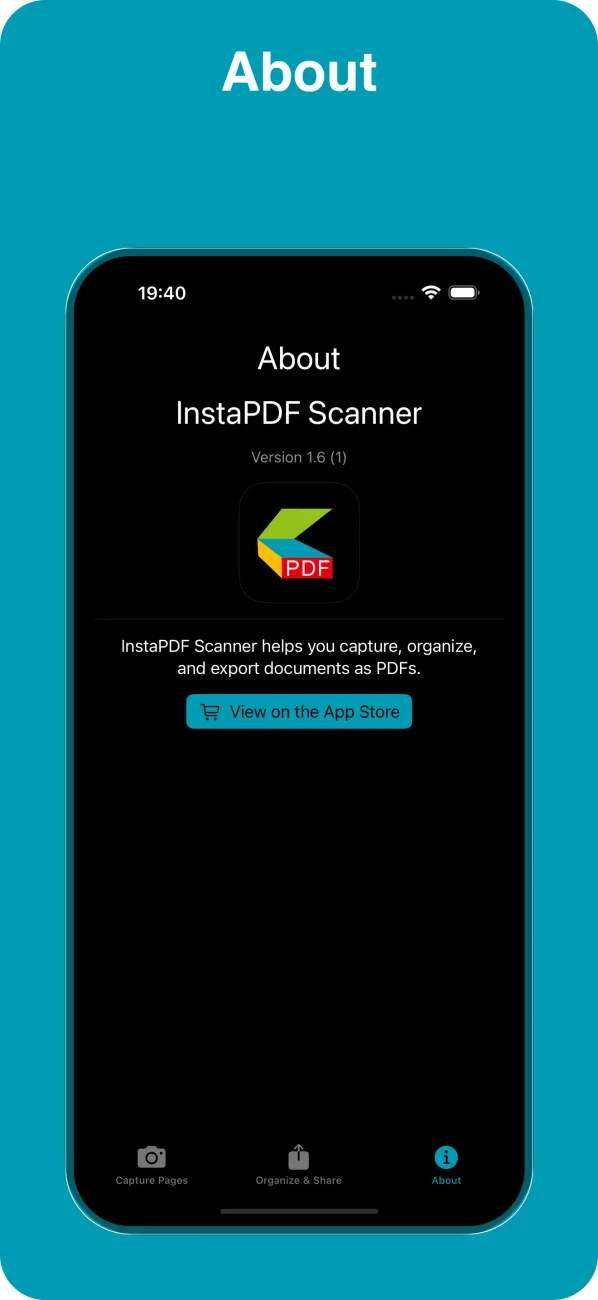
À propos
Le développeur n’a pas fourni ce texte dans votre langue.
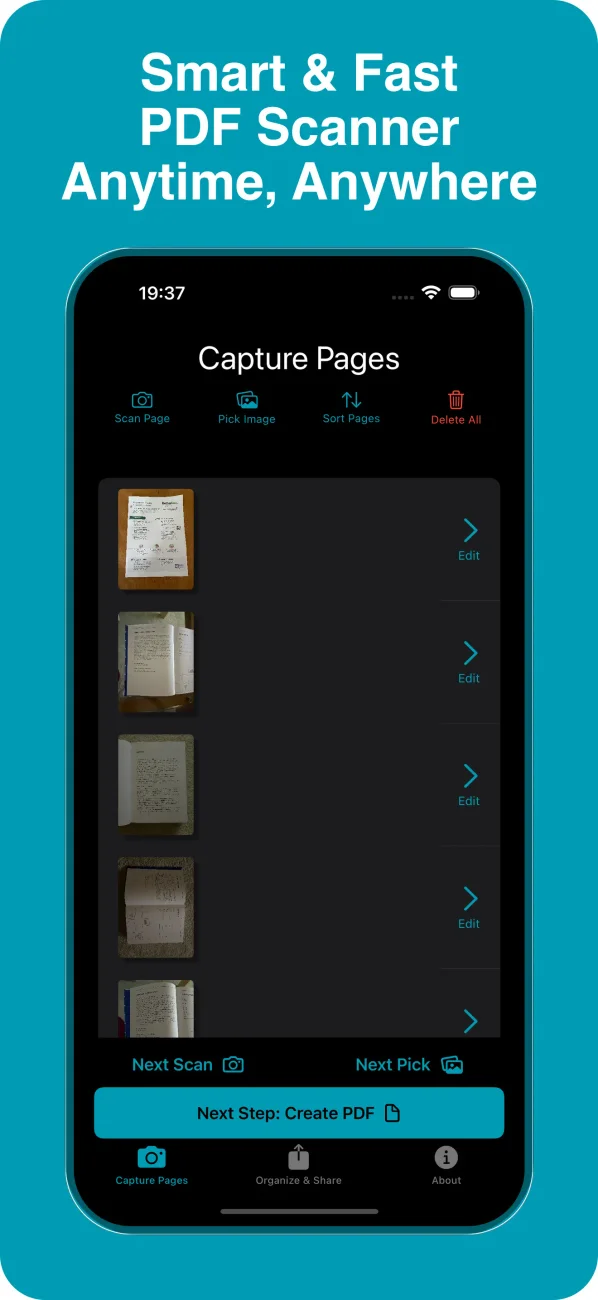
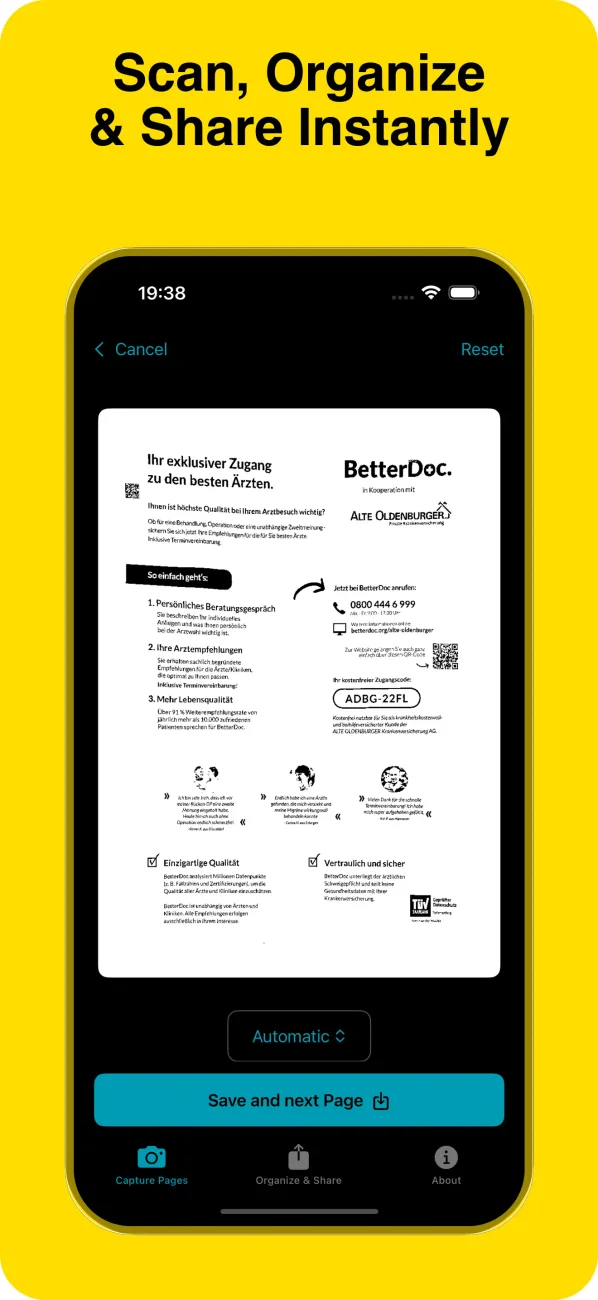
- Meet InstaPDF Scanner — the fast, reliable way to turn your iPhone into a pro-grade document scanner. Capture receipts, contracts, whiteboards, IDs, and notes in perfect clarity. Convert to PDF. Organize, and share in seconds.
Why InstaPDF Scan
- Blazing fast: Open, scan, done. Zero friction.
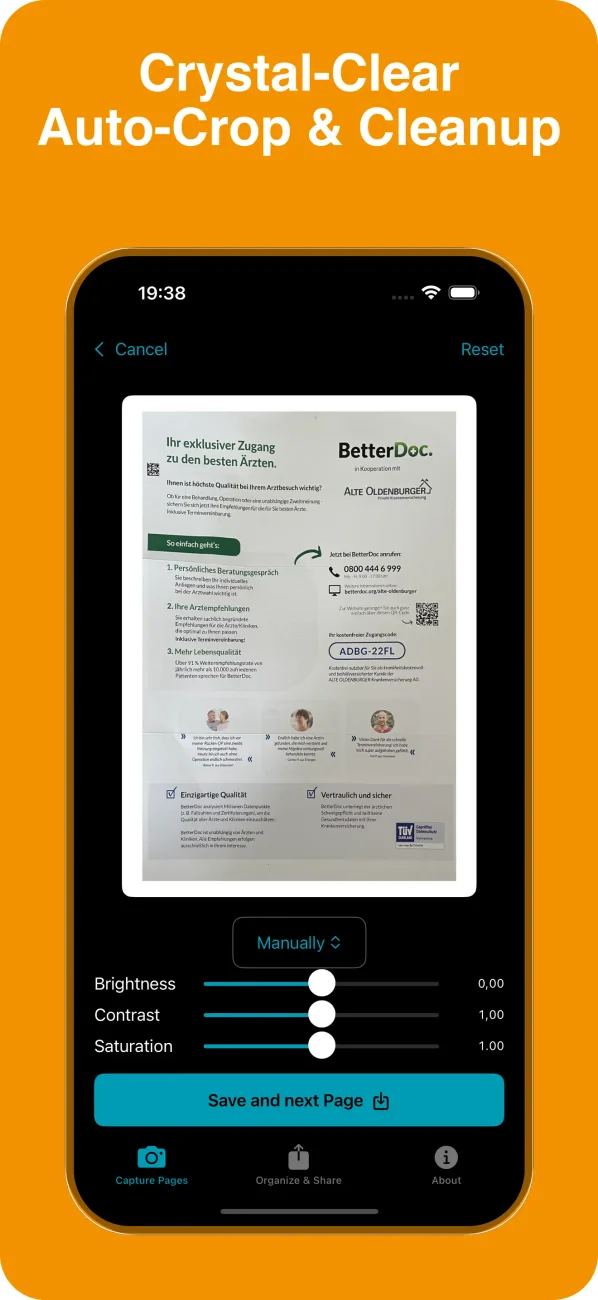
- Crystal-clear results: Smart auto-crop, perspective fix, and image cleanup.
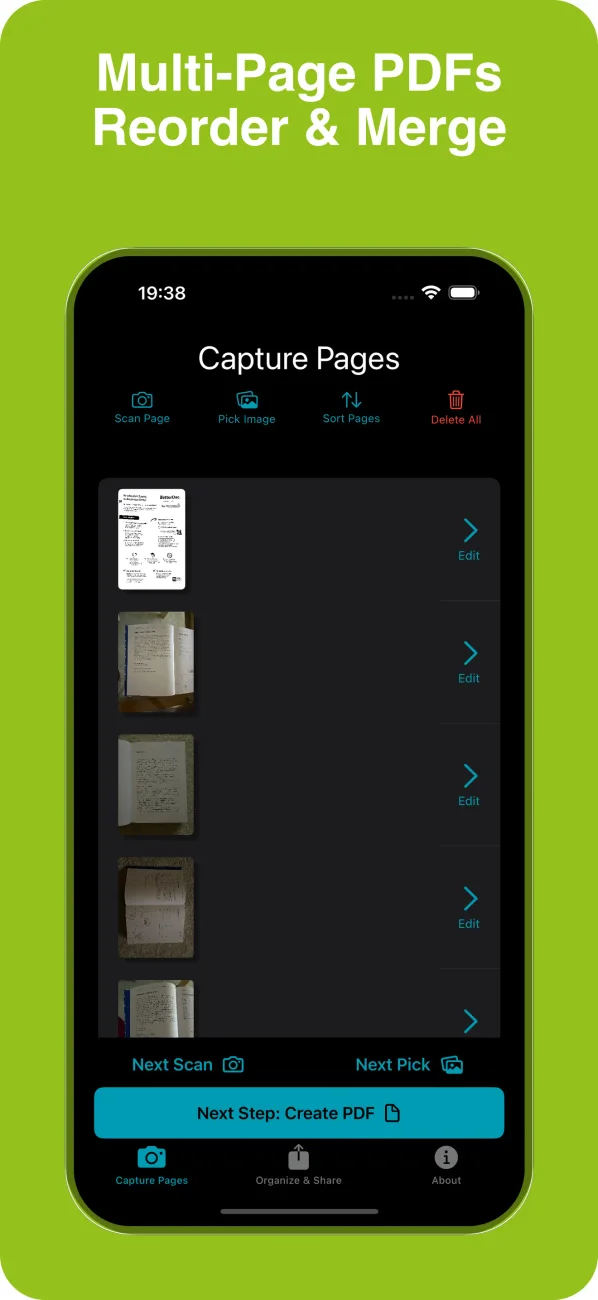
- Multi-page scanning: Scan entire documents in one flow.
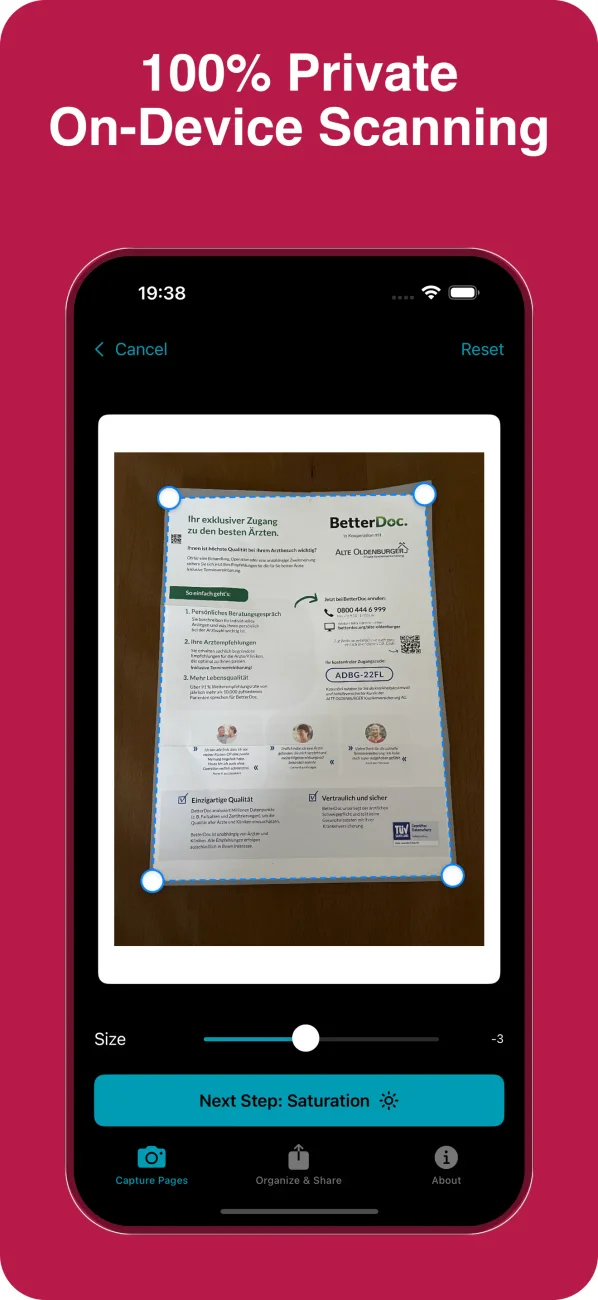
- Privacy-first: On-device processing for scanning.
Key Features
- Auto detection & edge correction for perfect crops
- Image enhancement: color, grayscale, B&W, and manual fine-tuning
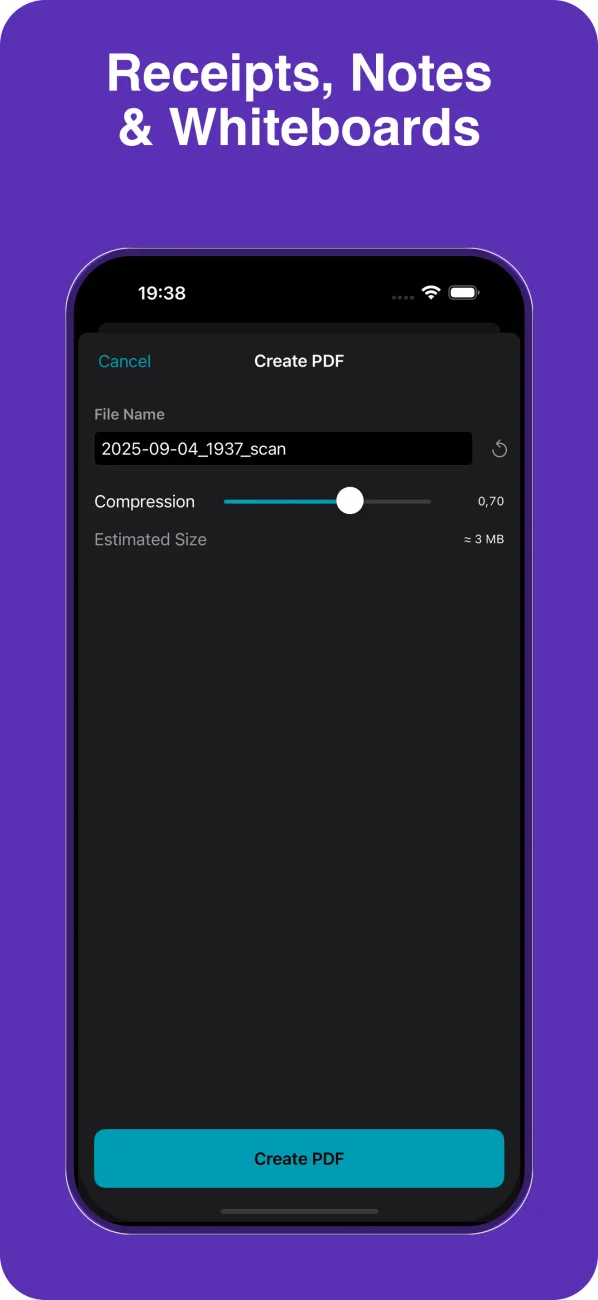
- Multi-page PDF with re-order, merge, and delete
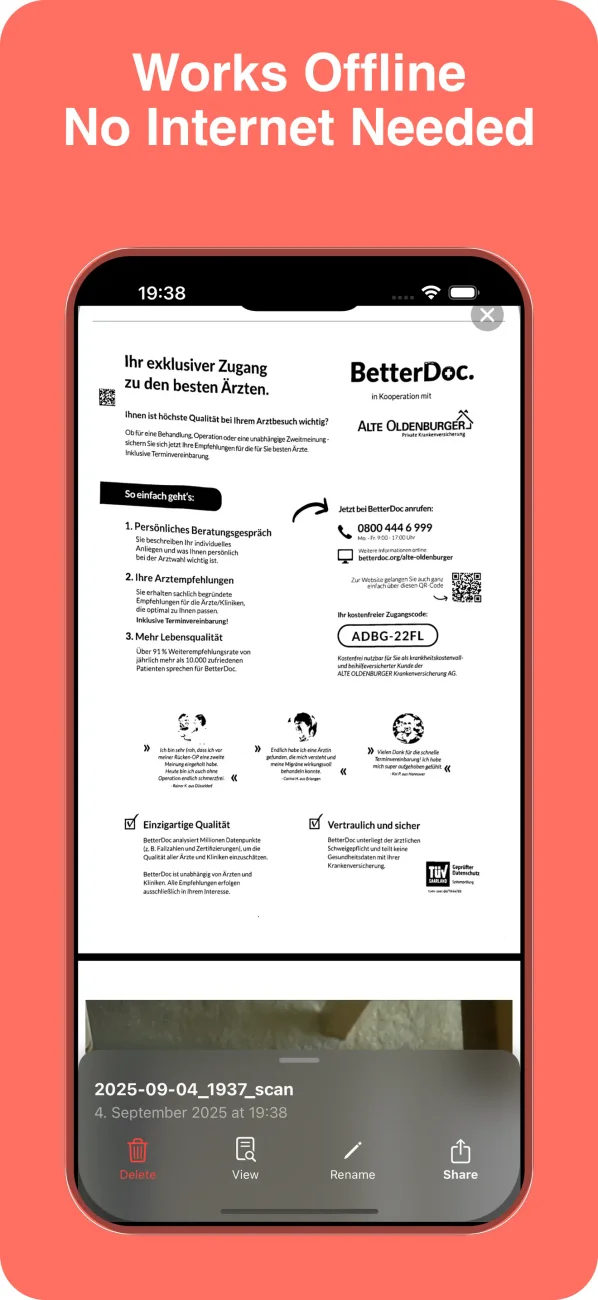
- File manager: quick search, favorites
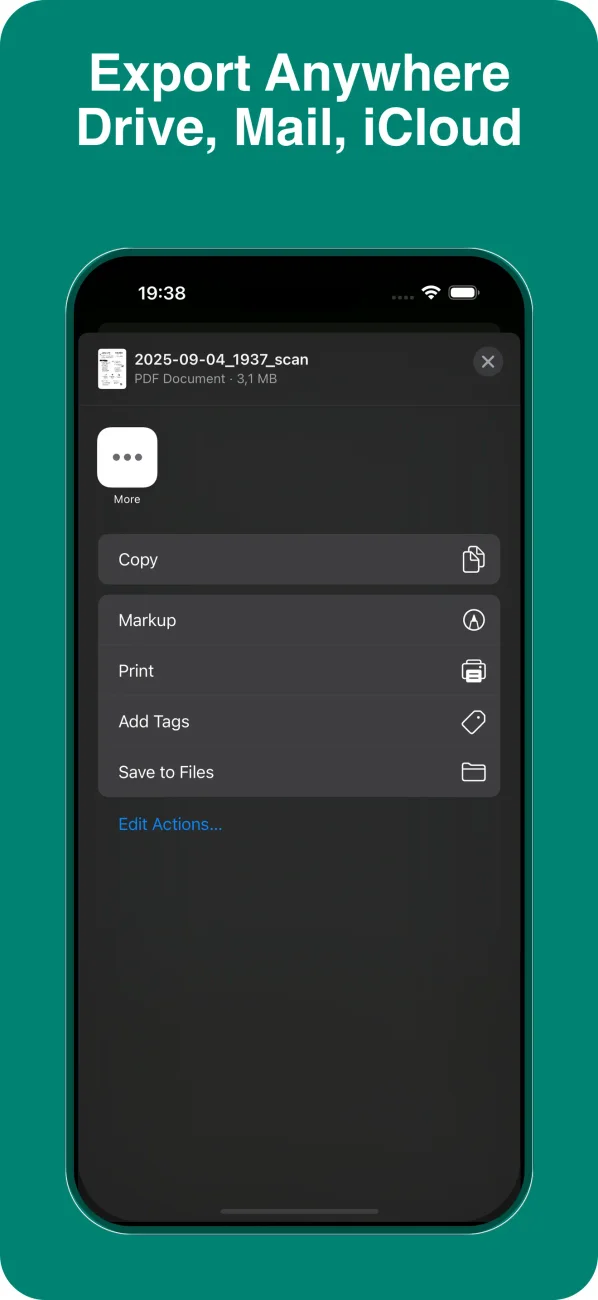
- Share anywhere: Mail, Messages, Files, Drive, Dropbox, iCloud Drive, and more
- Export formats: PDF
- Offline mode: scan and process without internet
Perfect for
- Receipts & expenses
- Contracts & invoices
- Notes & whiteboards
- IDs, forms, shipping labels
- Study documents and research
Privacy & Security Your documents are yours.
- Apple Search Ads — Short (≤30 chars)
- Scan to PDF in seconds
- AI OCR. Clean results.
- Smart PDF scanner
Nouveautés
Version 1.8 · 24/09/2025
The user can add text, delete areas and also add signatures in the generated PDF
Confidentialité de l’application
Ce que Marc Kronberg déclare sur l’App Store au sujet du traitement des données par cette application.
-
Données non collectées
Le développeur ne collecte aucune donnée à partir de cette application.
Les pratiques en matière de confidentialité peuvent varier, notamment en fonction des fonctionnalités que vous utilisez ou de votre âge.
Informations
- Vendeur
- Marc Kronberg
- Catégorie
- Productivité
- Version
- 1.8
- Mis à jour
- 24/09/2025
- Publié
- 27/08/2025
- Taille
- 20,7 Mo
- Nécessite
- iOS 18.0 ou version ultérieure
- Classification d’âge
- 4+
- Prix
- Gratuit
- Langues
- Anglais, Français, Allemand, Persan, Chinois simplifié, Espagnol
- Copyright
- © Dr. Marc Kronberg
Vous aimerez peut-être aussi
-
 Nice ScanProductivité
-
 TextScannerAi:Text Scanner AIProductivité
-
 Word to PDF - Docx ConverterProductivité
-
 ScannerCam LightProductivité
-
 LoveSwap PDFProductivité
-
 EazyScannerProductivité
-
 Diary & Journal: ThreeLinesProductivité
-
 Folio : lecteur et éditeur PDFAnnoter, signer et comparer
-
 Supr - Agents IA & WorkflowsAutomatisez votre business
-
 Lecteur PDF - PDF PRO ÉditeurLire et modifier des PDF