iReact Studio
Record Reactions to Any Video
Conçue pour iPhone, iPad, Mac
Gratuit · Achats intégrés
- Classification d’âge4+
- CatégoriePhoto et vidéo
- DéveloppeurBoris Milanov
- LanguesAnglais
- Taille27,1 Mo
Renvoie vers la page App Store officielle
Download.org n’héberge aucun fichier de iReact Studio. Le bouton ouvre la page de l’application sur App Store, où Boris Milanov la publie. Fiche vérifiée pour la dernière fois le 23/11/2026.
Captures d’écran
À propos
Le développeur n’a pas fourni ce texte dans votre langue.
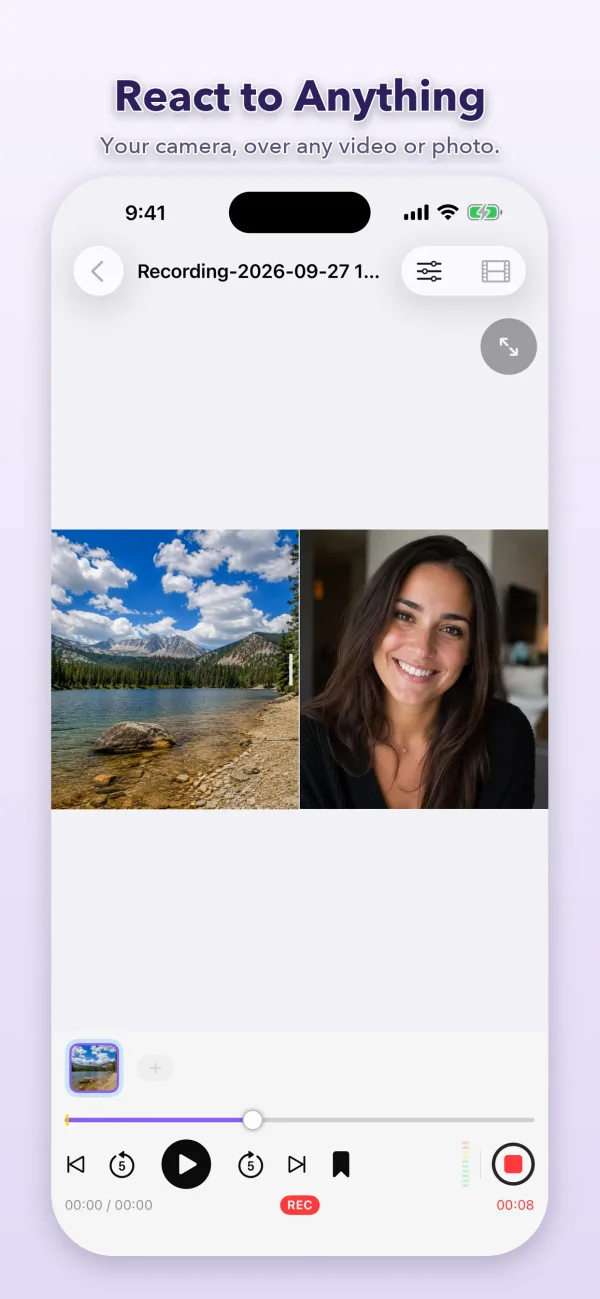
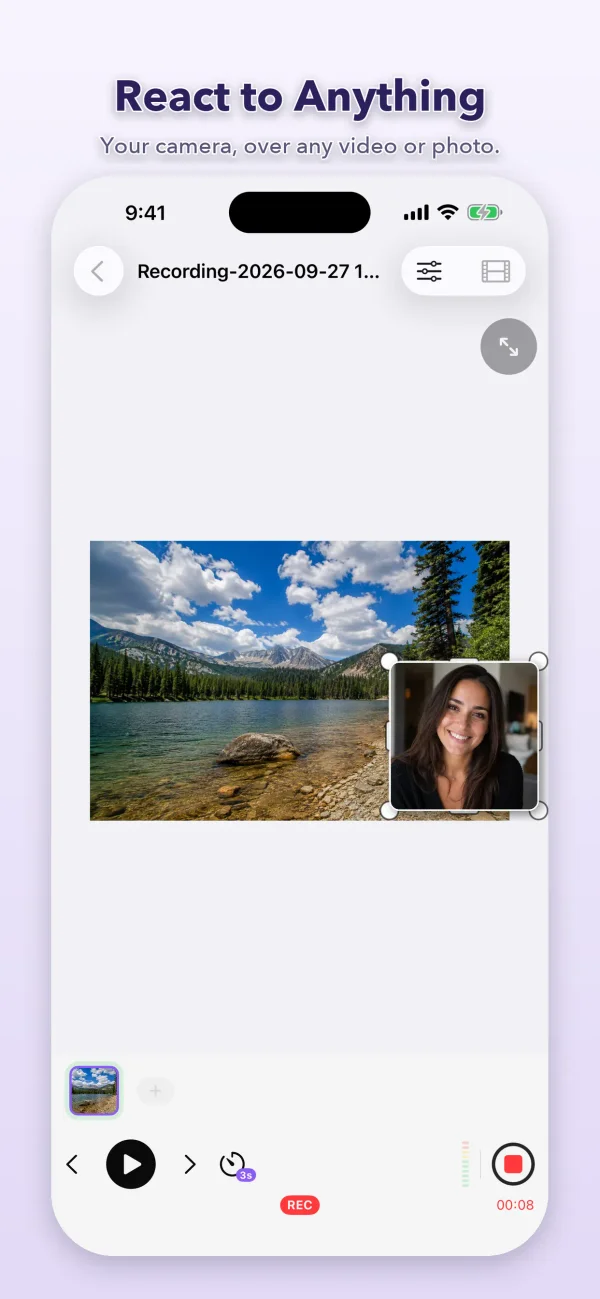
Record your reactions and commentary to any photo, video, live camera footage or content on your screen with picture-in-picture, split layouts, and professional editing. Your commentary, your style. iReact Studio makes it extremely easy to create reaction videos. Simply play any content, record your camera and microphone, and export a polished reaction video in any format and layout you want - right from your device.
RECORD YOUR REACTIONS
• Record your camera and microphone while the video plays - with live camera preview and audio metering while you record.
• Pause, replay, or seek the video freely while recording - your reaction stays in sync with the timeline
• Save where you left off and continue recording later
• Add video bookmarks for easier navigation during recording
• Record with different composition layouts - picture-in-picture, horizontal/vertical split, or single-video only
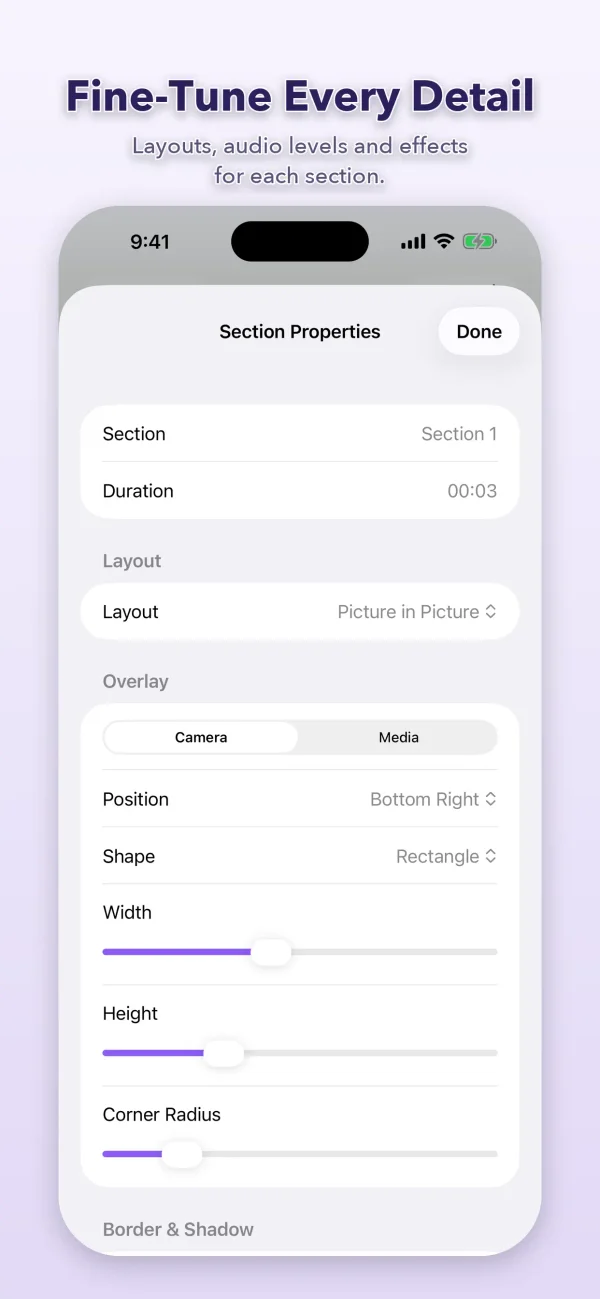
• Customize the picture-in-picture overlay any way you like: circle, rounded rectangle, custom or no background at all, with borders and shadow effects
• Add a script and follow the text while recording
REACT TO PHOTOS AND VIDEOS
• Add as many photos and videos to your recording as you'd like
• Import videos in any format - MP4, MOV, M4V, AVI, MKV, TS, WMV, WebM, AV1 and more
• Draw and annotate photos and videos while recording
CAPTURE YOUR SCREEN, THEN REACT TO IT (requires iOS 27 and above)
• Capture any content displayed on your screen, then record a reaction video right inside the app
• Record presentations with commentary
• Film reactions to Youtube, TikTok, Instagram videos by simply recording your screen
REACT TO LIVE CAMERA FEED (requires a supported device)
• Capture your reaction to what is happening right now in a dual-camera setup
• Pause and resume the live camera feed
• Capture photos and videos while reacting to the live camera feed
EDIT LIKE A PRO
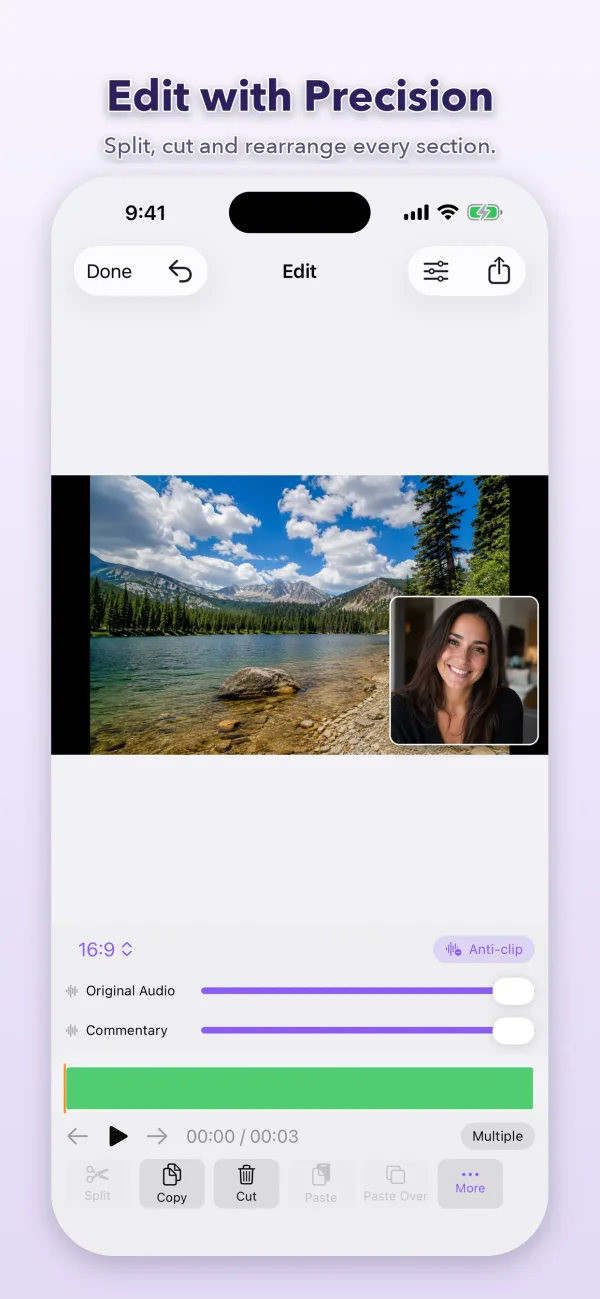
• Build-in editor lets you cut, split, move different parts of the recording
• Re-arrange the composition the way you want
• Adjust the sound levels however you prefer
• Add transition animations between sections in the composition
• Edit the source media and the reaction video - crop, flip, rotate, adjust levels (brightness, saturation, contrast, hue), apply filters, change the video playback speed
EXPORT FOR EVERY SOCIAL MEDIA
• MP4 or MOV, H.264 or HEVC
• HD, Full HD, or Ultra HD, from 24 to 60 fps
• Every popular aspect ratio: 16:9, 9:16, 4:3, 3:4, 1:1, 1:2, 2:1, 5:4, 4:5, 21:9 and 9:21
SYNC ACROSS DEVICES
• Sync your recordings across all your iOS and MacOS devices
• Start recording on one device, continue on another, edit and export the final video on a completely separate device
• Offload recordings to the cloud in order to save space
MORE
• Distraction-free fullscreen playback
• Play videos on a remote screen via AirPlay while your device records the reaction video
• Choose your preferred audio recording device - use your built-in microphone, connect an external wired/wireless headset, bluetooth headphones, or your AirPods as an audio input - it is that simple!
PRIVACY
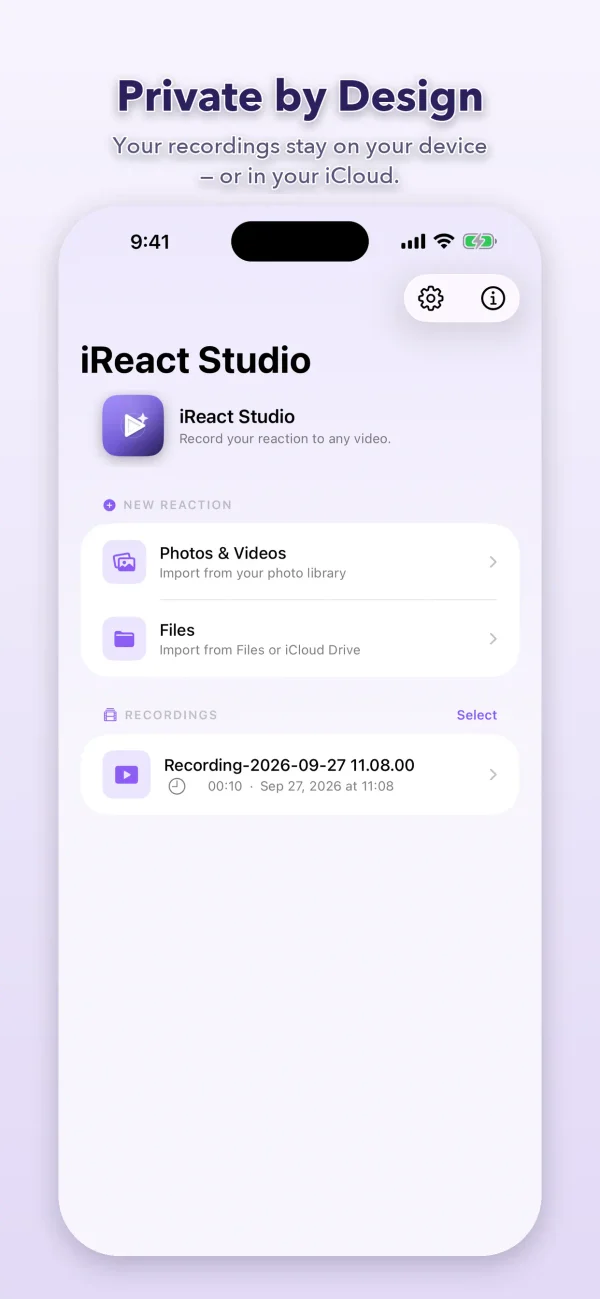
• Everything stays on your device (or your personal iCloud Drive, when synced)
• Your camera/microphone feed, any screen recording and/or system audio are only used inside the app for the videos that you create and never leave your device (or your personal iCloud Drive, when synced)
PRICING
iReact Studio is free to download and use with the following limitations: reacting to multiple sources (photos, videos, live camera feed and/or desktop content), exporting videos longer than 60 seconds and syncing recordings across devices requires a subscription.
Terms of Use: https://www.apple.com/legal/internet-services/itunes/dev/stdeula/
Privacy Policy: https://sites.google.com/view/ireact-studio-privacy-policy/home
Nouveautés
Version 1.2.2 · 22/11/2026
- We've added the ability to read a script while recording.
- We've added the ability to remove the background from the reaction camera in the picture-in-picture layout.
- We've added the ability to replace the background for the reaction camera in all layouts.
- We've added the ability to apply adjustments to the camera feed - crop, flip, rotate, change levels, apply filters.
- We've added the ability to adjust the picture-in-picture overlay position on screen.
- We've made all camera and media adjustments now also available in the composition editor.
- We've added settings to better control the input gestures during recording.
- We've added a setting to control whether the app records property changes as part of the reaction video.
- We've squashed some bugs and improved overall performance.
Confidentialité de l’application
Ce que Boris Milanov déclare sur l’App Store au sujet du traitement des données par cette application.
-
Données non collectées
Le développeur ne collecte aucune donnée à partir de cette application.
Les pratiques en matière de confidentialité peuvent varier, notamment en fonction des fonctionnalités que vous utilisez ou de votre âge.
Informations
- Vendeur
- Boris Milanov
- Catégorie
- Photo et vidéo
- Version
- 1.2.2
- Mis à jour
- 22/11/2026
- Publié
- 22/08/2026
- Taille
- 27,1 Mo
- Nécessite
- iOS 18.0 ou version ultérieure
- Classification d’âge
- 4+
- Prix
- Gratuit
- Achats intégrés
- Oui
- Langues
- Anglais
- Copyright
- © 2026 Boris Milanov
Vous aimerez peut-être aussi
-
 Zen Teleprompter: Video EditorPhoto et vidéo
-
 Cuepace : Téléprompteur vidéoFilmez naturel et sûr de vous
-
 ReactionVidPhoto et vidéo
-
 ReactMe - Reaction VideosPhoto et vidéo
-
 Reaction StudioPhoto et vidéo
-
 Reaction Video Maker: ReactCamPhoto et vidéo
-
 Reakt: Record Reaction VideosPhoto et vidéo
-
 ClipDuet: Reaction Video MakerPhoto et vidéo
-
 SnapTwin: Vidéo Double CaméraFilmez avant-arrière ensemble
-
 RankReel : Créateur de TopsCréez des Reels & Shorts Tops