
- Classification d’âge4+
- CatégorieProductivité
- DéveloppeurStepOver International GmbH
- LanguesAnglais+ 2 de plus
- Taille13,2 Mo
iSignatureSuite n’est peut-être pas disponible sur App Store pour le moment
La fiche de la boutique était inaccessible lors de notre dernière vérification. Le lien mène toujours à la page App Store officielle.
Captures d’écran


À propos
Le développeur n’a pas fourni ce texte dans votre langue.
iSignatureSuite - The free app for capturing signatures on the iPad or iPhone
This product is a stand-alone, free signature app and does not require any additional third-party software (such as Adobe Acrobat). However, this signature capturing app is also available to integrators as a component for their own apps.
It is necessary to have an account with a webSignatureOffice server (www.webSignatureOffice.com) in order to run iSignatureSuite.
Input:
• PDF/A documents created by the customer (via webSignatureOffice server)
• It is also possible for the above PDF documents to have customer-defined signature fields
• It is also possible for the above PDF documents to have customer-created form fields
Output:
• When the outgoing document is PDF/A compliant, the document remains PDF/A compliant after signing
• ISO-compliant PDF signatures - can be checked using all standard products (e.g. Adobe Reader) and enables interoperability with other signature processes and programmes which conform with the standards
• Capture a handwritten electronic signature using an iPad
Ability to customise / integrate:
• Can also be fully integrated into customer apps as a component
Ease of use and user-friendliness:
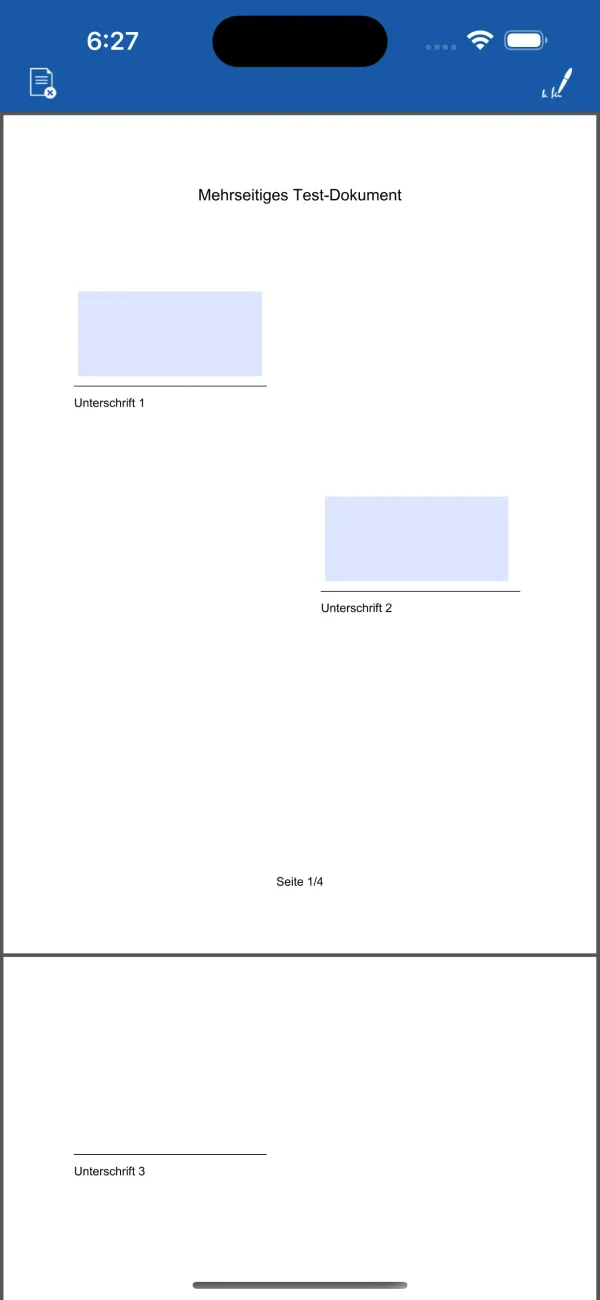
• Sign directly in the document (no separate signature window)
• Preview of the selected PDFs
• Allows browsing, zooming and continuous scrolling of PDF documents
• Filling out of PDF form fields and supports check boxes, radio buttons and drop-down menus
• Clear document management with status tracking, automatic reminder (for all signatories)
Automation:
• Template management (saving documents for re-use, including signature templates)
• Intelligent signature templates (e.g. automated positioning of signature fields, even for dynamic documents, e.g. using key words)
• Jumps automatically to the signature fields during the signing process and zooms in if necessary
• Handles compulsory and optional signature fields differently (stop at compulsory field = stop the whole signing process)
Security:
• Supports encryption on the iPad using biometric data with RSA 2048 Bit
• Delayed signing is possible at any time without compromising safety
• Form fields automatically locked once signed
• Signatures provided can easily be checked (using Adobe Acrobat Reader)
• Secure communication over https
By using the Apple Pencil and iSignatureSuite, you can now detect the pressure distribution of your signature, and your typeface is also detected more clearly. The Apple Pencil is currently only compatible with the iPad Pro.
Nouveautés
Version 6.4 · 03/09/2026
- Bug fixes
Confidentialité de l’application
Ce que StepOver International GmbH déclare sur l’App Store au sujet du traitement des données par cette application.
-
Données non collectées
Le développeur ne collecte aucune donnée à partir de cette application.
Les pratiques en matière de confidentialité peuvent varier, notamment en fonction des fonctionnalités que vous utilisez ou de votre âge.
Informations
- Vendeur
- StepOver International GmbH
- Catégorie
- Productivité
- Version
- 6.4
- Mis à jour
- 03/09/2026
- Publié
- 07/08/2015
- Taille
- 13,2 Mo
- Nécessite
- iOS 15.6 ou version ultérieure
- Classification d’âge
- 4+
- Langues
- Anglais, Allemand, Espagnol
- Copyright
- © 2016/2017 - StepOver International GmbH
Vous aimerez peut-être aussi
-
 Free Expense Manager AppProductivité
-
 Email Security SuiteProductivité
-
 VerilogEditorProductivité
-
 Appointible for BusinessProductivité
-
 Calculateur RF & SmithImpédance, ROS & paramètres S
-
 Soundglide - Just message usProductivité
-
 APAP|NYC 2025Productivité
-
 Right at Home RhomeProductivité
-
 EE ToolKit PROProductivité
-
 GoAquatixProductivité