
- Classification d’âge4+
- CatégorieUtilitaires
- DéveloppeurGuilherme Lima
- LanguesAnglais
- Taille12,7 Mo
KeePassIO n’est peut-être pas disponible sur App Store pour le moment
La fiche de la boutique était inaccessible lors de notre dernière vérification. Le lien mène toujours à la page App Store officielle.
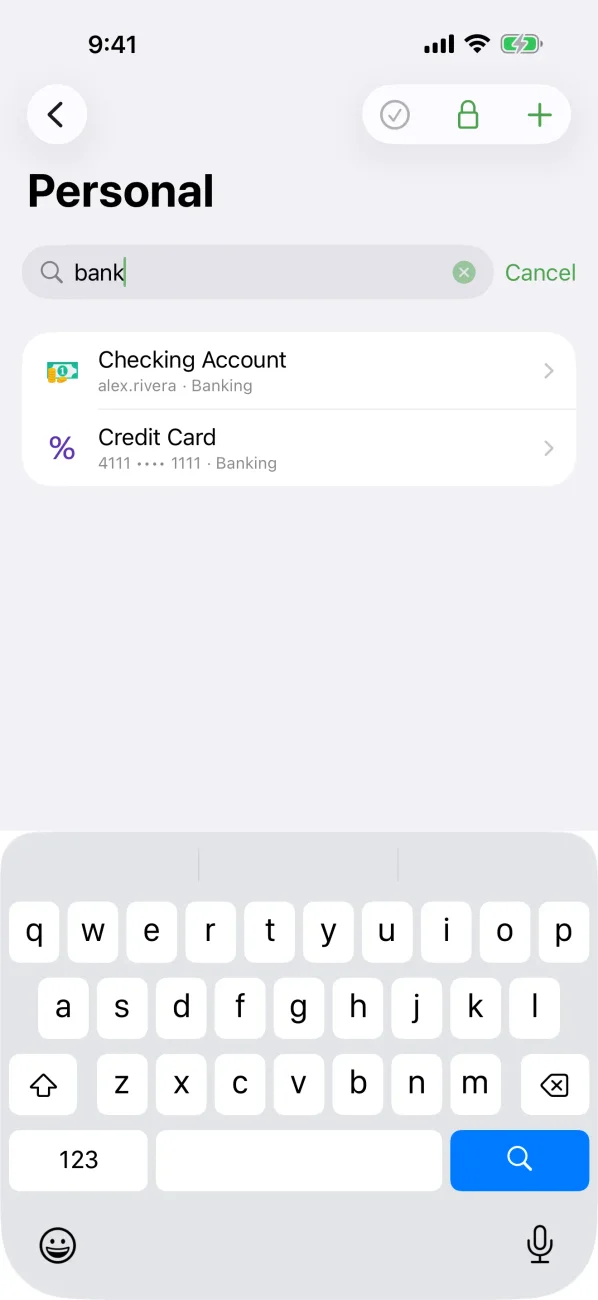
Captures d’écran
À propos
Le développeur n’a pas fourni ce texte dans votre langue.
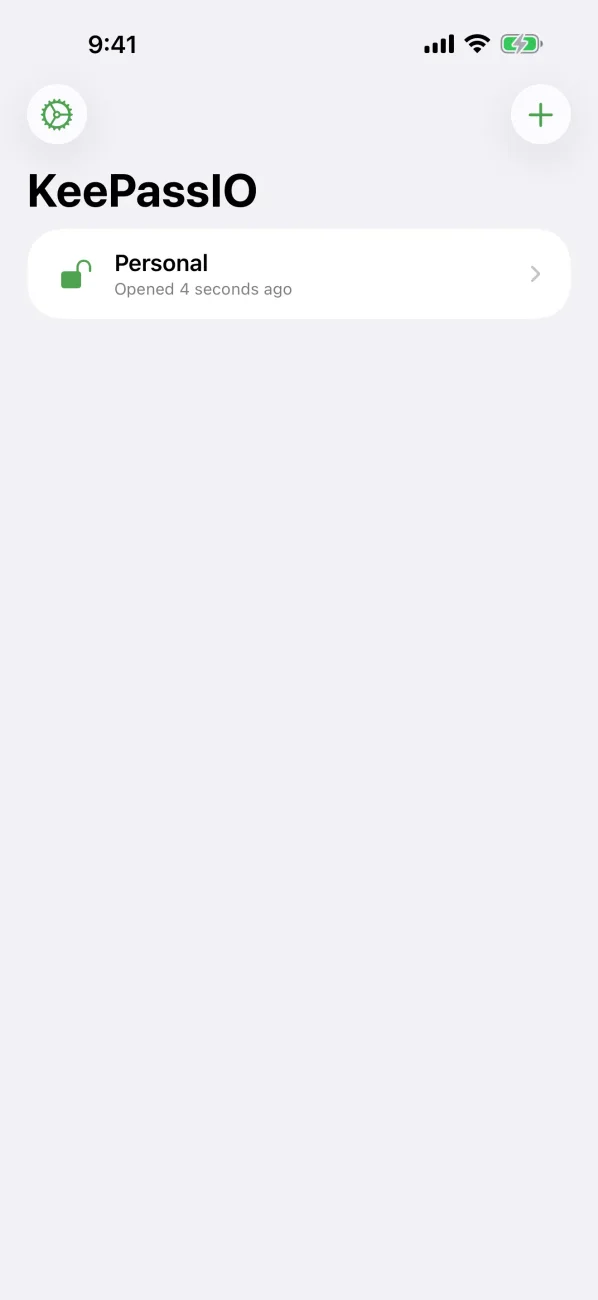
KeePassIO is a free, open-source password manager for KeePass databases. Open the .kdbx file you already use with KeePassXC or KeePass, keep it wherever you like in the Files app, and use it on your iPhone with Face ID and AutoFill. There is no paywall, no account and no subscription.
YOUR DATABASE, YOUR STORAGE
• Opens and saves KDBX 4 databases, with a master password, a key file or both
• Keeps the file where you choose: on your iPhone, in iCloud Drive or in another app's folder. KeePassIO never uploads it anywhere itself
• If the file changed elsewhere, saving merges both versions instead of overwriting, and shows you what changed
• Create new databases and choose where they are saved; share a copy of the encrypted file whenever you like
FAST AND SECURE
• Unlock with Face ID or Touch ID, with a validity period you control
• Lock immediately or after a delay; changes are saved first
• Copied passwords stay on your device and clear themselves
• AutoFill passwords and one-time codes in Safari and other apps, and add a new entry right from the login form
FIND AND ORGANIZE
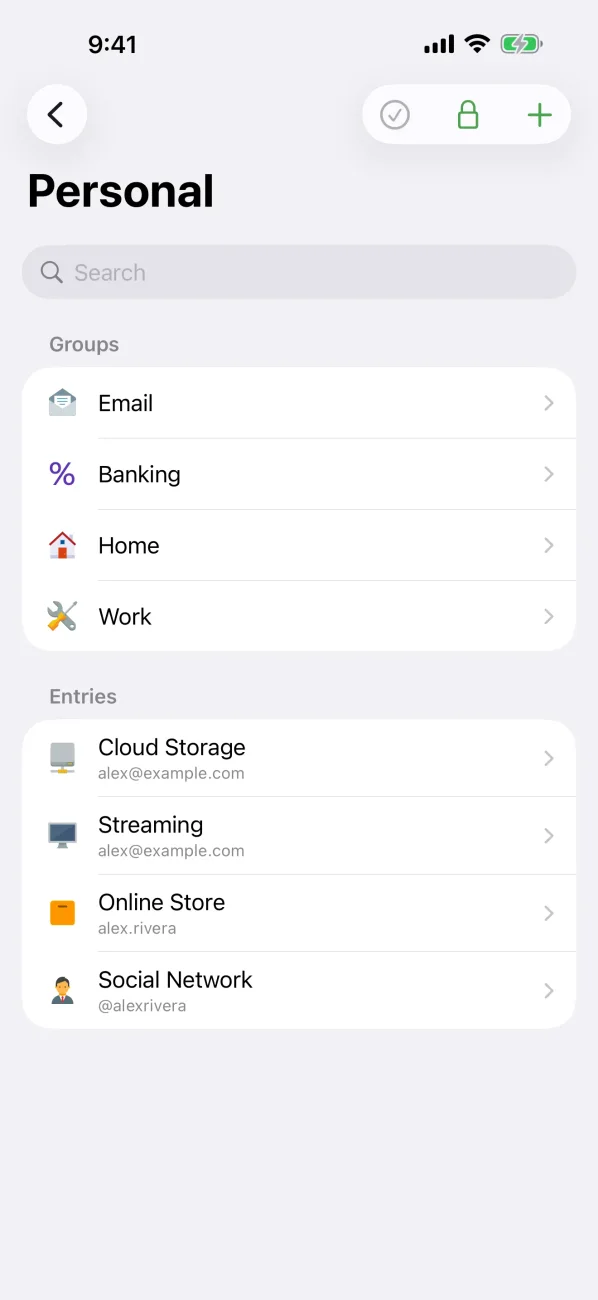
• Search that works like KeePassXC: words, fields, exclusions, wildcards, and paths such as mail/personal
• Drag entries and groups into other groups
• Entry and group icons, including the favicons stored by KeePassXC
• Attachments with preview and sharing
• Password history and a recycle bin
ONE-TIME CODES
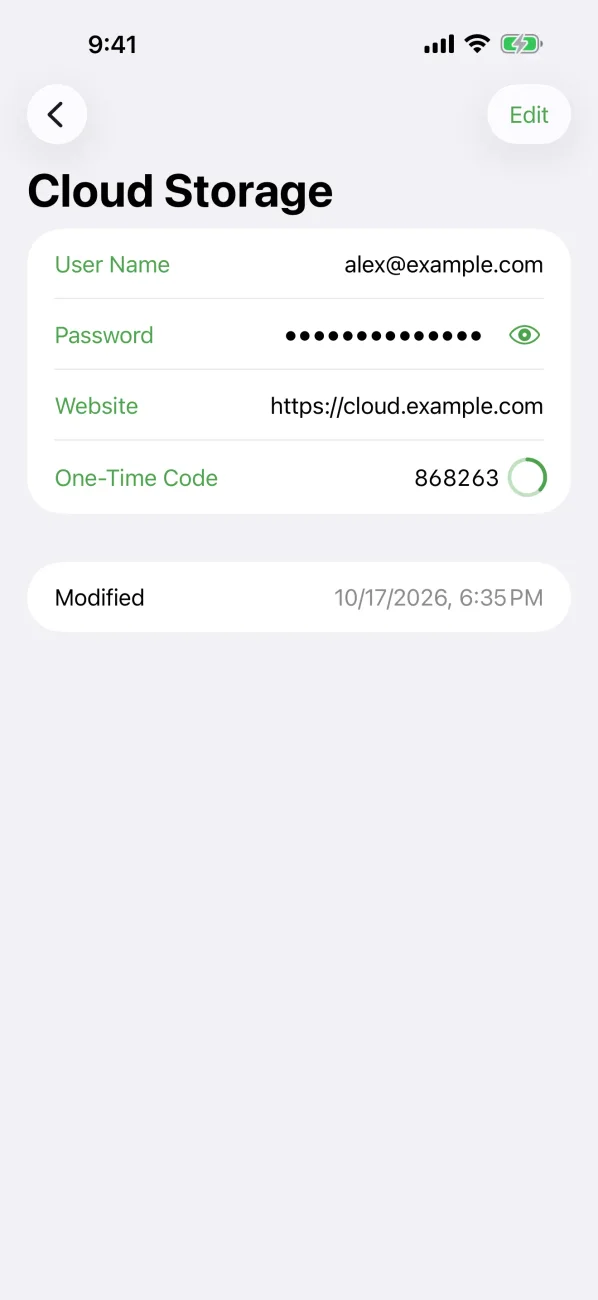
• Add 2FA codes by scanning a QR code, choosing a QR image, pasting a link or typing the setup key
• Stored the KeePassXC way, so your other apps read them too
PASSWORD GENERATOR
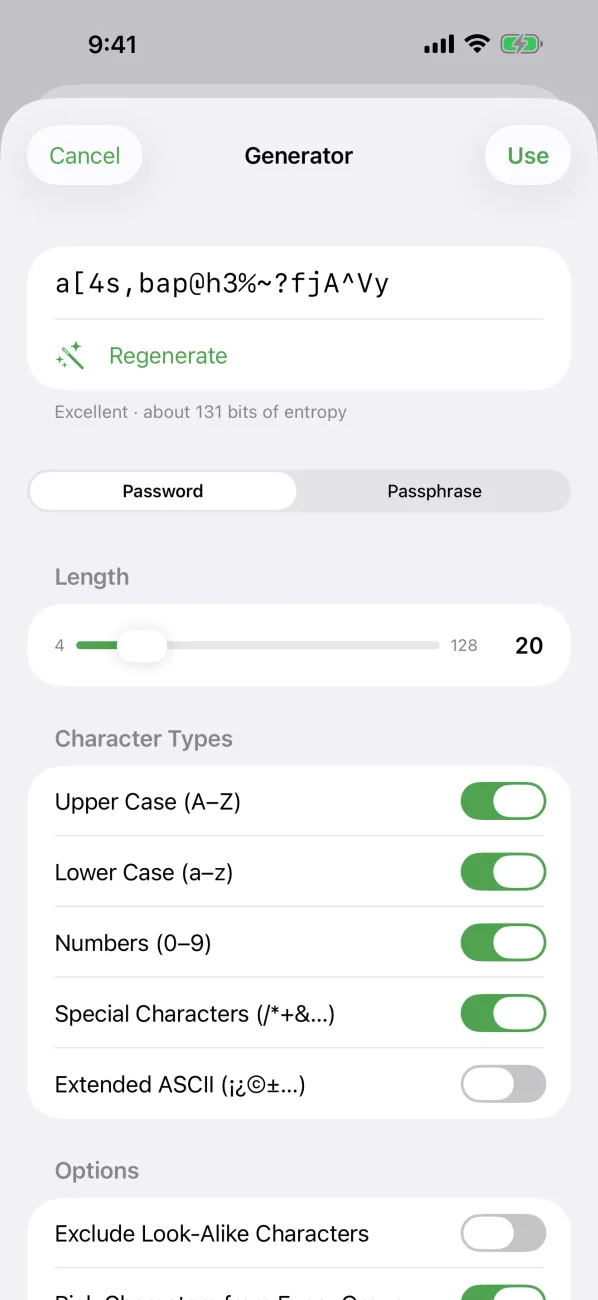
• Passwords and passphrases with KeePassXC's options: length, character types, look-alike exclusion and custom characters
PRIVATE BY DESIGN
• No analytics, no advertising, no tracking, no accounts
• Doesn't connect to the internet unless you turn on website icons in Settings
• Open source under the MIT license: github.com/guilherme-n-l/KeePassIO
Works with databases from KeePass 2, KeePassXC and other apps that use the KDBX 4 format. Older KDBX 3 databases can be converted to KDBX 4 in KeePassXC.
Nouveautés
Version 1.0.1 · 04/11/2026
AutoFill is smoother and finds more of your logins.
Bug fixes:
- KeePassIO now shows up in the AutoFill menu of any text field.
- Entries are matched to websites using the Public Suffix List, so logins turn up on the right sites.
- When you save a new login from AutoFill, you can choose its group.
- Confirm-password fields can be filled with the password you just used.
- The search bar in the AutoFill picker now stays under the navigation bar, and its Cancel button animates with the field.
- Fixed the AutoFill sheet sometimes staying on screen after you picked a value.
- Fixed Face ID being silently dropped, so quick unlock keeps working.
- Large vaults open more reliably.
Confidentialité de l’application
Ce que Guilherme Lima déclare sur l’App Store au sujet du traitement des données par cette application.
-
Données non collectées
Le développeur ne collecte aucune donnée à partir de cette application.
Les pratiques en matière de confidentialité peuvent varier, notamment en fonction des fonctionnalités que vous utilisez ou de votre âge.
Informations
- Vendeur
- Guilherme Lima
- Catégorie
- Utilitaires
- Version
- 1.0.1
- Mis à jour
- 04/11/2026
- Publié
- 31/10/2026
- Taille
- 12,7 Mo
- Nécessite
- iOS 18.0 ou version ultérieure
- Classification d’âge
- 4+
- Langues
- Anglais
- Copyright
- © 2026 Guilherme Lima
Vous aimerez peut-être aussi
-
 Echoes: Network Tools & PingUtilitaires
-
 UWorld AntivirusSécurité rapide et privée
-
 KipassKeepass vault manager
-
 qFocus : Le navigateur privéVie privée réseaux sociaux
-
 ROBERAUtilitaires
-
 Omnia ReaderLiseuse universelle avec IA
-
 Omamori Anti-LossUtilitaires
-
 OrgroUtilitaires
-
 CST EnergyUtilitaires
-
 Protasov VPNUtilitaires