
- Classification d’âge4+
- CatégoriePhoto et vidéo
- DéveloppeurRazorfrog Web Design
- LanguesAnglais
- Taille4,4 Mo
Renvoie vers la page App Store officielle
Download.org n’héberge aucun fichier de Kid Snaps. Le bouton ouvre la page de l’application sur App Store, où Razorfrog Web Design la publie. Fiche vérifiée pour la dernière fois le 17/11/2026.
Captures d’écran
À propos
Le développeur n’a pas fourni ce texte dans votre langue.
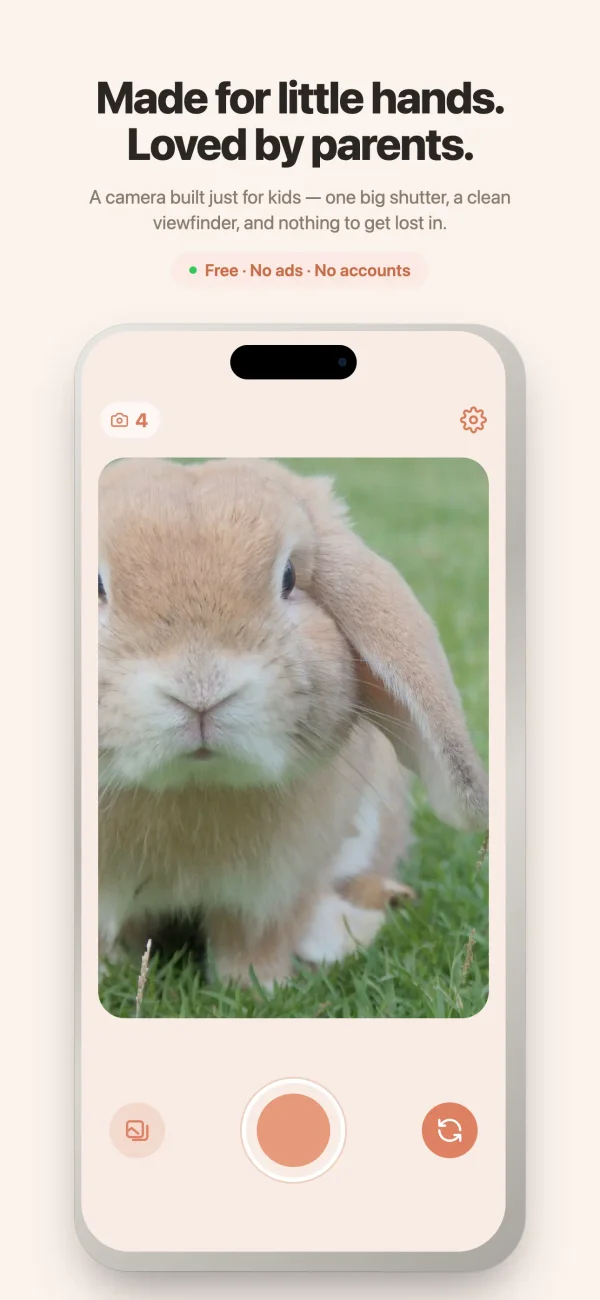
Kid Snaps is a camera app built from the ground up for kids, simple enough for a toddler and thoughtful enough for parents who care about screen time and privacy.
Hand your kid a camera that's truly theirs. No social feeds. No in-app purchases. No confusing menus buried three levels deep. Just a big shutter button, a clean viewfinder, and a gallery full of memories.
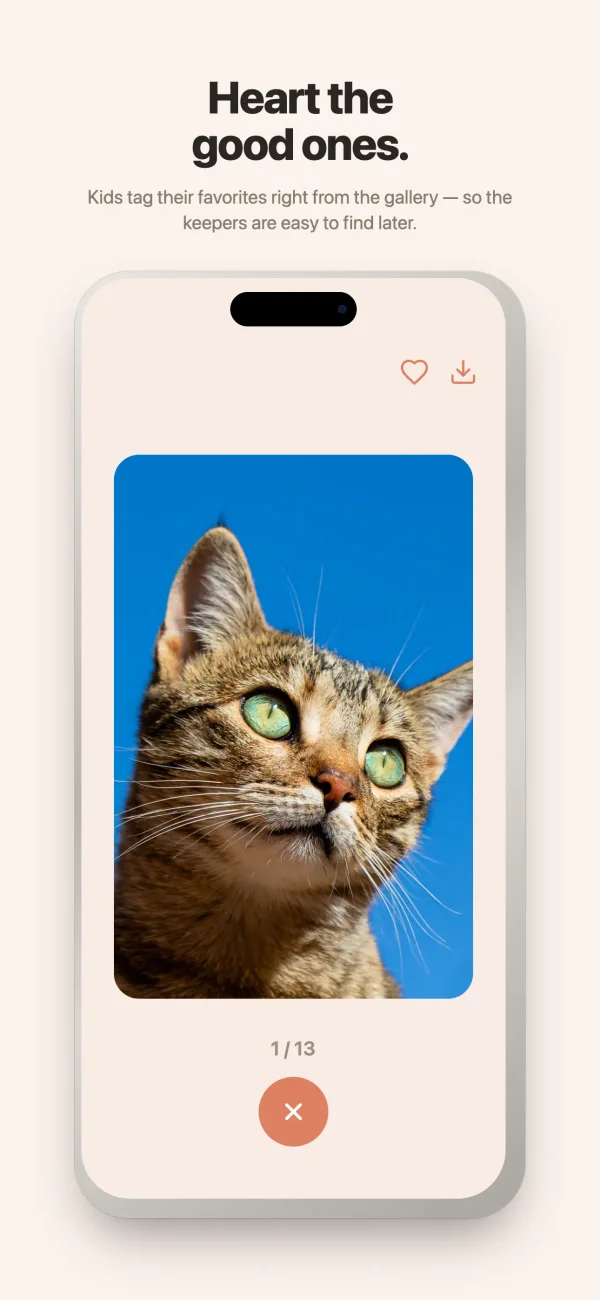
The interface is designed for little hands, with large tap targets, a full-screen shutter option for younger kids, and a selfie button that's always within reach. Kids can take photos, record short video clips, browse everything they've captured, mark favorites with a heart, and flip through their memories.
Got more than one kid? Kid Snaps supports a profile for each child. When the app opens, your kid taps their own face to start, just like picking a profile on a streaming app. Every photo and video is tagged to whoever took it, so siblings' shots never get mixed together, and you can filter the gallery by kid with a tap. Out with just one child for the day? Kid Snaps remembers your pick so no one is asked again until you want them to be. And if you've only got one kid, nothing changes, it stays as simple as ever.
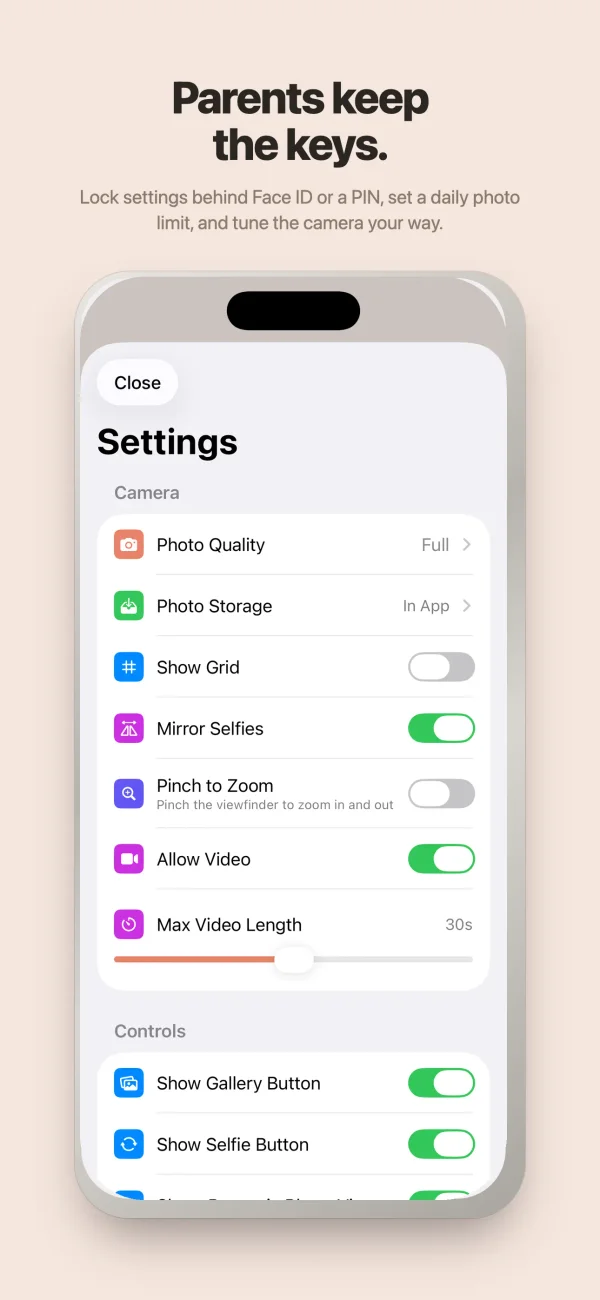
You stay in control. Set a daily photo limit, now per kid, so the camera stays fun without taking over the day. Turn video on or off and set a maximum clip length. Lock settings behind Face ID, Touch ID, or a birth year PIN so kids can't change anything you've set up, including who the camera is set to.
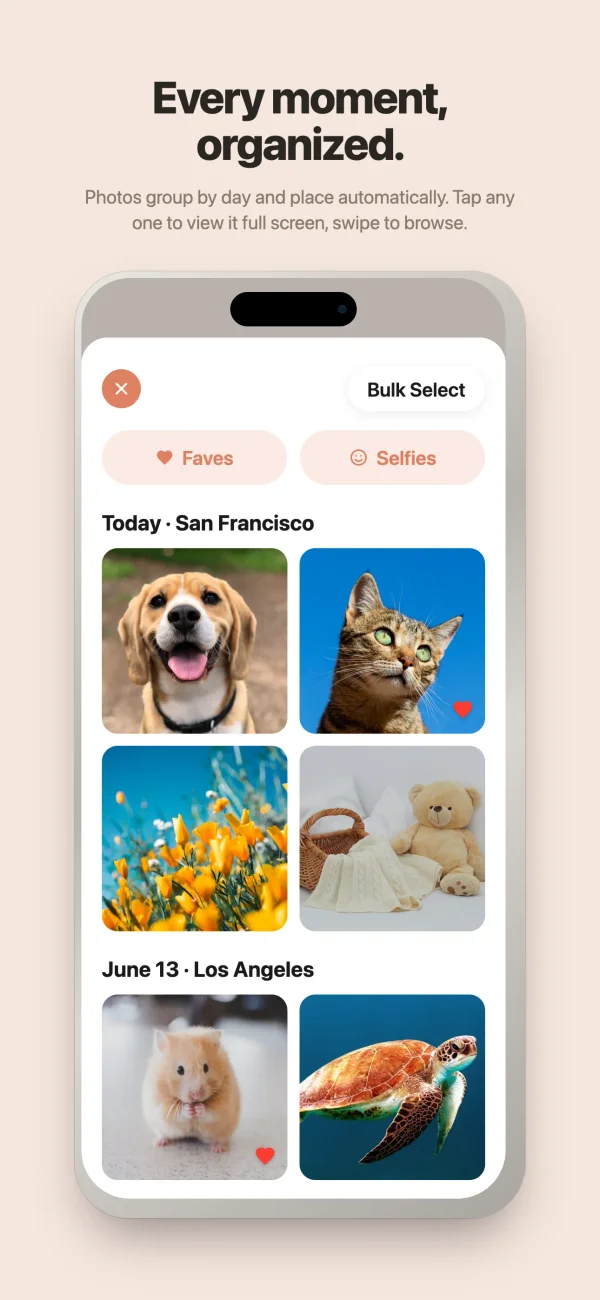
Photos are grouped by day and location automatically, with no sorting to manage. City names appear when location is on, so you always know where a photo was taken.
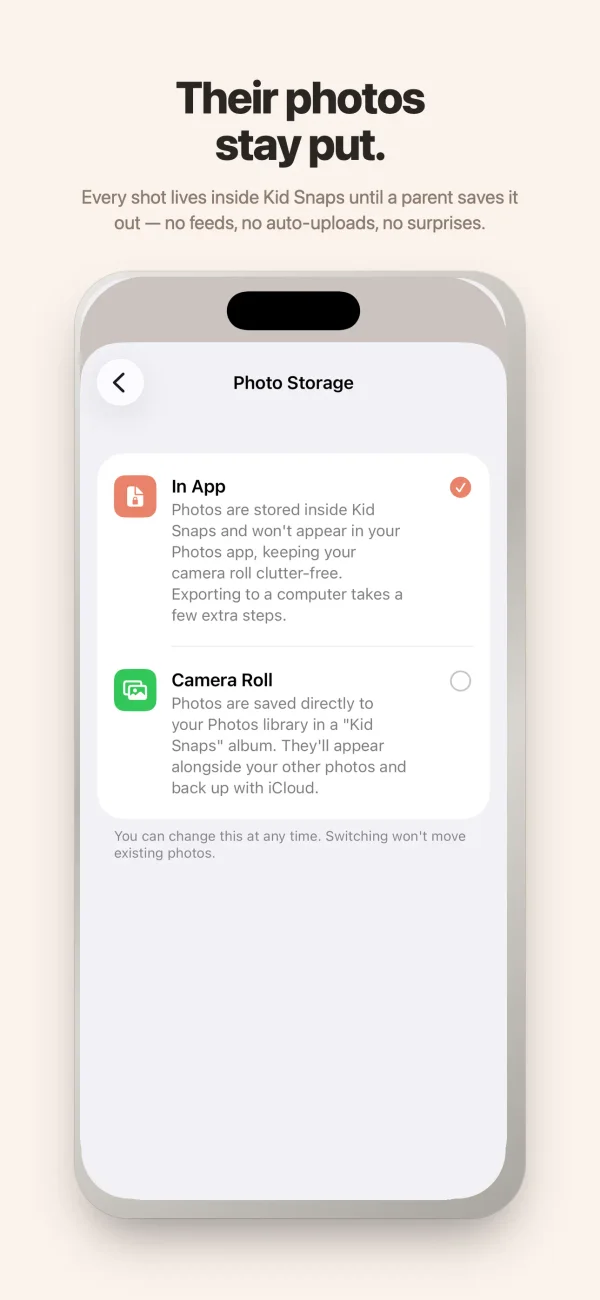
Choose whether photos save to your Camera Roll or stay private inside the app until you're ready to export them. When you save to your Camera Roll, each kid gets their own dedicated album, like "Kid Snaps – Emma," so their photos and videos land neatly and back up with iCloud. No photos are shared anywhere without your action.
Six color themes let kids pick a look that feels like them: Classic, Ocean, Candy, Forest, Sunny, and Midnight. Light mode, dark mode, or follow the system. The whole app, including the app icon, changes to match.
Kid Snaps is made by a small independent developer and contains no ads, no subscriptions, and no third-party tracking.
Nouveautés
Version 1.3.2 · 26/10/2026
Bug fixes and polish:
• Videos now save to your Camera Roll and share as videos
• The parent lock falls back to your passcode if Face ID doesn't work
• The daily limit now applies to videos too
• Switching between Photo and Video keeps the selfie camera
• Videos play with sound even when your phone is on silent
• Renaming a kid renames their Camera Roll album too
• A clear message, with a link to Settings, when camera access is off
• Faster, smoother photo viewing
• Removed the HDR switch (iOS handles HDR automatically) and the Strip Location Data option, which didn't reliably remove location
Confidentialité de l’application
Ce que Razorfrog Web Design déclare sur l’App Store au sujet du traitement des données par cette application.
-
Données non collectées
Le développeur ne collecte aucune donnée à partir de cette application.
Les pratiques en matière de confidentialité peuvent varier, notamment en fonction des fonctionnalités que vous utilisez ou de votre âge.
Informations
- Vendeur
- Razorfrog Web Design LLC
- Catégorie
- Photo et vidéo
- Version
- 1.3.2
- Mis à jour
- 26/10/2026
- Publié
- 22/06/2026
- Taille
- 4,4 Mo
- Nécessite
- iOS 18.0 ou version ultérieure
- Classification d’âge
- 4+
- Prix
- Gratuit
- Langues
- Anglais
- Copyright
- © 2026 Razorfrog Web Design
Vous aimerez peut-être aussi
-
 Daniel TamPhoto et vidéo
-
 Camera WhizPhoto et vidéo
-
 Ensemble PhotoPhoto et vidéo
-
 Latent — Film CameraPhoto et vidéo
-
 RICHY - Filtre de style coréenFiltre de style coréen
-
 wemera : double caméraAvant et arrière · photomaton
-
 NoMess Camera: Photos EnfantsAppareil enfants sans désordre
-
 Framed Camera - FramivaPhoto et vidéo
-
 TimeSnap - Timestamp CameraPhoto et vidéo
-
 Halloween frames - Frame It!Photo et vidéo