LabelHustle - PDF Cropper
Crop shipping labels to 4x6
Conçue pour iPhone, iPad
Gratuit
- Classification d’âge4+
- CatégorieUtilitaires
- DéveloppeurJared Owens
- LanguesAnglais
- Taille6,6 Mo
Renvoie vers la page App Store officielle
Download.org n’héberge aucun fichier de LabelHustle - PDF Cropper. Le bouton ouvre la page de l’application sur App Store, où Jared Owens la publie. Fiche vérifiée pour la dernière fois le 23/11/2026.
Captures d’écran
À propos
Le développeur n’a pas fourni ce texte dans votre langue.
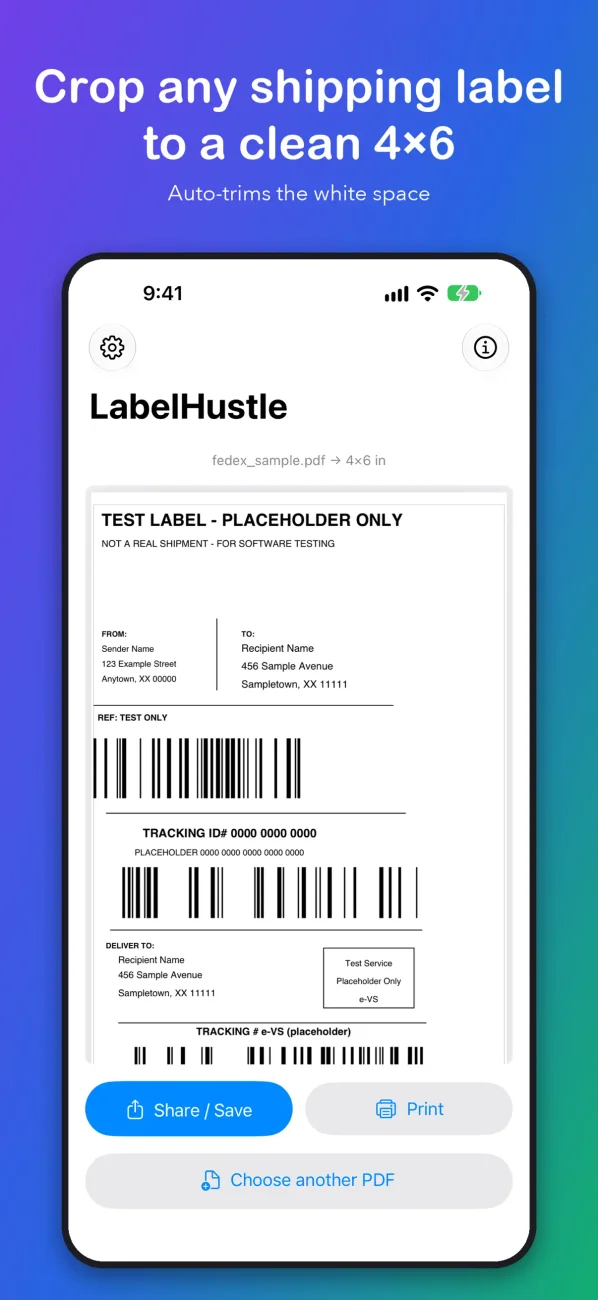
Shipping labels sometimes arrive as a full 8.5x11 page with a small label floating in the middle, plus extra text and blank space. LabelHustle trims it all away and gives you a clean 4x6 label, ready to print.
HOW IT WORKS
• Pick a label PDF or image (PNG, JPEG, HEIC), or open one straight from Mail, Files, or a shipping app using "Open in"
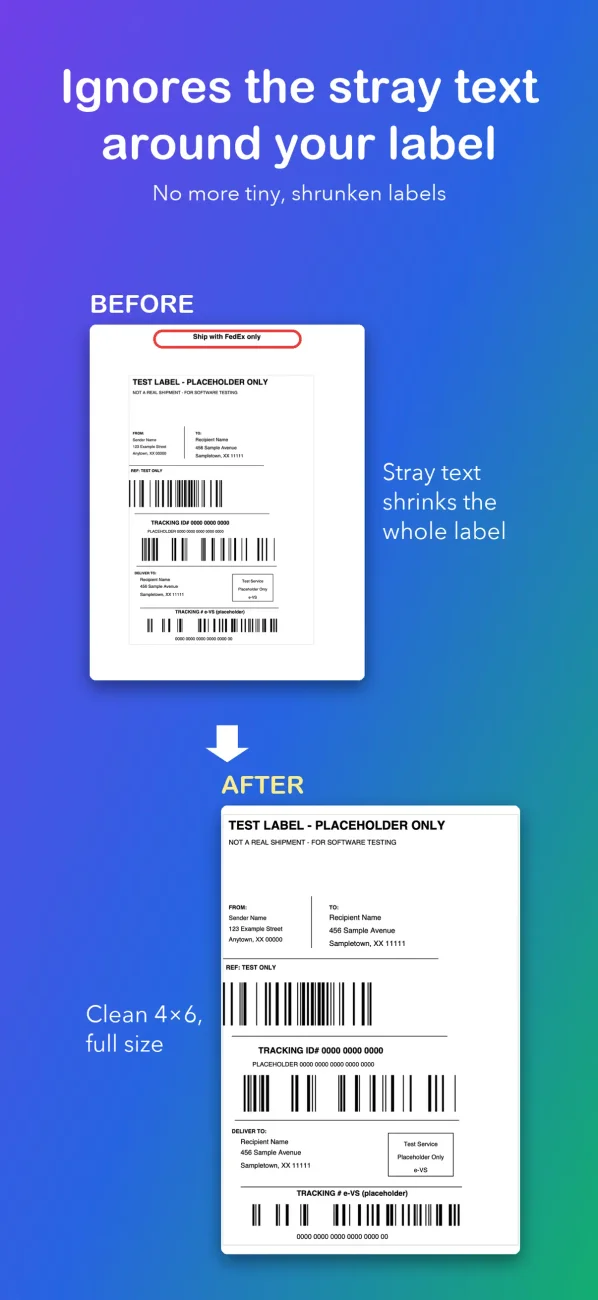
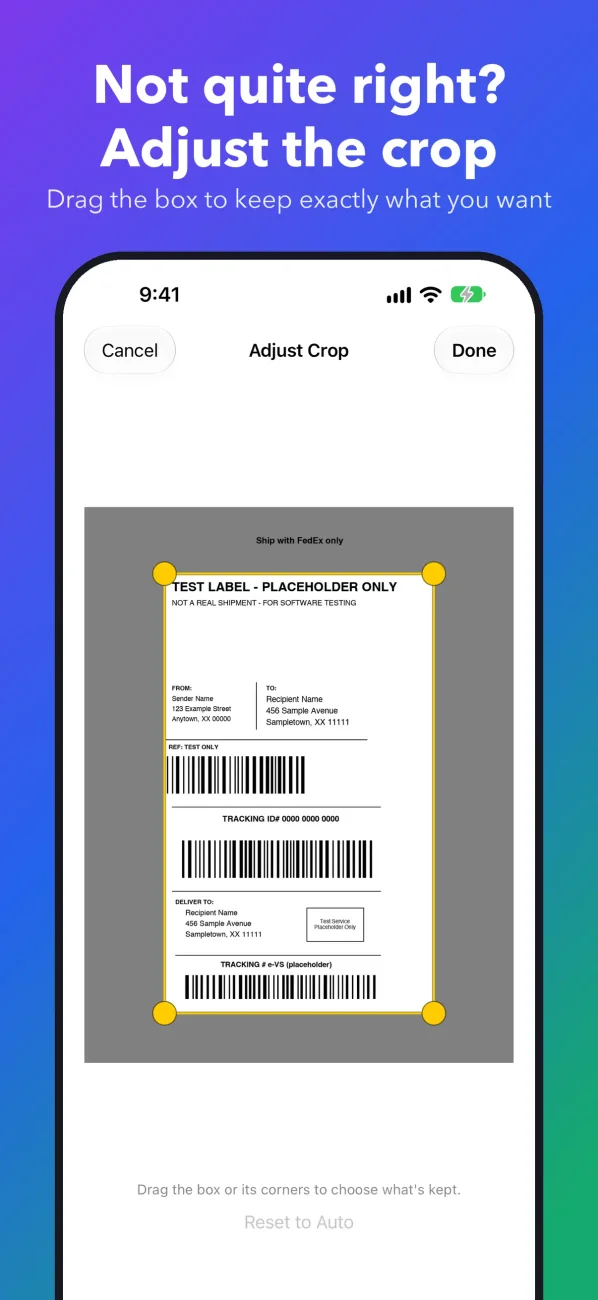
• LabelHustle finds the label and crops away the white space and stray text around it
• Not quite right? Tap Adjust Crop and drag the box to exactly what you want to keep
• Preview the result, then print it or share it to your label printer's app
BUILT FOR REAL SHIPPING LABELS
• Auto-crops to a standard 4x6 inch page
• Ignores stray caption lines above or below a label, so the label itself fills the page
• PDF labels stay vector, not a screenshot, so barcodes stay sharp and scannable
• Rotates landscape labels to fit portrait automatically
• Handles multi-page PDFs, one label per page
OPTIONAL SECOND LABEL
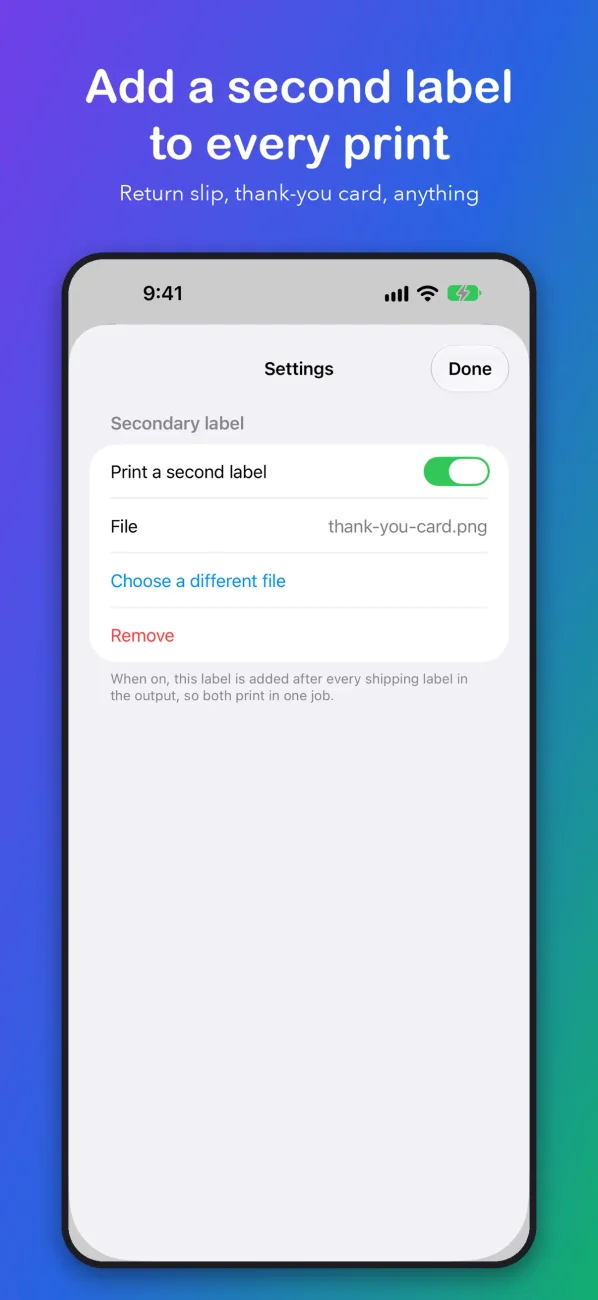
Need a return slip, a thank-you card, or a packing label with every shipment? Choose a PDF or image once in Settings, switch it on, and LabelHustle adds it after every shipping label, so both print in one job.
PRINT YOUR WAY
Print through the standard print dialog, or use Share to send the cropped label to your thermal label printer's own app.
PRIVATE BY DESIGN
• No account, sign-up, or login
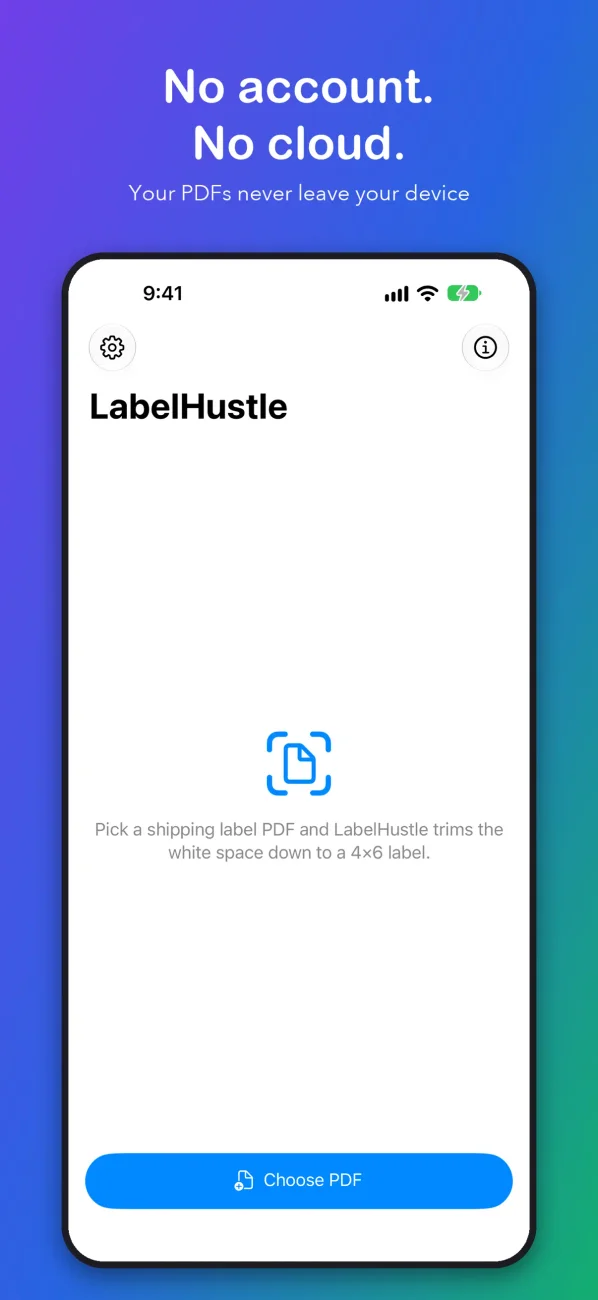
• Your PDFs and images are processed entirely on your device and never uploaded anywhere
• No ads and no tracking
LabelHustle is made by J O Apps, a small independent developer.
Nouveautés
Version 1.0.3 · 20/11/2026
- Added a Save button to save the cropped label straight to Files, separate from Share
- Added a short agreement screen on first launch with links to the Terms of Service and Privacy Policy
- The Privacy Policy now shows its full text inside the app
Confidentialité de l’application
Ce que Jared Owens déclare sur l’App Store au sujet du traitement des données par cette application.
-
Données n’établissant aucun lien avec vous
Peuvent être collectées, mais ne sont pas liées à votre identité.
- Diagnostic
Les pratiques en matière de confidentialité peuvent varier, notamment en fonction des fonctionnalités que vous utilisez ou de votre âge.
Informations
- Vendeur
- Jared Owens
- Catégorie
- Utilitaires
- Version
- 1.0.3
- Mis à jour
- 20/11/2026
- Publié
- 03/11/2026
- Taille
- 6,6 Mo
- Nécessite
- iOS 17.0 ou version ultérieure
- Classification d’âge
- 4+
- Prix
- Gratuit
- Langues
- Anglais
- Copyright
- © 2026 J O Apps