Leaframe
The Simplest Family Album
Conçue pour iPhone, iPad, iPod touch
Gratuit
- Classification d’âge4+
- CatégorieStyle de vie
- DéveloppeurNAOE KENICHI
- LanguesAnglais+ 1 de plus
- Taille33,6 Mo
Renvoie vers la page App Store officielle
Download.org n’héberge aucun fichier de Leaframe. Le bouton ouvre la page de l’application sur App Store, où NAOE KENICHI la publie. Fiche vérifiée pour la dernière fois le 17/11/2026.
Captures d’écran
À propos
Le développeur n’a pas fourni ce texte dans votre langue.
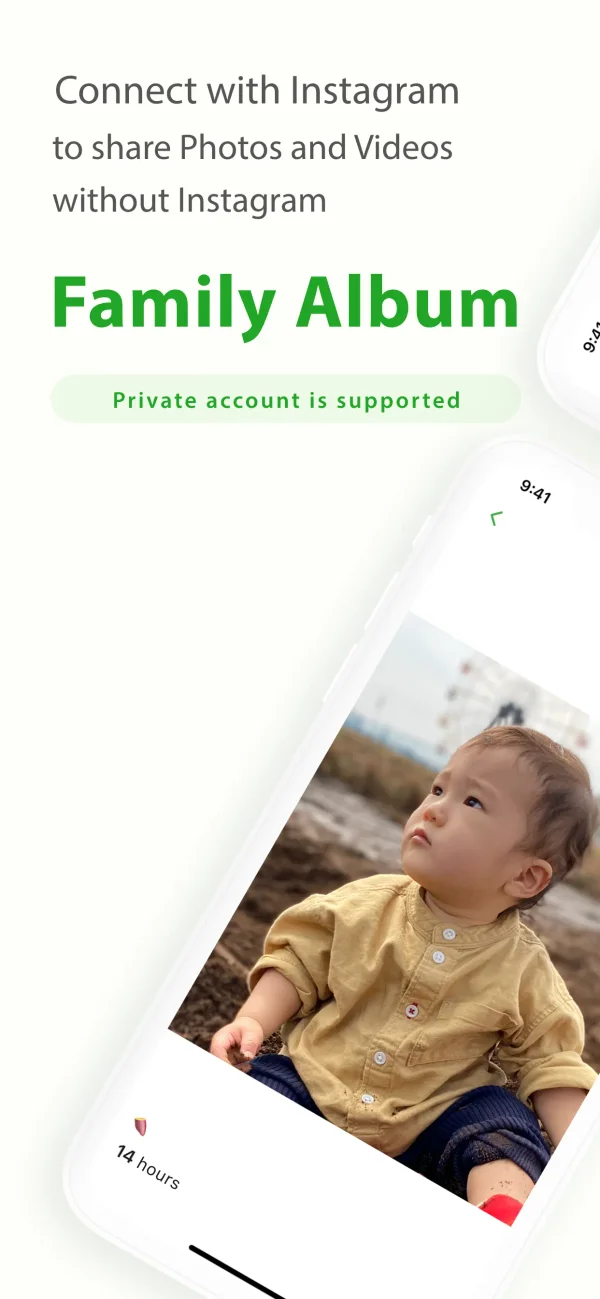
Kids grow up in a flash, and for family members it’s important to see all the large milestones, and the ability to share those precious childhood memories with family is important. That’s where the private invitational app Leaframe comes in - for free!
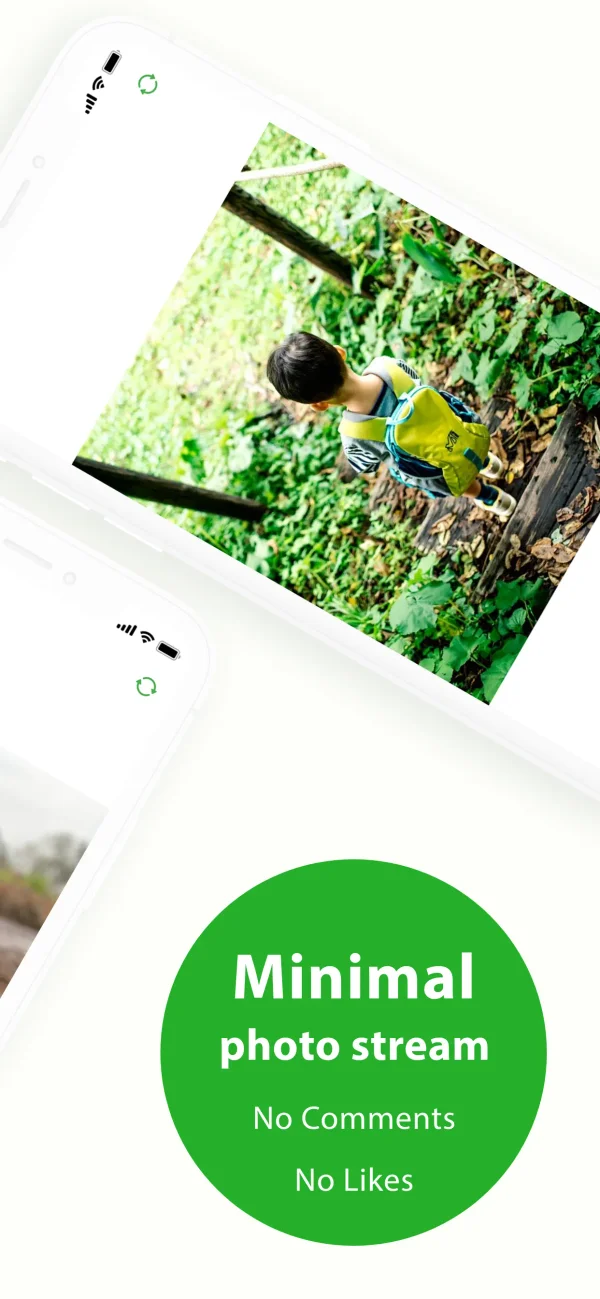
The most notable feature of the app is that there is no ability to “read”, “like”, or “comment" on photos, and you can’t upload photos and videos on this app.
Every person feels differently about expressing their photos publicly, and most get tired of being too concerned with the social networking style, so I designed this app by eliminating social media like features. People who are not good at social networking can use it without worry.
Photos and videos are synced with your Instagram account.
+++
Private Instagram account is also available
This app is also compatible with a private Instagram account, so you don’t need to have a public Instagram profile to share on this app.
With privacy and safety in mind, Instagram allows you to keep your account private. When your account is private, only people you approve can see your photos and videos on Instagram.
Many people have created new private Instagram accounts, in order to utilize this app. Once you’ve linked the app, you only need to post photos and videos on Instagram, and of course the viewers only need this app to see the posts.
+++
Instagram app has a lot of features for posting
You can easily edit and filter your videos on Instagram, so it’s easy to keep uploading beautiful photos and videos. Instagram also allows multiple people to login to one account at a time, so multiple family members can upload as they’d like.
Note: Instagrams restrictions limit videos to one minute in length, and IGTV (which allows videos longer than one minute), and 24 hour stories are not supported via this app.
+++
Create an album and share it with your family
Once you have Instagram linked with our app, your posts are displayed and you can share the albums you’ve created with everyone. You can get an invite url to share it with your family or friends by going to the settings cog button at the top right of the home screen and selecting the name of the album you created.
You can also turn on push notification on the same settings screen. If you turn the push notifications on, the app will let you know when new photos and videos arrive. This setting can be turned on and off for each album.
The settings cog button at the top right of the screen is only displayed if your device is facing vertically.
+++
Filling the entire screen.
When you open the album, the entire screen is used to display photos and videos. Tap and flip through the scenes to see the last 7 posts.
+++
Make sure to continue uploading a special photo and video every once in a while.
Rather than uploading every photo or video you have taken, it is recommended that you carefully select and upload the ones that have the best quality and impact. These videos and pictures will leave a lasting impression on everyone, and it will often become a topic of conversation.
+++
Press and hold a post to save it to your device.
The app only shows the latest seven posts, so you are unable to see anything from before. If you’d like to save a post, press and hold the screen and save it to device from the option menu.
Nouveautés
Version 1.4.0 · 14/01/2024
When multiple photos and videos are included in one post, it was only the first one until now, but it can now be displayed after the second one.
Confidentialité de l’application
Ce que NAOE KENICHI déclare sur l’App Store au sujet du traitement des données par cette application.
-
Données établissant un lien avec vous
Peuvent être collectées et liées à votre identité.
- Coordonnées
- Contenu utilisateur
-
Données n’établissant aucun lien avec vous
Peuvent être collectées, mais ne sont pas liées à votre identité.
- Identifiants
- Données d’utilisation
- Diagnostic
Les pratiques en matière de confidentialité peuvent varier, notamment en fonction des fonctionnalités que vous utilisez ou de votre âge.
Informations
- Vendeur
- NAOE KENICHI
- Catégorie
- Style de vie
- Version
- 1.4.0
- Mis à jour
- 14/01/2024
- Publié
- 21/03/2020
- Taille
- 33,6 Mo
- Nécessite
- iOS 14.0 ou version ultérieure
- Classification d’âge
- 4+
- Prix
- Gratuit
- Langues
- Anglais, Japonais
- Copyright
- © Kenichi NAOE All Rights Reserved. LOGO ILLUSTRATION: irasutoya.com