Lightsplit - Split Expenses
Group bill splitter for trips
Conçue pour iPhone
Gratuit · Achats intégrés
- Classification d’âge4+
- CatégorieFinance
- DéveloppeurPing-Hsien Chou
- LanguesAnglais+ 8 de plus
- Taille68,5 Mo
Renvoie vers la page App Store officielle
Download.org n’héberge aucun fichier de Lightsplit - Split Expenses. Le bouton ouvre la page de l’application sur App Store, où Ping-Hsien Chou la publie. Fiche vérifiée pour la dernière fois le 17/11/2026.
Captures d’écran
À propos
Le développeur n’a pas fourni ce texte dans votre langue.
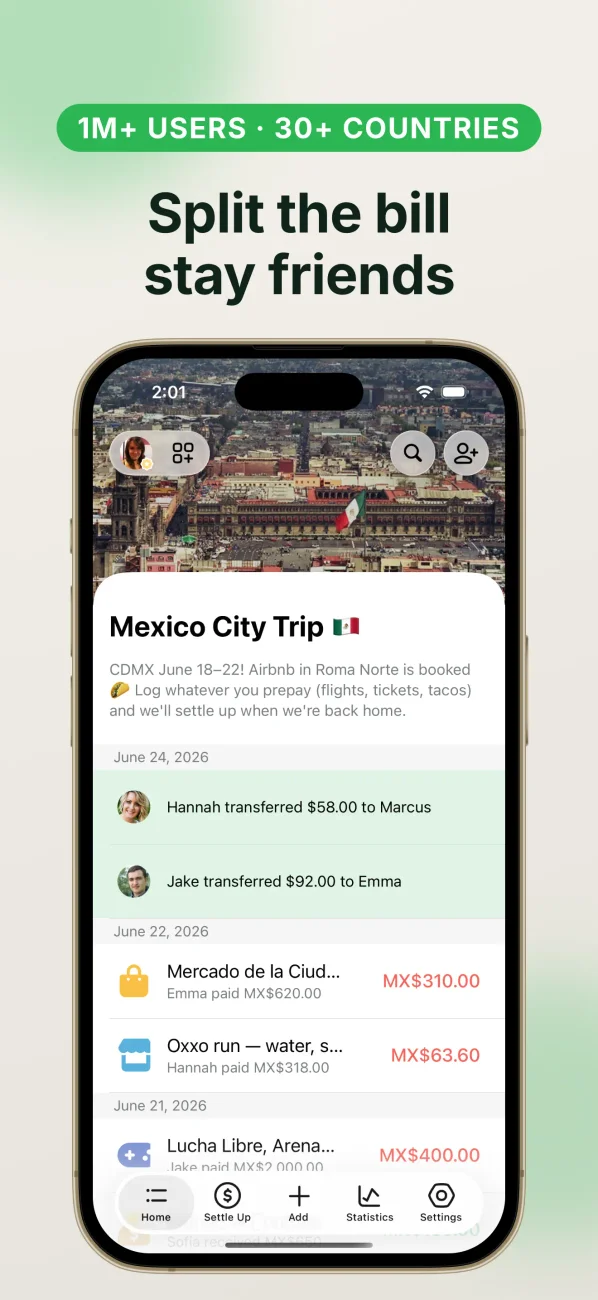
Split bills for trips, rent and meals with friends. Lightsplit tracks shared expenses and shows who owes whom, even when several people pay.
Friends can also use Lightsplit on the web, LINE, Telegram or Discord. Start with virtual members, then share a group link when everyone is ready to join.
START SPLITTING RIGHT AWAY
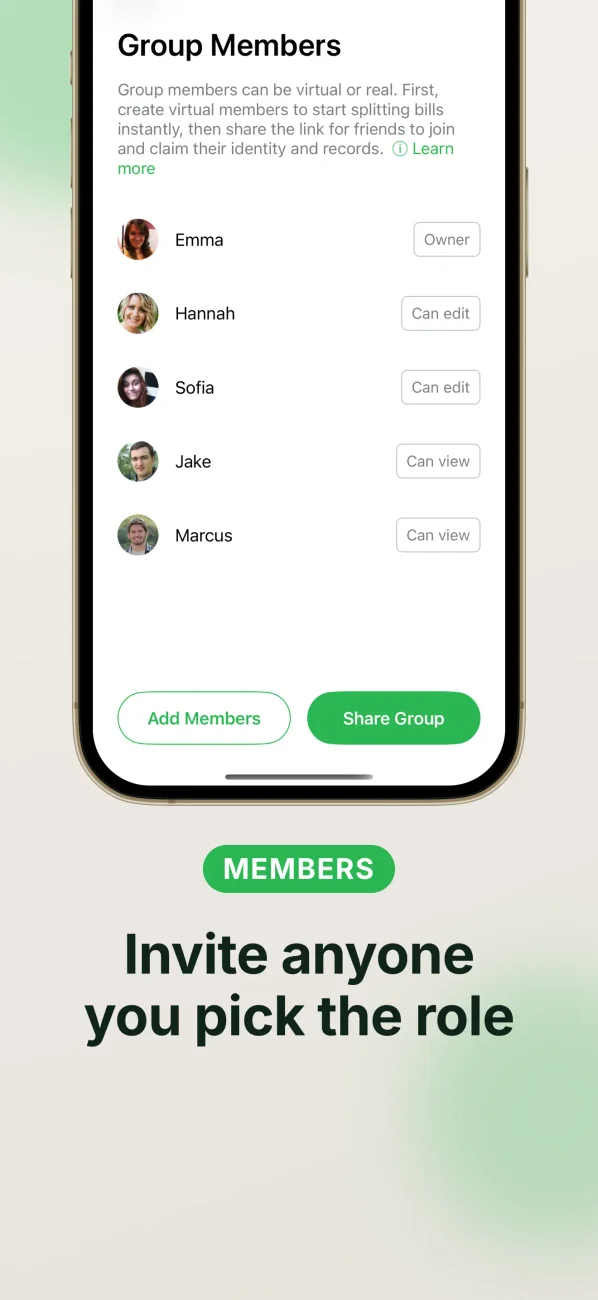
• Create virtual members and track expenses before friends even sign up. When they join, they claim their records
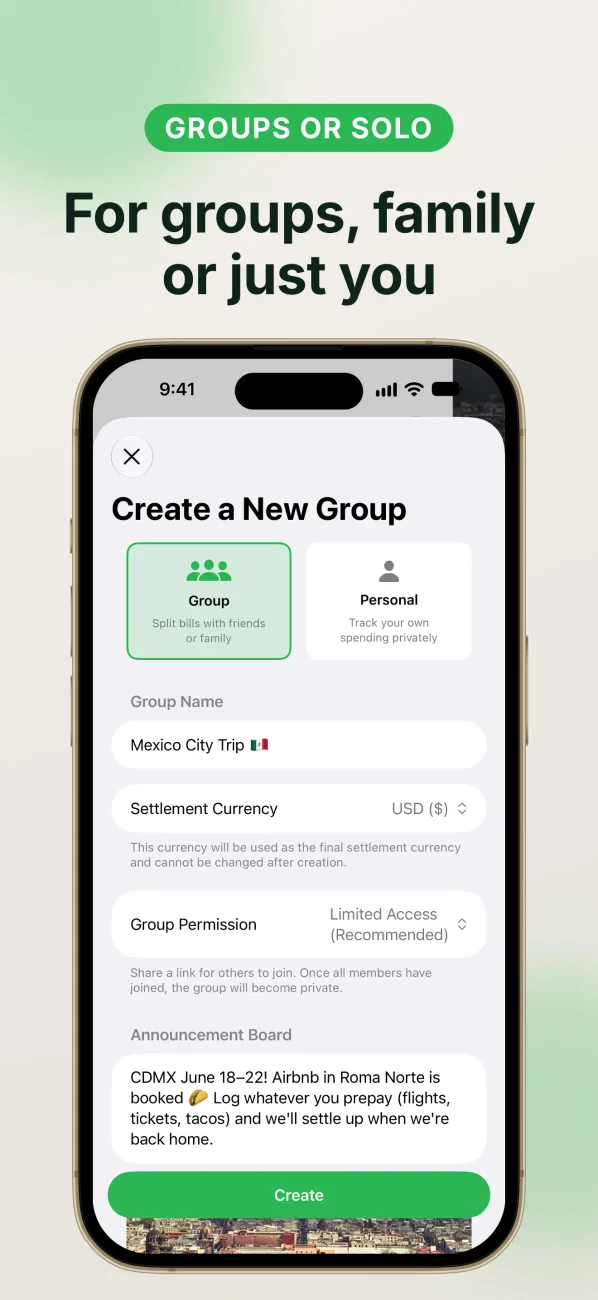
• Invite anyone in seconds with a QR code or link
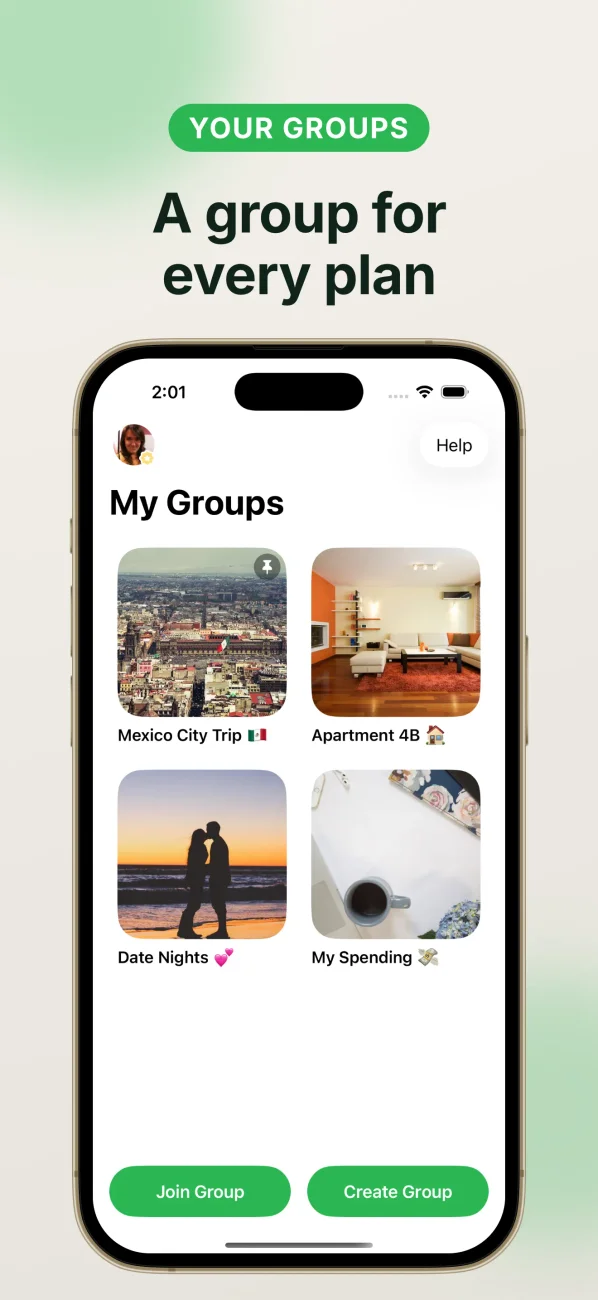
• Keep separate groups for trips, roommates, and nights out, and manage them all in one place
• Or start a personal group to track just your own spending
SPLIT ANY EXPENSE
• Split evenly, by shares, or by exact amounts, and mix them freely
• Expenses, income, and transfers, with multiple payers
• Built-in calculator and category icons
AI RECEIPT SCAN & TEXT ENTRY
• Scan a receipt or order screenshot with AI, then check the items and amounts before saving
• Record it as one expense or split item by item
• Describe who paid for what in plain text and AI turns it into separate entries for you to review
• The free plan includes a limited number of AI uses; Premium raises the limit
CONNECT AI APPS WITH MCP
• Connect a compatible AI app to Lightsplit after signing in and approving access
• Ask it to add expenses, look up transactions and review spending breakdowns
• View and revoke connected apps from your profile
SPLIT WITHOUT LEAVING THE CHAT
• Lightsplit in iMessage: add an expense, invite friends to a group, or send a settle-up card right from the conversation
SIRI, SHORTCUTS & WIDGET
• Ask Siri or use Shortcuts to add an expense, check your balance, or get settle-up suggestions
• A Home Screen widget shows this month's spending, budgets and 7-day trend
• Designed for iPhone Duo, folded or unfolded
SETTLE UP THE SMART WAY
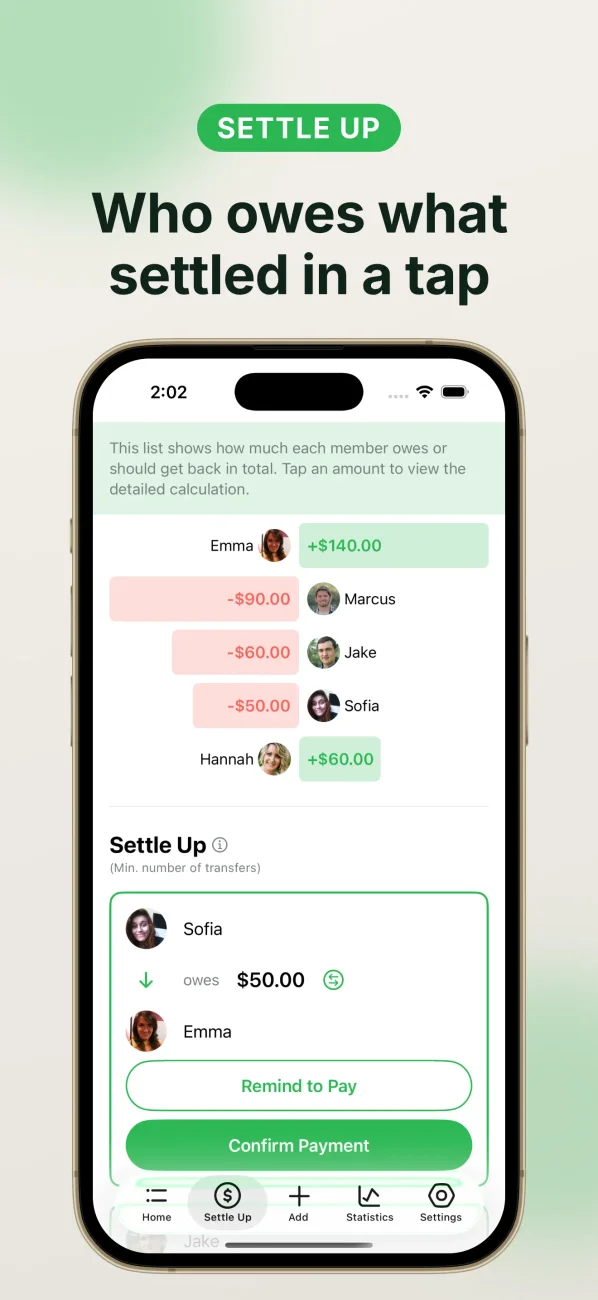
• Simplify group debts and see suggested repayments
• Mark a debt as paid and the transfer is recorded automatically
• Remind whoever still owes with one tap
• Save how you get paid, such as Venmo, PayPal, Zelle or a bank account, so friends know exactly how to pay you back
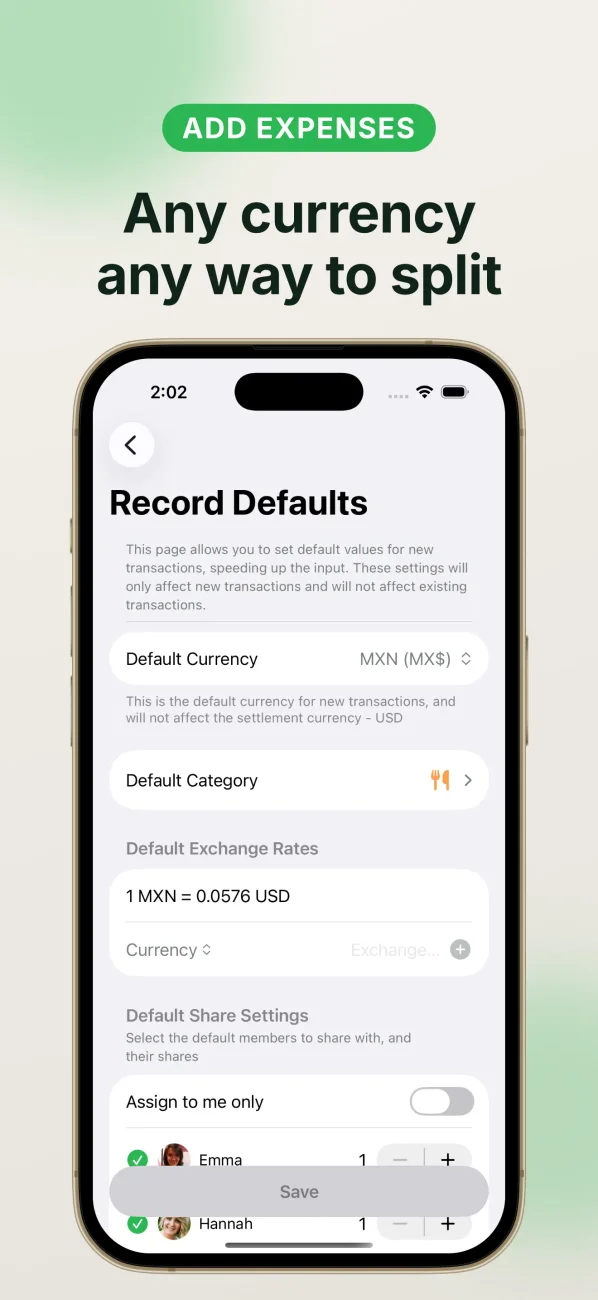
MULTI-CURRENCY
• Record spending in different currencies with automatic conversion
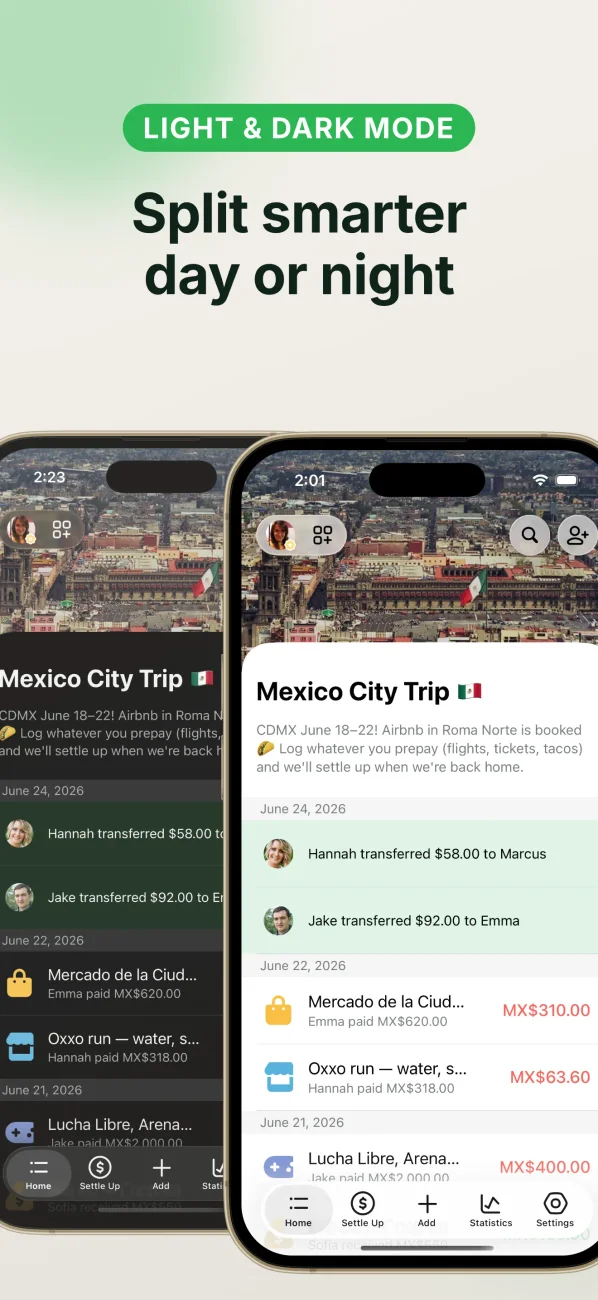
• Log each expense in its own currency, auto-converted to your group's settlement currency
• Made for international trips
STATS, BUDGETS & REMINDERS
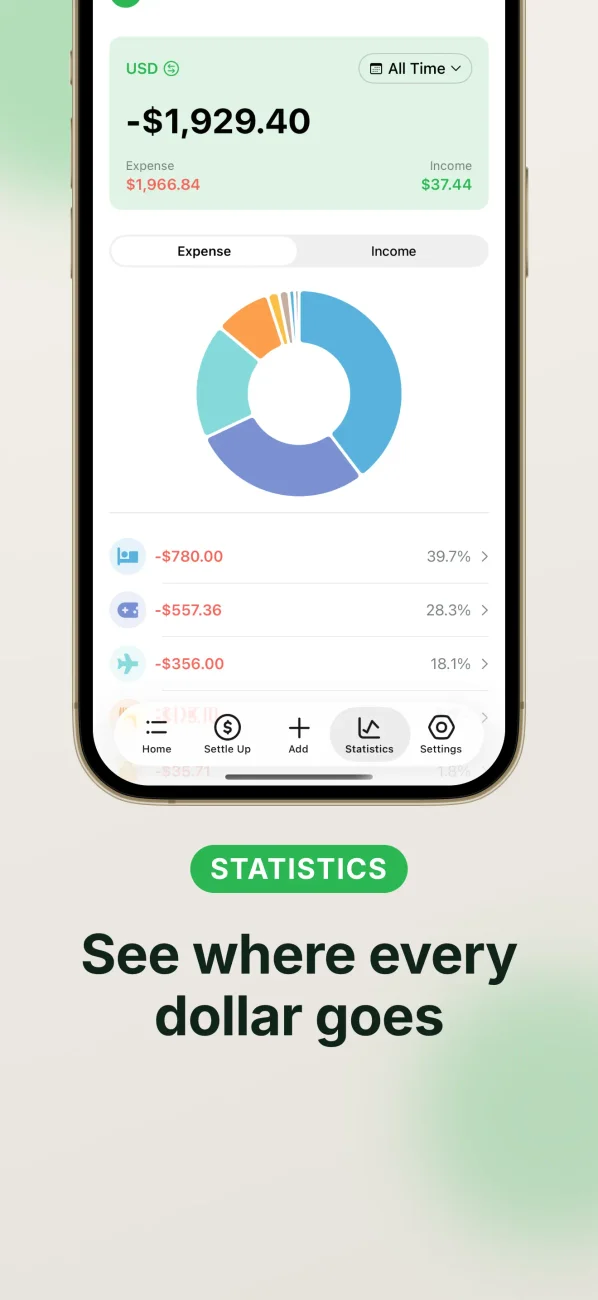
• Category charts show exactly where the group's money went
• Group budgets and personal spending limits
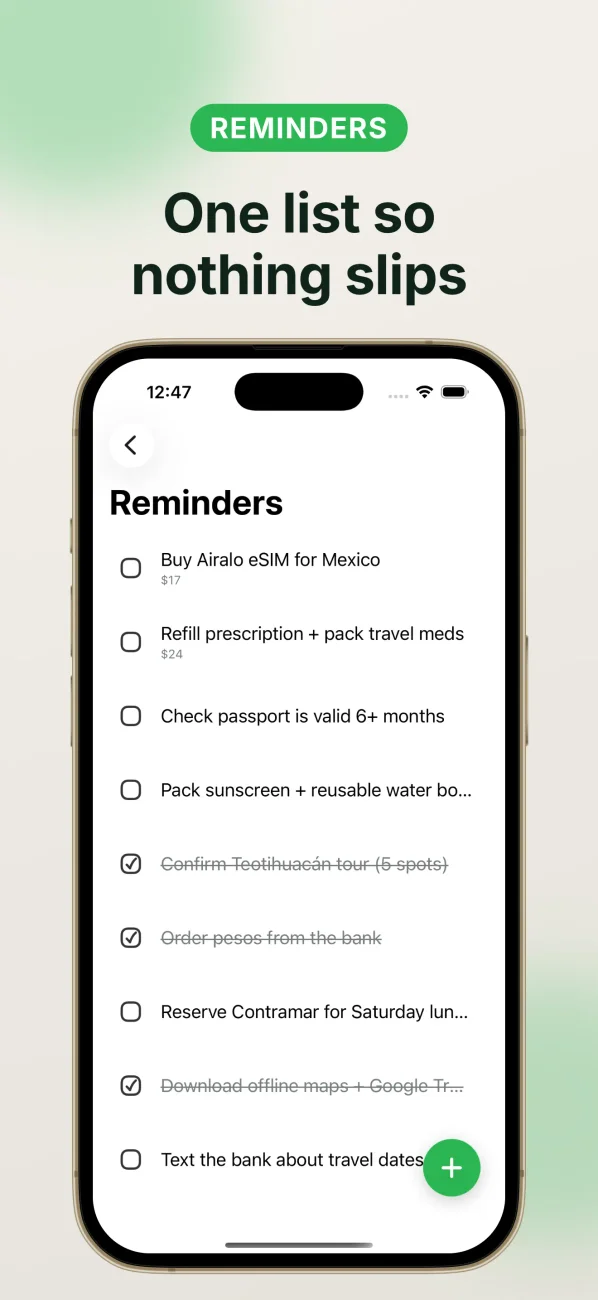
• Reminders that turn into expenses when they're done
Lightsplit Premium
Subscribe to unlock:
• An ad-free experience
• Personal statistics
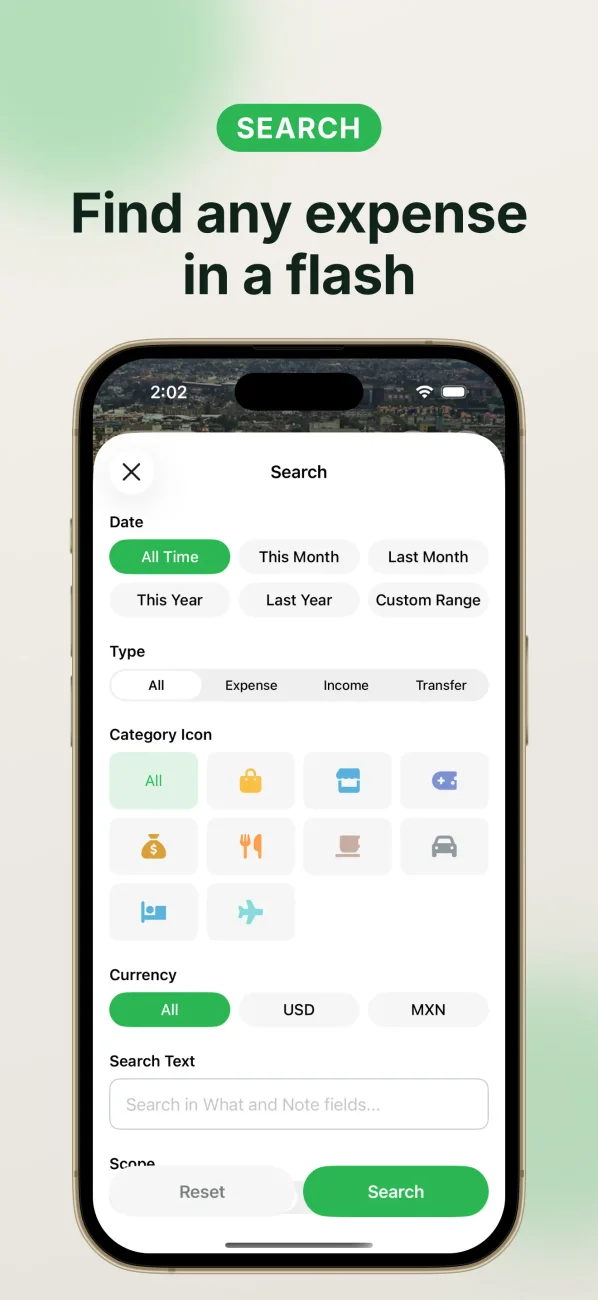
• Record search and filters
• Spreadsheet export
• Full edit history
• Unlimited records and to-dos
• A higher AI scan limit
Free to download, with limits on the free plan. Premium is an optional subscription. Create your first group and keep shared expenses clear.
Terms of Use (EULA): https://www.apple.com/legal/internet-services/itunes/dev/stdeula/
Nouveautés
Version 1.5.0 · 15/11/2026
• Group time zone: set a time zone for a group and every member sees the same dates and times, wherever they are. Trip expenses stay on the day they happened, even after you fly home. Choose it when you create a group or in Edit Group
• Fixed a crash on iOS 18 when changing an amount
Confidentialité de l’application
Ce que Ping-Hsien Chou déclare sur l’App Store au sujet du traitement des données par cette application.
-
Données établissant un lien avec vous
Peuvent être collectées et liées à votre identité.
- Informations financières
- Coordonnées
- Contenu utilisateur
- Historique de recherche
- Identifiants
-
Données n’établissant aucun lien avec vous
Peuvent être collectées, mais ne sont pas liées à votre identité.
- Données d’utilisation
- Diagnostic
Les pratiques en matière de confidentialité peuvent varier, notamment en fonction des fonctionnalités que vous utilisez ou de votre âge.
Informations
- Vendeur
- Ping-Hsien Chou
- Catégorie
- Finance
- Version
- 1.5.0
- Mis à jour
- 15/11/2026
- Publié
- 31/07/2026
- Taille
- 68,5 Mo
- Nécessite
- iOS 18.0 ou version ultérieure
- Classification d’âge
- 4+
- Prix
- Gratuit
- Achats intégrés
- Oui
- Langues
- Anglais, Japonais, Coréen, Russe, Chinois simplifié, Espagnol, Thaï, Chinois traditionnel, Vietnamien
- Copyright
- © 2026 Lightsplit