LivePocket
Concert Journal & Ticket Stubs
Conçue pour iPhone, iPad
Achats intégrés
- Classification d’âge4+
- CatégorieStyle de vie
- Développeur理洋 王
- LanguesAnglais+ 8 de plus
- Taille275,4 Mo
LivePocket n’est peut-être pas disponible sur App Store pour le moment
La fiche de la boutique était inaccessible lors de notre dernière vérification. Le lien mène toujours à la page App Store officielle.
Captures d’écran


À propos
Le développeur n’a pas fourni ce texte dans votre langue.
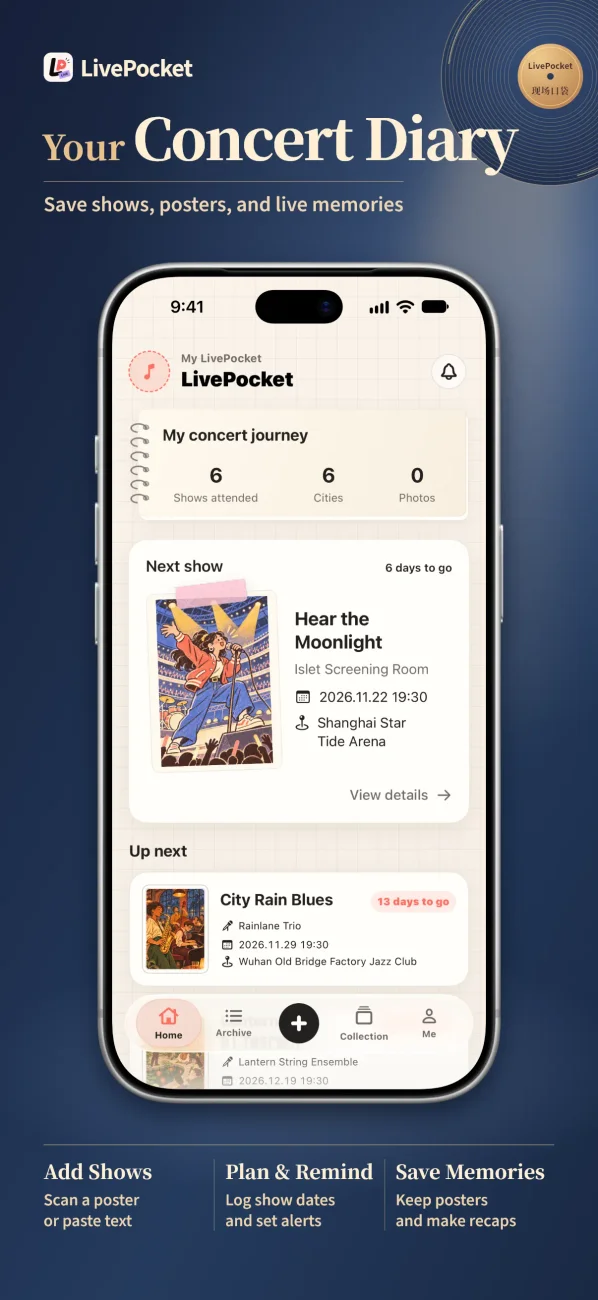
Keep a concert journal of the shows you've been to and the ones you're counting down to. Save ticket stubs, posters, setlists, and photos from concerts, festivals, and small club shows in LivePocket.
• Log a show. Add it yourself, or start with a poster or some pasted event text. Check the details before saving, then add your seat, ticket price, rating, or a note whenever you like.
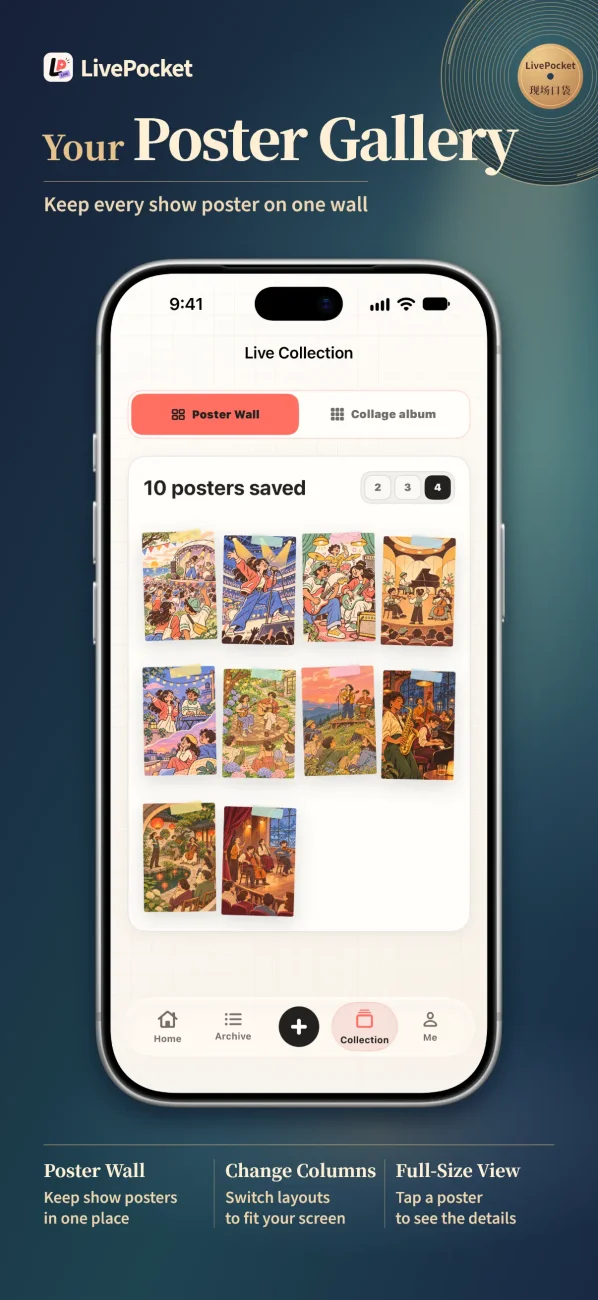
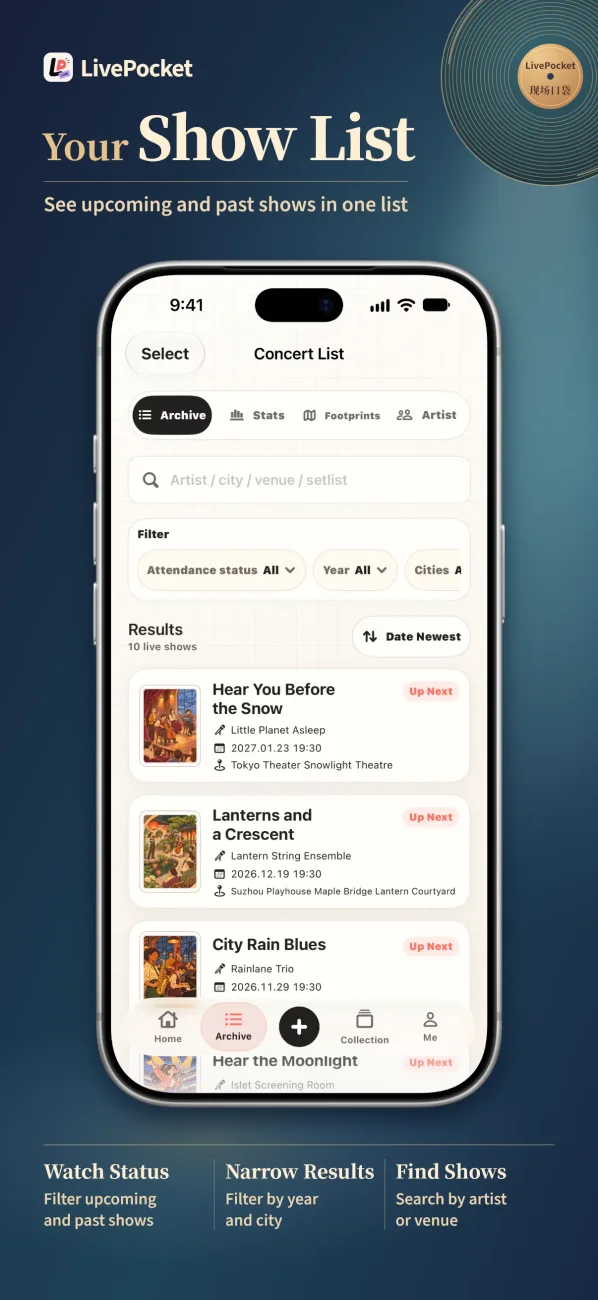
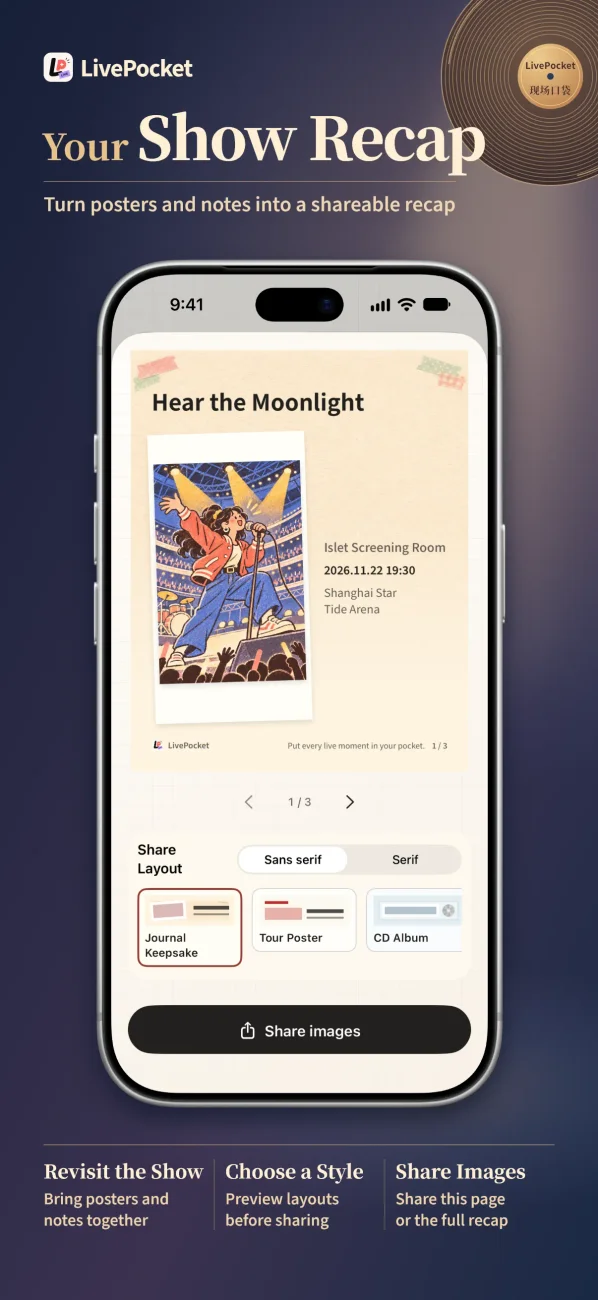
• Revisit your concert history. Browse by artist or year, flip through your poster wall, and see which cities you've visited for shows. Save or share a year-end recap of your live music.
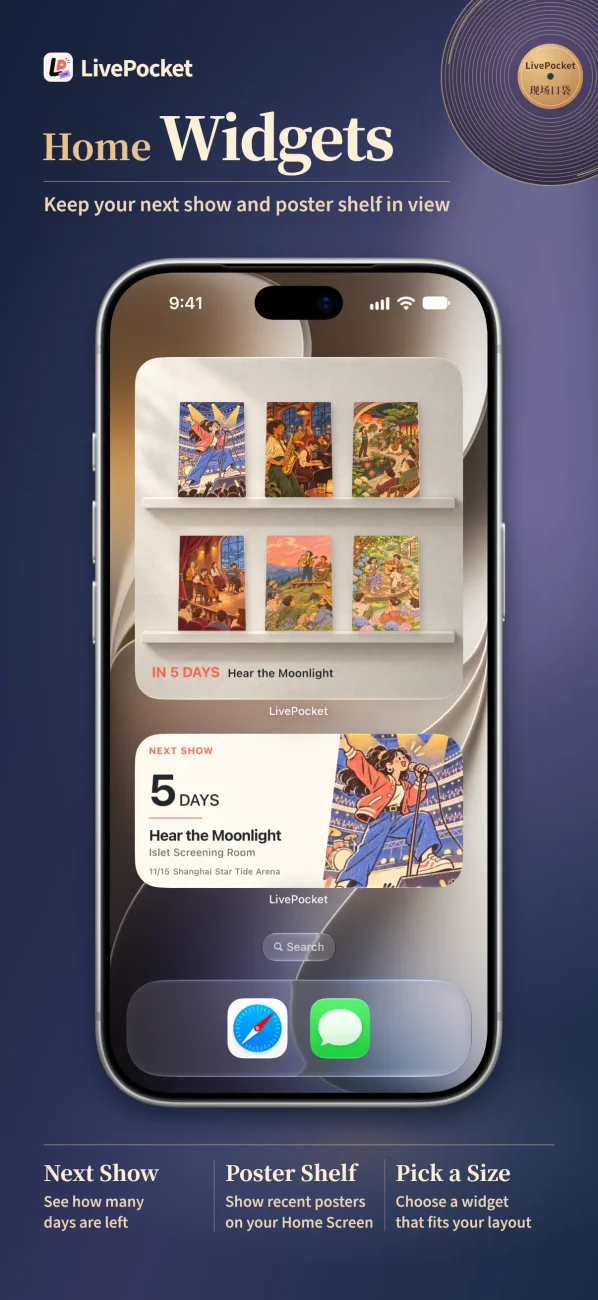
• Get ready for the next show. Keep attended, upcoming, and missed shows in separate lists. Count down on your Home Screen, set your own ticket sale reminders, or add a show to Calendar.
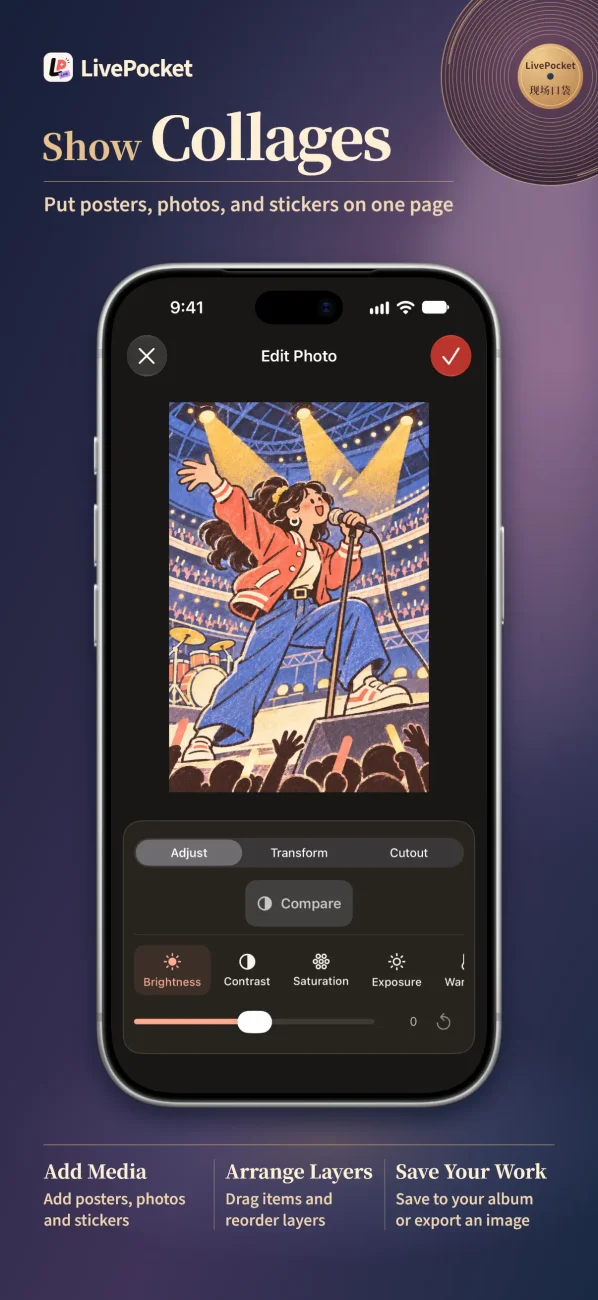
• Make a scrapbook page. Arrange ticket stubs, photos, and posters, then add stickers, text, or drawings. Save a draft or export the finished collage to Photos.
Use LivePocket on iPhone, iPad, and iPhone Duo. There's no account to create. Your records and media are stored on your device by default, with optional iCloud sync and backup export and restore. Poster and text recognition runs on device by default. On supported devices and storefronts, you can choose cloud recognition and confirm before sending anything. There are no ads or cross-app tracking.
Store up to five shows for free. Lifetime VIP is a one-time purchase that unlocks unlimited shows, the full set of collage assets, more themes and recap layouts, and the ability to restore recently deleted shows for seven days.
Nouveautés
Version 1.3.3 · 23/11/2026
• Add concerts from posters or pasted text and review the details field by field. Use Fill from source to select text and put it into the right field. You can also switch back to the original poster to compare.
• Edit show time separately. If you only know the date, save it now and add the time later.
• Recognition runs on your device by default. You can choose cloud recognition only if both your device and your App Store region support it. LivePocket asks for confirmation before sending the content you select.
• Improved recognition layouts on iPhone, iPad, and iPhone Duo, updated the user guide, and fixed a crash that could occur when opening recognition results.
Confidentialité de l’application
Ce que 理洋 王 déclare sur l’App Store au sujet du traitement des données par cette application.
-
Données non collectées
Le développeur ne collecte aucune donnée à partir de cette application.
Les pratiques en matière de confidentialité peuvent varier, notamment en fonction des fonctionnalités que vous utilisez ou de votre âge.
Informations
- Vendeur
- 理洋 王
- Catégorie
- Style de vie
- Version
- 1.3.3
- Mis à jour
- 23/11/2026
- Publié
- 13/09/2026
- Taille
- 275,4 Mo
- Nécessite
- iOS 17.0 ou version ultérieure
- Classification d’âge
- 4+
- Achats intégrés
- Oui
- Langues
- Anglais, Français, Allemand, Japonais, Coréen, Portugais, Chinois simplifié, Espagnol, Chinois traditionnel
- Copyright
- © 2026 王理洋