
Lode: Notes, Voice & Scan
Transcribe & own your files
Conçue pour iPhone, iPad
Gratuit
- Classification d’âge4+
- CatégorieProductivité
- DéveloppeurRUEI YI WU
- LanguesAnglais+ 1 de plus
- Taille5,7 Mo
Renvoie vers la page App Store officielle
Download.org n’héberge aucun fichier de Lode: Notes, Voice & Scan. Le bouton ouvre la page de l’application sur App Store, où RUEI YI WU la publie. Fiche vérifiée pour la dernière fois le 17/11/2026.
Captures d’écran
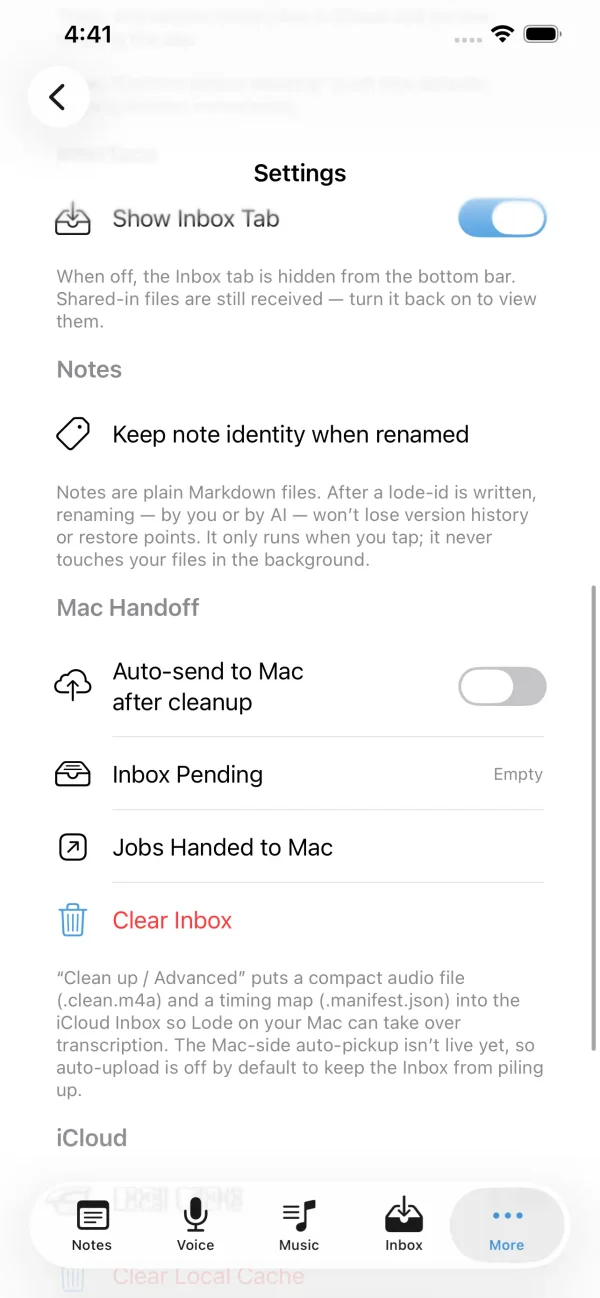
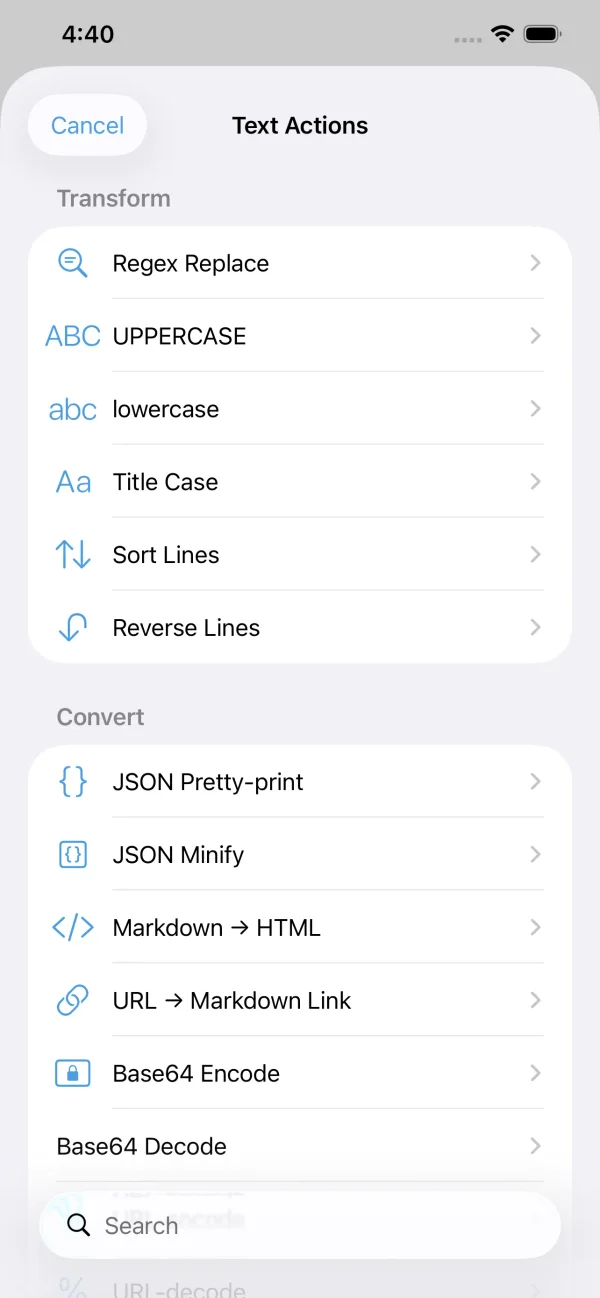
À propos
Le développeur n’a pas fourni ce texte dans votre langue.
Type a note, record a voice memo, scan a document — and every one becomes a plain, open file you own: Markdown, .m4a audio, or PDF, synced through your own iCloud. No account, no lock-in, no tracking.
CAPTURE ANYWHERE
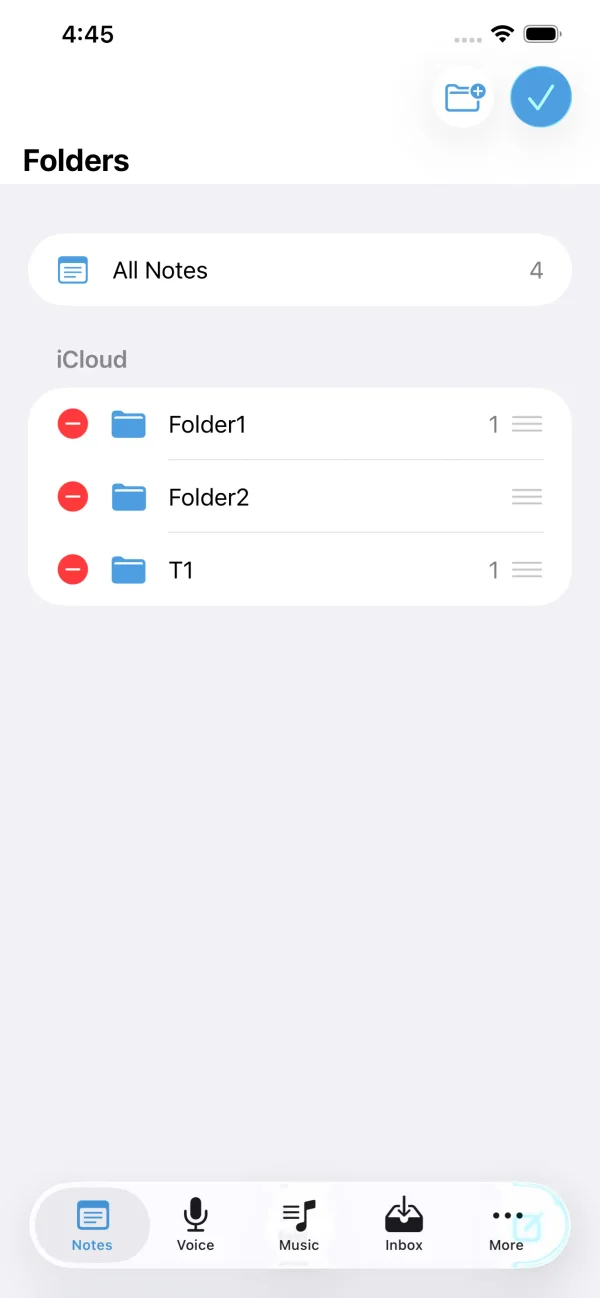
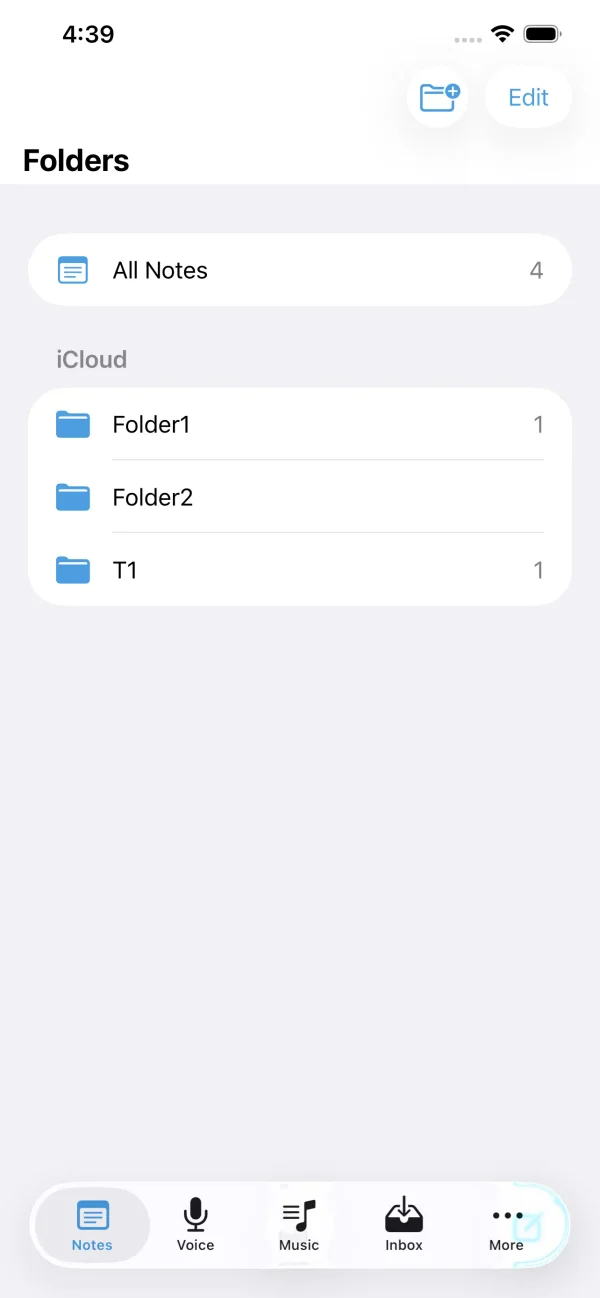
• Write Markdown notes, organized with familiar folders and #tags.
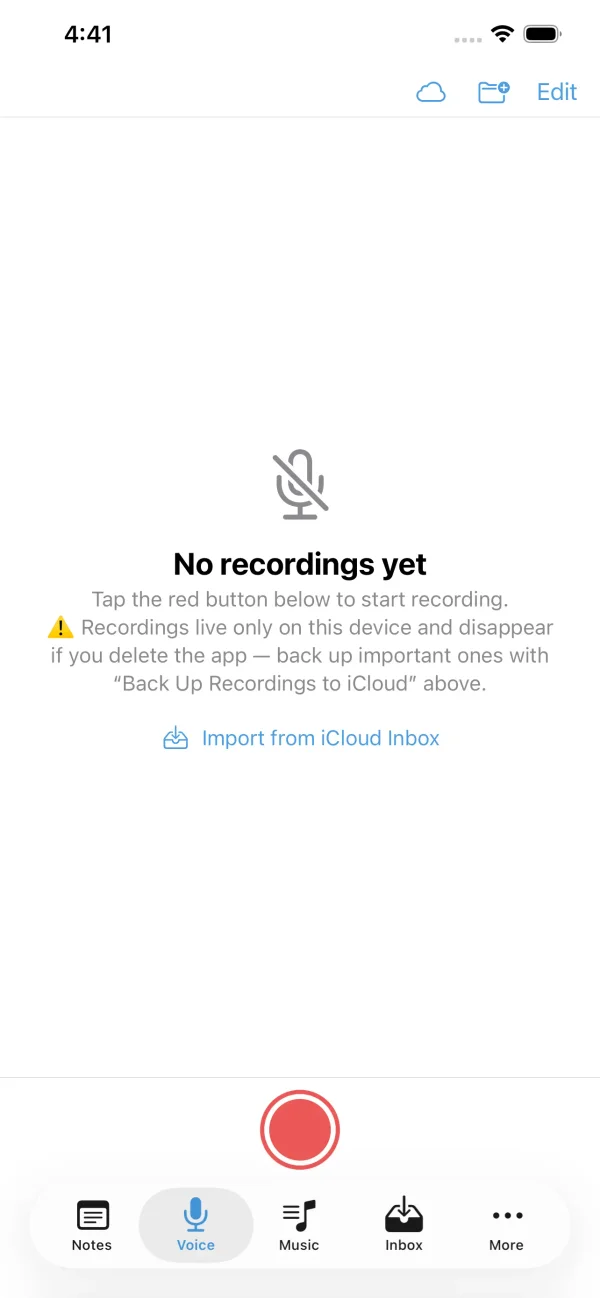
• Record voice memos and turn them into text on-device (offline, private). Timed recordings stop by themselves; weekly reminders can start a recording with one tap.
• Scan Text (OCR) or Scan Documents straight into a note as a PDF — right from the notes list.
• Add photos, videos, sketches, and any file as attachments; pick several photos at once.
• Picture folders: keep a folder of photos or screenshots, then recognize the text in every picture at once — one Markdown note per picture, on device.
• Share into Lode from Safari, Mail, Files, and more.
PLAY, LOOP & FOCUS
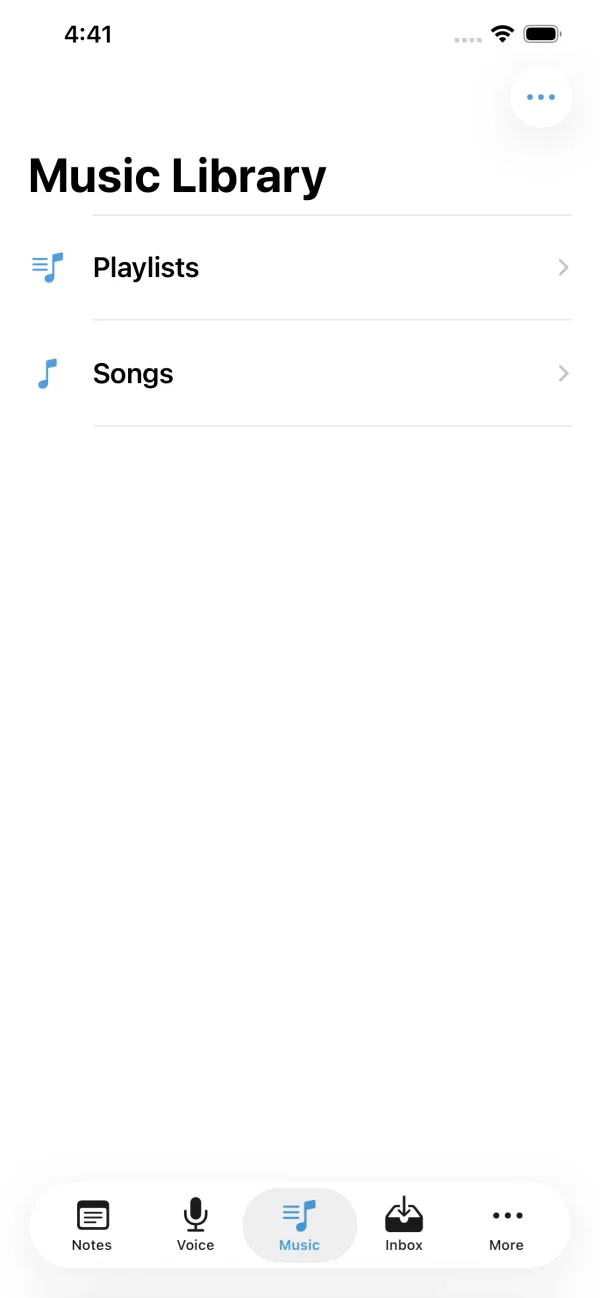
• Play your own audio and music — recordings, lectures, language lessons, podcasts — with background playback and Lock Screen / Control Center controls.
• Drop MP3s into the Lode/mp3 folder in iCloud Drive and they show up ready to play; no import step.
• A-B repeat: loop just one section of a track, perfect for language practice or learning a passage.
• Sleep timer: stop playback after a set time, or when the current track ends.
• Build playlists, shuffle, and repeat. Great for looping a listening set.
YOUR FILES, YOUR RULES
• Notes are real .md files; recordings are real .m4a; scans are real PDFs.
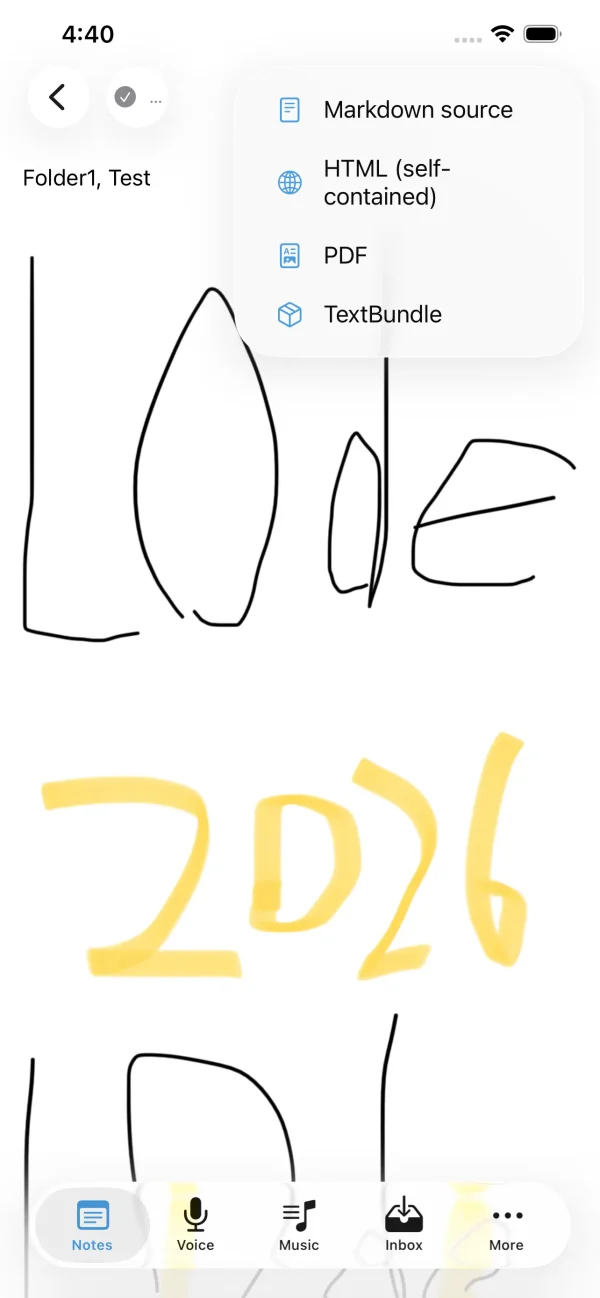
• Export any note to a self-contained HTML, PDF, or TextBundle, or share the raw Markdown.
• Stored in iCloud Drive, so they sync across your devices and survive a reinstall.
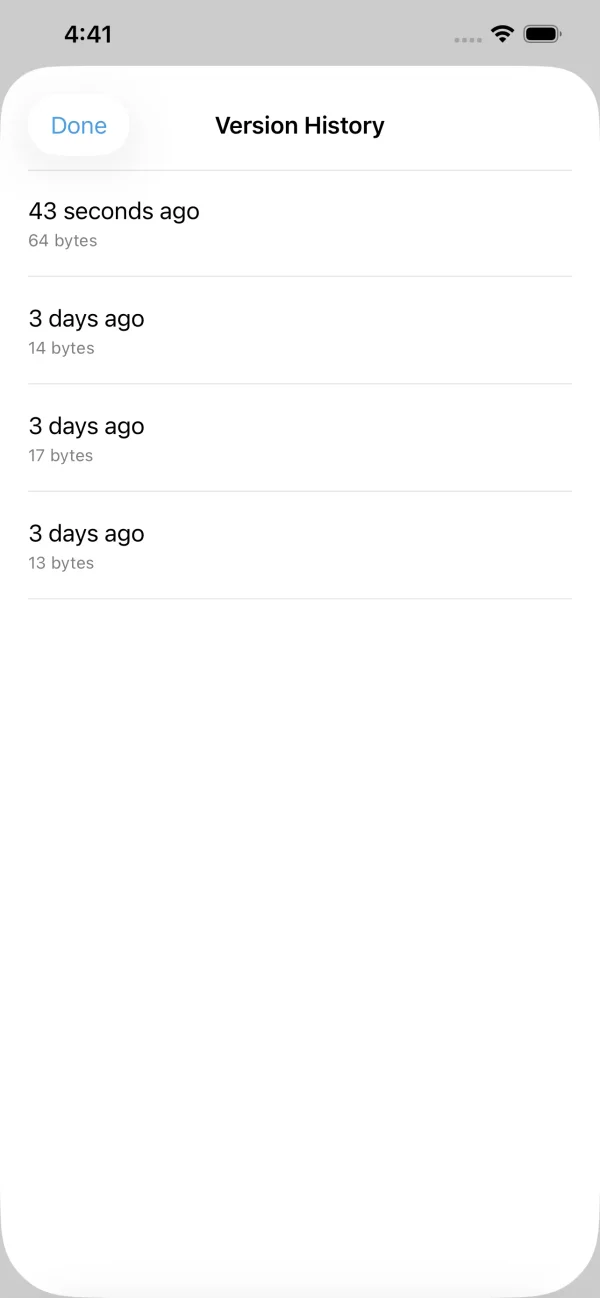
• Delete safely: notes go to a recoverable Trash, deleted recordings can be restored, and every save keeps a version history you can revert to.
BUILT FOR iPHONE AND iPAD
• On iPad: a desktop-class three-column layout (folders -> notes -> editor), keyboard shortcuts, multi-window, and drag & drop to and from other apps.
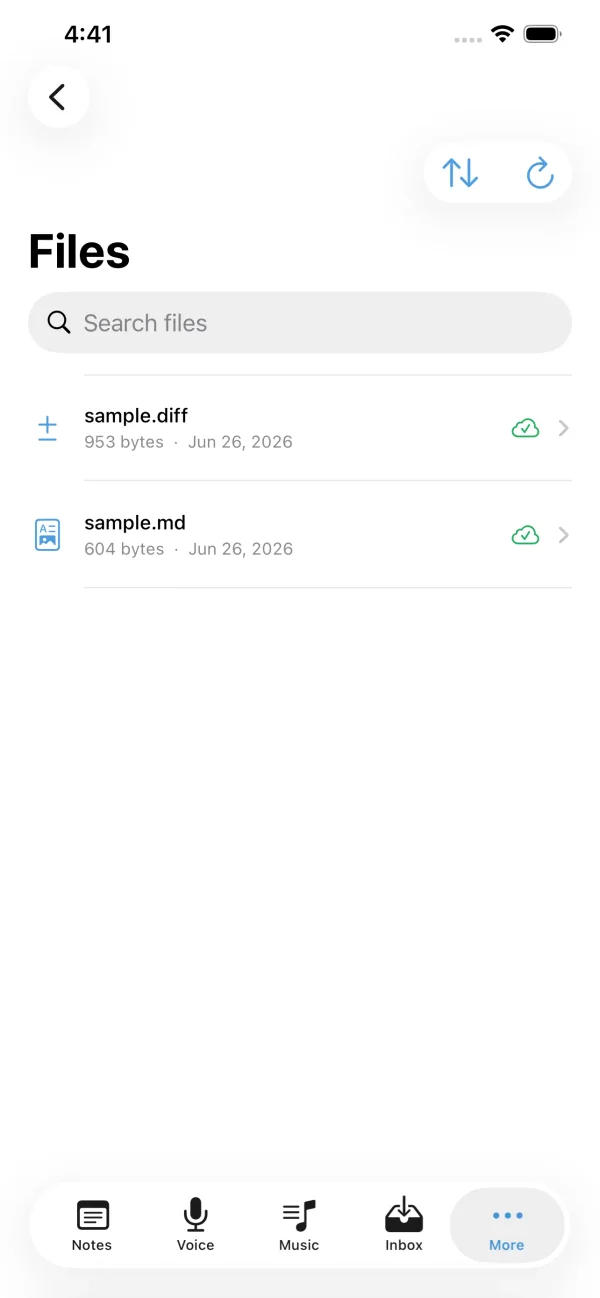
• A live Markdown preview, document outline, and side-by-side diff for comparing files.
• Viewer opens any text file in your Lode iCloud folder, even huge logs and subtitle files.
WORKS THE WAY YOU THINK
• Tags and wiki-style [[links]] connect your notes.
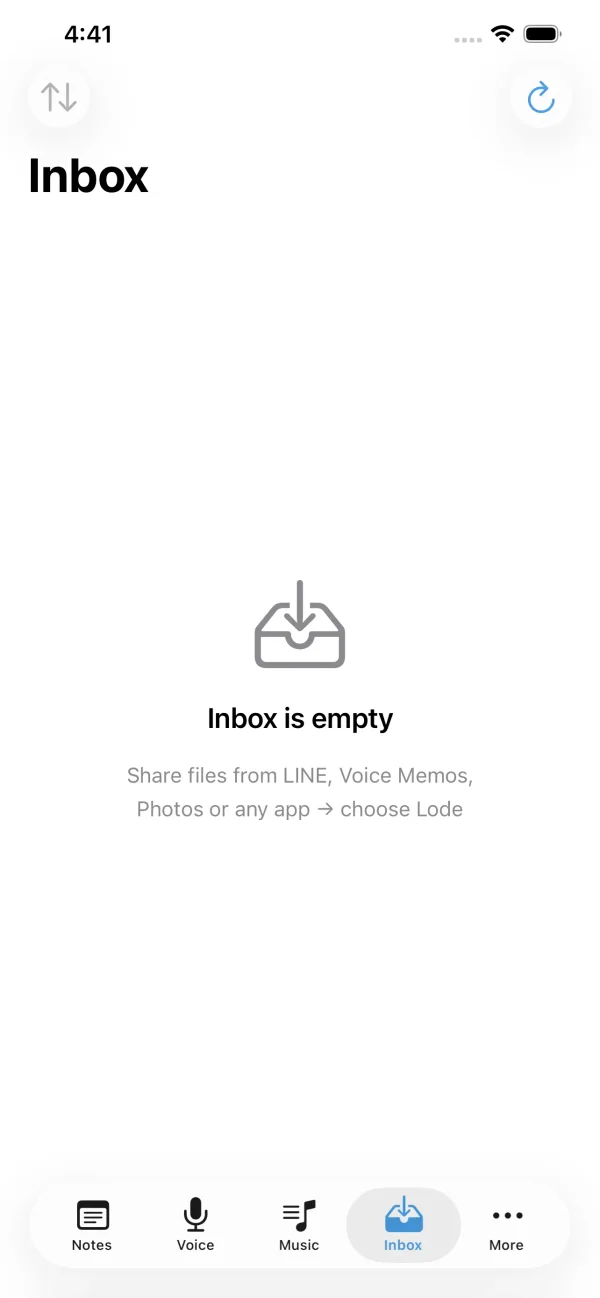
• An Inbox collects everything you share into Lode; tap to open text, subtitles, Markdown and images right there.
• Open formats mean your notes and audio are ready for any AI tool or editor you like — today and ten years from now.
PRIVATE BY DESIGN
• No account, no login, no ads, no tracking.
• Speech-to-text runs fully on-device. Your data never leaves your device unless you sync it through your own iCloud.
Lode keeps your raw material in your hands, in formats that outlast any single app.
Nouveautés
Version 1.1.20261023 · 23/10/2026
Picture folders and on-device text recognition
• Picture folders: create a folder that holds only pictures, add photos or screenshots in bulk, and browse them in a grid.
• Recognize text in every picture at once: swipe a picture folder to turn the whole folder into Markdown notes, one note per picture, with the picture's name, date and size at the end. Runs on device; only text it can read is kept.
• Scan from the notes list: Scan Text or Scan Document is now one tap away, no need to open a note first.
• Pick several photos at once when attaching to a note.
Inbox and Viewer
• Inbox: tap a shared file to open it right there: text, subtitles (.srt, .vtt), Markdown, images and diffs. Files added on your other devices show up too and download with a tap.
• Moving audio from Inbox to Voice now converts it to .m4a and puts it in your recordings list.
• The Files tab is now called Viewer. It opens any text file in your Lode iCloud folder, including subtitles and large logs.
• Fixes for deleting and moving files in Inbox and Voice.
Music and Voice
• Music can play MP3s straight from the Lode/mp3 folder in iCloud Drive, including subfolders. No import needed.
• Playback remembers where you were: the queue, the track and the tab come back after a restart.
• Loop is on by default and can be turned off; switching between in-order and shuffle keeps the current song playing; every playlist has a sleep timer.
• Recordings name themselves from the first words you say; timed recordings stop on their own; optional auto-transcription after each recording.
• Weekly recording reminders: one tap on the notification starts recording.
• Swipe a recording to rename it; export a recording together with its transcript.
Everyday polish
• A short welcome on first launch and a sample note to start from.
• Note list shows date and size on one line; swipe for full details.
• Clearer empty screens, more of the interface translated, and the free-tier file limit is off in this version.
• Ready for iOS 27 and iPhone Duo: the layout follows the screen as the phone opens and closes.
Confidentialité de l’application
Ce que RUEI YI WU déclare sur l’App Store au sujet du traitement des données par cette application.
-
Données non collectées
Le développeur ne collecte aucune donnée à partir de cette application.
Les pratiques en matière de confidentialité peuvent varier, notamment en fonction des fonctionnalités que vous utilisez ou de votre âge.
Informations
- Vendeur
- RUEI YI WU
- Catégorie
- Productivité
- Version
- 1.1.20261023
- Mis à jour
- 23/10/2026
- Publié
- 01/07/2026
- Taille
- 5,7 Mo
- Nécessite
- iOS 17.0 ou version ultérieure
- Classification d’âge
- 4+
- Prix
- Gratuit
- Langues
- Anglais, Chinois traditionnel
- Copyright
- © 2026 WU, RUEI-YI
Vous aimerez peut-être aussi
-
 FieldProof Rapport de chantierRéserves & photos annotées
-
 ChatExport - IA vers DocsTransformez vos chats GPT
-
 DSFile StationFichiers pour NAS Synology
-
 File DoctorProductivité
-
 Fello AI: Chat Bot IA FrançaisBasé sur GPT, Claude, Grok
-
 Morpholio Journal - SketchbookConcevoir, croquis, collecter.
-
 WebWatch : Monitoring site webAlertes Prix et Changements
-
 NWS MobileProductivité
-
 WebID WalletProductivité
-
 Scanner Mini – Scanner et FaxScanner de documents, photos