- Classification d’âge4+
- CatégorieGraphisme et design
- DéveloppeurLeonardo Amora
- LanguesAnglais+ 3 de plus
- Taille47,6 Mo
Renvoie vers la page App Store officielle
Download.org n’héberge aucun fichier de LowPoly 3D Modeling. Le bouton ouvre la page de l’application sur App Store, où Leonardo Amora la publie. Fiche vérifiée pour la dernière fois le 25/11/2026.
Captures d’écran


À propos
Le développeur n’a pas fourni ce texte dans votre langue.
The 3D studio that fits in your bag. And works on a Mac too! :D :D
LowPoly brings real 3D modeling and animation to iPad and Mac, with the fluidity you already love from drawing. Your finger navigates, the Apple Pencil builds. It is the Procreate feel applied to lowpoly 3D: direct, tactile and fast.
Draw it, build it
Sketch a line and watch it become geometry. Spin a profile on the Lathe for vases, bottles, wheels and chess pieces, or add pitch and turns for springs and spiral staircases. Draw a closed outline and pull it into thickness for logos, signs and gears. Draw a floor plan and raise real walls, with thickness, mitered corners and magnetic nodes. Freehand with the Pencil, then drag the nodes until it is exactly right. Every shape stays editable, so you can reopen the drawing that made it.
Already have the artwork? Import SVG, PDF, AI, EPS, DXF and PLT from Files or the clipboard, and it becomes a model.
Sculpt it for real
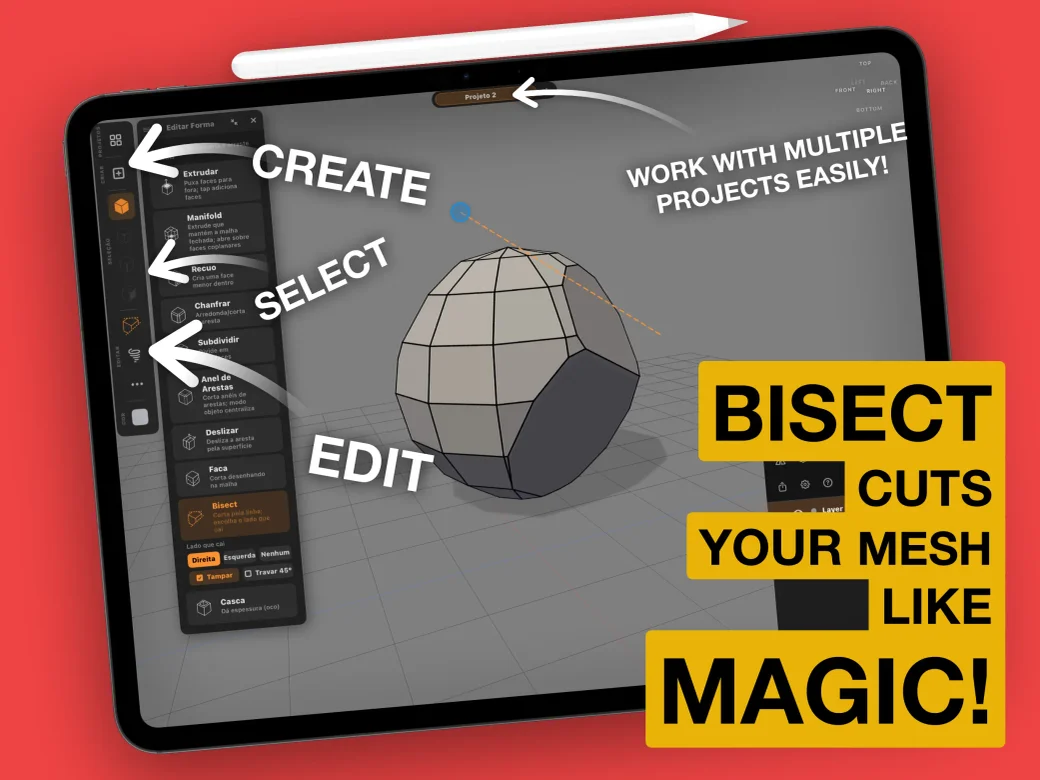
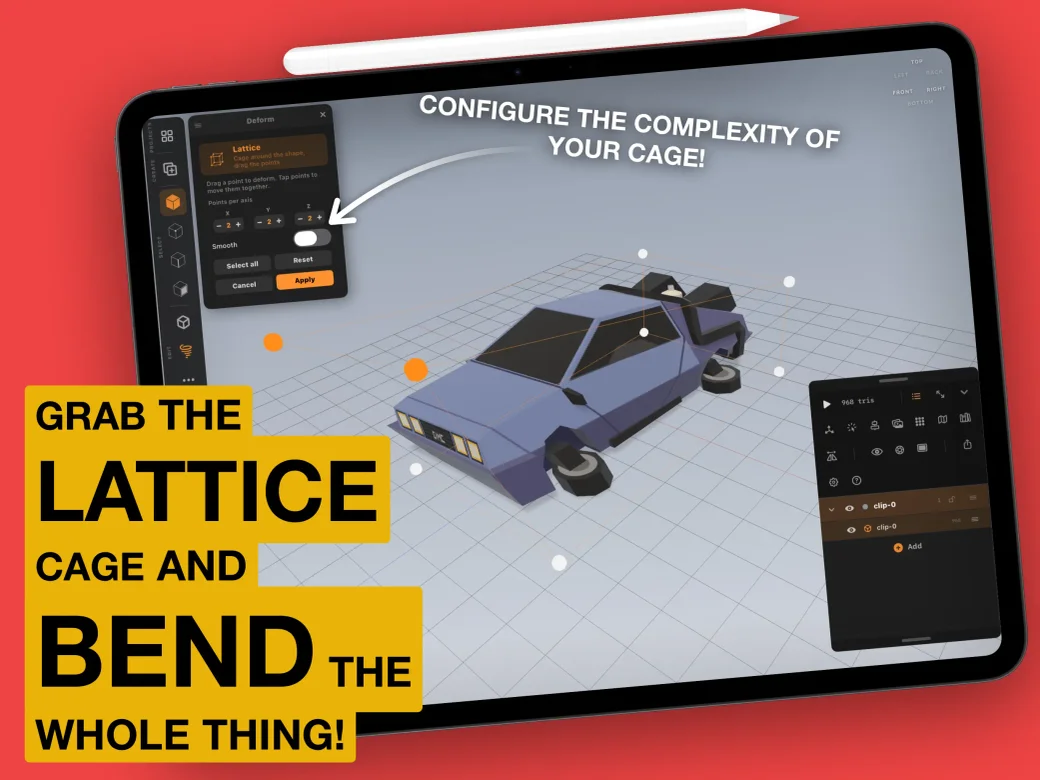
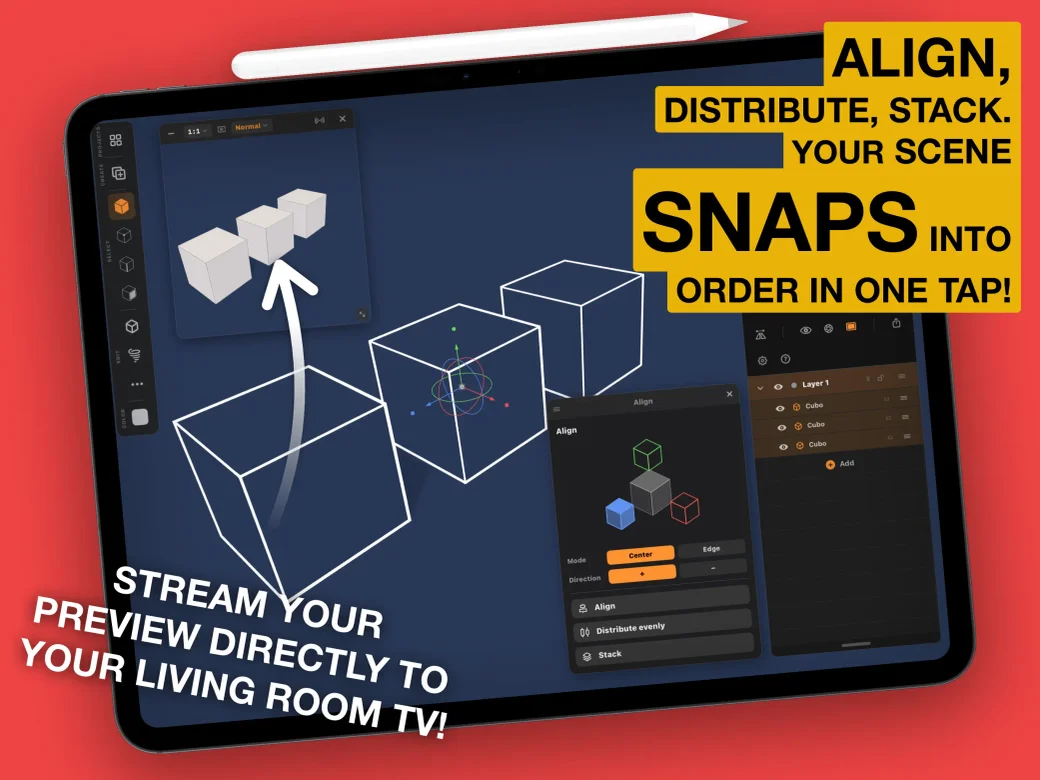
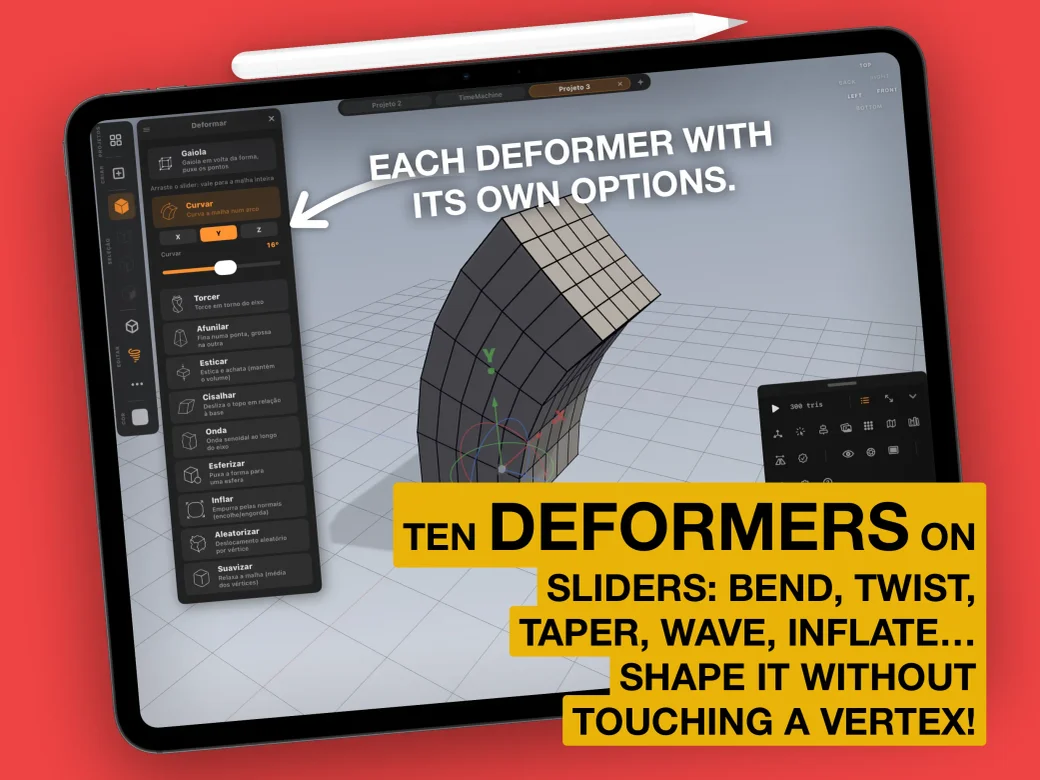
Start from a primitive and go: extrude, inset, bevel, subdivide, edge loop, slide, a knife that cuts as you draw, shell for thickness, boolean to merge and carve, bridge, live symmetry and smoothing groups. Bend, twist, taper and inflate the whole shape, or grab a lattice cage and push it around. A complete modeling kit with nothing buried in menus.
Give it bones
Draw a skeleton inside your model, bind it and pose it with IK and handy rings. Or start from a ready-made character: the Mannequin, male or female, and a husky Quadruped, both shaped with sliders and rigged in one tap. Then pick from hundreds of ready-made animations, or bring your own in FBX, BVH or glTF, Mixamo included, and watch your character walk, run and jump.
Animate it
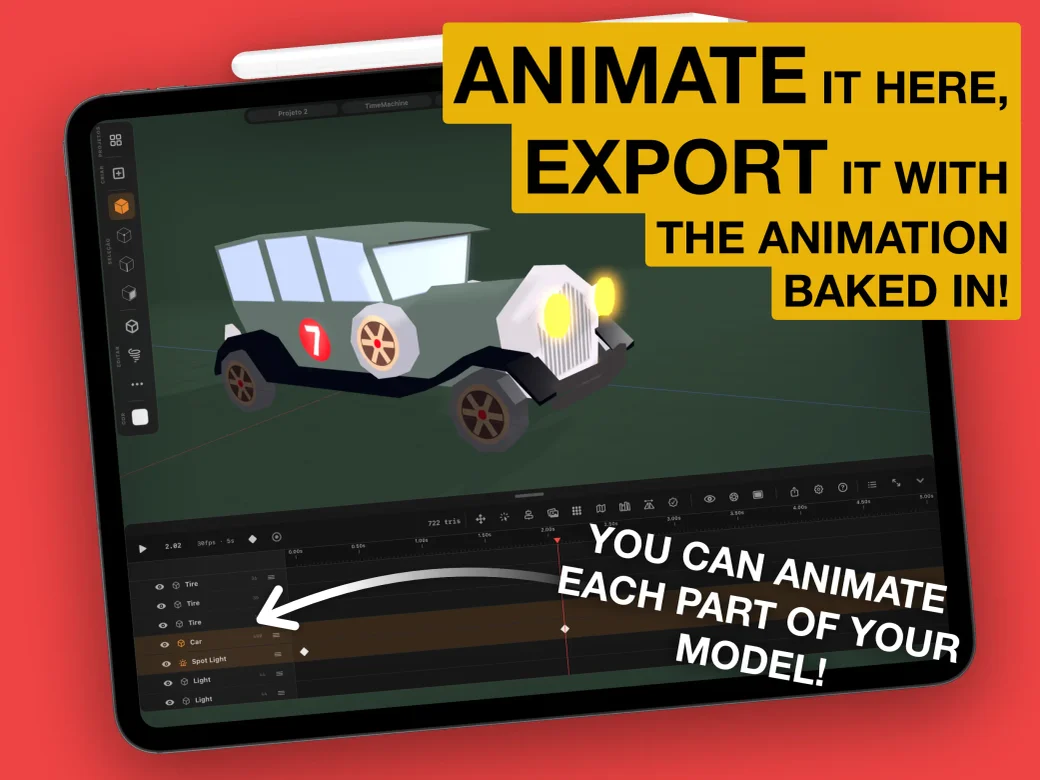
A real keyframe timeline, right under the model, in seconds and frames. Animate position, rotation, scale, visibility, bones and even the deformers. Loop a piece or a whole layer, stretch part of the animation with handles, and animate a camera with its lens and lights that change like a sunset. Set easing per keyframe, choose your frame rate and duration, and scrub with the model moving live. Then export the animation with its skeleton to GLB or FBX for Unity and Blender, as a video, or as a PNG sequence with alpha to composite anywhere.
Bring your model to life
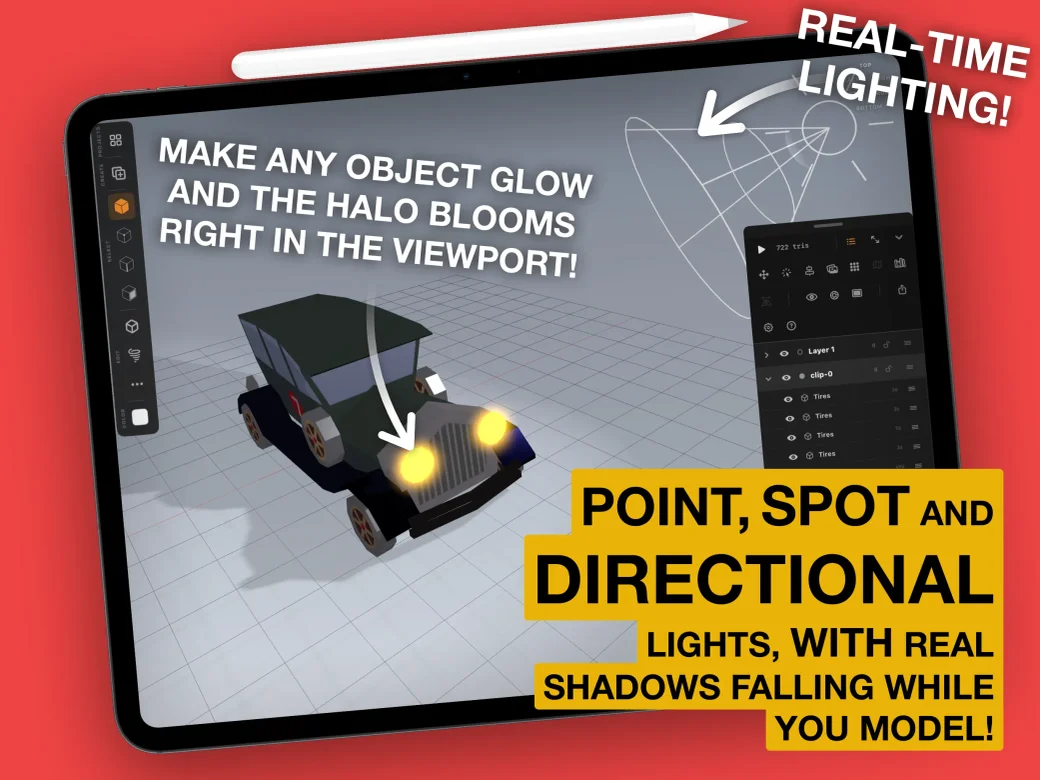
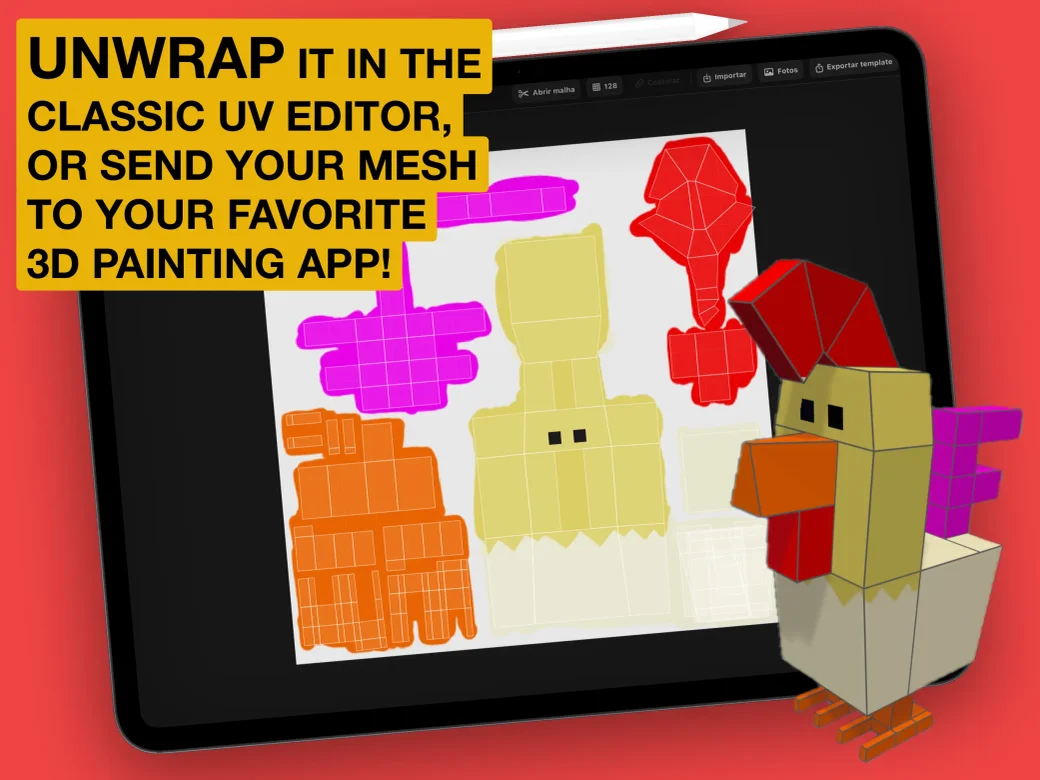
Ten materials, from metal and glass to wood, stone and fur, with your own textures. Paint per face or open the UV and take the texture to your favorite painting app. Flip on Cartoon mode for instant outlines, flat shading and a studio shadow, or bake ambient occlusion for depth.
Print it
Slice right here, send it over the network to Bambu Lab, OctoPrint, Klipper or PrusaLink, and watch the job from the app: progress, time left and temperatures, live.
Export anywhere
GLB and FBX with skeleton and animation for engines and AR, OBJ and 3DS for other software, STL in millimeters for 3D printing, and a 9:16 video, turntable or your animation, ready to post. Share your best work in the Community gallery, right inside the app.
No forced cloud. No subscription. Your model, your control.
Download it and turn your next idea into a model right now.
Maximum effort!
Nouveautés
Version 2.1 · 24/11/2026
FOLLOW THE PATH
NEW
• Path: draw a 3D line with straight or curved segments and put your model on it. Animate a piece along the path, repeat copies down it, or extrude a shape along it to build rails and pipes.
• Tank tracks and chains: repeat a piece around a closed path, animate the first one, and the whole row runs. In the layers the row is a single line with its count.
• Groups follow paths too: animate or repeat a whole layer, with everything inside it.
• Cars take the curve: a piece rides the path on two points, like the axles of a vehicle.
• Freehand strokes now become smooth curves with far fewer points.
• Animate a whole group: a layer can have its own keyframes, and everything inside follows, with loop, easing and stretching.
• Squash and stretch several pieces at once: with more than one selected, the whole set squashes as a single body.
• Copy, paste and duplicate keyframes, with the buttons in the timeline header or Command C, V and D.
• Select several keyframes with Shift, a resting finger, or the lasso.
• Loop a set number of times, from 2x to 8x, instead of forever.
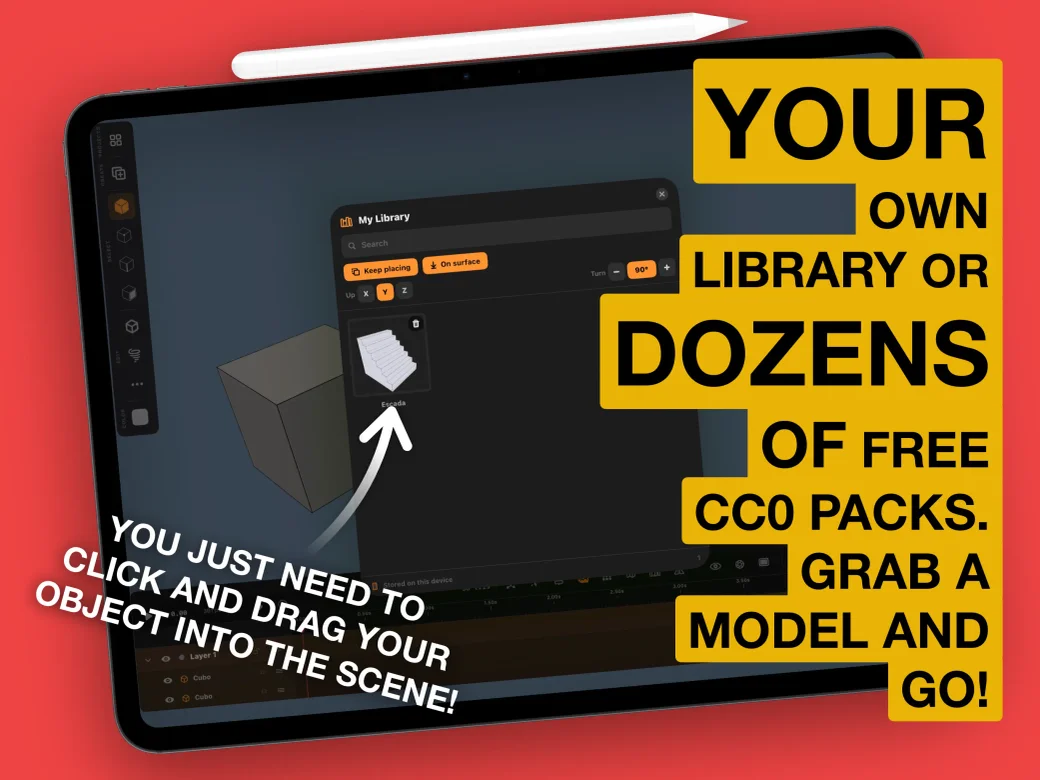
• Model library: 27 packs and 2,445 free 3D models inside the app, ready to place even offline.
• Export a MOV with alpha and pick any background color, for compositing in other apps.
• Torus is back in Basic shapes, with segments, tube sides, thickness and angle.
• The app now speaks Simplified Chinese and Spanish.
• A fourth tutorial chapter, Paths: 20 lessons, tank track included.
CHANGES
• The Sketch section of Create is now called Paths.
• Tapping a shape in Create places it right away, at the standard size and selected.
• A new drawing starts facing the way you are looking: from the top view, you draw on the floor.
• The timeline header fits on one line again.
FIXES
• Exporting in OBJ, FBX or 3DS on iPad offered to save the textures as photos and hid the model. Now the model and its textures arrive together in a single zip.
• The invisible shadow floor no longer hides paths and sketch lines at or below ground level.
• Tapping right next to a selected point now places a new point instead of grabbing its gizmo.
• Tutorial chapters start from a clean scene.
Maximum effort!
Confidentialité de l’application
Ce que Leonardo Amora déclare sur l’App Store au sujet du traitement des données par cette application.
-
Données établissant un lien avec vous
Peuvent être collectées et liées à votre identité.
- Contenu utilisateur
- Identifiants
- Autres données
Les pratiques en matière de confidentialité peuvent varier, notamment en fonction des fonctionnalités que vous utilisez ou de votre âge.
Informations
- Vendeur
- Leonardo Amora
- Catégorie
- Graphisme et design
- Version
- 2.1
- Mis à jour
- 24/11/2026
- Publié
- 16/07/2026
- Taille
- 47,6 Mo
- Nécessite
- iOS 17.0 ou version ultérieure
- Classification d’âge
- 4+
- Prix
- 14,99 €
- Langues
- Anglais, Portugais, Chinois simplifié, Espagnol
- Copyright
- © Leonardo Amora Leite
Vous aimerez peut-être aussi
-
 Paper: 3D Drawing StudioGraphisme et design
-
 ZPixitGraphisme et design
-
 Poligon: Pixel Art & Low PolyGraphisme et design
-
 FormWright 3DGraphisme et design
-
 Qwartz3D low poly et pixel art
-
 Denrim: ForgeGraphisme et design
-
 Konjur3DGraphisme et design
-
 LUNE 2D AnimationGraphisme et design
-
 WaxGraphisme et design
-
 Plastic - 3D ModelingGraphisme et design