Luxecast
Teleprompter that follows you
Conçue pour iPhone, iPad
Achats intégrés
- Classification d’âge4+
- CatégoriePhoto et vidéo
- DéveloppeurWoods Labs LLC
- LanguesAnglais
- Taille2,2 Mo
Luxecast n’est peut-être pas disponible sur App Store pour le moment
La fiche de la boutique était inaccessible lors de notre dernière vérification. Le lien mène toujours à la page App Store officielle.
Captures d’écran



À propos
Le développeur n’a pas fourni ce texte dans votre langue.
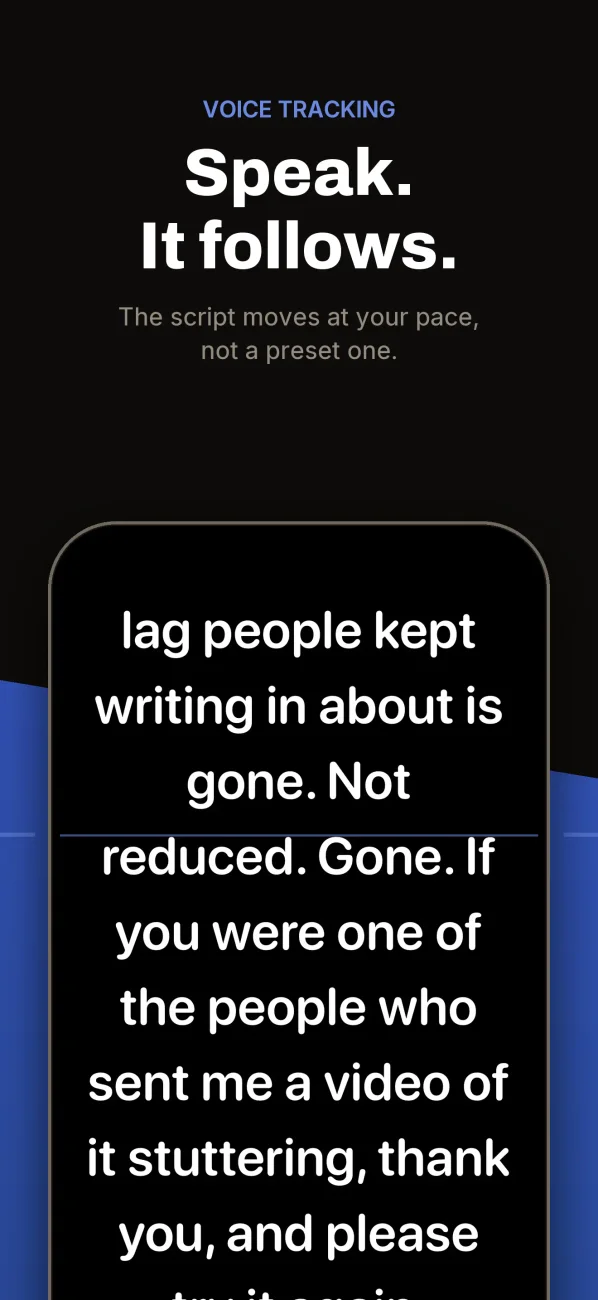
A teleprompter that reads at your pace, not the other way around.
Start reading and the script follows your voice — pause, restart, or
change speed, and it stays with you. When tracking drifts, drag the text
to the line you're on and carry on; recording picks up from there.
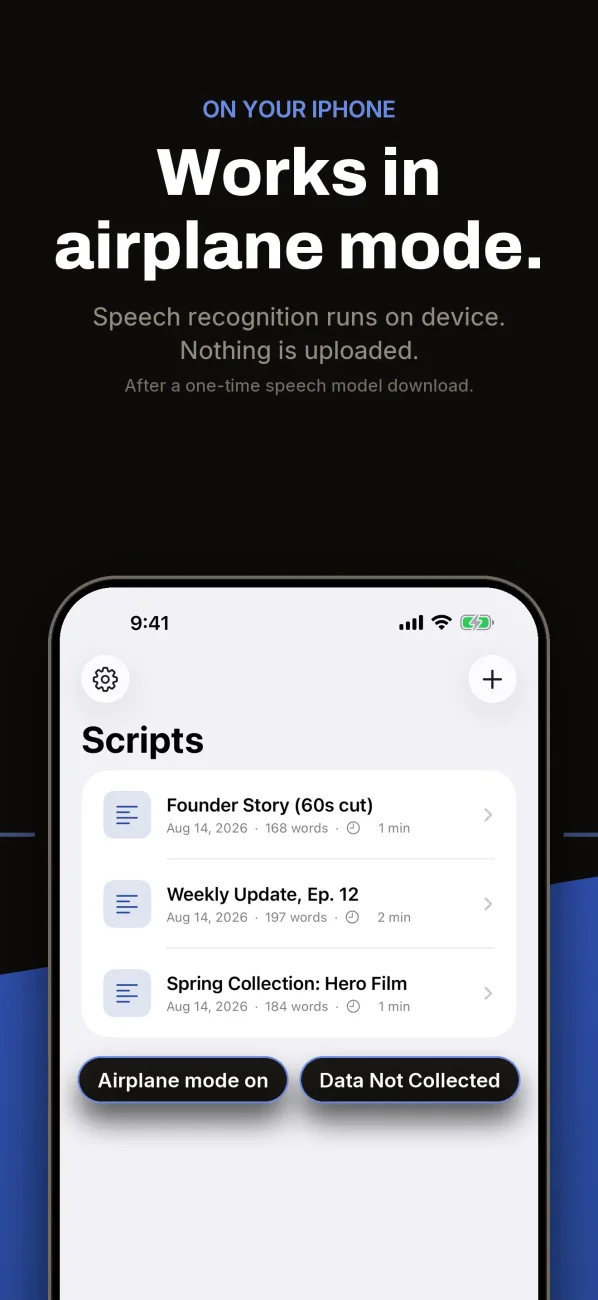
The speech recognition runs entirely on your iPhone. No audio and no
transcript is uploaded, there is no account to create, and the App Store
privacy label reads Data Not Collected. That is architecture, not a
setting you have to find.
Recognition is biased toward your script. A teleprompter already knows
what you are about to say, which most speech interfaces don't — and it
shows on names, places and technical words. It listens in the language
the script is written in, and you can change that per script.
RECORD WHILE YOU READ
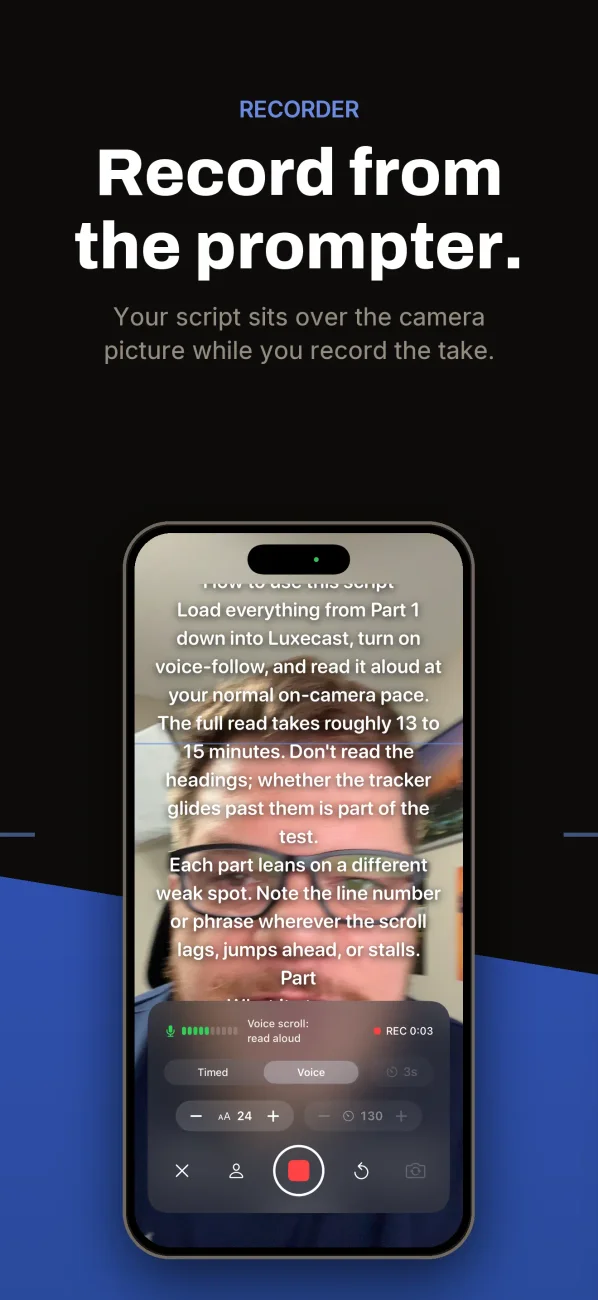
Film with the prompter over the camera feed, so your eyes stay on the
lens. Voice tracking works while recording, not only while rehearsing.
A countdown gives you a beat before it starts.
BUILT FOR A REAL SETUP
A true-black reading surface, designed so it doesn't reflect back into a
beam splitter. Mirror the text horizontally, vertically, or both for a
rig. Set your own size, speed and reading position, and the app
remembers them per script.
WITHOUT PRO
As many scripts as you write, with voice tracking, recording, mirroring
and every prompter setting. Two limits: recordings export with a
watermark, and your scripts stay on the device you wrote them on.
Nothing you write is ever deleted.
LUXECAST PRO
• Exports without the watermark — including everything you have ALREADY
recorded, because takes are stored clean and the mark is added at
export
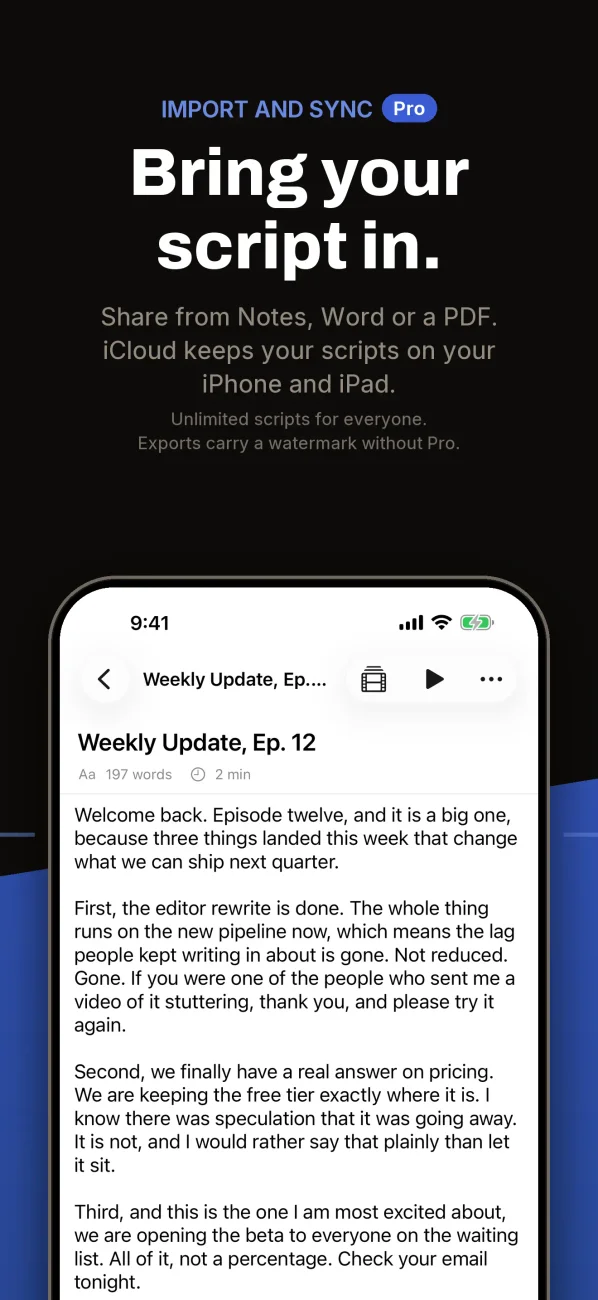
• Your scripts on your iPhone and iPad, through your own iCloud
• Scripts shared in from Notes, Pages and Mail, and Word files and PDFs
opened directly
Three ways to get it: $14.99 a month; $89.99 a year, starting with 7
days free for new subscribers; or $199.99 once, with nothing to renew
and the Pro updates that come after it included. In some countries the
annual plan can also be paid monthly over a 12-month commitment; the App
Store shows the monthly amount, the total and the terms before you
subscribe.
$89.99 a year and $199.99 once are founding prices, open until
31 December 2027. Subscribe to the annual plan by then and that price
holds for as long as the subscription stays active.
Video files stay on the device that recorded them. Scripts sync; footage
is too large to move through iCloud, and we would rather say so than let
you discover it.
Luxecast Pro Monthly and Luxecast Pro Annual are auto-renewing
subscriptions.
• Monthly — $14.99 per month
• Annual — $89.99 per year, after a 7-day free trial for new subscribers
Payment is charged to your Apple Account at confirmation of purchase, or
when the free trial ends. A subscription renews automatically unless
cancelled at least 24 hours before the end of the current period. Manage
or cancel in your Apple Account settings. Buying Pro once does not
cancel a subscription; cancel it there too. Prices are in US dollars and
vary by country.
Terms of Use (EULA):
https://www.apple.com/legal/internet-services/itunes/dev/stdeula/
Additional terms: https://luxecast.app/terms
Privacy Policy: https://luxecast.app/privacy
Nouveautés
Version 1.4 · 18/11/2026
Read from a rear monitor. Plug in a monitor that mirrors your iPhone and Luxecast offers a layout made for it: the back camera on you, large text that reads over your picture, a longer countdown, and controls that step aside while you record. The rear-monitor layout is part of Luxecast Pro.
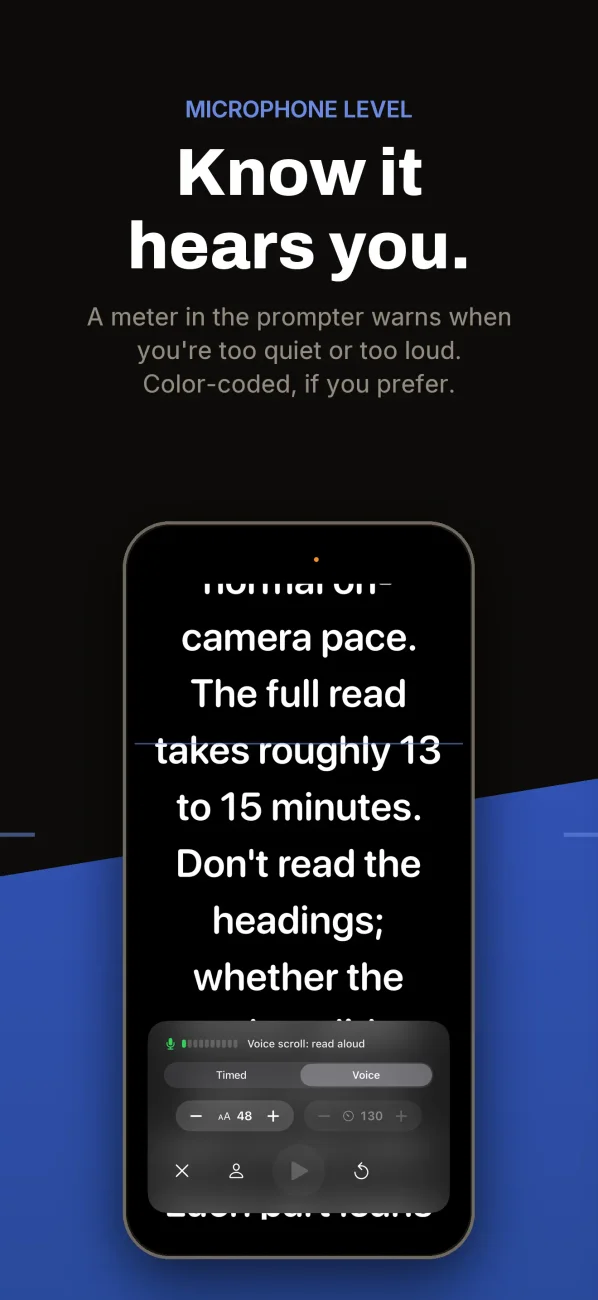
See that your mic is hearing you. A level meter in the prompter warns when you're too quiet or too loud, and can stay at the top of the screen when you hide the controls. Turn on color-coded levels in Settings for green, yellow and red.
Prefer a plain black background while you record? You can now hide the camera preview behind your script in Settings.
Confidentialité de l’application
Ce que Woods Labs LLC déclare sur l’App Store au sujet du traitement des données par cette application.
-
Données non collectées
Le développeur ne collecte aucune donnée à partir de cette application.
Les pratiques en matière de confidentialité peuvent varier, notamment en fonction des fonctionnalités que vous utilisez ou de votre âge.
Informations
- Vendeur
- Woods Labs LLC
- Catégorie
- Photo et vidéo
- Version
- 1.4
- Mis à jour
- 18/11/2026
- Publié
- 23/09/2026
- Taille
- 2,2 Mo
- Nécessite
- iOS 26.0 ou version ultérieure
- Classification d’âge
- 4+
- Achats intégrés
- Oui
- Langues
- Anglais
- Copyright
- © 2026, Woods Labs LLC
Vous aimerez peut-être aussi
-
 Téléprompteur : Sous-titres IADéfilement auto & Sync vocale
-
 TeleSmart PrompterPhoto et vidéo
-
 FastPrompterPhoto et vidéo
-
 EditoryPhoto et vidéo
-
 ReactifyPhoto et vidéo
-
 Teleprompter: Video ScriptPhoto et vidéo
-
 Script Prompter: TeleprompterPhoto et vidéo
-
 ReadCam PrompterPhoto et vidéo
-
 SuperPrompterCaméra et téléprompteur