- Classification d’âge4+
- CatégorieUtilitaires
- DéveloppeurRESUL SILAY
- LanguesAnglais+ 1 de plus
- Taille51,4 Mo
Renvoie vers la page App Store officielle
Download.org n’héberge aucun fichier de Macropad Studio. Le bouton ouvre la page de l’application sur App Store, où RESUL SILAY la publie. Fiche vérifiée pour la dernière fois le 12/11/2026.
Captures d’écran
À propos
Le développeur n’a pas fourni ce texte dans votre langue.
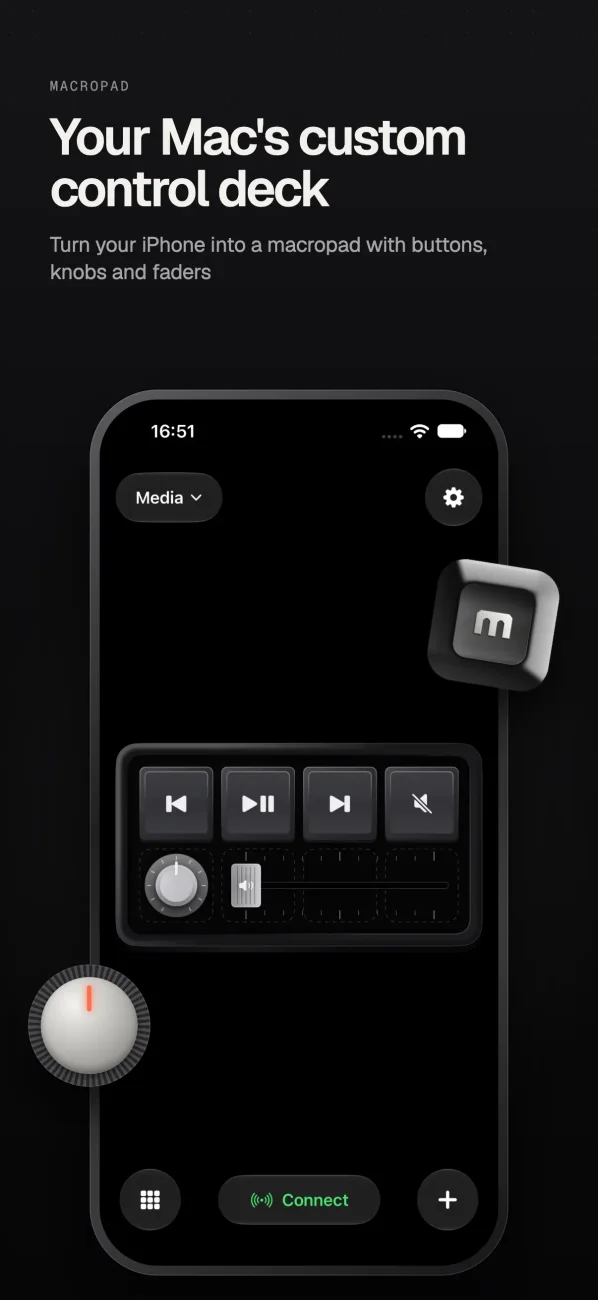
Your Mac's custom control deck.
Macropad turns your iPhone into a tactile, fully customizable control panel for your Mac. Place keys, knobs, faders and jog wheels on a grid, give each one a job, and run your most repetitive tasks with a single touch. No extra hardware on your desk — the deck is already in your pocket.
BUILD. ASSIGN. CONNECT.
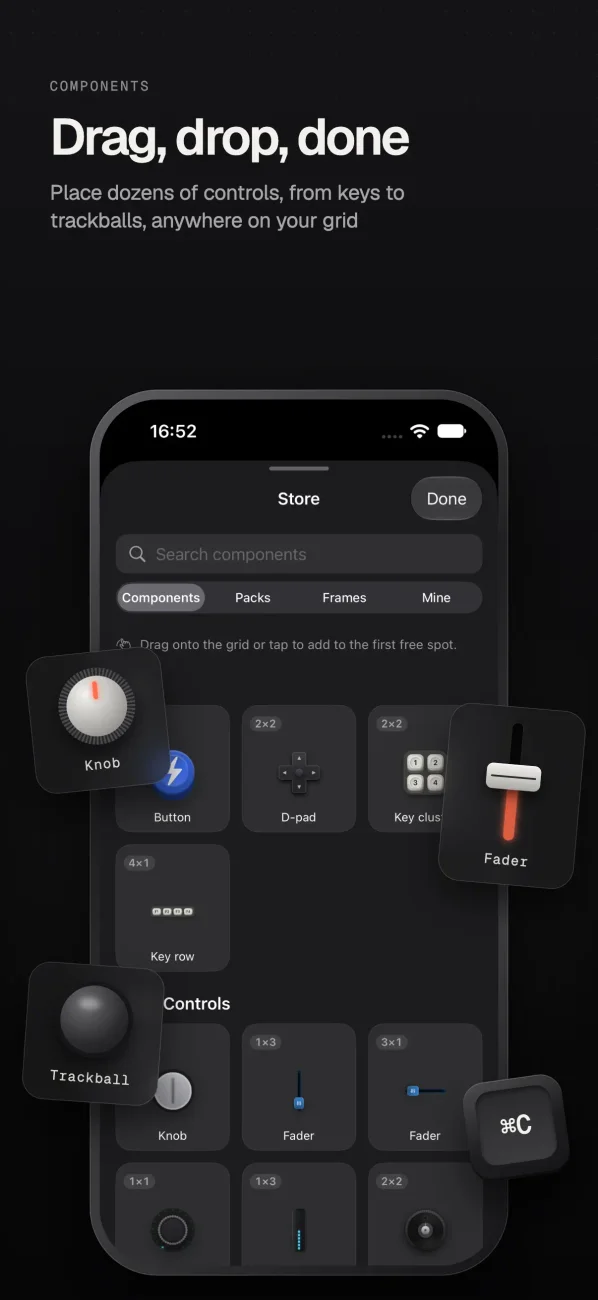
- Build — Drag components from the Store onto the grid, or start from a ready-made pack.
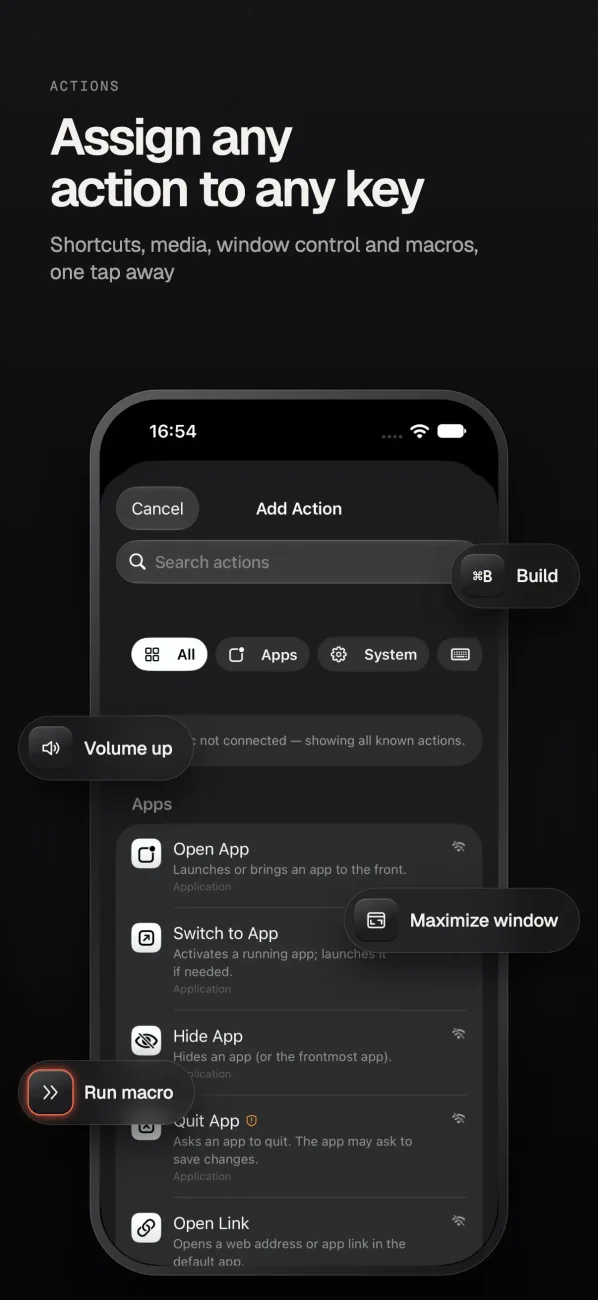
- Assign — Give every key or knob a task: a keyboard shortcut like ⌘B, media control, window management or a multi-step macro.
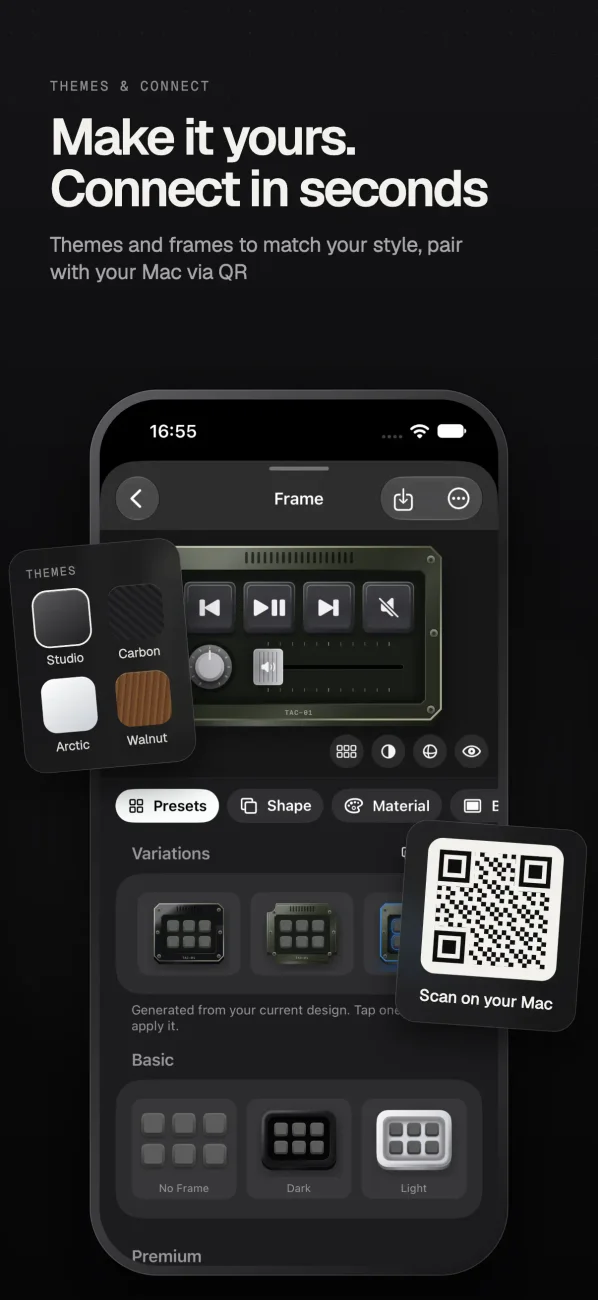
- Connect — Scan the QR code shown by Macropad Studio on your Mac. Your iPhone is now its control panel.
FEELS LIKE REAL HARDWARE
Knurled knobs, metal and wood surfaces, screw heads, glowing LEDs and satisfying haptic feedback. Every press and every detent is designed to feel mechanical and precise, while the interface stays clean and out of the way.
NEARLY 20 COMPONENT TYPES
Keys, knobs, faders, jog wheels, joysticks, trackballs, D-pads, touchpads, touch strips, toggle and rocker switches, LEDs, displays and more.
READY-MADE PACKS
Get started in seconds with packs for Media, Windows, System, Xcode and Zoom — then tweak them to fit the way you work.
MAKE IT YOURS
- Themes: Studio, Carbon, Arctic, Neon, Cockpit, Walnut and more
- Frames: enclosures with screws, patterns and materials that make your board look like a real device
- Detailed editor: color, icon, material, lighting, size, behavior and actions for every component
BUILT FOR
Developers, designers, video and audio editors, streamers, and anyone who spends their day in meetings. If you repeat it on your Mac, Macropad can put it on one key.
UNLIMITED BOARDS, SYNCED
Create as many boards as you need for different apps and workflows, and keep them in sync across your devices with iCloud.
PRIVATE BY DESIGN
No account, no ads, no tracking. Your iPhone and Mac talk directly over your local network, and your boards stay in your own iCloud.
REQUIREMENTS
Requires Macropad Studio on your Mac. Your iPhone and Mac must be on the same local network.
Nouveautés
Version 1.2 · 30/10/2026
- New setup step: onboarding now shows how to install the free Macropad app for Mac. Copy the download link or send it straight to your Mac.
- "Skip" now takes you directly to the Mac setup step, so you won't miss what you need to pair.
- Improvements and minor bug fixes.
Confidentialité de l’application
Ce que RESUL SILAY déclare sur l’App Store au sujet du traitement des données par cette application.
-
Données non collectées
Le développeur ne collecte aucune donnée à partir de cette application.
Les pratiques en matière de confidentialité peuvent varier, notamment en fonction des fonctionnalités que vous utilisez ou de votre âge.
Informations
- Vendeur
- RESUL SILAY
- Catégorie
- Utilitaires
- Version
- 1.2
- Mis à jour
- 30/10/2026
- Publié
- 28/10/2026
- Taille
- 51,4 Mo
- Nécessite
- iOS 17.0 ou version ultérieure
- Classification d’âge
- 4+
- Prix
- Gratuit
- Langues
- Anglais, Turc
- Copyright
- © 2026 Macropad Studio