Manim Tutorial
Learn Manim, create with AI
Conçue pour iPhone, iPad
Gratuit · Achats intégrés
- Classification d’âge4+
- CatégorieÉducation
- Développeur上海百隅信息科技有限公司
- LanguesAnglais+ 6 de plus
- Taille205,5 Mo
Renvoie vers la page App Store officielle
Download.org n’héberge aucun fichier de Manim Tutorial. Le bouton ouvre la page de l’application sur App Store, où 上海百隅信息科技有限公司 la publie. Fiche vérifiée pour la dernière fois le 13/11/2026.
Captures d’écran


À propos
Le développeur n’a pas fourni ce texte dans votre langue.
Manim Tutorial teaches you to create the animated math and computer-science explainers you've seen from 3Blue1Brown — by writing Python with Manim, one scene at a time. And now an AI assistant can build scenes with you.
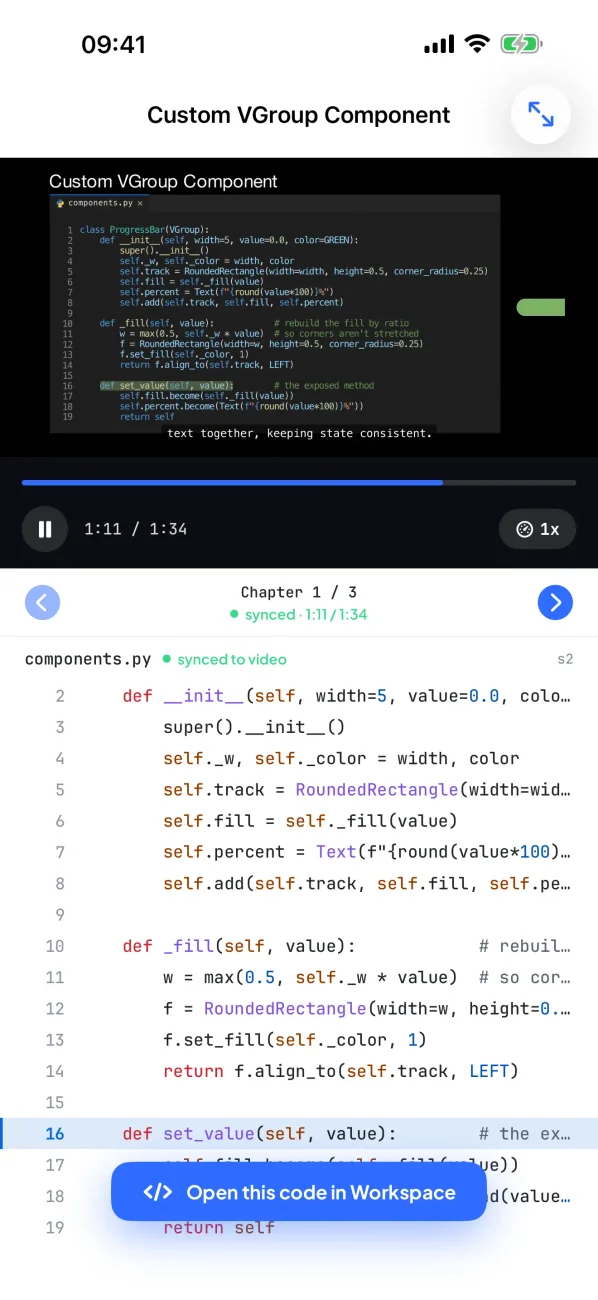
WATCH + CODE, IN SYNC
• Video lessons paired with the actual, runnable source code
• The code highlights line by line as the video plays, so you always know which line drew what
• One tap opens any lesson's code in the Workspace to run it and change it
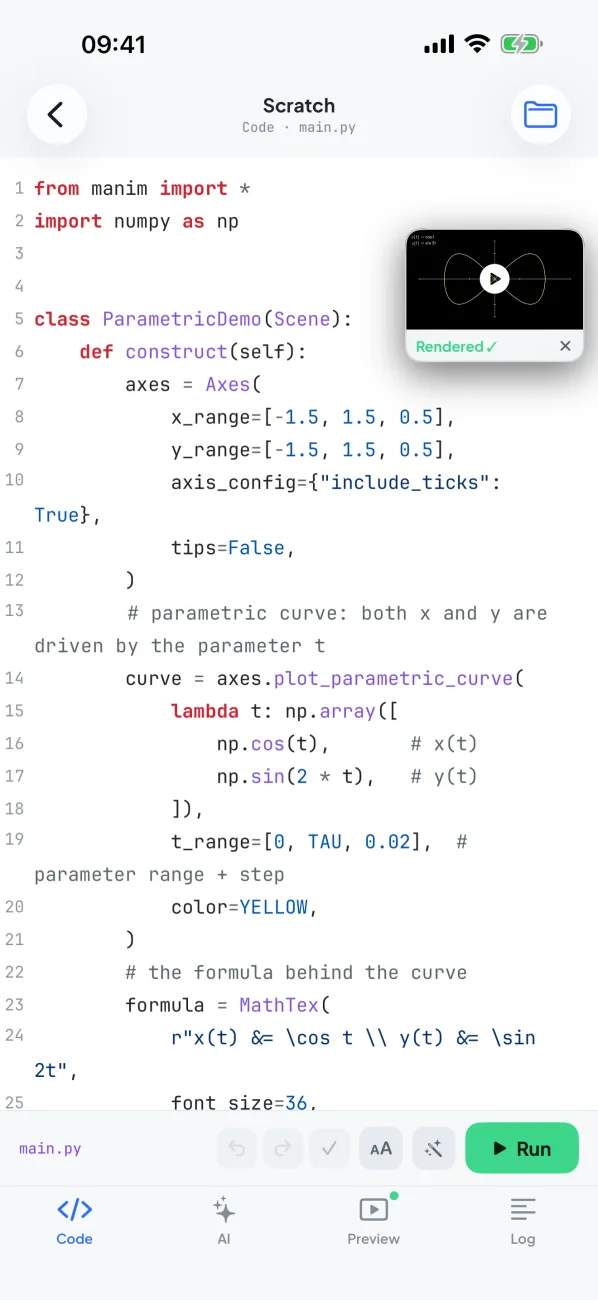
A REAL MANIM WORKSPACE ON YOUR DEVICE
• Runs Manim (Community Edition) on embedded Python — rendering happens right on your iPhone or iPad
• Multi-file projects with your own SVG, image and audio assets
• Code editor with syntax highlighting, autocomplete, one-tap formatting, and light and dark themes
• Export in the quality you need, landscape or portrait, then save or share the video
• On iPad: files, editor, preview and the AI assistant side by side
AI ASSISTANT
• Describe an animation in your own words, attach a sketch or a photo, or point it at a file with @
• It writes the Manim code into your project, test-renders it on your device, checks the result and fixes what's off
• Keeps working while you switch apps; a Live Activity shows its progress and a notification tells you when it's done
• Make narrated videos: edit the script, pick a voice, and the assistant times the animation to the audio
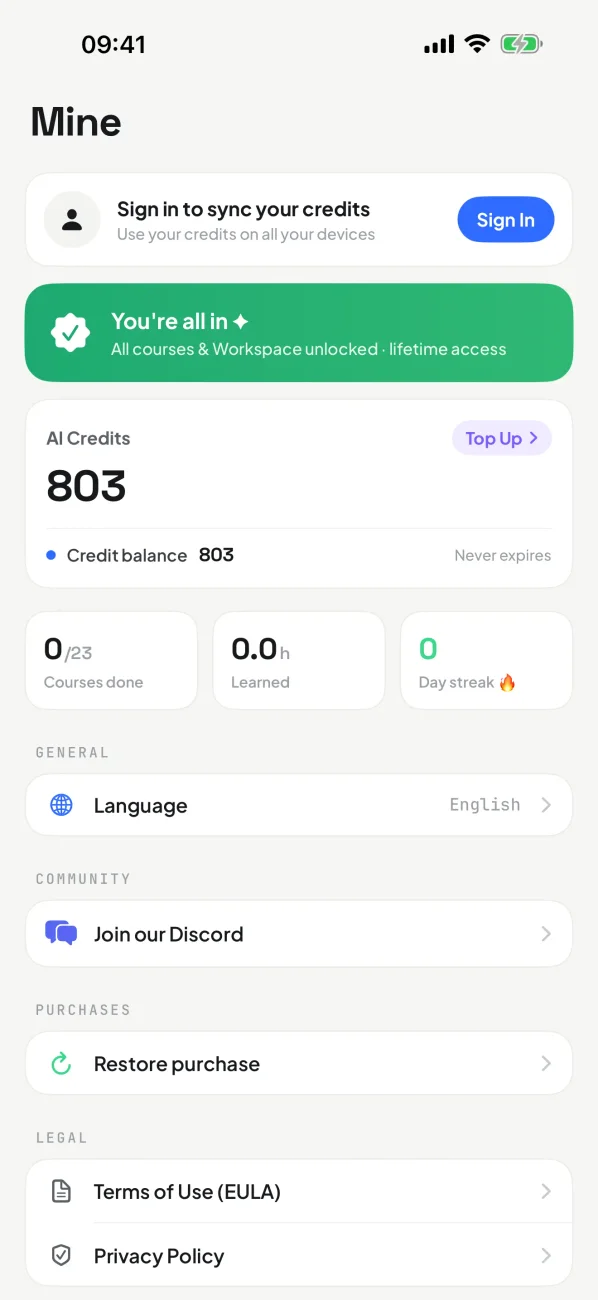
• Every device starts with 1,000 free credits; more are available in the app
A COMPLETE, STRUCTURED PATH
• 23 courses that take you from zero to confident, in six stages:
1. Getting Started — Python crash course and your first scenes
2. Objects & Layout — mobjects, the coordinate system, alignment, depth
3. Animation & Timing — animations, rate functions, updaters, custom moves
4. Text, Tex & Color — text, LaTeX/MathTex, color systems, graphs & trees
5. Advanced Topics — moving camera, 3D scenes & surfaces, custom mobjects
6. Build Real Projects — external assets, debugging & rendering, a capstone
• Every chapter is short, focused, and comes with runnable code
LEARN AT YOUR OWN PACE
• Download a course once and watch it offline
• Your progress, resume position and daily streak are saved as you go
• Available in English, Simplified and Traditional Chinese, Japanese, Korean, Spanish and Brazilian Portuguese
YOUR DATA, YOUR CHOICE
• No sign-up needed — everything, including the AI assistant, works right away
• Optional sign-in with Apple, Google or email keeps your credits and purchases in sync across your devices
• No ads and no tracking; your projects stay on your device
FAIR, SIMPLE PRICING
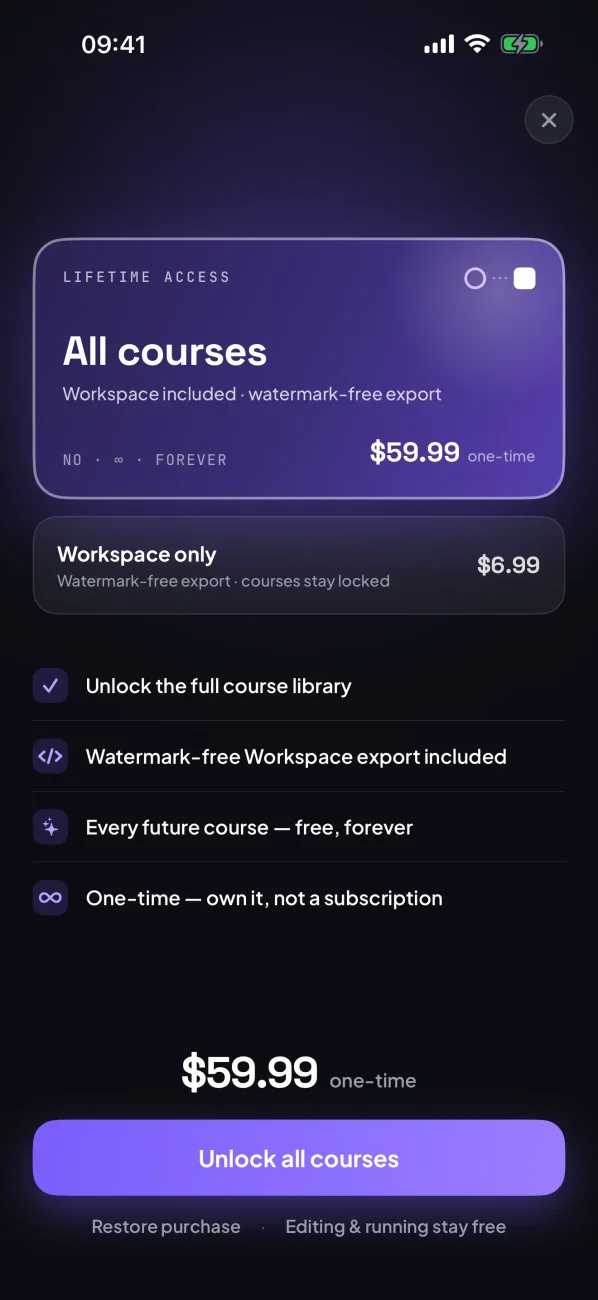
• The first four courses and the Workspace are free
• "All Courses" is a one-time purchase: every advanced course, watermark-free export, and 5,000 AI credits a month for 12 months (your first month is prorated by the days left when you buy; the last month tops up the difference) — no subscription
• Just want clean exports? A small one-time Workspace unlock removes the watermark
Whether you're a student trying to understand a concept by animating it, a teacher building visual explanations, or a developer who wants gorgeous math visuals, Manim Tutorial gives you the lessons, the code, an AI helper and a place to run it — all in one app.
Nouveautés
Version 3.0.1 · 09/11/2026
Narrated video fixes.
FIXES
• If you only reword a line of the narration, the video is now re-rendered with the new voice right after synthesis, without starting an AI turn and without using credits for it
• When the preview video still has the old narration, the banner above it now says Re-render and updates the video in one tap
Confidentialité de l’application
Ce que 上海百隅信息科技有限公司 déclare sur l’App Store au sujet du traitement des données par cette application.
-
Données établissant un lien avec vous
Peuvent être collectées et liées à votre identité.
- Achats
- Coordonnées
- Contenu utilisateur
- Identifiants
- Données d’utilisation
Les pratiques en matière de confidentialité peuvent varier, notamment en fonction des fonctionnalités que vous utilisez ou de votre âge.
Informations
- Vendeur
- Shanghai Baiyu Information Technology Company Limited
- Catégorie
- Éducation
- Version
- 3.0.1
- Mis à jour
- 09/11/2026
- Publié
- 08/07/2026
- Taille
- 205,5 Mo
- Nécessite
- iOS 16.2 ou version ultérieure
- Classification d’âge
- 4+
- Prix
- Gratuit
- Achats intégrés
- Oui
- Langues
- Anglais, Japonais, Coréen, Portugais, Chinois simplifié, Espagnol, Chinois traditionnel
- Copyright
- © 2026 ByuTech