Max Photo Frames
Captions, Dates & Countdowns
Conçue pour iPhone, iPad
Gratuit · Achats intégrés
- Classification d’âge4+
- CatégoriePhoto et vidéo
- DéveloppeurOscar Lim
- LanguesAnglais+ 4 de plus
- Taille61,8 Mo
Renvoie vers la page App Store officielle
Download.org n’héberge aucun fichier de Max Photo Frames. Le bouton ouvre la page de l’application sur App Store, où Oscar Lim la publie. Fiche vérifiée pour la dernière fois le 12/11/2026.
Captures d’écran


À propos
Le développeur n’a pas fourni ce texte dans votre langue.
Frame it. Caption it. Keep it.
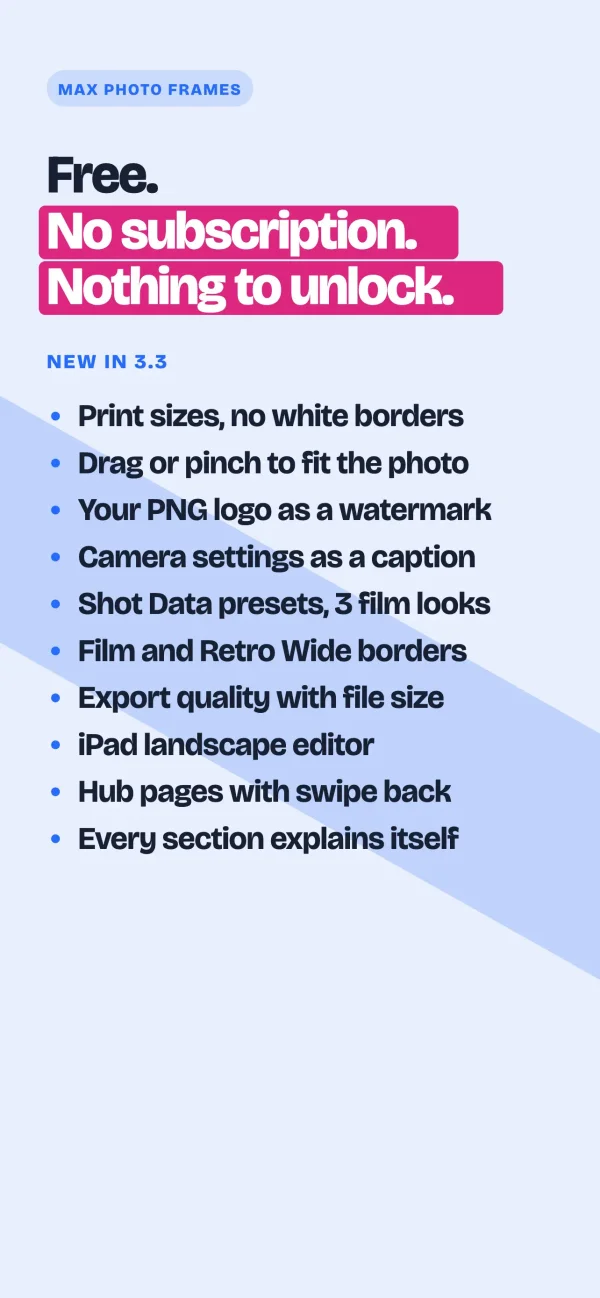
Max Photo Frames turns your photos into keepsakes with clean borders, retro looks and captions in one tap. Free. No subscription. Nothing to unlock.
NEW IN 3.3
• Print sizes with no white borders: 4x6, 5x7, 8x10, A4 and more, saved at the paper's real size
• Drag or pinch to fit the photo
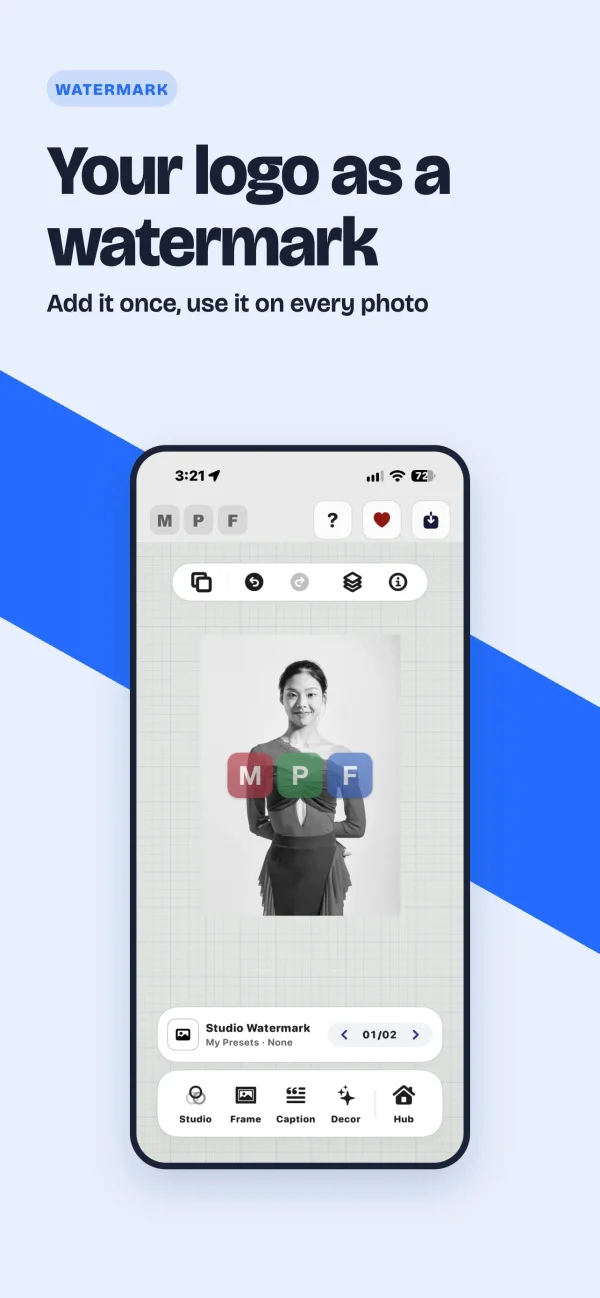
• Your PNG logo as a watermark: add it once, use it on every photo
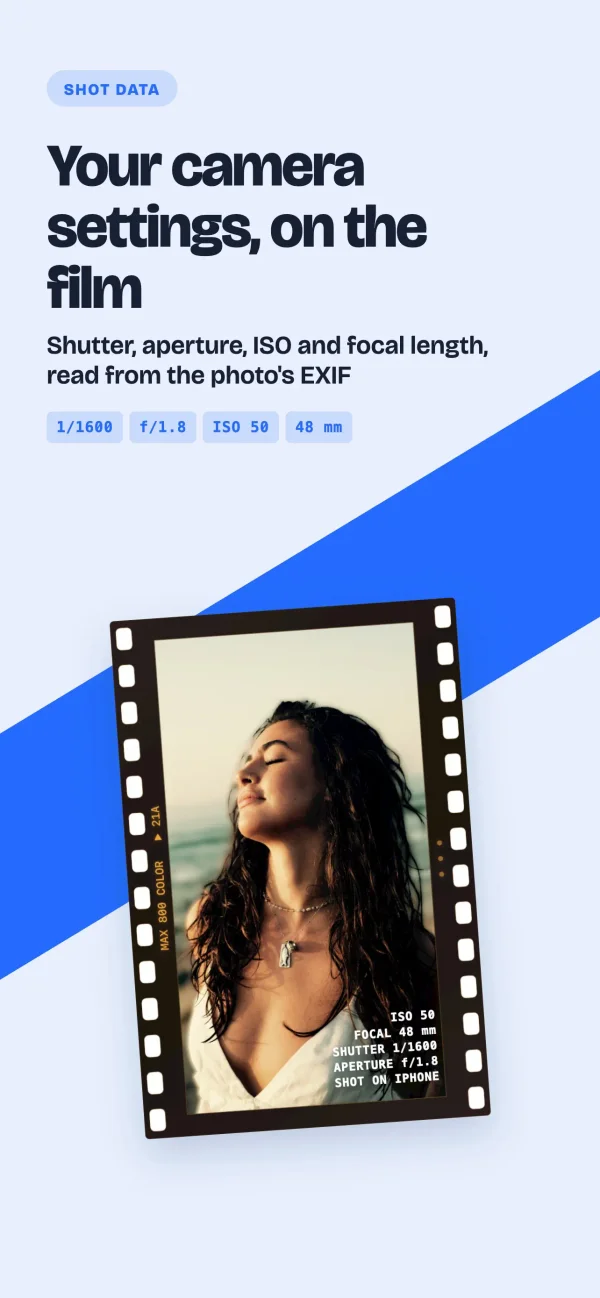
• Your camera settings as a caption: shutter, aperture, ISO and focal length, read from the photo
• Shot Data presets, with three film looks
• Film and Retro Wide borders
• Choose export quality and see the file size before you save
• A rebuilt iPad landscape editor
• Hub pages that open in place, with swipe back
• Every section explains itself under its heading
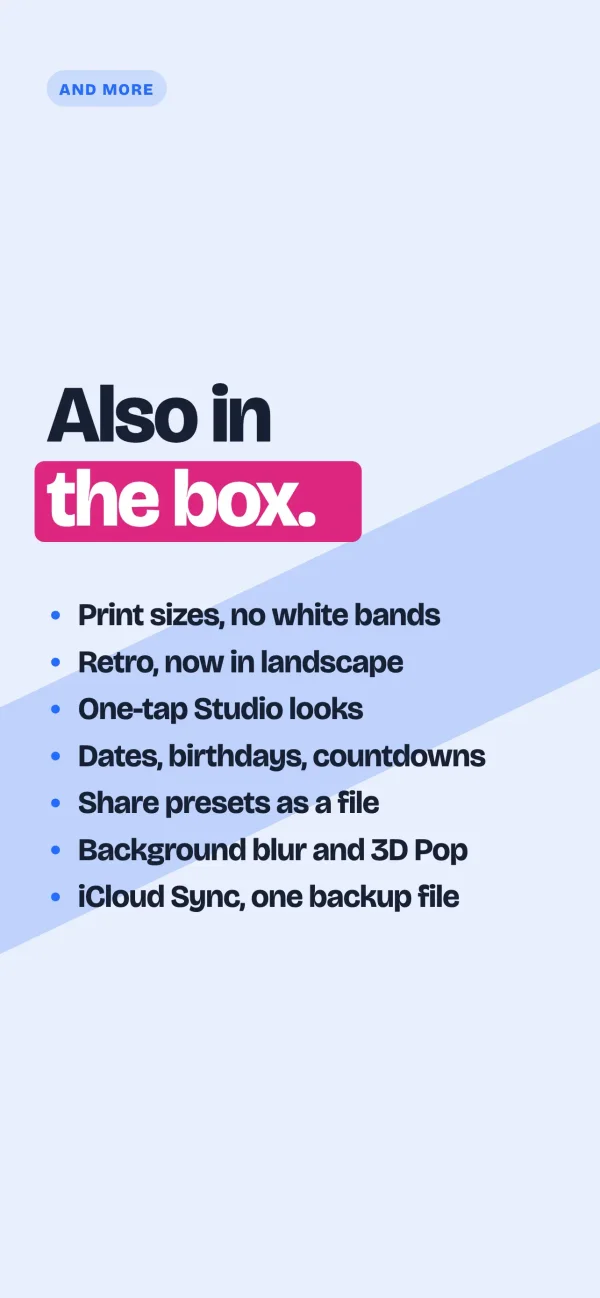
ALSO IN THE BOX
• Retro and instant film looks, now in landscape too
• One-tap Studio looks, and presets you can save, group and search
• Seasonal presets, like Father Figures for Father's Day
• Captions, dates, birthdays and countdowns
• More than thirty fonts
• Background blur, cutouts and 3D Pop
• Face-aware 3D Props and playful decorations
• White Balance with an Auto setting
• Save as a photo, a Live Photo or a GIF
• Share a preset with a friend as a file
• iCloud Sync, and one backup file for your presets, captions and settings
• Light and dark themes on iPhone and iPad
IN-APP PURCHASES
The only in-app purchases are optional tips to support the app. A tip unlocks nothing, because every feature is already yours.
YOUR PHOTOS STAY YOURS
No ads. No tracking. No account. Everything runs on your device, and your photos are never uploaded. We never touch your metadata. iCloud Sync stays off until you switch it on, and it carries your presets, captions and logos, never your photos.
Nouveautés
Version 3.3.0 · 24/09/2026
NEW: Print sizes
Choose the paper first and the photo fills it, so there are no white borders. Ten sizes, including 4x6, 5x7, 8x10, A4 and A6, and the 4x4, 5x5 and 8x8 squares. Every rectangular size can turn to landscape. The frame edge becomes the paper edge, the app saves at the paper's real size, and it tells you how sharp the print will be before you order it. A print size is saved with your preset, so a look you made for 6x8 opens at 6x8 again.
Use my logo
Your watermark can now be an image. Add a logo once, use it on any photo, and set it as the default so every new watermark starts from it. Your logo travels inside your backup and inside the files you share, so a new device or a friend sees it without any extra steps.
The iPad editor, rebuilt
In a landscape window the tabs move to a top row above a panel on the right, and your photo stays where it is instead of sliding aside when a menu opens. Layers, Photo Details and Presets open in that panel with the photo still visible, so you can try a frame before you close the list.
Film and Shot Data
A new Film frame draws a real strip of 35 mm film, perforations and all, and imprints the photo's own camera settings the way a data back did. The Shot Data presets print shutter, aperture, ISO and focal length read from the photo itself, and each value is a caption token you can use in any caption you write.
Also in this update
• Background Fill has a Transparent option, and the photo saves as a PNG with real transparency.
• Portrait Blur has a strength control, from light separation to a full drop off.
• You choose Quality in the export sheet, per export, for video, GIF and Live Photo.
• Every section shows its explanation under the heading instead of hiding it behind a tap.
• Hub pages open inside the Hub, with a back button you can swipe.
• My Captions lists every caption you have written, not just five.
• A photo keeps the day it was taken on, wherever in the world you are when you open it.
• With no border, the photo can fill the whole canvas. Drag or pinch to choose what is kept.
• Retro Wide, a new landscape instant film border, with a preset to match.
• VoiceOver reads the toolbar, the rendering card and messages raised while it is speaking.
Confidentialité de l’application
Ce que Oscar Lim déclare sur l’App Store au sujet du traitement des données par cette application.
-
Données non collectées
Le développeur ne collecte aucune donnée à partir de cette application.
Les pratiques en matière de confidentialité peuvent varier, notamment en fonction des fonctionnalités que vous utilisez ou de votre âge.
Informations
- Vendeur
- Oscar Lim
- Catégorie
- Photo et vidéo
- Version
- 3.3.0
- Mis à jour
- 24/09/2026
- Publié
- 16/09/2025
- Taille
- 61,8 Mo
- Nécessite
- iOS 18.0 ou version ultérieure
- Classification d’âge
- 4+
- Prix
- Gratuit
- Achats intégrés
- Oui
- Langues
- Anglais, Coréen, Chinois simplifié, Suédois, Chinois traditionnel
- Copyright
- © 2026 Oscar Lim
Vous aimerez peut-être aussi
-
 PhotoSweep: Swipe to DeletePhoto et vidéo
-
 NickyFilm - Real Film Vibe CamPhoto et vidéo
-
 FFFramePhoto et vidéo
-
 MOF: My Own FilmPhoto et vidéo
-
 MarkEXIFPhoto et vidéo
-
 GeoSnapr - Tampon Photo GPSCaméra horodatage & rapports
-
 Framify - Frame your photosPhoto et vidéo
-
 Quick Captions: Sous-titresAuto, modifiables, hors ligne
-
 Simple PassePhoto et vidéo
-
 Darkroom ToolkitPhoto et vidéo