- Classification d’âge4+
- CatégorieProductivité
- Développeur株式会社ideaccept
- LanguesJaponais+ 1 de plus
- Taille16,8 Mo
Renvoie vers la page App Store officielle
Download.org n’héberge aucun fichier de Meguru. Le bouton ouvre la page de l’application sur App Store, où 株式会社ideaccept la publie. Fiche vérifiée pour la dernière fois le 12/11/2026.
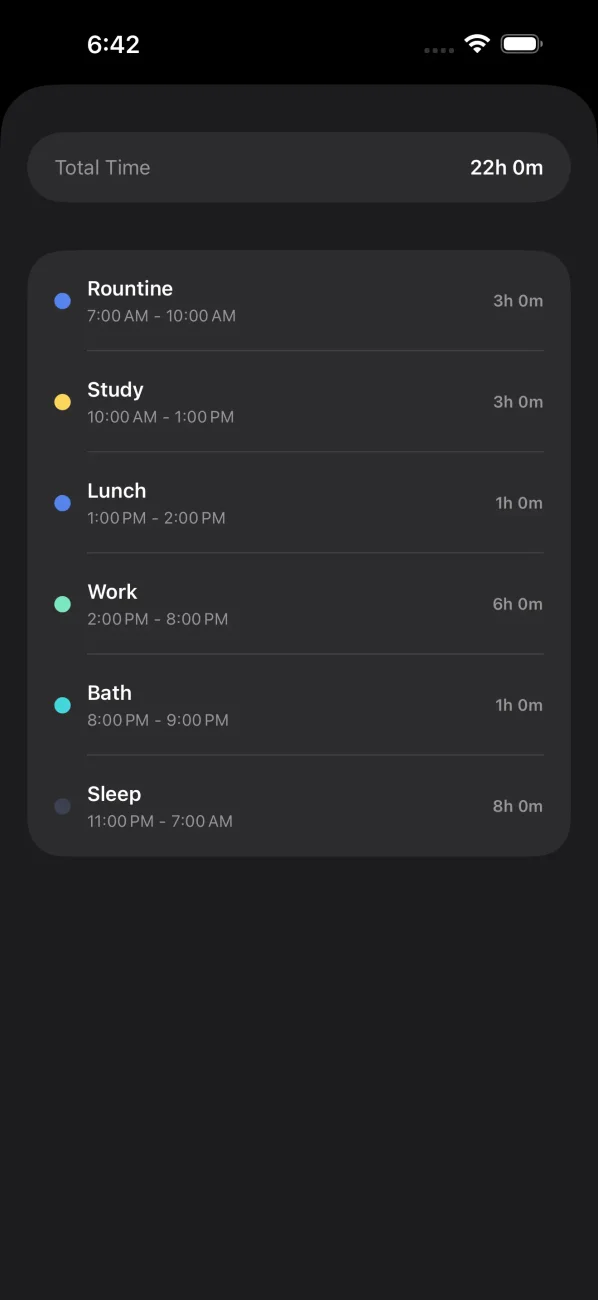
Captures d’écran

À propos
Le développeur n’a pas fourni ce texte dans votre langue.
Visualize Your Day Like Never Before
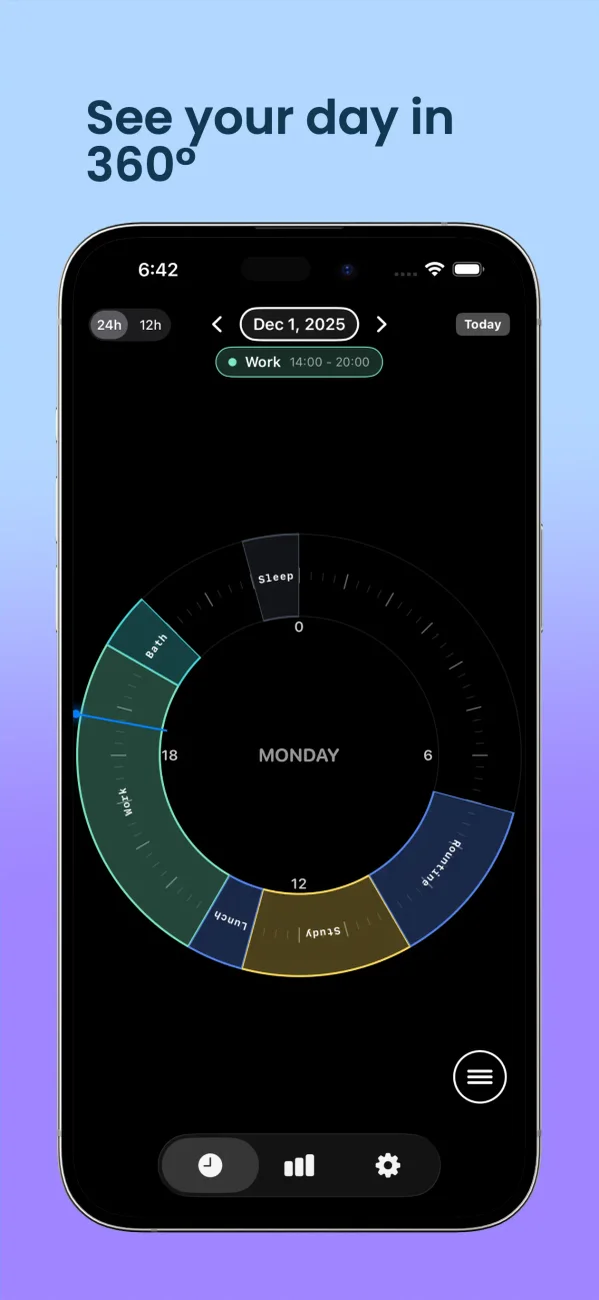
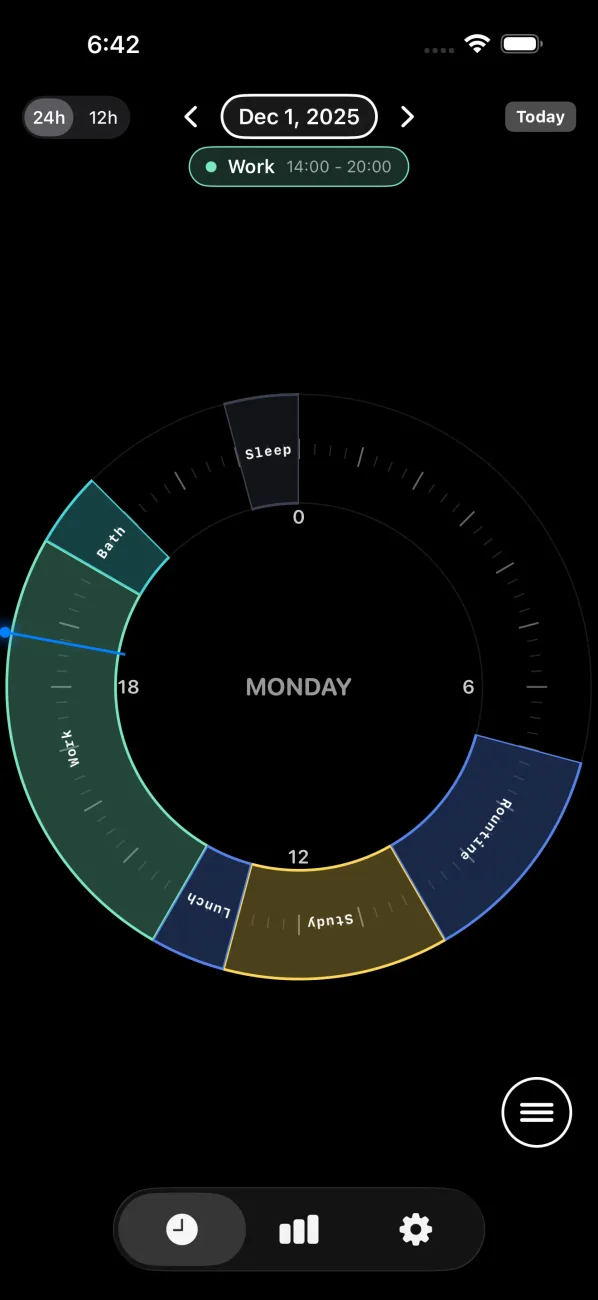
Meguru transforms how you plan and manage your time with an innovative circular interface.
Instead of scrolling through endless lists, see your entire day flow naturally around a
clock-like ring. This makes it instantly clear how your schedule flows and where
opportunities for free time exist.
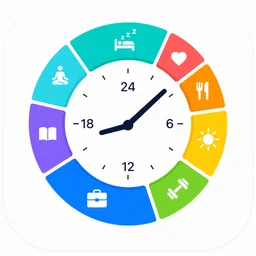
Circular Time View (Radial View)
See all 24 hours at once in a beautiful circular layout
Events are positioned precisely by their actual start and end times
A real-time indicator shows exactly where you are in your day
Easily switch between a full 24-hour view and a focused 12-hour AM/PM mode
Color-coded event arcs for instant visual recognition
Free Plan Features
Google Calendar Import - View your Google Calendar events in the radial interface
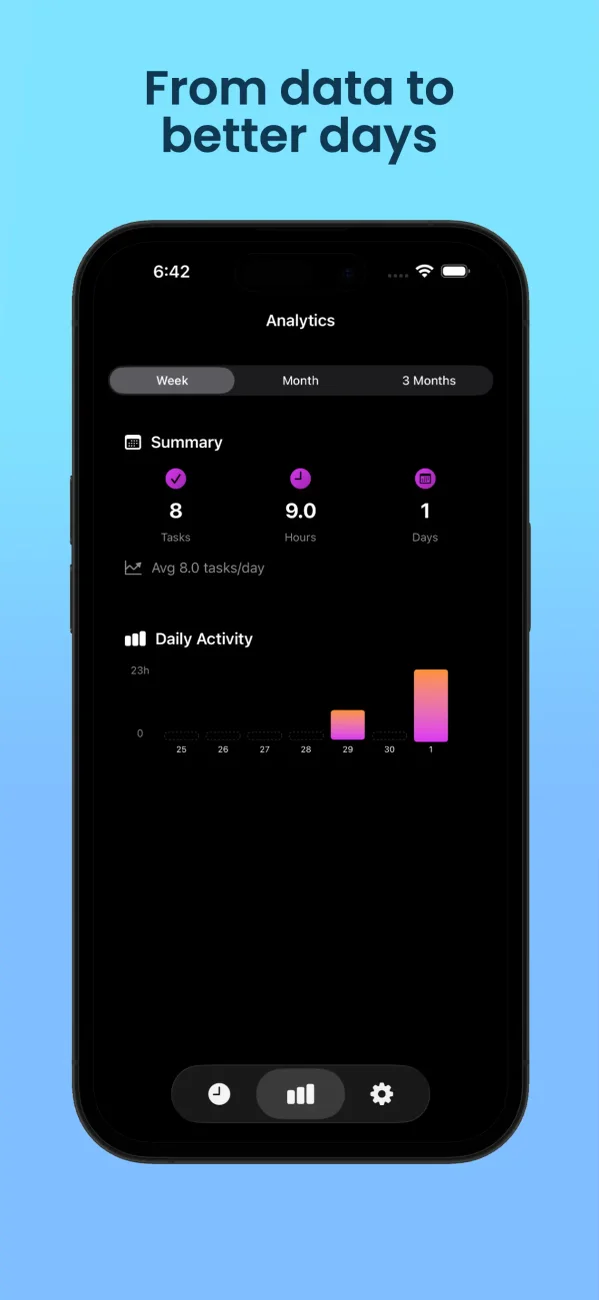
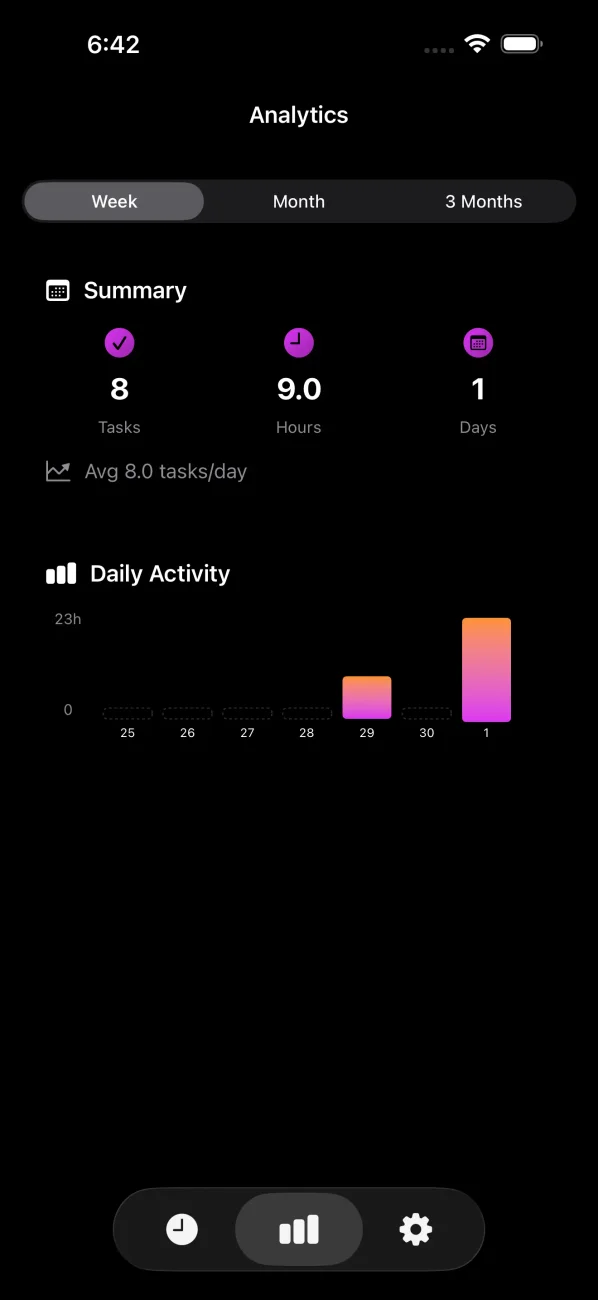
Full Analytics - Track completed tasks, hours invested, and productivity trends
Smart Notifications - Event reminders and daily planning notifications
Home Screen Widgets - All sizes (Small, Medium, Large) with mini radial view
Local Sleep Events - Visualize your sleep schedule
Privacy-First Design - All data stored locally on your device
Free Plan Limitations
Cannot create or edit tasks (view-only mode)
Google Calendar is read-only (cannot create or edit events from Meguru)
Cannot create recurring events
Pro Features (Subscription)
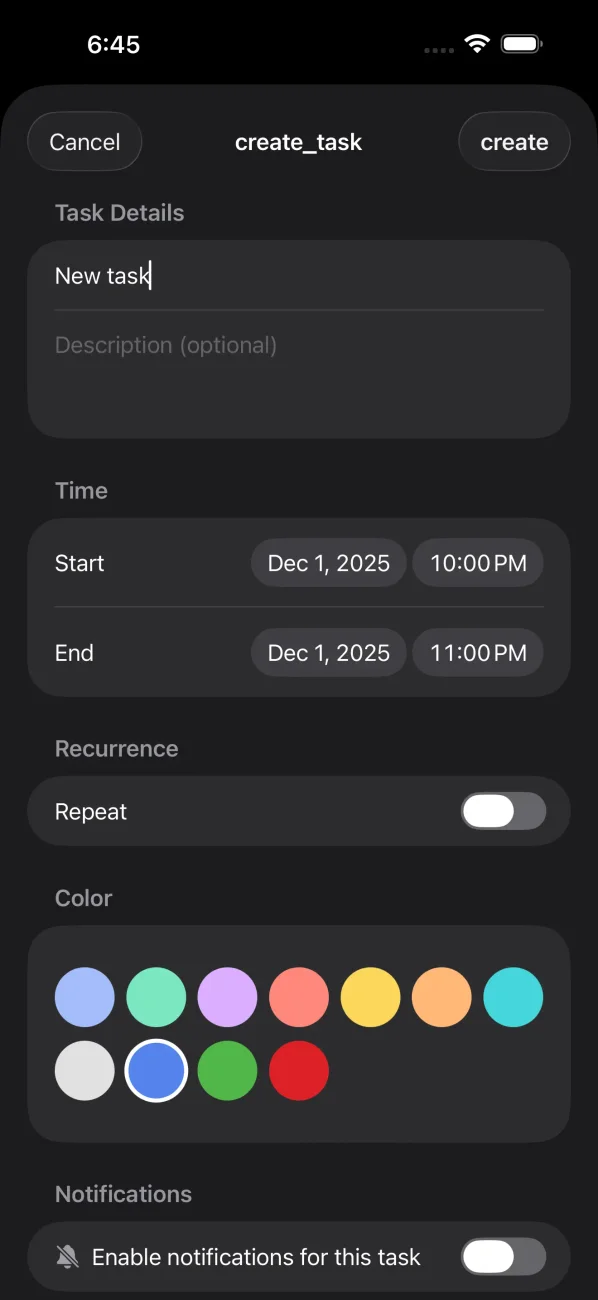
Unlimited Task Creation - Create and manage as many tasks as you need
Google Calendar Two-Way Sync - Create, edit, and delete events that sync between Meguru
and Google Calendar
Recurring Events - Set up daily, weekly, monthly, and custom repeating events
Edit Recurring Series - Modify single occurrences or entire event series
Sleep Event Google Sync - Sync your sleep schedule to Google Calendar
Why Choose Meguru?
Traditional task apps show your schedule as a vertical list, forcing you to scroll and lose
context. Meguru's circular design lets you see your morning, afternoon, and evening
simultaneously. You'll instantly spot scheduling conflicts, find free time, and understand
your day's rhythm at a single glance.
Perfect for professionals, students, fitness enthusiasts, and anyone who wants to visualize
time differently.
How It Works
Free users can connect their Google Calendar to view all events in the beautiful radial
interface, use full analytics, receive notifications, and access all widget sizes. Upgrade
to Pro to unlock task creation, two-way Google Calendar sync, and recurring events.
Get Started Today
Download Meguru now - import your Google Calendar for free and upgrade when you're ready to
create tasks!
Term of Use: https://www.apple.com/legal/internet-services/itunes/dev/stdeula/
Nouveautés
Version 1.0.4 · 20/01/2026
improvements
Confidentialité de l’application
Ce que 株式会社ideaccept déclare sur l’App Store au sujet du traitement des données par cette application.
-
Données établissant un lien avec vous
Peuvent être collectées et liées à votre identité.
- Coordonnées
Les pratiques en matière de confidentialité peuvent varier, notamment en fonction des fonctionnalités que vous utilisez ou de votre âge.
Informations
- Vendeur
- ideaccept, Inc.
- Catégorie
- Productivité
- Version
- 1.0.4
- Mis à jour
- 20/01/2026
- Publié
- 11/12/2025
- Taille
- 16,8 Mo
- Nécessite
- iOS 17.0 ou version ultérieure
- Classification d’âge
- 4+
- Prix
- Gratuit
- Achats intégrés
- Oui
- Langues
- Japonais, Anglais
- Copyright
- © 2025 ideaccept Inc.