
- Classification d’âge4+
- CatégorieUtilitaires
- DéveloppeurJai Sukka
- LanguesAnglais
- Taille16,7 Mo
Renvoie vers la page App Store officielle
Download.org n’héberge aucun fichier de MeowDisplay. Le bouton ouvre la page de l’application sur App Store, où Jai Sukka la publie. Fiche vérifiée pour la dernière fois le 12/11/2026.
Captures d’écran


À propos
Le développeur n’a pas fourni ce texte dans votre langue.
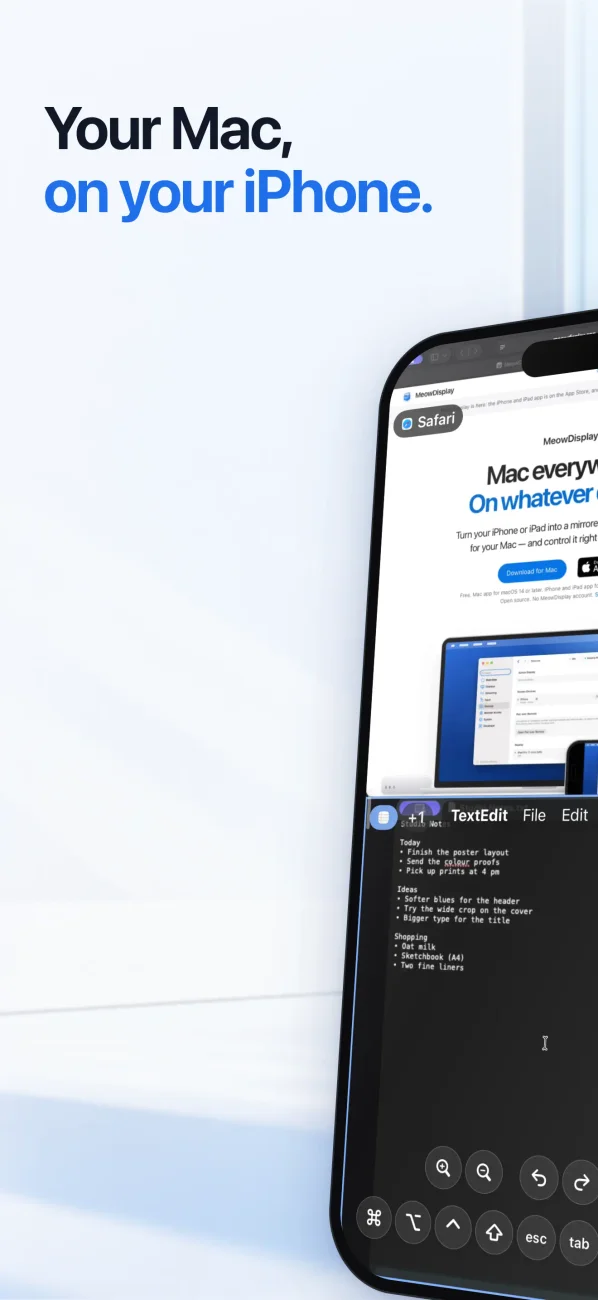
MeowDisplay shows your Mac on your iPhone or iPad. You can mirror one of its screens, add an extra display that you drag windows onto, or show only the Mac windows that you pick, side by side.
DISPLAY
• Mirror: show one of your Mac's displays on your device.
• Extend: add a display that your Mac arranges like any other monitor.
• Window view: show only the Mac windows that you pick, side by side. iPad shows up to 9. You can swap, resize and rotate each one.
• Floating windows: float a Mac window over your panes. Tuck it into a screen edge when you do not need it.
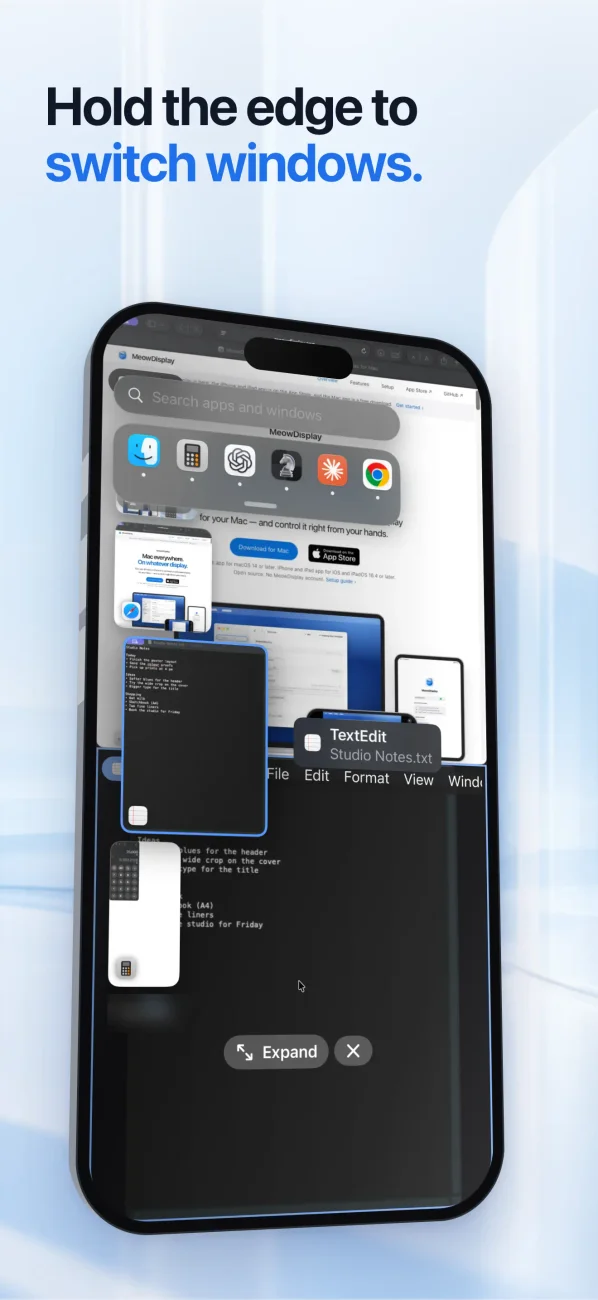
• Stage Peek: hold the screen edge to flip through your Mac's windows.
• Use more than one device at once. Each device can mirror or extend your Mac.
• Low-latency video, with optional Mac system audio and A/V Sync.
• Picture in Picture keeps your Mac on screen while you use another app.
CONTROL
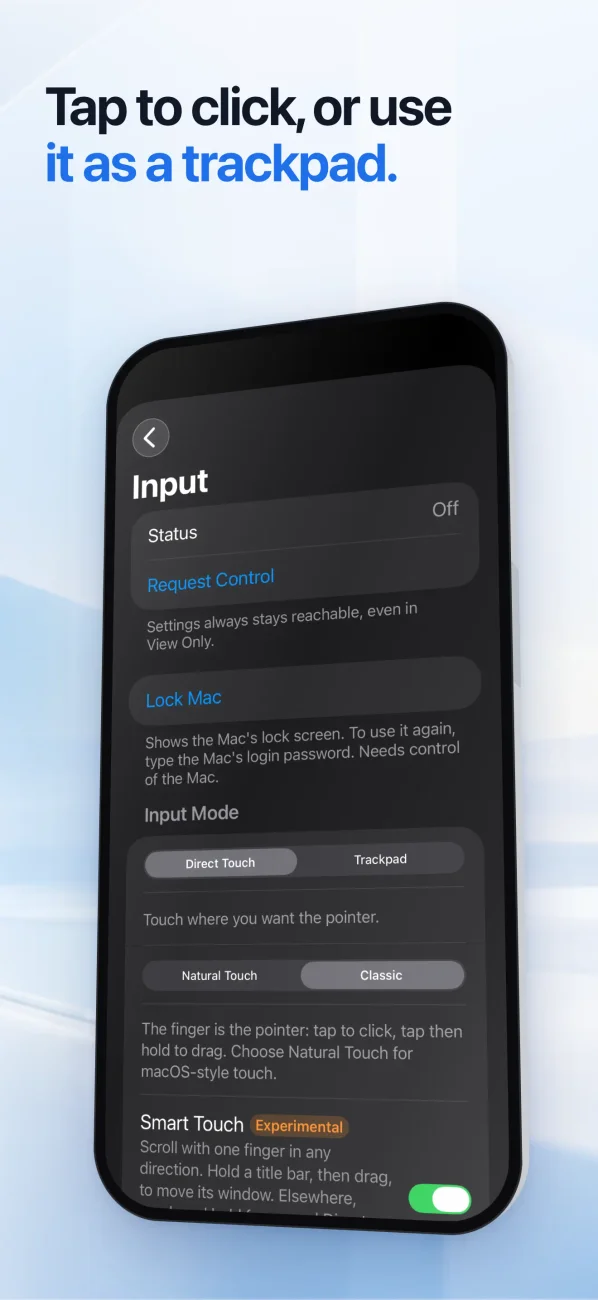
• Direct Touch with Natural Touch: tap to click, swipe to scroll, press and move to drag, and touch and hold to right-click.
• Trackpad: move a pointer with familiar gestures.
• Multi-finger gestures open Mission Control, Spaces, Spotlight and more.
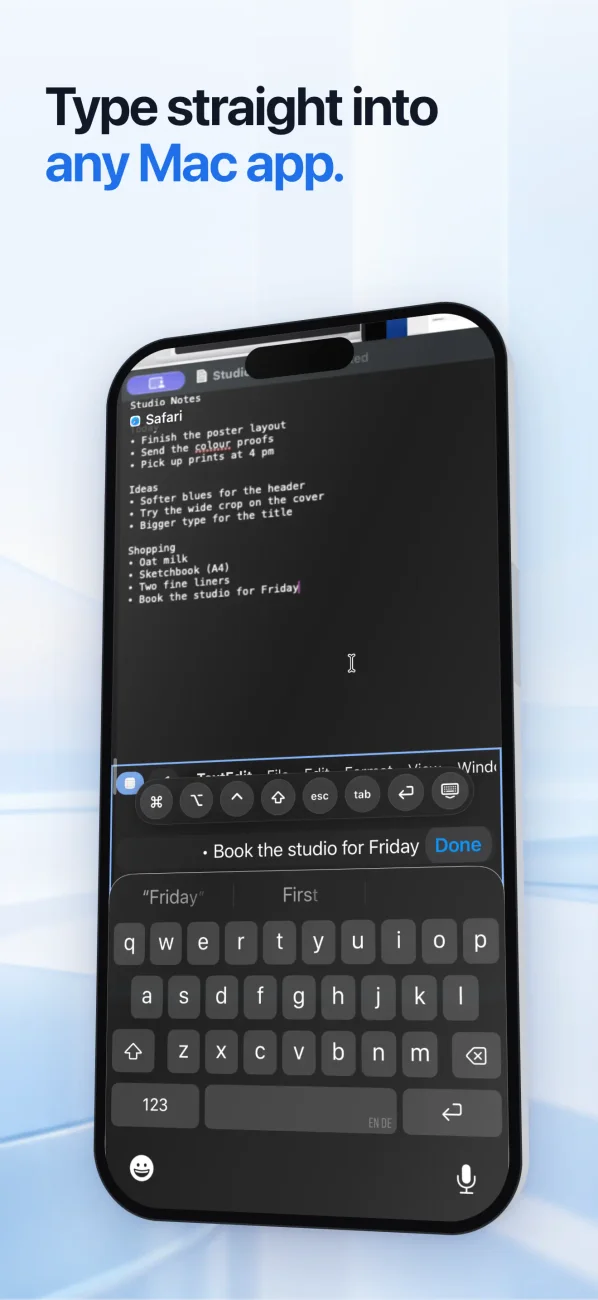
• The keyboard has a typing strip. The Control Tray holds modifier keys, and you can customize the Function Tray. Chords give you shortcut palettes.
• On iPad, put the controls in an edge Strip, a floating Overlay or your own Custom layouts.
• Pan and zoom the view on your device. This sends nothing to the Mac.
CONNECT
• Connect over USB for the lowest latency, or over local Wi-Fi.
• Remote Access works over a private network that you control.
• Auto-Reconnect connects again after an interruption. Where supported, Wake & Connect wakes a sleeping Mac on its local network.
TRY IT WITHOUT A MAC
Try the Demo opens a sample Mac on your device, offline. You can explore the controls, Settings, Window view and Stage Peek before you connect a Mac.
PRIVACY
You pair your devices, and every session is encrypted. Your devices talk to each other directly. There is no MeowDisplay account, no MeowDisplay-hosted relay, and no analytics or tracking.
REQUIRES THE MAC APP
Live sessions need the companion MeowDisplay app on a Mac with macOS 14 or later. Setup: https://meowdisplay.app/docs
MeowDisplay is open source under the GPL-3.0 license. It is built on the OpenDisplay project: https://github.com/raiseCatError/meowdisplay
Nouveautés
Version 2.1.0 · 11/11/2026
MeowDisplay 2.1 adds floating windows and gives you more control of your Mac from your iPhone or iPad.
• In Window view, you can float a Mac window over your panes. Move it, resize it or tuck it into a screen edge. When you are done, add it back to the layout. You can turn floating windows off in Settings.
• The pane menu has Fill Window on Mac and Restore Previous Size on Mac.
• Double-tap a pane's title to fill your screen. Drag a pane away to remove it.
• When you close a window on your Mac, its tab or floating window goes away.
• While your Mac is locked, MeowDisplay shows nothing and accepts no input by default. A device that already has control can show the Mac's lock screen, so you can type your password there. You can turn this off for each device.
• The arrow keypad has its own Shift, Option and Command keys.
• Touch and hold Settings to open Session Actions.
• Zoom While Typing keeps the typing location above the keyboard.
• This update also fixes many bugs.
Update MeowDisplay on your Mac to 2.1 to use the new features.
Confidentialité de l’application
Ce que Jai Sukka déclare sur l’App Store au sujet du traitement des données par cette application.
-
Données non collectées
Le développeur ne collecte aucune donnée à partir de cette application.
Les pratiques en matière de confidentialité peuvent varier, notamment en fonction des fonctionnalités que vous utilisez ou de votre âge.
Informations
- Vendeur
- Jai Sukka
- Catégorie
- Utilitaires
- Version
- 2.1.0
- Mis à jour
- 11/11/2026
- Publié
- 25/10/2026
- Taille
- 16,7 Mo
- Nécessite
- iOS 16.4 ou version ultérieure
- Classification d’âge
- 4+
- Prix
- Gratuit
- Langues
- Anglais
- Copyright
- © 2026 Jai Sukka
Vous aimerez peut-être aussi
-
 Visual MTR: TracerouteUtilitaires
-
 NanoShelfUtilitaires
-
 PasteKit: Clipboard KeyboardUtilitaires
-
 Deflector ◇Utilitaires
-
 Sill – Mac StreamingUtilitaires
-
 So Annoying! Bloqueur de pubFini les bandeaux cookies
-
 Notchet : Presse-papiersHistorique de copies, extraits
-
 Playbar for SafariAssistant vidéo web
-
 Tether - Linux CompanionUtilitaires
-
 Télécommande pour TV - ClickerTélécommande TV universelle