- Classification d’âge4+
- CatégorieUtilitaires
- DéveloppeurMetz CE GmbH
- LanguesAnglais+ 1 de plus
- Taille218,7 Mo
Renvoie vers la page App Store officielle
Download.org n’héberge aucun fichier de MetzRemote. Le bouton ouvre la page de l’application sur App Store, où Metz CE GmbH la publie. Fiche vérifiée pour la dernière fois le 25/11/2026.
Captures d’écran


À propos
Le développeur n’a pas fourni ce texte dans votre langue.
MetzRemote brings Metz-like ease of use to your smartphone/tablet.
Compatibility with following devices from Metz Classic series:
FA (Primus, Lunis, Aurus, Aurus sl, Taris, Cubus, Sirius )
FB/FC (Cubus compact)
FD (Sirius, Aurus)
TY (Micos, Fineo, Topas, Alegra, Calea)
TX (Planea, Topas, Novum, Micos, Fineo)
TW (Merio, Solea, Topas, Primus, Pureo, Clarea, Planea)
The app is not compatible with Metz Blue devices (Metz Icon is blue).
Short hint:
- Mobile device and TV should be in the same network
- In your Metz TV activate under Menu/Network/Local services "Allow 'MetzRemote' app"
The app provides several functions:
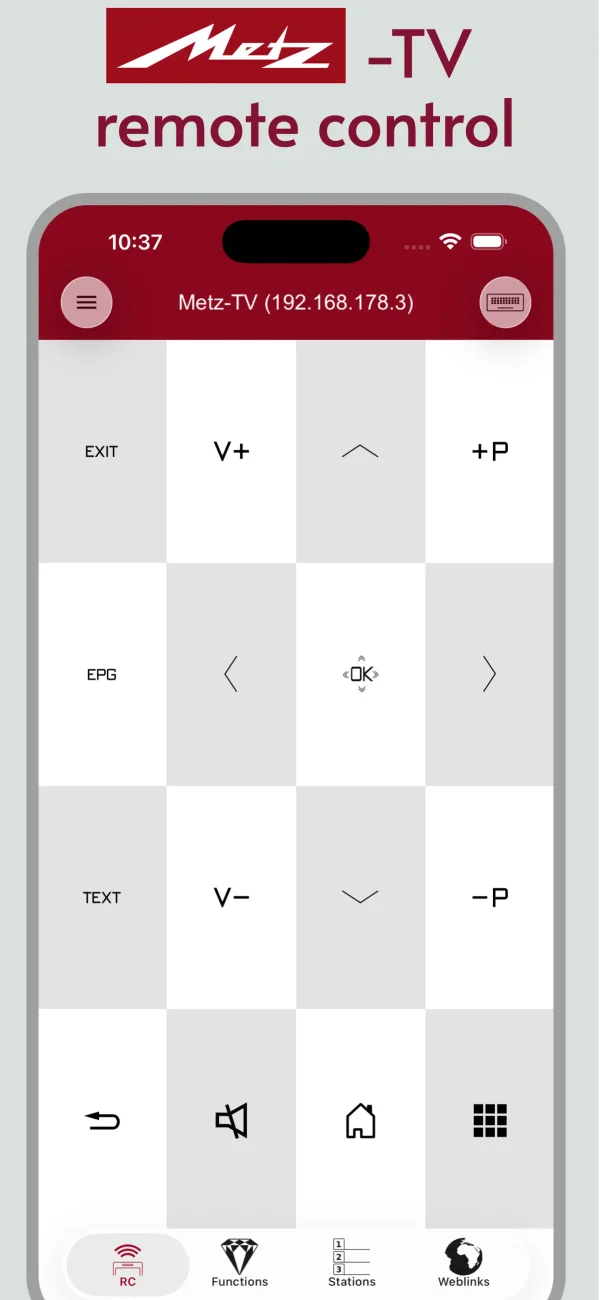
#Remote Control
+ Remote control: Control your TV device easily.
+ Functions: Select from up to 30 TV-functions for faster navigation.
+ Stations: Navigate to stations and favourite lists by click.
+ Text-input: Simply fill out text dialogs on TV with your mobile keyboard.
+ Weblinks: Save your websites and open them on your Metz-TV.
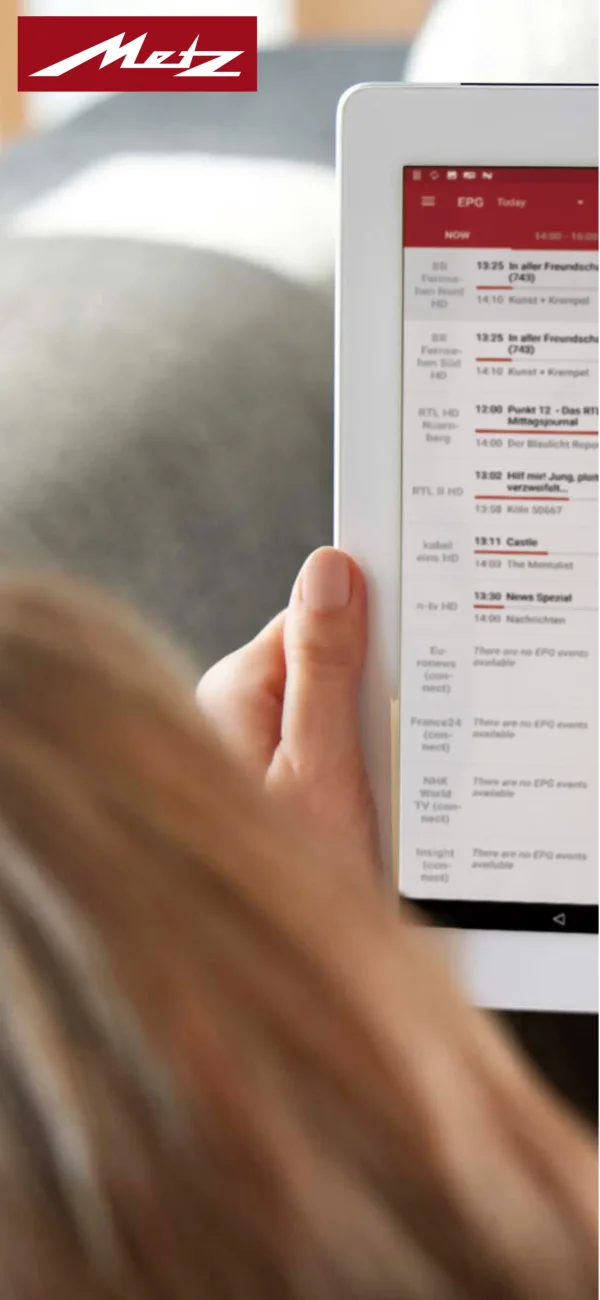
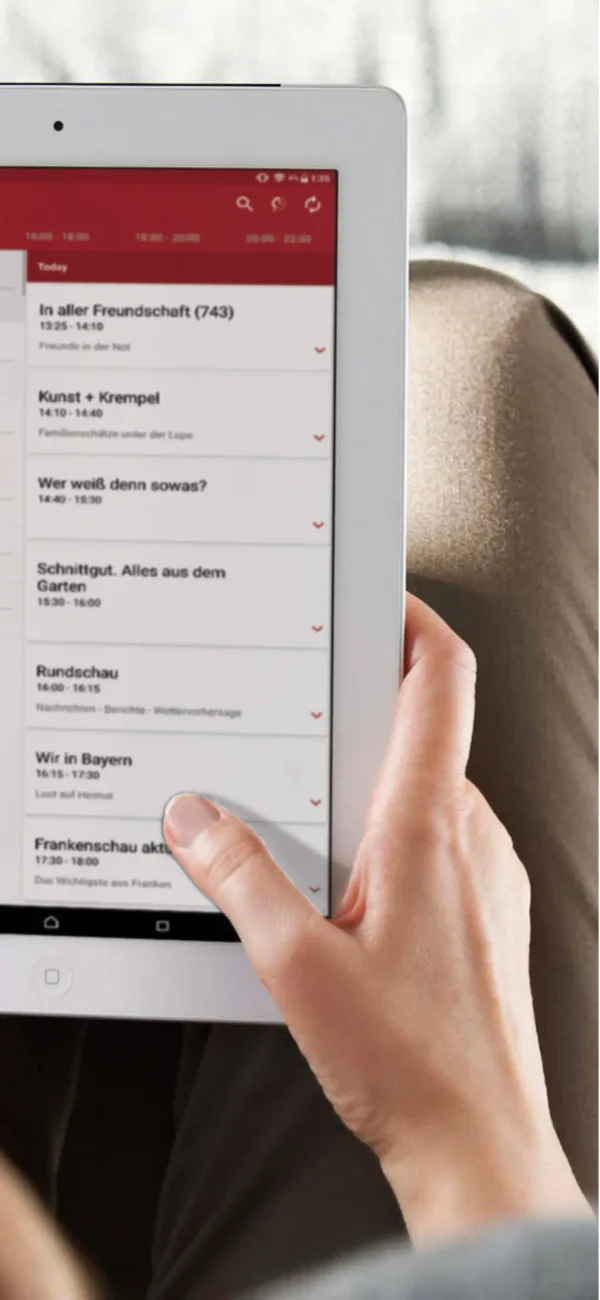
#EPG- Electronic programme guide
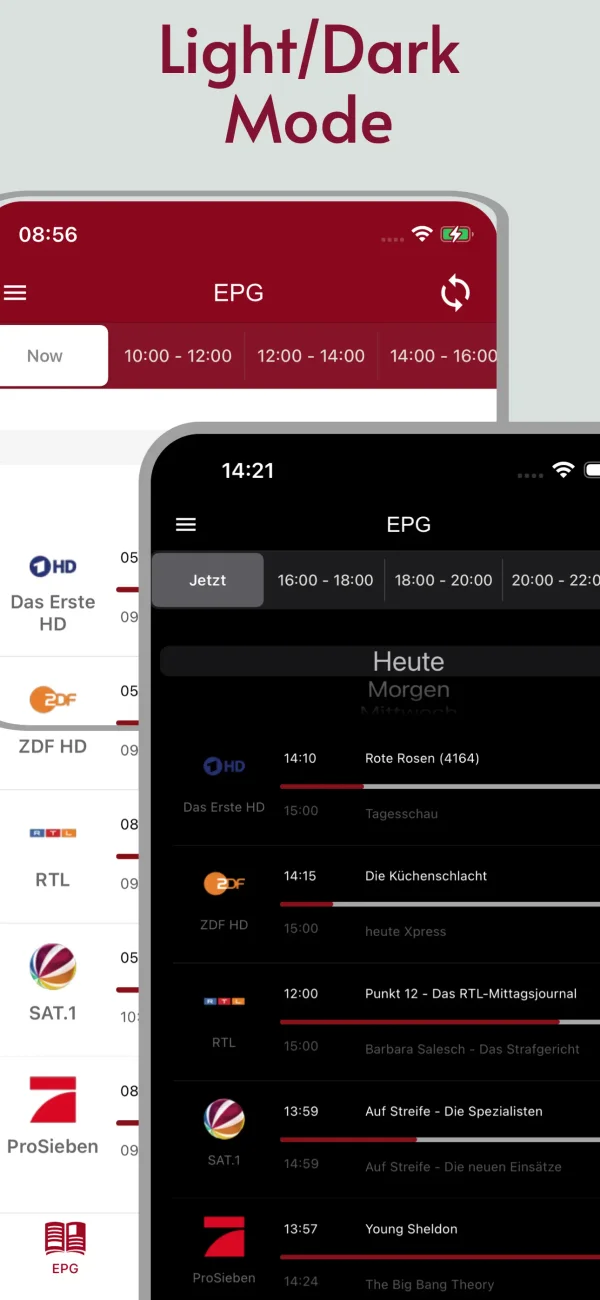
+ Get overview of current and future programs
from your favorite list.
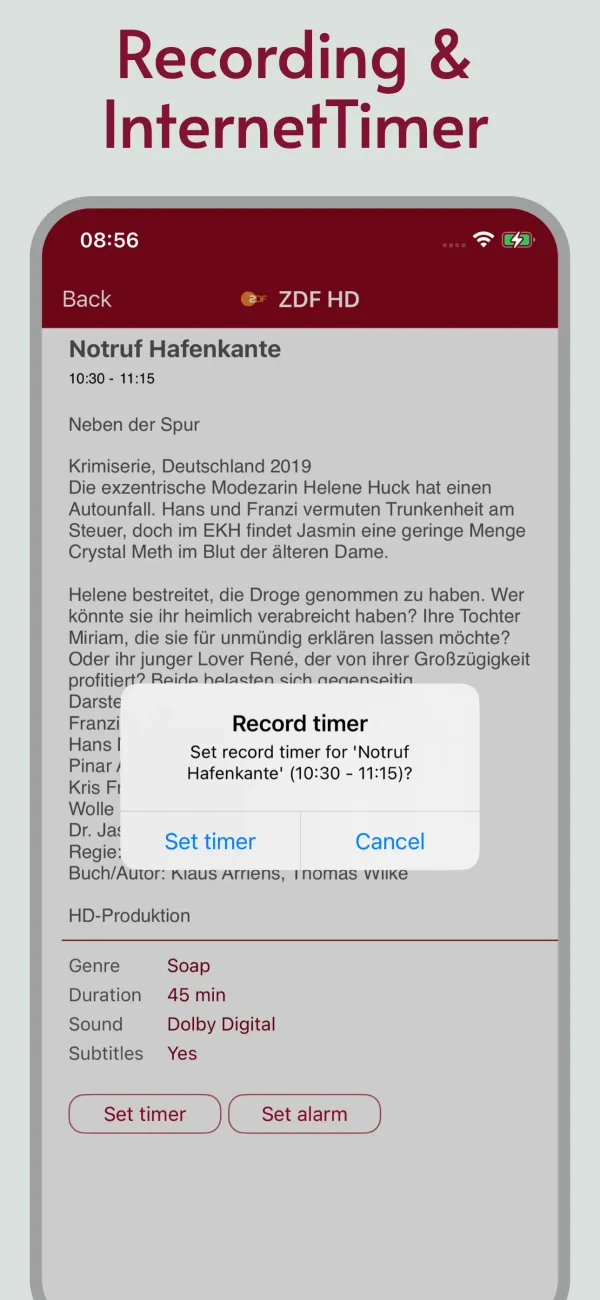
+ Create record and/or reminder for programs.
#Internet timer
+ Create records on the go with this smart web-app.
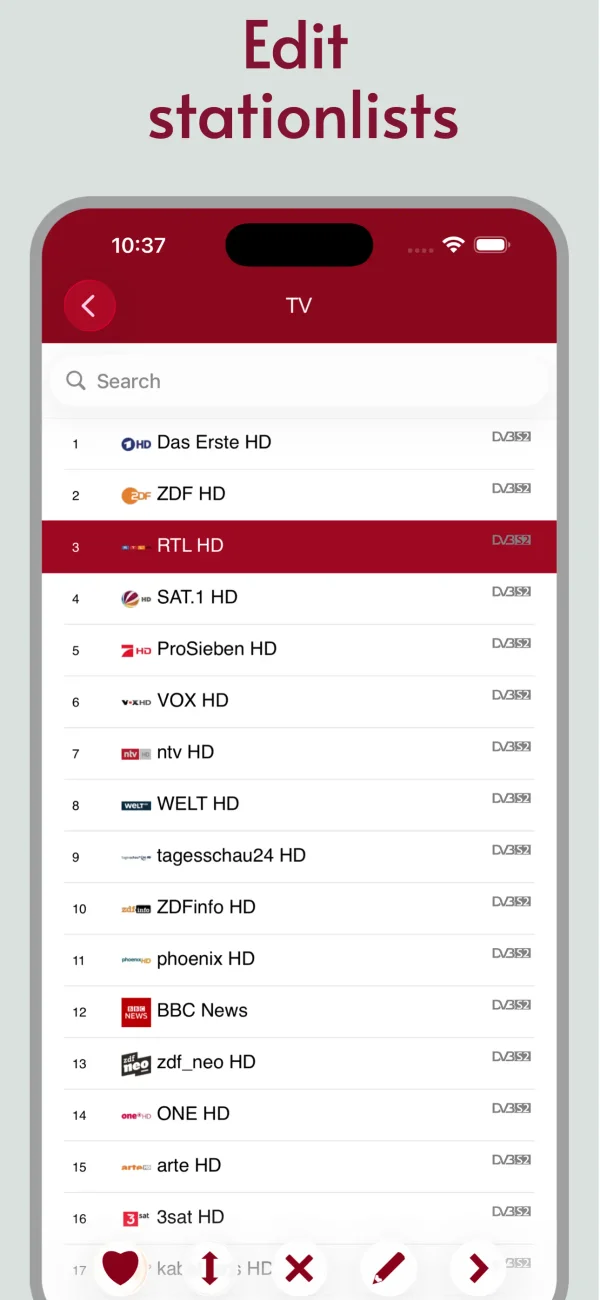
#Station Editor
+ Manage your favorite lists: Add, move or remove stations and favorite lists with just a few clicks.
#Wake On LAN
+ Switch on your Metz-TV from standby-mode or use this feature for other WOL-ably devices.
#Mediaserver
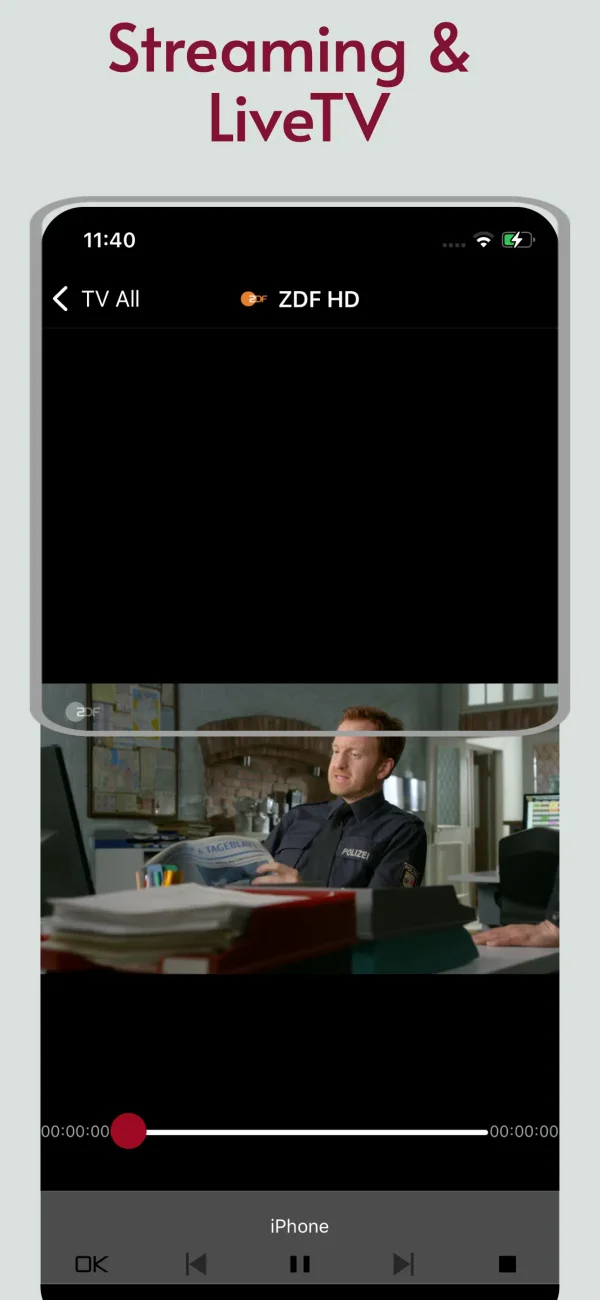
+ Stream your local pictures and music on your Metz-TV
+ Watch your PVR-recordings, Live-TV or media from other DLNA server on your mobile device*
Useful hints:
#Remote Control
- The „OK“ button in the middle of the main screen replaces the cursor input of the physical remote control unit („up, down, right, left“). Performed swipes will be recognized along with a haptic feedback.
- In the main view the size of the buttons can be adjusted with two-finger-zoom input.
- Pressing the button on the bottom right leads to all buttons, which are not available in the main view.
- Rearrange functions with Drag&Drop.
- Websites can be saved directly in "Weblinks" of Metz Remote with Safari browser sharing option.
#EPG
- Sync your app with the current available EPG events from TV by clicking on 'sync' button/icon in navigation bar.
- In "Settings" you can select a favorite list for your EPG events.
- For records outside the TV-network: Register your TV and yourself in advance for Internet-Timer. If you leave the TV-network, clicking on "Record" will lead you automatically to your Internet-Timer account. Your EPG-information is already filled out and you can start the record-planning.
- View "Timer overview" shows only timer created with Metz Remote. Overview with created Internet-Timers you can get directly in Internet-Timer web application.
#Internet Timer:
- Register TV: Home/Menu/Network/Internet services/Internet Timer.
- Get Activation code easily: After TV-registration, activation code will be saved automatically during EPG-sync with Metz Remote in your Internet-Timer account.
#Station Editor
- Synchronizing your modified station table with your TV set overrides its table. It is recommended to create a backup of your station table, using the export functionality of the TV set, to prevent data loss.
- Moving stations is triggered by long pressing a station list entry. You can not only move single stations, but multiple selected stations.
- Using the additional editing mode (triggered by selecting a station) you can move, remove or rename stations.
#Mediaserver
To use this feature, activate in your Metz-TV Menu/Network/Local services 'Allow Mediaplayer' and set 'Media Server' to 'Active'.
For best possible usage we recommend to update your Metz TV software.
*This app uses VLCkit provided by VideoLAN.
VLCKit is under the LGPLv2.1 license.
Nouveautés
Version 3.8 · 24/11/2026
New: Remote control in streaming mode
- Bug fixes in the Station Editor and EPG
- Stability improvements
Confidentialité de l’application
Ce que Metz CE GmbH déclare sur l’App Store au sujet du traitement des données par cette application.
-
Données n’établissant aucun lien avec vous
Peuvent être collectées, mais ne sont pas liées à votre identité.
- Coordonnées
Les pratiques en matière de confidentialité peuvent varier, notamment en fonction des fonctionnalités que vous utilisez ou de votre âge.
Informations
- Vendeur
- METZ Consumer Electronics GmbH
- Catégorie
- Utilitaires
- Version
- 3.8
- Mis à jour
- 24/11/2026
- Publié
- 16/06/2015
- Taille
- 218,7 Mo
- Nécessite
- iOS 15.6 ou version ultérieure
- Classification d’âge
- 4+
- Prix
- Gratuit
- Langues
- Anglais, Allemand
- Copyright
- © Metz Consumer Electronics GmbH