MicroController Learning Lab
Build, Simulate and Code MCUs
Conçue pour iPhone, iPad
2,99 €
- Classification d’âge4+
- CatégorieÉducation
- DéveloppeurYuhsiu Lai
- Taille5,0 Mo
Renvoie vers la page App Store officielle
Download.org n’héberge aucun fichier de MicroController Learning Lab. Le bouton ouvre la page de l’application sur App Store, où Yuhsiu Lai la publie. Fiche vérifiée pour la dernière fois le 17/11/2026.
Captures d’écran

À propos
Le développeur n’a pas fourni ce texte dans votre langue.
MicroController Learning Lab is the ultimate interactive learning tool for anyone who wants to understand microcontrollers — from complete beginners to experienced engineers looking to sharpen their skills.
Whether you are exploring electronics for the first time or building your next embedded systems project, this app gives you everything you need in one place.
What's Inside:
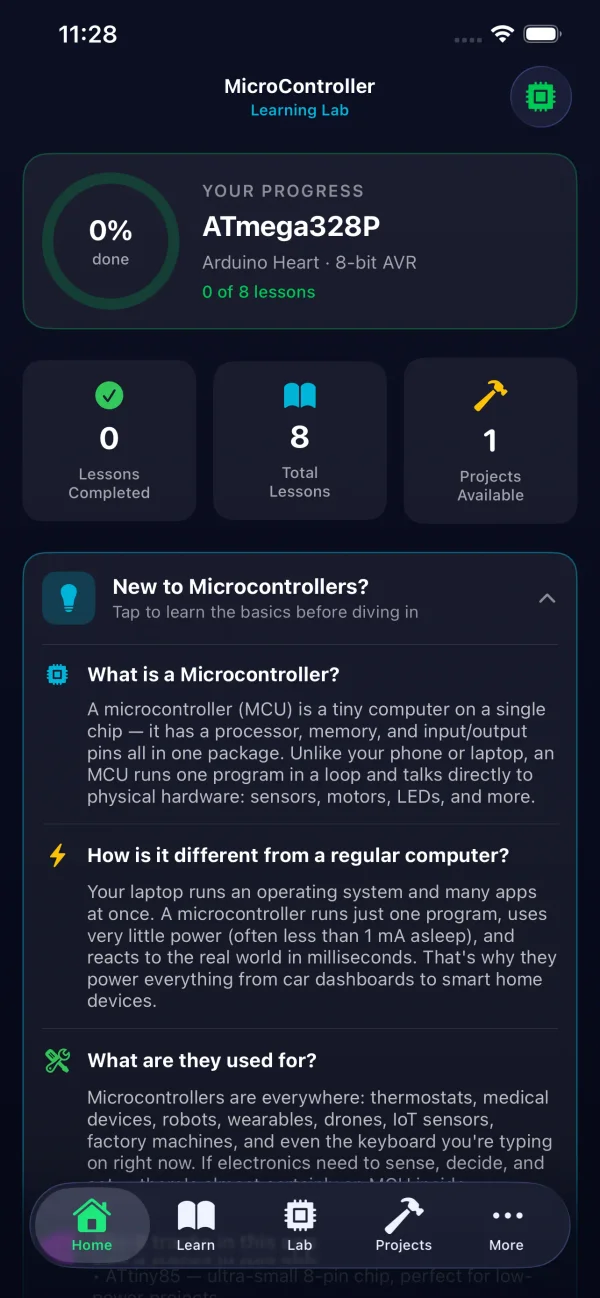
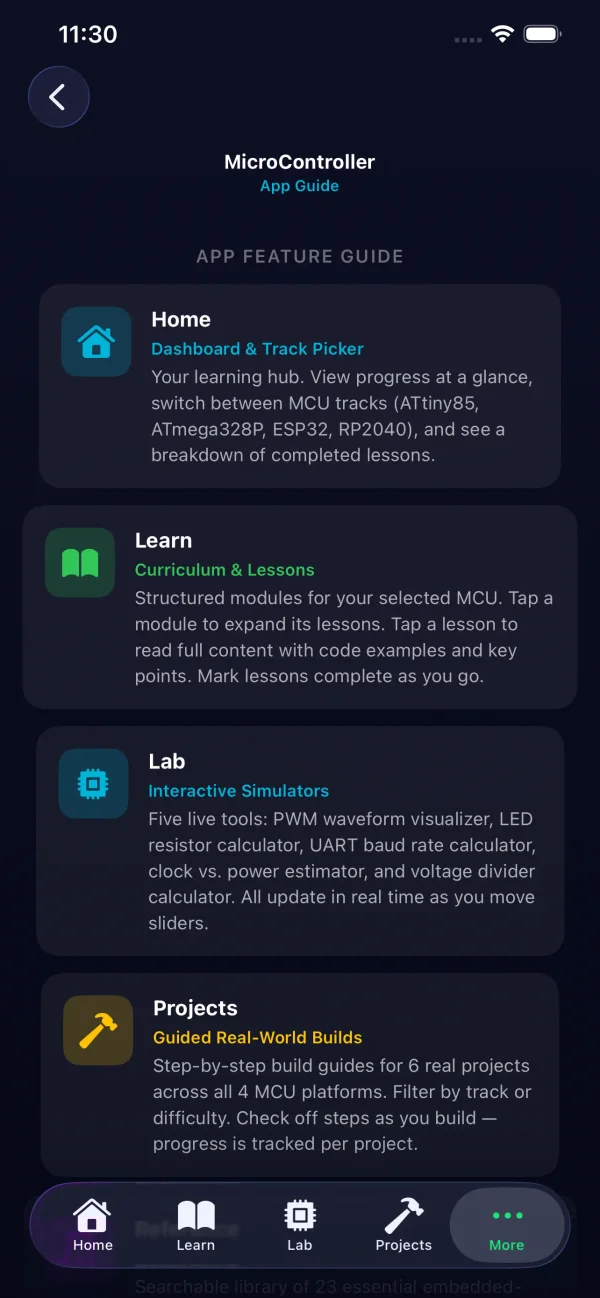
Curriculum — Structured lessons covering microcontroller fundamentals, digital I/O, analog sensors, PWM, serial communication, interrupts, and more. Learn at your own pace with clear, focused explanations.
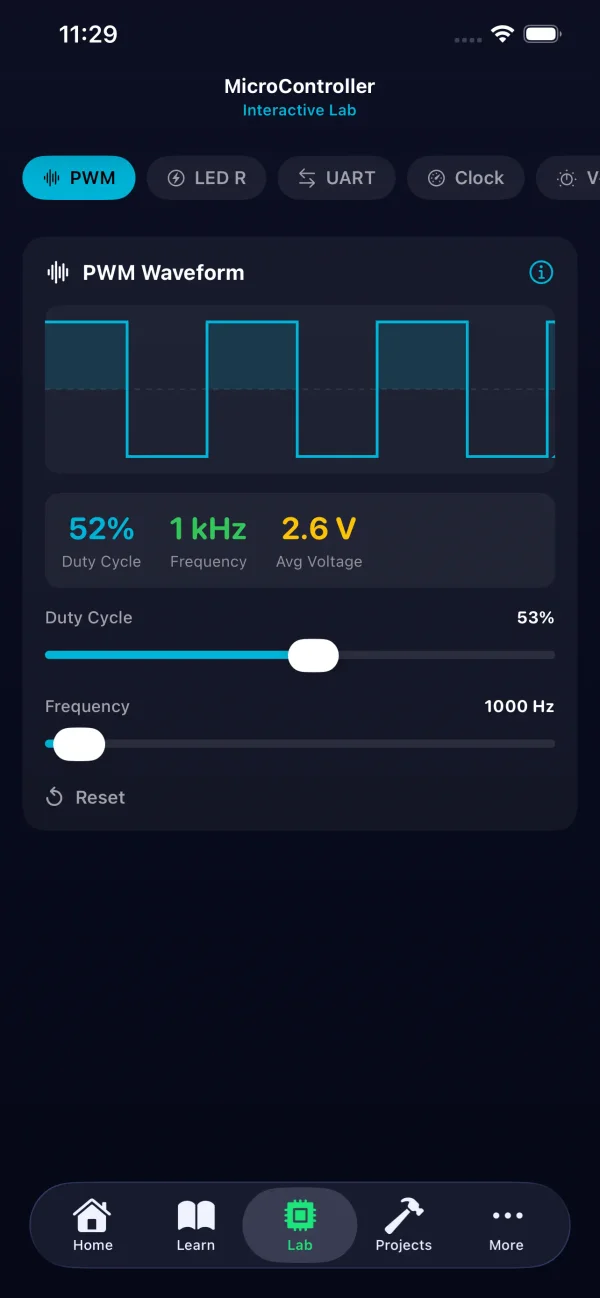
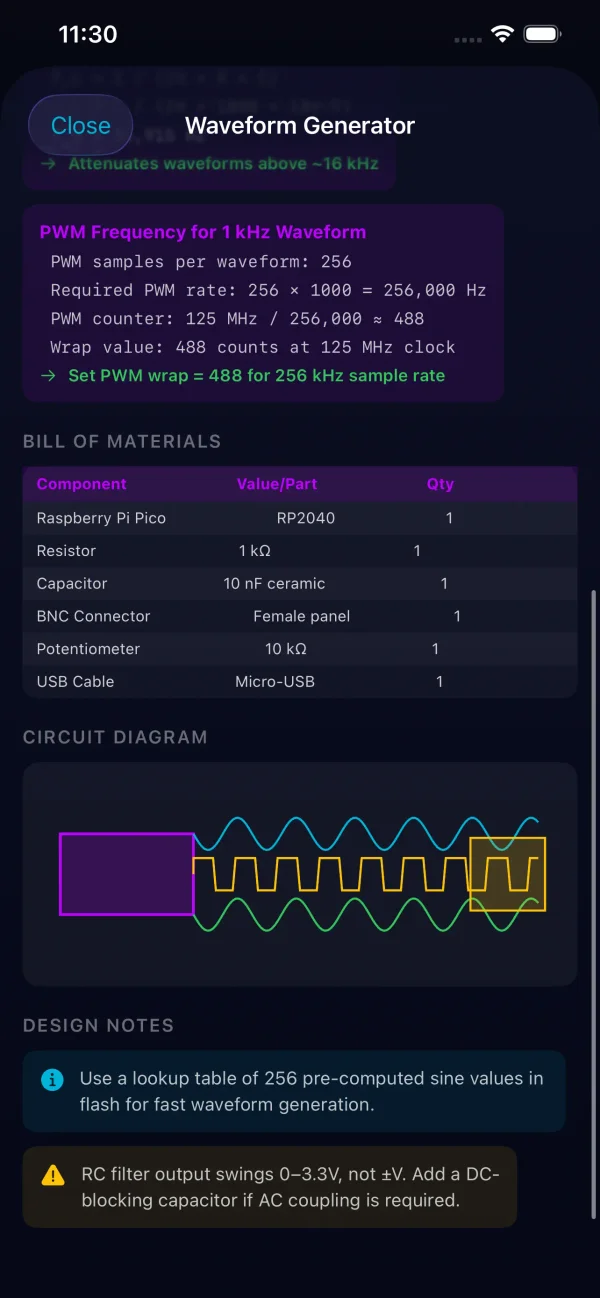
Interactive Simulators — Five animated simulators let you visualize how circuits and signals behave in real time. Watch LED blink patterns, PWM duty cycles, ADC conversions, and serial data come to life on screen.
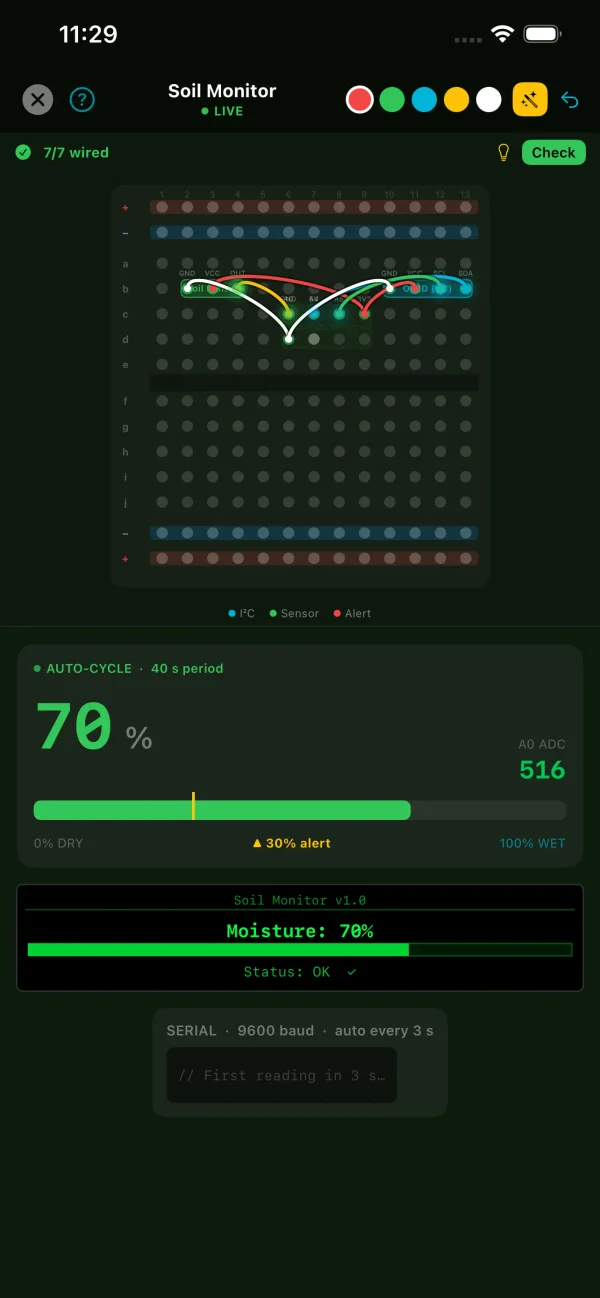
Breadboard Lab — Wire up real project circuits on a virtual breadboard. Auto-Wire builds the connections instantly. Then launch the Live Simulation to see your circuit running with animated signals and pin states.
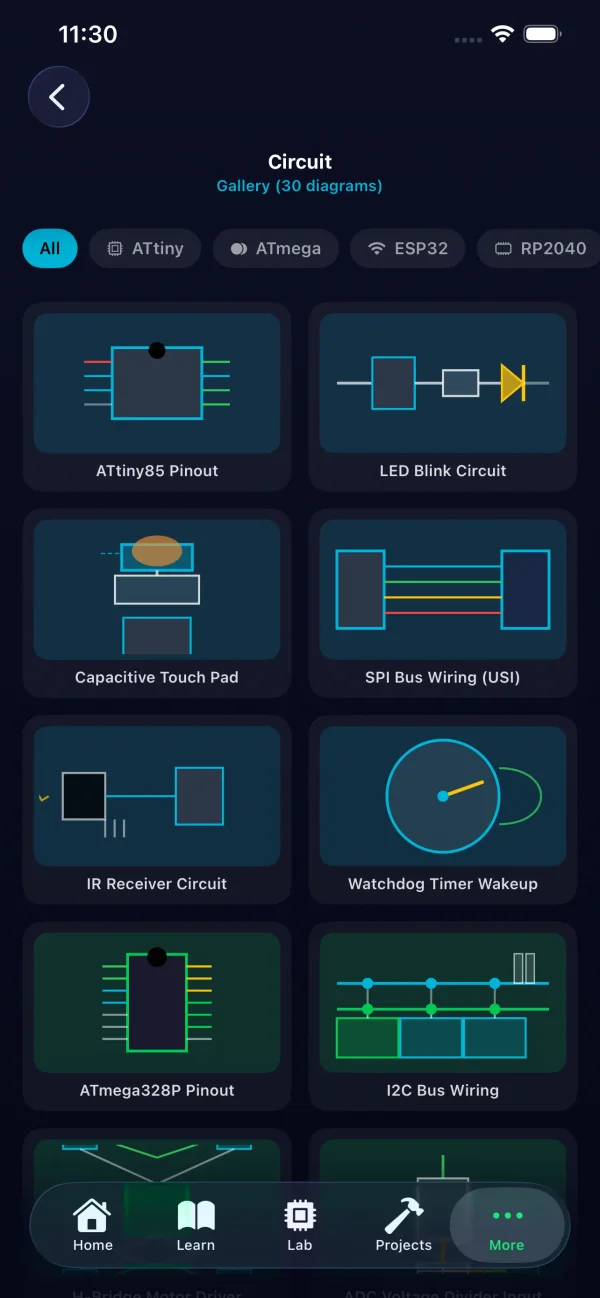
Illustrated Diagrams — 30 hand-crafted technical illustrations cover everything from pinout diagrams and circuit schematics to communication protocol timing charts.
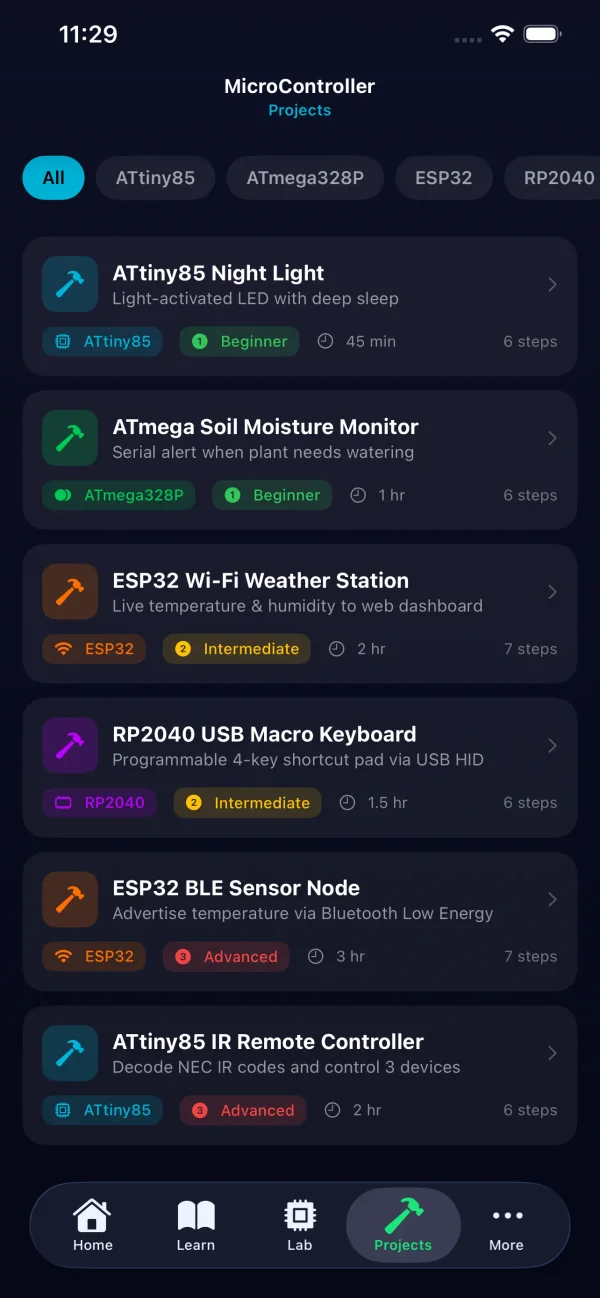
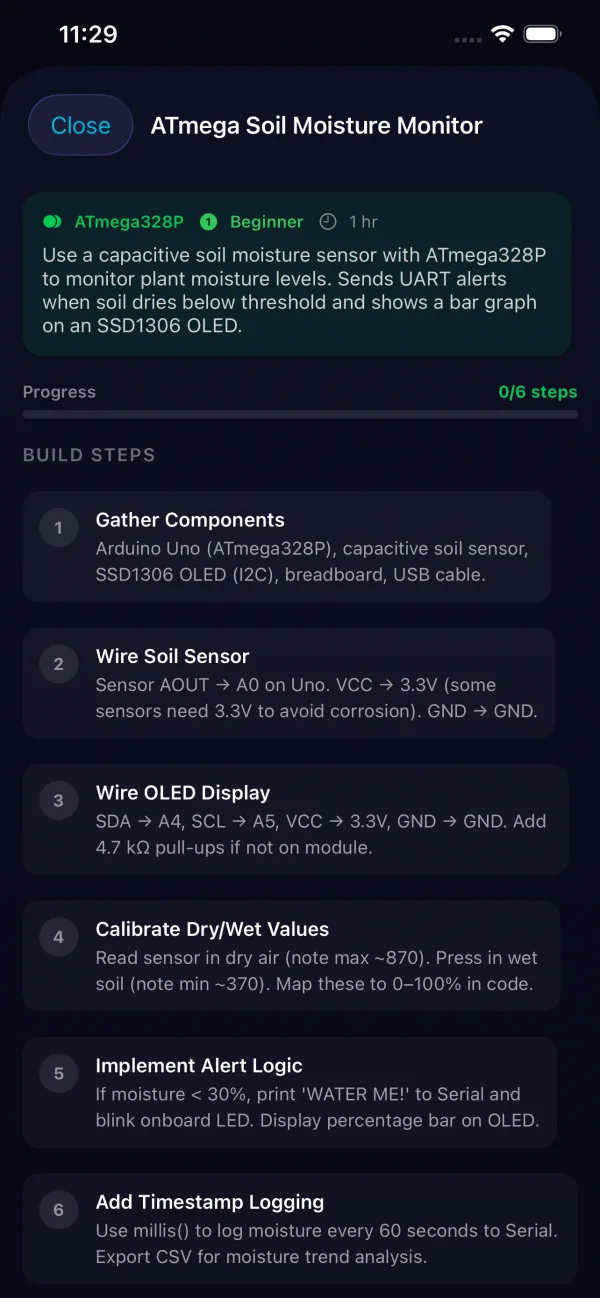
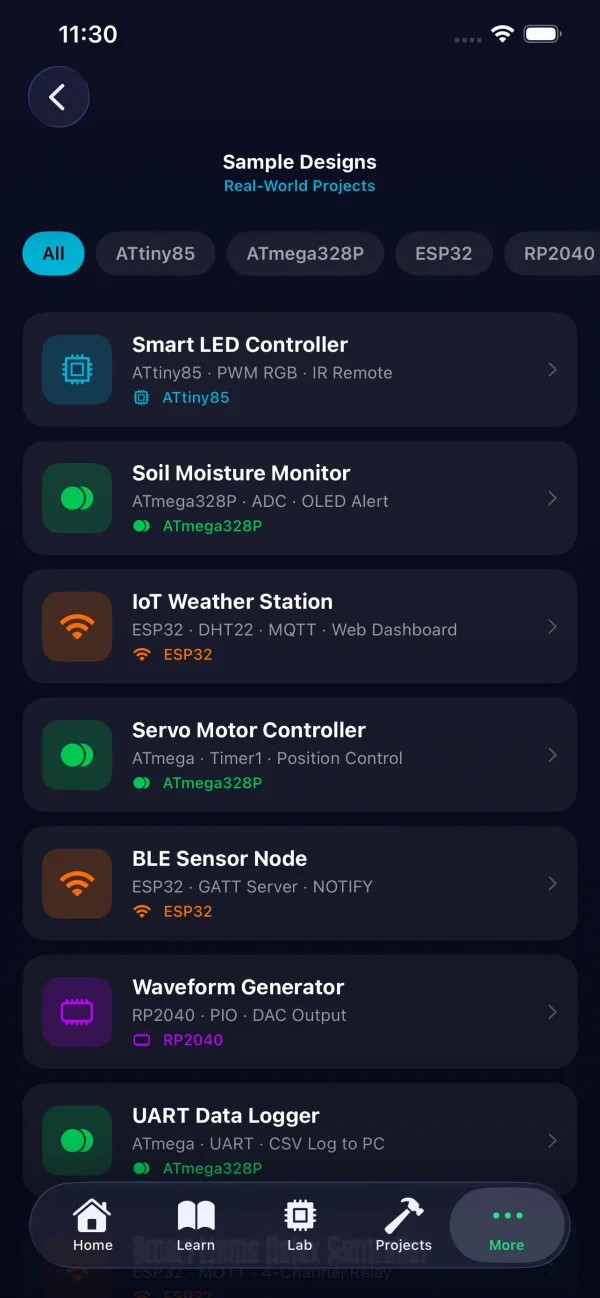
Real-World Projects — Eight guided projects show how microcontrollers are used in actual applications: soil moisture monitors, weather stations, smart relays, motor controllers, and more.
Reference Library — Quick-access tables for GPIO pinouts, register maps, timing values, and common code patterns — everything you need without leaving the app.
Microcontrollers Covered:
ATmega328P (Arduino Uno), ATtiny85, ESP32, RP2040 (Raspberry Pi Pico), STM32
Who Is This App For:
Students in electronics, computer engineering, and robotics courses. Hobbyists building their first embedded project. Engineers who want a fast visual reference on the go.
No prior electronics experience required. Start from the basics and build up to real working projects.
Confidentialité de l’application
Ce que Yuhsiu Lai déclare sur l’App Store au sujet du traitement des données par cette application.
-
Données non collectées
Le développeur ne collecte aucune donnée à partir de cette application.
Les pratiques en matière de confidentialité peuvent varier, notamment en fonction des fonctionnalités que vous utilisez ou de votre âge.
Informations
- Vendeur
- Yuhsiu Lai
- Catégorie
- Éducation
- Version
- 1.0
- Mis à jour
- 28/05/2026
- Publié
- 28/05/2026
- Taille
- 5,0 Mo
- Nécessite
- iOS 16.0 ou version ultérieure
- Classification d’âge
- 4+
- Prix
- 2,99 €
- Copyright
- © 2026 iTech Tools
Vous aimerez peut-être aussi
-
 Binary World SSCÉducation
-
 MorseLab: Morse Trainer GameÉducation
-
 Learn Erlang ProgrammingÉducation
-
 Learn Cobol Programming ProÉducation
-
 Learn Raspberry Pi Pico ProRP2040 Pico board programming
-
 Japanese-German DictionaryRéférences
-
 Learn ESP32 Programming ProÉducation
-
 RustAcademyApprends Rust de zéro à héros
-
 EMWaverÉducation
-
 Yippo: Learn Spanish PhrasesÉducation