- Classification d’âge17+
- CatégorieMédecine
- DéveloppeurMerative
- LanguesAnglais
- Taille36,1 Mo
Renvoie vers la page App Store officielle
Download.org n’héberge aucun fichier de Micromedex. Le bouton ouvre la page de l’application sur App Store, où Merative la publie. Fiche vérifiée pour la dernière fois le 26/11/2026.
Captures d’écran
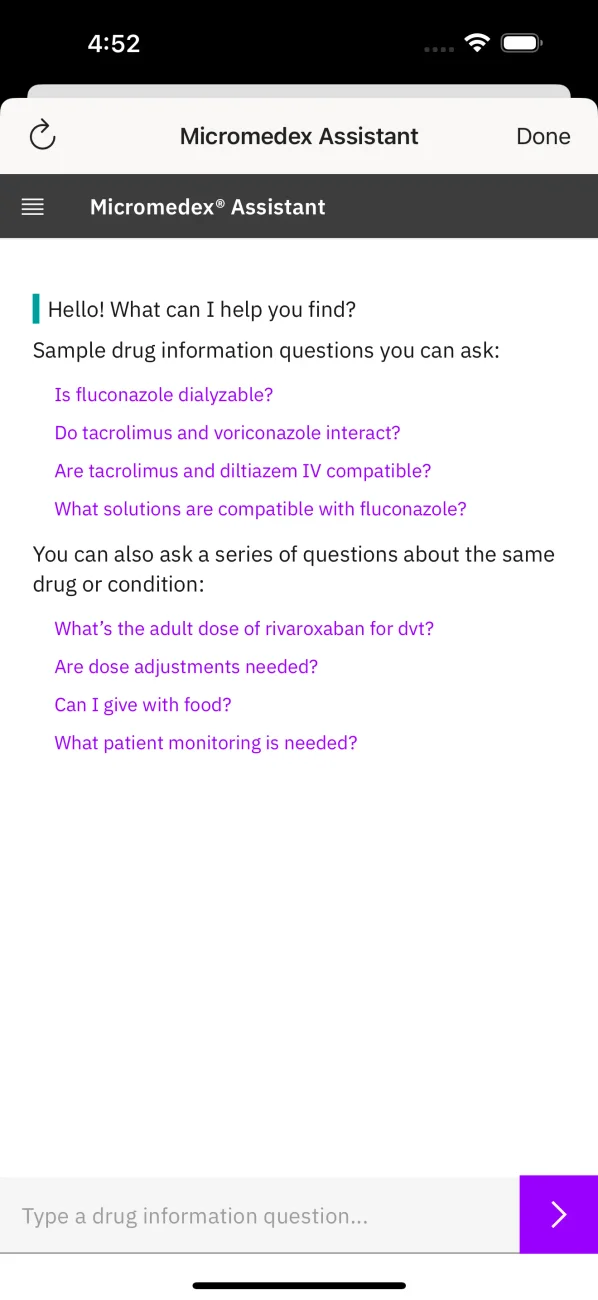
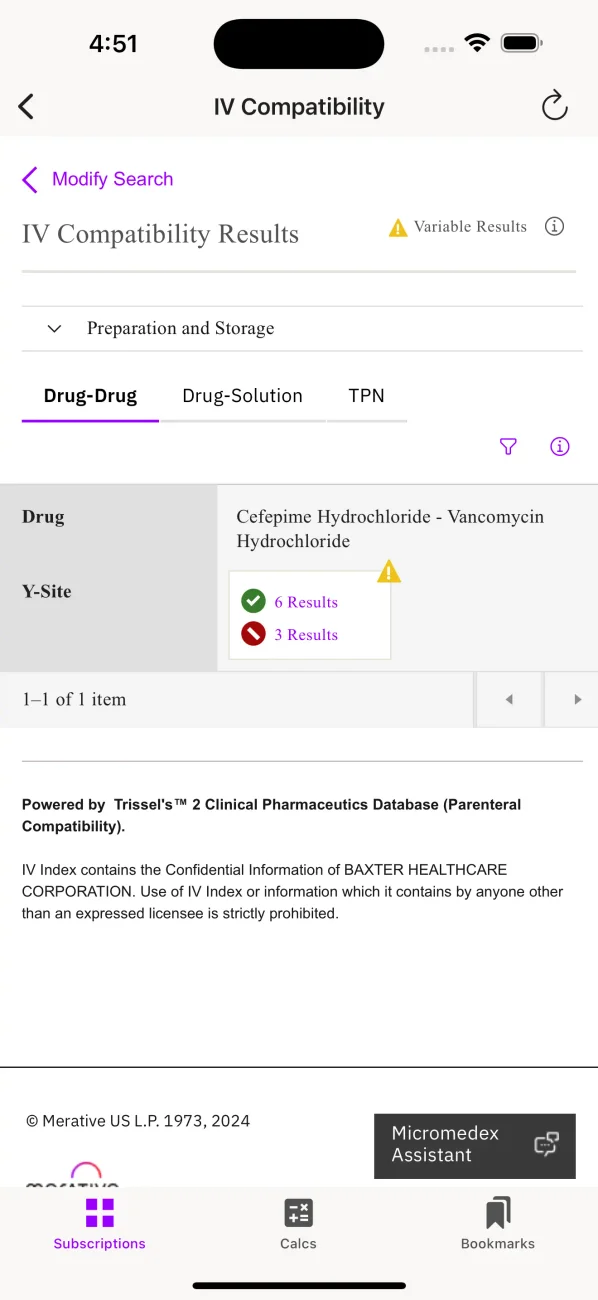
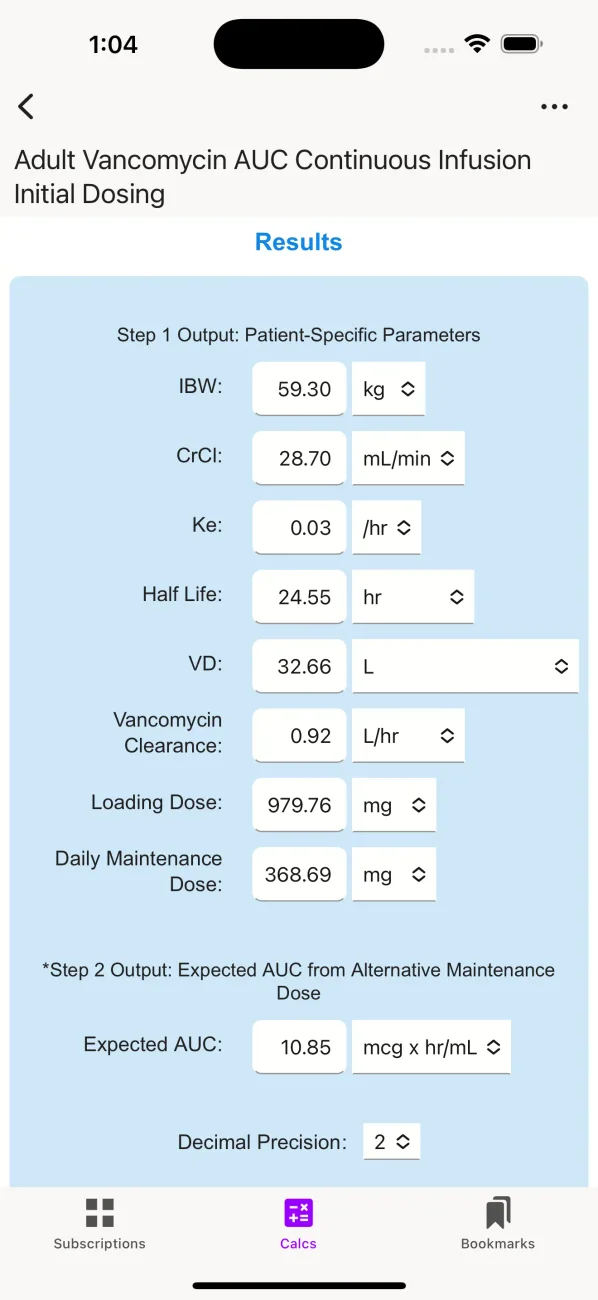
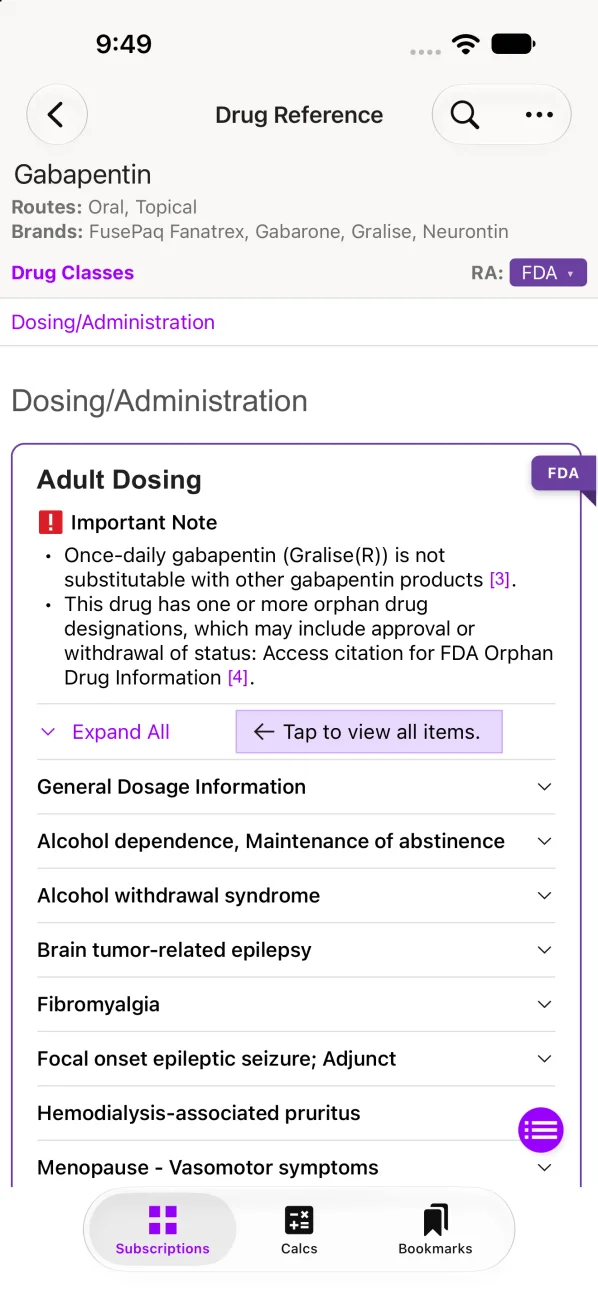

À propos
Le développeur n’a pas fourni ce texte dans votre langue.
The Micromedex suite is a current, reliable, and robust solution to support informed clinical decisions with fast access to the latest evidence-based insights at the point of care. The impartial clinical content is updated daily and vetted through an accredited review process.
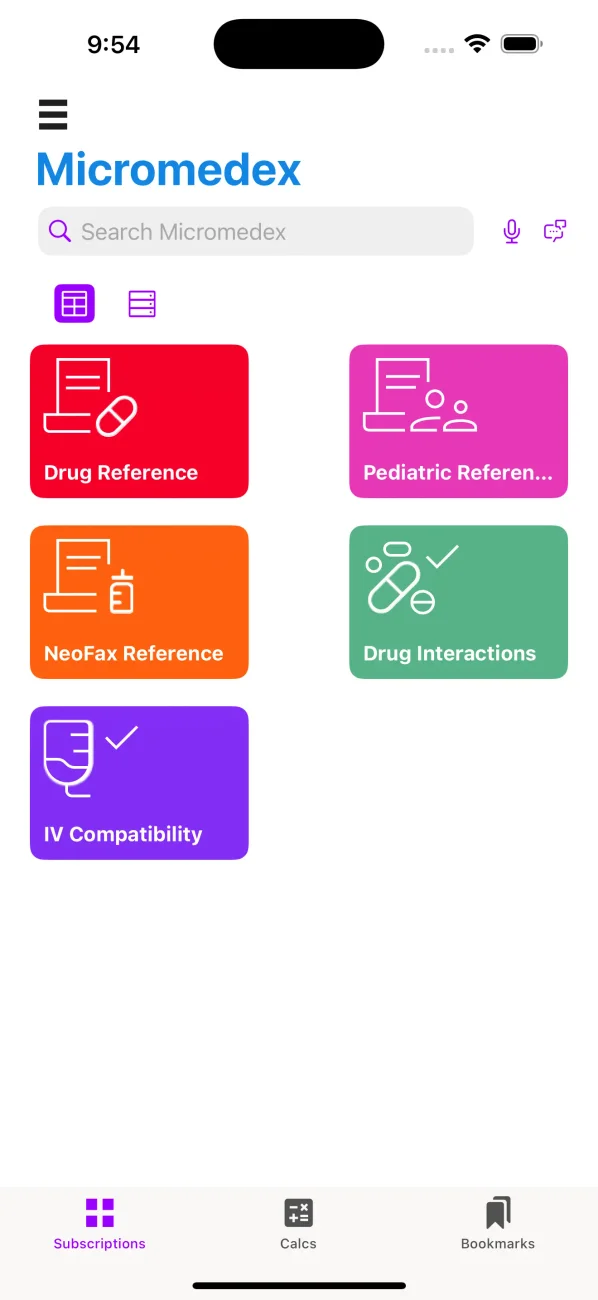
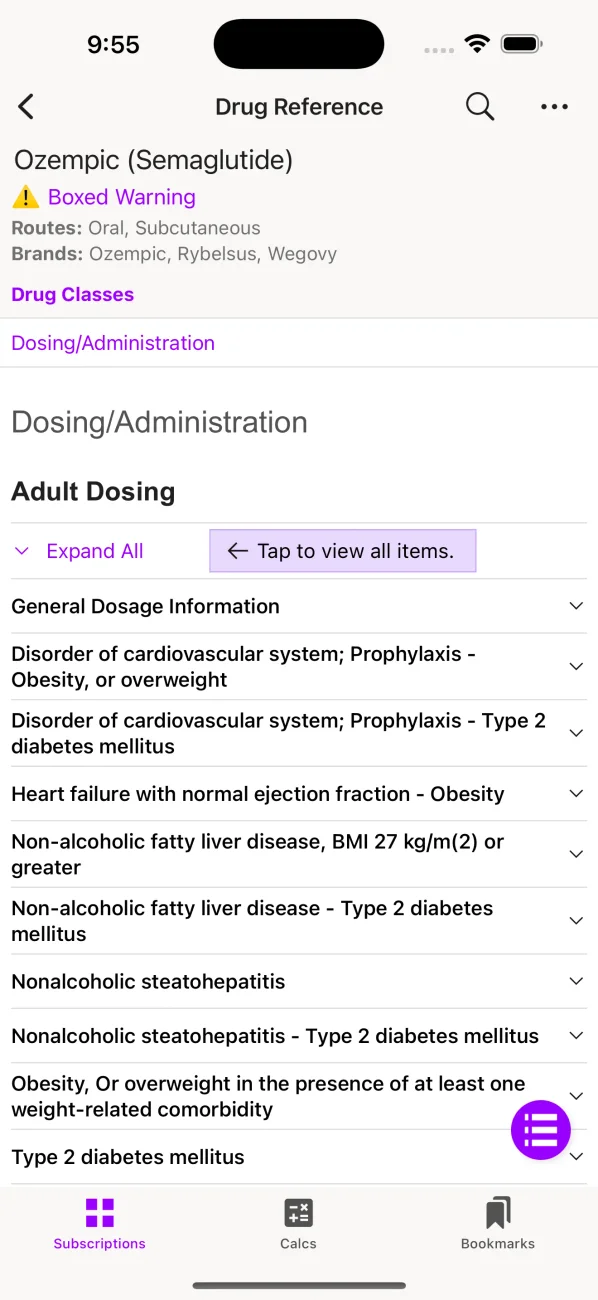
The Micromedex app provides Drug Reference summary, NeoFax and Pediatric reference, IV Compatibility, and Drug Interactions information along with a set of clinical calculators and access to the Micromedex Assistant.
What you will experience:
– Unified Access: Access to all essential drug information from a single, comprehensive app
– Ease of Navigation: User-friendly interface for easy access to information
– Ease of Maintenance: Experience automated content updates so you can stay focused on your workflow
App Activation Instructions:
To successfully activate, your device needs to remain online.
For quick and efficient downloading, remain within your facility Wi-Fi network.
1. Download the “Micromedex” app. The app will download to your app library or directly to your device.
2. Open the app, an activation code and an activation link will display on your device.
a. Follow the link from your app. Enter your Micromedex login credentials, if required.
OR
b. Enter www.micromedexsolutions.com/activate in your desktop browser
c. In your Micromedex desktop application, navigate to the Mobile Application Access tab and open the Mobile app access instructions and follow the provided link to the activation page.
3. Enter the provided activation code and tap “Activate Device” to begin using the app.
Nouveautés
Version 1.3 · 25/11/2026
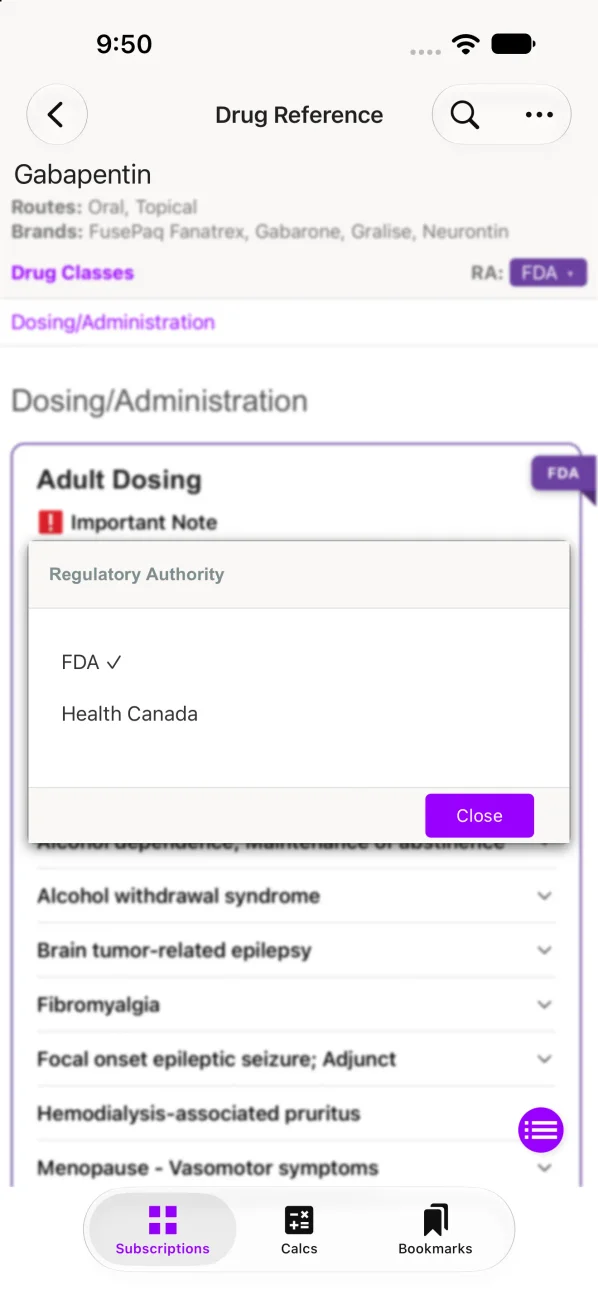
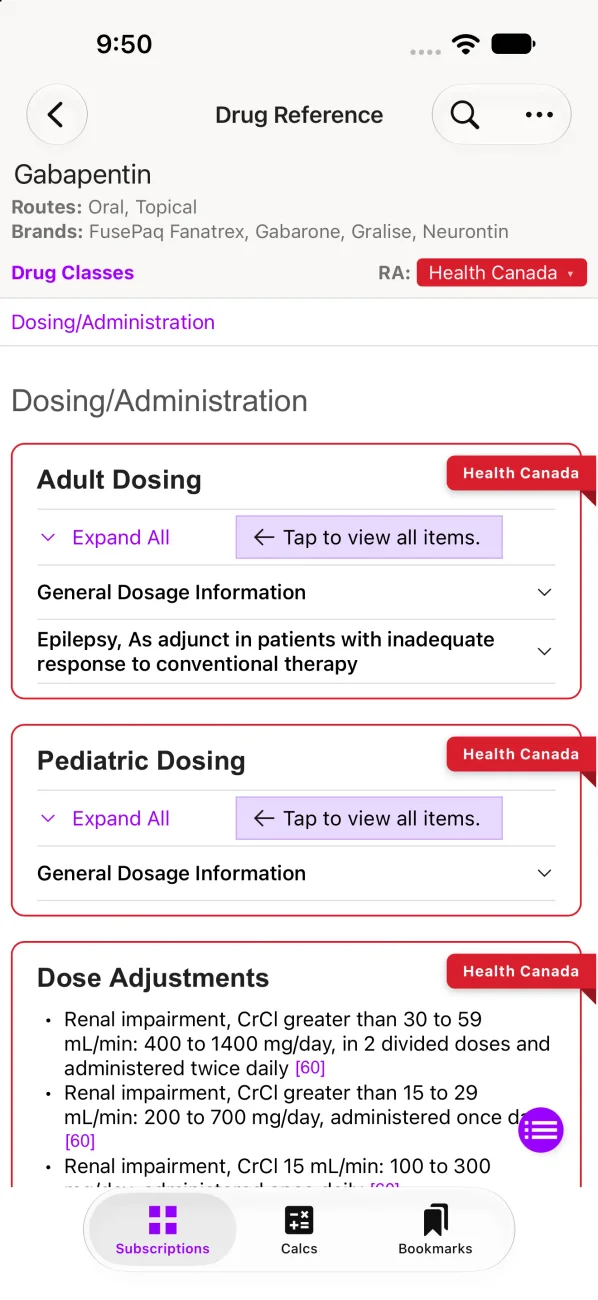
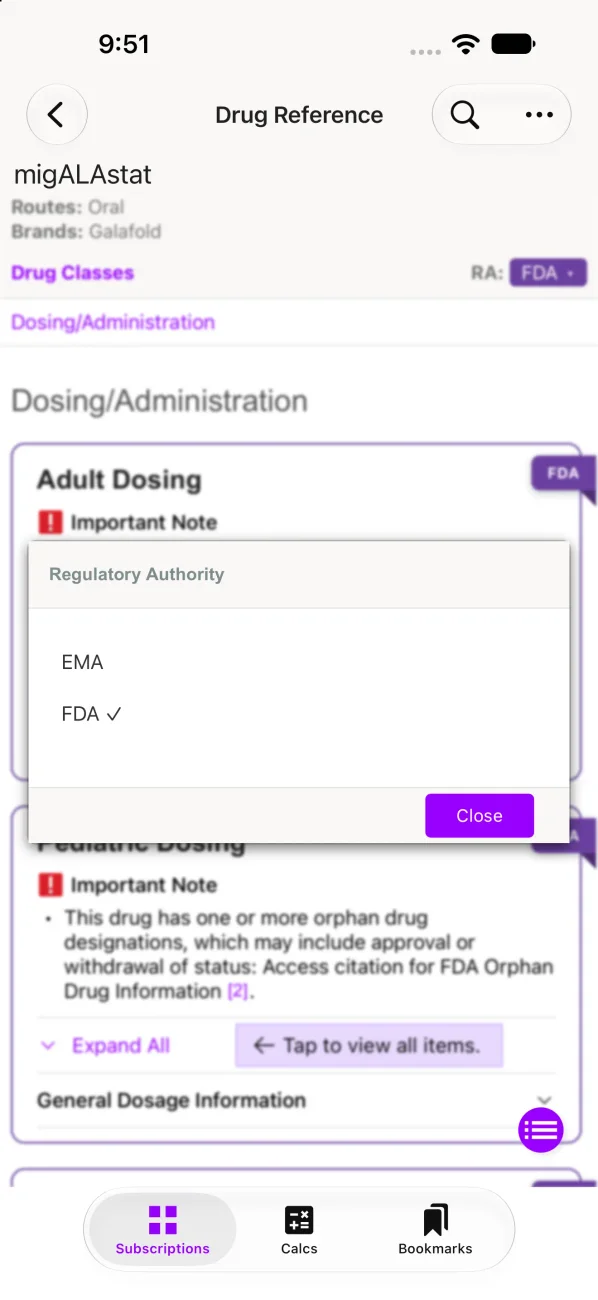
View FDA, Health Canada or EMA labeling in drug monographs, where available.
- Set a default regulatory authority (RA) for monographs to open with.
- Switch between FDA, Health Canada and EMA labeling with the color-coded RA selector.
- RA-specific sections are labeled FDA, Health Canada or EMA as you scroll.
- Sections that don’t vary by RA are marked as not RA specific.
Clinical calculators for evidence-based scores and formulas now use the latest EBMcalc package updates, with display fixes.
Confidentialité de l’application
Ce que Merative déclare sur l’App Store au sujet du traitement des données par cette application.
-
Données n’établissant aucun lien avec vous
Peuvent être collectées, mais ne sont pas liées à votre identité.
- Historique de recherche
- Identifiants
- Données d’utilisation
- Diagnostic
Les pratiques en matière de confidentialité peuvent varier, notamment en fonction des fonctionnalités que vous utilisez ou de votre âge.
Informations
- Vendeur
- Merative US L.P.
- Catégorie
- Médecine
- Version
- 1.3
- Mis à jour
- 25/11/2026
- Publié
- 23/10/2024
- Taille
- 36,1 Mo
- Nécessite
- iOS 18.4 ou version ultérieure
- Classification d’âge
- 17+
- Prix
- Gratuit
- Langues
- Anglais
- Copyright
- © Merative US L.P. 2013, 2025