- Classification d’âge4+
- CatégorieMusique
- DéveloppeurNathan Brand
- LanguesAnglais
- Taille4,8 Mo
Renvoie vers la page App Store officielle
Download.org n’héberge aucun fichier de MIDI Layout. Le bouton ouvre la page de l’application sur App Store, où Nathan Brand la publie. Fiche vérifiée pour la dernière fois le 08/11/2026.
Captures d’écran

À propos
Le développeur n’a pas fourni ce texte dans votre langue.
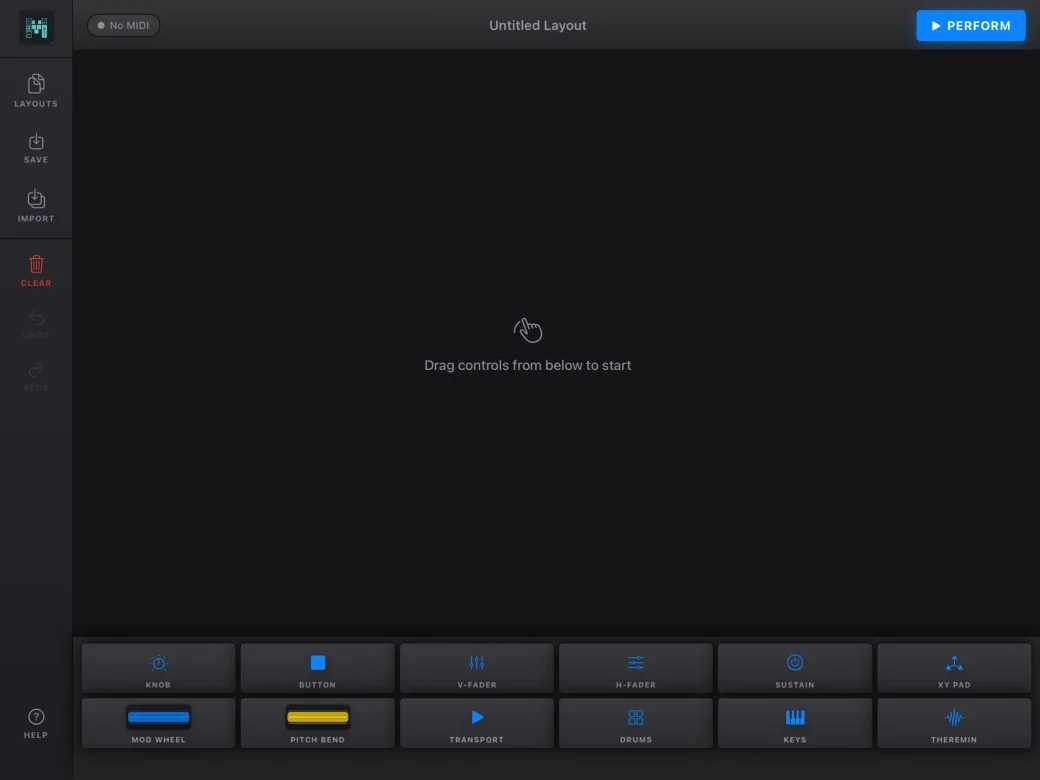
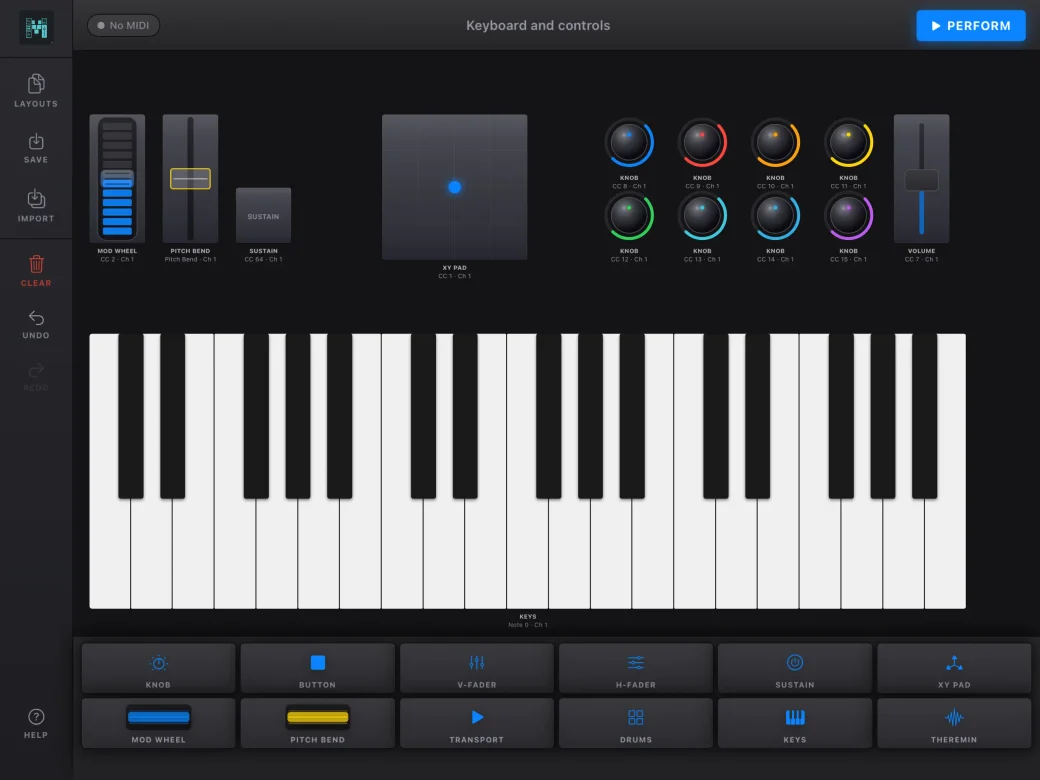
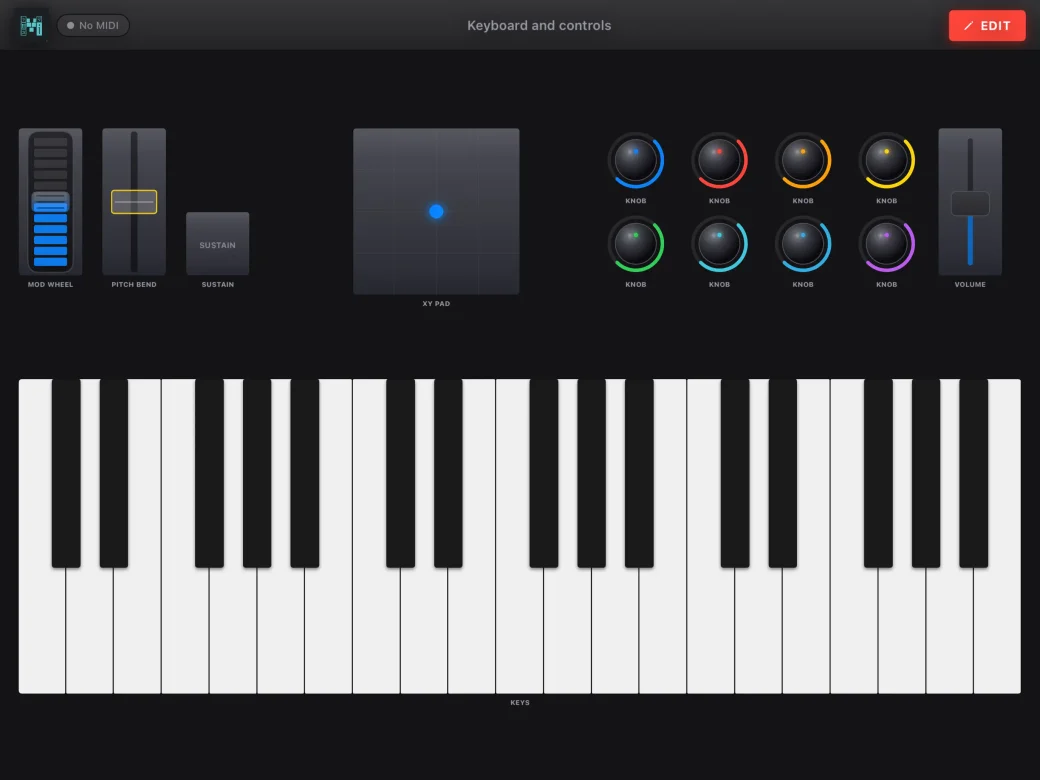
MIDI Layout turns your iPad into a fully customisable MIDI controller. Design your perfect performance surface from scratch — then switch to Perform Mode and play.
Build what you need
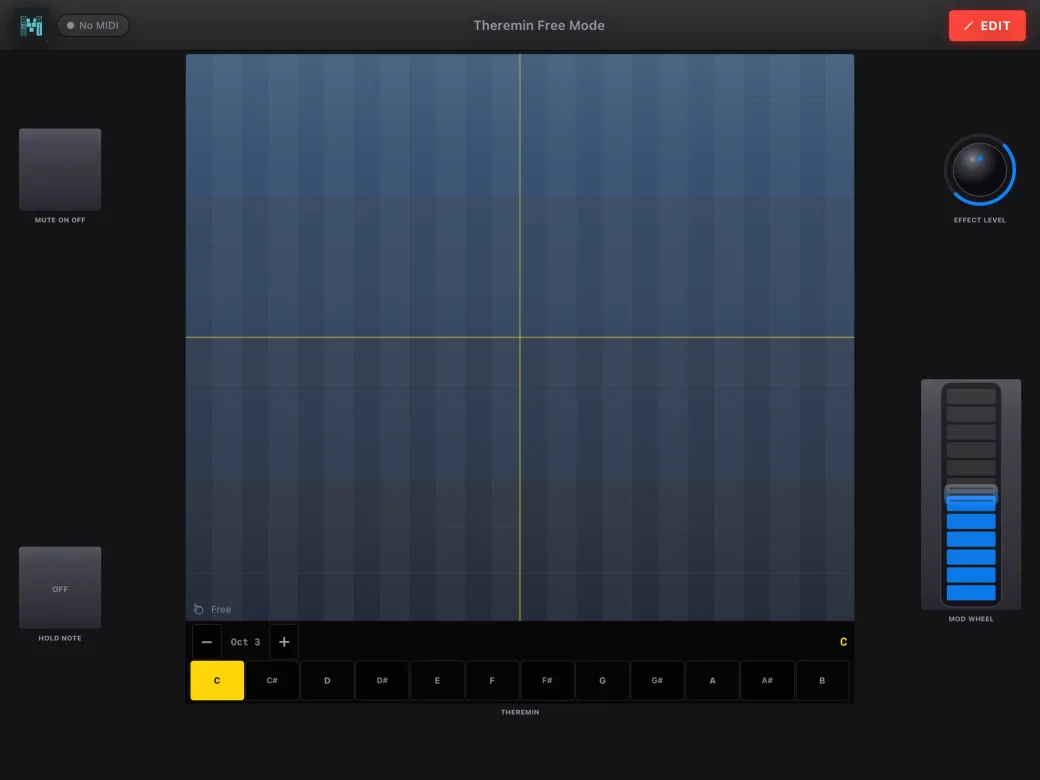
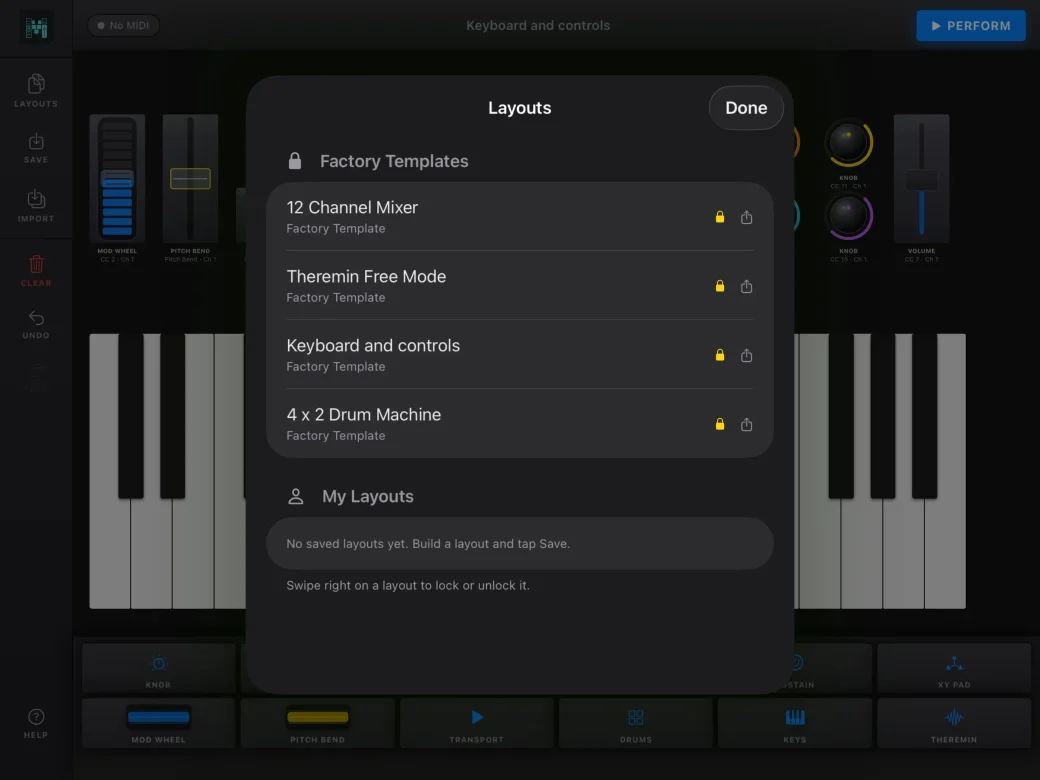
Drag knobs, faders, buttons, drum pads, a keyboard, and a Theremin XY pad onto the canvas. Arrange and resize everything to fit your workflow. Save unlimited layouts and switch between them instantly.
Configure everything
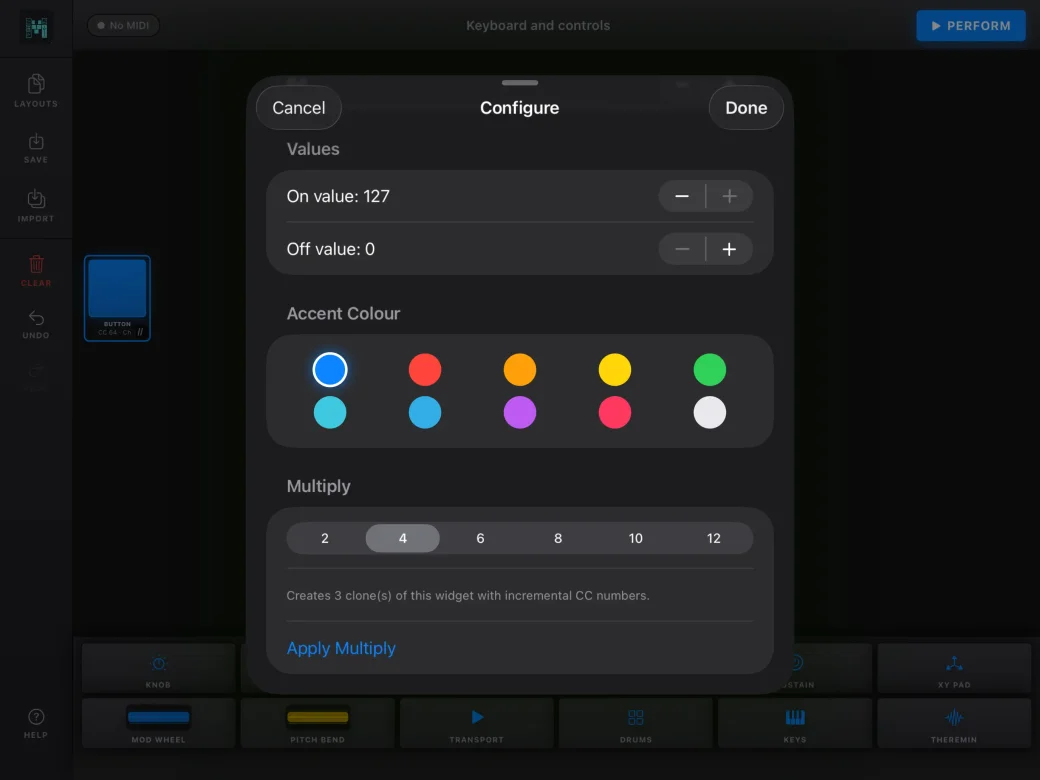
Every control has its own MIDI CC number, channel, and value range. Set knob sensitivity, button latch or momentary behaviour, drum pad velocity, and more. Use the Multiply feature to clone a row of faders or buttons with auto-incrementing CC numbers in seconds.
The Theremin
MIDI Layout's Theremin is a wide-format expressive pad unlike anything else in the app. Play in Free Mode for continuous pitch bend with real-time note readout, Chromatic Mode for precise semitone columns, or choose from ten scale modes including Major Pentatonic, Blues, and Dorian. Change root note and octave on the fly without interrupting your performance.
Perform with confidence
Perform Mode hides every editing tool and fills your screen with your layout. Lock your layouts before a gig to prevent accidental changes. A MIDI panic button silences stuck notes instantly.
Connect to your Mac
Connect over Wi-Fi via Network MIDI or USB via Audio MIDI Setup. MIDI Layout appears as a standard MIDI input in Logic Pro, Ableton Live, GarageBand, and any other CoreMIDI-compatible DAW.
Export and share
Share layouts as .midilayout files via AirDrop, Mail, or Files. Import layouts from other users instantly.
Nouveautés
Version 1.1 · 04/11/2026
What's new in MIDILayout 1.1
- **Knob modes:** configure each knob as an absolute Controller or relative Data Entry control. New knobs use the mode selected on the most recently configured knob.
- **Pitch Bend sensitivity:** adjust response per Pitch Bend control; the default is more responsive.
- **Theremin scales:** added Altered, Double Harmonic, and Enigmatic scales. Chromatic and scale modes support multiple simultaneous fingers.
- **Theremin performance controls:** change mode, key, and octave while playing.
- **Multiply:** create multiple controls with incrementing CC numbers.
- **MIDI connectivity:** connect Bluetooth MIDI devices, use the iPad as a Bluetooth MIDI device, and choose enabled MIDI inputs and outputs.
- **MIDI feedback and monitor:** matching incoming MIDI can update supported controls; MIDI Monitor displays incoming messages. MIDI Panic is available from the top bar.
- **Transport configuration:** choose visible transport controls and configure MIDI Machine Control or CC messages.
- **Portrait and landscape layouts:** the canvas follows the iPad's current orientation, with independent control positions and sizes for each. Lock the current orientation from Edit or Perform.
## Bug fixes and improvements
- **Canvas layout:** improved autosnapping and collision handling so controls and their labels stay aligned without overlapping.
- **Canvas bounds and resizing:** controls stay within the canvas, and resizing can return to the default size.
- **Configuration:** controls are configured individually instead of sharing defaults for newly added buttons, knobs, and faders.
- **Theremin touch handling:** improved multi-touch note handling and Perform-mode controls.
- **Transport display:** the widget now reflects its configured visible controls.
Confidentialité de l’application
Ce que Nathan Brand déclare sur l’App Store au sujet du traitement des données par cette application.
-
Données non collectées
Le développeur ne collecte aucune donnée à partir de cette application.
Les pratiques en matière de confidentialité peuvent varier, notamment en fonction des fonctionnalités que vous utilisez ou de votre âge.
Informations
- Vendeur
- Nathan Brand
- Catégorie
- Musique
- Version
- 1.1
- Mis à jour
- 04/11/2026
- Publié
- 12/03/2026
- Taille
- 4,8 Mo
- Nécessite
- iOS 26.2 ou version ultérieure
- Classification d’âge
- 4+
- Prix
- 1,99 €
- Langues
- Anglais
- Copyright
- © 2026 Nathan Brand