
- Classification d’âge4+
- CatégorieStyle de vie
- DéveloppeurYuri Wolf
- LanguesAnglais+ 1 de plus
- Taille3,4 Mo
MorseKeyer n’est peut-être pas disponible sur App Store pour le moment
La fiche de la boutique était inaccessible lors de notre dernière vérification. Le lien mène toujours à la page App Store officielle.
Captures d’écran



À propos
Le développeur n’a pas fourni ce texte dans votre langue.
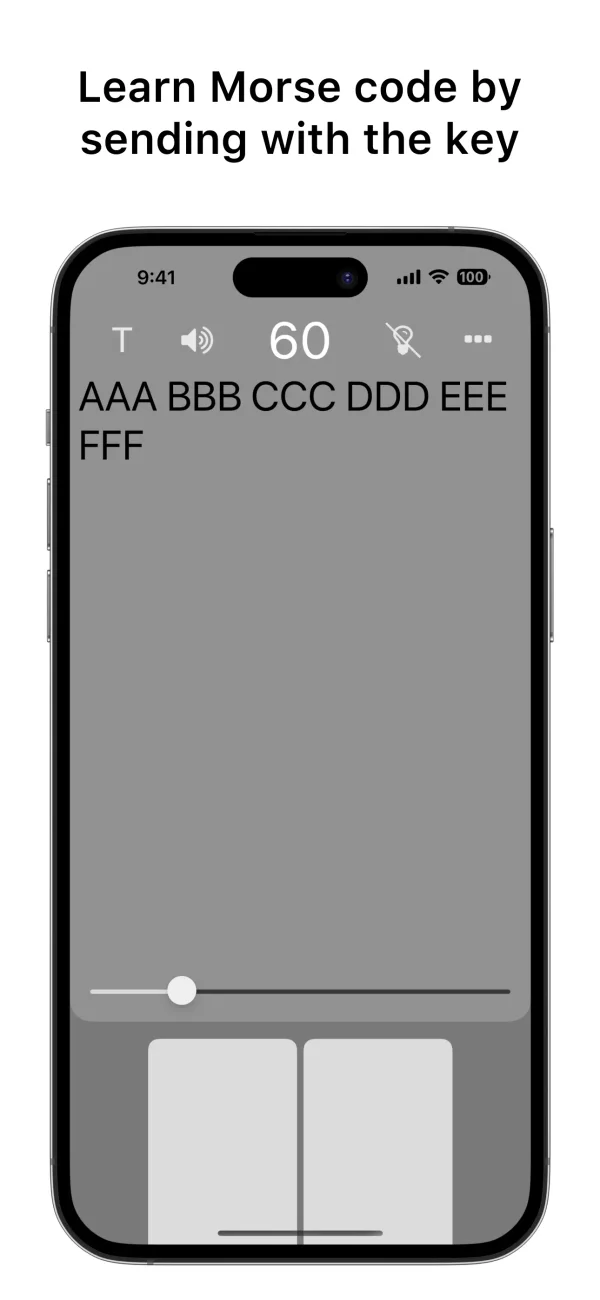
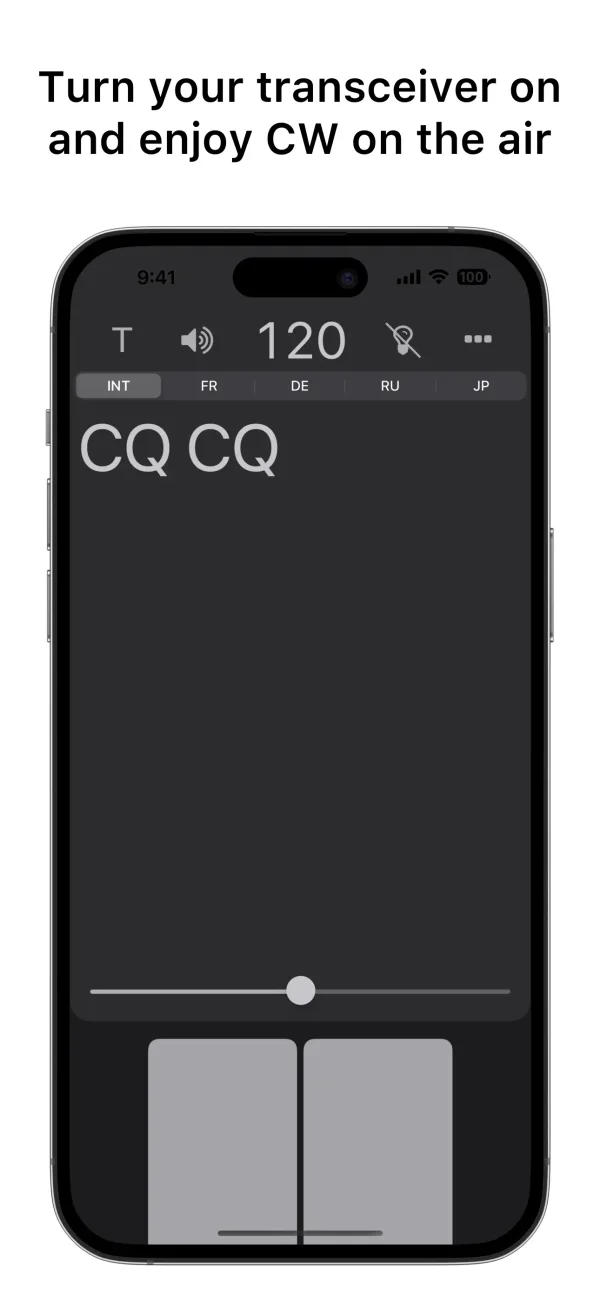
The app operates like a real electronic keyer with a dual-lever paddle, dot and dash memories and various keying modes including "iambic". It produces a series of short sound signals (dots) when one of the paddles is pressed and a series of long signals (dashes) when the other one is pressed.
Letters, digits, procedural signals (prosigns) and other transmitted symbols are displayed on the screen. Additionally, Morse code abbreviations used in amateur radio, maritime, aviation and military communications are recognized and formatted appropriately.
ADVANCED CW KEYER
The keyer buffers paddle presses, that eases the manipulation and helps to transmit at higher speeds. High accuracy of generated signals contributes to high-quality transmission of Morse code.
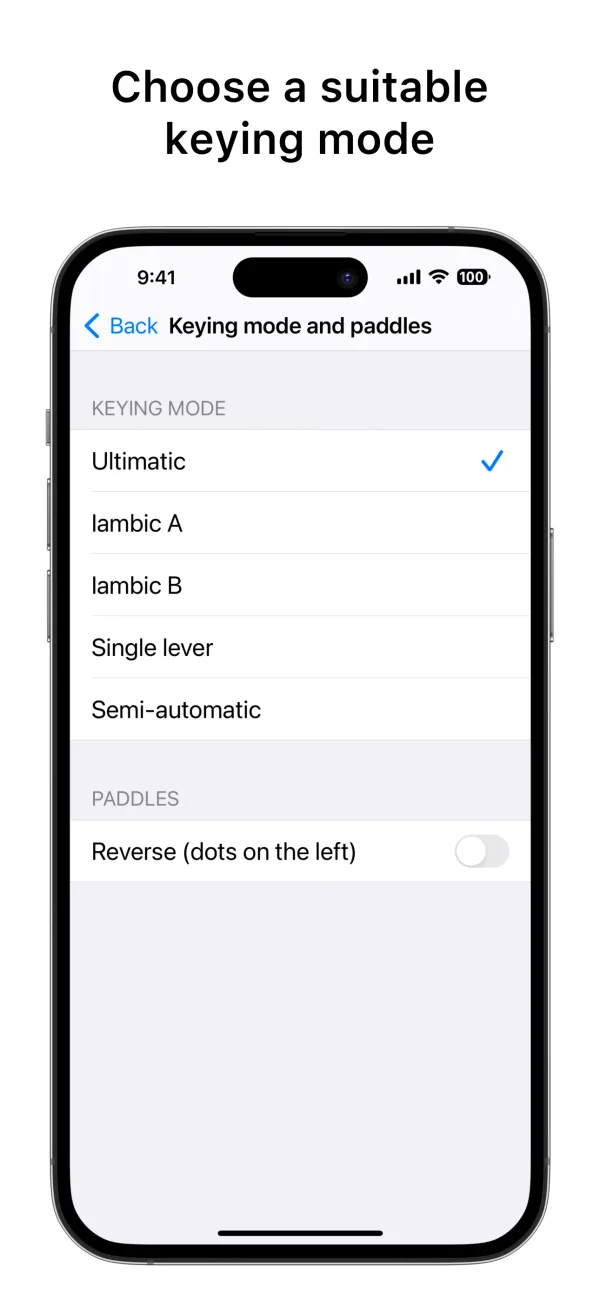
Keying modes:
- Ultimatic — "last paddle wins"
- Iambic (modes A and B)
- Single lever
- Semi-automatic, aka "bug"
EXTENDED MORSE CODE
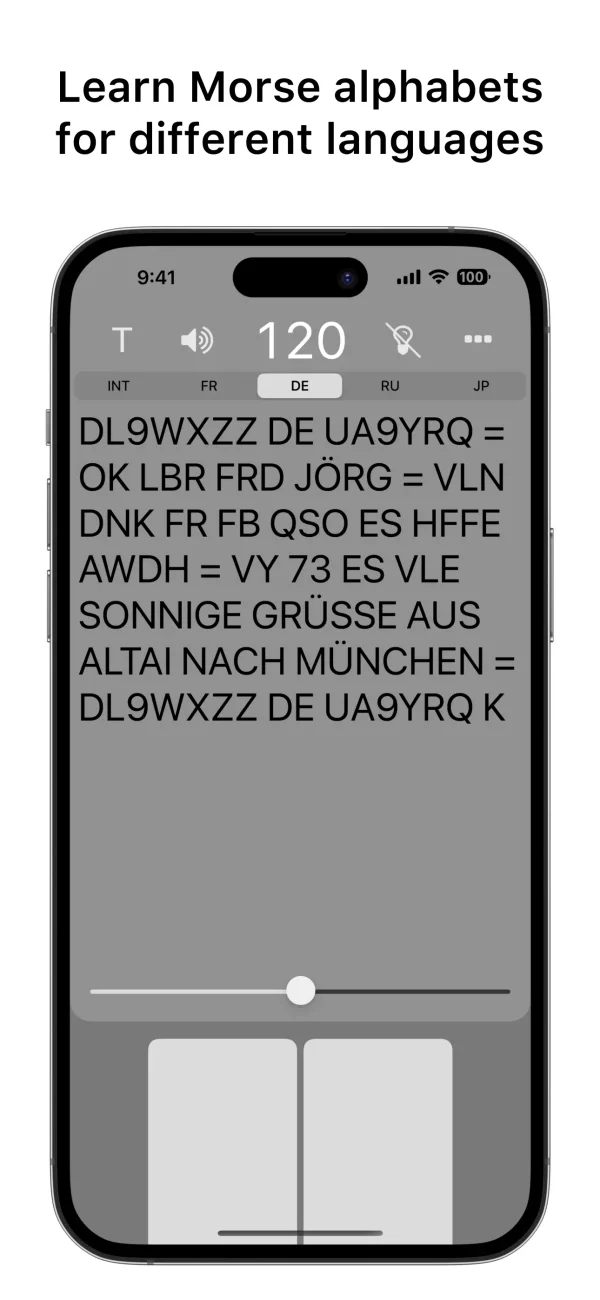
When displaying the transmitted text, the app "knows" in addition to International Morse code a number of extensions for different languages. Supported alphabets include Japanese (Wabun code), Greek, Cyrillic-based and Latin-based alphabets with diacritical marks.
The app recognizes details and nuances of Morse code for the following alphabets:
Belarusian, Bosnian, Bulgarian, Croatian, Czech, Danish, Dutch, English, Esperanto, Estonian, Finnish, French, German, Greek, Hungarian, Icelandic, Italian, Japanese, Latvian, Lithuanian, Macedonian, Moldovan, Montenegrin, Norwegian, Polish, Portuguese, Romanian, Russian, Serbian, Slovak, Slovenian, Spanish, Swedish, Turkish, Ukrainian.
SMART DISPLAY
MorseKeyer does a lot to display the Morse code you transmit in the most readable form. For this purpose the app is equipped with the following functions:
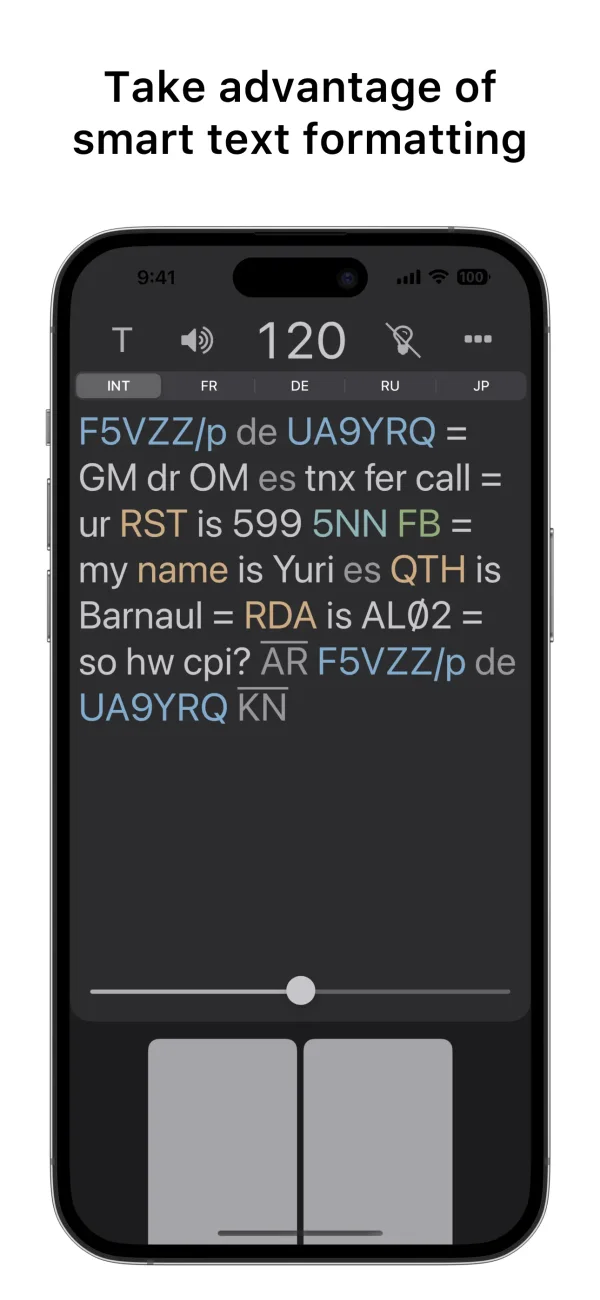
- Sophisticated text formatting
- Dynamic switching between alphabets
- Reasonable representation of errors
These innovative features use multilevel content analysis to detect CW abbreviations, Q-codes, Z-codes, amateur radio callsigns and other special words.
SOPHISTICATED TEXT FORMATTING
The transmitted text can be displayed not only in the traditional all-capital format, but also using a kind of "smart" formatting. In this mode each word is displayed in the accepted form, as in the following CW session snippet:
GM dr OM tnx fer call = ur RST is 599 = my QTH is nr London
DYNAMIC SWITCHING BETWEEN ALPHABETS
Even if you choose to use a non-Lating version of Morse code in your communication session, special words and Morse code abbreviations still can be displayed in Latin script.
- In Wabun code the prosigns DO and SN as well as codes for Japanese parenthesis indicate switching between International and Japanese alphabets. MorseKeyer follows this convention and switches alphabets in such cases automatically.
- A Cyrillic alphabet can be selected as the primary one to display most of the transmitted text, but all Morse code abbreviations and special words (CQ, de, ur, RST, my, QTH, name, tnx, etc.) as well as callsigns can still be represented in Latin script.
REASONABLE REPRESENTATION OF ERRORS
If you transmit a non-existent Morse code sign, the app displays it either as a dot-dash sequence or in another form depending on the current settings. In many cases MorseKeyer highlights a mistake, indicating its source and making it readable.
ADVANCED SETTINGS
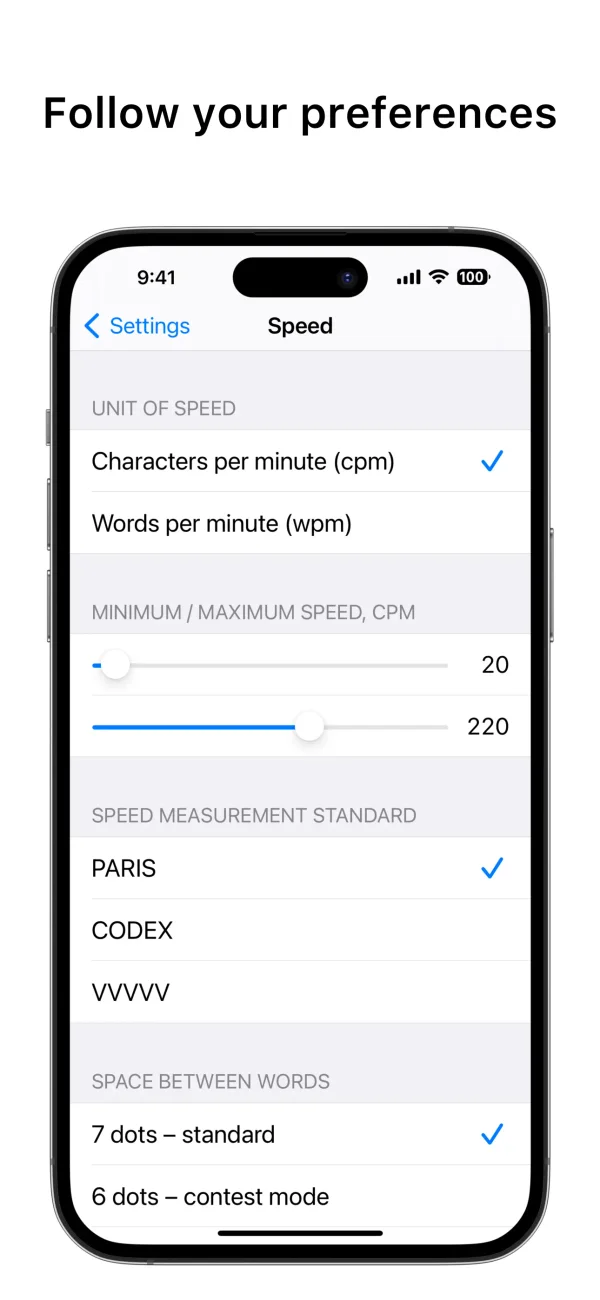
MorseKeyer is ready to use out of the box. However, it has a lot of settings allowing you to fine tune it, customize and make more convenient in different use cases.
NICE SOUND
A special attention in the app is paid to the sound signal quality, its timbre, the optimal level of clicks and other characteristics, that make the sound of Morse code authentic and recognizable by any radio operator and comfortable to listen to.
Nouveautés
Version 1.1.0 · 18/04/2024
- Context-sensitive syntax highlighting. Revolutionary improvement in formatting of transmitted text: callsigns, CW abbreviations and other special words from the world of ham radio are now highlighted in different colors depending on their meanings
- The list of CW abbreviations and detectable special words has been expanded and categorized
- Some inaccuracies have been fixed
Confidentialité de l’application
Ce que Yuri Wolf déclare sur l’App Store au sujet du traitement des données par cette application.
-
Données non collectées
Le développeur ne collecte aucune donnée à partir de cette application.
Les pratiques en matière de confidentialité peuvent varier, notamment en fonction des fonctionnalités que vous utilisez ou de votre âge.
Informations
- Vendeur
- Yuri Wolf
- Catégorie
- Style de vie
- Version
- 1.1.0
- Mis à jour
- 18/04/2024
- Publié
- 04/11/2020
- Taille
- 3,4 Mo
- Nécessite
- iOS 13.0 ou version ultérieure
- Classification d’âge
- 4+
- Langues
- Anglais, Russe
- Copyright
- © 2020-2024 Yuri Wolf
Vous aimerez peut-être aussi
-
 Castle Rock Church of ChristStyle de vie
-
 LoTW LookStyle de vie
-
 SSTV Signal DeskDécodeur radioamateur complet
-
 Radio Africa NetworkStyle de vie
-
 Morse MavenMaîtrise du Code Morse
-
 RUMlogNG2GoStyle de vie
-
 SOTAMĀT SOTA / POTA SpottingStyle de vie
-
 Offline Spotter for POTA/SOTAStyle de vie
-
 KO3Style de vie
-
 DxQSORadio amateur qui vous connaît