
Mugen Player
Seamless Video & Audio Player
Conçue pour iPhone, iPad
Gratuit · Achats intégrés
- Classification d’âge4+
- CatégoriePhoto et vidéo
- DéveloppeurKoichiro Kamada
- LanguesAnglais+ 11 de plus
- Taille35,3 Mo
Renvoie vers la page App Store officielle
Download.org n’héberge aucun fichier de Mugen Player. Le bouton ouvre la page de l’application sur App Store, où Koichiro Kamada la publie. Fiche vérifiée pour la dernière fois le 28/11/2026.
Captures d’écran



À propos
Le développeur n’a pas fourni ce texte dans votre langue.
[Overview & Features]
An easy-to-use, ultra-lightweight player designed for smooth continuous media playback.
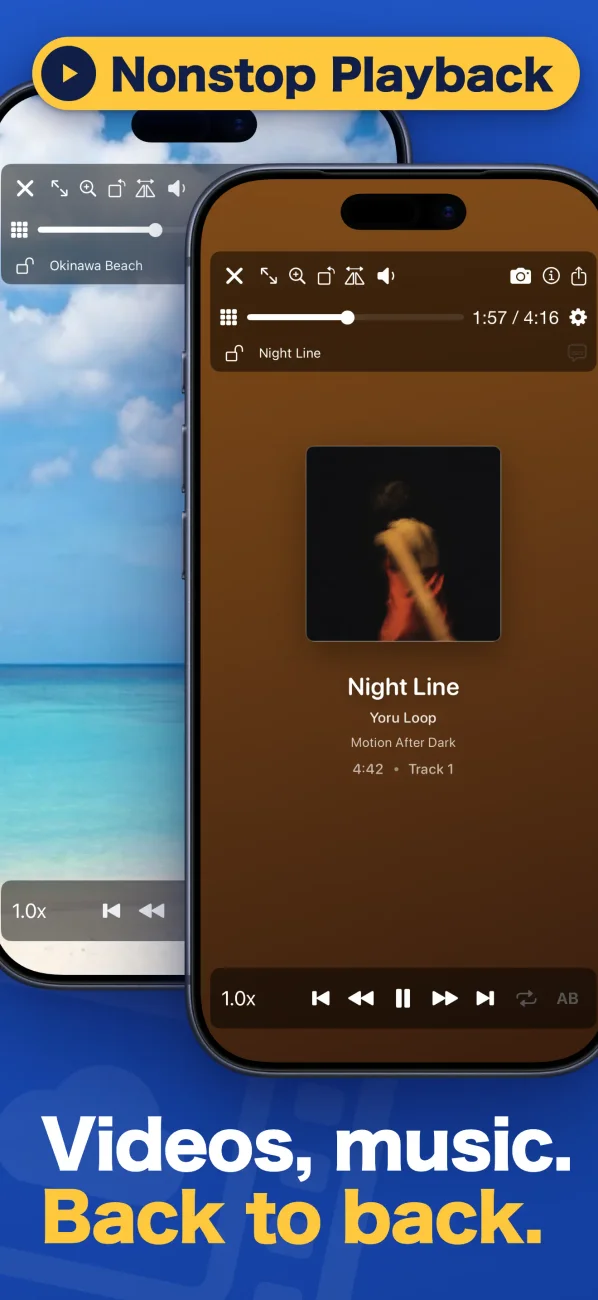
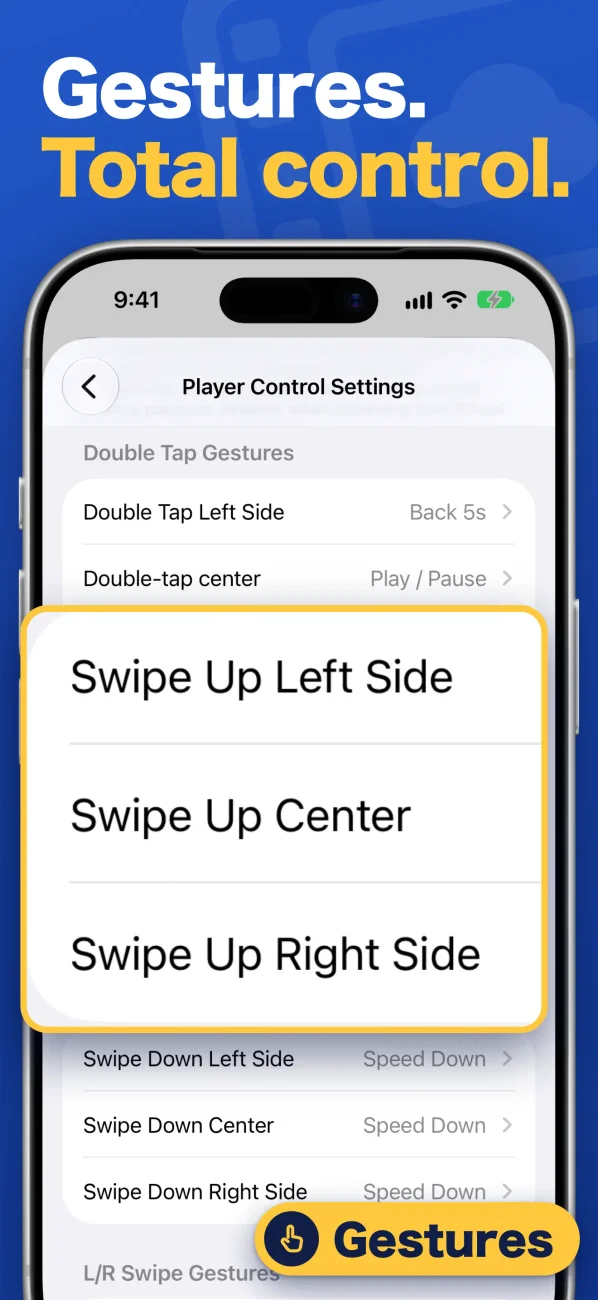
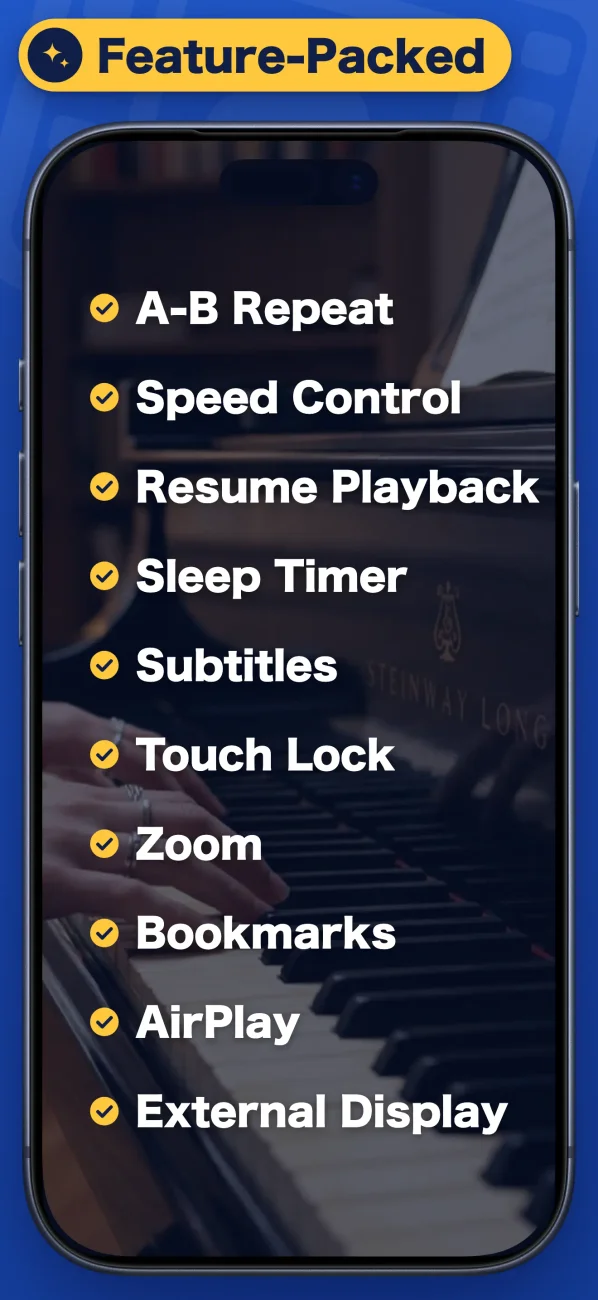
- Switch media instantly with intuitive swipe gestures and control playback with gestures such as short skips forward and back.
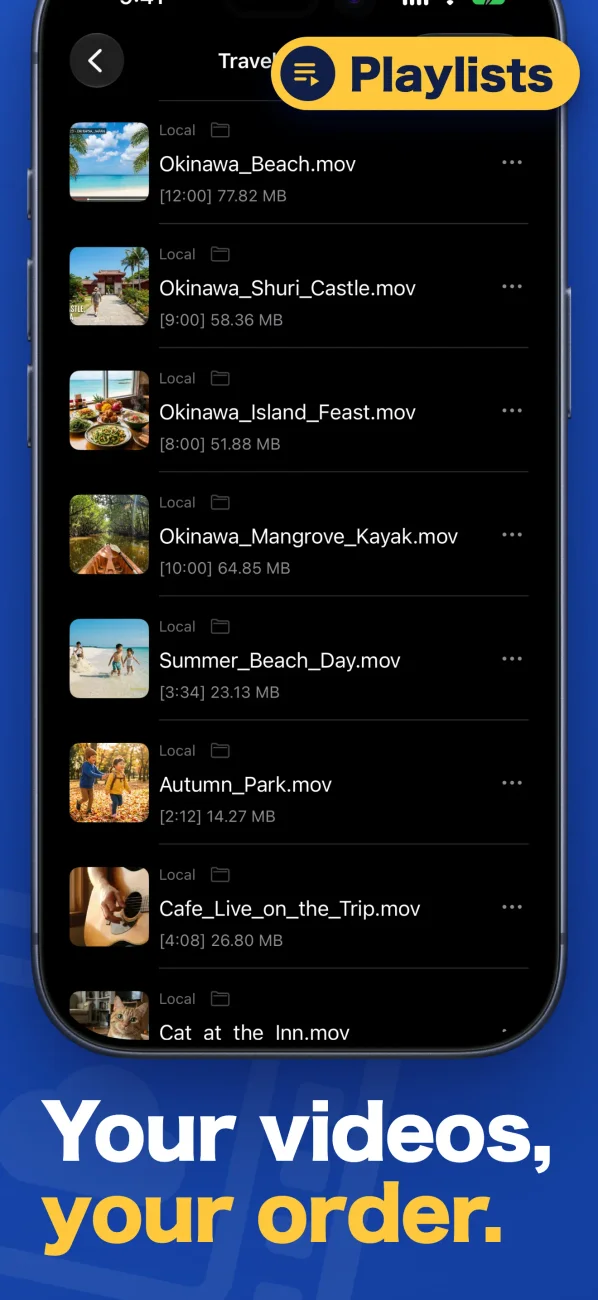
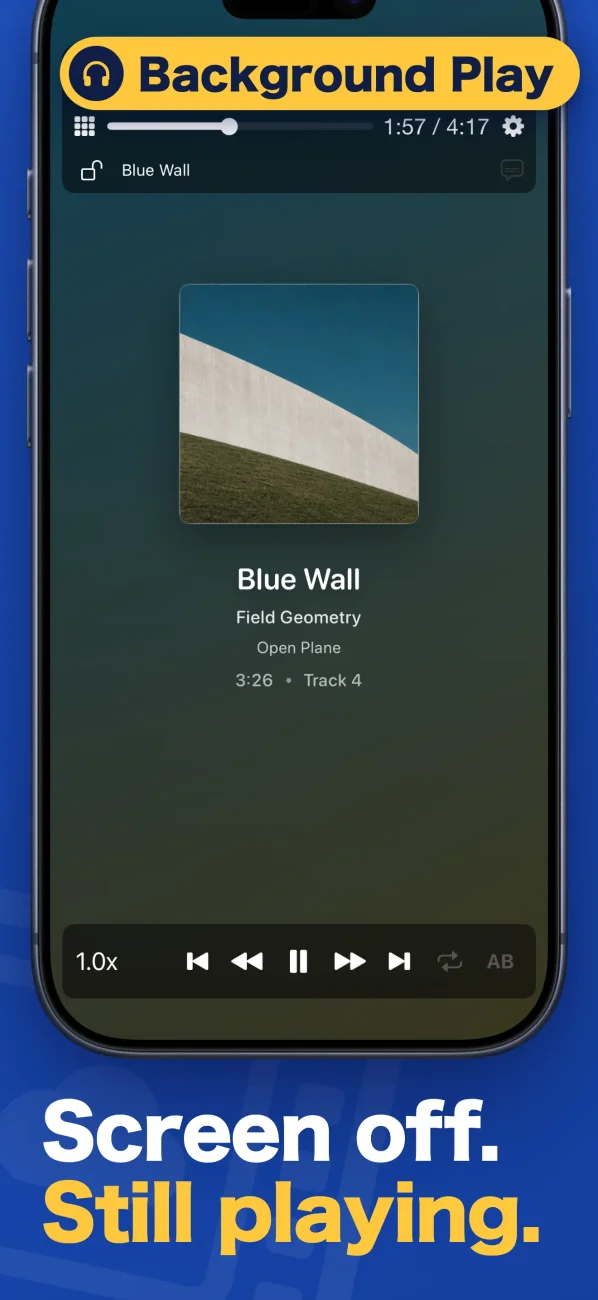
- Create playlists that mix video and audio, then play them continuously in the background.
- Resume playback or playlists naturally from where you left off.
- Loop playback is ideal for in-store displays, demo videos, or background music.
- Supports earphones, headphones, car controllers, AirPlay, and flexible iPad screen and multitasking modes.
[Play Directly from Files]
- Select media from a wide range of locations using the standard iOS file interface.
- Play directly from the original location without creating unnecessary copies in the app.
- Select multiple files for continuous playback, with playback history saved automatically for quick access.
[Photo Library Playback]
- Play continuously by album and automatically select only videos.
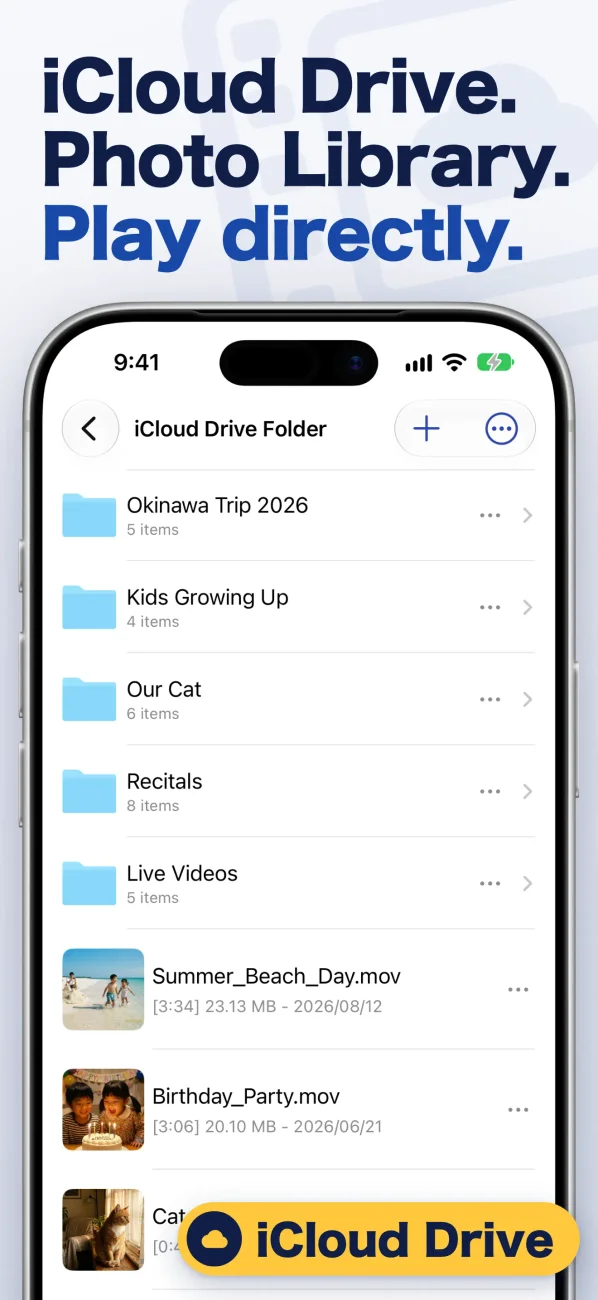
- Supports all Photo Library videos, iCloud Shared Albums, and direct playback from iCloud Photo Library.
- Choose whether iCloud loading prioritizes speed or quality.
- Change playback order, filter by Favorites, toggle Favorites, and create or edit playlists.
[App Folder Playback]
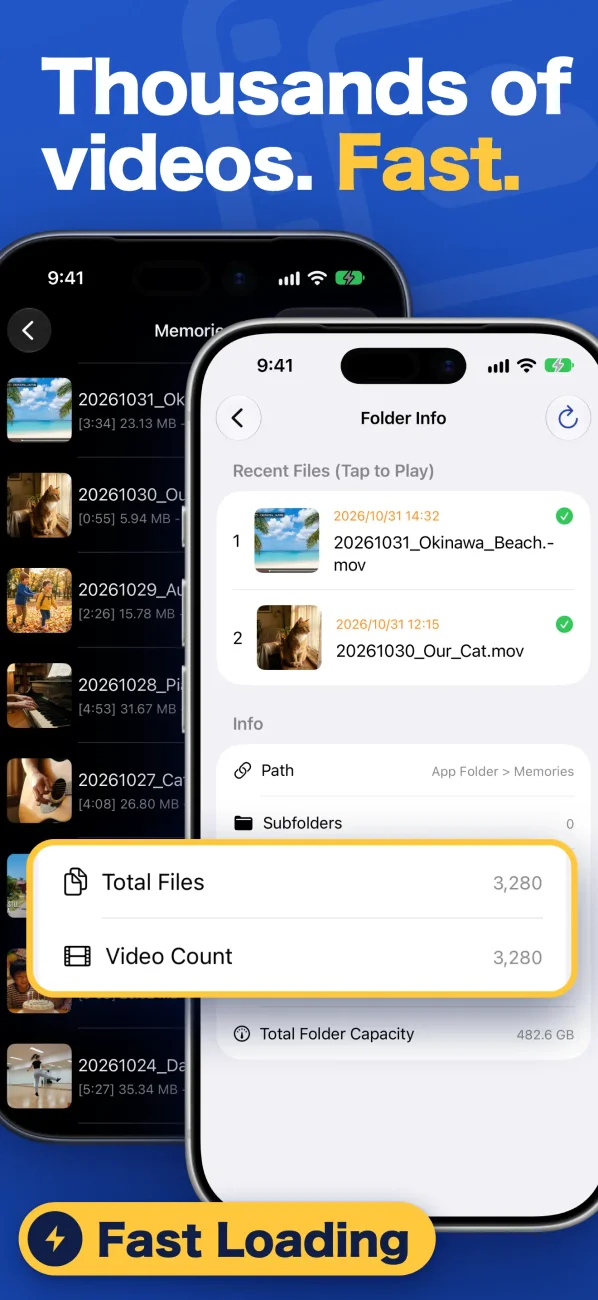
- Play directly from the Mugen Player app folder without importing or registering files.
- Start continuous playback with a tap and sort by file name, size, or other attributes.
[Secure Vault]
- Store media in a protected area within the app.
- Restrict how the vault is opened, securely export items, and choose whether vault data is included in OS backups.
[Sister App Integration]
- Directly play recordings from Mugen Camera and Zero Camera.
- Installed apps and their folders are detected automatically, with no linking, importing, or registration required.
[Premium Features (Paid)]
- Hide advertisements
- Loop, normal repeat, and A-B repeat
- Resume and restart playback
- Customize gestures and button controls
- Lock with Face ID or Touch ID
See the in-app store for details.
[Supported File Formats]
- Supports formats natively playable by iOS and by the standard Files app.
Nouveautés
Version 5.31 · 26/11/2026
Your iCloud Drive files now feel right at home in Mugen Player!
iCloud Drive, One Smooth Flow
Folders, File Playlists, Favorite Folders, and Playback History now all show file status with the same icons and offer the same download controls.
For a file that isn't on your device yet, just tap it. The download begins, and playback starts the moment it finishes. Choose Download All from the menu to get a whole list ready in advance, or Delete All Downloads to free up space once you're done watching.
Every change shows up in the list right away, so you can go from getting files ready to enjoying them without ever leaving the app.
We'll keep polishing the everyday playback experience. Share your thoughts anytime through the support email in the app.
Confidentialité de l’application
Ce que Koichiro Kamada déclare sur l’App Store au sujet du traitement des données par cette application.
-
Données utilisées pour vous suivre
Peuvent être utilisées pour vous suivre sur des applications et des sites web appartenant à d’autres sociétés.
- Données d’utilisation
-
Données n’établissant aucun lien avec vous
Peuvent être collectées, mais ne sont pas liées à votre identité.
- Données d’utilisation
- Diagnostic
Les pratiques en matière de confidentialité peuvent varier, notamment en fonction des fonctionnalités que vous utilisez ou de votre âge.
Informations
- Vendeur
- Koichiro Kamada
- Catégorie
- Photo et vidéo
- Version
- 5.31
- Mis à jour
- 26/11/2026
- Publié
- 31/08/2017
- Taille
- 35,3 Mo
- Nécessite
- iOS 17.4 ou version ultérieure
- Classification d’âge
- 4+
- Prix
- Gratuit
- Achats intégrés
- Oui
- Langues
- Anglais, Français, Allemand, Indonésien, Italien, Japonais, Coréen, Portugais, Chinois simplifié, Espagnol, Chinois traditionnel, Vietnamien
- Copyright
- © 2017 Koichiro KAMADA
Vous aimerez peut-être aussi
-
 PATOPI - 파일 관리 편집Photo et vidéo
-
 動画保存 WeBox - 動画再生 & 管理アプリPhoto et vidéo
-
 WMDPlayerPhoto et vidéo
-
 動画保存〜動画クリップをバックグラウンド再生〜BREMENPhoto et vidéo
-
 RejoueurRejouez vos passages favoris
-
 トルミルPhoto et vidéo
-
 MyTune MX Video Player HDPhoto et vidéo
-
 VideoClip: Save Video OfflinePhoto et vidéo
-
 Video Saver Offline - ClichaPhoto et vidéo
-
 Video Looper - Repeat InfinityPhoto et vidéo