- Classification d’âge4+
- CatégorieProductivité
- DéveloppeurPaulo Correia
- LanguesAnglais+ 2 de plus
- Taille4,7 Mo
Renvoie vers la page App Store officielle
Download.org n’héberge aucun fichier de MyInventory+. Le bouton ouvre la page de l’application sur App Store, où Paulo Correia la publie. Fiche vérifiée pour la dernière fois le 17/11/2026.
Captures d’écran


À propos
Le développeur n’a pas fourni ce texte dans votre langue.
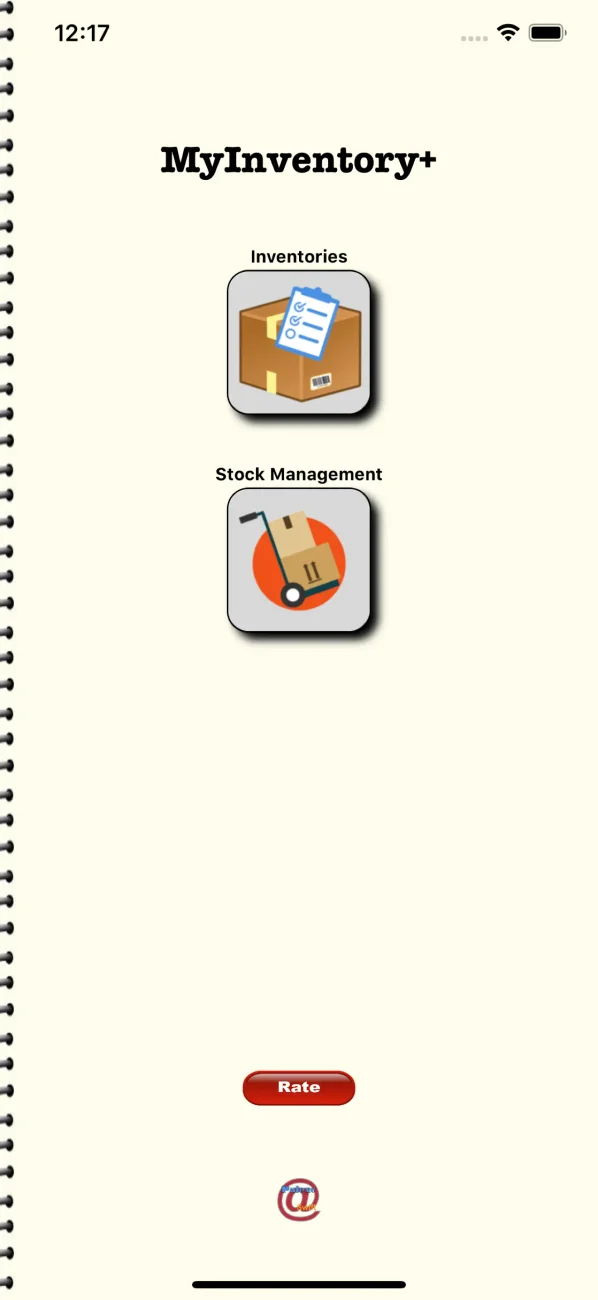
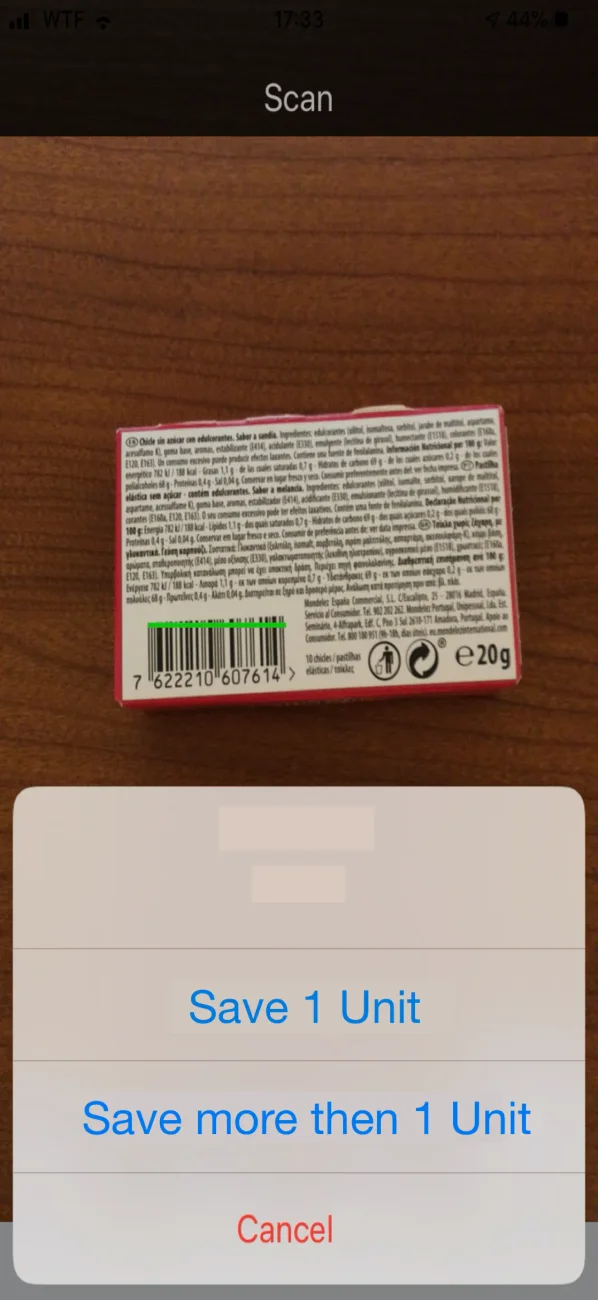
Build and manage your inventories simply and efficiently with MyInventory+ by simply scanning the product barcode, or entering the code manually.
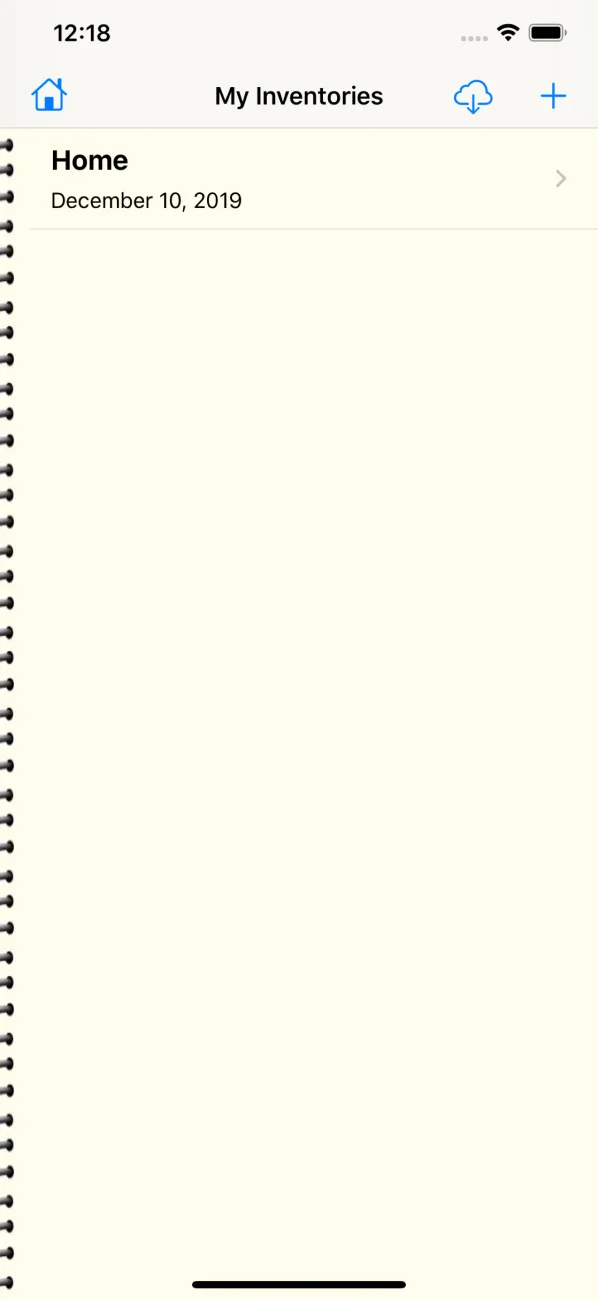
You can create the inventories you want by giving a name and a date, and start scanning your products.
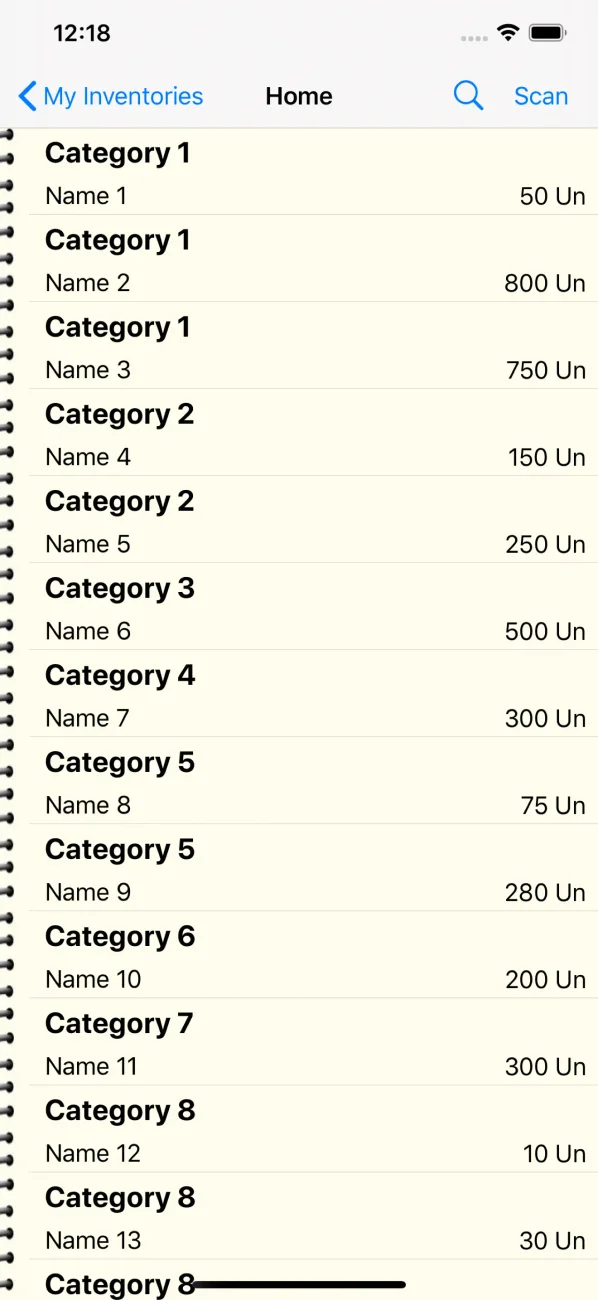
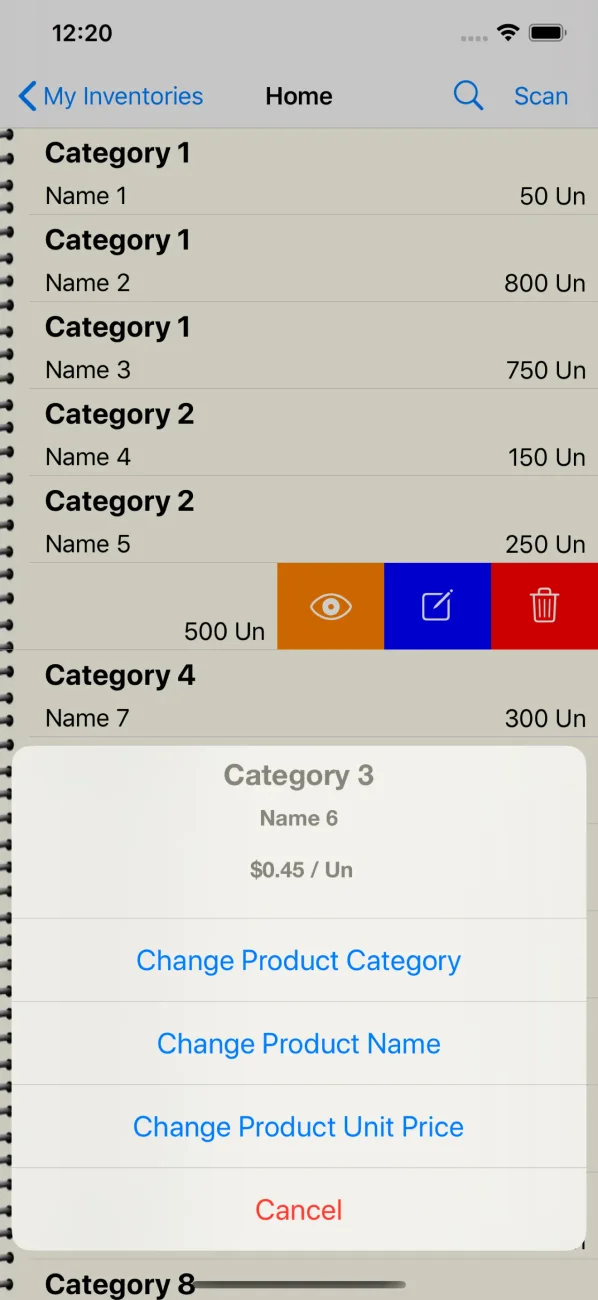
You can enter the quantity and its unit price, as well as the name of the product.
If you re-scan a product, and it already exists in inventory, simply add the new quantity.
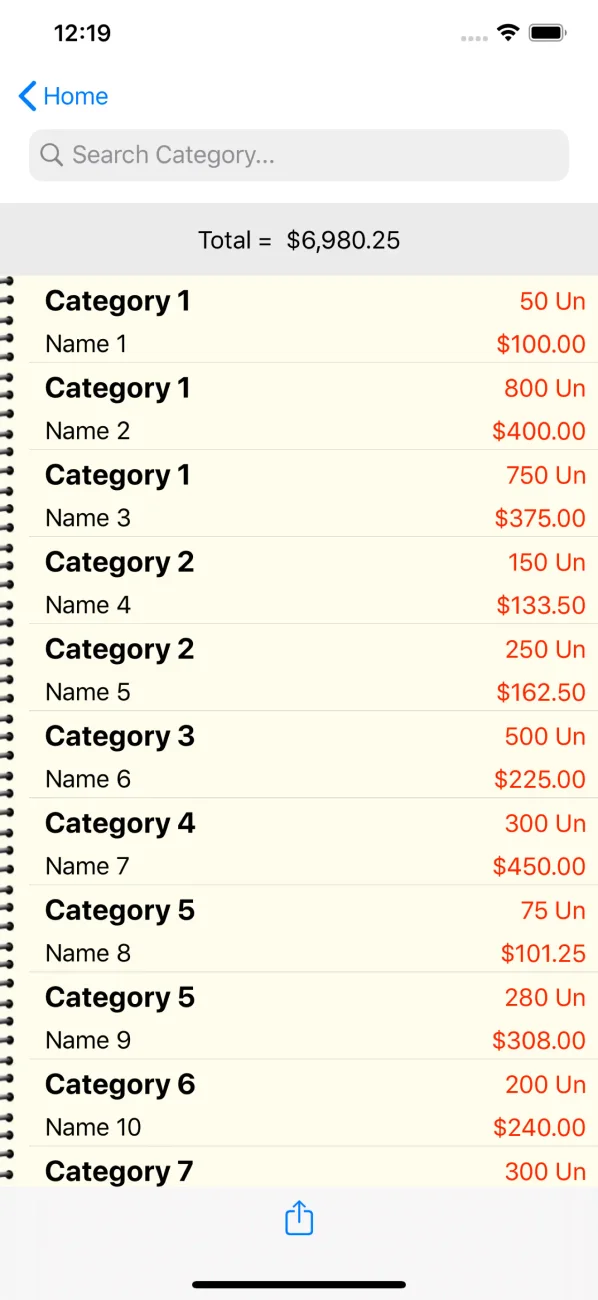
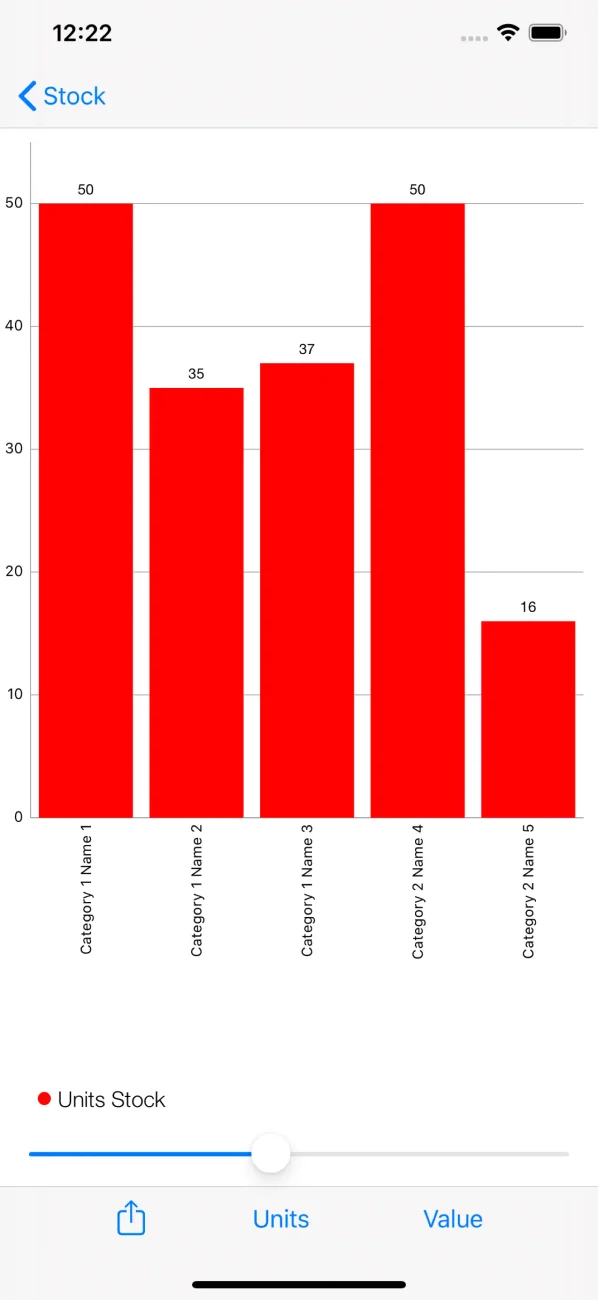
MyInventory+ allows you to see in real time the total value of the inventory, as well as the quantities of a given product and its total value.
You can filter the data to see the total inventory value for a given product category.
MyInventory+ allows you to save your inventory, in CSV format, in the Files folder, as well as upload previously saved inventories.
So you can import your inventory to any other device and continue your work, or simply view the older inventories.
Because MyInventory+ saves the files in CSV format, they can be opened and edited, either in Pages or in Excel.
MyInventory+ also allows you to send your inventory directly by E-mail or by Message, or save in Notes.
After you create your Inventory, MyInventory+ allows you to manage it. Simply upload a CSV file with your previously created Inventory.
You can check out existing products or check in new products. Just read or manually enter your product barcode, and MyInventory+ keeps your stock up to date, both in quantities and in value.
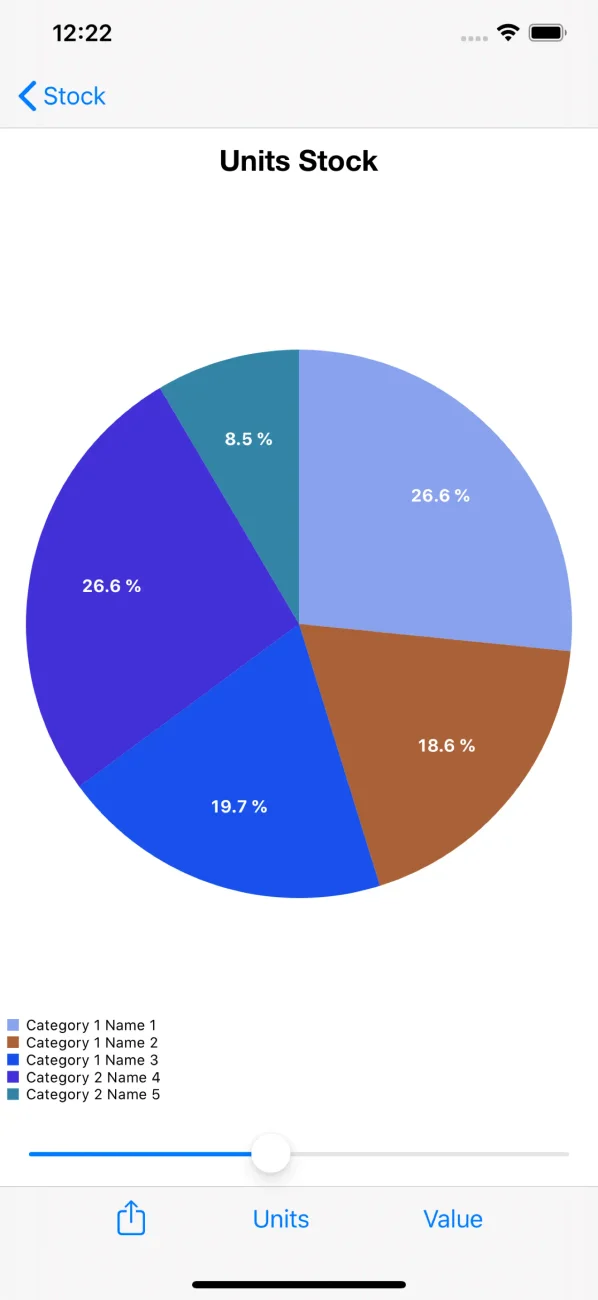
With MyInventory+ you can always know which quantities and values are in stock, as well as the quantities and values entered and left. You can also filter by Category or Product Name.
You can also export your stock management to the CSV format Files folder for viewing on your computer, or import to another device.
Nouveautés
Version 2.2 · 09/02/2025
Updated to iOS 18.
Confidentialité de l’application
Ce que Paulo Correia déclare sur l’App Store au sujet du traitement des données par cette application.
-
Données non collectées
Le développeur ne collecte aucune donnée à partir de cette application.
Les pratiques en matière de confidentialité peuvent varier, notamment en fonction des fonctionnalités que vous utilisez ou de votre âge.
Informations
- Vendeur
- Paulo Correia
- Catégorie
- Productivité
- Version
- 2.2
- Mis à jour
- 09/02/2025
- Publié
- 24/09/2018
- Taille
- 4,7 Mo
- Nécessite
- iOS 18.0 ou version ultérieure
- Classification d’âge
- 4+
- Prix
- 2,99 €
- Langues
- Anglais, Portugais, Espagnol
- Copyright
- © Paulo Correia