
MyStuff2 Pro
Home Inventory and Database
Conçue pour iPhone, iPad, Mac
Gratuit · Achats intégrés
- Classification d’âge4+
- CatégorieProductivité
- DéveloppeurRick Maddy
- LanguesAnglais
- Taille34,6 Mo
Renvoie vers la page App Store officielle
Download.org n’héberge aucun fichier de MyStuff2 Pro. Le bouton ouvre la page de l’application sur App Store, où Rick Maddy la publie. Fiche vérifiée pour la dernière fois le 21/11/2026.
Captures d’écran
À propos
Le développeur n’a pas fourni ce texte dans votre langue.
It's now easier than ever to keep track of all your stuff. Organize your collections, music, movies, books, video games, electronics, wine lists, jewelry, appliances, office supplies, or anything else in your possession with this easy to use but powerful database and inventory application.
MyStuff2 Pro allows you to get organized. Avoid buying something you already have. Make it easy to find your stuff. Be prepared in case of theft, fire, or flood.
NOTE: The initial free version has a limit of 15 items but it includes all Pro features so you can try out all functionality. Once upgraded to unrestricted items, the Pro level features become optional in-app purchases.
Data entry is made easy with barcode scanning and product search, autofill, quick copy, and bulk editing.
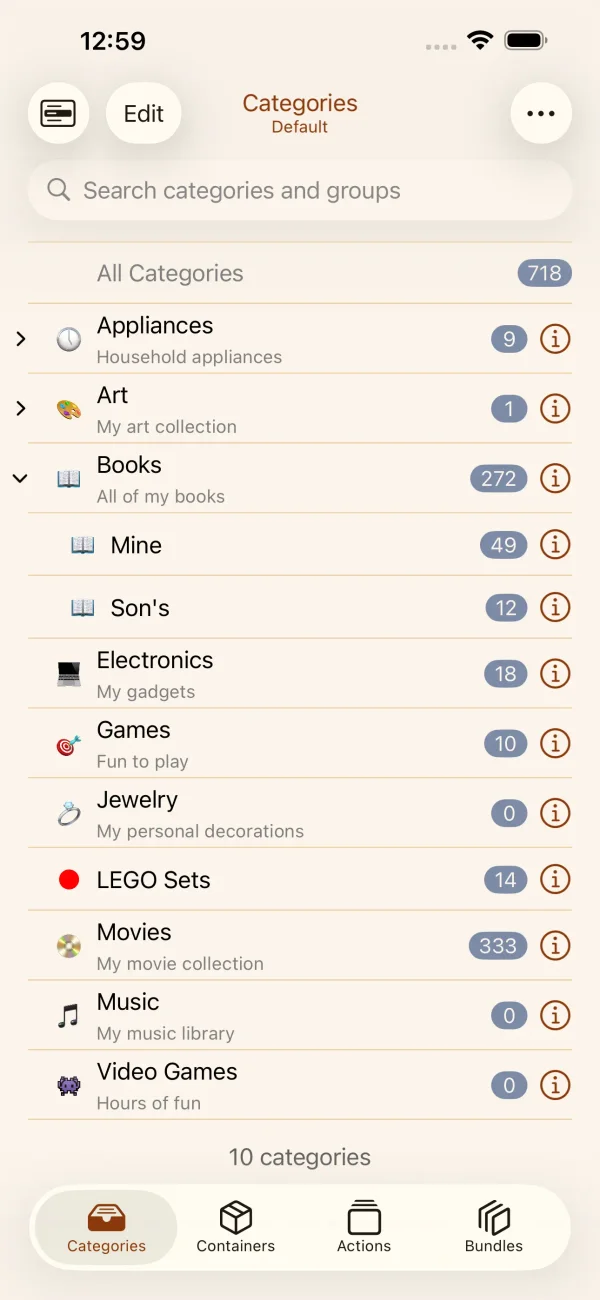
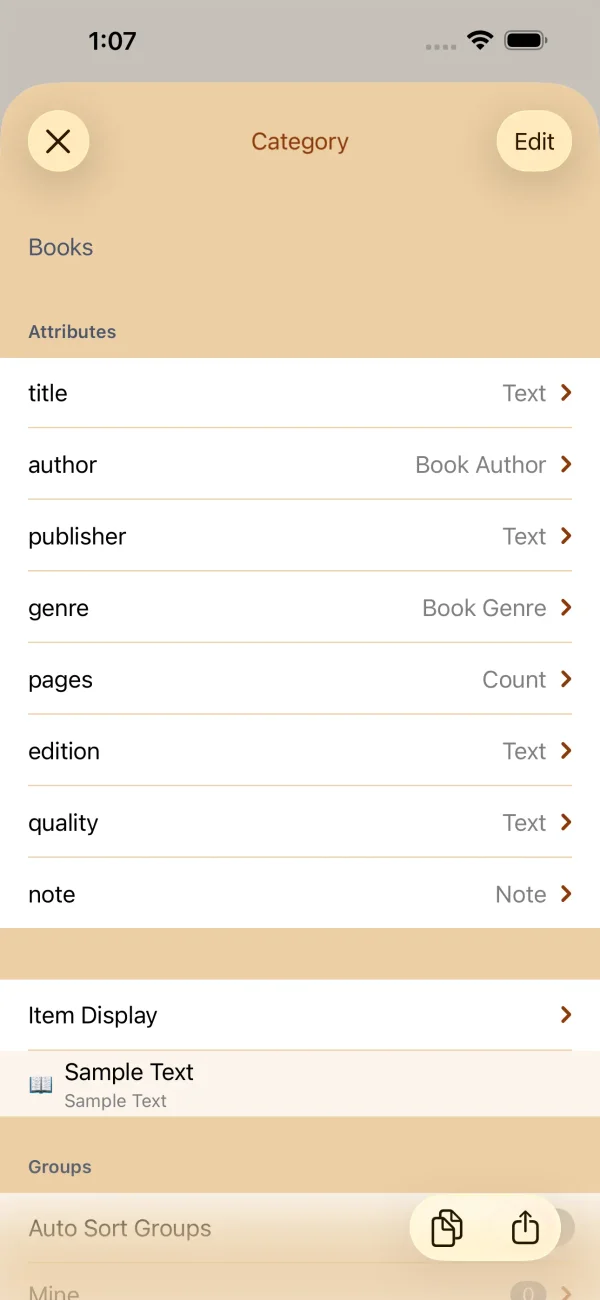
User definable categories allow you to keep track of what you want and how you want it. MyStuff2 Pro comes with sample categories to get you started quickly but you can set it up any way you desire to fit your needs.
Here is a small list of things you can keep track of:
• Movies
• Music
• Books
• Video Games
• Coins
• Stamps
• Quilting/knitting/sewing materials
• Wine Cellar
• Garage Sales / Estate Sales
• Art
• Electronics
• Appliances
• Toys
• Clothes
• Jewelry
• Furniture
• Product Inventory
• Anything you want to organize
Maintain multiple, independent databases of information.
Automatically sync your data between your iOS and macOS devices or share your data automatically with other MyStuff2 Pro users.
Import existing data from other applications using CSV files, Excel (xlsx) and Open Document (ods) spreadsheet files.
Transfer data into or out of MyStuff2 Pro using your own computer, email, iCloud, Dropbox, Google Drive, Box, OneDrive, ftp, other apps, or other iOS/macOS devices running MyStuff2 Pro.
You can export your data as CSV files, PDF reports, or Excel (xlsx) and Open Document (ods) spreadsheet files.
Email data to yourself or others. View data in other apps installed on your iOS device.
Backup and restore features allow you make a copy of your data for safe keeping.
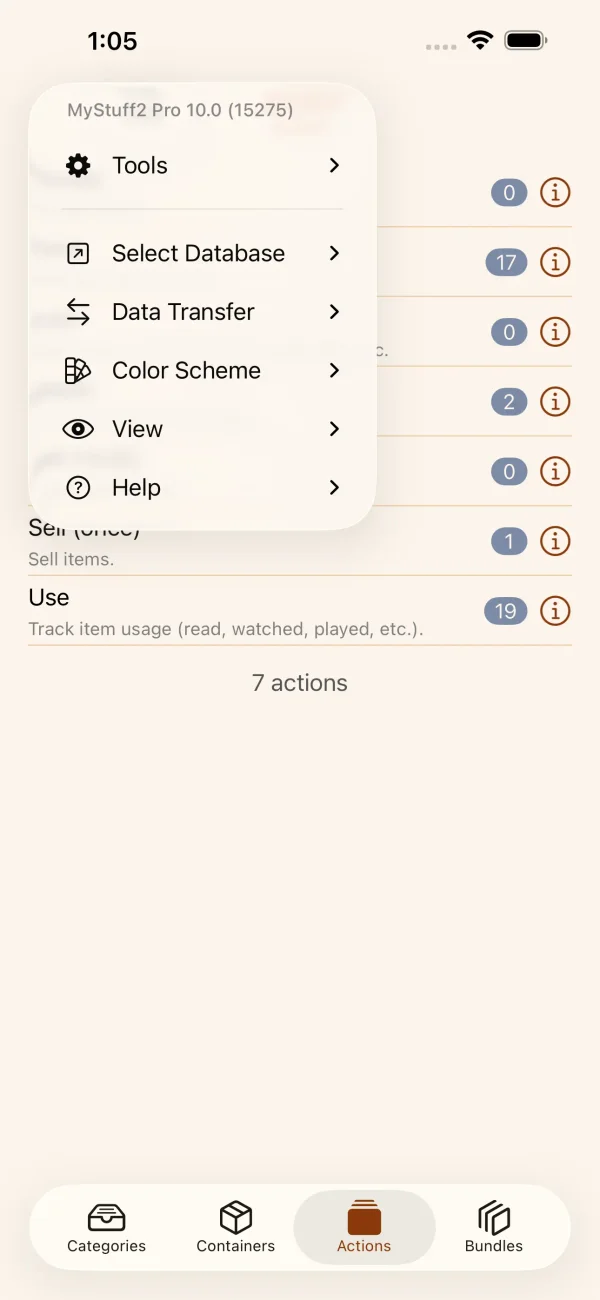
User defined actions allow you to keep track of various item events. Examples include donating, lending, selling, using, or repairing.
User defined bundles allow you to group related items into an easy to use collection.
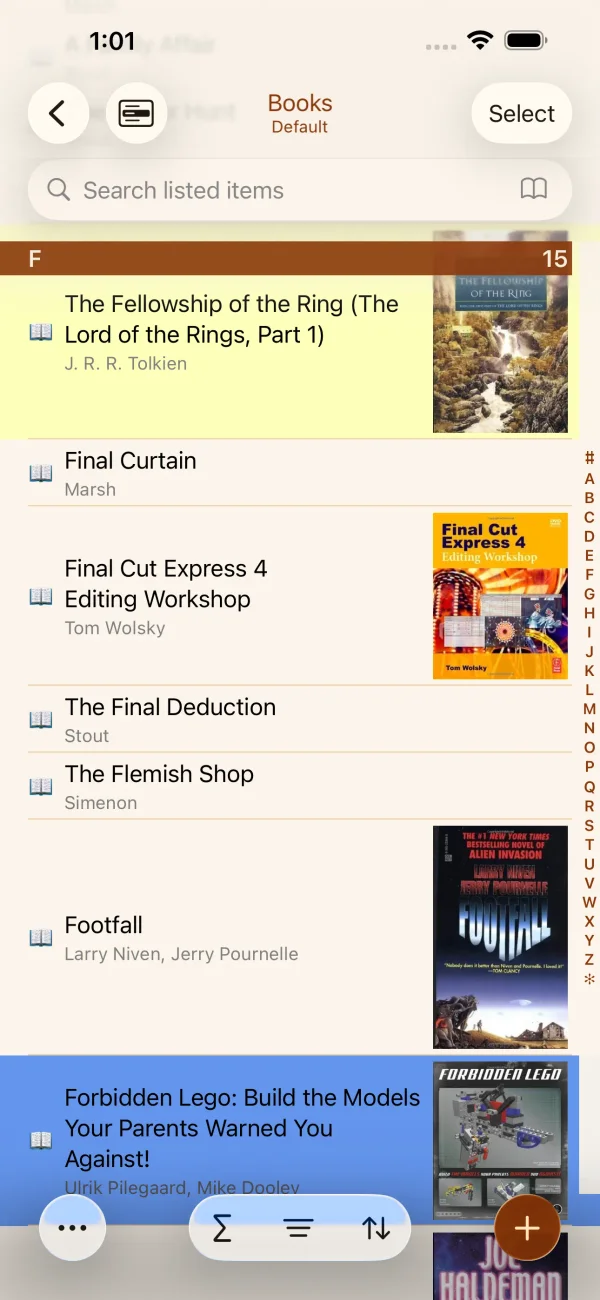
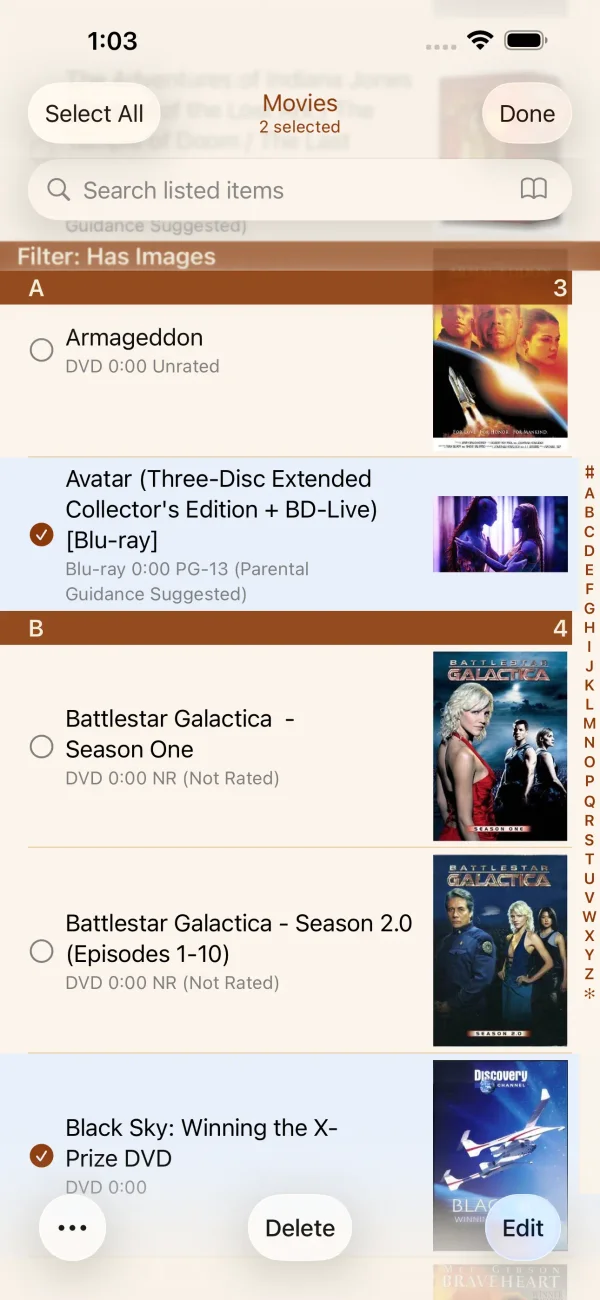
Quickly find your items using MyStuff2 Pro's powerful filtering, searching, and sorting capabilities.
MyStuff2 Pro allows you to enter the following types of data:
• Text (single-line)
• Barcode
• Calculated (formulas supporting 130+ functions)
• Color
• Contact (Address Book)
• Count
• Currency
• Date
• Decimal (e.g. 3.14)
• Duration (hour, minute, second)
• Email Address
• Integer (e.g. 42)
• Item Link (related items)
• Location (GPS, address, map)
• Note (multi-line)
• Phone Number
• Rating
• Signature
• Term (years, months, days)
• Time
• Toggle (Yes/No, On/Off, etc.)
• Voice Memo
• Web Address (URL)
• Lookup List (user defined list of values)
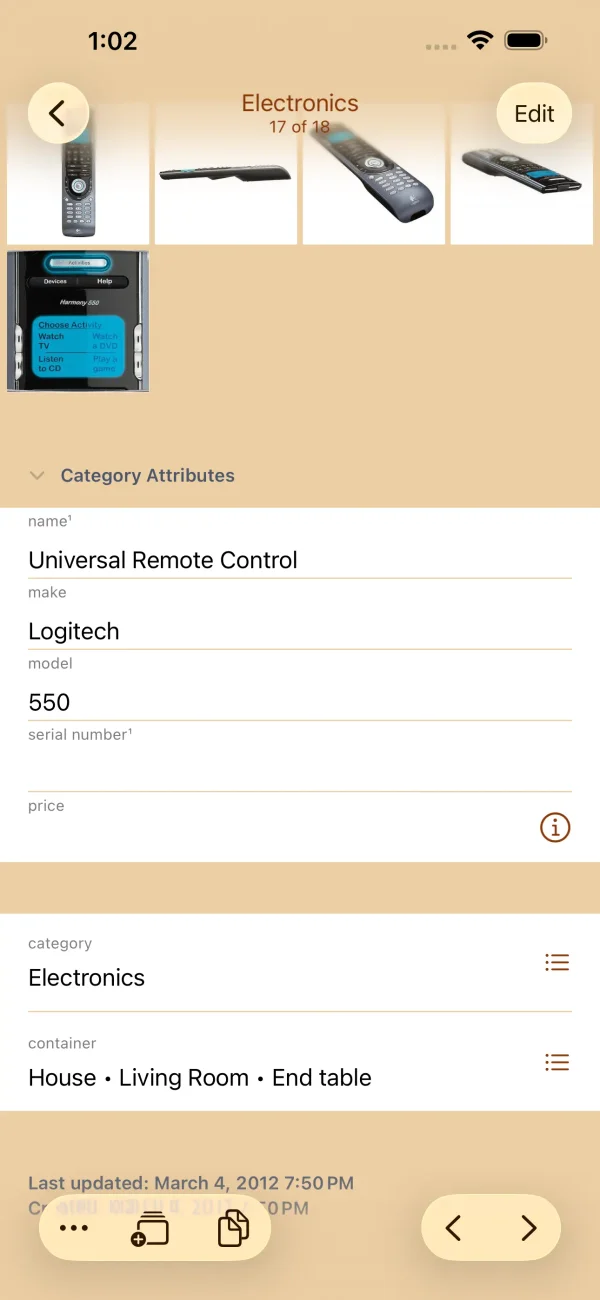
Store up to 40 images for each of your items.
Add file attachments to your items. View and export the attachments.
Setup alarms on any date value. Great for things like warranty or replacement reminders.
Share your data with others. Email lists to co-workers or friends and family. Other users of MyStuff2 Pro can import your shared data directly simply by opening the email attachment.
Customize item lists to display exactly the data you want to see. Apply colors to categories, actions, or individual items to make them stand out.
See a summary of the item list you are viewing. Shows item count, totals, and averages of your data.
Protect access to your data with a passcode. Keep others out of your data. You can also passcode protect individual categories.
Please visit http://www.maddysoft.com/mystuff to see additional information, tutorials, FAQs, and contact information for MyStuff2 Pro.
NOTE: If you have any issues please contact support.
Supports backup files from Mindersoft's MYStuff Pro macOS app.
Nouveautés
Version 10.2.3 · 01/11/2026
Bug Fixes
• Fixed possible data conversion issue when changing an attribute's or lookup list's type to Text from another type that has a non-default format.
• Attributes and lookup lists can now be converted from Date to Integer, Count, or Decimal if the date format is a simple number such as just year.
• Fixed a few minor user interface glitches.
Confidentialité de l’application
Ce que Rick Maddy déclare sur l’App Store au sujet du traitement des données par cette application.
-
Données non collectées
Le développeur ne collecte aucune donnée à partir de cette application.
Les pratiques en matière de confidentialité peuvent varier, notamment en fonction des fonctionnalités que vous utilisez ou de votre âge.
Informations
- Vendeur
- Richard Maddy
- Catégorie
- Productivité
- Version
- 10.2.3
- Mis à jour
- 01/11/2026
- Publié
- 20/09/2012
- Taille
- 34,6 Mo
- Nécessite
- iOS 17.0 ou version ultérieure
- Classification d’âge
- 4+
- Prix
- Gratuit
- Achats intégrés
- Oui
- Langues
- Anglais
- Copyright
- © Rick Maddy 2012-2026
Vous aimerez peut-être aussi
-
 Home ContentsProductivité
-
 Everspruce Home InventoryProductivité
-
 Itemtopia: Inventaire SimpleMaison, Travail et Collections
-
 Inventaire ItemlistPour la maison et les affaires
-
 Collections DatabaseProductivité
-
 BoxOrganizer - InventoryProductivité
-
 Memento DatabaseProductivité
-
 Boîtes: le rangement simplifiéStockez et suivez vos affaires
-
 Stockroom InventoryProductivité
-
 HouseBook - Home InventoryProductivité