
- Classification d’âge4+
- CatégoriePhoto et vidéo
- DéveloppeurSatoshi Kobayashi
- LanguesAnglais
- Taille37,6 Mo
Ninja Slideshow n’est peut-être pas disponible sur App Store pour le moment
La fiche de la boutique était inaccessible lors de notre dernière vérification. Le lien mène toujours à la page App Store officielle.
Captures d’écran


À propos
Le développeur n’a pas fourni ce texte dans votre langue.
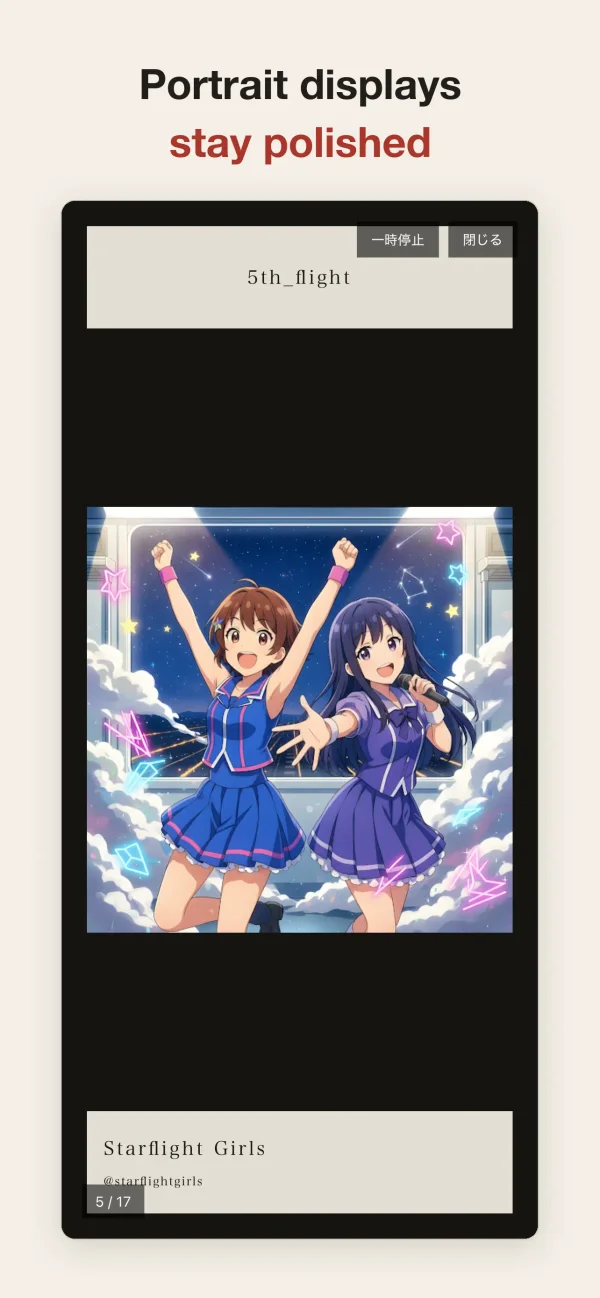
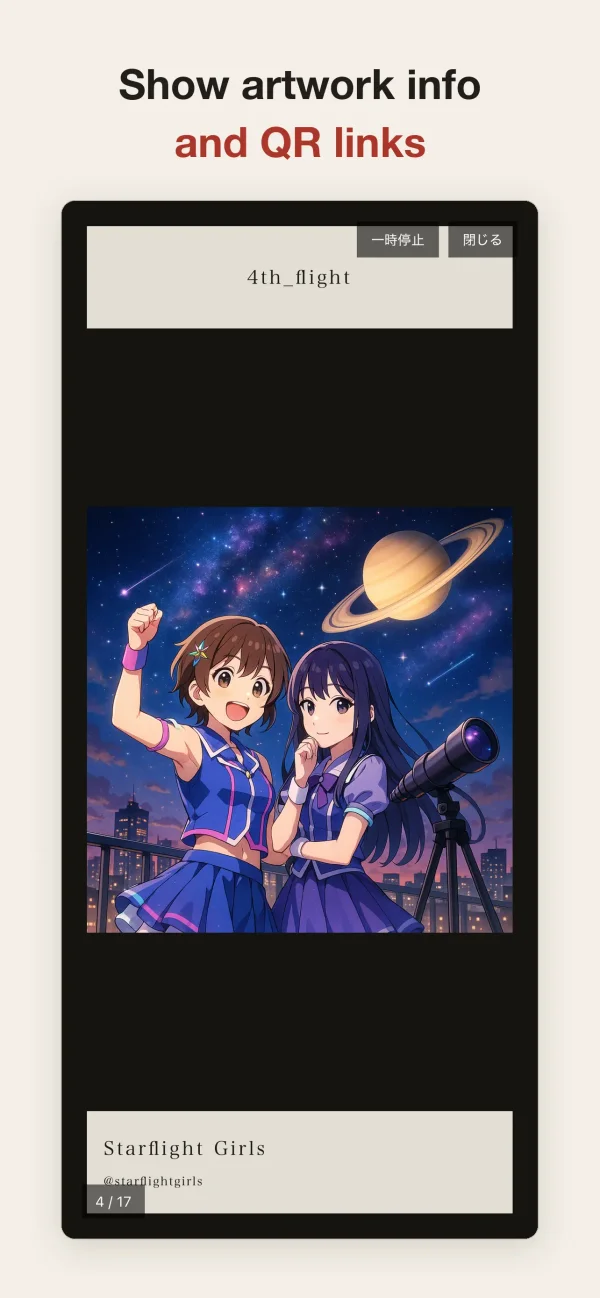
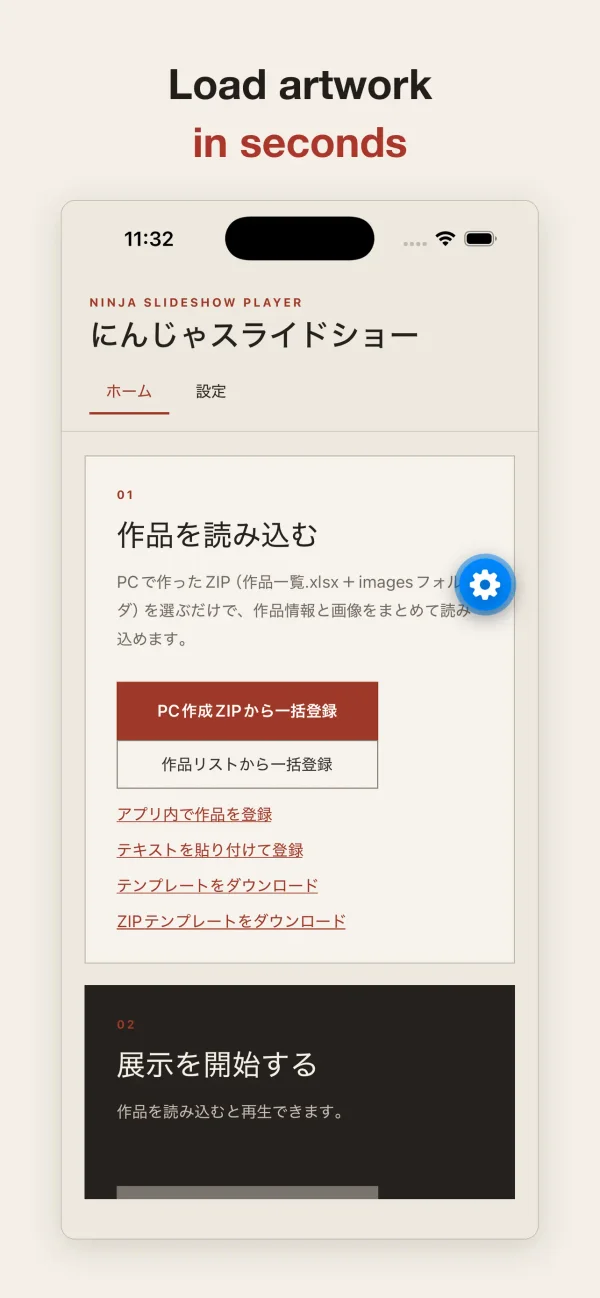
Ninjart Slideshow is a player app for displaying artworks as a full-screen slideshow at exhibitions and galleries. Just load an artwork list made in Excel together with your image files, and your works are shown large, one after another.
Artwork data is based on four core fields—artwork title, image file name, artist name, and X (formerly Twitter) account name—and you can optionally add a date. You can export an Excel template from within the app, fill it in with any spreadsheet app, and load it back in directly. Supported image formats are PNG, JPG, JPEG, WebP, GIF, and BMP.
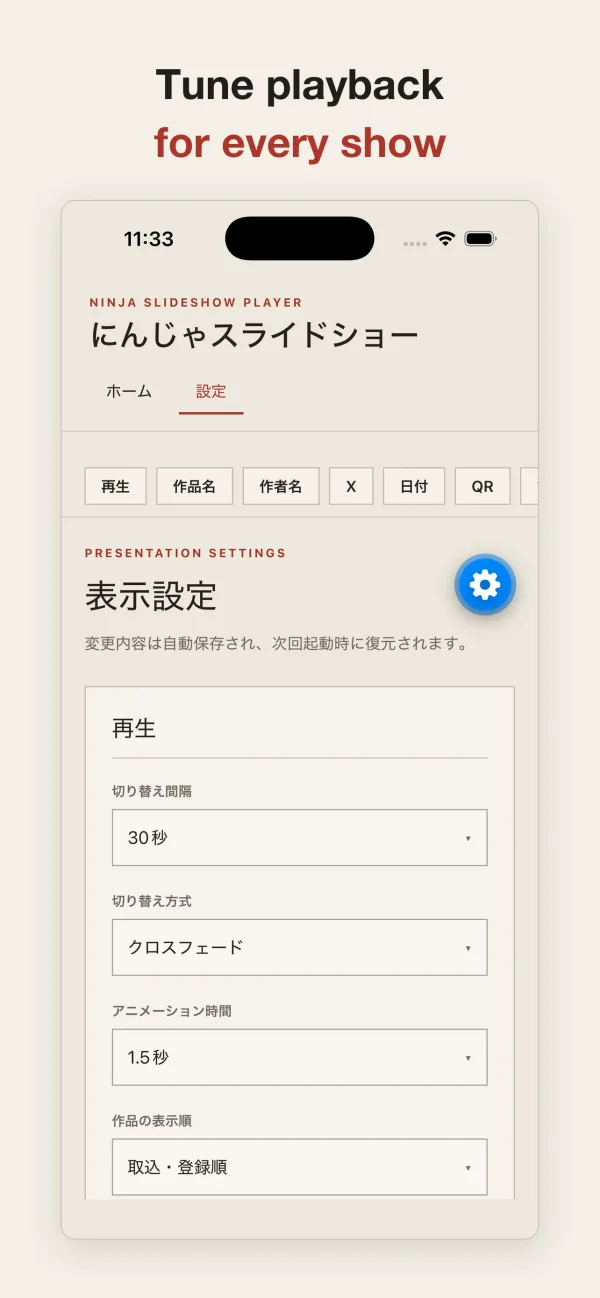
The display is fully customizable. You can set the switch interval (1–60 seconds), the transition (instant / fade / crossfade / slide), the background color, the font / text size / color / background of the title and artist panels, the position of the date badge, and the position and size of the QR code that links to the artist's X account. During playback, in addition to auto-advance, you can move to the previous or next artwork by tapping the left or right side of the screen, and you can pause and resume.
Settings can be exported and imported as a JSON file, so you can reuse them on another device or for your next exhibition.
This app is designed local-first. The artwork data and settings you load are stored on your device, and no account registration or sign-in is required. No data is ever sent to the developer's servers.
Key features:
- Bulk loading of an Excel artwork list and images
- Export of an artwork template (Excel)
- Full-screen slideshow playback (auto-advance / manual advance / pause)
- Transitions (instant / fade / crossfade / slide)
- Detailed customization of the title and artist panels
- Date badge display
- QR code linking to an X account
- JSON export / import of display settings
- iPhone / iPad support, screen kept awake during playback
This app is a display tool for exhibitions and presentations. All artworks and images shown are prepared by the user.
Confidentialité de l’application
Ce que Satoshi Kobayashi déclare sur l’App Store au sujet du traitement des données par cette application.
-
Données non collectées
Le développeur ne collecte aucune donnée à partir de cette application.
Les pratiques en matière de confidentialité peuvent varier, notamment en fonction des fonctionnalités que vous utilisez ou de votre âge.
Informations
- Vendeur
- Satoshi Kobayashi
- Catégorie
- Photo et vidéo
- Version
- 1.0
- Mis à jour
- 02/07/2026
- Publié
- 02/07/2026
- Taille
- 37,6 Mo
- Nécessite
- iOS 16.4 ou version ultérieure
- Classification d’âge
- 4+
- Langues
- Anglais
- Copyright
- © 2026 Office Kobayashi
Vous aimerez peut-être aussi
-
 shuffle slidePhoto et vidéo
-
 SolvuePhoto et vidéo
-
 シンプルスライドショーPhoto et vidéo
-
 SilkSlide - Diaporama PhotoDiaporamaPhoto Cadre Numérique
-
 Flashback Photo ShufflePhoto et vidéo
-
 LoopSlidePhoto et vidéo
-
 Keeplay: Video & Photo PlayerPhoto et vidéo
-
 Slidy – Diaporama PhotoSimple. Elegant. Diaporama.
-
 ++SlideShowPhoto et vidéo
-
 Slideshow Movie Maker + MusicPhoto et vidéo