Notate PDF
Office Suite and PDF Workspace
Conçue pour iPhone, iPad
Gratuit · Achats intégrés
- Classification d’âge17+
- CatégorieÉconomie et entreprise
- DéveloppeurShafer Systems LLC
- LanguesAnglais+ 9 de plus
- Taille224,0 Mo
Renvoie vers la page App Store officielle
Download.org n’héberge aucun fichier de Notate PDF. Le bouton ouvre la page de l’application sur App Store, où Shafer Systems LLC la publie. Fiche vérifiée pour la dernière fois le 06/11/2026.
Captures d’écran

À propos
Le développeur n’a pas fourni ce texte dans votre langue.
IMPORTANT: NOTATE REQUIRES a Microsoft 365, Hotmail, or Outlook.com email account. It has been specially designed to operate with Microsoft Office 365.
Perfect for small & midsize businesses. Stay productive while you work from home!
NOTATE PDF - THE OFFICE WORKSPACE FOR BUSINESS
WHY NOTATE PDF?
Edit and Annotate - Online or Offline
Work with PDFs and Microsoft Office files using advanced editing, annotation, and collaboration tools.
Built for Business Workflows
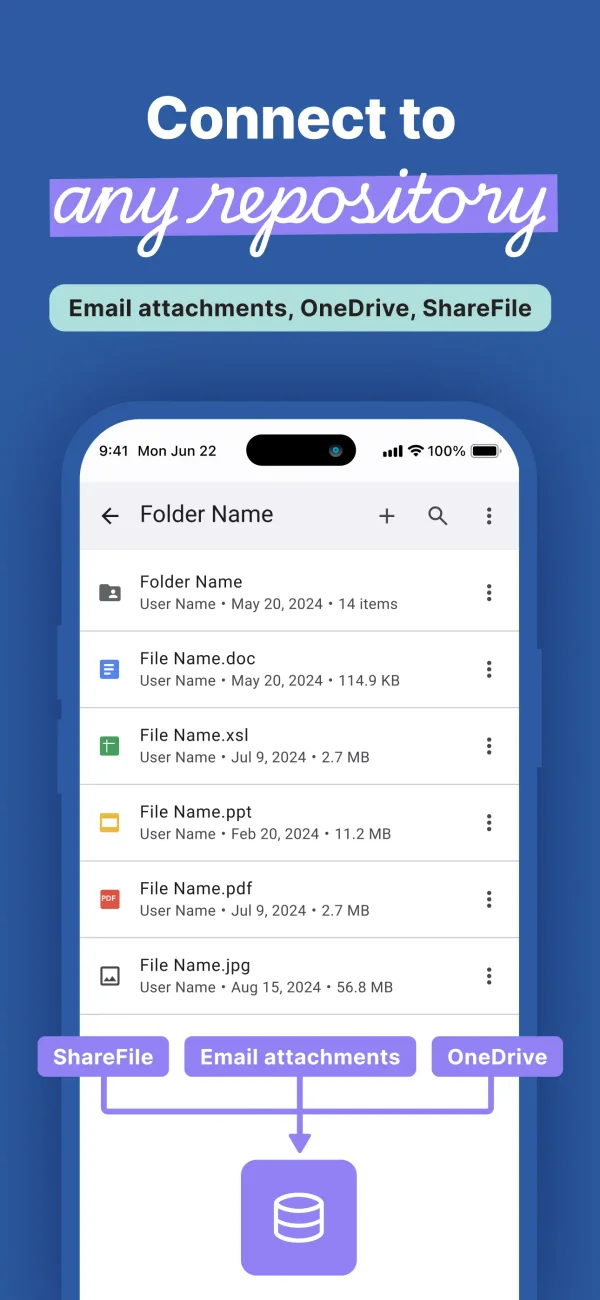
Seamlessly access, edit, and organize files from Email, OneDrive, Dropbox, Box, WebDav, and more.
KEY FEATURES
• Edit PDFs and Office Documents
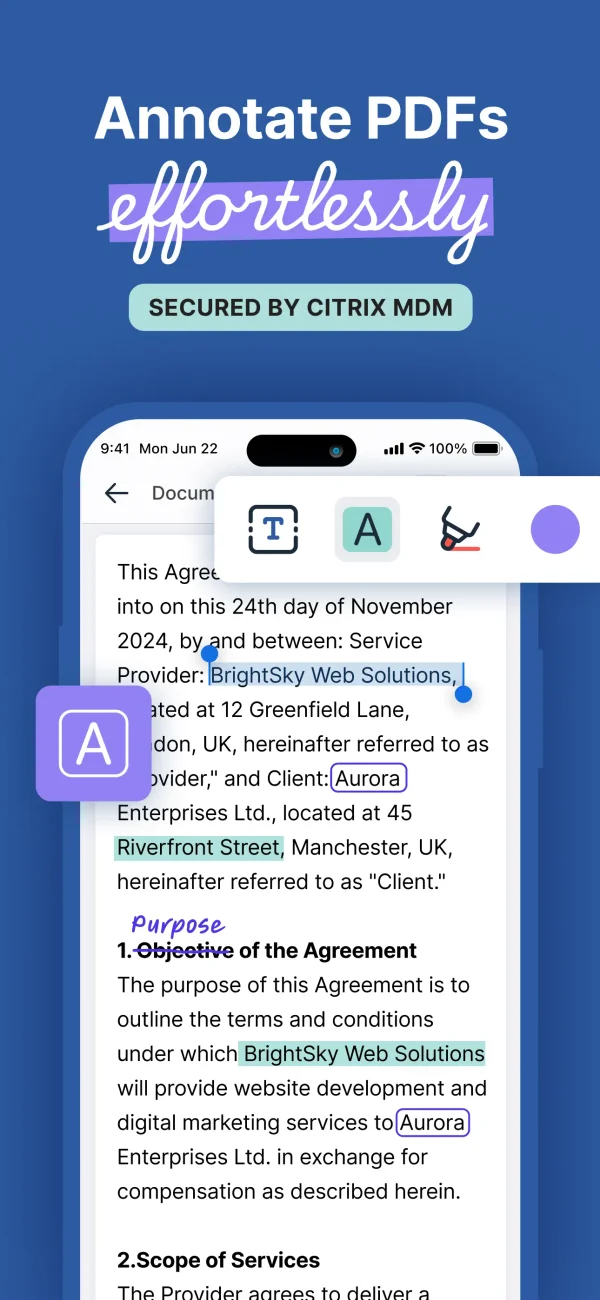
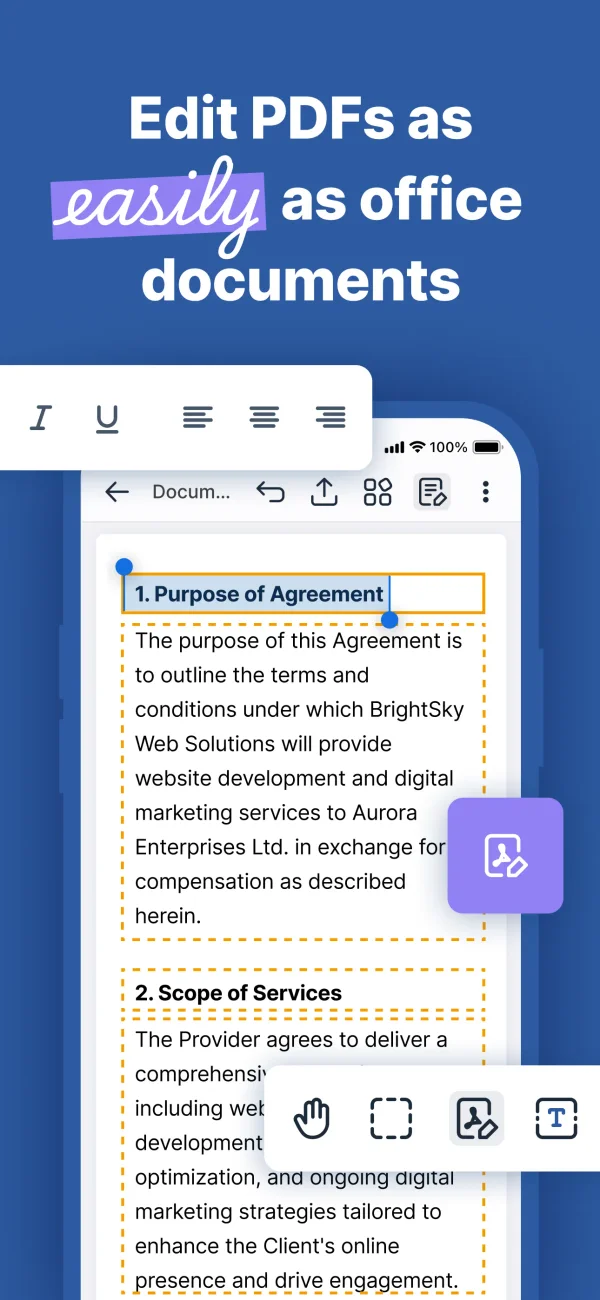
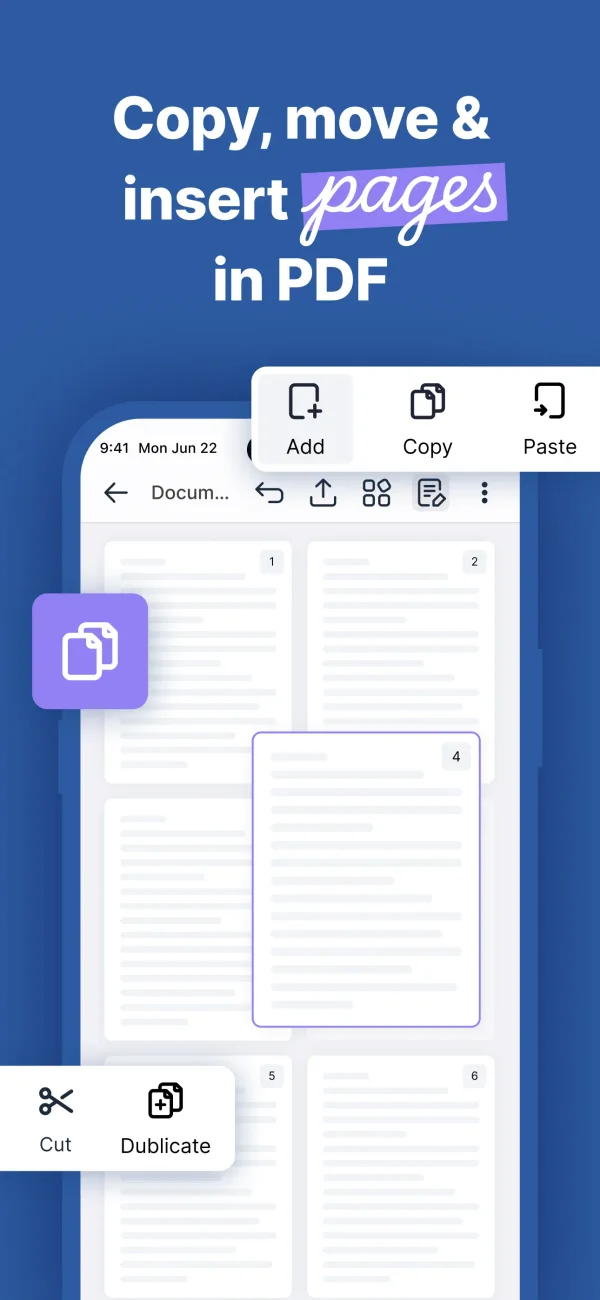
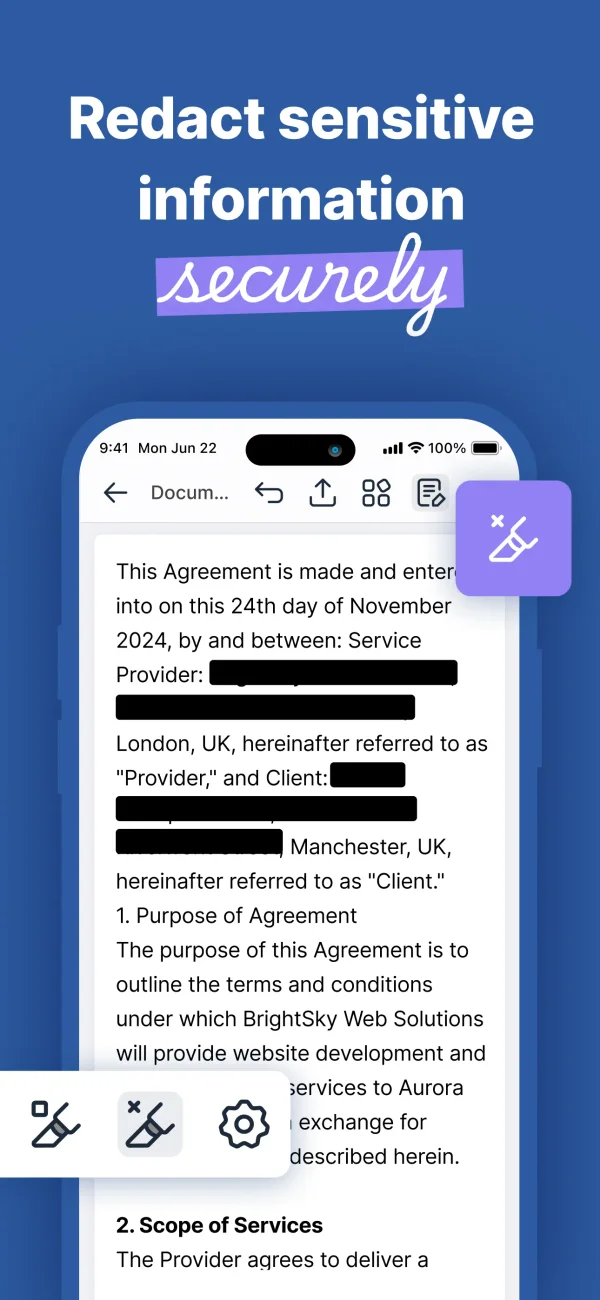
Modify text, add comments, split or merge pages, and redact sensitive data. Create new documents or annotate existing ones in one unified experience.
• Sign and Approve Documents
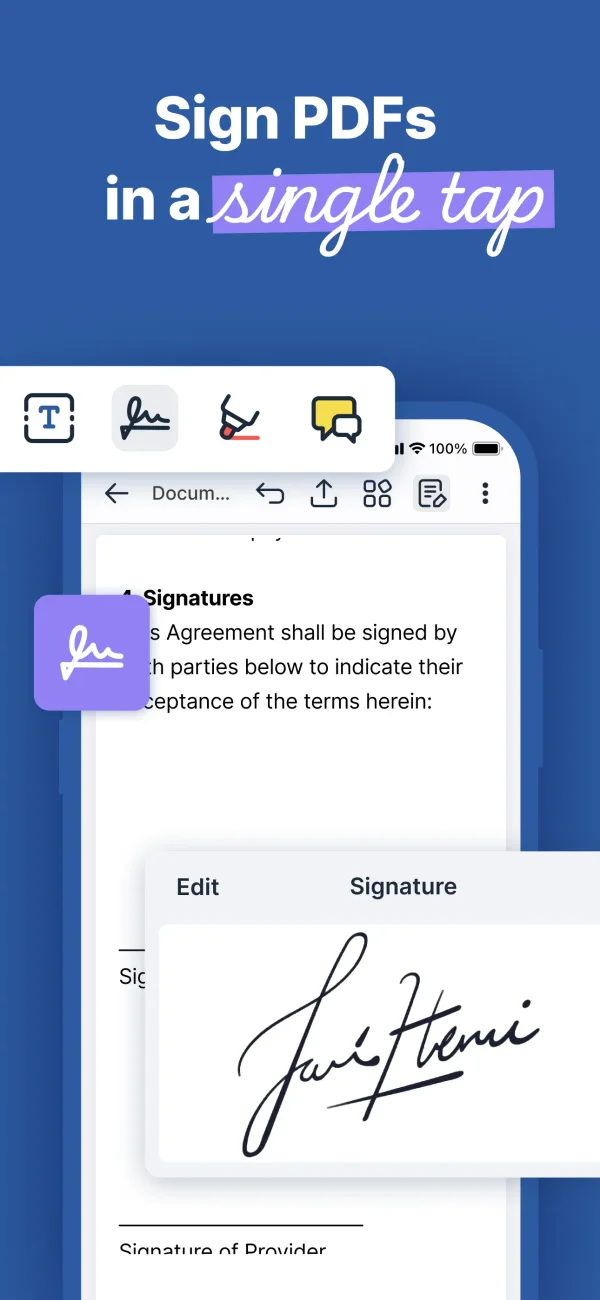
Add legally binding digital signatures to contracts, forms, and compliance documents.
• Collaborate in Context
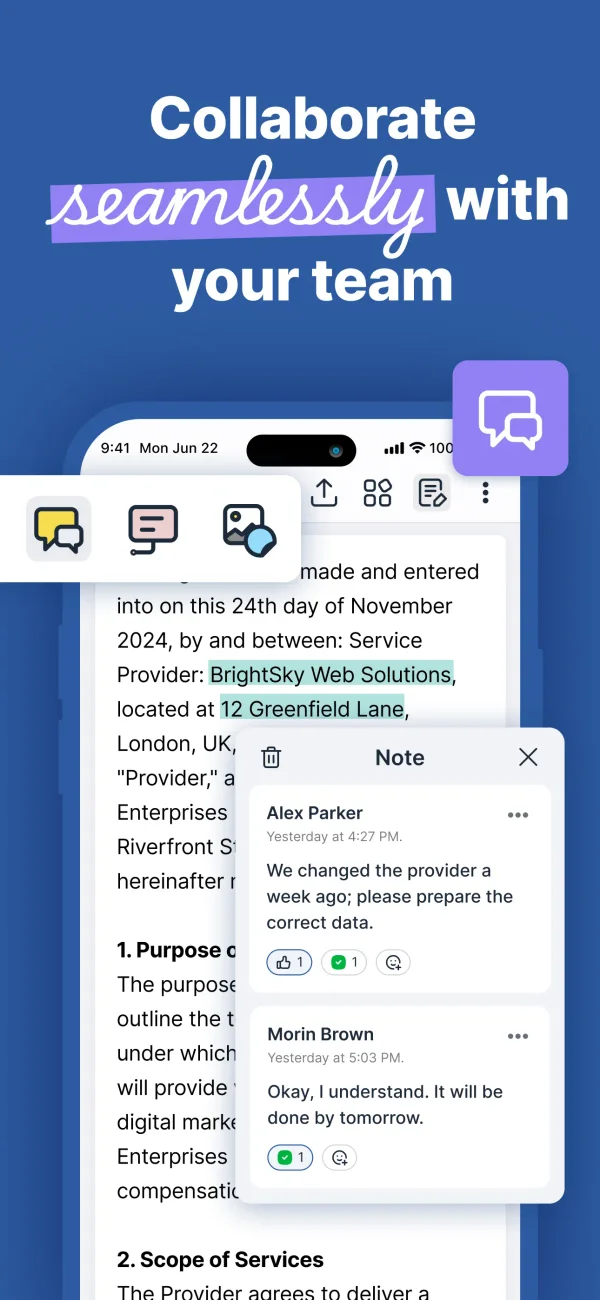
Share annotated documents and use threaded comments for feedback. Eliminate the back-and-forth of scattered reviews.
• Scan, Search, and Capture
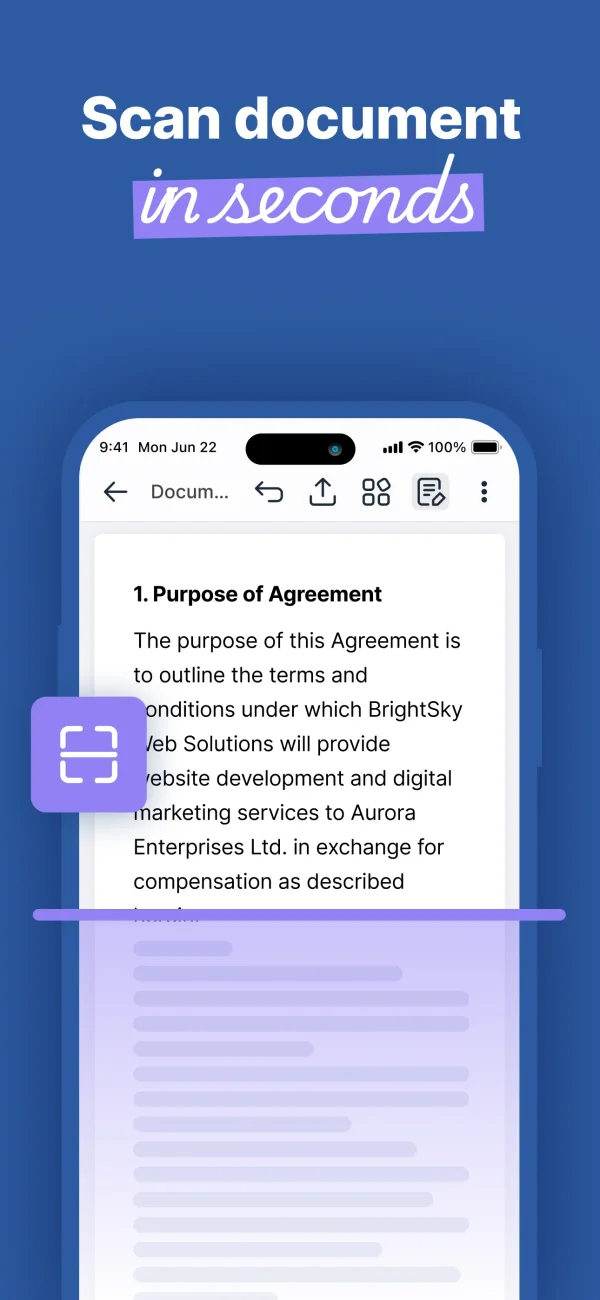
Digitize paper documents with OCR scanning. Convert to searchable PDFs and attach to secure repositories or email.
• Take Notes Your Way
Handwrite, type, or draw with full Apple Pencil support. Organize content with rich formatting, embedded media, and folders.
• Deploy with Confidence
EXPERIENCE THE FUTURE OF MOBILE PRODUCTIVITY
Download Notate PDF and empower yourself to edit with confidence — no matter where you work.
Nouveautés
Version 26.0.5 · 04/11/2026
Notate 2026: All your files. One workspace.
The largest release in Notate's history. Everything you work with now lives in one place.
ONE FILE MANAGER FOR EVERYTHING
Browse, open, and edit files from every source in a single place: Notate Drive, OneDrive, Dropbox, Box.net, webdav, ShareFile, network (SMB) shares, and email attachments. Move and copy files between them.
BUILT FOR MICROSOFT 365
OneDrive support brings noticeably faster syncing and a private document workspace that lives inside your own Microsoft tenant.
SEARCH ACROSS ALL YOUR DRIVES
Search a folder, a drive, or everything at once, with matching text snippets displayed right in the results.
AI ASSISTANT
Ask questions about a document, summarize long PDFs, turn meeting audio into structured notes, and get help writing, transcribing, and cleaning up handwritten notes. The assistant runs inside your organization's own Microsoft environment, so your documents and prompts never leave your tenant. Available where enabled by your organization.
SHARING
Share notes and folders with colleagues, see what's been shared with you, and get an unread badge in the sidebar when something new arrives.
COMPARE VERSIONS (iPad)
View a previous version of a PDF alongside the current one and restore it with a tap.
EMAIL WITHOUT THE ROUND TRIP
Open an attachment, mark it up, and reply with the updated file without ever leaving Notate.
OFFICE DOCUMENTS
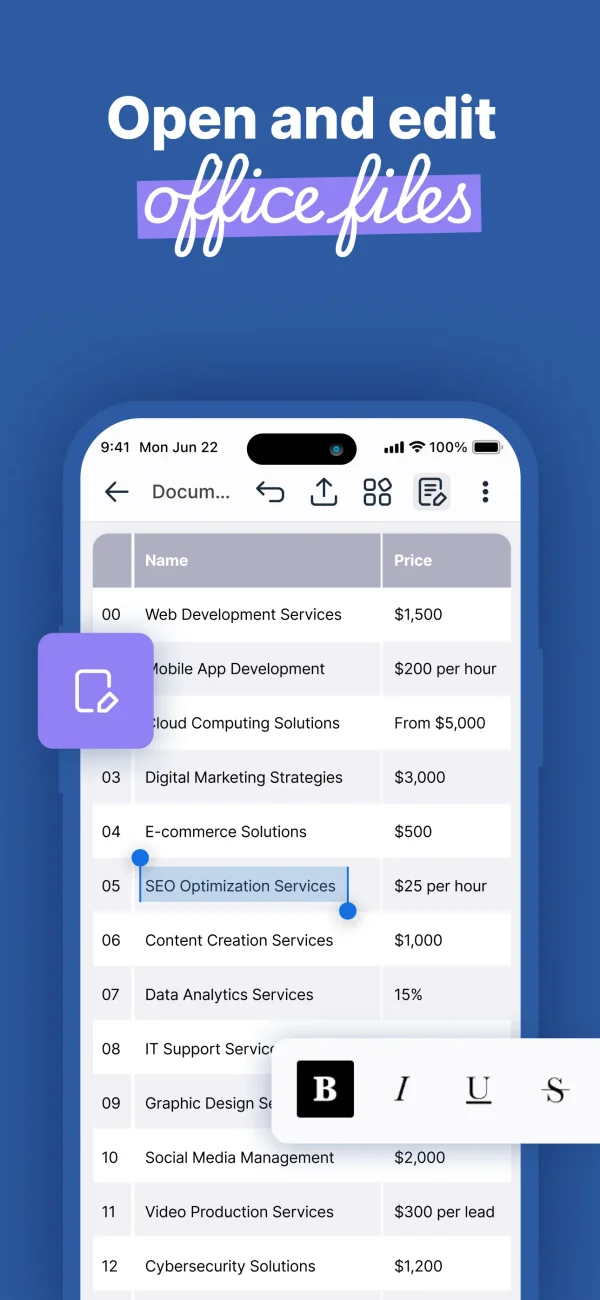
Open and edit Word, Excel, and PowerPoint files in Microsoft Office or with the built-in Notate Office editor.
TEMPLATES
Start a new note, PDF, or Office document from the template gallery, or save any file as a template.
ALSO NEW
Favorites, Recents, and Offline. Star files and folders for quick access, jump back to recently opened documents, and mark items for offline use.
Multi-select. Select multiple files at once to move, copy, share, delete, or make them available offline.
Redesigned interface. A refreshed experience across the file manager, previewer, and Settings, including sortable column views on iPhone.
Accounts. A simpler account screen with per-account Reconnect and a single Sign Out that fully clears the device.
Network shares. Connect to SMB servers by name, sign in with Kerberos single sign-on, and confirm your setup with Test Connection.
Plus many fixes for sync reliability and performance.
Confidentialité de l’application
Ce que Shafer Systems LLC déclare sur l’App Store au sujet du traitement des données par cette application.
-
Données non collectées
Le développeur ne collecte aucune donnée à partir de cette application.
Les pratiques en matière de confidentialité peuvent varier, notamment en fonction des fonctionnalités que vous utilisez ou de votre âge.
Informations
- Vendeur
- Shafer Systems LLC
- Catégorie
- Économie et entreprise
- Version
- 26.0.5
- Mis à jour
- 04/11/2026
- Publié
- 17/04/2020
- Taille
- 224,0 Mo
- Nécessite
- iOS 17.0 ou version ultérieure
- Classification d’âge
- 17+
- Prix
- Gratuit
- Achats intégrés
- Oui
- Langues
- Anglais, Néerlandais, Français, Allemand, Italien, Japonais, Portugais, Russe, Chinois simplifié, Espagnol
- Copyright
- © Copyright 2026, Shafer Systems LLC.
Vous aimerez peut-être aussi
-
 Store CommerceÉconomie et entreprise
-
 Microsoft MyHubÉconomie et entreprise
-
 Microsoft Dynamics 365Économie et entreprise
-
 Microsoft Warehouse ManagementMobile App in Dynamics 365 SCM
-
 SCRS SummitsÉconomie et entreprise
-
 Todo QuickCaptureCapturez vos pensées en un ;-)
-
 SharePlus for Office 365Mobile access for SharePoint
-
 CellTrust SL2 for MicrosoftÉconomie et entreprise
-
 AKCSProductivité
-
 Scanner App: Docs Scan & SignÉconomie et entreprise