
- Classification d’âge17+
- CatégorieUtilitaires
- DéveloppeurRudi .
- LanguesAnglais
- Taille23,6 Mo
Renvoie vers la page App Store officielle
Download.org n’héberge aucun fichier de Noteapp - Notes and Lists. Le bouton ouvre la page de l’application sur App Store, où Rudi . la publie. Fiche vérifiée pour la dernière fois le 12/11/2026.
Captures d’écran
À propos
Le développeur n’a pas fourni ce texte dans votre langue.
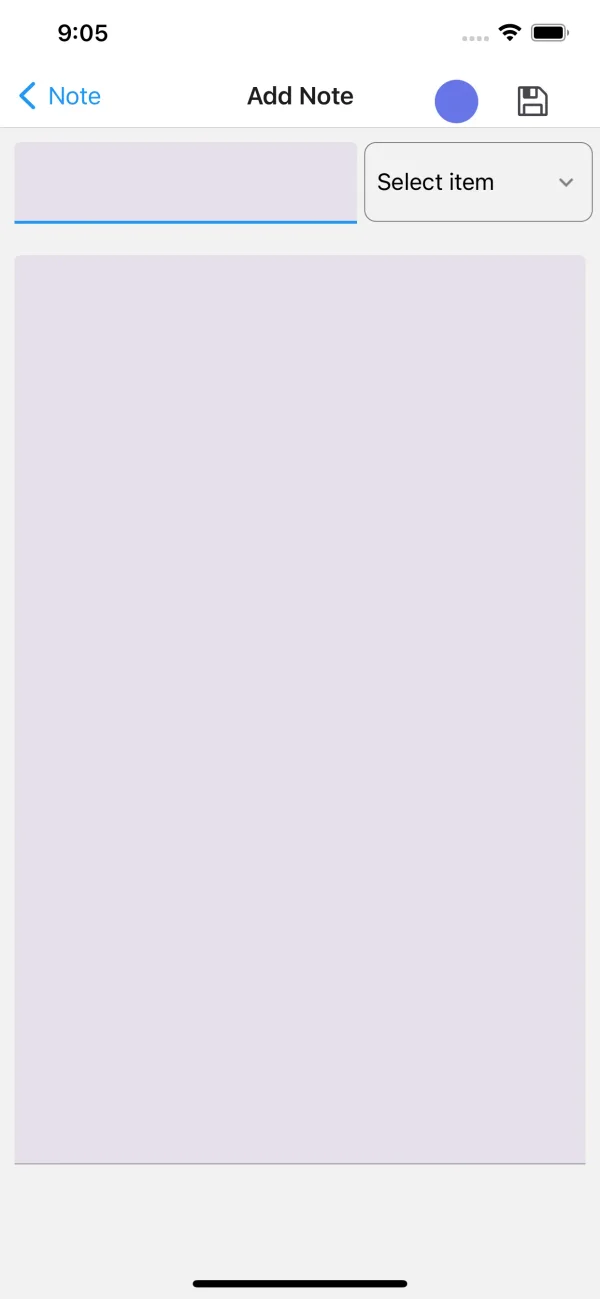
Noteapp is a simple notepad app. It gives you a quick and simple notepad editing experience when you write notes and to-do lists.
* Product Description *
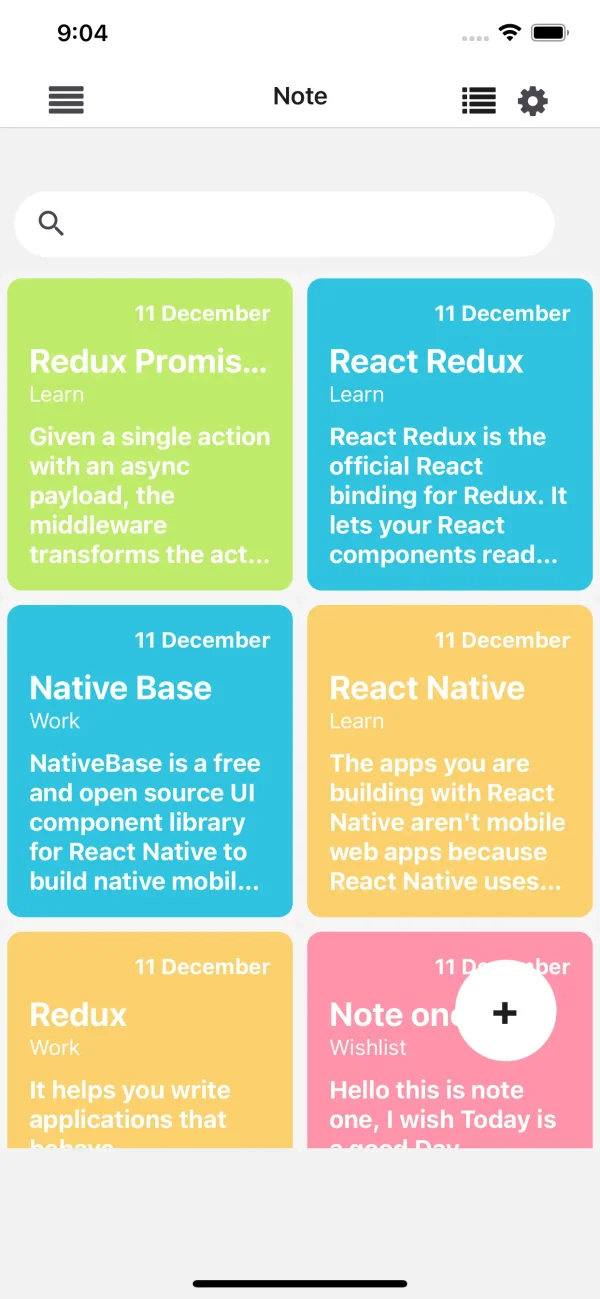
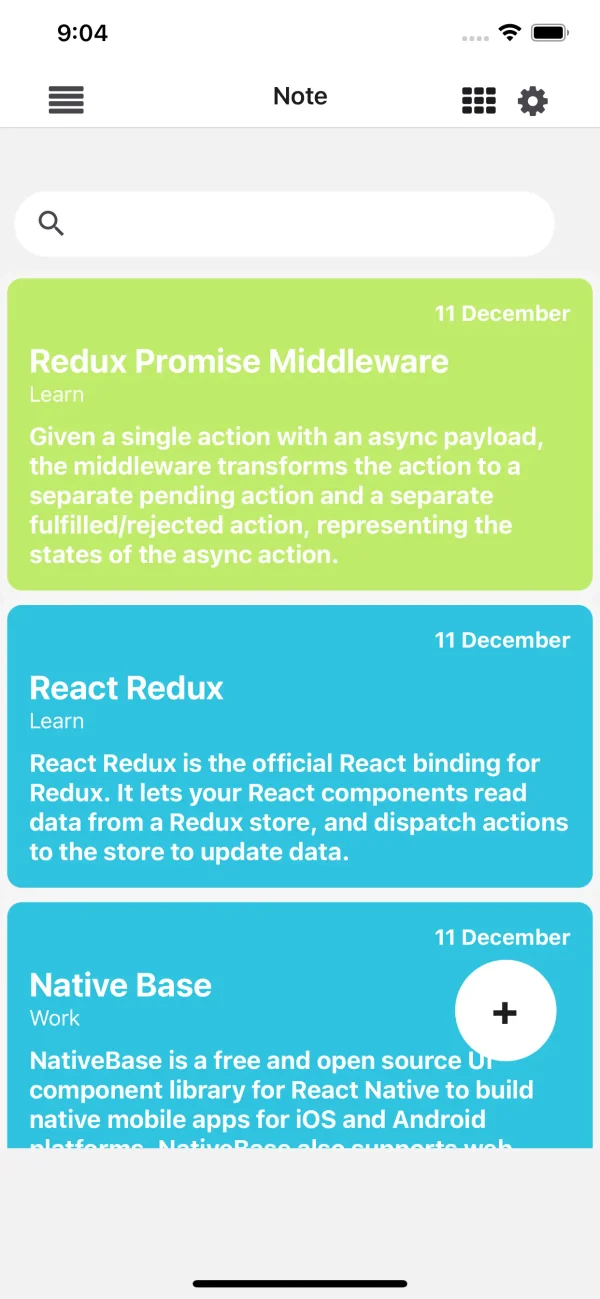
Noteapp features two basic note taking formats, a lined-paper styled text option, and a checklist option. Add as many as you want to your master list, which appears on the app's home screen each time the program opens. This list may be viewed in traditional ascending order, in grid format, or by note color.
- Taking a Note -
Serving as a simple word processing program, the text option allows for as many characters as you're willing to type. Once saved, you can edit, share, set a reminder, or check off or delete the note through your device's menu button. When checking off a text note, the app places a slash through the list's title, and this will be displayed on the main menu.
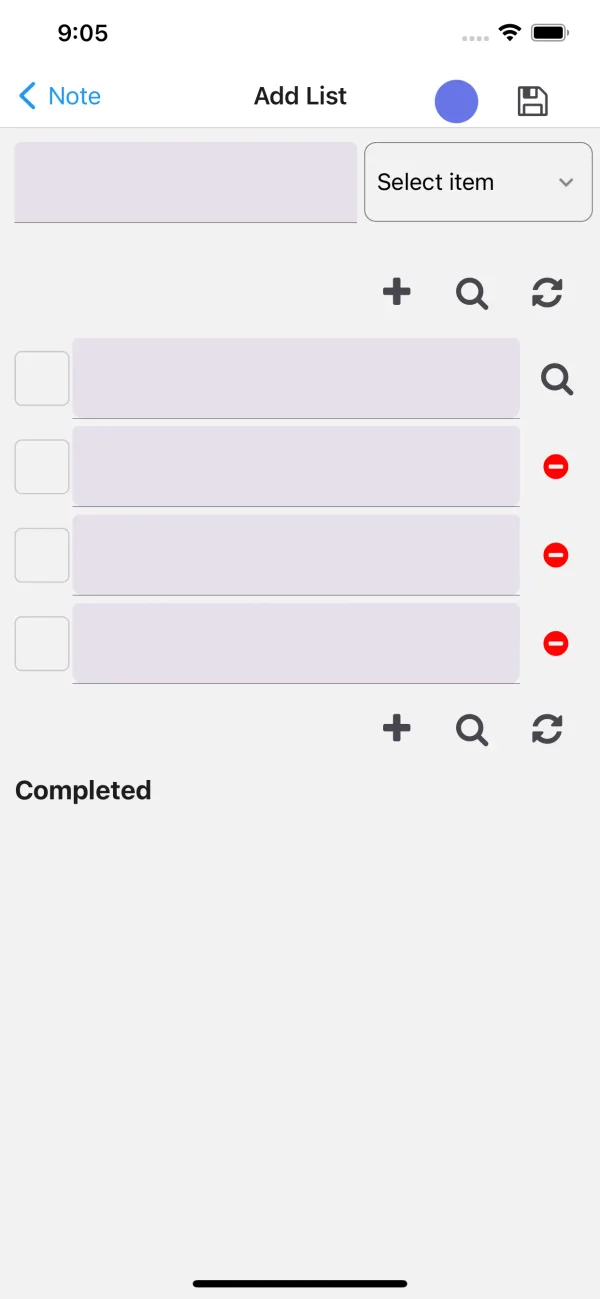
- Making To-do List or Shopping List -
In the checklist mode, you can add as many items as you'd like and arrange their order with drag buttons activated in the edit mode. After the list is finished and saved, you may check or uncheck each line on your list with a quick tap, which will toggle a line slash. If all items have been checked, then the list's title is slashed as well.
* Features *
- Organize notes by color category (color notebook)
- Checklist notes for To do list & Shopping list. (Quick and simple list maker)
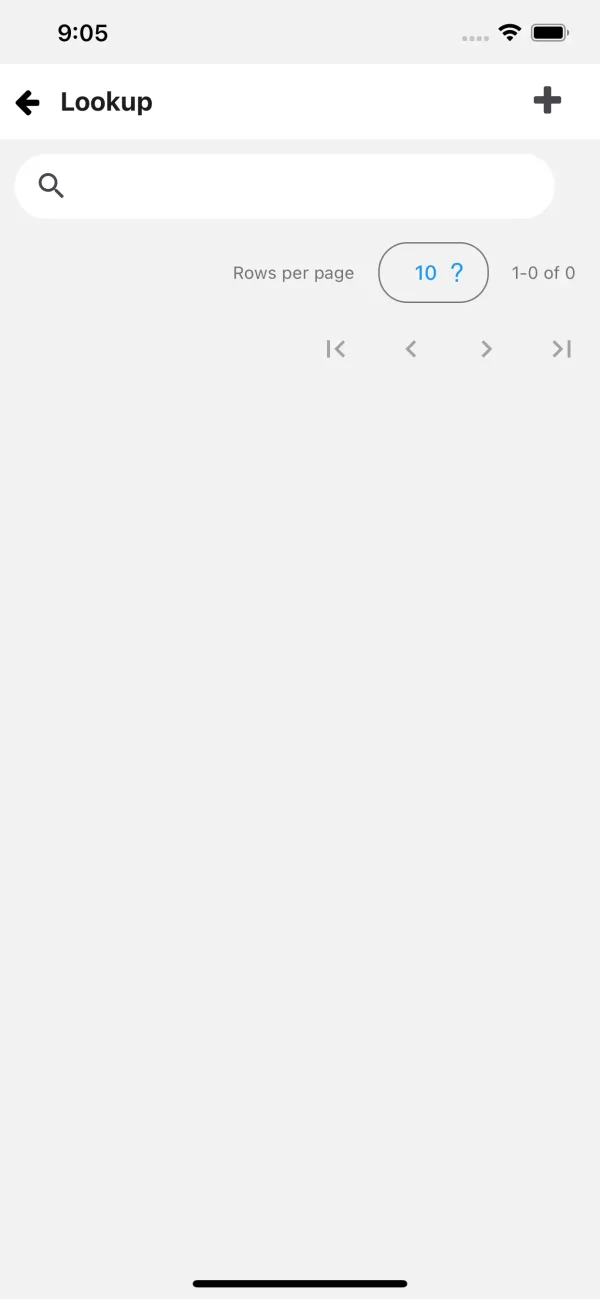
- Lookup for checklist notes
- Checklist notes to get things done (GTD)
- Grid View
- Search notes
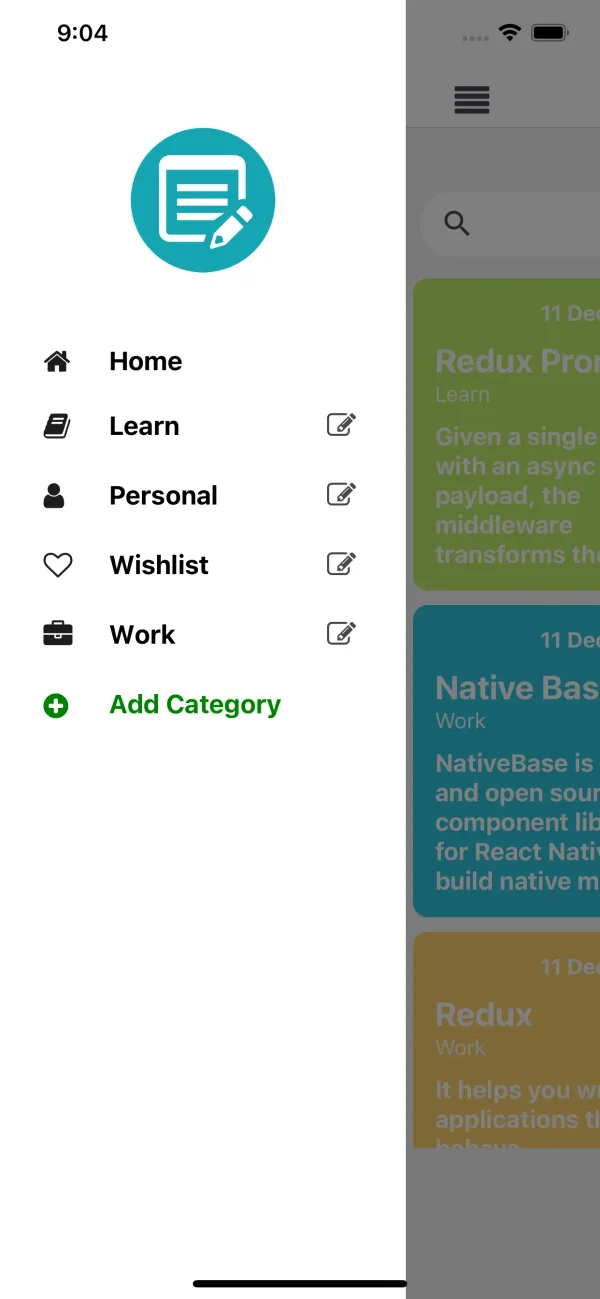
- Supports category
- Support Color for each category
- Quick memo / notes
- View Notes by category
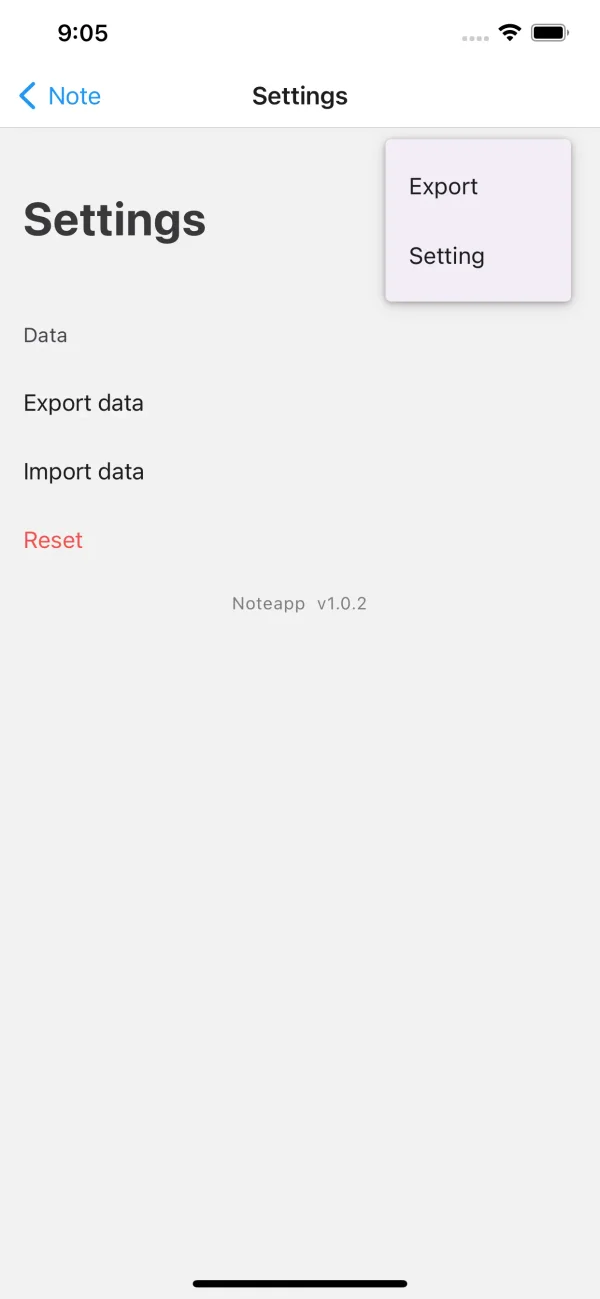
- Reset Data
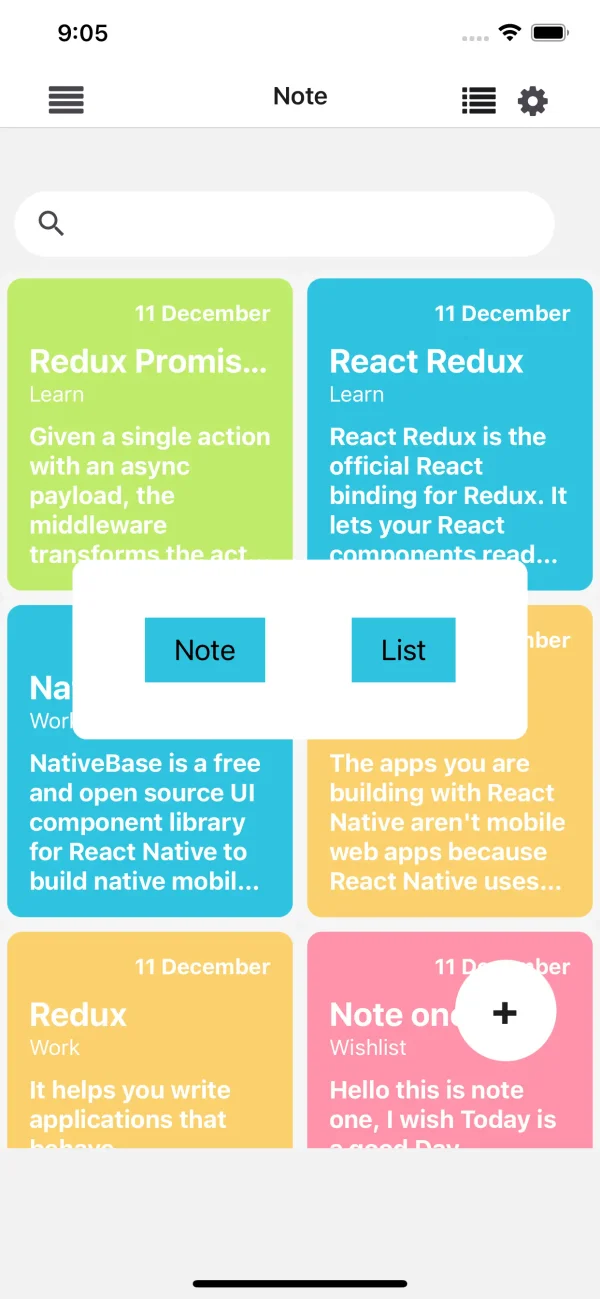
- Toogle View / List
- Export to excel
- Export / Import database
- Delete note, list, and category
- Share notes and lists
- Starred notes and lists
- Reminder
Next update feature
- Sticky note memo widget (Put your notes on your home screen)
- Share notes via SMS, e-mail or Twitter
- Powerful task reminder : Time Alarm, All day, Repetition.(lunar calendar)
- Organize your schedule by note in calendar
Nouveautés
Version 1.0.2 · 04/01/2025
Bug fix
Confidentialité de l’application
Ce que Rudi . déclare sur l’App Store au sujet du traitement des données par cette application.
-
Données utilisées pour vous suivre
Peuvent être utilisées pour vous suivre sur des applications et des sites web appartenant à d’autres sociétés.
- Identifiants
-
Données n’établissant aucun lien avec vous
Peuvent être collectées, mais ne sont pas liées à votre identité.
- Contenu utilisateur
- Identifiants
Les pratiques en matière de confidentialité peuvent varier, notamment en fonction des fonctionnalités que vous utilisez ou de votre âge.
Informations
- Vendeur
- Rudi .
- Catégorie
- Utilitaires
- Version
- 1.0.2
- Mis à jour
- 04/01/2025
- Publié
- 11/12/2024
- Taille
- 23,6 Mo
- Nécessite
- iOS 13.4 ou version ultérieure
- Classification d’âge
- 17+
- Prix
- Gratuit
- Langues
- Anglais
- Copyright
- © Rafaras
Vous aimerez peut-être aussi
-
 Grove's Expense ManagerDépenses et projets maîtrisés
-
 IronPass - Password ManagerUtilitaires
-
 Miryte NotesUtilitaires
-
 FlutterUtility NotesUtilitaires
-
 スマート電卓ー起動いらずでパッと計算!ーUtilitaires
-
 Countdown Days - WidgetUtilitaires
-
 iWash MongoliaUtilitaires
-
 Super Simple List AppUtilitaires
-
 OziPad.io: Encrypt Notes FastUtilitaires
-
 NoteNest - iNotesUtilitaires