
- Classification d’âge4+
- CatégoriePhoto et vidéo
- DéveloppeurSwan Sett Aung
- LanguesAnglais
- Taille71,1 Mo
Renvoie vers la page App Store officielle
Download.org n’héberge aucun fichier de NoteIt: Picture Notes. Le bouton ouvre la page de l’application sur App Store, où Swan Sett Aung la publie. Fiche vérifiée pour la dernière fois le 17/11/2026.
Captures d’écran

À propos
Le développeur n’a pas fourni ce texte dans votre langue.
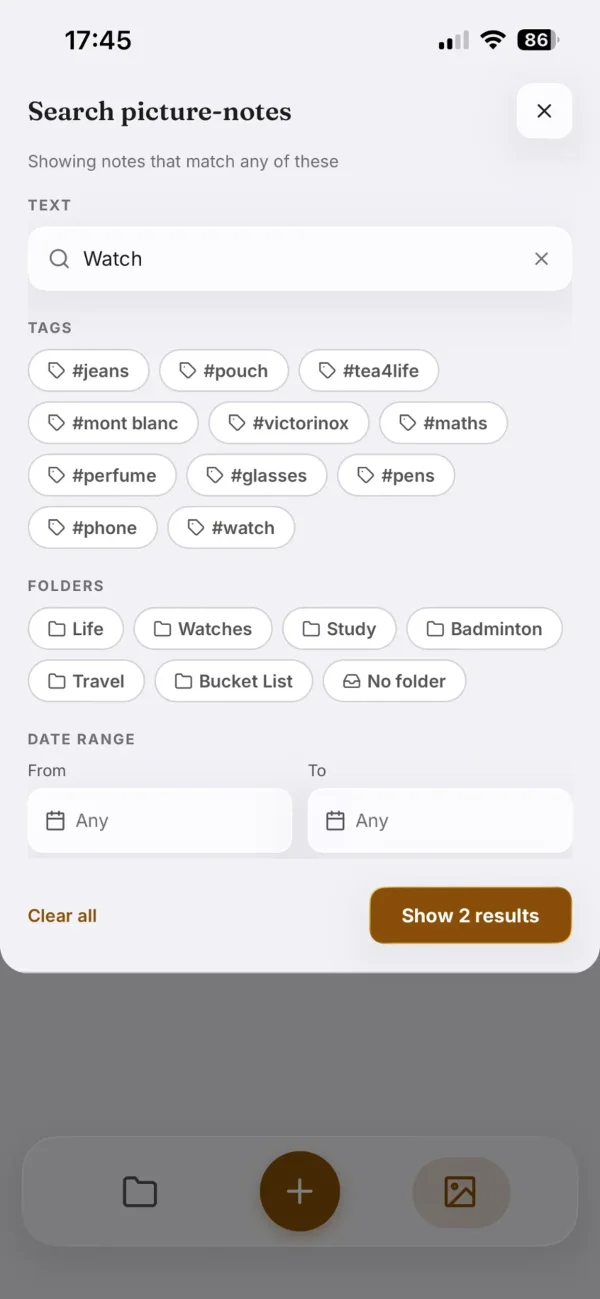
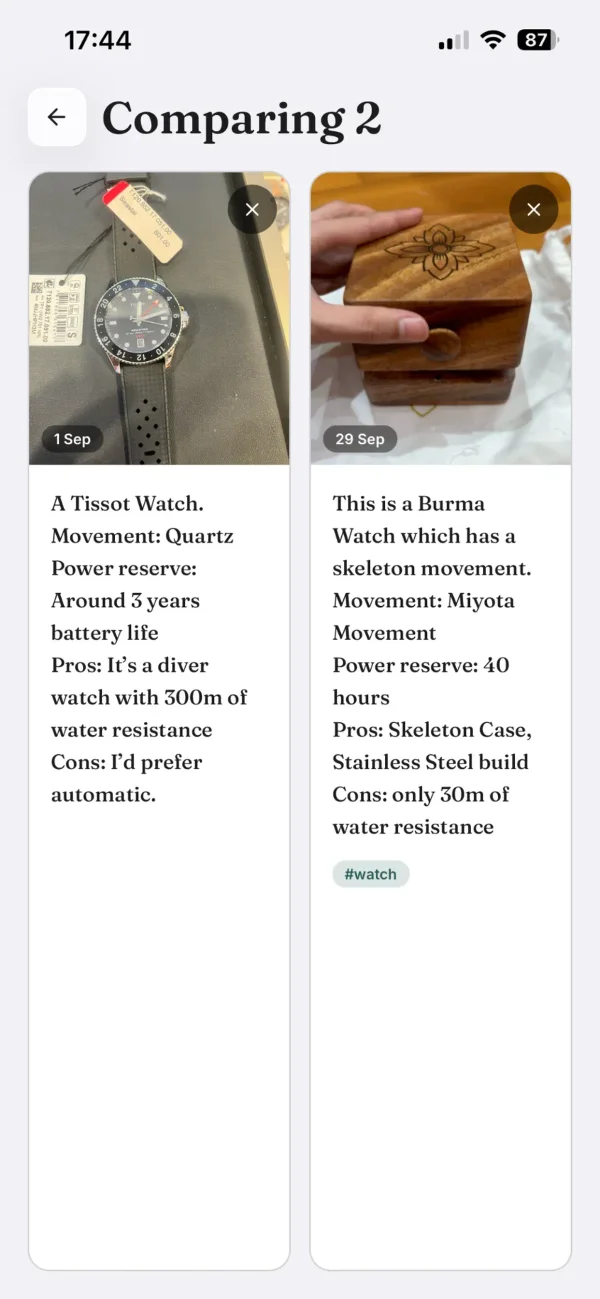
NoteIt is a simple yet powerful app that allows you to attach notes to the photos and videos you just took, so you can revisit them later to refresh your memories about them. You can use them as a decision helper when choosing products from different shops with the compare feature; you can journal your travel, work, and life and tag them so you can search them later; you can log your fitness goals and create snippets to use it on daily picture-notes. The applications are limitless!
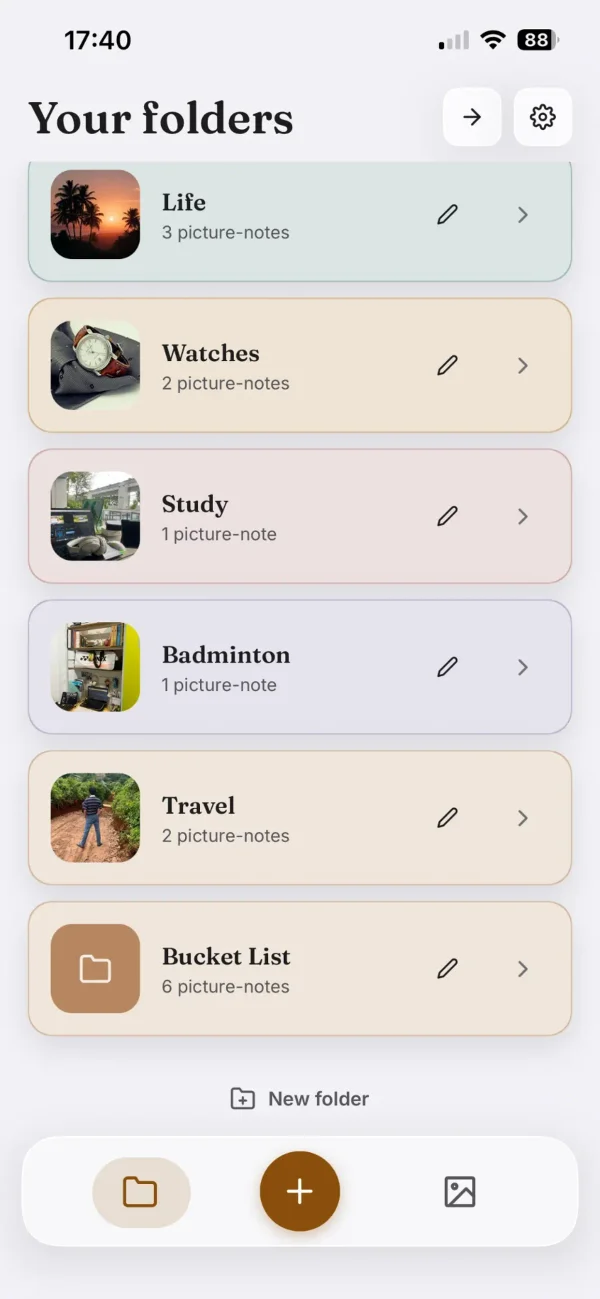
Beginning to use the app may present you with a blank canvas. Fill it by creating folders that will organize your notes into separate and special memories of your life.
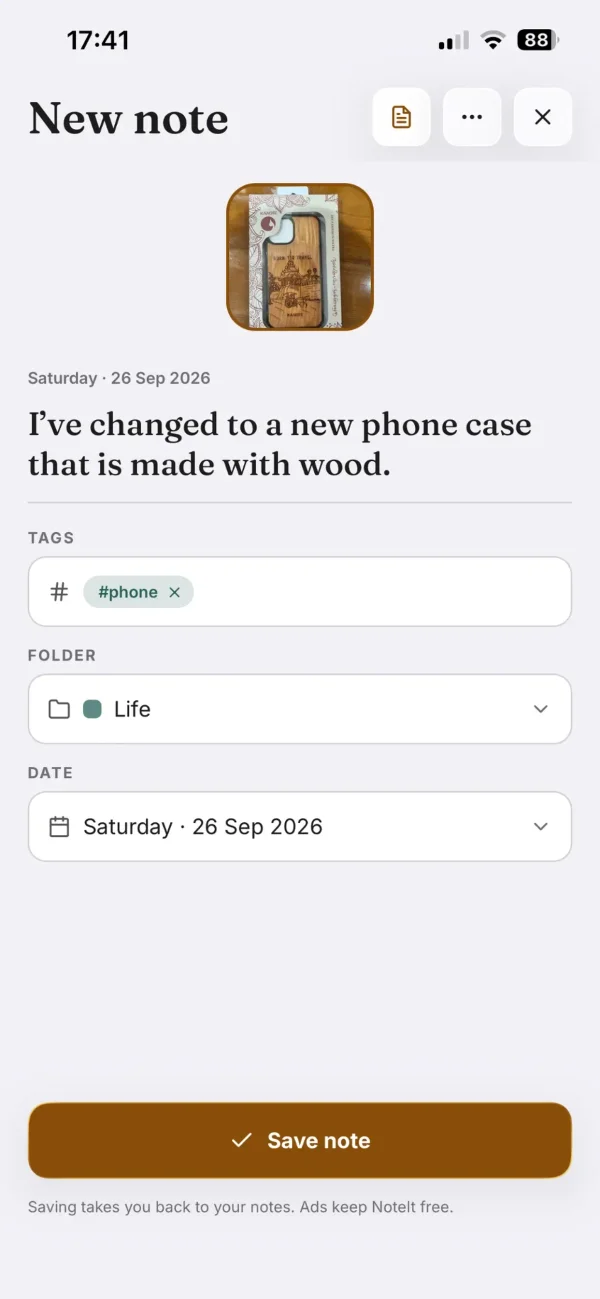
Anyone can create and view their notes in 30 seconds:
1. Click or swipe the "+" icon to add a new note.
2. Fill in the details and add them to your desired folder, then press "Save Picture-Note".
3. Afterwards, navigate to the Gallery tab or inside the folder you just saved.
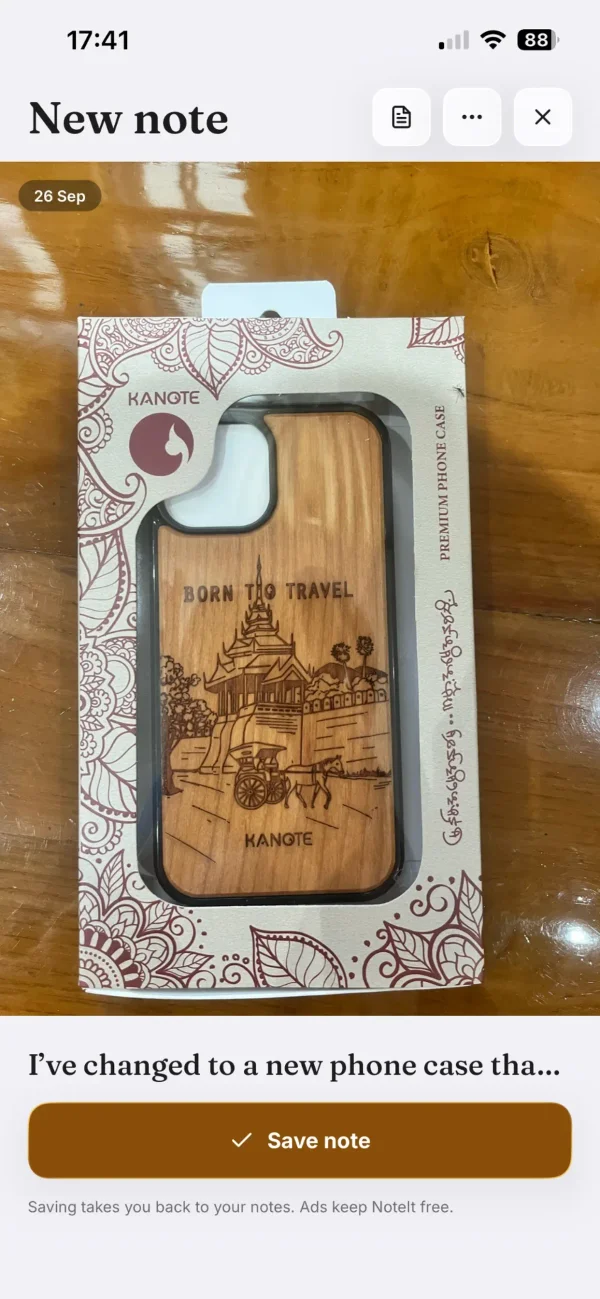
4. Voila! You can now see your picture-notes, press them to view them in full screen, and swipe up to reveal the note underneath.
Features in the app:
PICTURE-NOTES
A photo or video with your note underneath. Swipe through them like a gallery, and pull the note up when you want to read it.
FOLDERS
Keep a trip, a project or a person together, with a cover picture you choose.
GALLERY
Your gallery becomes a journal you can search by tag or date and read side by side.
SEARCH
Filter by tag, or by date: today, the last 7 days, the last 30 days, or a range you pick.
COMPARE
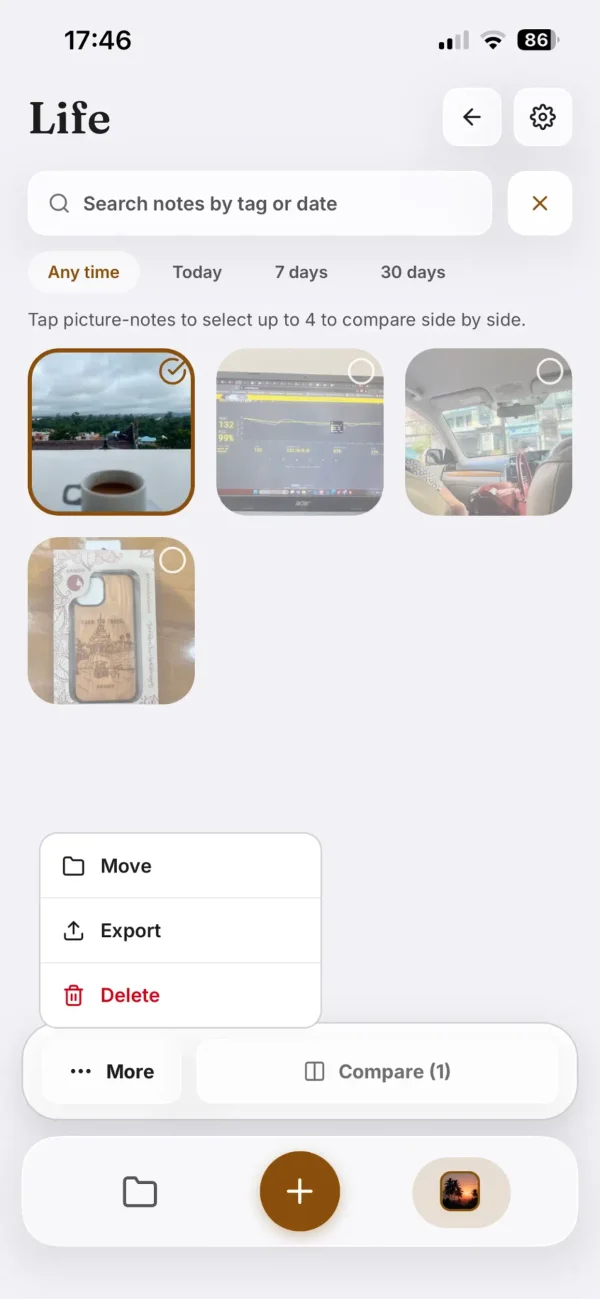
Line up to four picture-notes side by side, for before-and-afters and progress over time.
SNIPPETS
Save phrases you write often and drop them into a note in one tap.
DARK AND LIGHT
Pick the theme you prefer.
EVERYTHING STAYS ON YOUR IPHONE.
There is no account, no cloud sync, and no analytics. Your photos and notes never leave your device. NoteIt is free, supported by ads. Keep an eye out for future updates with more features!!
Nouveautés
Version 1.2.1 · 30/09/2026
v 1.2.1 Patch Notes
Saving a note now ends with a satisfying tick and a little bell.
Haptic feedback across the app: adding, saving, discarding, folders and switching themes.
You can now select any notes as you like in the gallery view.
The logo in the splash screen is now centered.
Editing a note now opens full screen instead of a modal.
Fixed the app freezing after tapping export in small notes and folders.
Fixed the New Folder button randomly disappearing.
Confidentialité de l’application
Ce que Swan Sett Aung déclare sur l’App Store au sujet du traitement des données par cette application.
-
Données utilisées pour vous suivre
Peuvent être utilisées pour vous suivre sur des applications et des sites web appartenant à d’autres sociétés.
- Emplacement
- Identifiants
- Données d’utilisation
- Diagnostic
-
Données établissant un lien avec vous
Peuvent être collectées et liées à votre identité.
- Emplacement
- Identifiants
- Données d’utilisation
- Diagnostic
Les pratiques en matière de confidentialité peuvent varier, notamment en fonction des fonctionnalités que vous utilisez ou de votre âge.
Informations
- Vendeur
- Swan Sett Aung
- Catégorie
- Photo et vidéo
- Version
- 1.2.1
- Mis à jour
- 30/09/2026
- Publié
- 22/09/2026
- Taille
- 71,1 Mo
- Nécessite
- iOS 16.4 ou version ultérieure
- Classification d’âge
- 4+
- Prix
- Gratuit
- Langues
- Anglais
- Copyright
- © 2026 SMKTechnologies
Vous aimerez peut-être aussi
-
 Keepture: Photo Notes CameraPhoto et vidéo
-
 Album Craft - Photo NotesPhoto et vidéo
-
 RAW Cam: Open Gate DNG VideoPhoto et vidéo
-
 Vintage Camera Filter - LukyoPhoto et vidéo
-
 RawCam – Raw DNG CameraPhoto et vidéo
-
 PromptSmart Pro Remote ControlPhoto et vidéo
-
 PromptSmart Pro - TeleprompterPhoto et vidéo
-
 Photo collage⊞Photo et vidéo
-
 Lumina: Manual CameraPhoto et vidéo
-
 ProCam:Professional RAW CameraPhoto et vidéo