- Classification d’âge4+
- CatégorieProductivité
- DéveloppeurDigital Advisory Limited
- LanguesAnglais
- Taille16,6 Mo
Renvoie vers la page App Store officielle
Download.org n’héberge aucun fichier de On-Timer. Le bouton ouvre la page de l’application sur App Store, où Digital Advisory Limited la publie. Fiche vérifiée pour la dernière fois le 12/11/2026.
Captures d’écran
À propos
Le développeur n’a pas fourni ce texte dans votre langue.
On-Timer helps people with ADHD and time blindness get to meetings on time, with three gentle nudges before every meeting.
HOW IT WORKS
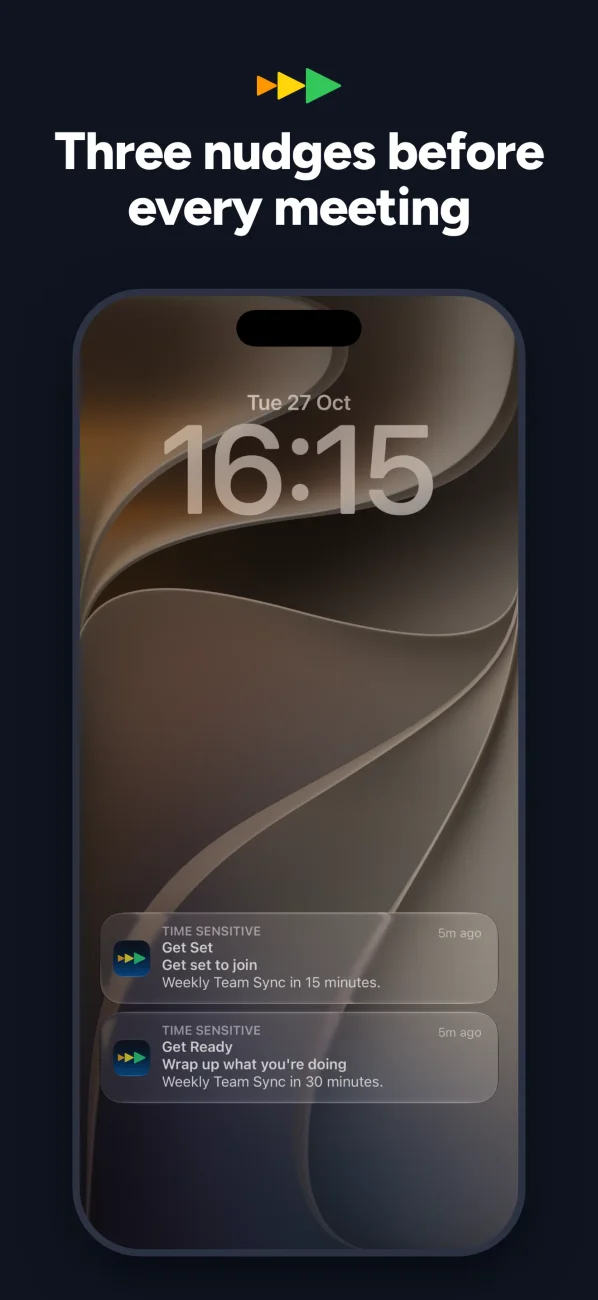
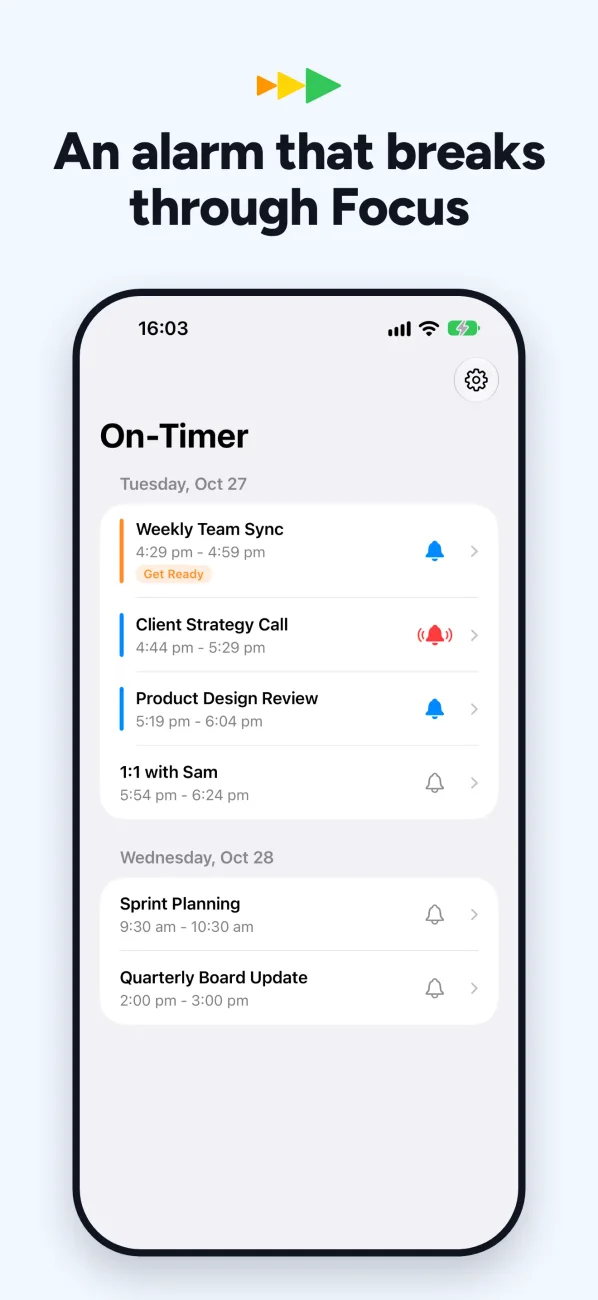
On-Timer reads your calendar and lets you set three nudges for any meeting:
• Get Ready (30 min before): wrap up what you're doing
• Get Set (15 min before): get set to join and gather what you need
• Go (1 min before): join now
Each nudge names the meeting and tells you how long you have. All timings are configurable in Settings.
AUTOMATIC ALERTS BY CALENDAR
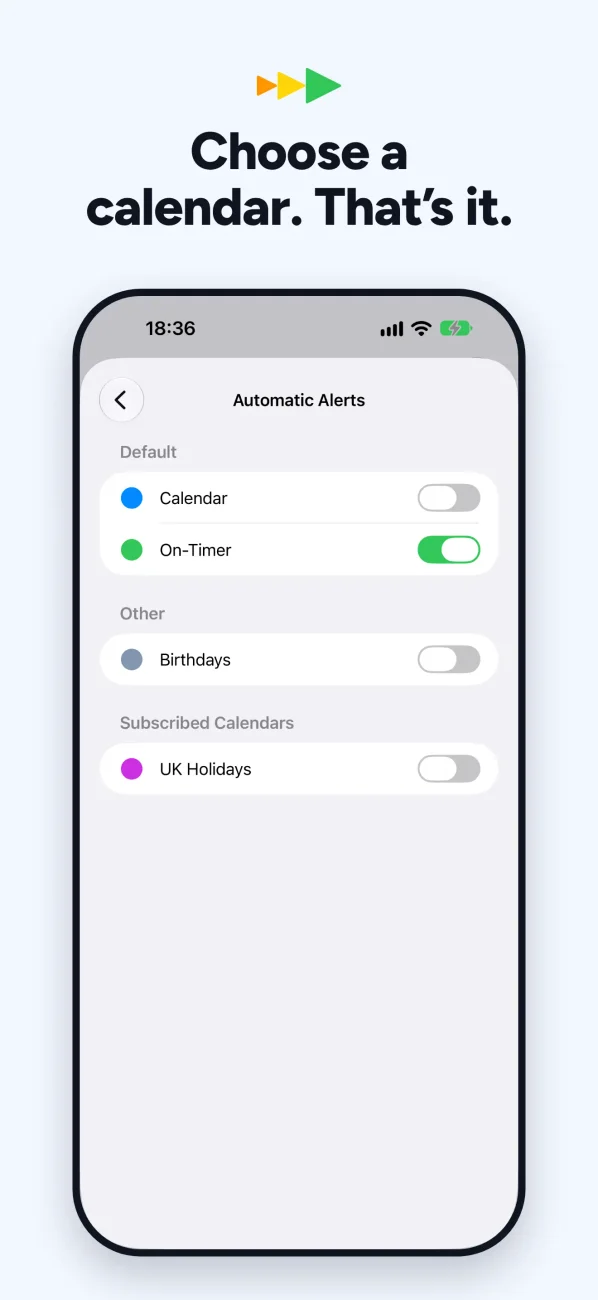
Choose your calendars once in Settings, and every upcoming meeting in them gets a Blue Alert without a tap. Your choices always win: a meeting you switch off stays off, and a meeting you change keeps your change.
TWO KINDS OF BELL
• Blue Alert: a standard time-sensitive notification
• Red Alarm (iOS 26 or later): a prominent AlarmKit alarm that breaks through Focus and silent mode, for the meetings you really can't miss
RELIABLE BY DESIGN
• Each occurrence of a repeating meeting gets its own nudges
• Stopping or dismissing a nudge silences it on iPhone and Apple Watch together, and the later nudges still come; to switch a meeting off, tap its bell
• iPhone, Apple Watch and the live view stay in step, even when the app is closed
VISUAL COUNTDOWN
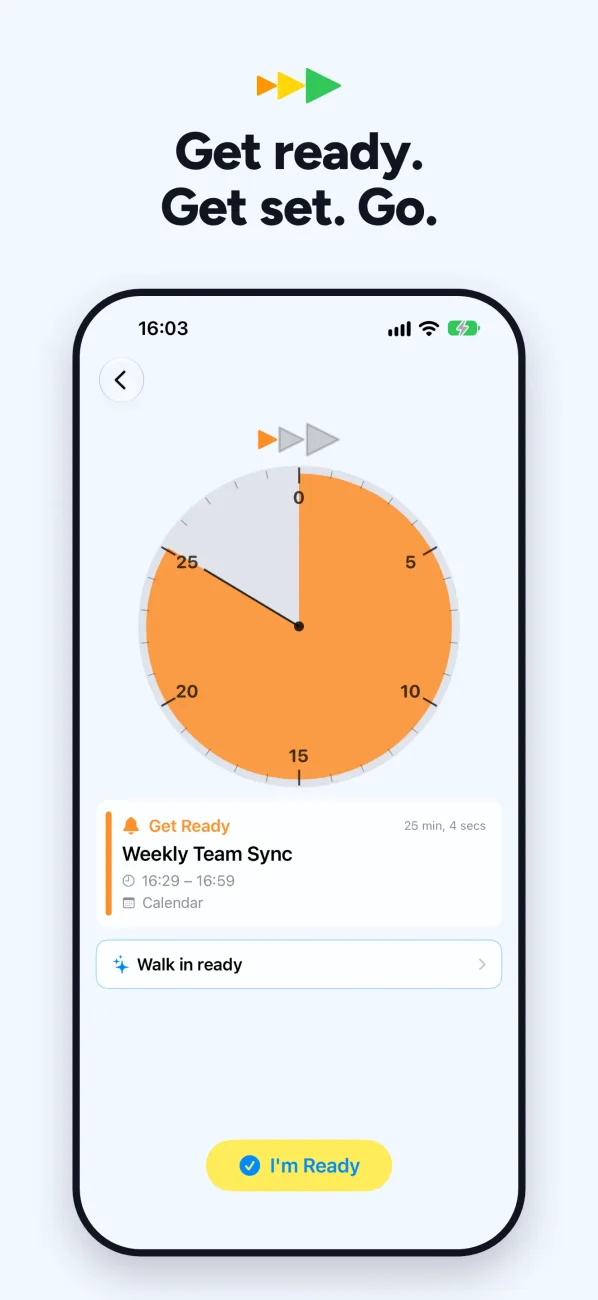
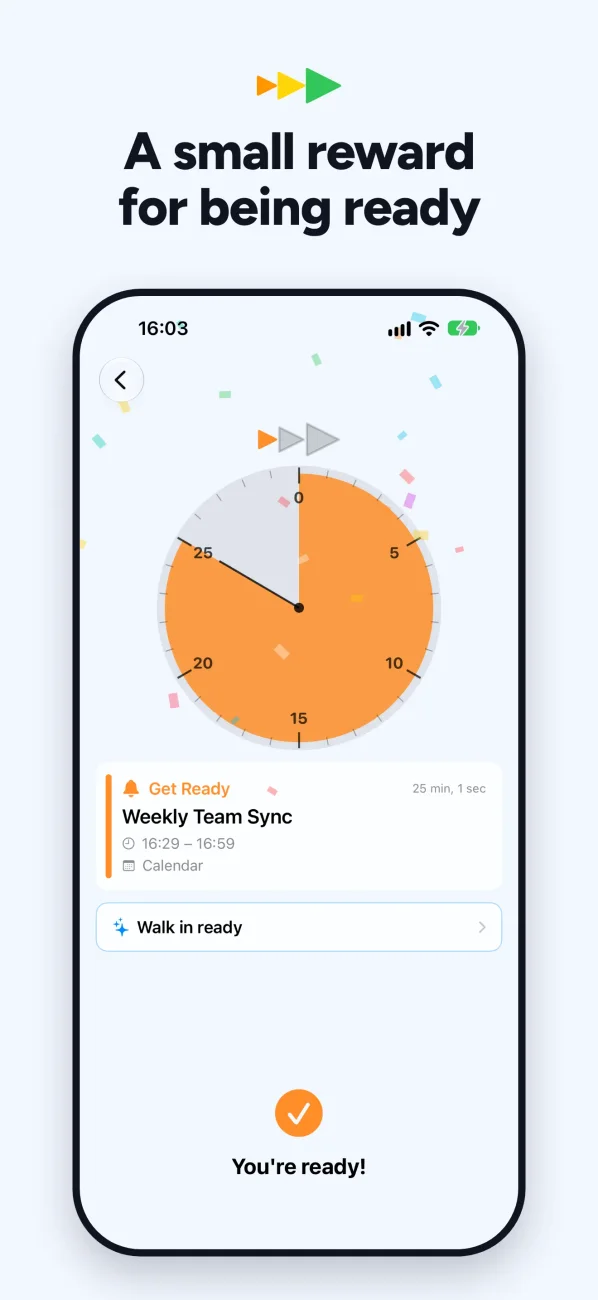
A full-screen countdown view with a kitchen-timer dial and chevron stage indicator shows exactly how long until your meeting. The chevron motif (orange, yellow, green) tracks your progress across the app, widgets, Dynamic Island and live view. Tap any meeting to see its countdown, then tap its card to view full event details (attendees, notes, location) without leaving the app.
APPLE WATCH
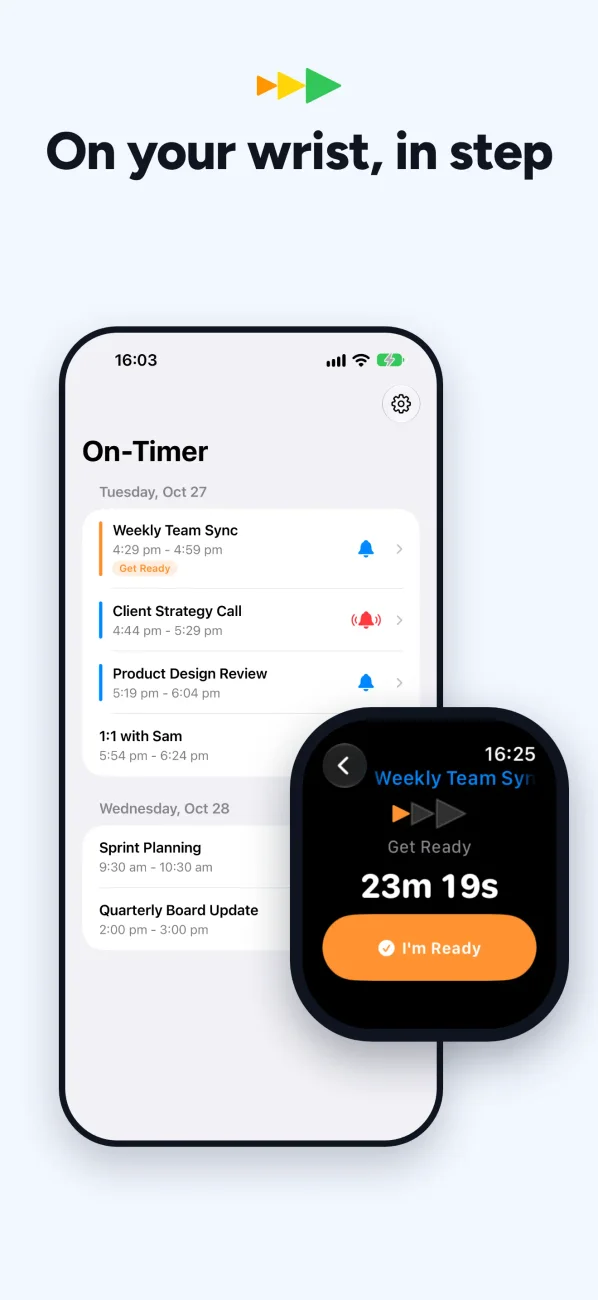
A full Apple Watch app with meeting list, countdown view, bell, and "I'm Ready" rewards. Paired iPhone and Watch sync over Bluetooth for near-instant updates, so a bell set on one appears on the other right away. Four complication styles (corner, circular, rectangular and inline) keep your next meeting visible on any watch face.
ON YOUR MAC TOO
On-Timer for Mac puts your next meeting in the menu bar, with the same three nudges and bells in step through your own iCloud. It comes with On-Timer, free.
ICLOUD SYNC
Blue Alerts sync between your iPhones, iPads and Mac through your own private iCloud, so the bells you set on one device follow you to the others. Red Alarms stay on the iPhone where you set them, and are shared with its paired Apple Watch.
LIVE ACTIVITY & DYNAMIC ISLAND
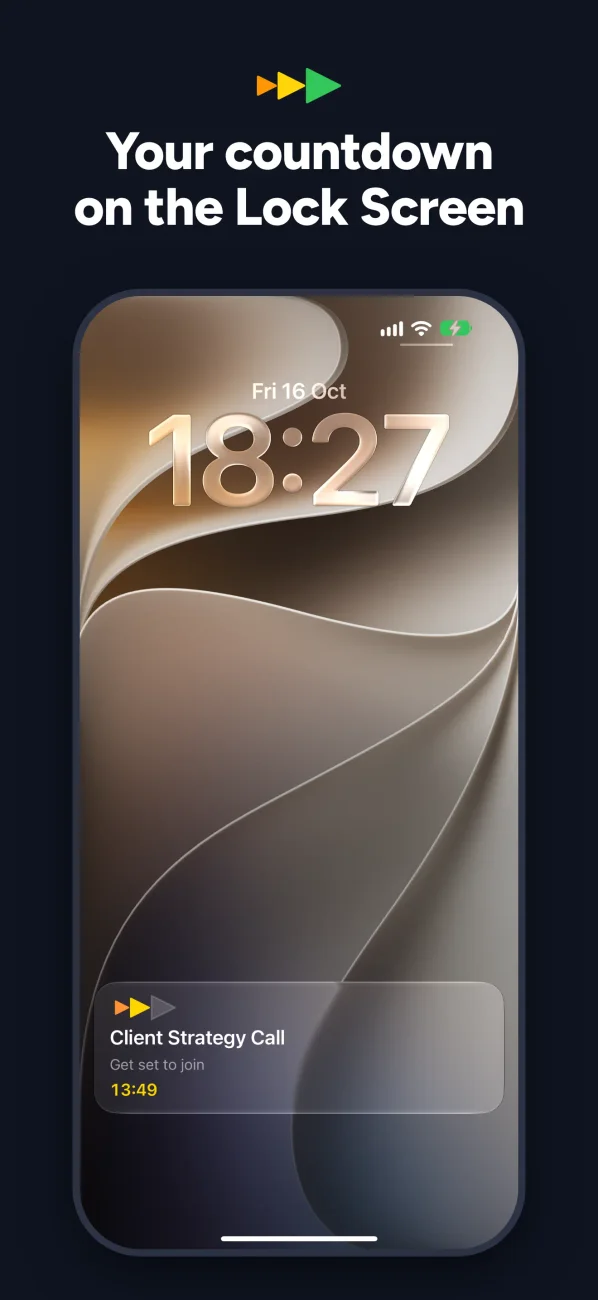
For meetings with a Red Alarm, a countdown on your Lock Screen, in the Dynamic Island and on Apple Watch from Get Ready until the meeting starts, even with the app closed. It names the next stage as it goes. You can keep it up for a few minutes after the start in Settings.
HOME & LOCK SCREEN WIDGETS
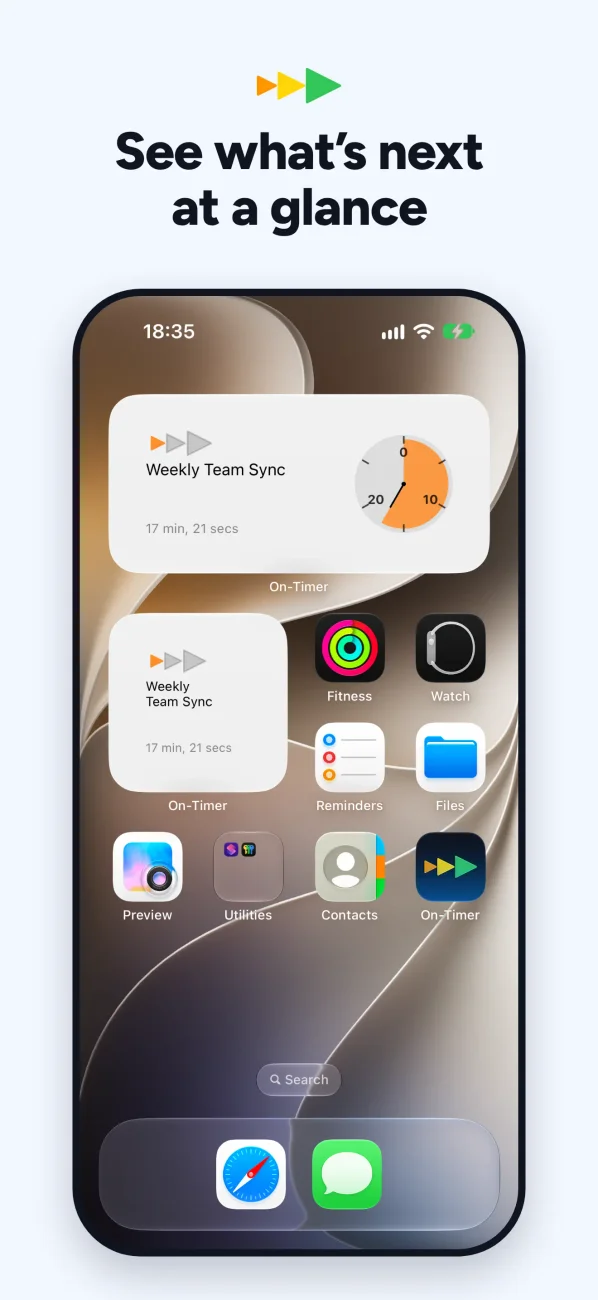
Small and medium Home Screen widgets, plus circular, rectangular and inline Lock Screen widgets, all with chevron progress indicators.
AI MEETING PREP
On-device Apple Intelligence suggestions help you prepare for each meeting based on its title, timing, attendees and notes. Requires an Apple Intelligence-capable device on iOS 26 or later.
"I'M READY" REWARDS
Tap the button during Get Ready or Get Set to celebrate with confetti and unlock a personal micro-reward from your custom list.
PRIVATE
Your calendar is read on your device. Meetings you bell sync through your own private iCloud, which we can't see. No account, no tracking, no analytics.
ALSO
• Volume-off detection warns you if your phone is silenced and offers the Red Alarm instead
• Past belled meetings shown for quick reference
• Pull-to-refresh, and automatic refresh when your calendar changes
REQUIREMENTS
• iOS 17.6 or later (core features)
• watchOS 10.6 or later (Apple Watch)
• macOS 14 or later (On-Timer for Mac)
• iOS 26 or later for the Red Alarm
• iOS 26 or later on an Apple Intelligence-capable device for AI Meeting Prep
• iCloud account for sync between devices
• Calendar and notification permissions
Nouveautés
Version 1.4 · 27/10/2026
On-Timer is now on the Mac.
• On-Timer for Mac puts your next meeting in the menu bar, with a countdown and today's and tomorrow's meetings one click away. It comes with On-Timer, free: search for On-Timer in the Mac App Store.
• A meeting switched off on your Mac, or on another iPhone or iPad, now usually stops its reminders on this iPhone even while On-Timer is closed.
• Bells you set on your Mac show on your iPhone and Apple Watch, and the ones you set on your iPhone show on your Mac.
Confidentialité de l’application
Ce que Digital Advisory Limited déclare sur l’App Store au sujet du traitement des données par cette application.
-
Données non collectées
Le développeur ne collecte aucune donnée à partir de cette application.
Les pratiques en matière de confidentialité peuvent varier, notamment en fonction des fonctionnalités que vous utilisez ou de votre âge.
Informations
- Vendeur
- Digital Advisory Limited
- Catégorie
- Productivité
- Version
- 1.4
- Mis à jour
- 27/10/2026
- Publié
- 30/03/2026
- Taille
- 16,6 Mo
- Nécessite
- iOS 17.6 ou version ultérieure
- Classification d’âge
- 4+
- Prix
- Gratuit
- Langues
- Anglais
- Copyright
- © Digital Advisory Limited 2026
Vous aimerez peut-être aussi
-
 Call to Meet: Alarme RéunionAlarme fiable pour réunions
-
 Calendar Alarm: PealoProductivité
-
 Fyndo – Focus et TâchesCommencez sans stress
-
 Totly: TDAH & liste de tâchesNotes, focus & planning
-
 Agenda & Planning: FocusFlowMinuteur Pomodoro, rappel TDAH
-
 Stiint: Know your TimeProductivité
-
 Routine : Jour 1Vivez à un rythme quotidien
-
 Focus Timer: Pomodoro; TasksProductivité
-
 Unmissable: Alarme AgendaDes rappels qui sonnent
-
 Calendar Alarms : RéveilTravail posté, jours de bureau