
- Classification d’âge17+
- CatégorieUtilitaires
- DéveloppeurTaisuke Inoue
- LanguesJaponais+ 8 de plus
- Taille5,6 Mo
Renvoie vers la page App Store officielle
Download.org n’héberge aucun fichier de OneBar Browser. Le bouton ouvre la page de l’application sur App Store, où Taisuke Inoue la publie. Fiche vérifiée pour la dernière fois le 12/11/2026.
Captures d’écran
À propos
Le développeur n’a pas fourni ce texte dans votre langue.
OneBar — A Smart Browser That Helps You Save Data
OneBar is a web browser designed to make everyday browsing lighter and more comfortable.
With a compact app design and flexible blocking settings, OneBar helps you browse while keeping data usage in mind.
■ Key Features
• Simple and Responsive
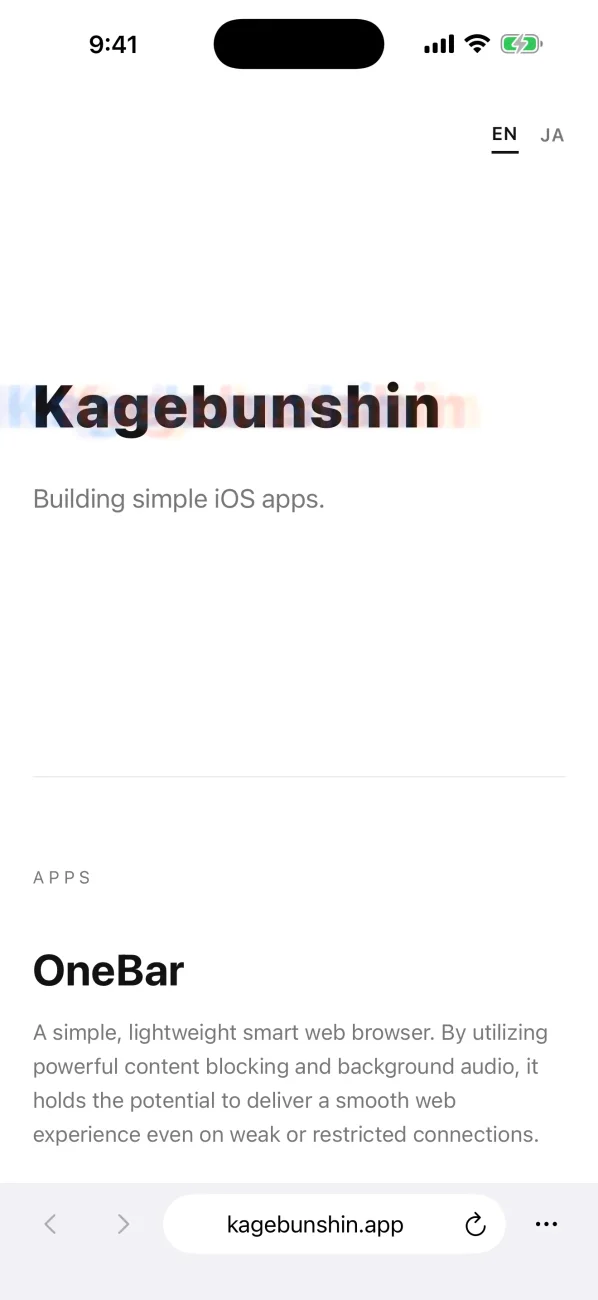
Search and browse with a clean interface that feels at home on iOS. Minimal visual clutter keeps the focus on quick launches and easy navigation.
• Blocking Settings to Reduce Data Usage
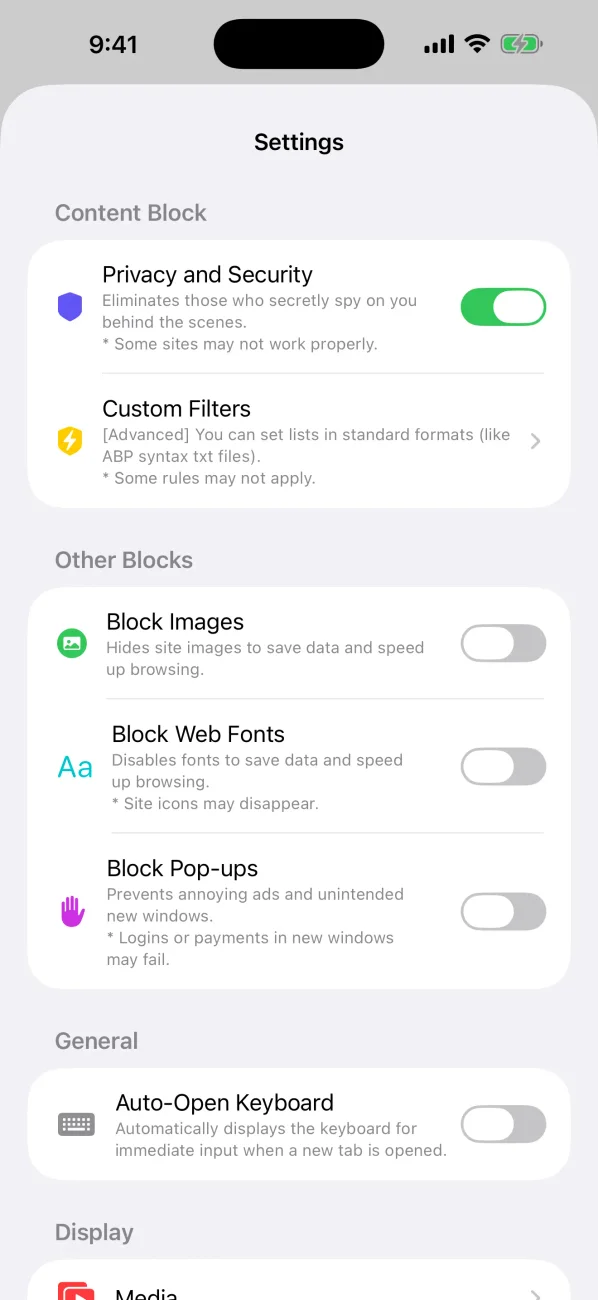
Choose to block ads, trackers, images, web fonts, and pop-ups. Reducing unnecessary loading can help you save data.
Ad blocking includes filter updates. Enable it in Settings to get started.
• Background Playback
On supported websites, keep listening while using other apps or when your screen is locked. Enjoy audio while working or on the go.
• Privacy-Conscious Design
OneBar does not include functionality that collects or sends your browsing history or search queries to the developer.
In Private Mode, search suggestions are neither displayed nor requested from external services.
• Start Browsing from a Widget
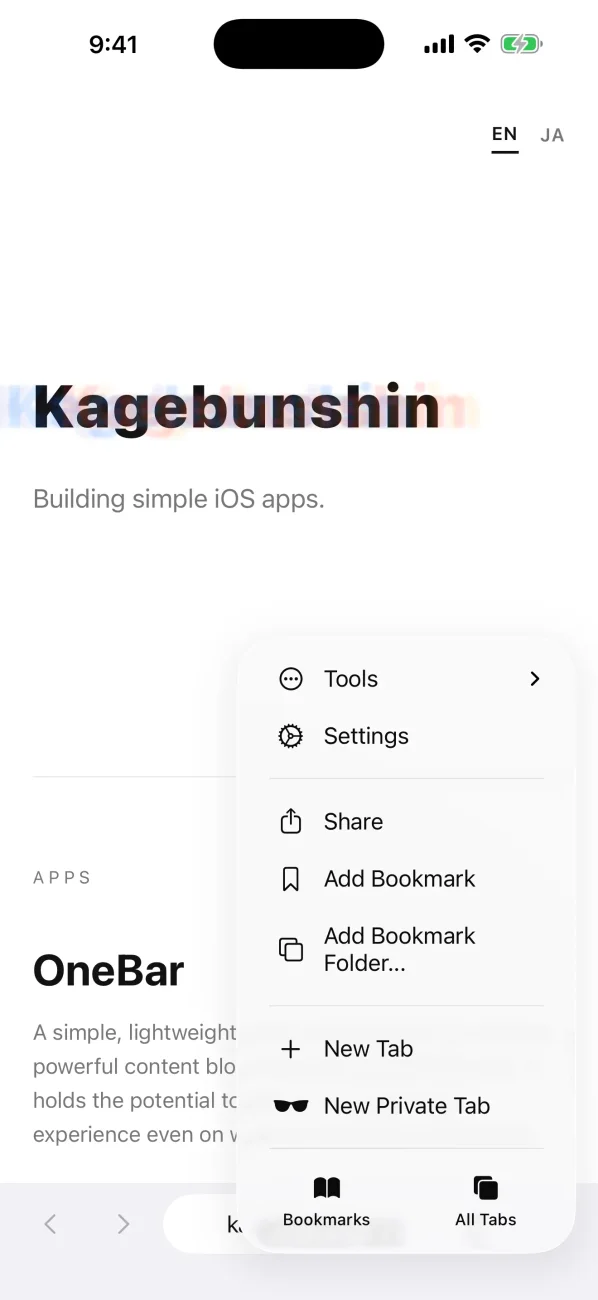
Open a new tab directly from a Home Screen or Lock Screen widget. Start browsing whenever something comes to mind.
For anyone looking to save data or enjoy a simple, lightweight browser.
Make everyday browsing lighter with OneBar.
■ Please Note
• Blocking settings may prevent some websites from displaying or working correctly.
• Background playback availability depends on the website and content.
• Browsing, searching, requesting search suggestions in normal mode, and updating ad-blocking filters involve communication with the respective service providers. How websites and external services handle your information is governed by their own privacy policies.
Nouveautés
Version 3.1 · 26/10/2026
We’ve revamped ad blocking.
• Added filter updates for ad blocking.
• Grouped blocking options together in Settings.
• Disabled search suggestions and suggestion requests in Private Mode.
• Fixed an issue with searches containing certain special characters.
• Fixed an issue where settings changes were not applied across normal and Private Modes.
• Fixed an issue that prevented some files from downloading.
• Fixed an issue that prevented Home Screen and Lock Screen widgets from opening a new tab.
• Improved compatibility with Spotify web playback.
Important for Existing Users
Custom filters have been discontinued in favor of built-in ad blocking.
The new ad-blocking feature is OFF by default. To enable it, go to Settings → Content Block → Ad Blocking.
Confidentialité de l’application
Ce que Taisuke Inoue déclare sur l’App Store au sujet du traitement des données par cette application.
-
Données non collectées
Le développeur ne collecte aucune donnée à partir de cette application.
Les pratiques en matière de confidentialité peuvent varier, notamment en fonction des fonctionnalités que vous utilisez ou de votre âge.
Informations
- Vendeur
- Taisuke Inoue
- Catégorie
- Utilitaires
- Version
- 3.1
- Mis à jour
- 26/10/2026
- Publié
- 15/09/2026
- Taille
- 5,6 Mo
- Nécessite
- iOS 26.0 ou version ultérieure
- Classification d’âge
- 17+
- Prix
- Gratuit
- Langues
- Japonais, Espagnol, Allemand, Français, Portugais, Chinois simplifié, Chinois traditionnel, Anglais, Coréen
- Copyright
- © 2026 Kagebunshin
Vous aimerez peut-être aussi
-
 Bifrost BrowserUtilitaires
-
 HalfMoon BrowserUtilitaires
-
 tabbrowser: Ad Blocker BrowserUtilitaires
-
 Fusegi - 広告ブロックブラウザUtilitaires
-
 Umbric - Navigateur sans traceCamouflage, anti-pub, effacer
-
 Astor — Liquid Glass BrowserUtilitaires
-
 ReloadOneUtilitaires
-
 モジブラ - テキストで読む軽いブラウザUtilitaires
-
 Habit Browser - Ad BlockerUtilitaires
-
 GestabloUtilitaires