
OneCast
Stream your Xbox Games
Conçue pour iPhone, iPad
Gratuit · Achats intégrés
- Classification d’âge4+
- CatégorieJeux
- DéveloppeurBitwise Solutions Limited
- LanguesAnglais
- Taille15,6 Mo
Renvoie vers la page App Store officielle
Download.org n’héberge aucun fichier de OneCast. Le bouton ouvre la page de l’application sur App Store, où Bitwise Solutions Limited la publie. Fiche vérifiée pour la dernière fois le 22/11/2026.
Captures d’écran
À propos
Le développeur n’a pas fourni ce texte dans votre langue.
Transform your iPhone or iPad into the ultimate Xbox companion with OneCast. Whether the TV is unavailable, you're craving the comfort of another room, or you're away from home – OneCast puts your gaming session at your fingertips.
YOUR GAMES, EVERYWHERE
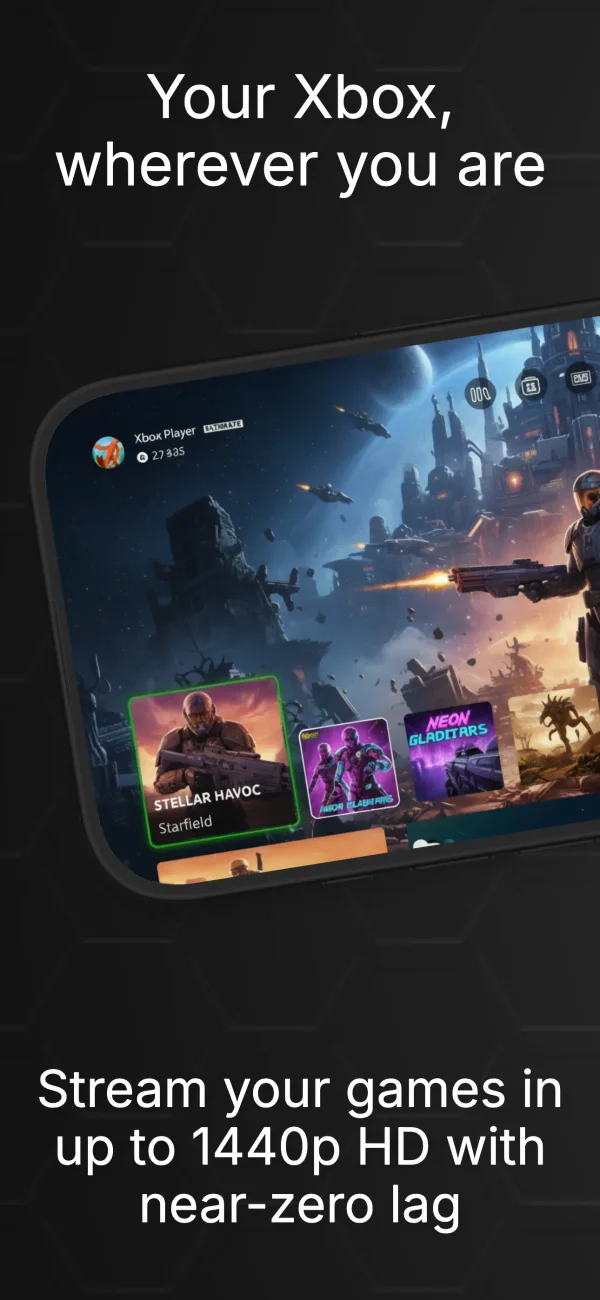
• Stream directly from your personal Xbox console with near-zero latency in up to 1440p
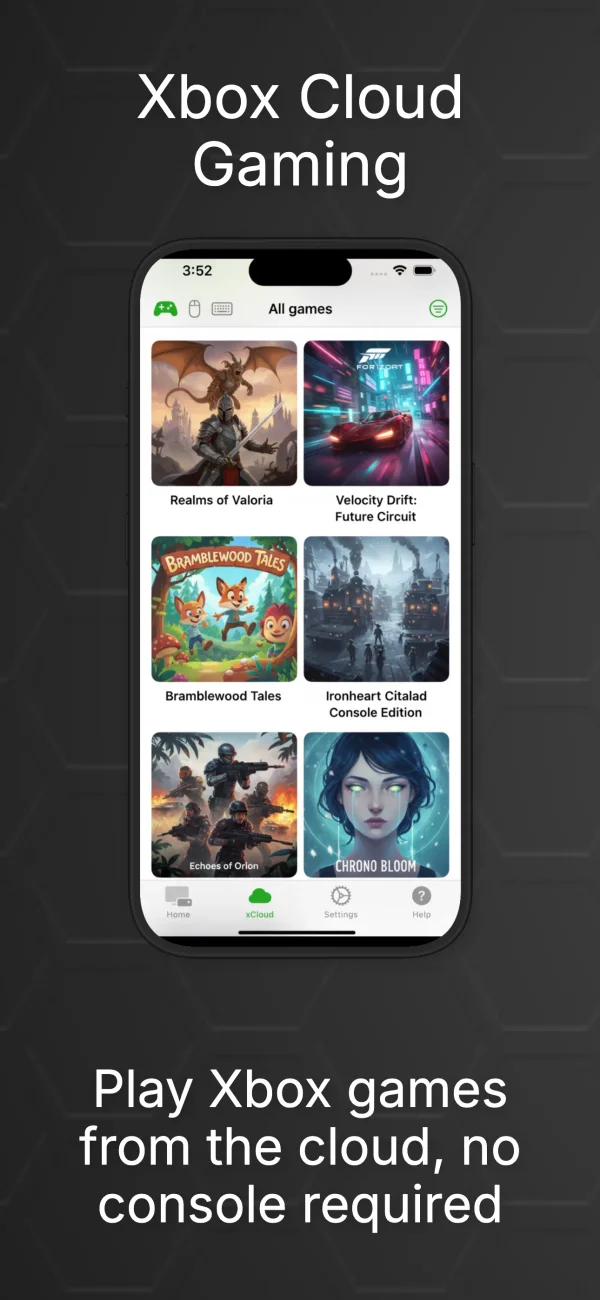
• Play Xbox games from the cloud, no console required
• Access your Xbox library from anywhere – at home or on the go
• Favorite cloud games sync between your iPhone, iPad, Apple TV and Mac via iCloud
• Home Screen widgets start a favorite cloud game or connect to your console with a single tap
• Choose which Xbox Cloud Gaming server region your games run in to reduce ping
STUNNING VISUAL FIDELITY
• Special High Quality video mode delivers exceptionally crisp and detailed visuals
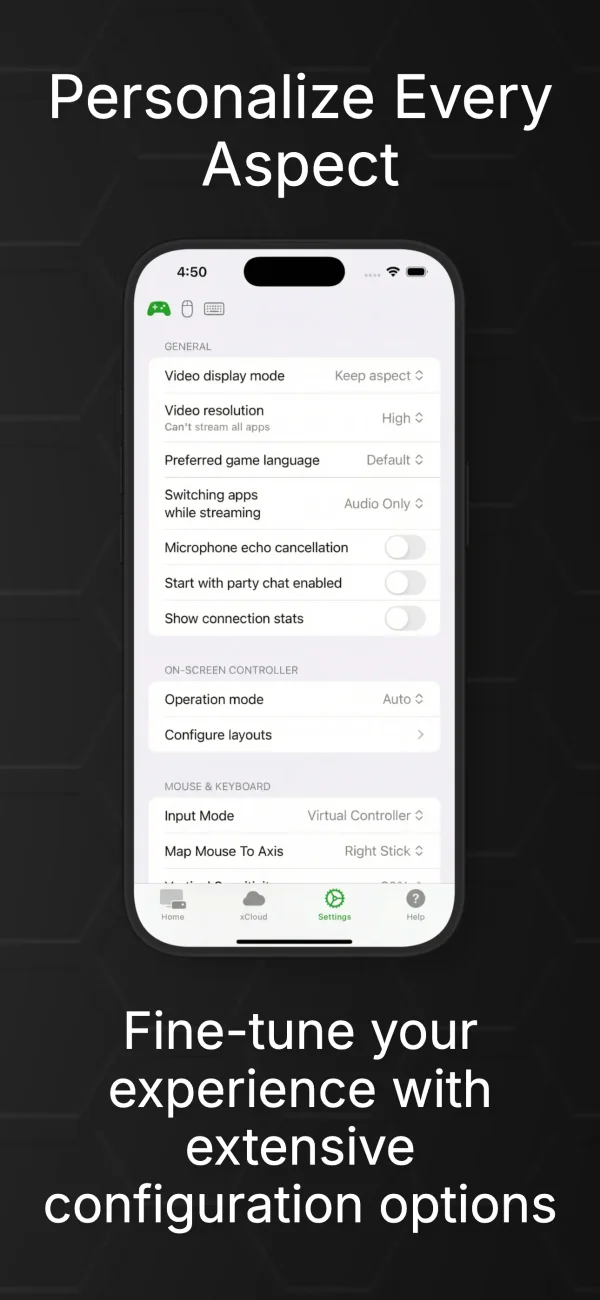
• Adjustable video quality settings to optimize performance for any network condition
• Full-screen display option eliminates black bars for maximum immersion
ULTIMATE CONTROL
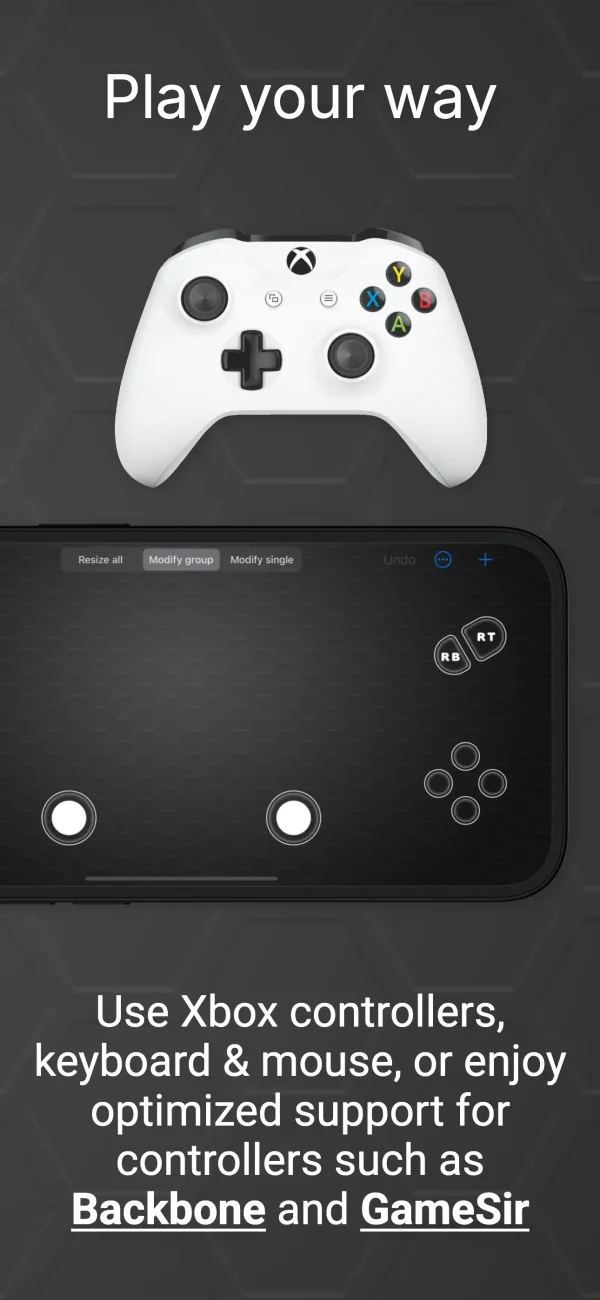
• Full support for Xbox controllers via Bluetooth or USB-C, with optimized experience for form-fitting controllers like Backbone and GameSir
• Advanced keyboard and mouse support with Native Passthrough for games with built-in K&M support and Virtual Controller mode for precision aiming in any game (including proper mouse pointer lock on iPad)
• Fully customizable on-screen controller with adjustable layout, opacity, and size
• Stick anti-deadzone setting makes small thumbstick movements register in games with a large built-in deadzone
FULL-FEATURED GAMEPLAY
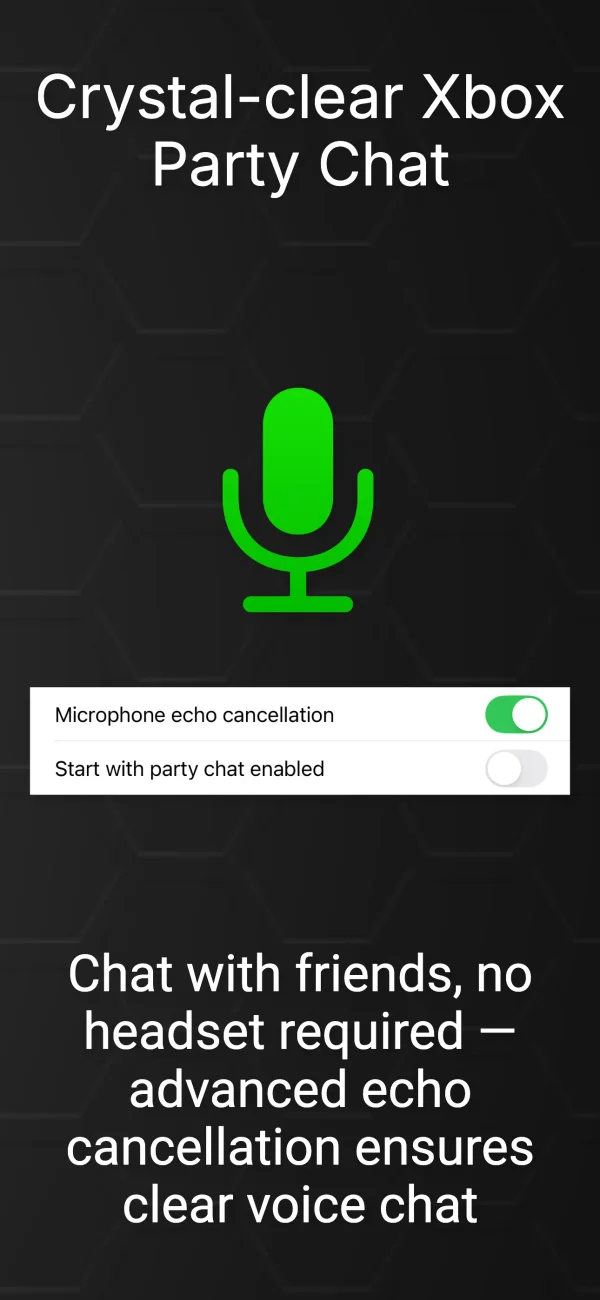
• Xbox Party Chat with sophisticated echo cancellation technology
• Play Xbox 360 classics on your iOS devices
• Enjoy local co-op gaming with multiple controllers on a single device
• External display support for big-screen gaming anywhere: connect a TV or monitor with a USB-C to HDMI adapter or a USB-C display, and the game plays full screen while your device's screen dims
SEAMLESS MULTITASKING
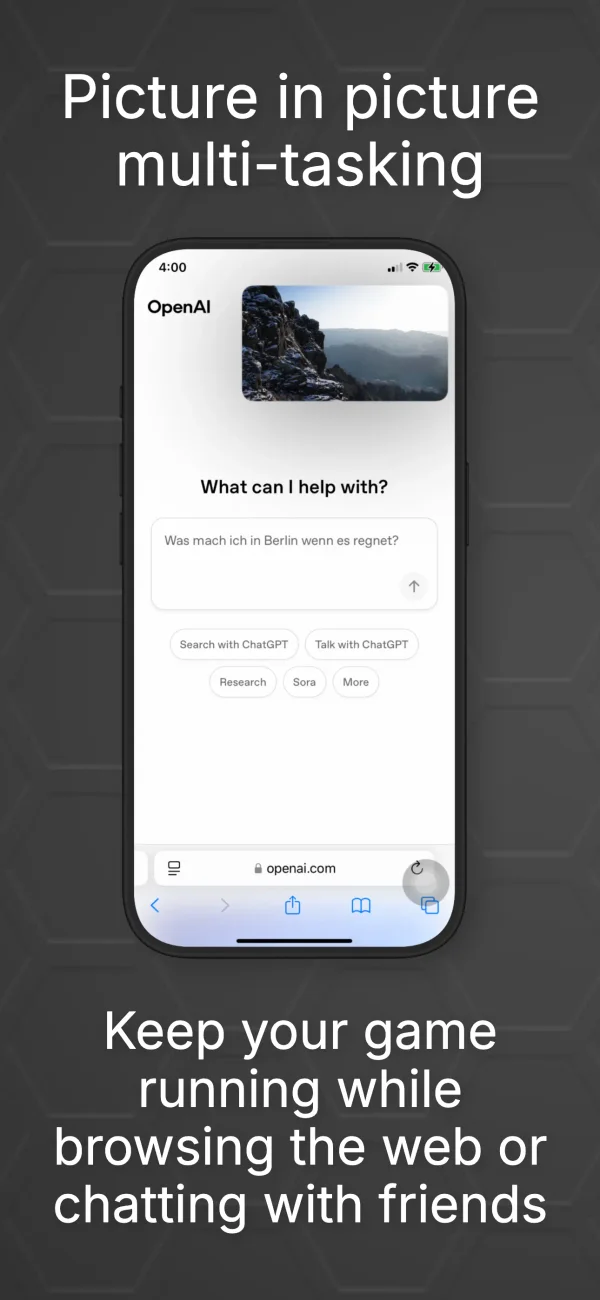
• Picture-in-Picture mode keeps your game visible while you use other apps
• Quickly switch between your game and guides, messages, or social media
Compatible with Xbox Series X|S and Xbox One consoles.
Note: For optimal performance, connect your Xbox via ethernet cable and use a 5GHz WiFi connection for your iOS device. Free 7-day trial, then unlock unlimited access with a one-time purchase.
OneCast is an independent app designed for use with Xbox systems, but it is not affiliated with, endorsed by, or sponsored by Microsoft Corporation or the Xbox brand. Any queries or requests for support or technical assistance should be directed solely to the OneCast development team, as Microsoft is not involved in or responsible for this application.
Nouveautés
Version 3.5 · 02/11/2026
• Favorite cloud games now sync between your iPhone, iPad, Apple TV and Mac via iCloud
• Redesigned the Cloud tab with category rows, each with a "Show all" option for the full list
• New Liquid Glass look on iOS 26 and tvOS 26
• Added "Server region" setting to choose the Xbox Cloud Gaming datacenter your games run in
• Added "Stick anti-deadzone" setting, so small thumbstick movements register in games with a large built-in deadzone (set it to 0% for the previous behavior)
• Smoother cloud streaming: lost video packets are now resent when necessary
• Game audio and party chat keep working when switching headphones or speakers, or after an interruption, and with lower latency
• Controllers keep their player number when another controller connects or disconnects, and buttons no longer get stuck
• Clear messages when Xbox ends or times out a session, or when your Xbox sign-in has expired
• Fixed Xbox 360 profile pictures not loading
• Added Home Screen widgets: start a favorite cloud game or connect to one of your consoles with a single tap
• Improved external display support: the game is shown full screen on your TV or monitor while the device's screen dims
• Fixed the mouse pointer jumping on clicks and ignoring slow movements
• Miscellaneous bug fixes and stability improvements
Confidentialité de l’application
Ce que Bitwise Solutions Limited déclare sur l’App Store au sujet du traitement des données par cette application.
-
Données non collectées
Le développeur ne collecte aucune donnée à partir de cette application.
Les pratiques en matière de confidentialité peuvent varier, notamment en fonction des fonctionnalités que vous utilisez ou de votre âge.
Informations
- Vendeur
- Bitwise Solutions Limited
- Catégorie
- Jeux
- Version
- 3.5
- Mis à jour
- 02/11/2026
- Publié
- 09/08/2018
- Taille
- 15,6 Mo
- Nécessite
- iOS 18.0 ou version ultérieure
- Classification d’âge
- 4+
- Prix
- Gratuit
- Achats intégrés
- Oui
- Langues
- Anglais
- Copyright
- © 2026 Bitwise Solutions Ltd
Vous aimerez peut-être aussi
-
 Steam LinkJeux
-
 Gamma - Émulateur de jeux PS 1Le célèbre émulateur PS1 !
-
 GTA III – DefinitiveAction
-
 HeadOn - Body Cam Shooter GameAction
-
 Destiny: Rising1er jeu de tir mobile DESTINY
-
 Manette LunaManette Luna Amazon
-
 RESIDENT EVIL 7 biohazardAction
-
 RESIDENT EVIL 2Action
-
 The Division ResurgenceLooter-Shooter RPG
-
 HITMAN World of AssassinationBecome Agent 47