- Classification d’âge4+
- CatégorieÉconomie et entreprise
- DéveloppeurDell Inc.
- LanguesAnglais
- Taille107,1 Mo
Renvoie vers la page App Store officielle
Download.org n’héberge aucun fichier de OpenManage Mobile. Le bouton ouvre la page de l’application sur App Store, où Dell Inc. la publie. Fiche vérifiée pour la dernière fois le 15/11/2026.
Captures d’écran


À propos
Le développeur n’a pas fourni ce texte dans votre langue.
MINIMUM REQUIREMENTS FOR REMOTE ACCESS OVER MANAGEMENT NETWORK
• Remote access to iDRAC requires iDRAC7 or above
• Remote access to OpenManage Enterprise requires version 3.9 or later
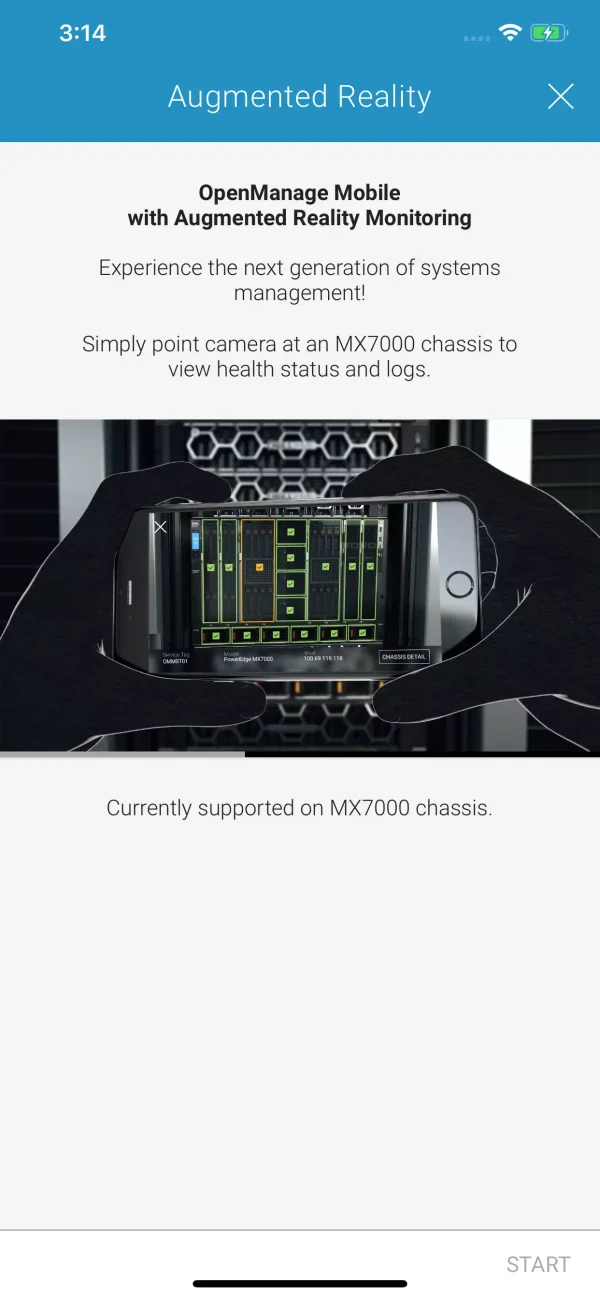
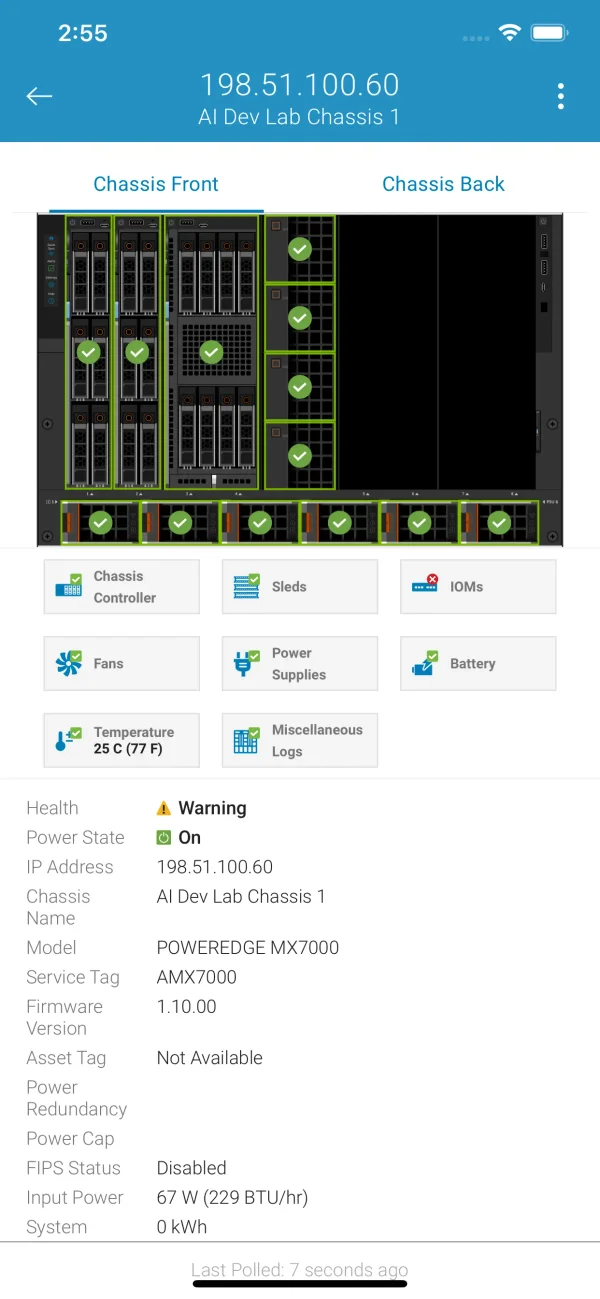
*** OpenManage Mobile now leverages Augmented Reality to easily and quickly monitor & troubleshoot MX7000 modular chassis. Aim the camera at MX7000, connect, and view health overlays. Tap on a component to view more details. ***
OVERVIEW OF OPENMANAGE MOBILE (OMM)
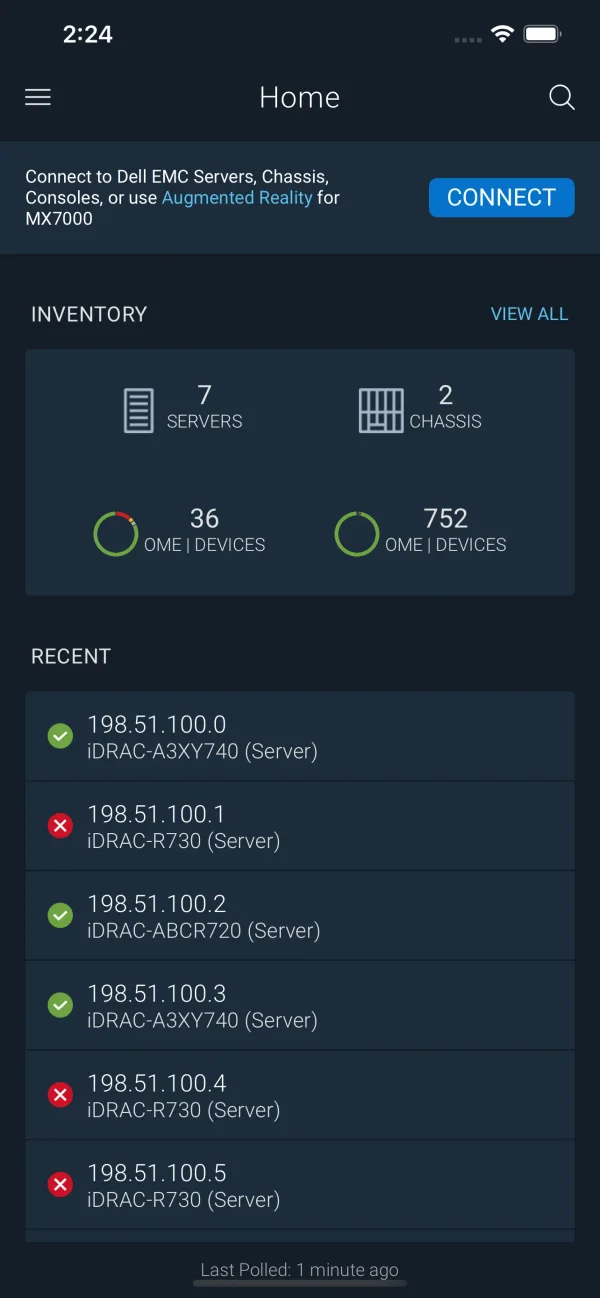
Wireless and Mobility are now pervasive inside data centers and we can leverage it to simplify data center operations. Dell OpenManage Mobile (OMM) is an app that enables IT Administrators to securely provision, monitor, and troubleshoot Dell PowerEdge servers or MX7000 chassis directly from a mobile device.
OMM can access and manage PowerEdge servers or MX7000 modular chassis either remotely (i.e. over management network) or from inside the data center (i.e. when an IT Administrator is physically present in front of server or a chassis). Following are the ways you can access a server or an MX7000 chassis:
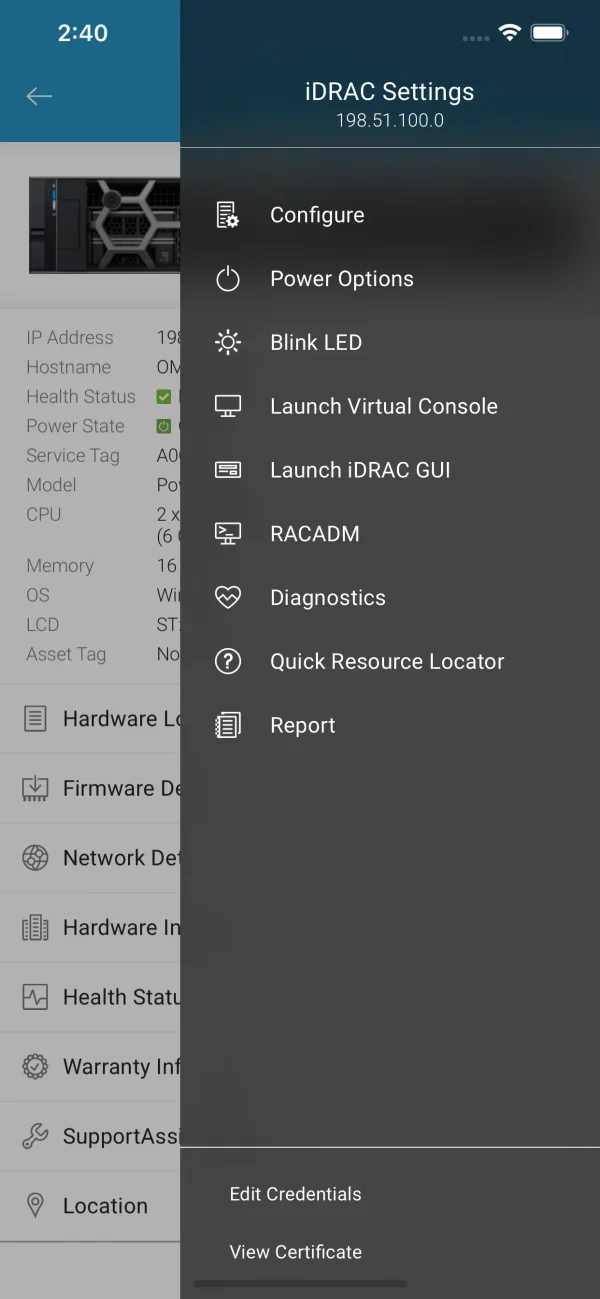
• Remote into a server (iDRAC7, iDRAC8 or iDRAC9)
• Remote into an MX7000 chassis and sleds
• Remote into a console (OpenManage Enterprise)
• At-the-server access to a PowerEdge server with iDRAC9
• At-the-chassis access to an MX7000 chassis and sleds
When connected through a console (OpenManage Enterprise), OMM can access Dell servers, chassis, storage, networking, and any other supported third-party appliances being managed through this console.
For specific feature support on OpenManage Mobile, please visit Dell Tech Center at www.DellTechCenter.com/OMM
SUPPORT FOR AT-THE-SERVER MANAGEMENT
• At-the-server access is available on PowerEdge 14th Generation and above rack and towers which support Quick Sync 2. For the latest list of supported hardware models, please contact a Dell Sales representative.
• Quick Sync 2 module utilizes Bluetooth Low Energy (BLE) and Wi-Fi to establish a secure connection between server and mobile device running OMM.
SUPPORT FOR AT-THE-CHASSIS MANAGEMENT
• Quick Sync 2 module for at-the-chassis access is available on MX7000 modular chassis
FEATURES
Supported features depend on the type of access (console or iDRAC) and the specific generation of server being accessed. For specific details or more information on OpenManage Mobile, please visit Dell Tech Center at www.DellTechCenter.com/OMM
KEY USE CASES – SUPPORT VARIES BY TYPE OF ACCESS AND SERVER GENERATION
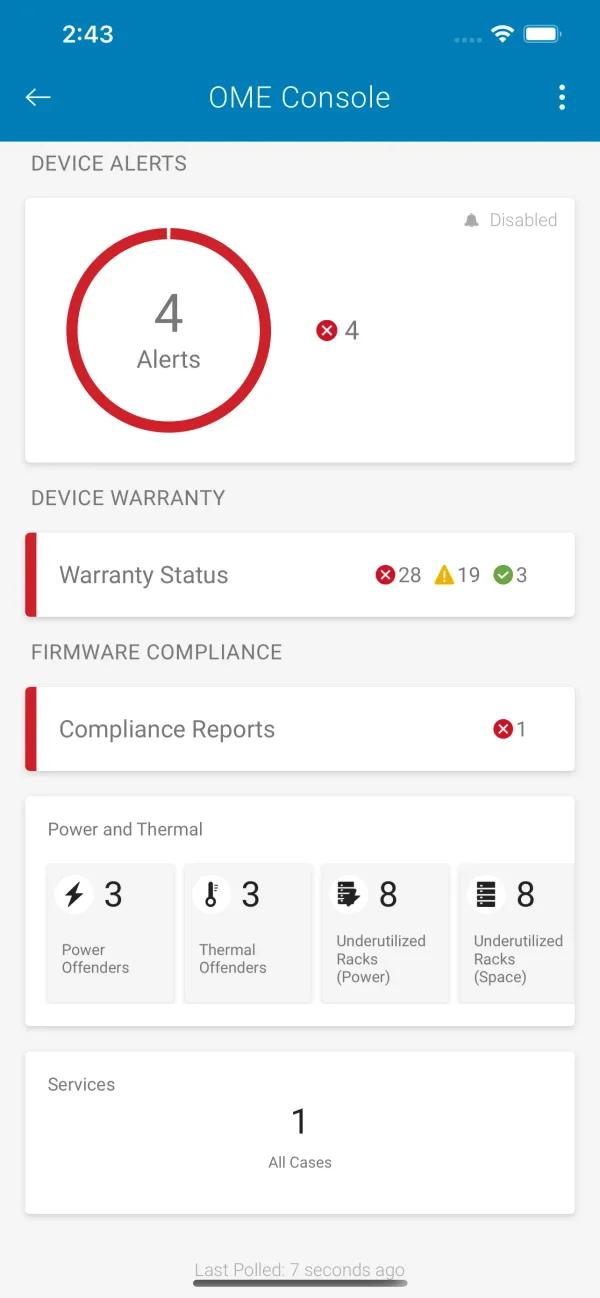
• Get pro-active alert notifications automatically on your mobile device from OpenManage Enterprise consoles.
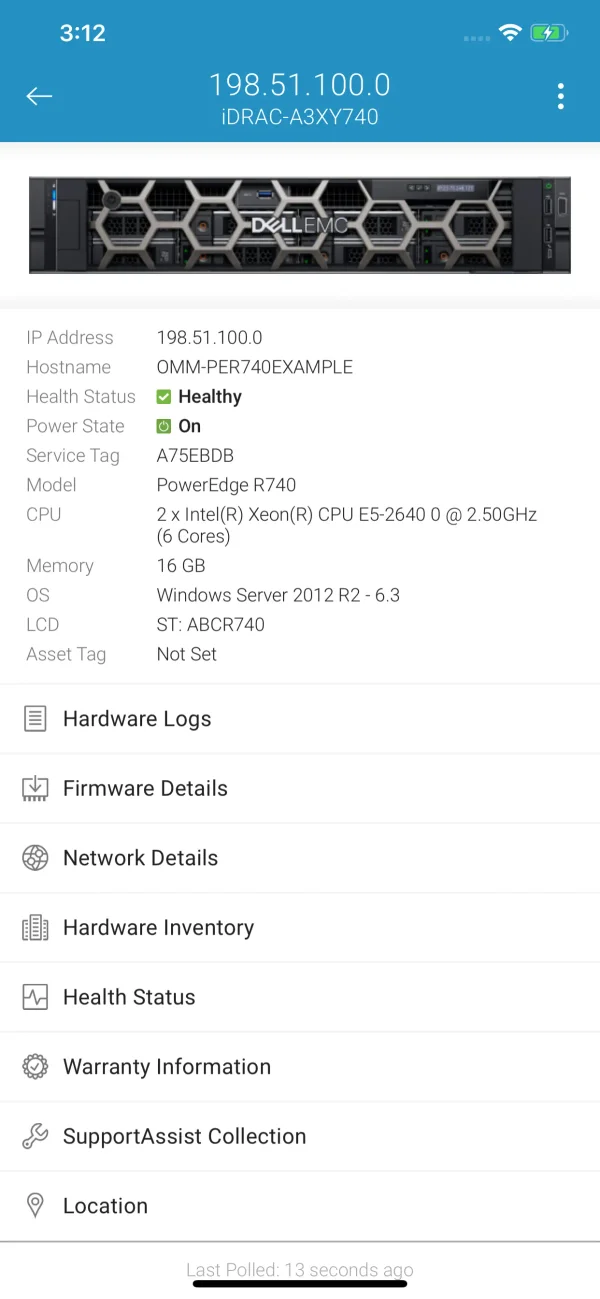
• Browse server or chassis details, health status, hardware & firmware inventory, networking details, and System Event or LC logs. (For MX7000 chassis, use Augmented Reality feature to monitor and troubleshoot easily and quickly.)
• Power On, shut down, or reboot your server from anywhere.
• For “bare metal configuration,” assign IP address, change credentials, and update common BIOS attributes.
• Access, share or upload SupportAssist Collection reports; View Last Crash screen and video (requires iDRAC9)
• Access Virtual Console securely (and reduce the need for crash carts) with a Third-Party app – VNC Viewer by RealVNC or Remotix by Nulana LTD
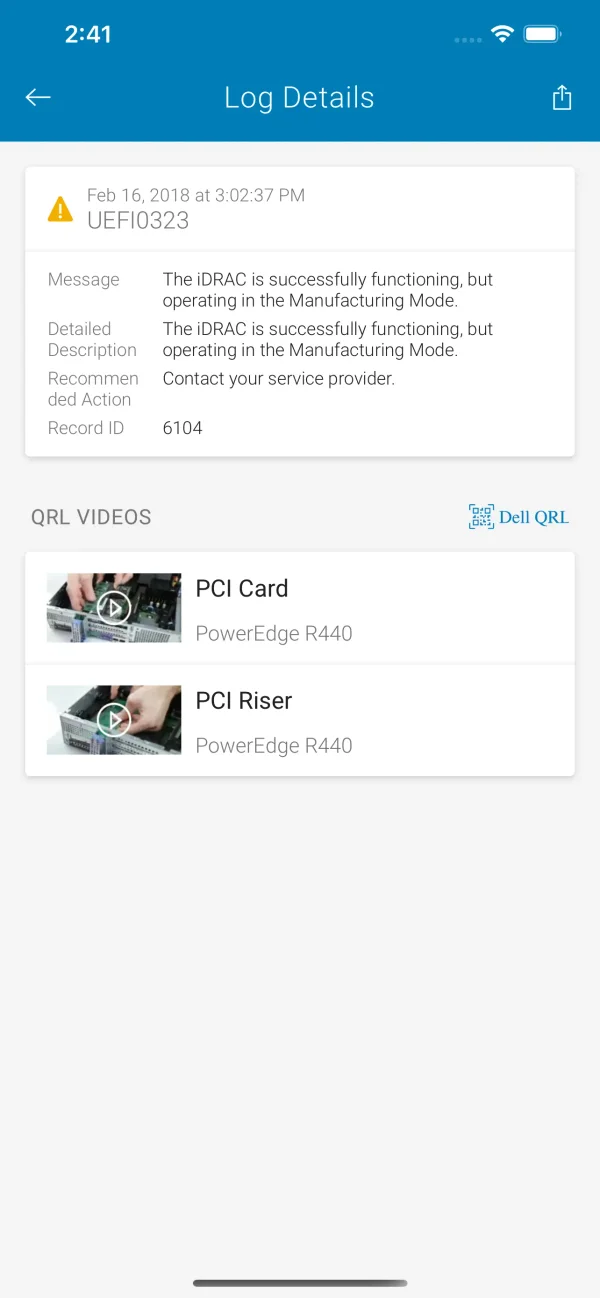
• Dell Quick Resource Locator (QRL) video remediation, available when connecting to an OpenManage Enterprise, server or chassis – displays context relevant videos about the hardware based on available error logs
For any questions, please send an email to OM_Mobile_Feedback@Dell.com
Nouveautés
Version 5.1 · 24/02/2026
Dell OpenManage Mobile 5.1 supports PowerEdge 17G servers, enabling enhanced remote server management. This release also includes resolved issues to improve overall stability and performance.
Confidentialité de l’application
Ce que Dell Inc. déclare sur l’App Store au sujet du traitement des données par cette application.
-
Données n’établissant aucun lien avec vous
Peuvent être collectées, mais ne sont pas liées à votre identité.
- Données d’utilisation
Les pratiques en matière de confidentialité peuvent varier, notamment en fonction des fonctionnalités que vous utilisez ou de votre âge.
Informations
- Vendeur
- Dell Inc.
- Catégorie
- Économie et entreprise
- Version
- 5.1
- Mis à jour
- 24/02/2026
- Publié
- 22/01/2015
- Taille
- 107,1 Mo
- Nécessite
- iOS 15.0 ou version ultérieure
- Classification d’âge
- 4+
- Prix
- Gratuit
- Langues
- Anglais
- Copyright
- © 2018 Dell Technologies.
Vous aimerez peut-être aussi
-
 NinjaRMM Screenshare UtilityProductivité
-
 UniFi DesignProductivité
-
 IT GlueProductivité
-
 NinjaOne MobileProductivité
-
 PRTG - MonitoringProductivité
-
 HPE Instant OnProductivité
-
 Endpoint CentralÉconomie et entreprise
-
 AutoElevate NotifyÉconomie et entreprise
-
 KaseyaOne AuthenticatorÉconomie et entreprise
-
 Hudu MobileProductivité