
- Classification d’âge4+
- CatégorieOutils de développement
- DéveloppeurTuan Truong Ngoc
- LanguesAnglais+ 11 de plus
- Taille19,6 Mo
P-Toolkit n’est peut-être pas disponible sur App Store pour le moment
La fiche de la boutique était inaccessible lors de notre dernière vérification. Le lien mène toujours à la page App Store officielle.
Captures d’écran

À propos
Le développeur n’a pas fourni ce texte dans votre langue.
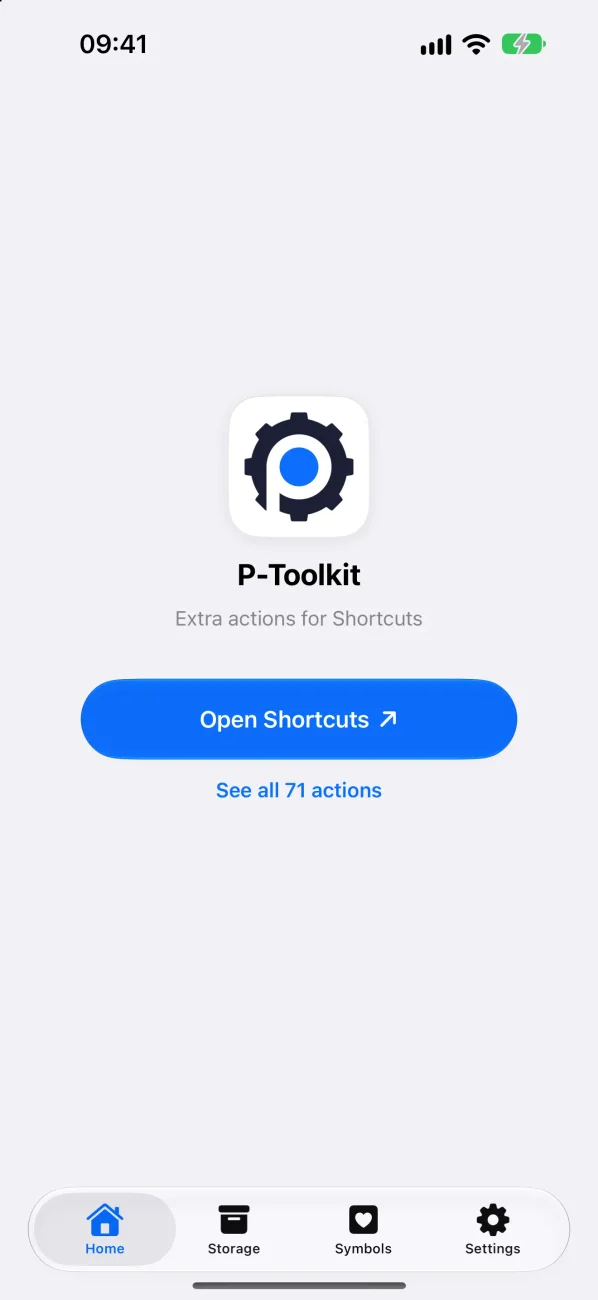
P-Toolkit adds over 70 actions to the Shortcuts app. Build your shortcut as usual and let P-Toolkit handle the screens and processing Shortcuts doesn't have built in.
Every action runs on your device. No account, no data collection.
IMAGE EDITING & PICKING
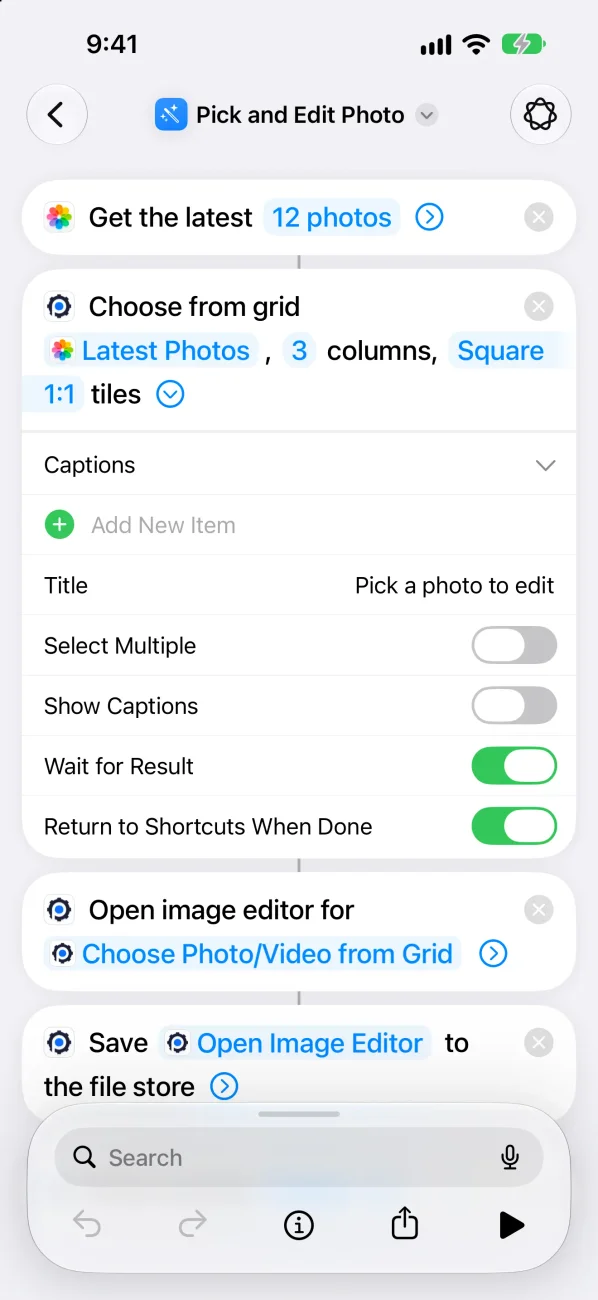
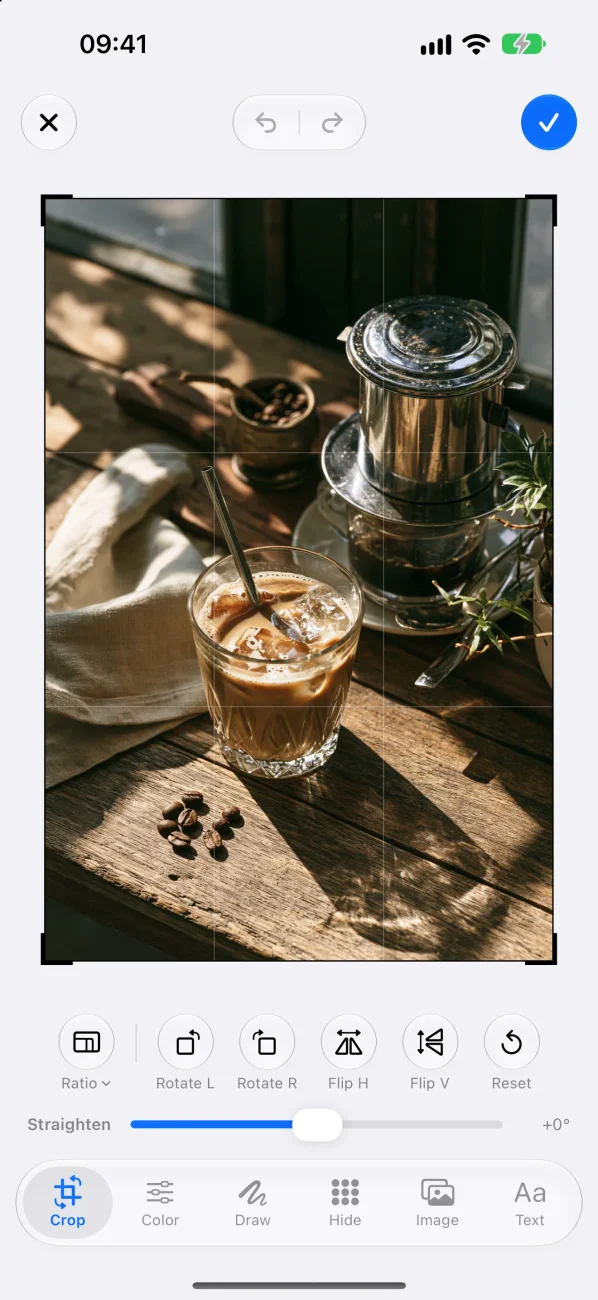
• Full-screen image editor: crop, rotate, flip, adjust colour, draw, blur/pixelate, insert images and text. Turn each tool on or off per shortcut.
• Before/after comparison with a slider.
• Tap to pick points or boxes on an image and get their coordinates.
• Paint an area to get a mask or a cut-out.
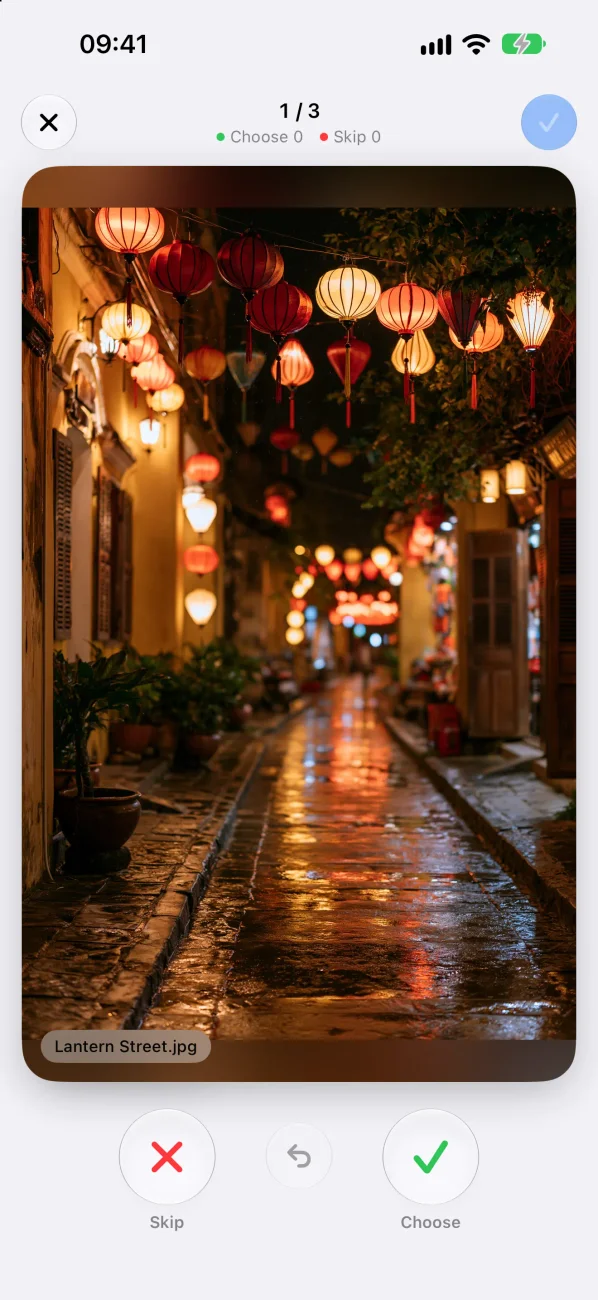
• Swipe through images card-style to keep or reject them, then pass them on.
• Pick photos and videos from a grid: set the columns, aspect ratio and single or multiple selection.
• Swipe-clean your photo library; photos are deleted only after you confirm.
AUDIO & VIDEO
• Media trimmer with a zoomed trim strip and instant preview.
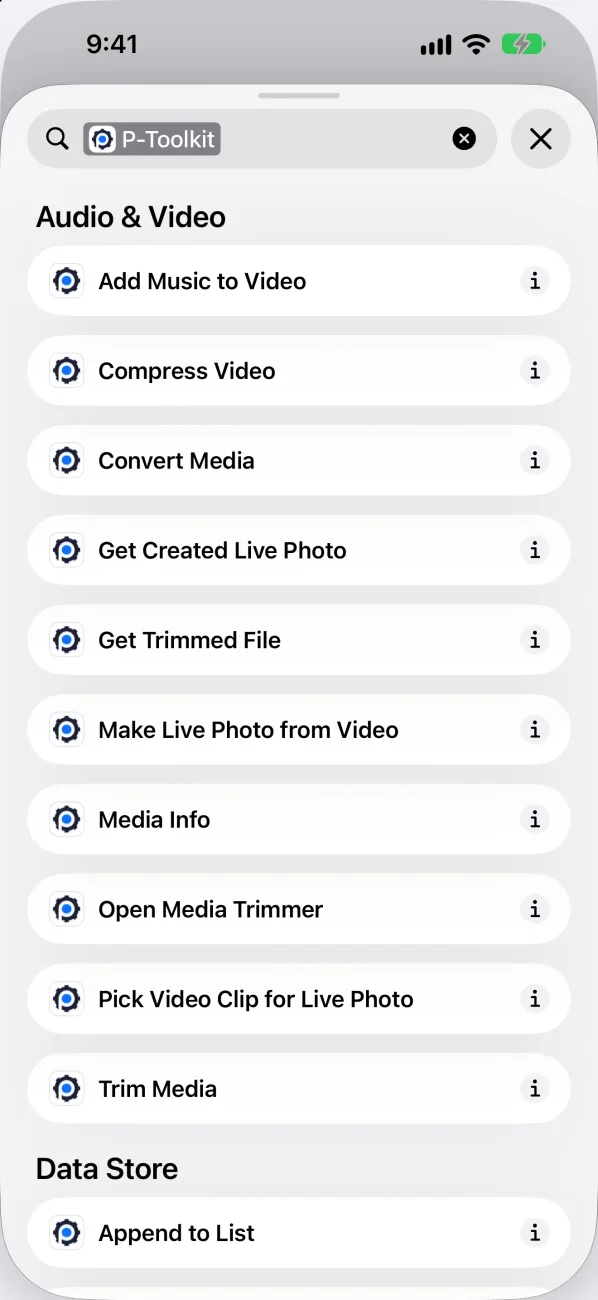
• Compress video, convert formats, add music to video, read media info.
• Create Live Photos from video: pick the cover frame, aspect ratio, crop, rotate and flip.
SHOW RESULTS
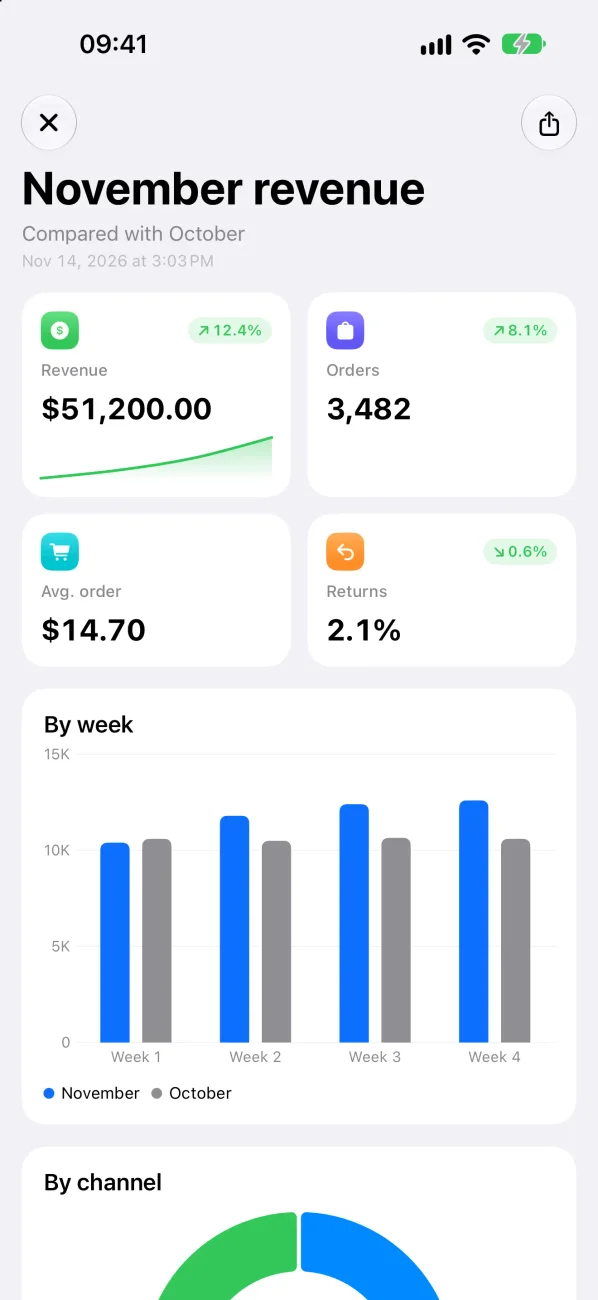
• Dashboards with stat cards, charts, tables, Week/Month/Year tabs and PNG/PDF export.
• Full-screen overlay for big messages or your own HTML page.
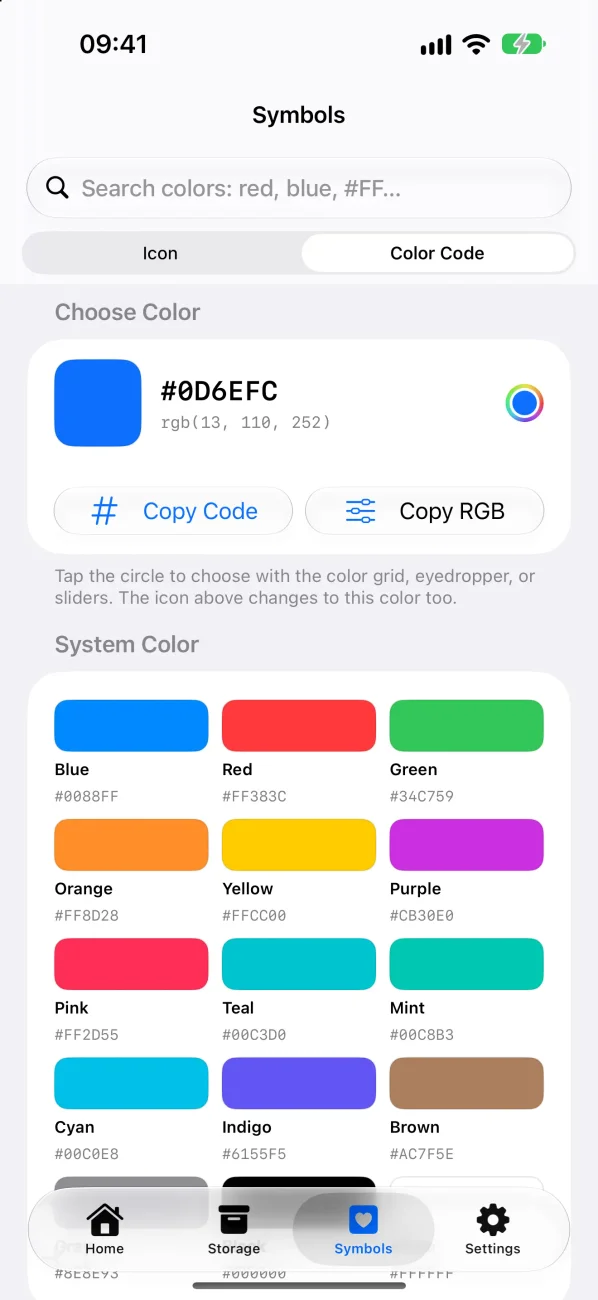
• Menus with images and symbols.
• View files, photos, videos, PDF and HTML right in the app.
LIVE ACTIVITIES
• Pin a checklist, timer, progress bar, counter or note to the Lock Screen and Dynamic Island, updated from your shortcuts.
DATA & FILES
• Data store: values, lists and counters shared between shortcuts.
• File store: save and get files, visible in the Files app.
NOTIFICATIONS
• Send notifications with buttons, images, schedules and priority levels.
ON-DEVICE AI
• Run your own Core ML models on images or text, with a progress screen for long-running models.
DEVICE
• Device details: chip, RAM, storage, iOS version, thermal state, display.
• Hardware check: touch screen, dead pixels, speakers, microphones, vibration, sensors, cameras, flash, volume buttons and Face ID.
Every action comes with a how-to and sample data inside the app, so you can try it before adding it to a shortcut.
Available on iPhone (including iPhone Duo, cover and inner screen), iPad and Mac. In English and Vietnamese.
Nouveautés
Version 1.0.4 · 24/11/2026
• New sample shortcut "Check iPhone": test touch, display, speaker, microphone, camera, buttons and Face ID, then see the result right in Shortcuts. Handy when buying or selling a used phone.
• Pin the actions you use most to the top of the list. Result actions now live on their main action's page to keep the list tidy.
• Search actions by word, in any order.
• Live wallpapers now play the whole selected clip instead of stopping before the last frame.
• The "Hide Details in a Photo" sample now saves the edited photo to Photos.
• Find more shortcuts on phimtat.vn right from the Sample Shortcuts tab.
• Bug fixes and stability improvements.
Confidentialité de l’application
Ce que Tuan Truong Ngoc déclare sur l’App Store au sujet du traitement des données par cette application.
-
Données non collectées
Le développeur ne collecte aucune donnée à partir de cette application.
Les pratiques en matière de confidentialité peuvent varier, notamment en fonction des fonctionnalités que vous utilisez ou de votre âge.
Informations
- Vendeur
- Tuan Truong Ngoc
- Catégorie
- Outils de développement
- Version
- 1.0.4
- Mis à jour
- 24/11/2026
- Publié
- 13/11/2026
- Taille
- 19,6 Mo
- Nécessite
- iOS 16.0 ou version ultérieure
- Classification d’âge
- 4+
- Langues
- Anglais, Français, Allemand, Indonésien, Japonais, Coréen, Portugais, Russe, Chinois simplifié, Espagnol, Chinois traditionnel, Vietnamien
- Copyright
- © 2026 Tuan Truong Ngoc
Vous aimerez peut-être aussi
-
 Search Panel - Search ConsoleGoogle Search Console: données
-
 CodeSSH - Code EditorOutils de développement
-
 BaudHub: Modbus AssistantOutils de développement
-
 WebLensesOutils de développement
-
 JavaHomeÉditeur et compilateur Java
-
 Python IDE : Éditeur de codeExécutez Python hors ligne
-
 MuxyOutils de développement
-
 LL Pair: Developer ModeOutils de développement
-
 Termini - SSH ClientOutils de développement
-
 HTTPS Capture Traffic DecryptWeb API Debug & Packet Sniffer