- Classification d’âge9+
- CatégorieDivertissement
- DéveloppeurTap4Mobile do Brasil
- LanguesAnglais+ 2 de plus
- Taille137,4 Mo
Renvoie vers la page App Store officielle
Download.org n’héberge aucun fichier de Panel Flow. Le bouton ouvre la page de l’application sur App Store, où Tap4Mobile do Brasil la publie. Fiche vérifiée pour la dernière fois le 16/11/2026.
Captures d’écran
À propos
Le développeur n’a pas fourni ce texte dans votre langue.
Panel Flow is a comic and manga reader that follows the story panel by panel. Version 3.0 brings it to iPhone, iPad and Mac, with your library synced through iCloud.
Bring your own collection: import CBZ, CBR, CB7, CBT and PDF files, or browse your own comic servers (OPDS-compatible). Panel Flow organizes it all and keeps your place.
GUIDED READING
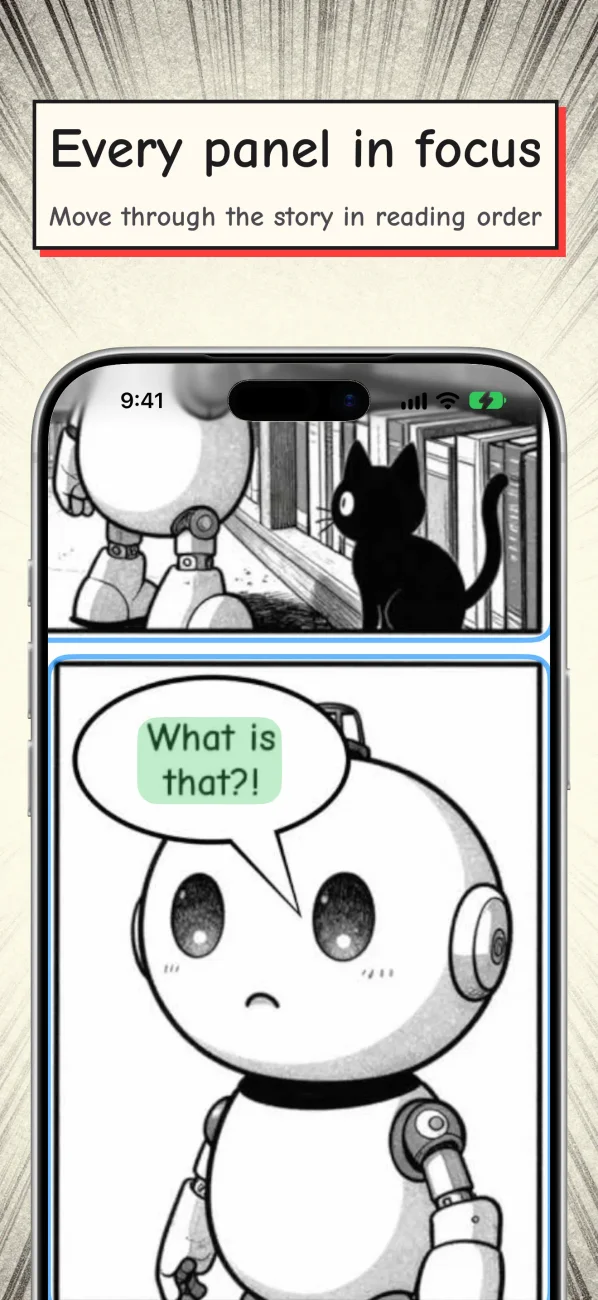
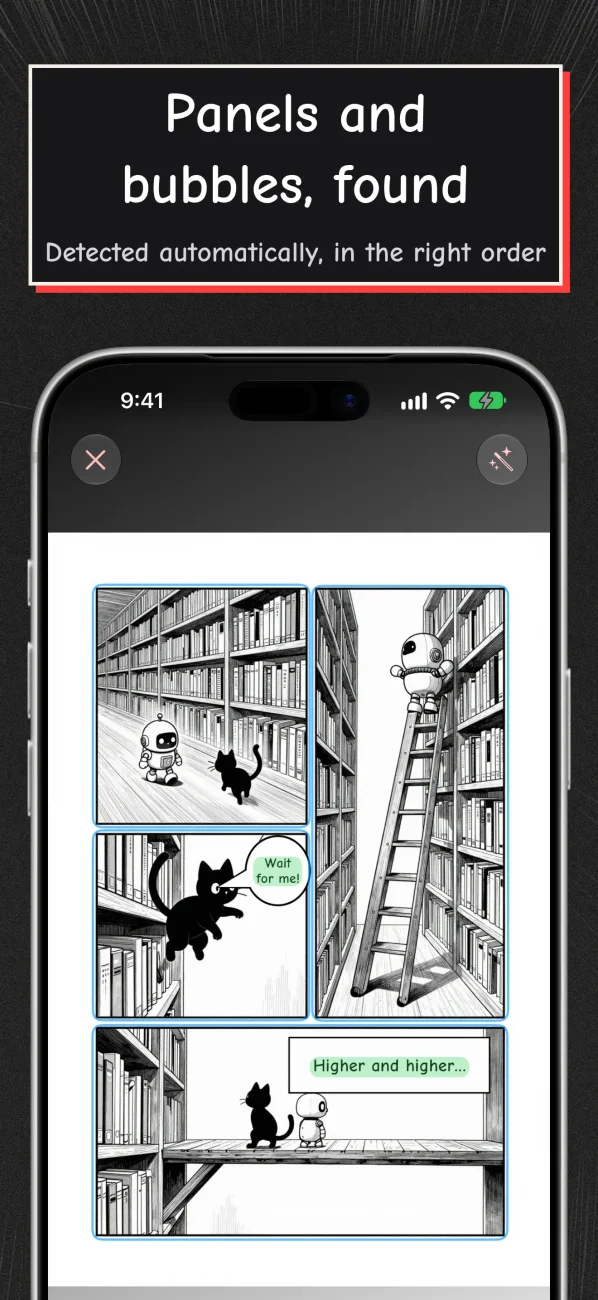
- Panel and speech bubble detection: Panel Flow finds the panels on each page and moves through them in reading order, zooming in on one panel at a time.
- Steady focus that reframes when you rotate the device and respects Reduce Motion.
- Left-to-right, right-to-left for manga, and vertical scroll for long-strip comics.
LISTEN AND TRANSLATE
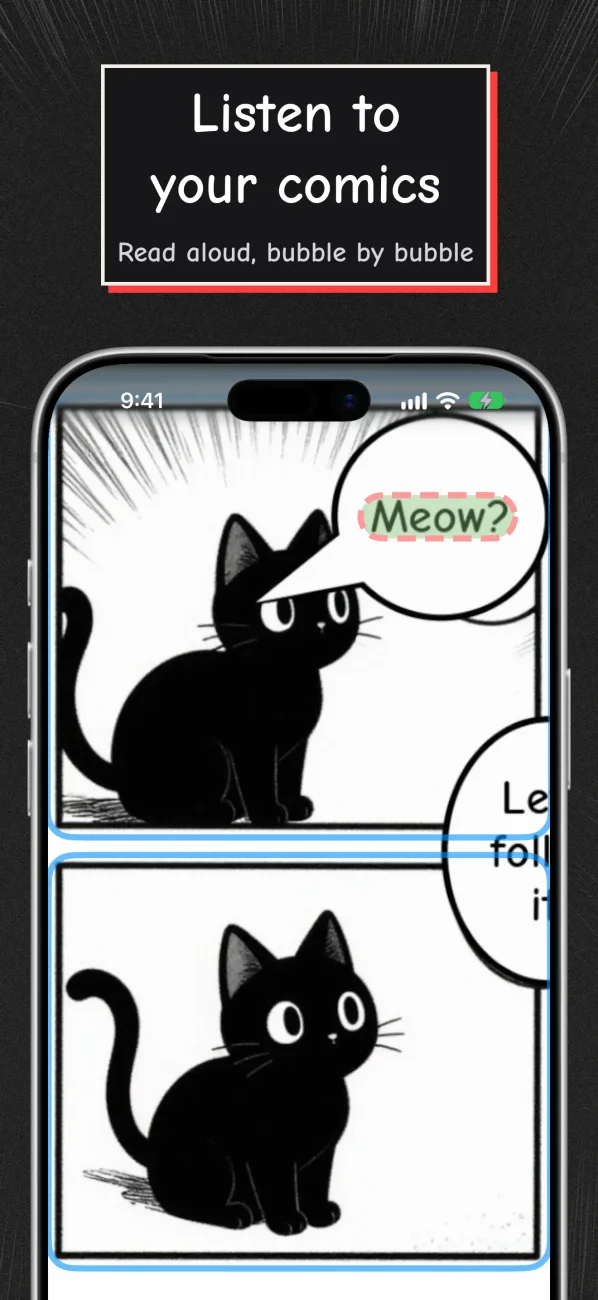
- Text-to-speech reads the speech bubbles aloud, and guided reading can move along with the voice, bubble by bubble.
- Speech bubble translation shows the translated text right on the page.
- On supported devices with Apple Intelligence, ask for an on-device description of the current page.
YOUR LIBRARY, ON EVERY DEVICE
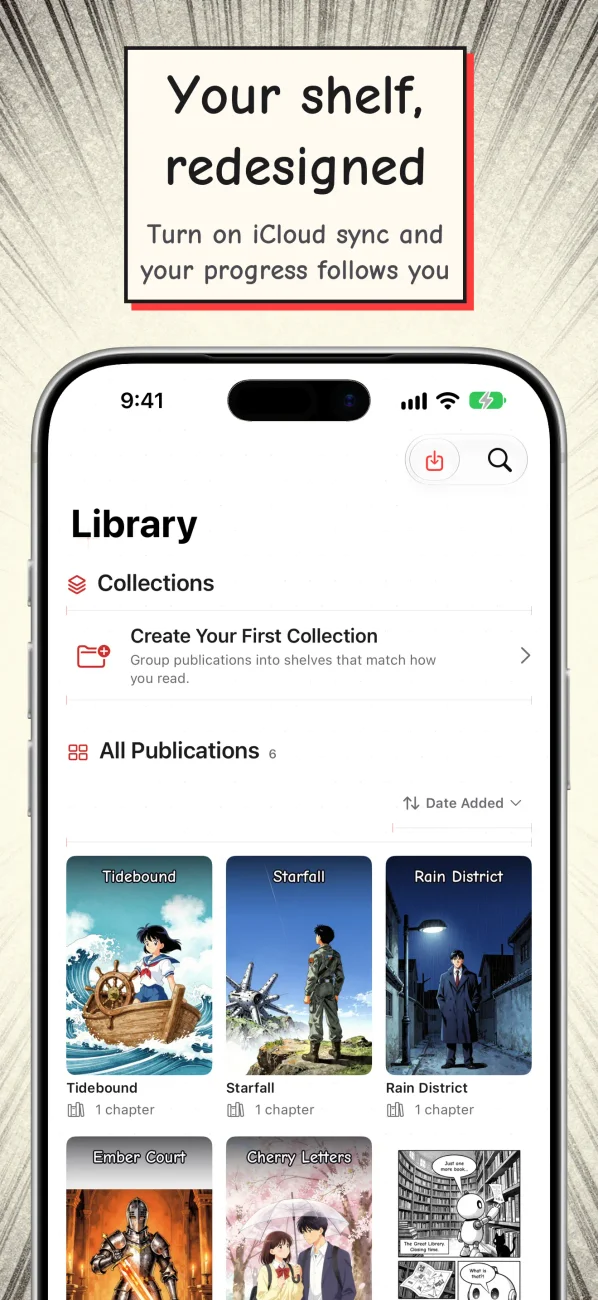
- iCloud sync, once you turn it on: collections, reading progress and metadata follow you across iPhone, iPad and Mac. Downloaded pages and imported files stay on each device.
- A personal reading shelf, collections, search, sorting and a metadata editor.
- New chapter alerts: turn them on and Panel Flow checks your series from online sources in the background and lets you know about new chapters (your own comic servers are not included).
- One Activity Queue for downloads and image enhancement, with several chapters downloading at once.
- A Storage screen shows what each publication uses and frees space by type, chapter or publication.
- Optional progress tracking with anime and manga tracking services.
MADE TO FIT YOU
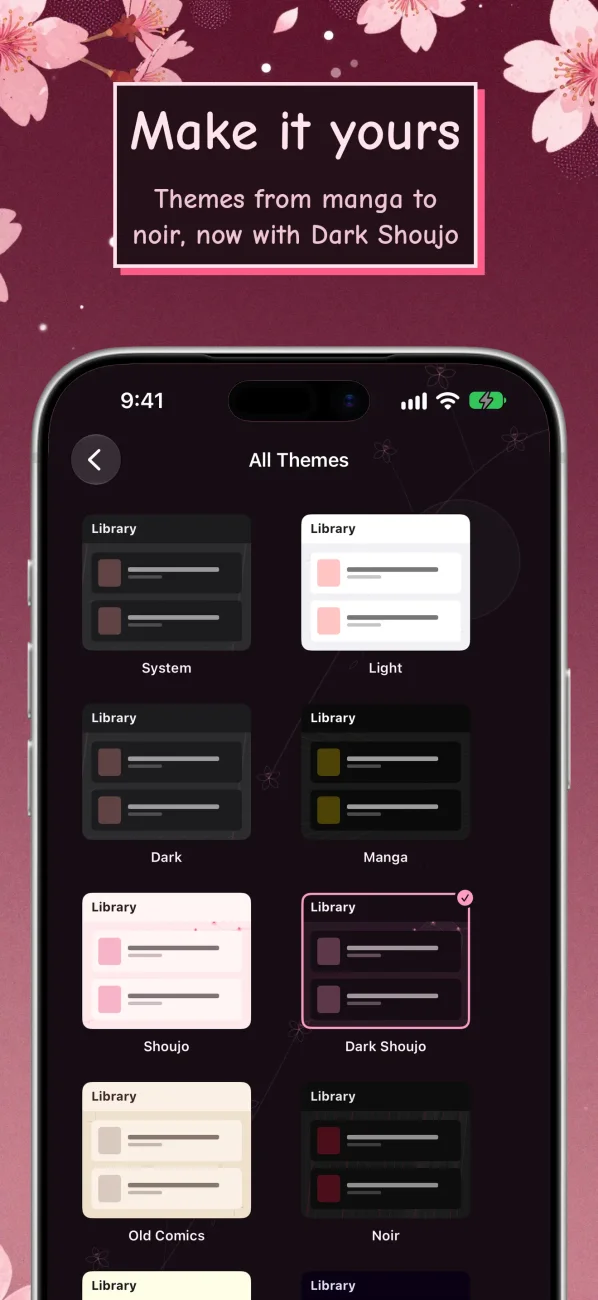
- Themes from manga to noir, with accessible contrast in every one.
- Shortcuts and Siri: Open Library and Continue Reading.
- VoiceOver, Dynamic Type and Reduce Motion support.
- Available in English, Spanish and Portuguese, with an original sample comic to try first.
PRIVACY
Anonymous usage analytics are off by default; you choose whether to turn them on in Settings > Privacy.
Nouveautés
Version 3.1.0 · 13/11/2026
What's new in 3.1
Read Aloud with OpenRouter
- Pick OpenRouter as the Read Aloud voice, then choose its model, voice and speed in the reader. Add your own OpenRouter key in Settings.
- When a remote voice fails, the reader tells you and falls back to the Apple voice.
Shortcuts, Siri and Spotlight
- New actions to open a specific publication, continue reading it and download its next chapters. The download stops if you lose Wi-Fi and tells you what finished.
- Publications you read recently show up in Spotlight.
More reliable downloads
- A chapter now downloads even when some pages fail. It is marked "Incomplete", and "Try again" in the reader fetches only the missing pages.
- Fixed MangaDex page downloads that came back with errors.
Mac
- New menu commands to import and search, arrow keys to turn pages, and Esc to close the reader.
- Context menus for actions that were swipe-only, tooltips on icon buttons, hover feedback on covers and chapters, and scroll bars on horizontal rows.
- The reader fits the window, and the edit and guided reading controls appear in the reader sheet.
Accessibility
- With VoiceOver, the scroll gesture turns the page.
- Settings, Discover, Import, the metadata editor, the cover picker, the reader tutorial and the Library now hold up at the largest text sizes, with better contrast.
Sync and reader fixes
- More reliable iCloud sync: items you delete while it runs are no longer brought back.
- In vertical-scroll reading, a chapter reopens on the saved page and the counter reaches the last page.
- Enhanced and imported pages keep the right orientation.
- Many stability and performance fixes across the reader and the library.
Confidentialité de l’application
Ce que Tap4Mobile do Brasil déclare sur l’App Store au sujet du traitement des données par cette application.
-
Données non collectées
Le développeur ne collecte aucune donnée à partir de cette application.
Les pratiques en matière de confidentialité peuvent varier, notamment en fonction des fonctionnalités que vous utilisez ou de votre âge.
Informations
- Vendeur
- Luciano Bastos Nunes
- Catégorie
- Divertissement
- Version
- 3.1.0
- Mis à jour
- 13/11/2026
- Publié
- 01/12/2025
- Taille
- 137,4 Mo
- Nécessite
- iOS 27.0 ou version ultérieure
- Classification d’âge
- 9+
- Prix
- Gratuit
- Langues
- Anglais, Portugais, Espagnol
- Copyright
- © 2025 Bar do Nunes S/A
Vous aimerez peut-être aussi
-
 Paperback - Comic/Manga ReaderDivertissement
-
 Comic GeeksDivertissement
-
 OutplayerDivertissement
-
 MangaPinDivertissement
-
 TachimangaLecteur de manga complet
-
 SwiftfinDivertissement
-
 DC UNIVERSE INFINITEDivertissement
-
 Manic EMU - Émulateur de JeuxRétro GBA NDS PSP 3DS N64
-
 Anilab - TV Anime & MangaDivertissement
-
 Jellyfin MobileDivertissement