PDF AI: Reader & Scanner
Smart PDF AI Tools
Conçue pour iPhone, iPad
Gratuit · Achats intégrés
- Classification d’âge4+
- CatégorieÉconomie et entreprise
- DéveloppeurApp Dexter Limited
- LanguesAnglais+ 14 de plus
- Taille98,2 Mo
Renvoie vers la page App Store officielle
Download.org n’héberge aucun fichier de PDF AI: Reader & Scanner. Le bouton ouvre la page de l’application sur App Store, où App Dexter Limited la publie. Fiche vérifiée pour la dernière fois le 16/11/2026.
Captures d’écran

À propos
Le développeur n’a pas fourni ce texte dans votre langue.
PDF AI – Smart PDF Reader, Scanner & AI Assistant
PDF AI brings document management, powerful PDF tools, and advanced AI together in one place — so you can work paperless, faster, and smarter from your iPhone, iPad, and Mac.
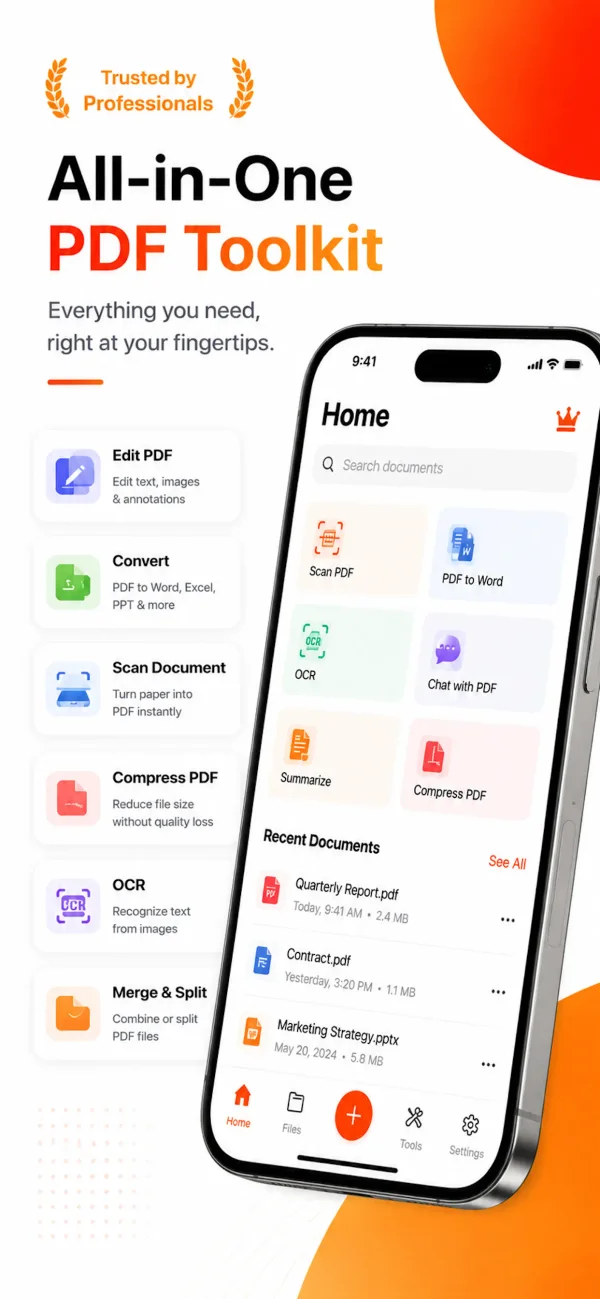
Read, scan, edit, organize, protect, and interact with PDFs in seconds.
With AI-powered chat, summaries, OCR, and smart organization, PDF AI turns your documents into actionable information — wherever you go.
AI-POWERED PDF FEATURES
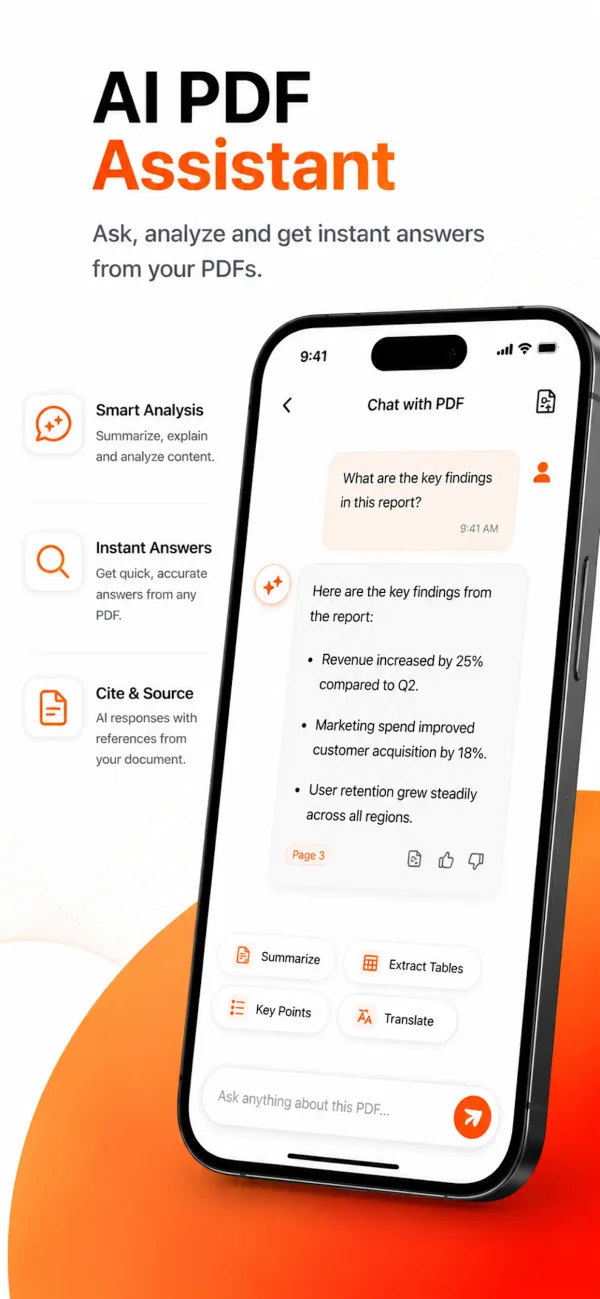
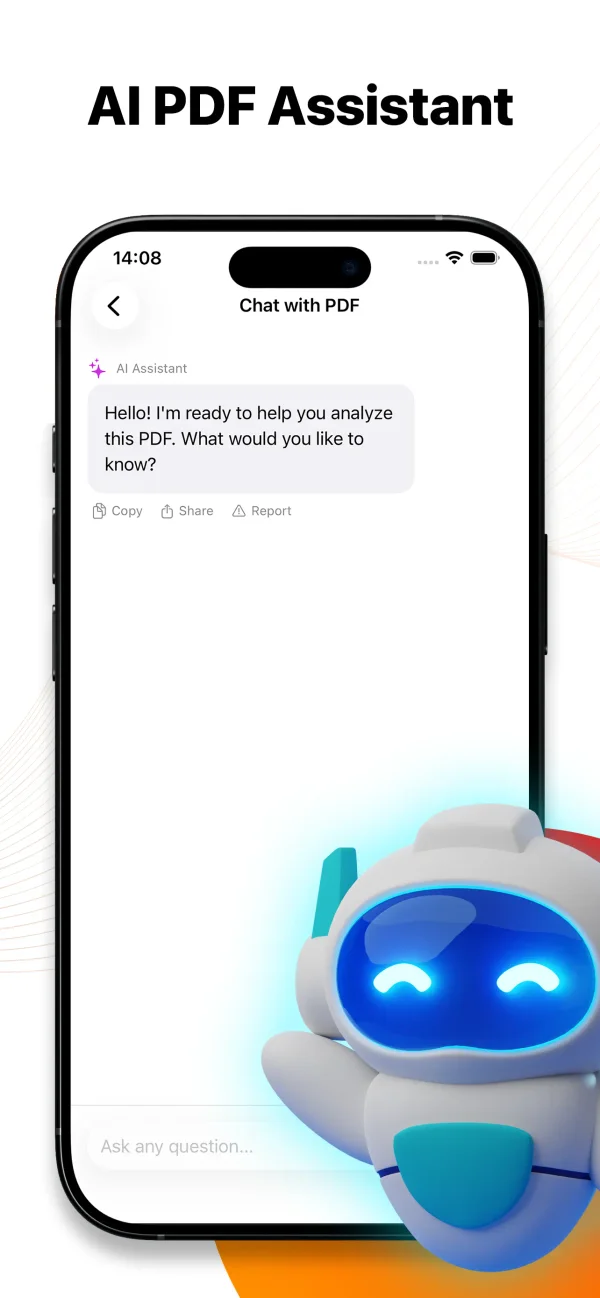
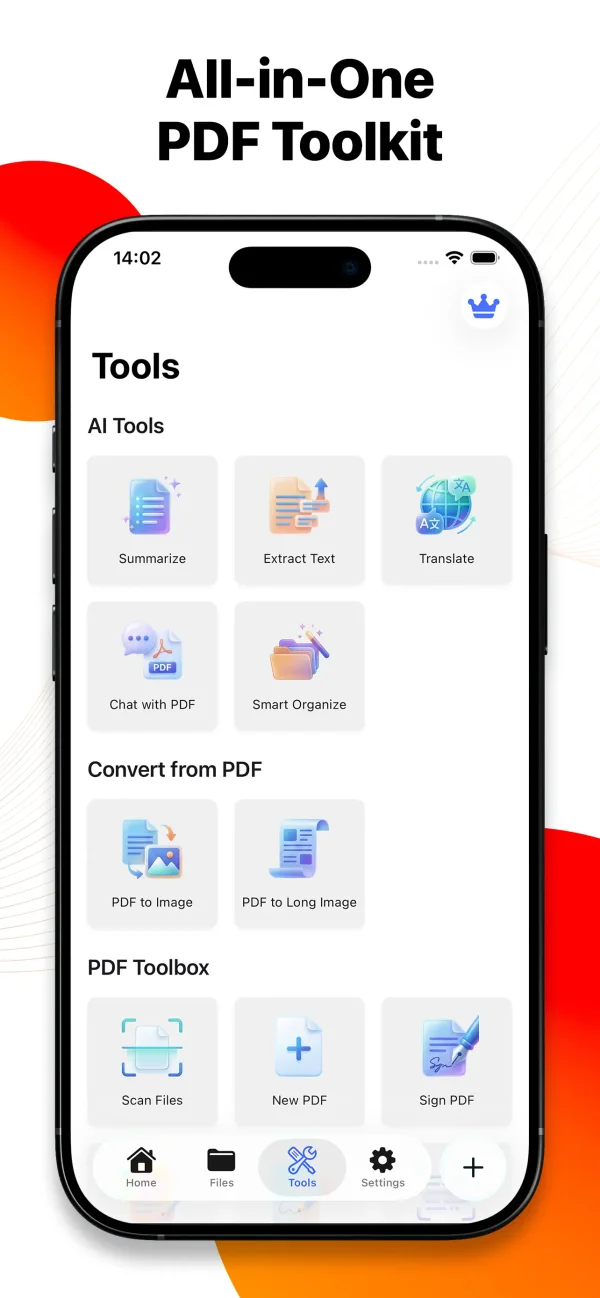
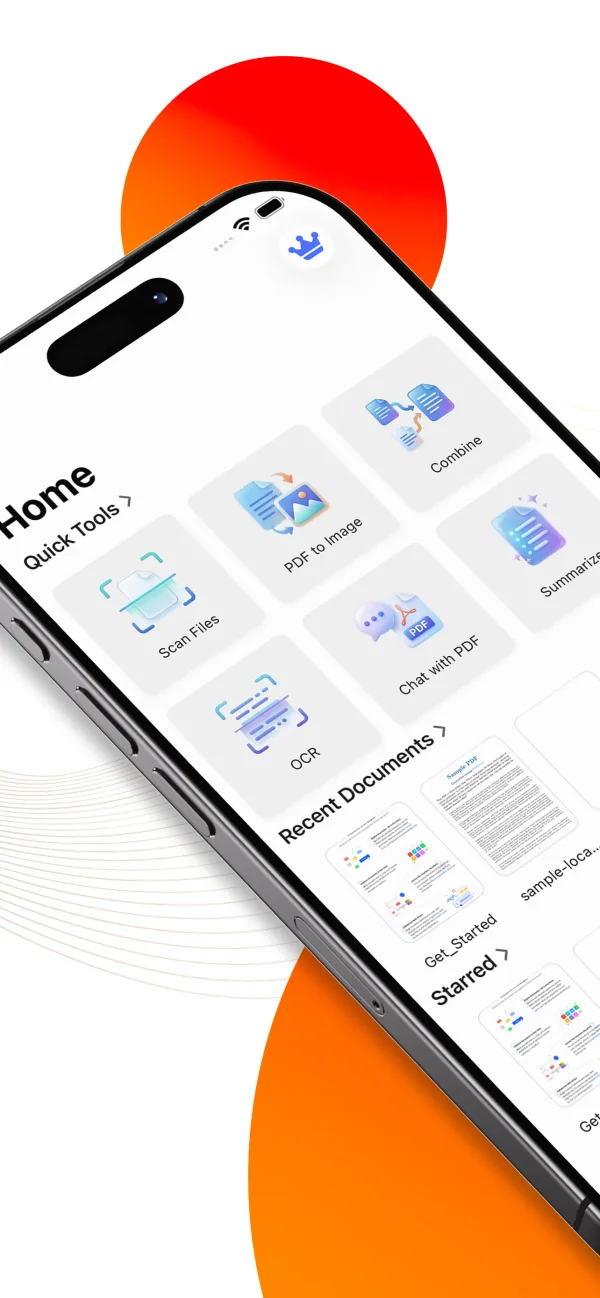
• Chat with PDF – Ask questions, get instant answers, and understand documents using AI
• AI PDF Summary – Condense long reports, contracts, and articles in seconds
• Smart Search – Quickly find text across large PDFs
• Translate PDF – Translate entire documents or selected text into multiple languages
• Extract Text – Convert PDF content into editable text
MOBILE PDF SCANNER & OCR
• Scan to PDF – Scan documents, receipts, notes, and photos into high-quality PDFs
• Multi-page Scanning – Combine multiple scans into one PDF
• OCR Text Recognition – Convert scanned images into searchable and selectable text
PDF READER & ANNOTATION
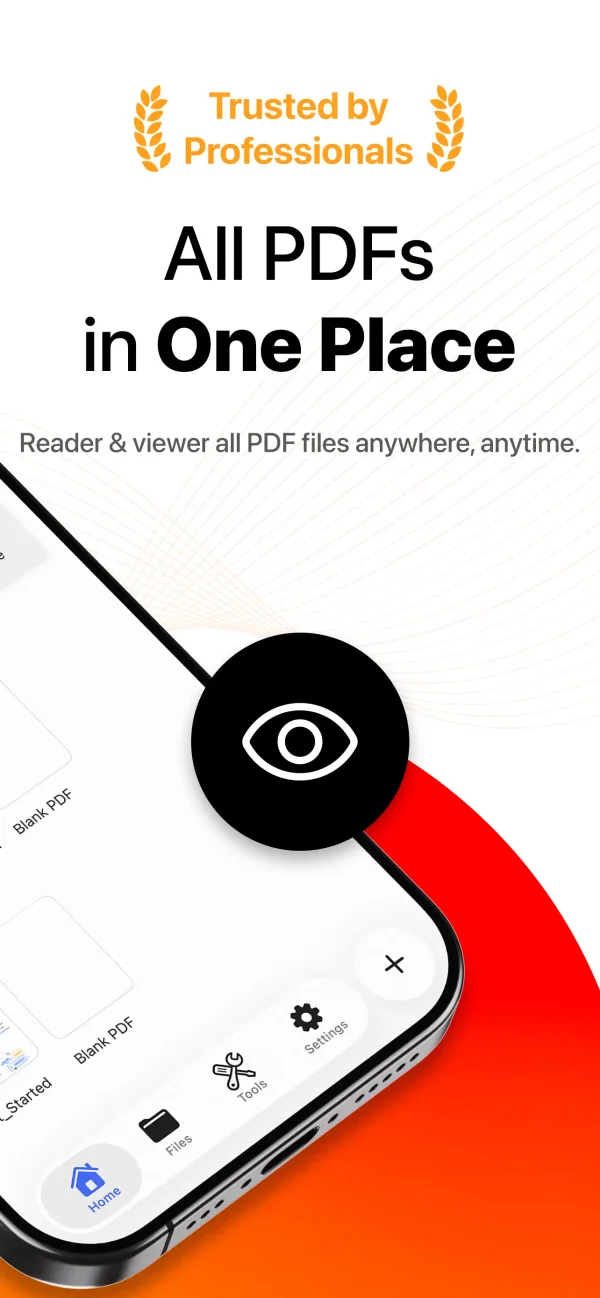
• PDF Reader – Open, read, and view PDFs anytime
• Comment & Annotate – Highlight text, add notes, draw, and leave comments
• Draw on PDF – Mark up documents freely
• Bookmark & Navigate – Read comfortably with fast page navigation
EDIT, ORGANIZE & MANAGE PDF PAGES
• Page Sorting – Reorder PDF pages easily
• Insert Pages – Add new pages to existing PDFs
• Delete Pages – Remove unwanted pages
• Extract Pages – Save selected pages as a new PDF
• Split PDF – Break large PDFs into smaller files
• Combine PDF – Merge multiple PDFs into one
CONVERT & EXPORT
• PDF to Image – Convert PDF pages into images
• PDF to Long Image – Export entire PDFs as long scrolling images
• Import & Share PDFs – Import files and share instantly
• ZIP PDF – Compress PDFs into ZIP files
SIGN, PROTECT & SECURE
• Sign PDF – Create and add electronic signatures
• Fill Forms – Complete PDF forms digitally
• Set PDF Password – Protect files with passwords
• Watermark PDF – Add text or image watermarks to your documents
SMART ORGANIZATION
• AI Smart Organize – Automatically tag and categorize PDFs
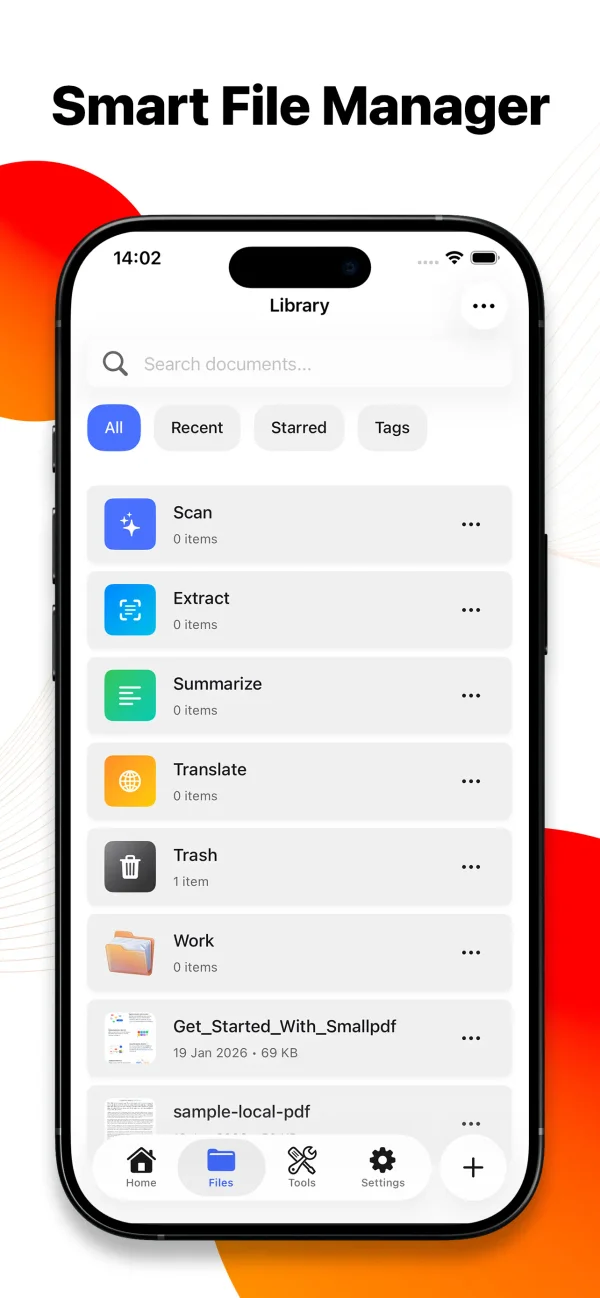
• Fast File Search – Find documents instantly
• Clean & Structured Workspace – Keep everything organized with minimal effort
DESIGNED FOR EVERYONE
• Professionals handling contracts, reports, and invoices
• Students reading textbooks, research, and lecture notes
• Freelancers managing client documents
• Anyone who works with PDFs and wants smarter tools powered by AI
GO PREMIUM. UNLOCK FULL POWER.
Upgrade to PDF AI Premium and get unlimited AI chat, summaries, OCR, advanced editing tools, full scanning features, and complete access to the professional PDF suite.
SUBSCRIPTION INFORMATION
PDF AI offers auto-renewing subscriptions:
• Plans: Monthly or Yearly
• Payment: Charged to your Apple ID account
• Auto-Renewal: Subscription renews automatically unless canceled at least 24 hours before the end of the current period
• Manage Subscription: Via your App Store account settings
Privacy Policy:
https://homeaidecor.app/privacy.html
Terms of Use (EULA):
https://www.apple.com/legal/internet-services/itunes/dev/stdeula/
Nouveautés
Version 1.2.3 · 16/05/2026
• Improved app performance and responsiveness
• Optimized AI processing and PDF handling experience
Confidentialité de l’application
Ce que App Dexter Limited déclare sur l’App Store au sujet du traitement des données par cette application.
-
Données utilisées pour vous suivre
Peuvent être utilisées pour vous suivre sur des applications et des sites web appartenant à d’autres sociétés.
- Données d’utilisation
-
Données établissant un lien avec vous
Peuvent être collectées et liées à votre identité.
- Données d’utilisation
Les pratiques en matière de confidentialité peuvent varier, notamment en fonction des fonctionnalités que vous utilisez ou de votre âge.
Informations
- Vendeur
- APP DEXTER LIMITED
- Catégorie
- Économie et entreprise
- Version
- 1.2.3
- Mis à jour
- 16/05/2026
- Publié
- 18/12/2025
- Taille
- 98,2 Mo
- Nécessite
- iOS 16.0 ou version ultérieure
- Classification d’âge
- 4+
- Prix
- Gratuit
- Achats intégrés
- Oui
- Langues
- Anglais, Arabe, Birman, Français, Allemand, Hindi, Italien, Japonais, Coréen, Portugais, Russe, Chinois simplifié + 3 de plus
- Copyright
- © AppDexter
Vous aimerez peut-être aussi
-
 Cleaner Plus: Free Up SpaceProductivité
-
 Scanner App: Convertisseur PDFNumériser des Documents PDF
-
 Expensya: Cost SplitFinance
-
 Nextrans: AI Traducteur ChatOutil de Chat et Traduction AI
-
 Galeriephoto-RécupérationphotoCoffre de galerie vocale privé
-
 ScanAny: Scanner & éditeur PDFScannez, éditez, signez
-
 Tri Photo - Nettoyage StockageNettoyage et trieur photo
-
 Facturation FacileFacile Factures PDF & Email
-
 Smart Switch, copiez m donnTransfert données : Part fhier
-
 PDF Convertisseur et ModifierPDF Converter,Scanner Document