PDF Compressor Merge Split
Compress, Split, Merge PDFs
Conçue pour iPhone, iPad
Gratuit · Achats intégrés
- Classification d’âge4+
- CatégorieProductivité
- DéveloppeurNeo Cortex
- LanguesAnglais
- Taille8,7 Mo
Renvoie vers la page App Store officielle
Download.org n’héberge aucun fichier de PDF Compressor Merge Split. Le bouton ouvre la page de l’application sur App Store, où Neo Cortex la publie. Fiche vérifiée pour la dernière fois le 20/11/2026.
Captures d’écran
À propos
Le développeur n’a pas fourni ce texte dans votre langue.
PDF Compressor Merge Split — the #1 all-in-one PDF toolkit for iPhone & iPad. Compress files, merge documents, split PDFs, convert to images, add watermarks, and get AI insights — processed on-device for total privacy.
PLEASE NOTE: PDF Compressor requires an active auto-renewable subscription (with a 3-day free trial on the annual plan) to access all tools and features.
- WHY CHOOSE PDF COMPRESSOR?
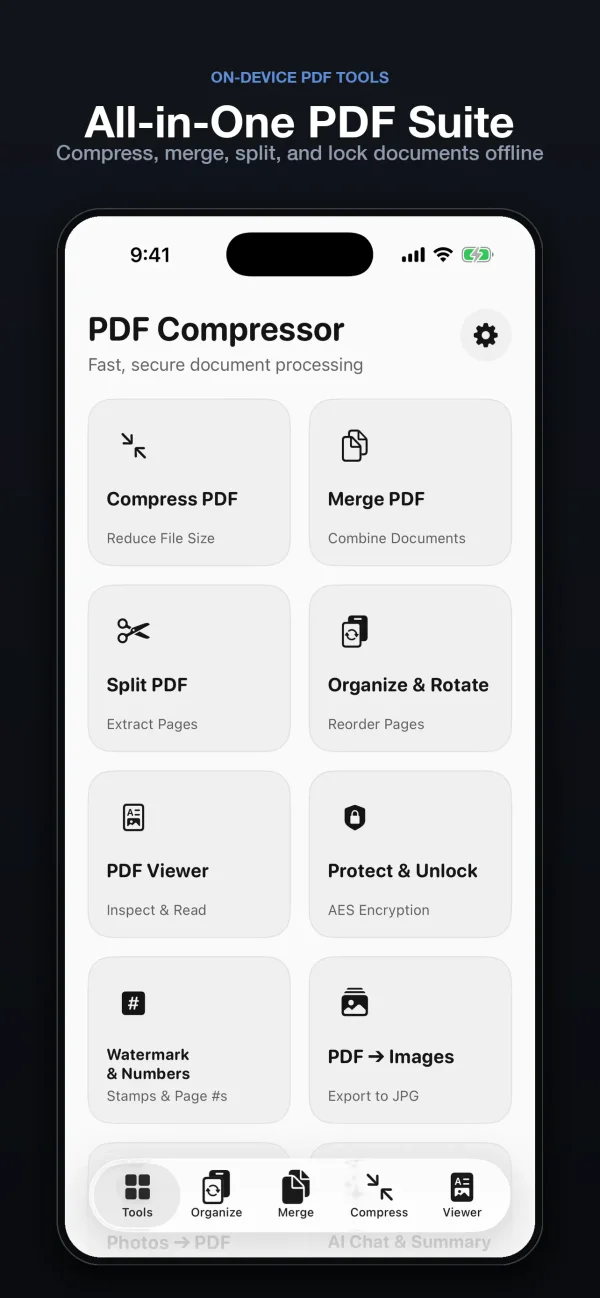
• All-in-One: Compress, merge, split, convert, watermark, organize.
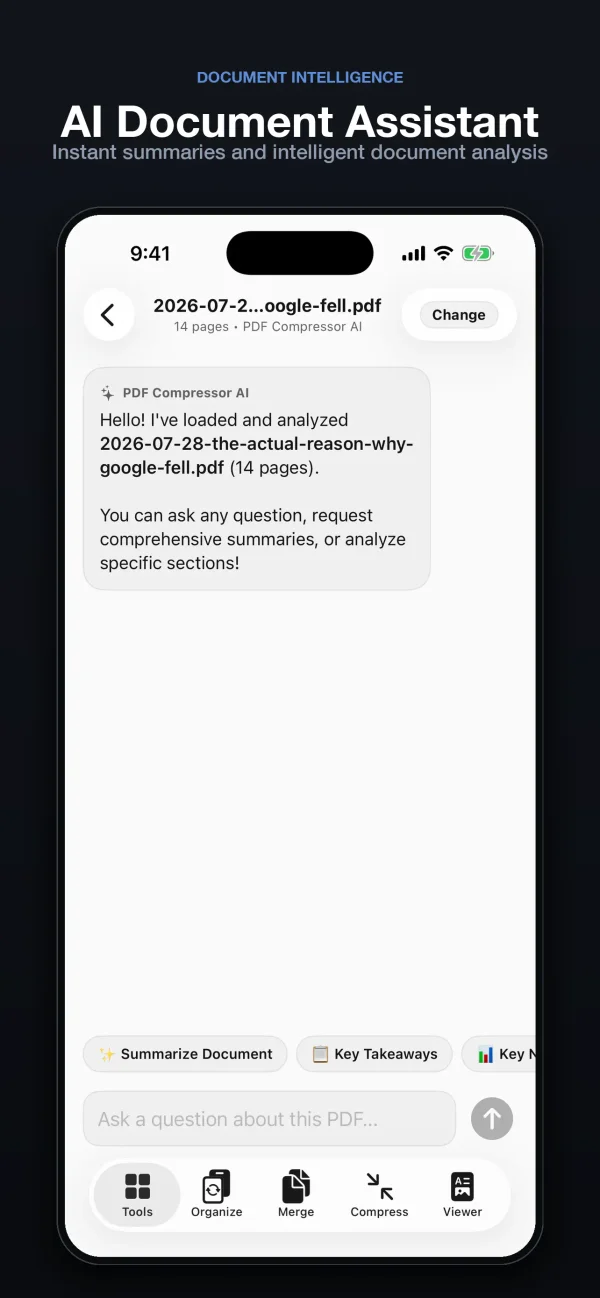
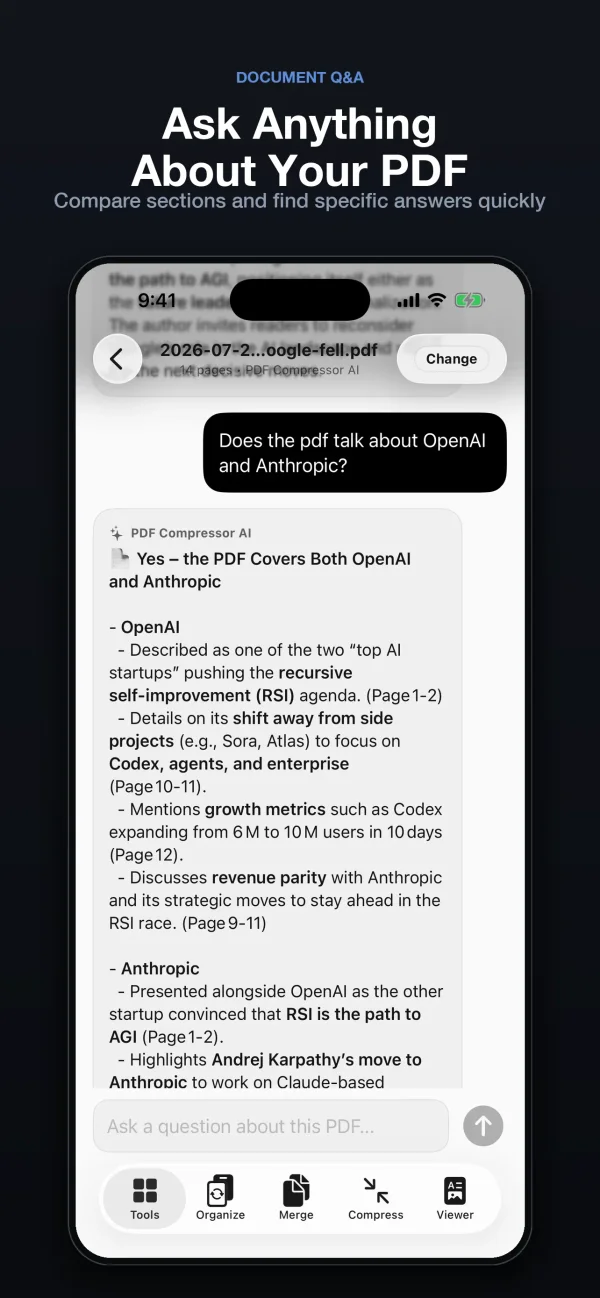
• AI Assistant: Instant summaries, key takeaways, and smart Q&A for any PDF.
• 100% On-Device: Core operations run locally on iPhone with no tracking.
• Fast & Native: Built on Apple frameworks for smooth, responsive editing.
• Bulk Processing: Save time by processing multiple files simultaneously.
• Universal: Optimized for iPhone and iPad with Dark Mode support.
- FEATURES INCLUDED WITH SUBSCRIPTION
• COMPRESS PDF — SAVE STORAGE & SHARE FASTER
Reduce PDF file sizes by up to 86% with sharp quality:
- Standard Compression: Balance of quality and shrinkage for email and chat.
- High Compression: Maximum shrinkage for large documents and scans.
- Batch Compress: Optimize multiple PDF files in one tap.
- Reduction Preview: See estimated savings before exporting.
• MERGE PDF — COMBINE DOCUMENTS
Stitch PDF files, receipts, invoices, or reports into a single file:
- Drag-and-drop thumbnail reordering.
- Merge unlimited PDF files without page count restrictions.
- Insert additional pages into existing documents with ease.
• SPLIT PDF — EXTRACT & SEPARATE PAGES
Divide large PDF books and contracts into targeted sections:
- Custom Page Ranges: Extract specific intervals (e.g. pages 5-12).
- Single-Page Separation: Split an entire PDF into single-page files.
- Batch Split: Process multiple files in rapid sequence.
- Delete unwanted or blank pages effortlessly.
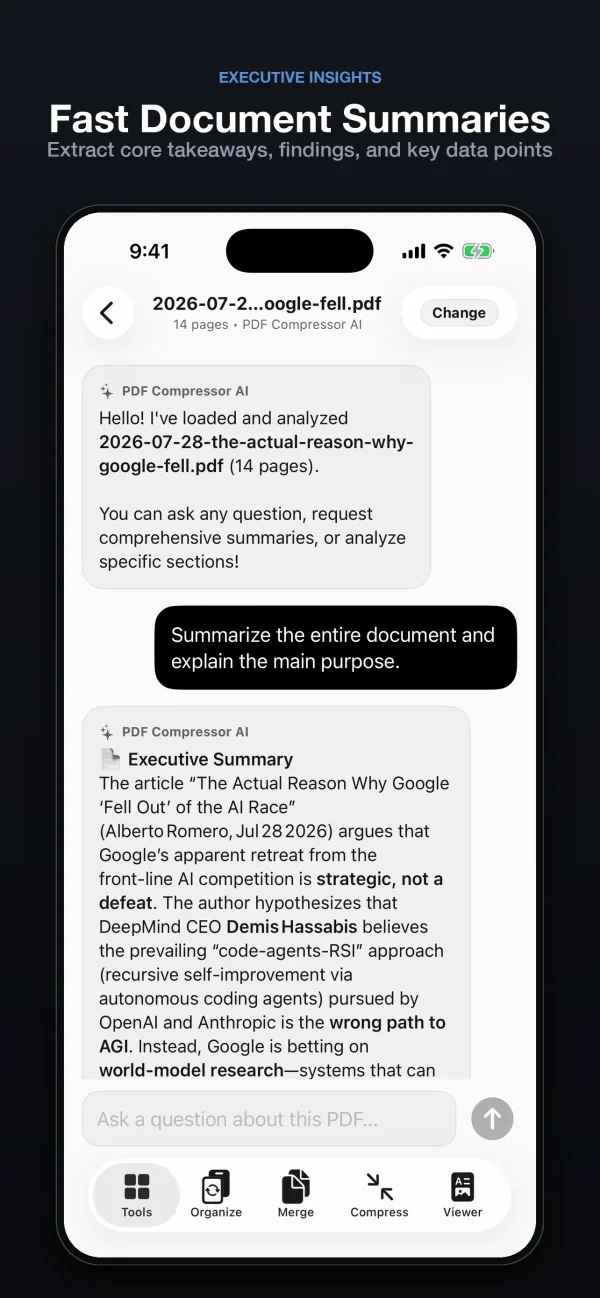
• AI DOCUMENT ASSISTANT — SMART Q&A & SUMMARIES
Harness AI to analyze and extract information from documents:
- Executive Summaries: Grasp main points and findings in seconds.
- Interactive Q&A: Ask questions about your document and get precise answers.
- Data Extraction: Pull tables, dates, monetary amounts, and clause details.
*AI queries use secure encrypted cloud processing; deleted after session.
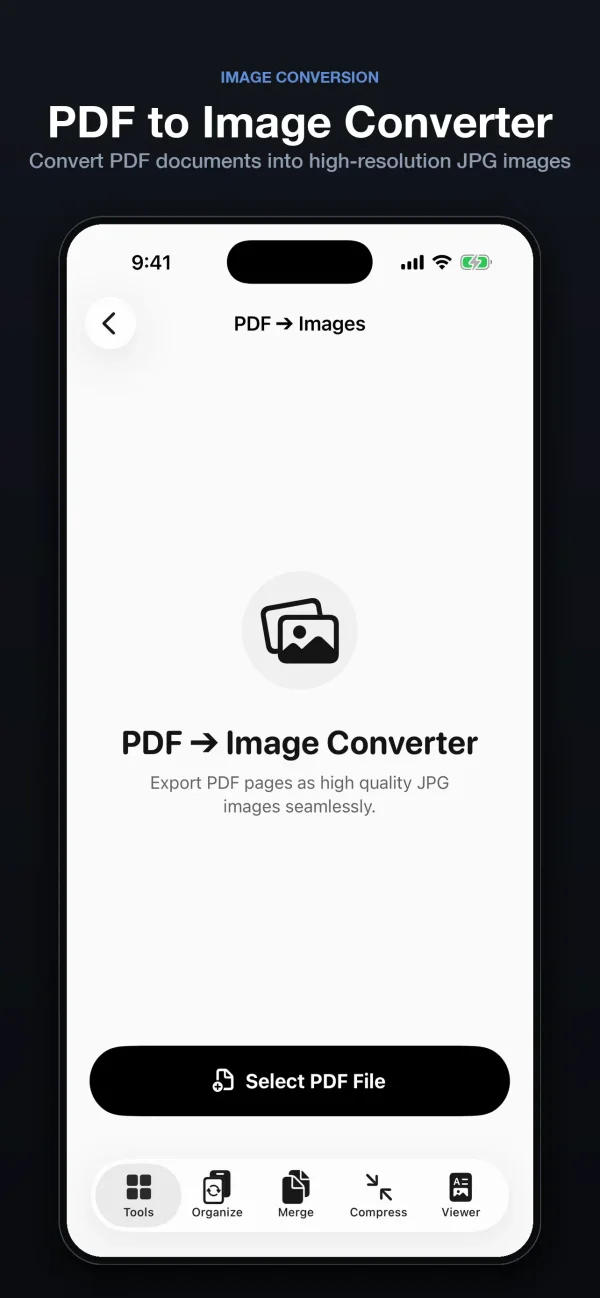
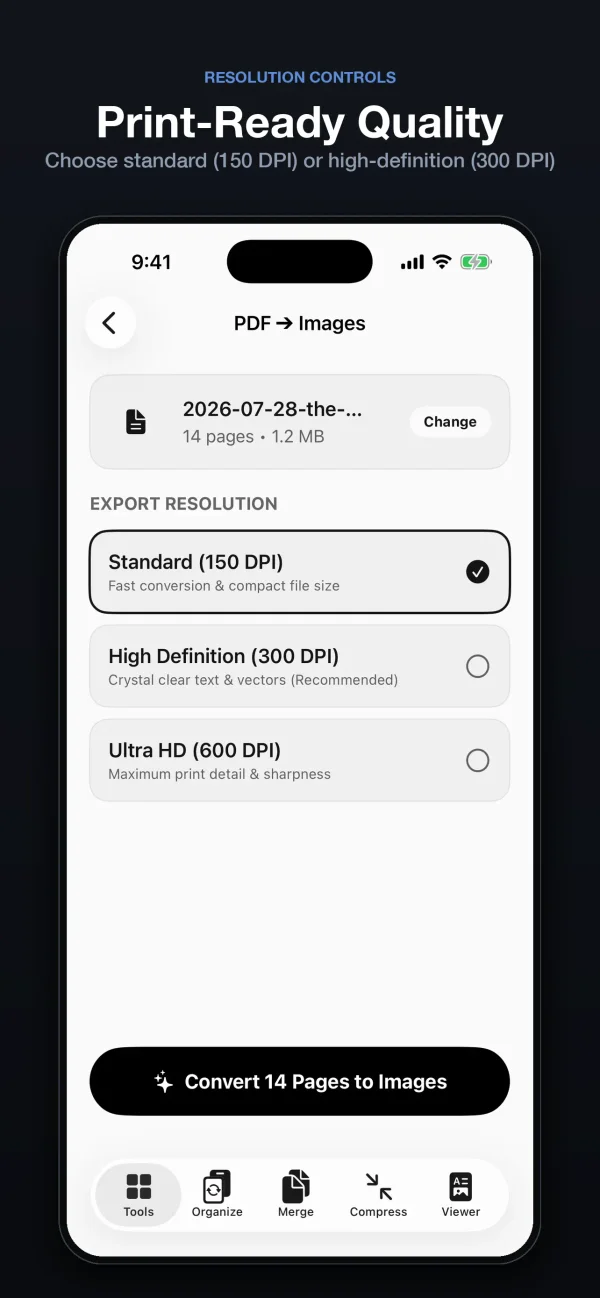
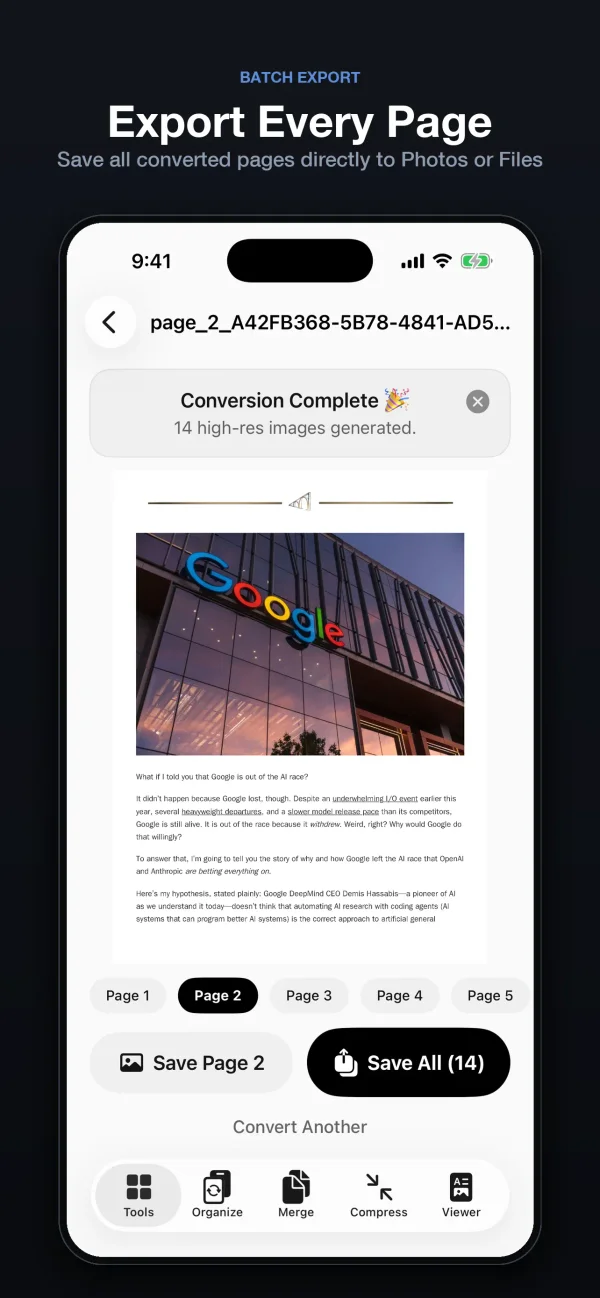
• PDF TO IMAGE CONVERTER
Convert PDF pages into high-resolution JPG images:
- Quality Options: Standard (150 DPI) for sharing or Print-Ready (300 DPI).
- Bulk Conversion: Export all pages to Photos or Files app instantly.
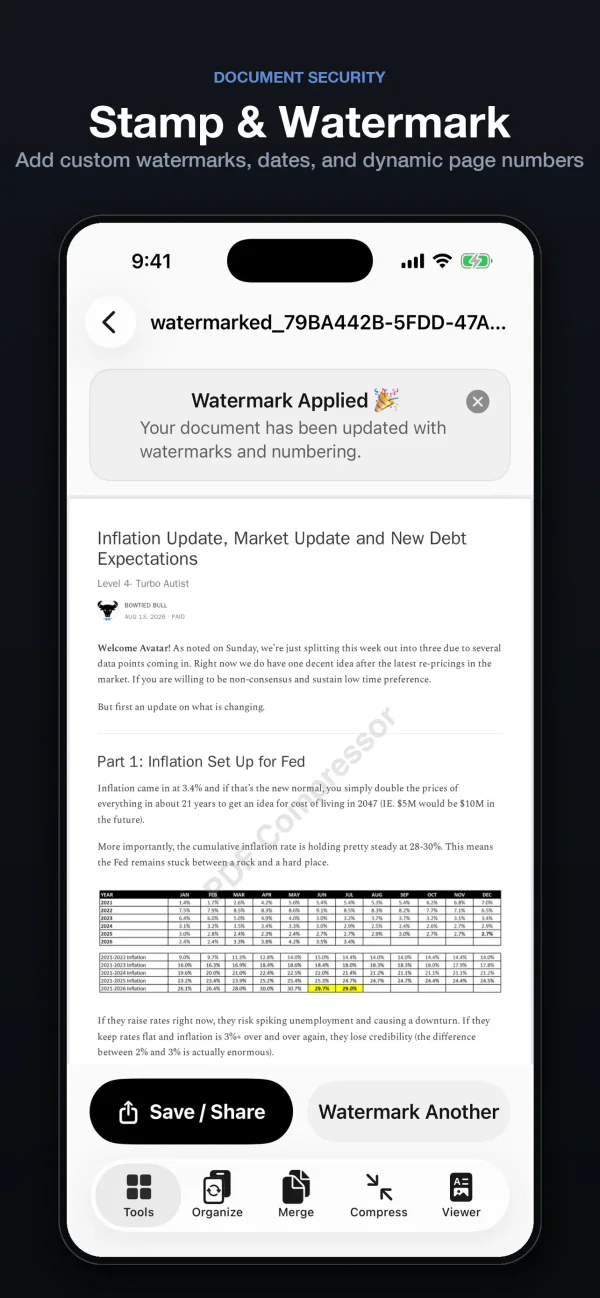
• WATERMARK & PAGE NUMBERS
Brand and safeguard your sensitive PDFs:
- Text Watermarks: Add custom text like "CONFIDENTIAL" or company name.
- Dynamic Page Numbering: Apply header/footer counts across all pages.
- Date Stamps: Stamp creation and verification dates automatically.
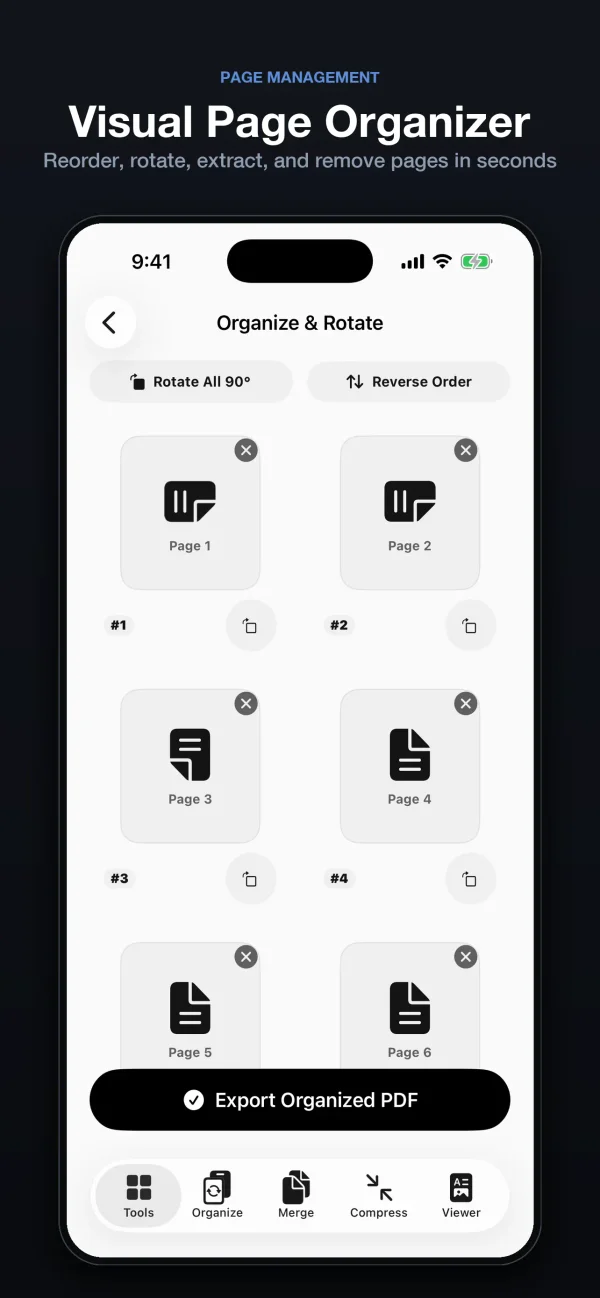
• VISUAL PAGE ORGANIZER & REORDER
- Drag-and-drop page sorting and reorganization.
- Rotate misoriented pages individually or in bulk.
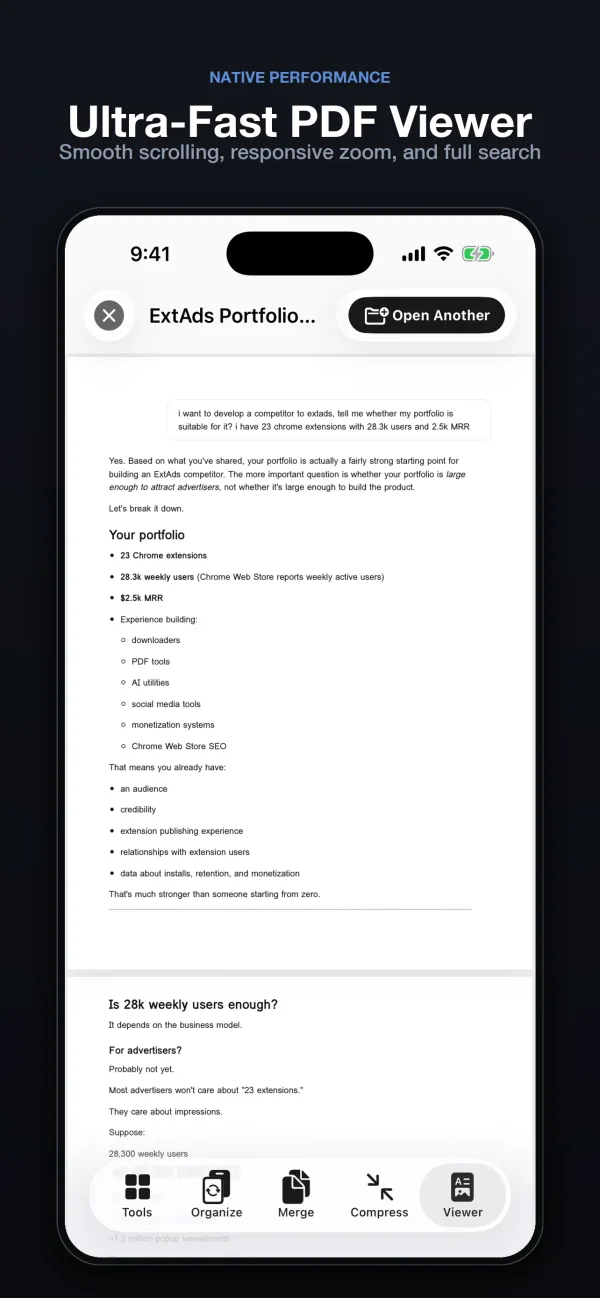
• NATIVE FAST PDF VIEWER
- Fluid scrolling, pinch-to-zoom, and full-text search.
- PRIVACY & SECURITY FIRST
• Local Execution: Core operations run locally on your device.
• Zero Tracking: We never track your reading habits or content.
• AES-256 Encryption: Create password-protected PDF files securely.
- SUBSCRIPTION PRICING & TERMS
PDF Compressor requires an active subscription for full access:
• Annual Pro Pass: $49.99/year (Includes 3-Day Free Trial)
• Weekly Pass: $6.99/week
- Payment charged to Apple ID at purchase confirmation or trial end.
- Subscription auto-renews unless cancelled 24h before period ends.
- Account charged for renewal within 24h prior to period end.
- Manage and cancel subscriptions in Apple ID Settings.
- Unused portion of a free trial is forfeited upon purchase.
Terms of Use: https://www.apple.com/legal/internet-services/itunes/dev/stdeula/
Privacy Policy: https://neocortexai.in/pdf-compressor-merge-split/privacy-policy
Support: support@neocortexai.in
Confidentialité de l’application
Ce que Neo Cortex déclare sur l’App Store au sujet du traitement des données par cette application.
-
Données établissant un lien avec vous
Peuvent être collectées et liées à votre identité.
- Coordonnées
-
Données n’établissant aucun lien avec vous
Peuvent être collectées, mais ne sont pas liées à votre identité.
- Données d’utilisation
- Diagnostic
Les pratiques en matière de confidentialité peuvent varier, notamment en fonction des fonctionnalités que vous utilisez ou de votre âge.
Informations
- Vendeur
- Neo Cortex LLC
- Catégorie
- Productivité
- Version
- 1.0
- Mis à jour
- 02/09/2026
- Publié
- 02/09/2026
- Taille
- 8,7 Mo
- Nécessite
- iOS 18.0 ou version ultérieure
- Classification d’âge
- 4+
- Prix
- Gratuit
- Achats intégrés
- Oui
- Langues
- Anglais
- Copyright
- © 2026 Neo Cortex LLC
Vous aimerez peut-être aussi
-
 Compresser PDF & Image en PDFRéduire PDF, JPG, Photo en PDF
-
 OffPDF: modifier texte PDFScanner, convertir et signer
-
 PDF Squeezer: Compress PDFCompressez, Fusionnez vos PDF
-
 PDFoto : Photos en PDFScannez, signez et partagez
-
 BythenProductivité
-
 Floathing: PiP for everythingProductivité
-
 Paperly: PDF Editor & SignProductivité
-
 YadavarProductivité
-
 Smart Scanner: OCR Text & PDFProductivité
-
 PMB DocumentsProductivité