PDF Maker - Convert & Scan
Image to PDF, Merge & Compress
Conçue pour iPhone, iPad, Mac
Gratuit · Achats intégrés
- Classification d’âge4+
- CatégorieProductivité
- DéveloppeurIgor Bidenko
- LanguesAnglais+ 9 de plus
- Taille14,2 Mo
Renvoie vers la page App Store officielle
Download.org n’héberge aucun fichier de PDF Maker - Convert & Scan. Le bouton ouvre la page de l’application sur App Store, où Igor Bidenko la publie. Fiche vérifiée pour la dernière fois le 17/11/2026.
Captures d’écran

À propos
Le développeur n’a pas fourni ce texte dans votre langue.
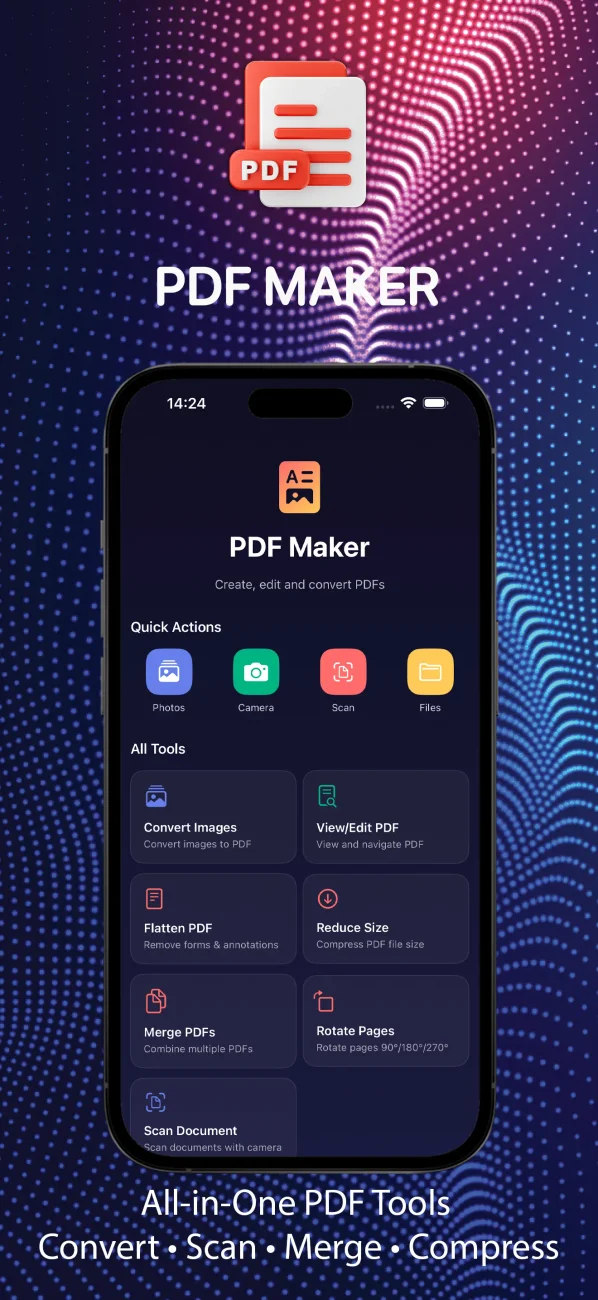
PDF Maker transforms your iPhone into a portable document studio. Whether you need to convert photos to PDF, merge contracts, compress large files, or scan receipts on the go - everything happens in seconds, right in your pocket.
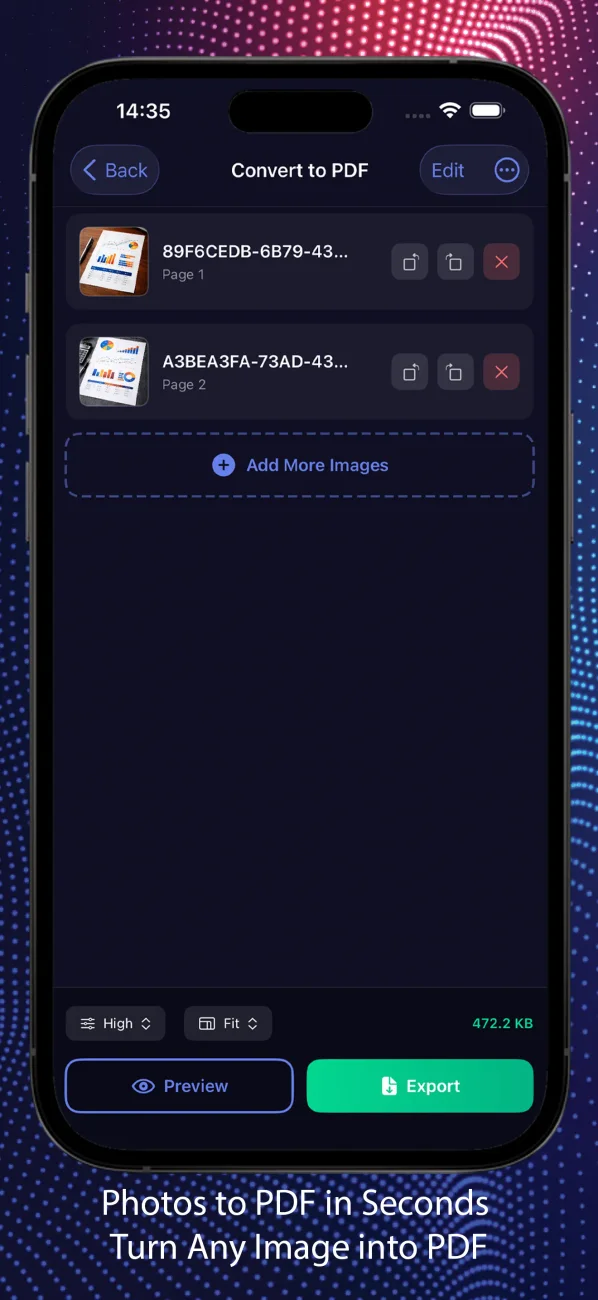
CONVERT PHOTOS TO PDF
Turn any image into a professional PDF document. Select photos from your library, snap pictures with your camera, or import files. Adjust quality settings from draft to maximum resolution. Choose page formats including A4, Letter, Legal, or let the app fit pages to your images automatically. Perfect for digitizing old photographs, creating photo albums, or preparing image-based reports.
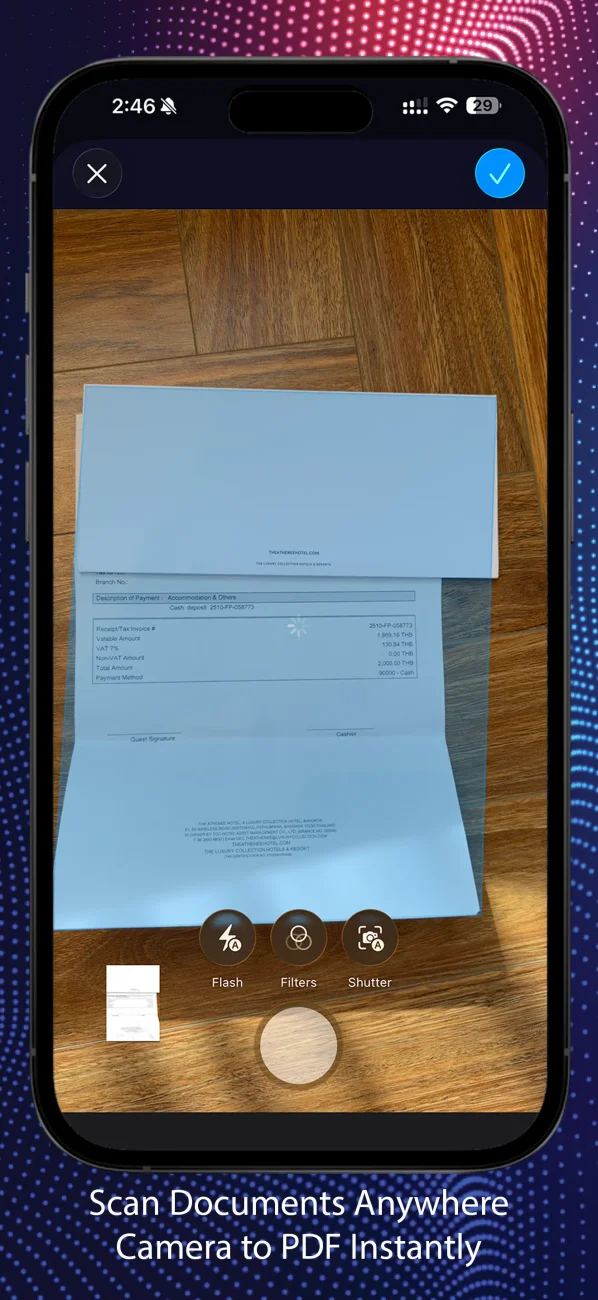
DOCUMENT SCANNER
Your phone camera becomes a powerful scanner. Capture documents, receipts, whiteboards, and handwritten notes with automatic edge detection. The built-in scanner recognizes document boundaries and optimizes contrast for crystal-clear results. No more hunting for a scanner - handle paperwork anywhere, anytime.
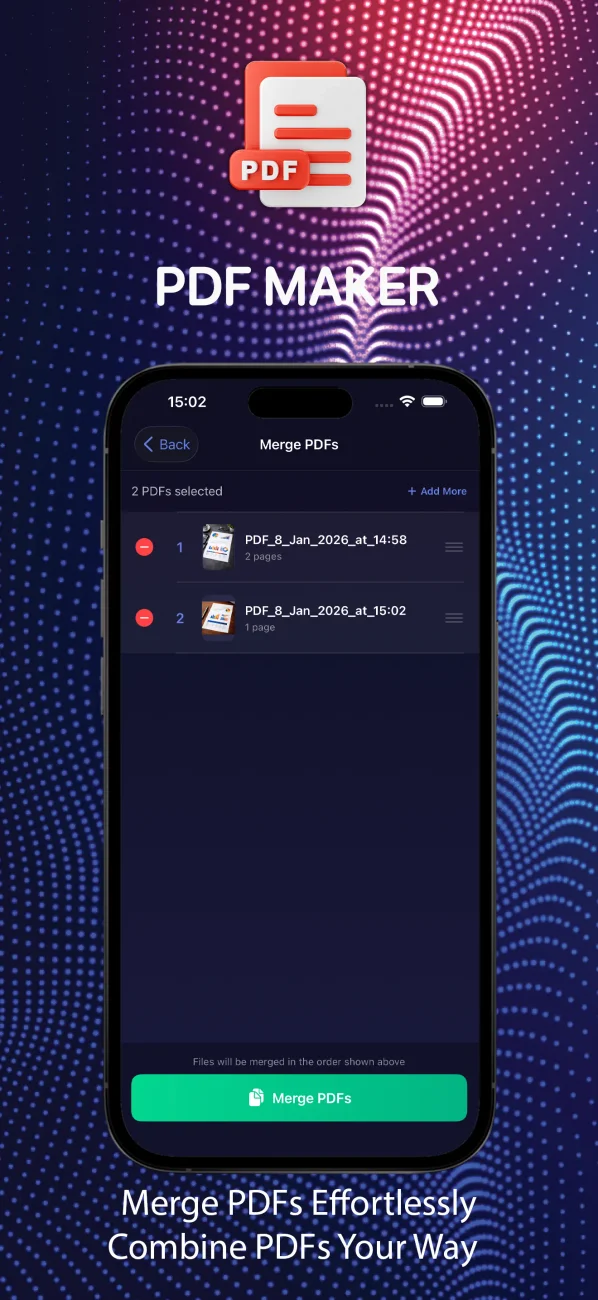
MERGE MULTIPLE PDFs
Combine separate PDF files into one organized document. Drag to reorder pages exactly how you want them. Great for assembling project documentation, combining invoices for expense reports, or creating comprehensive portfolios from multiple sources.
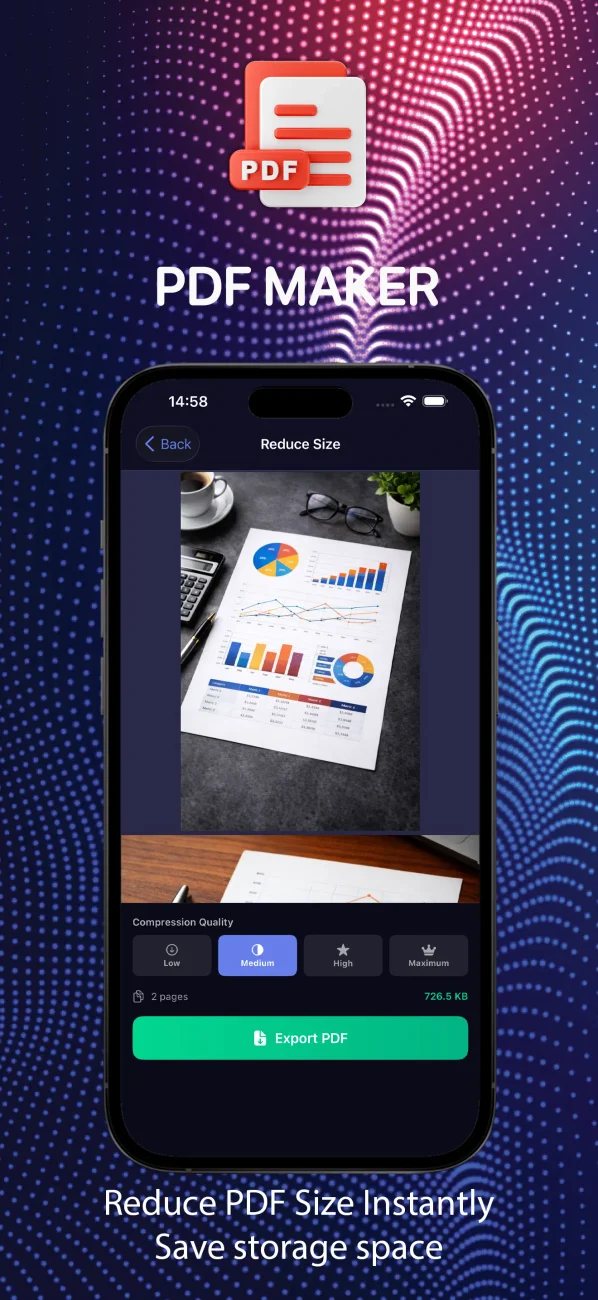
COMPRESS & REDUCE SIZE
Large PDF files slow everything down - email attachments bounce back, cloud storage fills up, sharing becomes frustrating. Our compression engine shrinks file sizes significantly while preserving readable quality. Send documents faster and save storage space without sacrificing clarity.
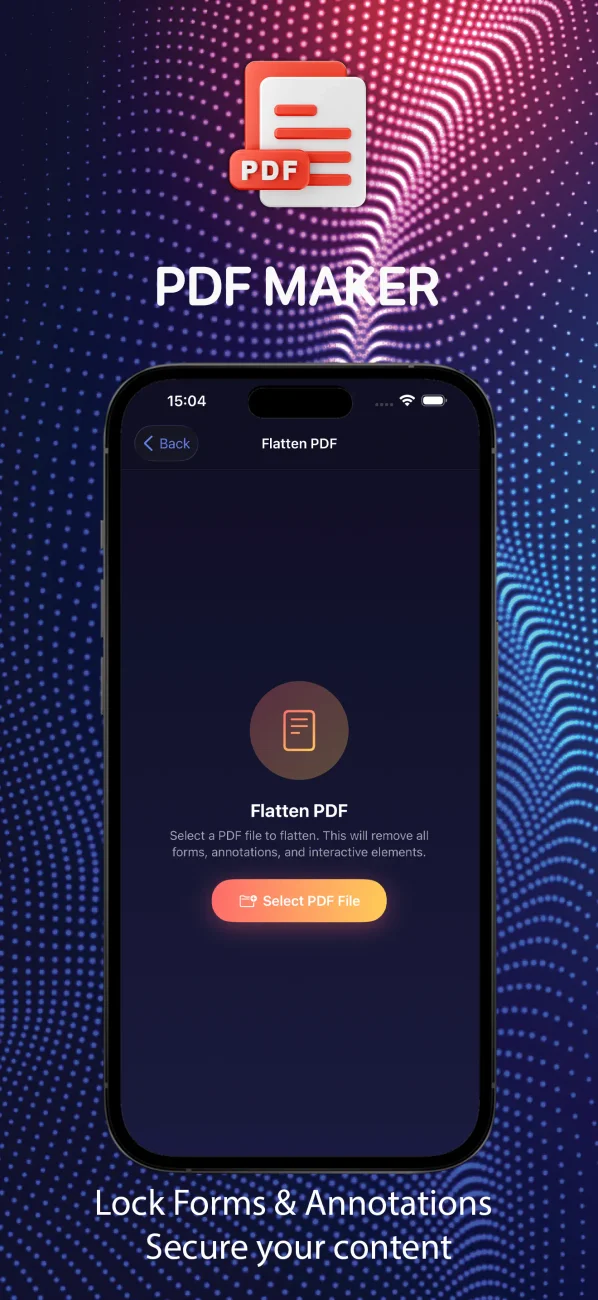
FLATTEN PDF DOCUMENTS
Working with forms that have fillable fields? Need to lock down annotations and comments? Flatten converts interactive elements into static content. This prevents further editing and ensures your document looks identical on every device and printer.
ROTATE PAGES
Fix upside-down scans or sideways photos instantly. Rotate individual pages or entire documents in 90-degree increments. Preview changes before saving. Simple controls make orientation corrections effortless.
VIEW & EDIT
Browse your PDFs with smooth scrolling and sharp rendering. Select specific pages to rotate, delete, or extract into new documents. Thumbnail view helps you navigate long files quickly. Edit tools give you control over document structure without needing desktop software.
INTUITIVE DESIGN
Dark interface reduces eye strain during extended use. Clean layout puts every tool within easy reach. Haptic feedback confirms your actions. The app responds quickly — no waiting around for operations to complete.
PRIVACY FIRST
Your documents stay on your device. No files get uploaded to external servers for processing. What you create remains yours alone.
Built for everyone who handles documents regularly: students assembling research papers, professionals preparing client materials, small business owners organizing records, and families preserving memories. PDF Maker brings desktop-level PDF tools to your phone - lightweight, fast, and always available.
Subscription Terms:
Payment charged to iTunes Account. Auto-renews unless disabled 24 hours before period ends. Manage in Account Settings.
https://www.apple.com/legal/internet-services/itunes/dev/stdeula/
Download now and discover how simple PDF work can be.
Nouveautés
Version 3.1 · 29/10/2026
Organising pages is now much easier on the eyes.
• Bigger pages. Pinch the page grid or tap the size buttons to make thumbnails as large as you like. Pages start larger than before, and if you use a large text size, the grid follows it.
• See any page up close. Open a page full screen, swipe through the document and pinch to zoom, so you always know which page is which.
• Reorganise any document, any time. Open Organise Pages from the viewer menu, the thumbnails panel or a file in your library, even after you have saved it.
• Move many pages in one go. Select several pages and drag them together, or send them straight to the beginning or end of the document.
• Clearer page numbers under every page.
Confidentialité de l’application
Ce que Igor Bidenko déclare sur l’App Store au sujet du traitement des données par cette application.
-
Données non collectées
Le développeur ne collecte aucune donnée à partir de cette application.
Les pratiques en matière de confidentialité peuvent varier, notamment en fonction des fonctionnalités que vous utilisez ou de votre âge.
Informations
- Vendeur
- Igor Bidenko
- Catégorie
- Productivité
- Version
- 3.1
- Mis à jour
- 29/10/2026
- Publié
- 30/12/2025
- Taille
- 14,2 Mo
- Nécessite
- iOS 16.0 ou version ultérieure
- Classification d’âge
- 4+
- Prix
- Gratuit
- Achats intégrés
- Oui
- Langues
- Anglais, Français, Allemand, Italien, Japonais, Coréen, Portugais, Chinois simplifié, Espagnol, Ukrainien
- Copyright
- © Igor Bidenko
Vous aimerez peut-être aussi
-
 ChangeTimeProductivité
-
 Mira: AI Reminders & To-DoProductivité
-
 Upkeep Home AppProductivité
-
 SnapTraxProductivité
-
 Scan-ScanProductivité
-
 Get 100% - Habit TrackerProductivité
-
 Address LabelsProductivité
-
 FreeScanner: Scanner PDF & OCRModifiez, fusionnez, partagez
-
 Entretien maison et voitureRappel, carnet et calendrier
-
 Ivy: Productivity AppProductivité