
- Classification d’âge4+
- CatégorieProductivité
- DéveloppeurAMuseTec Co., Ltd.
- LanguesAnglais+ 1 de plus
- Taille137,7 Mo
Renvoie vers la page App Store officielle
Download.org n’héberge aucun fichier de pdf-notes for iPad. Le bouton ouvre la page de l’application sur App Store, où AMuseTec Co., Ltd. la publie. Fiche vérifiée pour la dernière fois le 12/11/2026.
Captures d’écran


À propos
Le développeur n’a pas fourni ce texte dans votre langue.
Utilize pdf-notes to manage all the pdf files on your iPad. Fast display, quick page-turning even a thousand pages, useful finger-writing and email your notes to your friends.
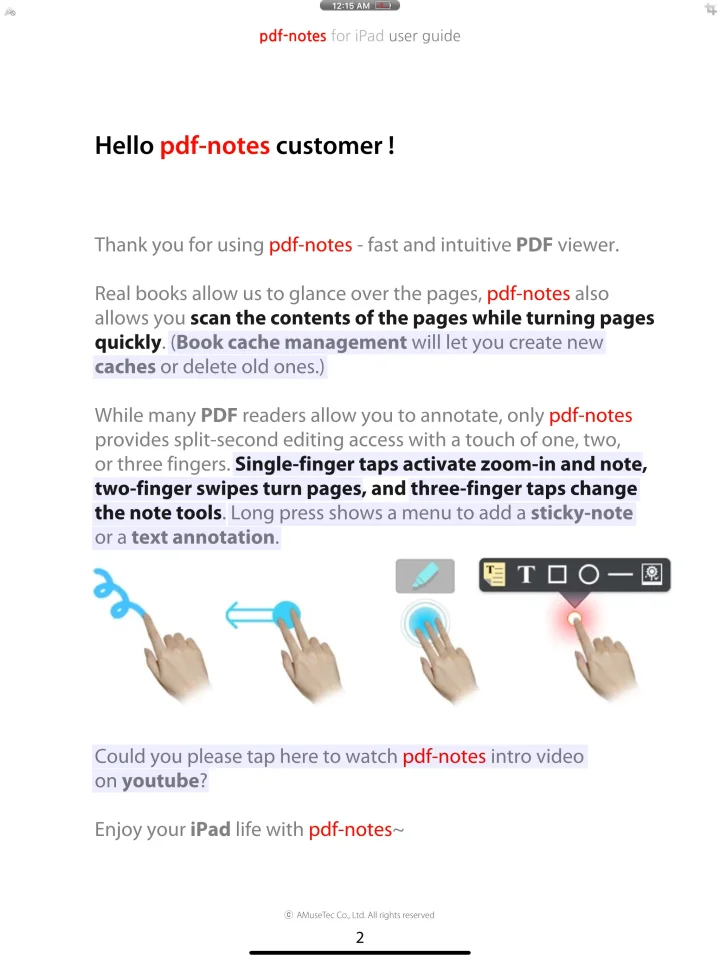
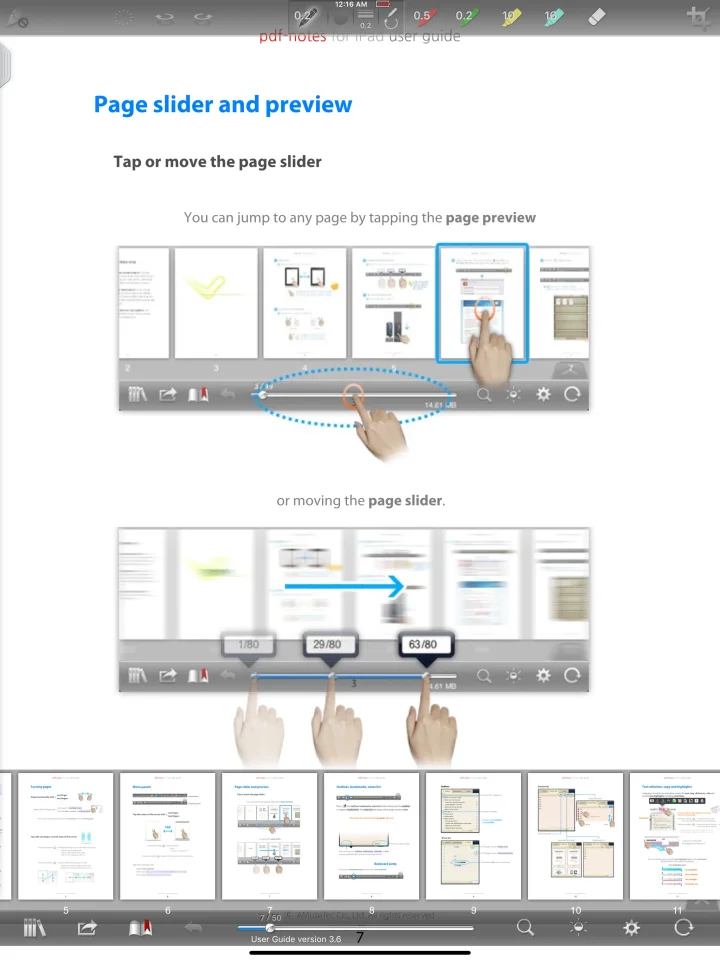
Differentiation-1. While turning pages of paperbooks fast, you can glance over the pages. While turning pages of pdf-notes fast, you can still run over the contents. Speedy page turning and scanning the contents with pdf-notes or paperbooks.
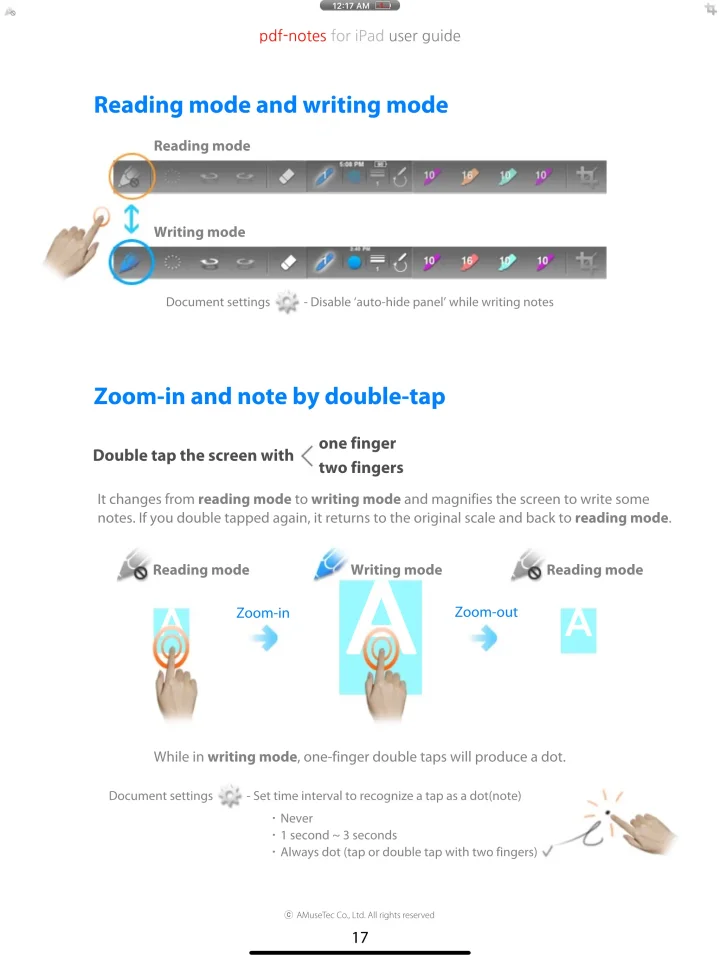
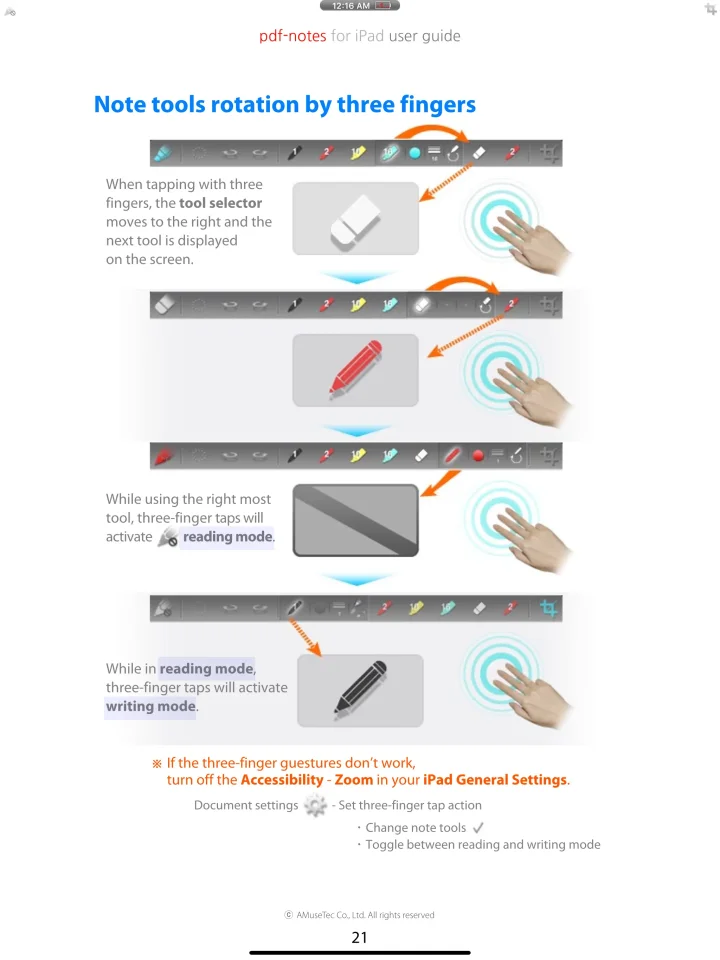
Differentiation-2. There are many pdf readers allow you to annotate; but do you know which app allows you can write any notes in a second? If you are using pdf-notes, you may experience very fast and intuitive finger-writing like: zoom-in and note by double-tap or; writing with one finger, page-turning with two fingers, pen-changing with three fingers.
- Easy importing PDF files through (DropBox, Email or Safari's) "Open In..." or iTunes
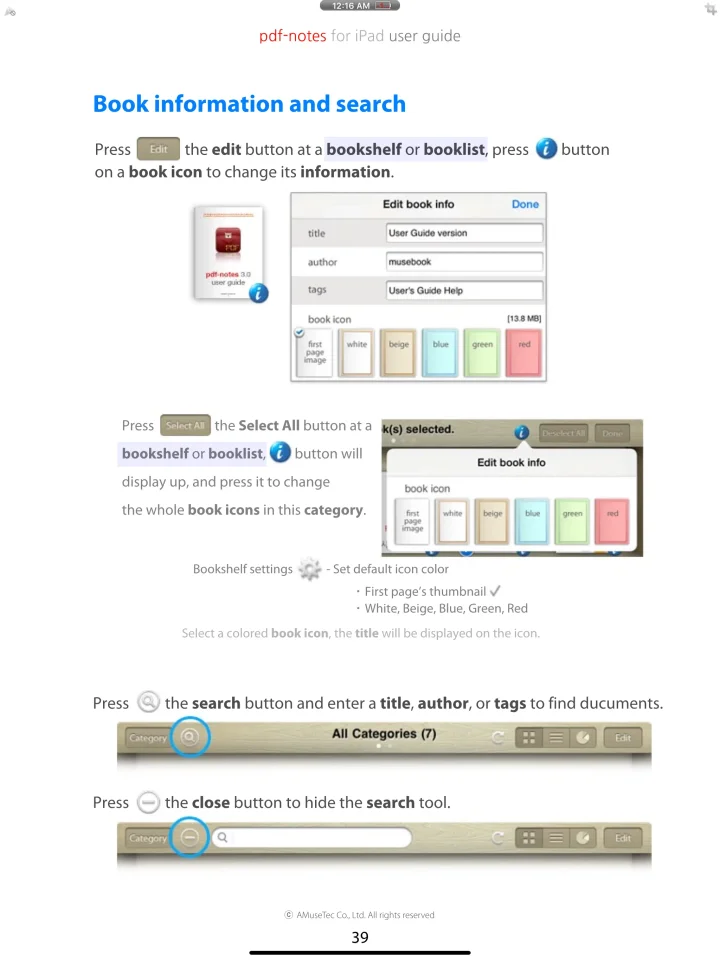
- Categorized multiple bookshelves(booklists) with powerful search
- Displaying pages as optimized size 1024x768 of iPad
- Portrait and landscape view
- Pinch zoom and crop page-margins
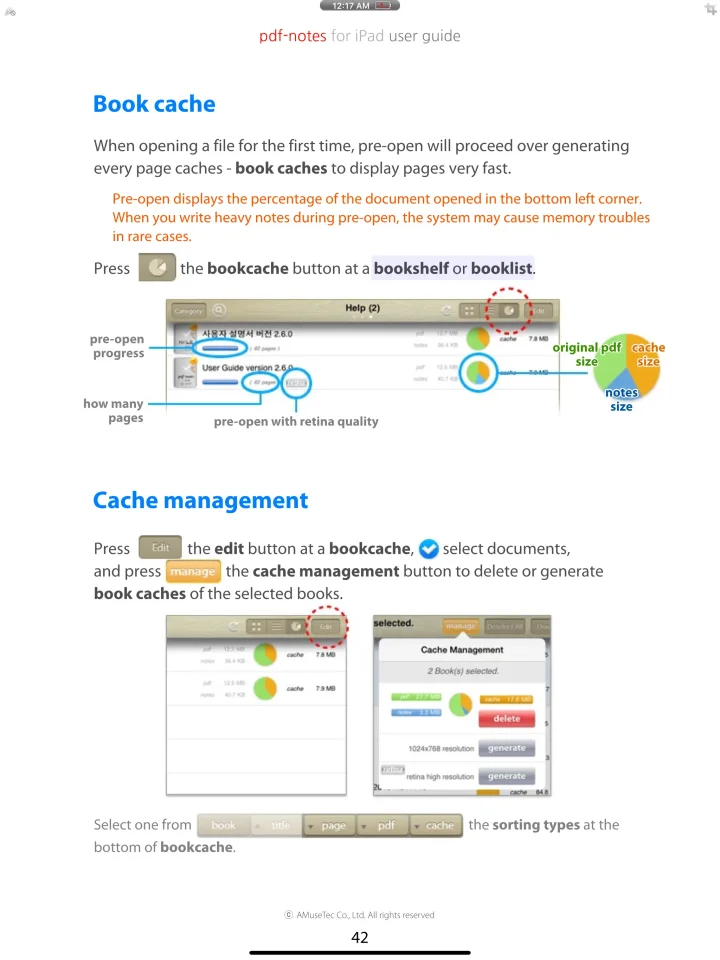
- Fast loading and Speedy page-turning
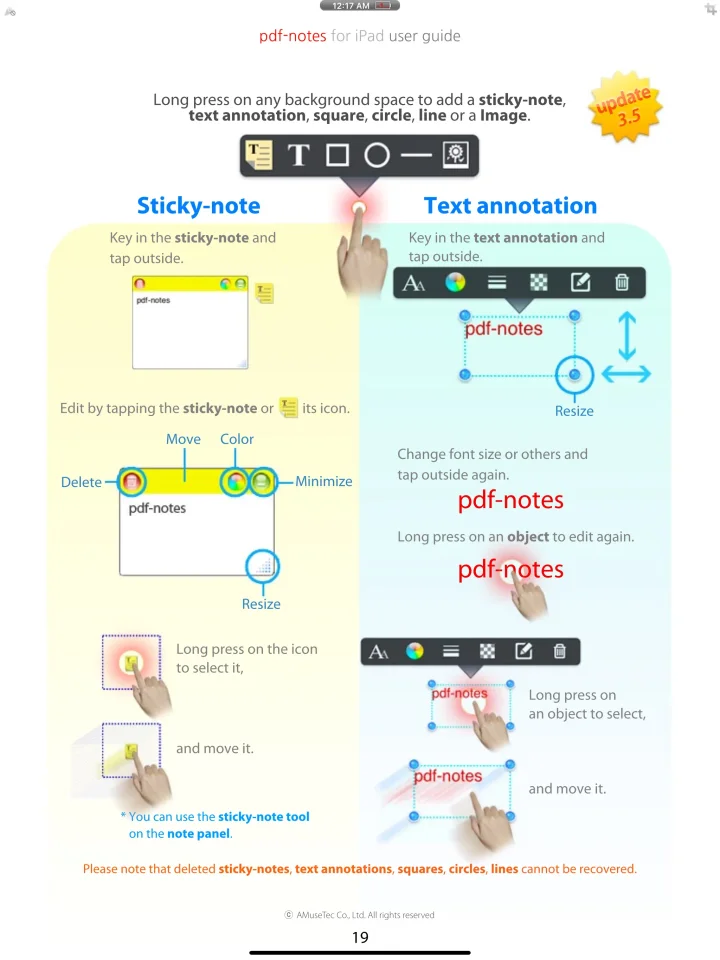
- Finger-writing with a variety of pens, highlighters and text notes
- Easy "zoom-in and note" on a magnified screen by a double tap
- One-step page-turning using 2 fingers on editing mode
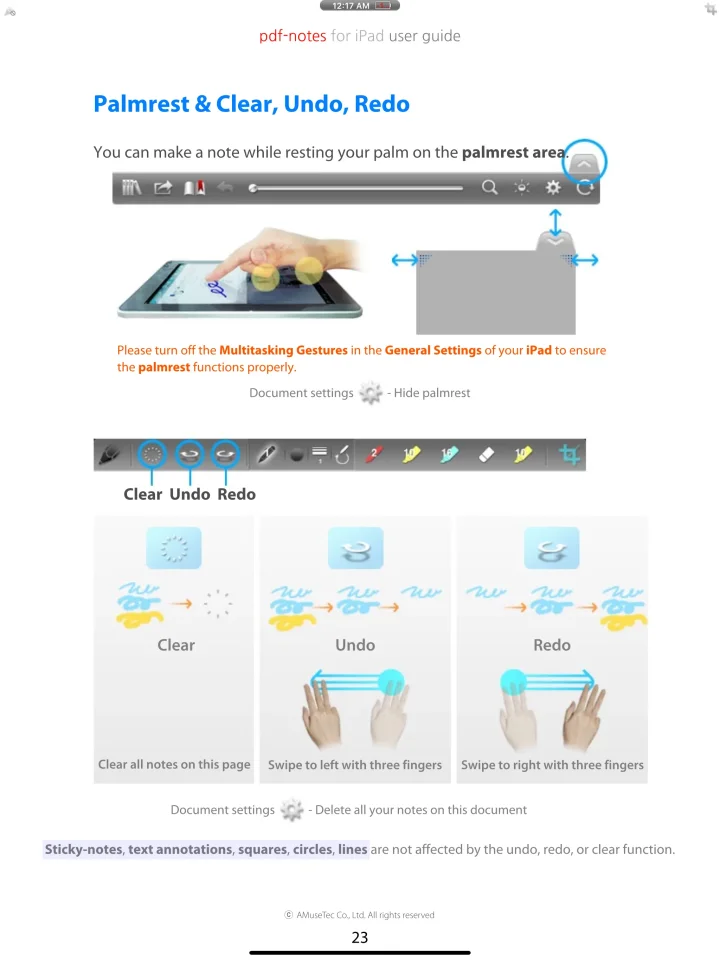
- One-step pen-changing or undo/redo using 3 fingers on editing mode
- Exporting annotated PDF files to Email
- External display and screen brightness controls
- AirPrint and multi-tasking
Misunderstandings about pdf-notes:
- Not only pdf-notes but every app recently updated is removed from the open-in menu because iOS5 or formers currently show only 10 apps in open-in menu.
- iPad/iphone Mail/iBooks can't display PDF annotations so that please open it in the other pdf apps.
- please visit the support site for more information http://bit.ly/f6D31P
Blog http://pdf-notes.com
Email musebook@musebook.com
Twitter http://twitter.com/musebook4u
YouTube http://youtu.be/4AyRyFq9yxg
NOTE: All content contained herein is subject to change without notice.
Nouveautés
Version 26.4.2 · 14/04/2026
- search bug fixed (Document Settings > "Text search failed? Reset search data")
Confidentialité de l’application
Ce que AMuseTec Co., Ltd. déclare sur l’App Store au sujet du traitement des données par cette application.
-
Données non collectées
Le développeur ne collecte aucune donnée à partir de cette application.
Les pratiques en matière de confidentialité peuvent varier, notamment en fonction des fonctionnalités que vous utilisez ou de votre âge.
Informations
- Vendeur
- AMuseTec Co., Ltd.
- Catégorie
- Productivité
- Version
- 26.4.2
- Mis à jour
- 14/04/2026
- Publié
- 03/02/2011
- Taille
- 137,7 Mo
- Nécessite
- iOS 16.0 ou version ultérieure
- Classification d’âge
- 4+
- Prix
- 9,99 €
- Langues
- Anglais, Coréen
- Copyright
- © AMuseTec. All rights reserved.
Vous aimerez peut-être aussi
-
 PDF to Markdown: Smart ExportProductivité
-
 MWorksProductivité
-
 EkloProductivité
-
 PDF to Markdown: PDF LiftImporter, scanner, éditer MD
-
 Aido - AI To-do PlannerProductivité
-
 AnyMarkdown - PDF en MarkdownConvertisseur: Word, EPUB, web
-
 PinNotes: Map MakerProductivité
-
 PDF to JPG - ConverterProductivité
-
 KERosterProductivité
-
 주보플러스 - 교회 주보 앱Productivité