
PediQUEST
For patients and families
Conçue pour iPhone, iPad, iPod touch
Gratuit
- Classification d’âge4+
- CatégorieMédecine
- DéveloppeurDana-Farber Cancer Institute
- LanguesAnglais+ 1 de plus
- Taille22,9 Mo
Renvoie vers la page App Store officielle
Download.org n’héberge aucun fichier de PediQUEST. Le bouton ouvre la page de l’application sur App Store, où Dana-Farber Cancer Institute la publie. Fiche vérifiée pour la dernière fois le 12/11/2026.
Captures d’écran

À propos
Le développeur n’a pas fourni ce texte dans votre langue.
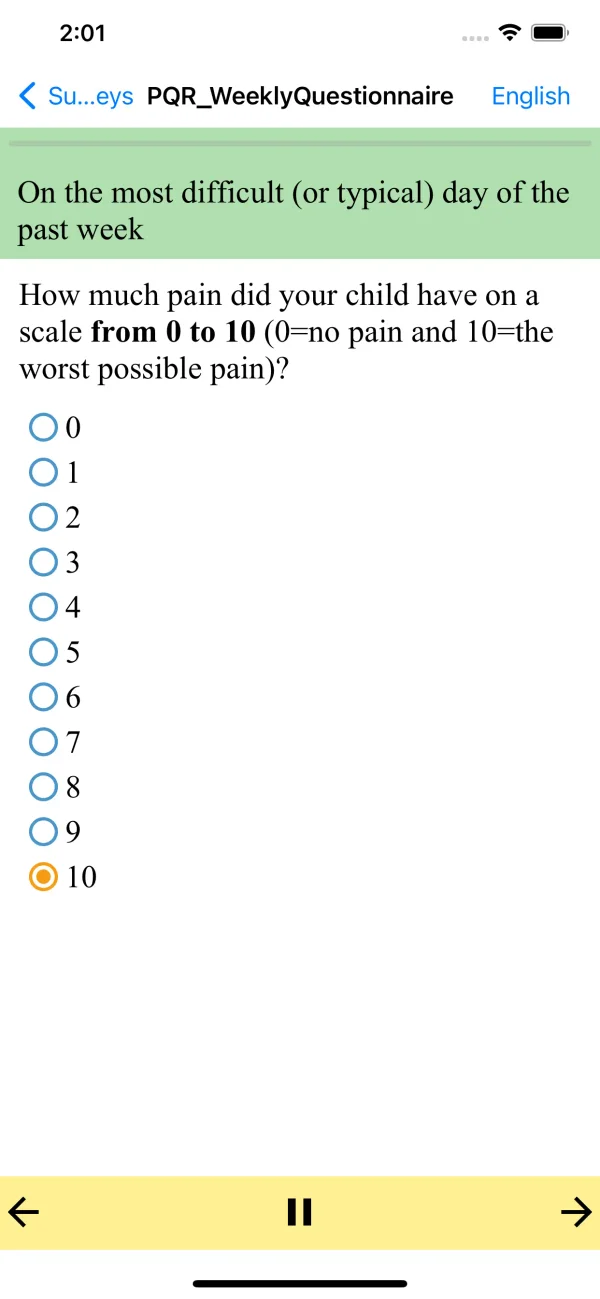
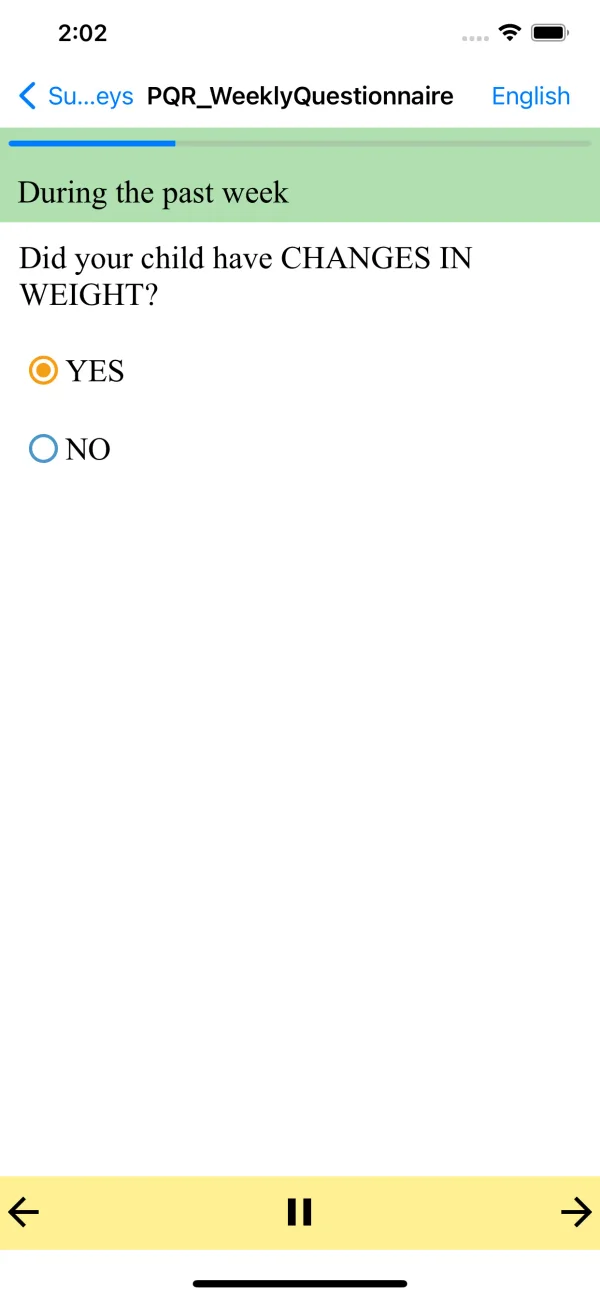
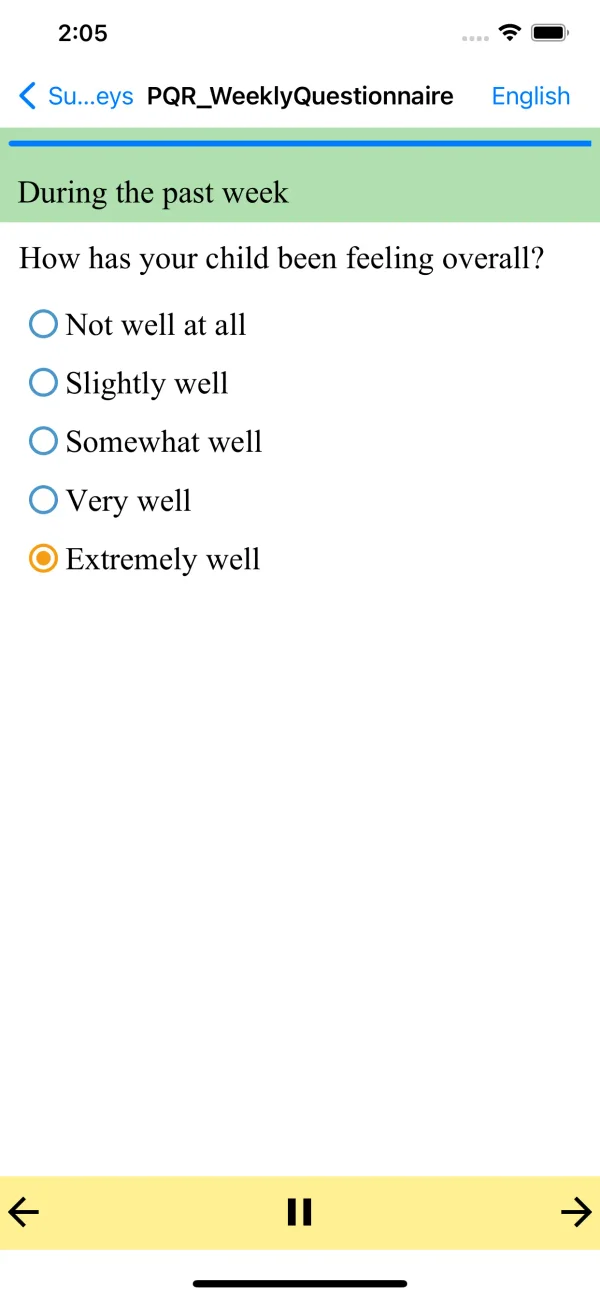
• The Pediatric Quality of Life and Evaluation of Symptoms Technology (PediQUEST) is designed to help health care providers learn more about your quality of life.
• As of now, the App is only used within specific research studies. In order to use it, you need to be enrolled in one of our PediQUEST research studies and be registered by our research staff into the PediQUEST system.
• Initially designed for children, adolescents and young adults with cancer, and their parents, the PediQUEST app regularly asks patients and parents, how the child, teen or young adult is feeling. Sometimes, depending on the study, patients, parents, and providers may also be able to see a report summarizing how the patient has been feeling.
• Users may occasionally be asked to answer other surveys using the PediQUEST app (for example, parents may be asked about how they are feeling).
• How it works
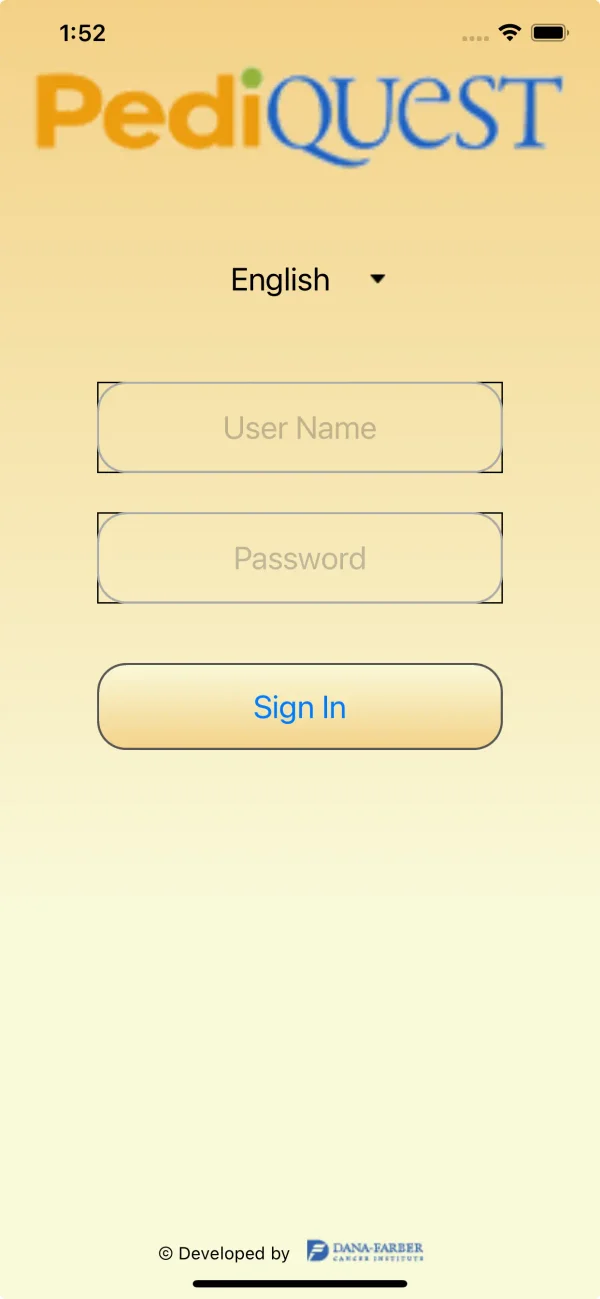
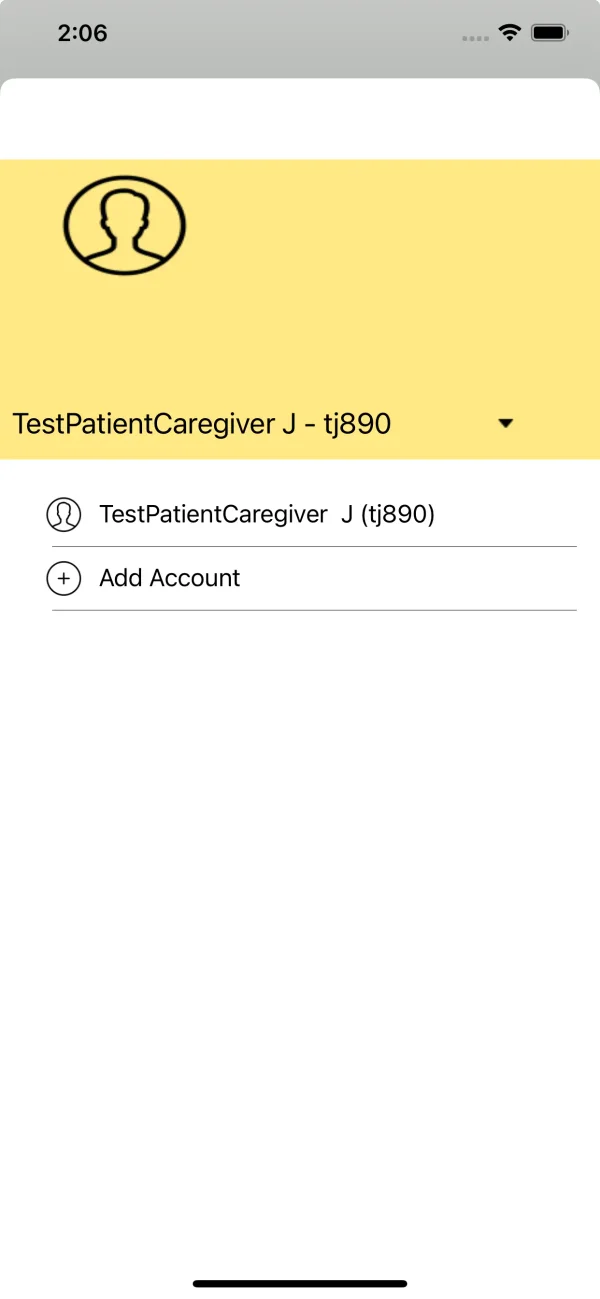
1. Once somebody registers you in the system, you will receive the login credentials over email. These credentials will allow users to complete the sign in process (create a password and password reset questions).
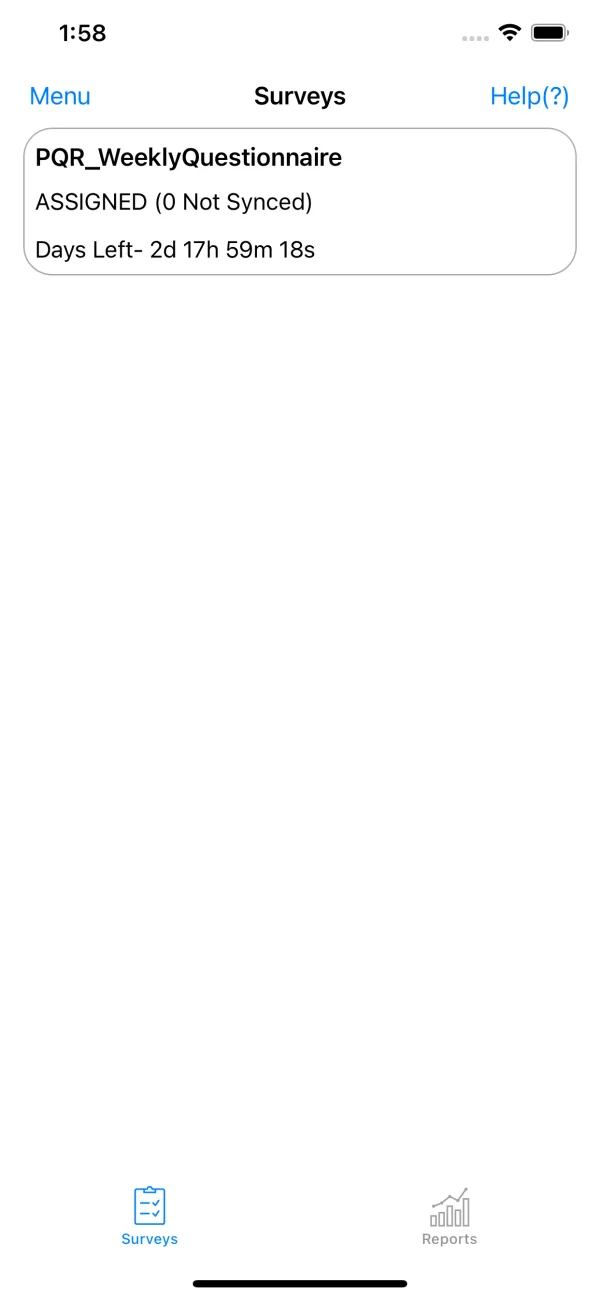
2. After entering the App, you will be able to see whether you have any surveys assigned. Click on survey card to start answering.
3. Users can use the App in multiple languages (only supporting English or Spanish at this time).
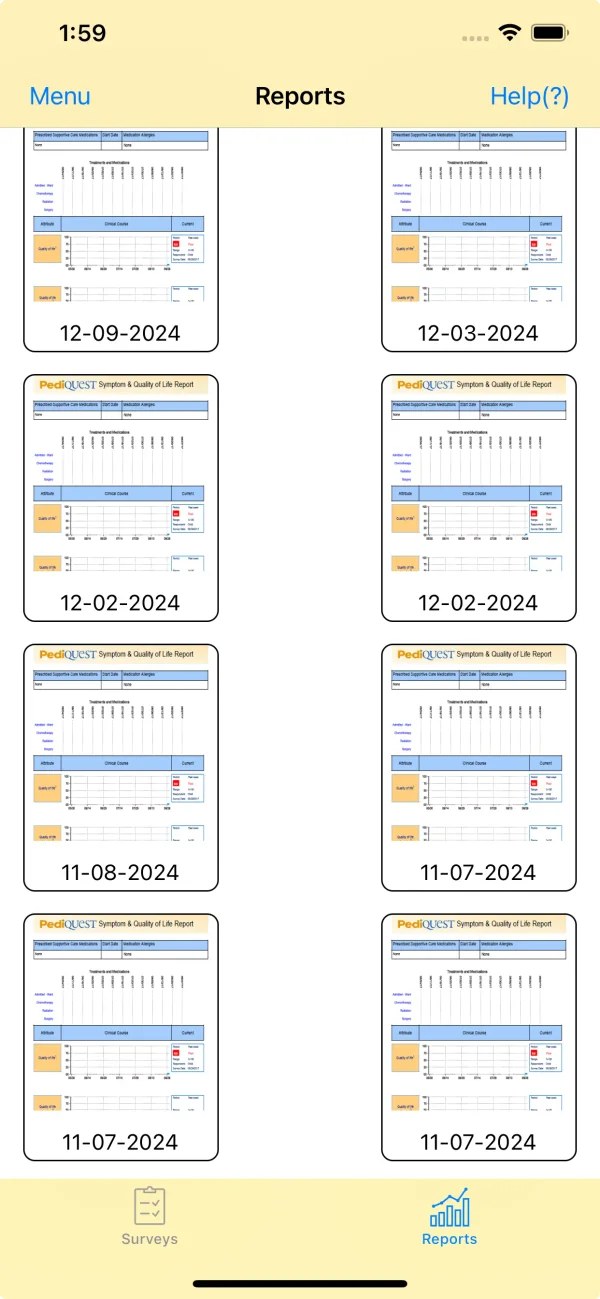
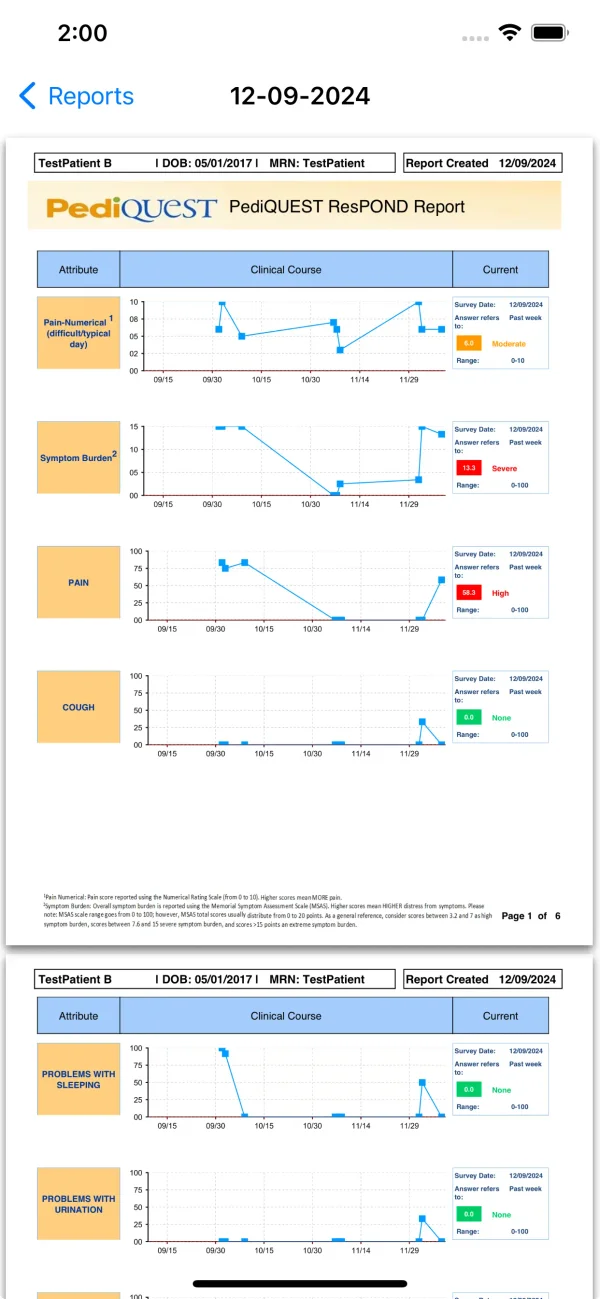
4. If the report feature is enabled for you, you will be able to see summary reports for each of the answered surveys. Reports summarize survey answers for the past three months, so they can help understand how the child has been doing lately.
5. Children have told us that looking at the reports helps them talk with their doctors, and parents can better understand how their child is feeling. Reports may also be seen by your clinicians.
Nouveautés
Version 1.2.1 · 12/12/2024
New functionalities added for smooth working
Confidentialité de l’application
Ce que Dana-Farber Cancer Institute déclare sur l’App Store au sujet du traitement des données par cette application.
-
Données établissant un lien avec vous
Peuvent être collectées et liées à votre identité.
- Santé et forme
-
Données n’établissant aucun lien avec vous
Peuvent être collectées, mais ne sont pas liées à votre identité.
- Identifiants
Les pratiques en matière de confidentialité peuvent varier, notamment en fonction des fonctionnalités que vous utilisez ou de votre âge.
Informations
- Vendeur
- Dana-Farber Cancer Institute
- Catégorie
- Médecine
- Version
- 1.2.1
- Mis à jour
- 12/12/2024
- Publié
- 28/02/2018
- Taille
- 22,9 Mo
- Nécessite
- iOS 10.0 ou version ultérieure
- Classification d’âge
- 4+
- Prix
- Gratuit
- Langues
- Anglais, Espagnol
- Copyright
- © DFCI Boston
Vous aimerez peut-être aussi
-
 CoreQ SurveyMédecine
-
 FITVIZ PROForme et santé
-
 Prompt Care ManagementMédecine
-
 Monadnock Gymnastics CenterForme et santé
-
 Allied Physical TherapyForme et santé
-
 Healthcare Emergency HubForme et santé
-
 Bay State CS PortalMédecine
-
 HWPO GYM VTForme et santé
-
 Nerbio iTOFMédecine
-
 Healthy with KelseyForme et santé