PeekAI
Capture code, get instant help
Conçue pour iPhone, iPad
Gratuit · Achats intégrés
- Classification d’âge4+
- CatégorieUtilitaires
- DéveloppeurHsuanCheng Lai
- LanguesChinois simplifié+ 1 de plus
- Taille5,3 Mo
Renvoie vers la page App Store officielle
Download.org n’héberge aucun fichier de PeekAI. Le bouton ouvre la page de l’application sur App Store, où HsuanCheng Lai la publie. Fiche vérifiée pour la dernière fois le 14/11/2026.
Captures d’écran


À propos
Le développeur n’a pas fourni ce texte dans votre langue.
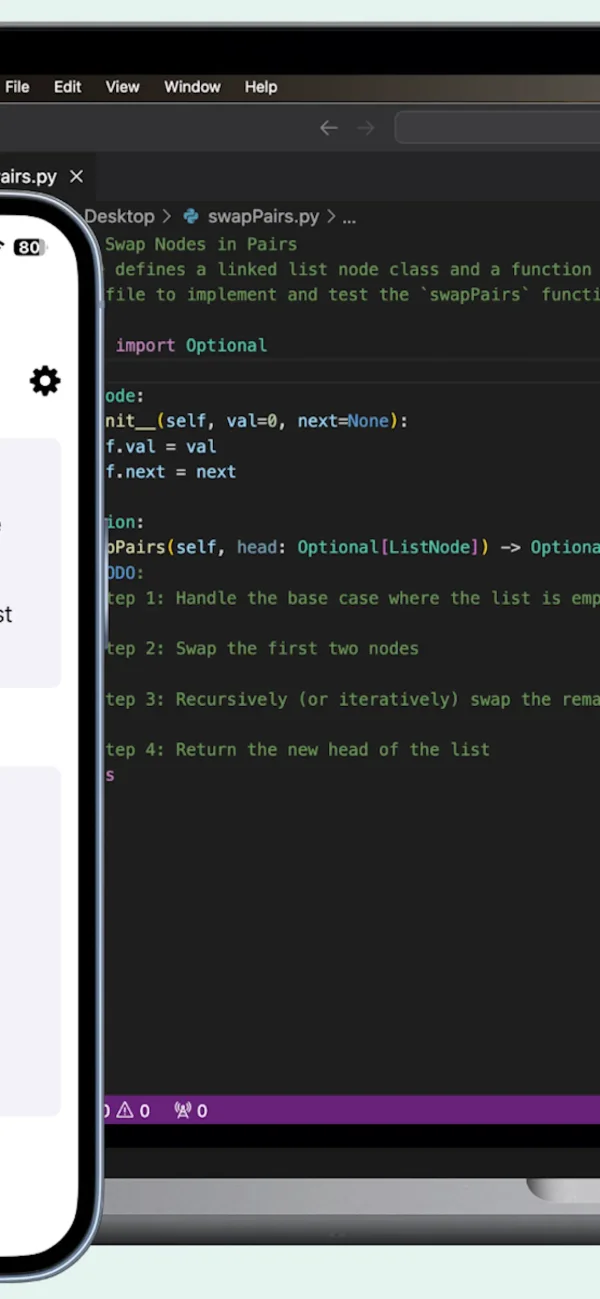
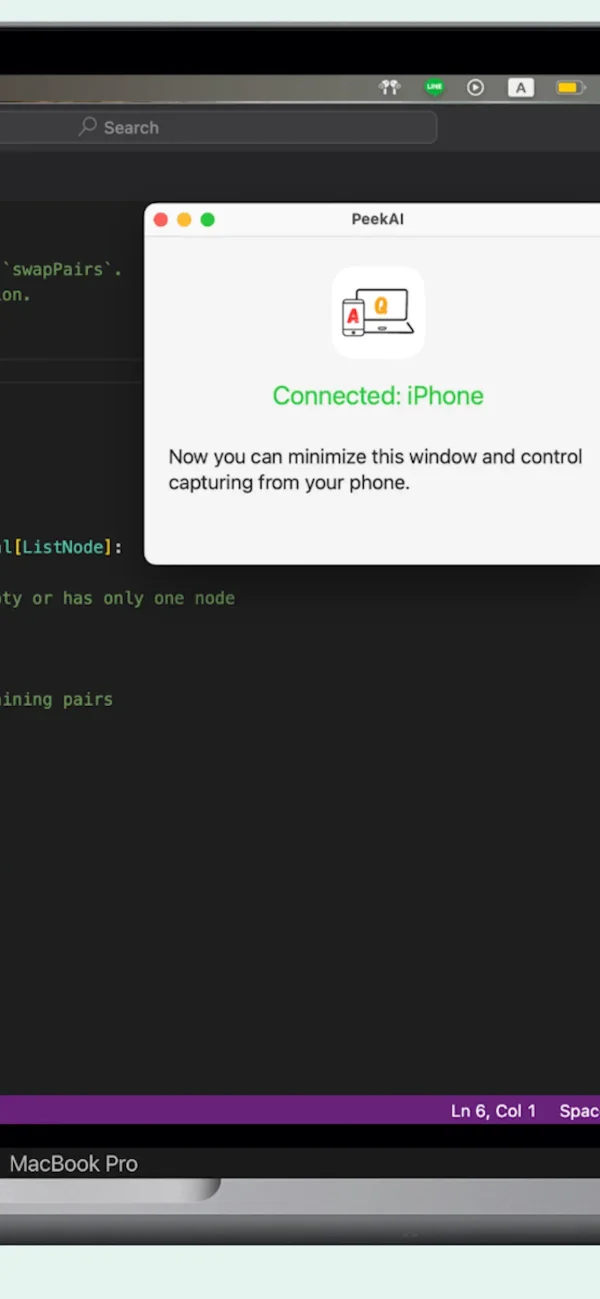
PeekAI works with its companion Mac and Windows apps to give you instant answers from on-screen text. With a single tap on your iPhone or iPad, you can capture text from your Mac or Windows PC, send it to your device, and receive fast, AI-powered explanations or solutions—without interrupting your workflow.
How it works:
• Install PeekAI on both your mobile device and Mac/Windows app.
• Tap Capture in the mobile app.
• The desktop app recognizes and streams text securely to your device.
• AI processes the text and returns helpful answers instantly.
Key Features:
• Capture any text from your Mac or Windows PC with one tap.
• Real-time cross-device connection.
• Log-in support for syncing your usage.
• Credit-based processing available for users without an API token or in restricted regions.
• New users receive free starter credits.
• Optional in-app credits for extended usage.
• iPad version included.
• Your API token (if provided) is stored securely on-device.
• No screenshots or images are saved—only processed text is transmitted.
Why PeekAI?
• Quickly get explanations for coding problems, error messages, or documents.
• Stay in your workflow—no switching apps or copy-pasting.
• Private, efficient AI assistance directly on your mobile device.
PeekAI requires the mobile app and either the Mac or Windows app to function.
Download the companion apps:
• Mac:
https://apps.apple.com/us/app/peekai-viewer/id6752370272
• Windows:
https://apps.microsoft.com/store/detail/9P849H9J6HMF
Nouveautés
Version 1.1.1 · 29/01/2026
• New Windows companion app available for cross-platform text capture:
https://apps.microsoft.com/store/detail/9P849H9J6HMF
• Added dark app icon
Confidentialité de l’application
Ce que HsuanCheng Lai déclare sur l’App Store au sujet du traitement des données par cette application.
-
Données non collectées
Le développeur ne collecte aucune donnée à partir de cette application.
Les pratiques en matière de confidentialité peuvent varier, notamment en fonction des fonctionnalités que vous utilisez ou de votre âge.
Informations
- Vendeur
- HsuanCheng Lai
- Catégorie
- Utilitaires
- Version
- 1.1.1
- Mis à jour
- 29/01/2026
- Publié
- 21/09/2025
- Taille
- 5,3 Mo
- Nécessite
- iOS 17.6 ou version ultérieure
- Classification d’âge
- 4+
- Prix
- Gratuit
- Achats intégrés
- Oui
- Langues
- Chinois simplifié, Chinois traditionnel
- Copyright
- © 2026 Hsuan-Cheng Lai
Vous aimerez peut-être aussi
-
 Image en Texte - Copie OCRScanner de texte : photo & PDF
-
 Calculateur de Ratio PhotoRecadrez et exportez l'image
-
 NEX SCOOTERUtilitaires
-
 Contrôle de domaine et WhoisWhois et contrôle de domaine
-
 Mobile Display - Moniteur UVCiPad en moniteur portable
-
 Dun: Clavier vocal IADictée vocale, voix en texte
-
 Copied: Clavier Vente & CollerPresse papiers et Historique
-
 SMS Proxy - Num Temp.Recevez des SMS temporaires
-
 Copier et coller le clavierPresse-papiers facile
-
 WispLensUtilitaires