
- Classification d’âge4+
- CatégoriePhoto et vidéo
- DéveloppeurPrimeAnalytIQ Corp.
- LanguesAnglais
- Taille110,4 Mo
Renvoie vers la page App Store officielle
Download.org n’héberge aucun fichier de PeekCut. Le bouton ouvre la page de l’application sur App Store, où PrimeAnalytIQ Corp. la publie. Fiche vérifiée pour la dernière fois le 14/11/2026.
Captures d’écran

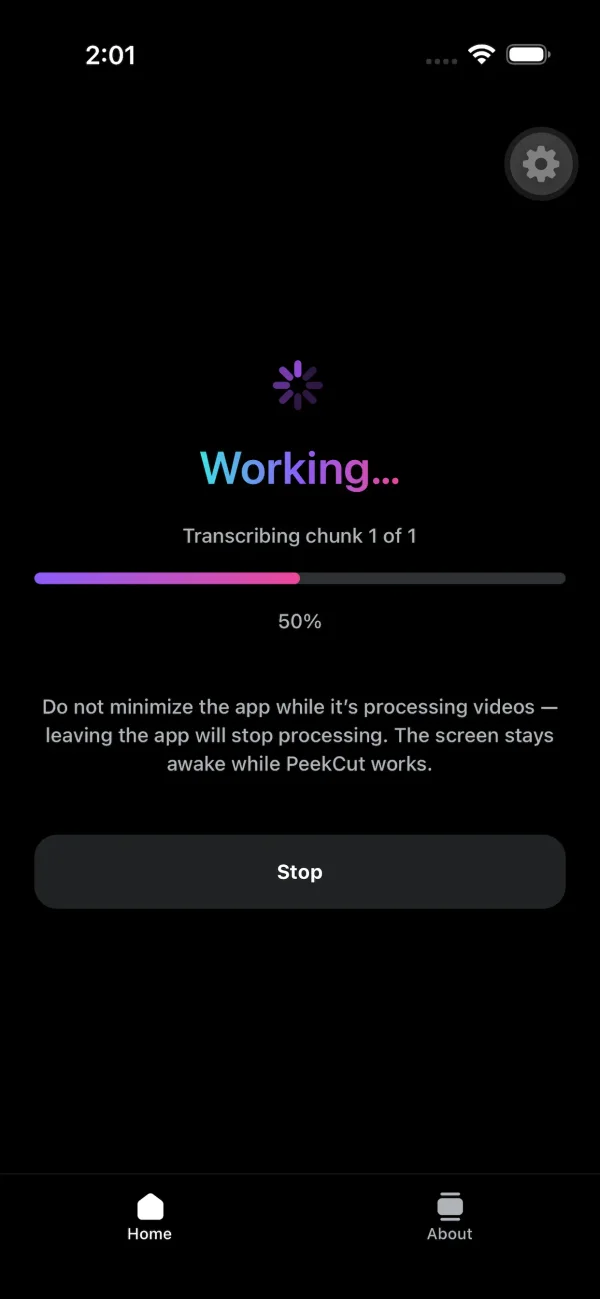
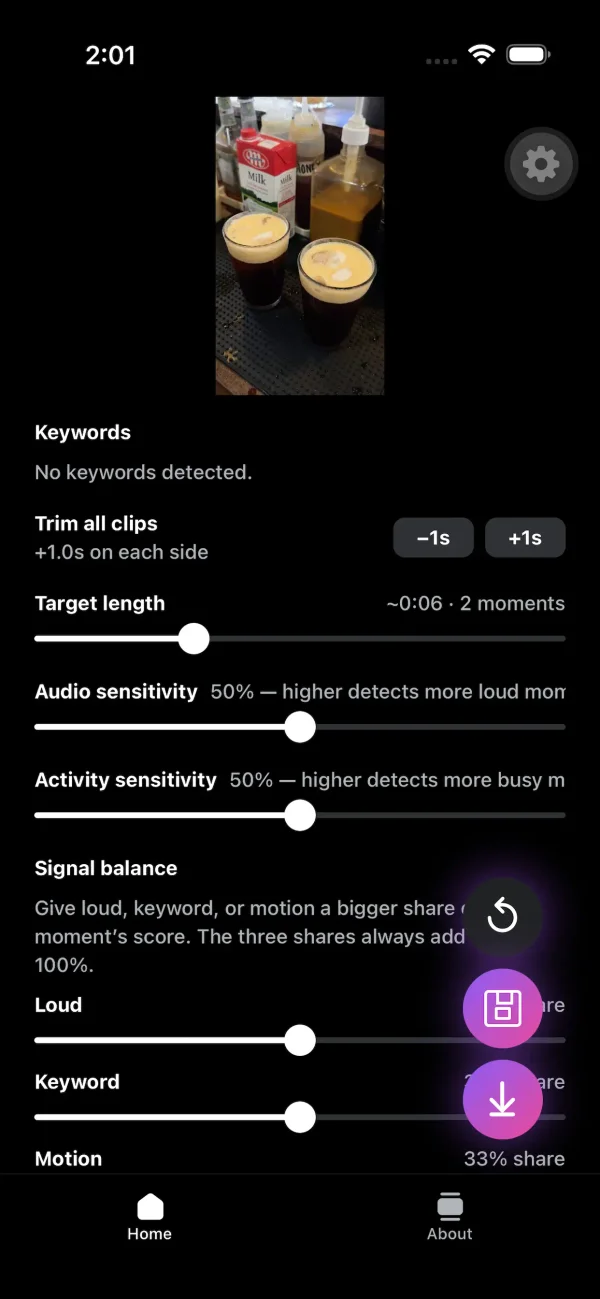
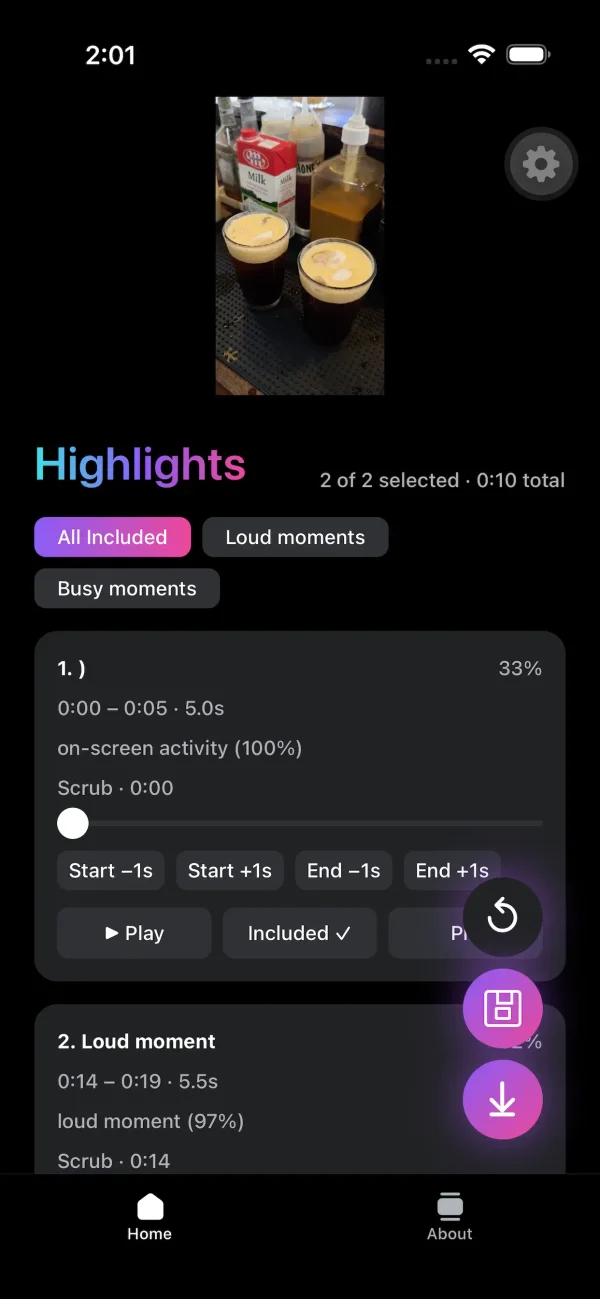
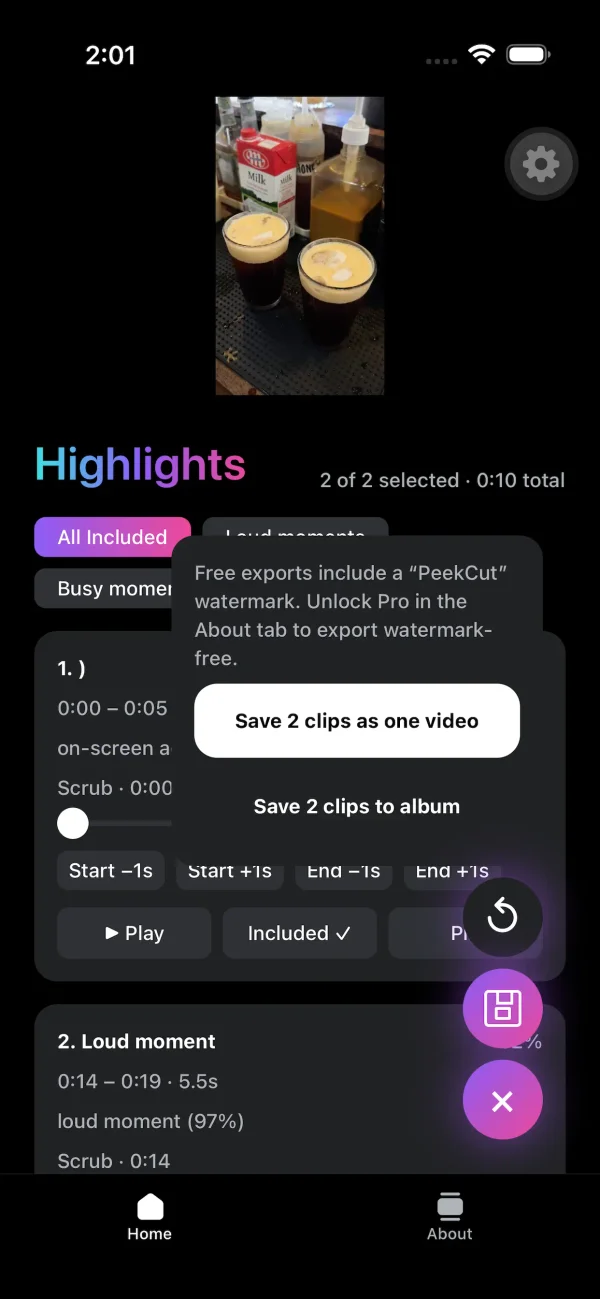
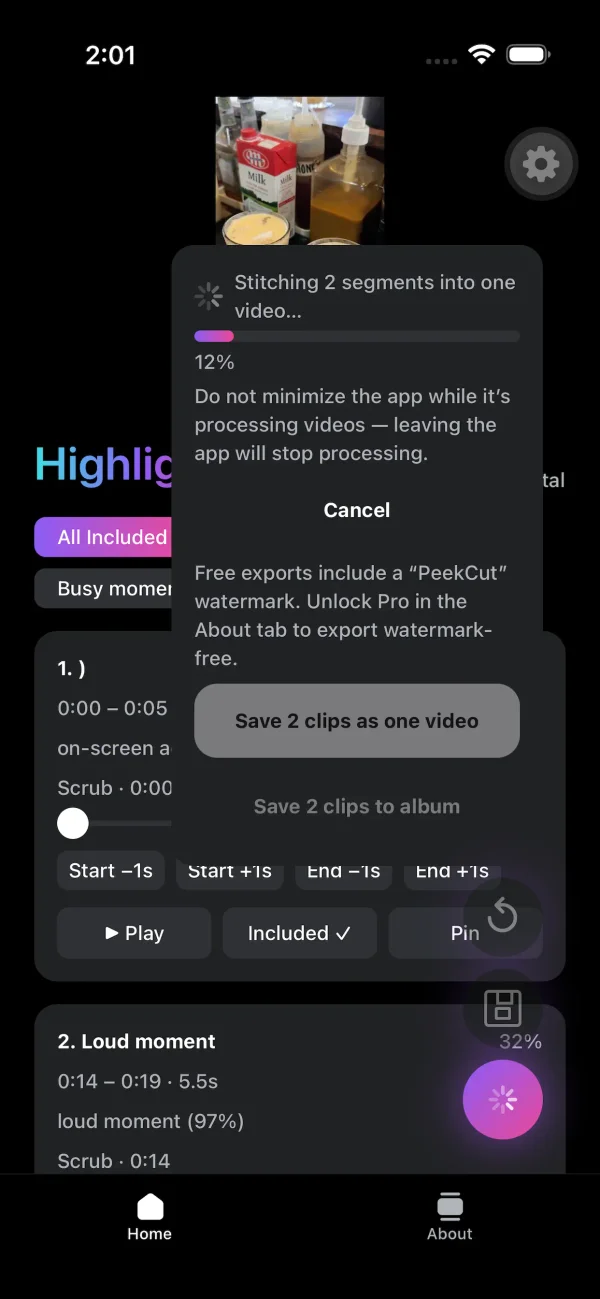
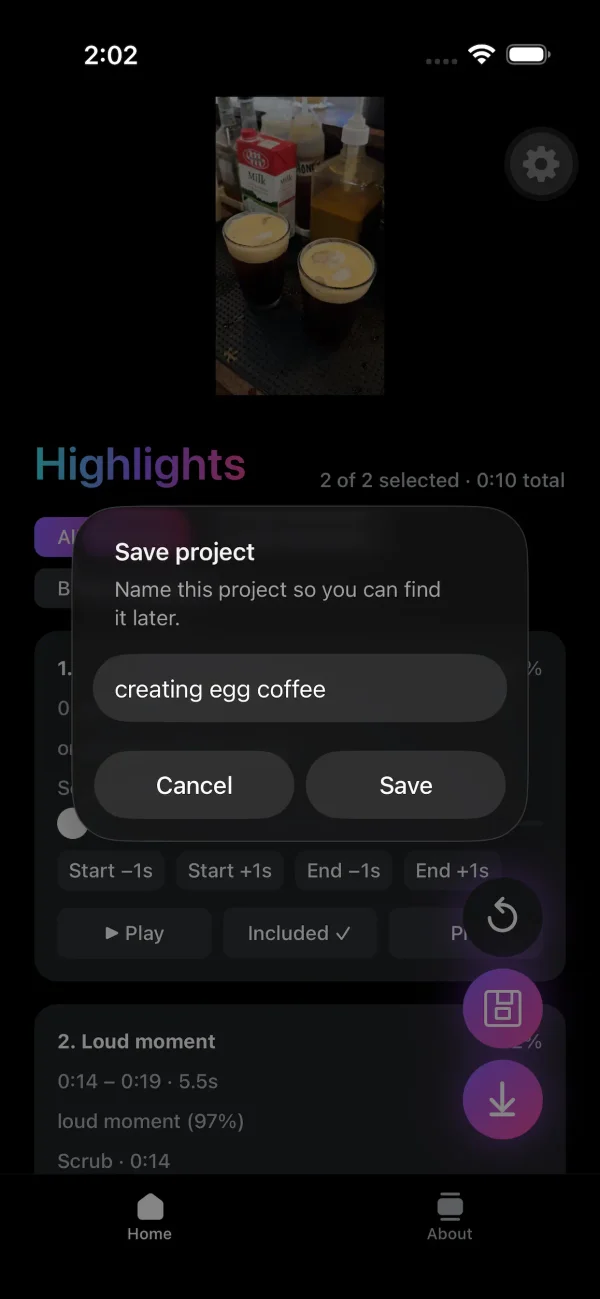

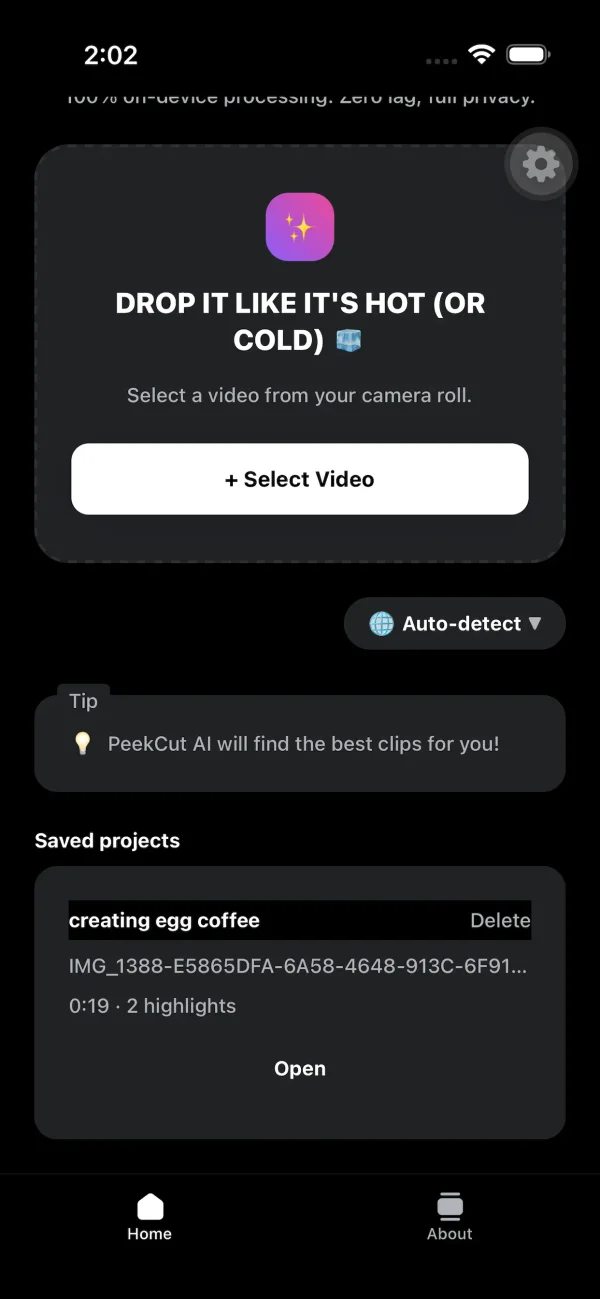

À propos
Le développeur n’a pas fourni ce texte dans votre langue.
PEEKCUT: AI HIGHLIGHT REELS — 100% PRIVATE & OFFLINE
Stop scrubbing through hours of footage to find the good parts. PeekCut is the AI-powered highlight-reel maker that turns your long videos into share-ready clips—all directly on your device. No cloud, no uploads, no accounts.
THE PROBLEM SOLVER
Most "AI editors" force you to upload your private videos to the cloud for processing. PeekCut does the opposite: our intelligence runs 100% locally on your phone. Your footage never leaves your device, ensuring total privacy.
CORE FEATURES
• Smart Auto-Highlights: Our AI analyzes audio loudness, spoken keywords, and on-screen motion to surface the moments that actually matter—across the entire recording, not just the first few minutes.
• Hit Your Target Length: Set the reel length you want and PeekCut fills it accurately. Moment selection accounts for trim padding and transitions, so an 18-minute target delivers an 18-minute reel.
• Total Control: Tune your results with Signal balance sliders (loud vs. keyword vs. motion), adjust sensitivity, set target lengths, and manually trim or pin your favorite moments.
• Responsive Trim: Add a few seconds of breathing room to every clip and watch the reel update instantly—PeekCut automatically rebalances how many moments fit your target.
• Seamless Stitching: Moments that overlap after trimming are merged into one continuous shot—no duplicate footage, no awkward cut in the middle of a sentence.
• Multilingual Transcription: Supports ~99 languages. Keyword highlighting works from the actual words spoken—not a fixed English list.
• Two-Tap Export: Save individual highlights or stitch them into one polished reel with smooth cross-dissolve transitions, ready for your photo library.
WHY PEEKCUT?
• Truly Private: 100% offline. No servers, no data harvesting.
• Fast & Effortless: Import, analyze, review, and export in just a few taps.
• Predictable Results: What you see in Review is what you get in your photo library—including the final reel length.
• No Subscription Fatigue: We believe in ownership. Pay once, own it forever.
PEEKCUT PRO
PeekCut is free to use with all features enabled. Free exports carry a small "PeekCut" watermark.
Upgrade to PeekCut Pro for a one-time purchase of $9.99 to:
• Remove the watermark from all future exports.
• Support the development of privacy-first, on-device AI tools.
Because our AI runs locally on your phone, we don't have recurring server costs—so we pass those savings to you. Pay once, unlock everything, and keep your footage private forever.
IDEAL FOR
Content creators, social-media posters, coaches, gamers, event/travel videographers, and anyone sitting on long recordings who wants the highlights without giving up their privacy.
Your highlights. On your device. Not in the cloud.
Questions or feedback? We'd love to hear from you. Reach out to us at peekcut@primeanalytiq.com or visit our website to learn more about how we keep your data private.
Nouveautés
Version 1.1.0 · 08/09/2026
• Target length is now accurate — trim padding and transitions are factored in when picking moments, so your reel actually matches the length you set.
• Overlapping moments merge seamlessly — if trimming makes two moments touch, they're joined into one continuous shot instead of cutting between duplicate footage.
• The "Trim all clips" control now responds instantly and rebalances how many moments fit your target.
• The Review screen shows the true stitched length of your reel.
• Version number is now visible on the About screen.
Confidentialité de l’application
Ce que PrimeAnalytIQ Corp. déclare sur l’App Store au sujet du traitement des données par cette application.
-
Données non collectées
Le développeur ne collecte aucune donnée à partir de cette application.
Les pratiques en matière de confidentialité peuvent varier, notamment en fonction des fonctionnalités que vous utilisez ou de votre âge.
Informations
- Vendeur
- PrimeAnalytIQ Corp
- Catégorie
- Photo et vidéo
- Version
- 1.1.0
- Mis à jour
- 08/09/2026
- Publié
- 07/09/2026
- Taille
- 110,4 Mo
- Nécessite
- iOS 16.4 ou version ultérieure
- Classification d’âge
- 4+
- Prix
- Gratuit
- Langues
- Anglais
- Copyright
- © PrimeAnalytIQ Corp
Vous aimerez peut-être aussi
-
 VolleySplicePhoto et vidéo
-
 VideoCut – Montage & plusCouper, assembler, inverser
-
 Framr: Video Highlights AIPhoto et vidéo
-
 Quick Cut Pro - Video EditorPhoto et vidéo
-
 InstantCut - Video EditorPhoto et vidéo
-
 Tapework — vrai VHS vidéoAnalogique. Pas un filtre.
-
 Pulse: Auto Highlight ReelPhoto et vidéo
-
 CullourPhoto et vidéo
-
 MustaGram Cam: FX StacheMasterPhoto et vidéo
-
 Tennis ShotsIA : vos highlights de tennis