
Permanote
Powerful editor for Dropbox
Conçue pour iPhone, iPad, iPod touch
Gratuit · Achats intégrés
- Classification d’âge4+
- CatégorieProductivité
- DéveloppeurScreenplay & Script Pte. Ltd.
- LanguesAnglais
- Taille40,5 Mo
Renvoie vers la page App Store officielle
Download.org n’héberge aucun fichier de Permanote. Le bouton ouvre la page de l’application sur App Store, où Screenplay & Script Pte. Ltd. la publie. Fiche vérifiée pour la dernière fois le 15/11/2026.
Captures d’écran

À propos
Le développeur n’a pas fourni ce texte dans votre langue.
Writers utilize Permanote to arrange their ideas while maintaining control and flexibility over their files.
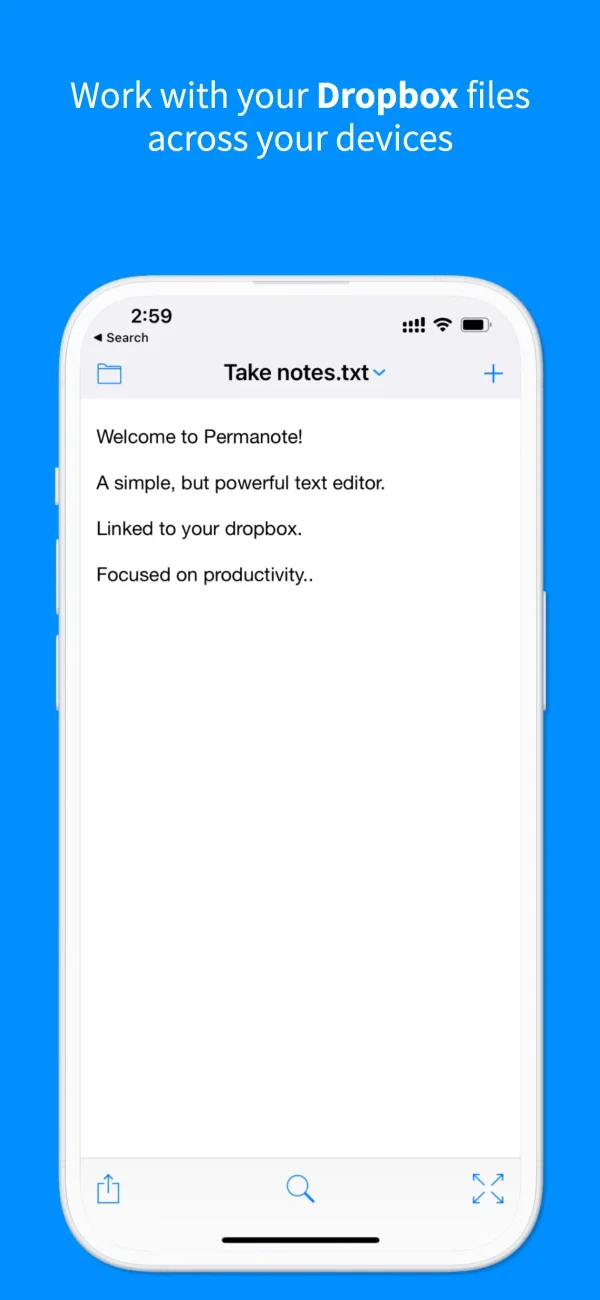
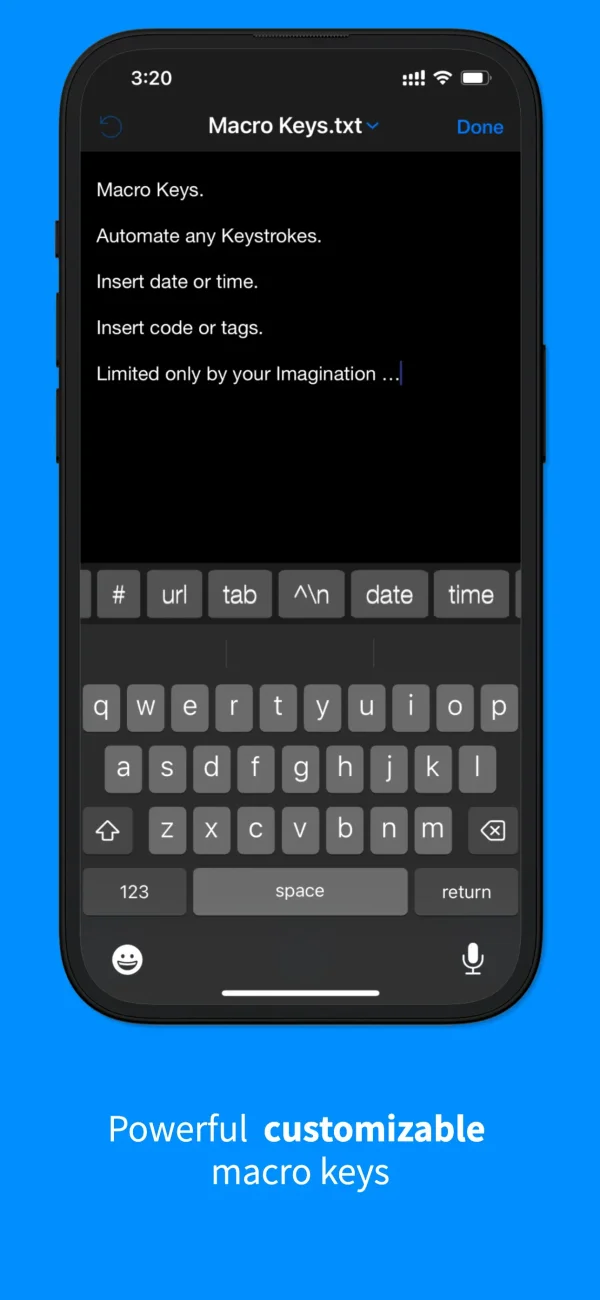
Permanote enables you to modify text files in your Dropbox and synchronize them across all your devices. Enhance your experience with a customizable macro key strip above the keyboard through a Pro subscription.
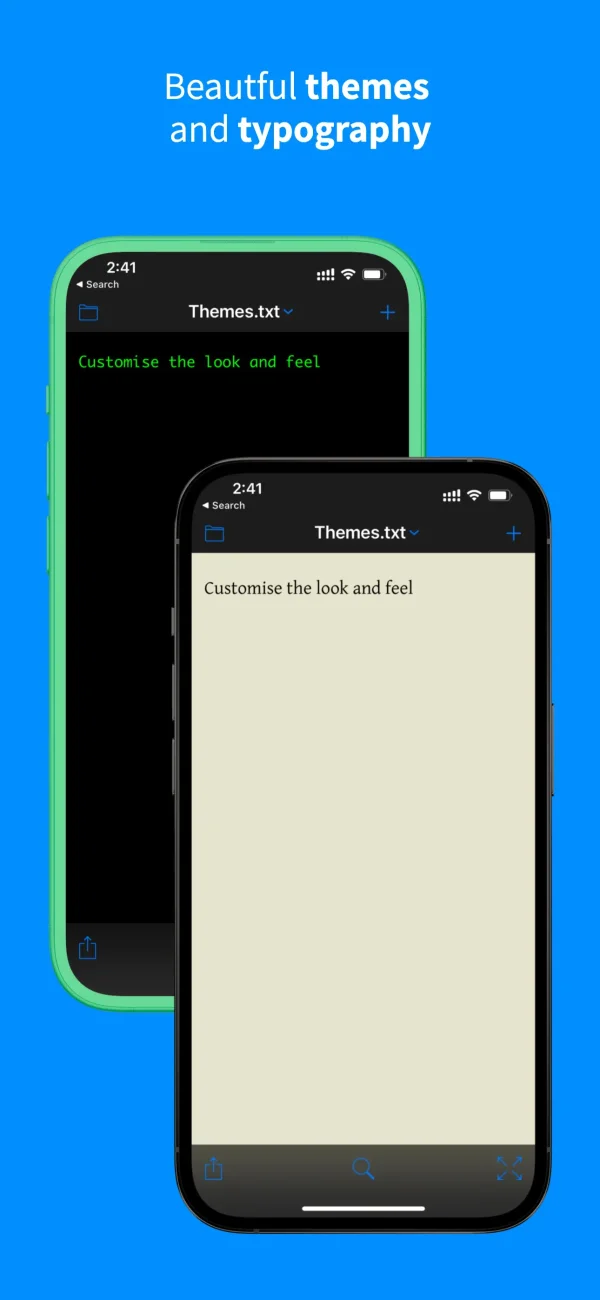
Unlike other text editors that impose specific themes to set the mood or require storing notes in a single folder or exclusive file system, Permanote offers you freedom.
Permanote is the go-to tool for organizing thoughts among writers from the New Yorker, BBC correspondents, and CEOs.
Cherish your written work.
IN-APP PURCHASES
Permanote is free to use, with all main features included. To access extra Pro features, opt for a Pro subscription.
FEATURES
- Synchronize any text file within any folder of your Dropbox
- Robust macro key strip above the keyboard
- Personalize your macro strip (Pro)
- Editor pinch-to-zoom functionality (Pro)
- Full-screen, distraction-free "Writeroom" style editing
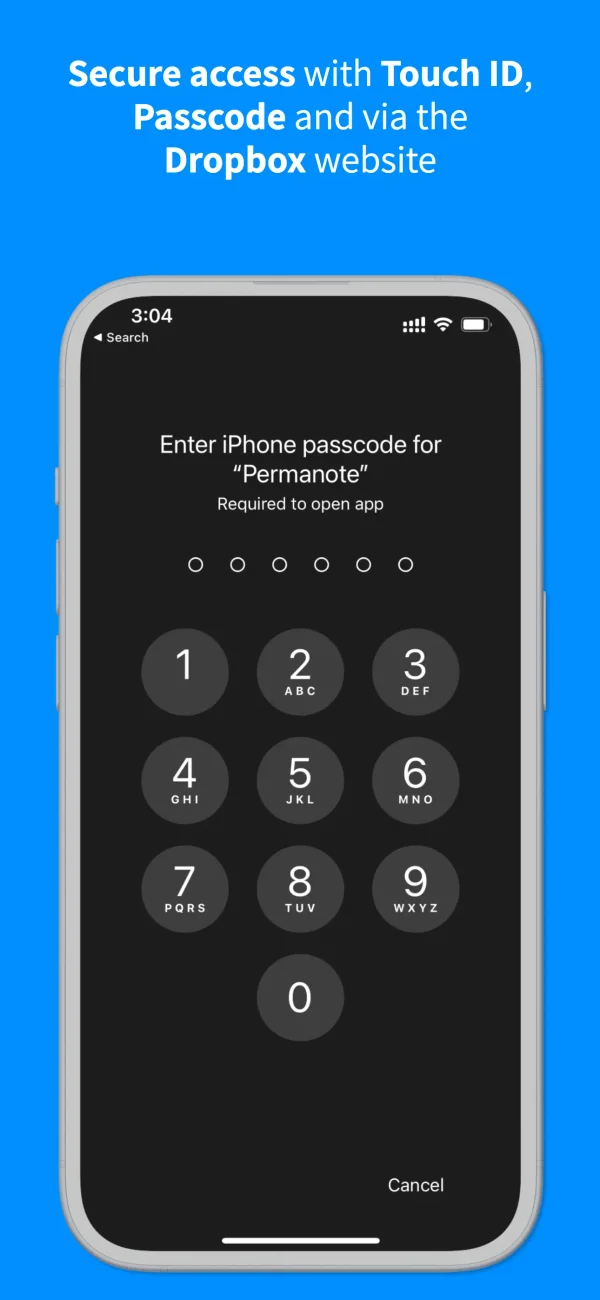
- Touch ID / Passcode privacy support (Pro)
- Create custom themes (Pro)
- iPad Pro Smart Keyboard shortcuts
- "Insert Tab" key
- Email as PDF
- Adjustable word wrapping
- Word/Character/Line count
- International file encoding options
- Convenient scratchpad
- Notepad/CRLF line options
- Comprehensive Dropbox Search
- TextExpander Support (Pro)
- Hashtag support
- Preview files in PDF, HTML, Markdown, MultiMarkdown, Rich Text-RTF
- Customize CSS and Base URL for markup previews
- Personalize editor colors (Pro)
- Alter editor fonts (Pro)
- Adjust line-spacing and margins
- AirPrint
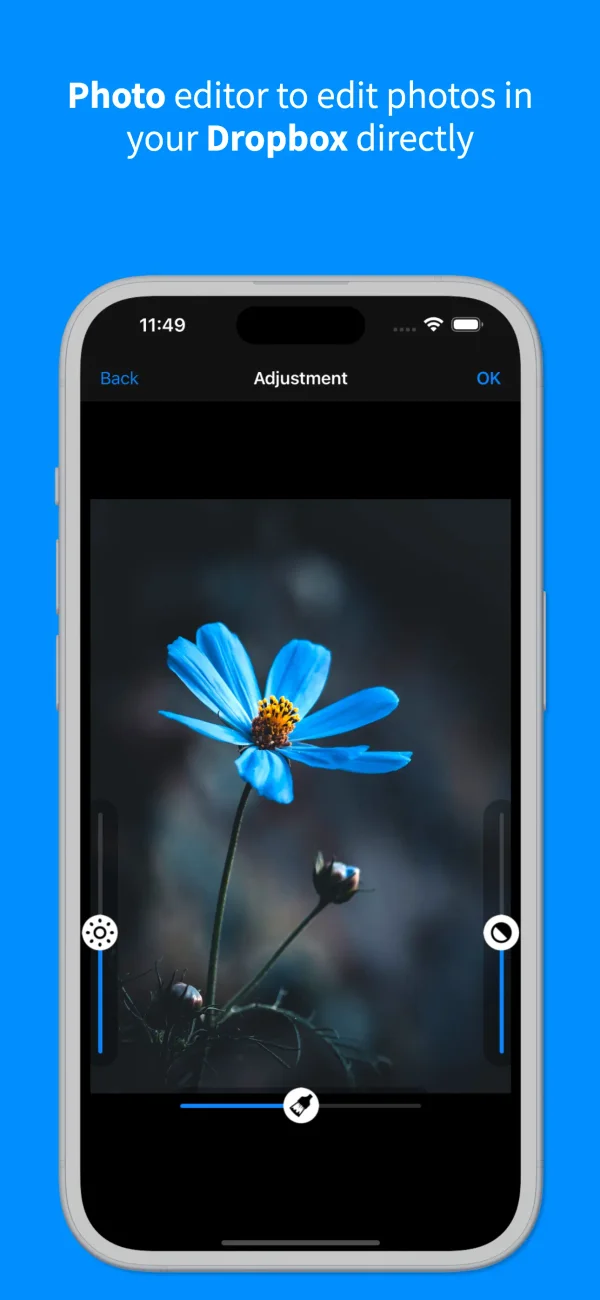
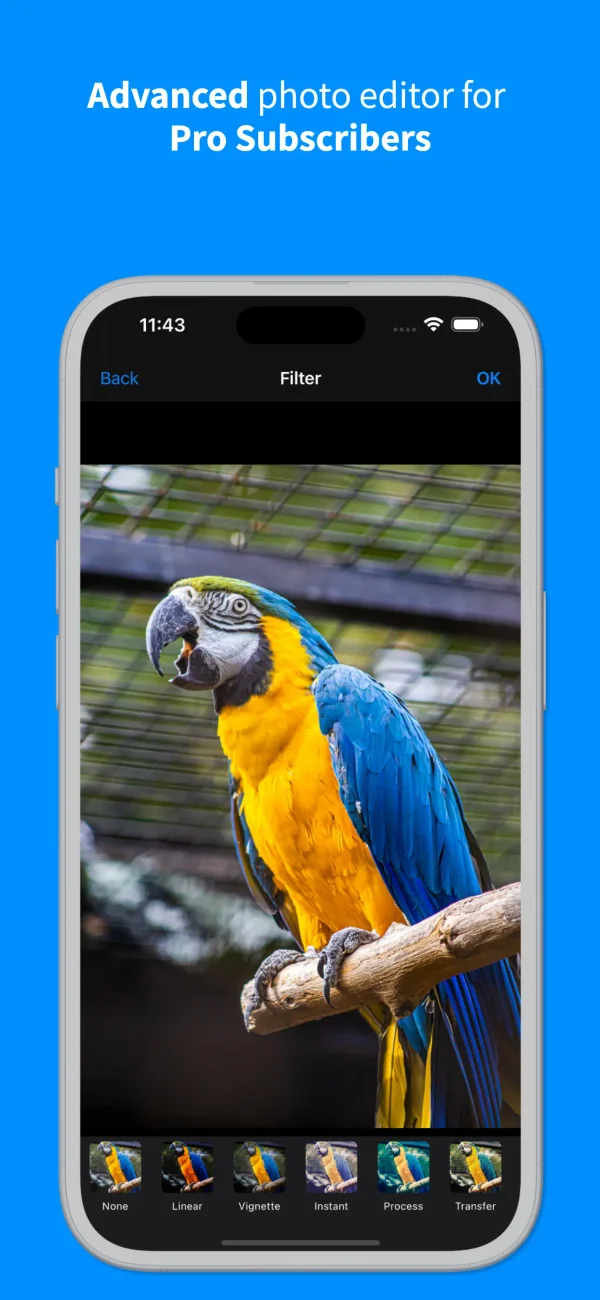
- Built in photo editor with advanced features for Pro users
REVIEWS
"I absolutely LOVE your app." - Merlin Mann, creator of 43 Folders
"Permanote is arguably the best tool for writers, bloggers, or journalists who need to work on the go." - AppAdvice.com
"Permanote is worth a try if you're particular about your note-taking." - geek.com
Nouveautés
Version 2.1 · 18/06/2024
Introducing the Photo Editor!
Photo Editing Made Easy: Open a photo from your Dropbox and click 'Edit' to access our new Photo Editor.
Free Features for All Users: Enjoy basic editing functions like rotation, brightness adjustment, and contrast enhancement.
Pro Features Unlocked: Pro Subscribers can now use advanced tools, including color filters, effects, resizing, stickers, emoticons, and text placement.
Additional Updates
-------------------
Improved File Handling: A progress indicator now appears when opening or saving files.
Enhanced Dark Theme: We’ve fixed various issues on the file preview screen in dark mode.
Full-Screen Previews: File previews are now displayed in full screen for better visibility.
Expanded File Support: Added preview capabilities for additional file types such as MP4 and JPEG, ensuring they preview correctly.
Confidentialité de l’application
Ce que Screenplay & Script Pte. Ltd. déclare sur l’App Store au sujet du traitement des données par cette application.
-
Données n’établissant aucun lien avec vous
Peuvent être collectées, mais ne sont pas liées à votre identité.
- Données d’utilisation
- Diagnostic
Les pratiques en matière de confidentialité peuvent varier, notamment en fonction des fonctionnalités que vous utilisez ou de votre âge.
Informations
- Vendeur
- Screenplay & Script Pte. Ltd.
- Catégorie
- Productivité
- Version
- 2.1
- Mis à jour
- 18/06/2024
- Publié
- 22/05/2022
- Taille
- 40,5 Mo
- Nécessite
- iOS 13.0 ou version ultérieure
- Classification d’âge
- 4+
- Prix
- Gratuit
- Achats intégrés
- Oui
- Langues
- Anglais
- Copyright
- © Screenplay & Script Pte. Ltd.
Vous aimerez peut-être aussi
-
 Stratword - Script WritingGuide d'écriture de scénario
-
 Storyist 4Productivité
-
 Fountain · easy screenwritingProductivité
-
 DraftsProductivité
-
 Scriptation: Annoter ScénariosNotes, Dépouillement, Lecture
-
 Final Draft GoProductivité
-
 WriterDuetProductivité
-
 Paper: Writing App, NotesProductivité
-
 Just Write - App For WriterProductivité
-
 Werdsmith: Writing AppWrite stories, scripts, books