PhaseShift
Hi-res offline music player
Conçue pour iPhone, iPad, Mac
Gratuit · Achats intégrés
- Classification d’âge4+
- CatégorieMusique
- DéveloppeurNevv Atlantis LLC
- LanguesAnglais
- Taille32,6 Mo
Renvoie vers la page App Store officielle
Download.org n’héberge aucun fichier de PhaseShift. Le bouton ouvre la page de l’application sur App Store, où Nevv Atlantis LLC la publie. Fiche vérifiée pour la dernière fois le 18/11/2026.
Captures d’écran



À propos
Le développeur n’a pas fourni ce texte dans votre langue.
PhaseShift is a private, high-fidelity music player built for the music you own. Import your collection, organize it your way, and enjoy detailed playback without accounts, ads, tracking, or reliance on streaming services.
PLAY YOUR COLLECTION
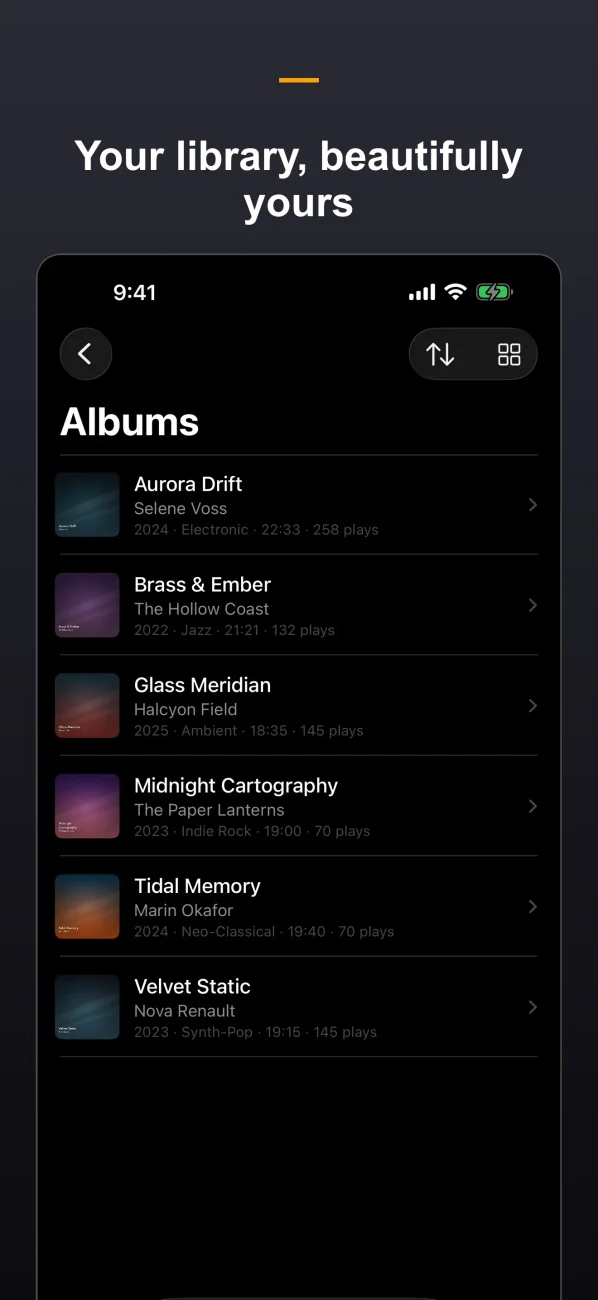
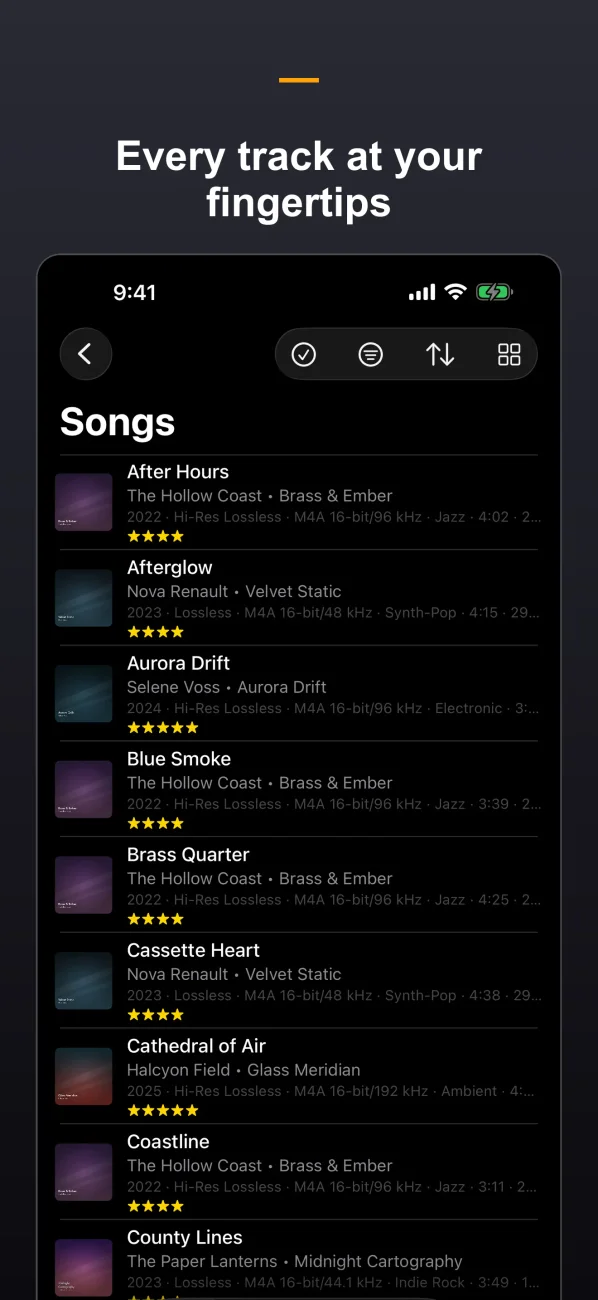
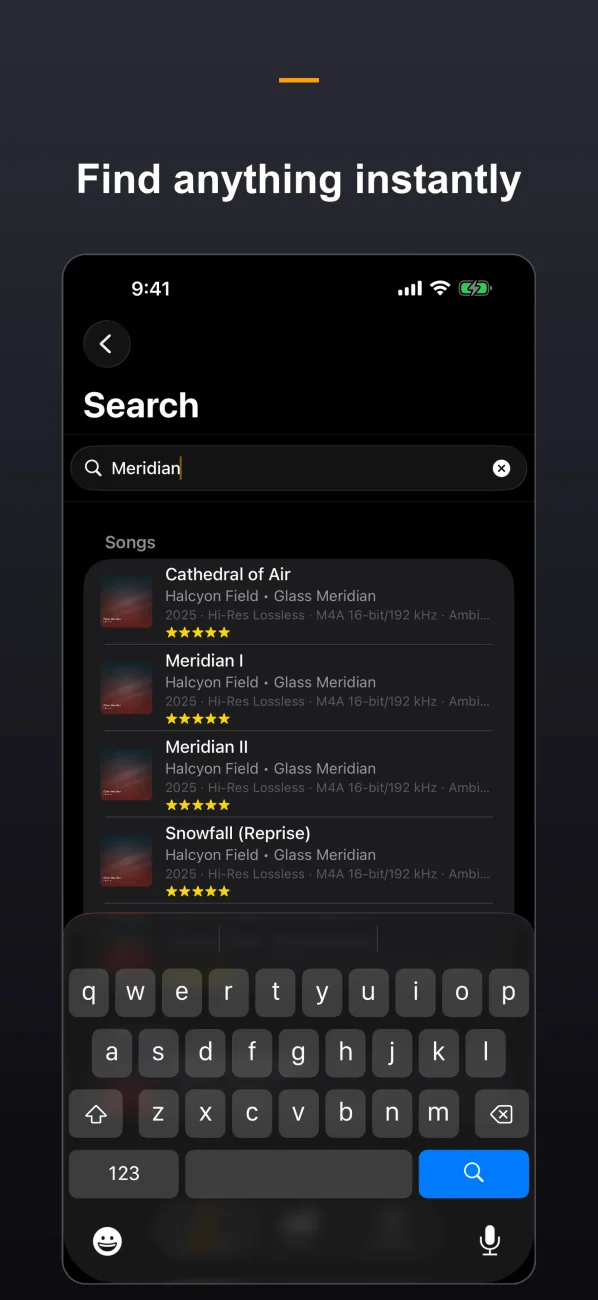
Import music from Files, iCloud Drive, USB storage, your computer over Wi-Fi, or folders on WebDAV and SMB network shares. Use folders in place or copy tracks into PhaseShift. Browse songs, albums, artists, genres, playlists, recently added music, and pinned favorites. Customize your library shelves and artwork sizes to suit your collection.
HIGH-FIDELITY AUDIO
Play MP3, AAC, M4A, ALAC, FLAC, WAV, AIFF, DSF, and DFF files. See the active signal path, sample rate, bit depth, and output route while listening. Native DSD decoding and optional DSD over PCM support help you get more from compatible audio hardware.
MAKE PLAYBACK YOURS
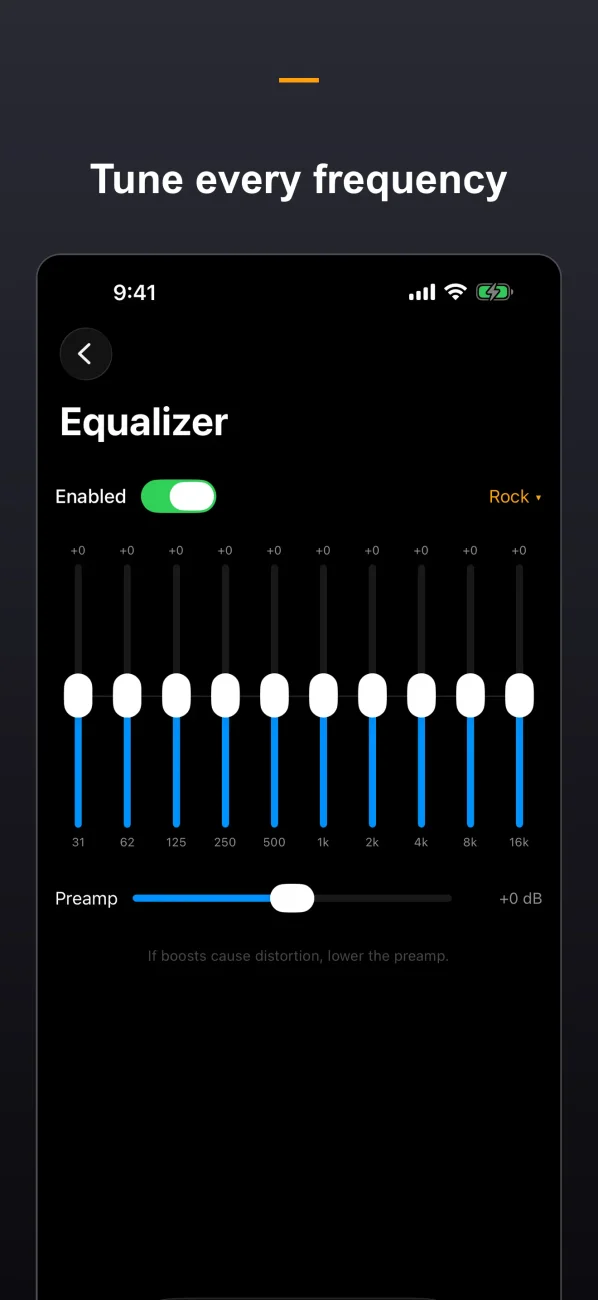
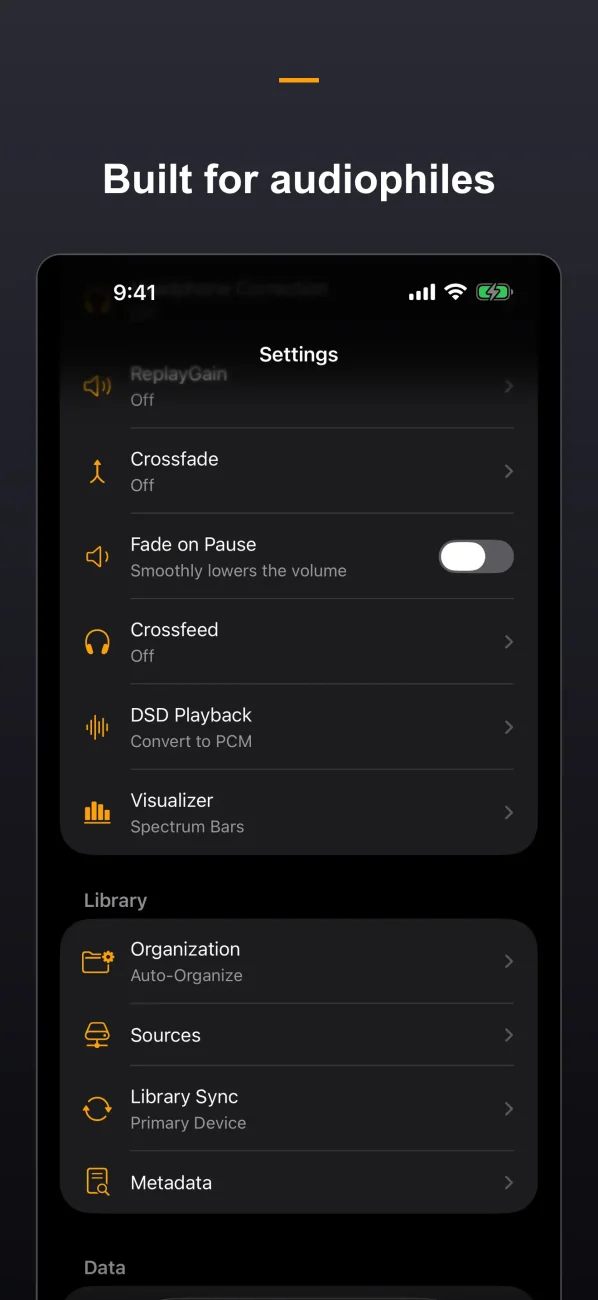
Build and edit the queue, enjoy gapless playback, view synced or plain lyrics, set a sleep timer, and use A-B repeat or track bookmarks. Choose from customizable themes and visualizers, scrub with a real waveform, and fine-tune sound with a 10-band equalizer, ReplayGain, crossfade, headphone crossfeed, and correction profiles.
ORGANIZE AND EDIT
Create regular and smart playlists, sort and filter your library, edit tags and artwork, apply batch changes, and import CUE sheets as individual tracks. PhaseShift can write supported ratings and play counts back to your audio files, helping your collection remain portable.
YOUR LIBRARY ACROSS YOUR DEVICES
Pair your own devices with a QR code or pairing code, then sync music, playlists, artwork, ratings, play history, and tag changes over your local network. Sync your whole library or selected artists and playlists, and choose the audio quality stored on each sub device while keeping the primary library in control. Back up and restore library data whenever you choose.
MORE WAYS TO LISTEN
Control playback from Apple Watch, use Now Playing and Recently Added widgets, follow playback with a Live Activity, and start common actions with Siri and Shortcuts. On Mac, choose an audio output device directly in PhaseShift.
PRIVATE BY DESIGN
PhaseShift is designed to work offline. Your listening history and library stay under your control, and local transfer and device sync do not require an internet account.
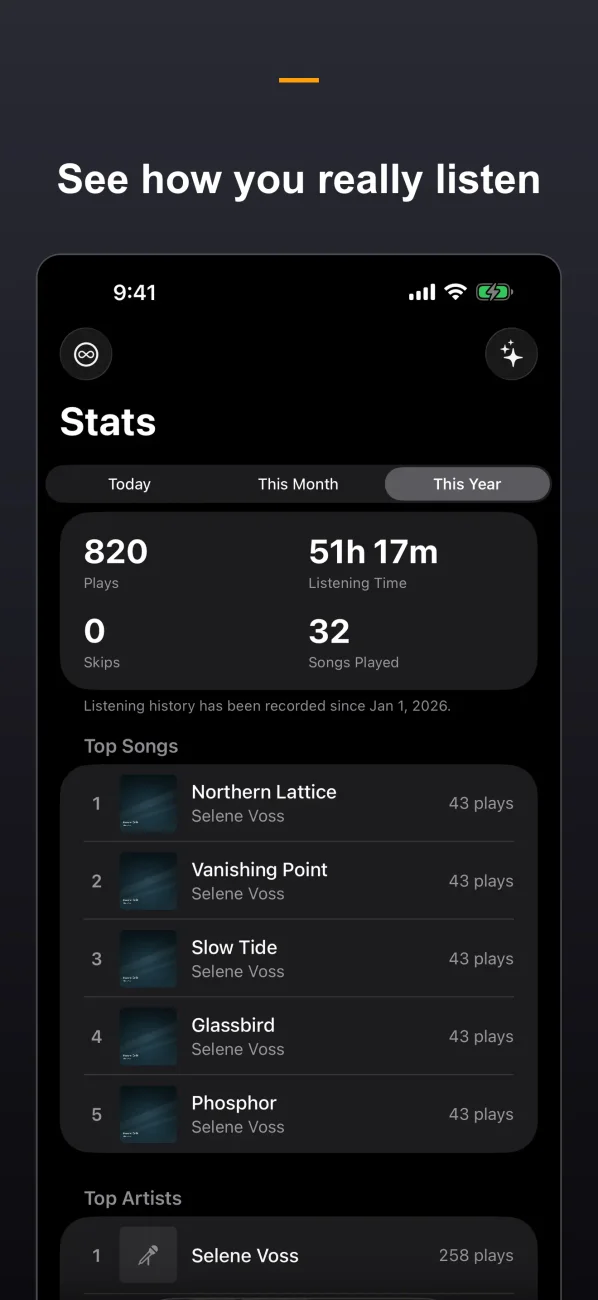
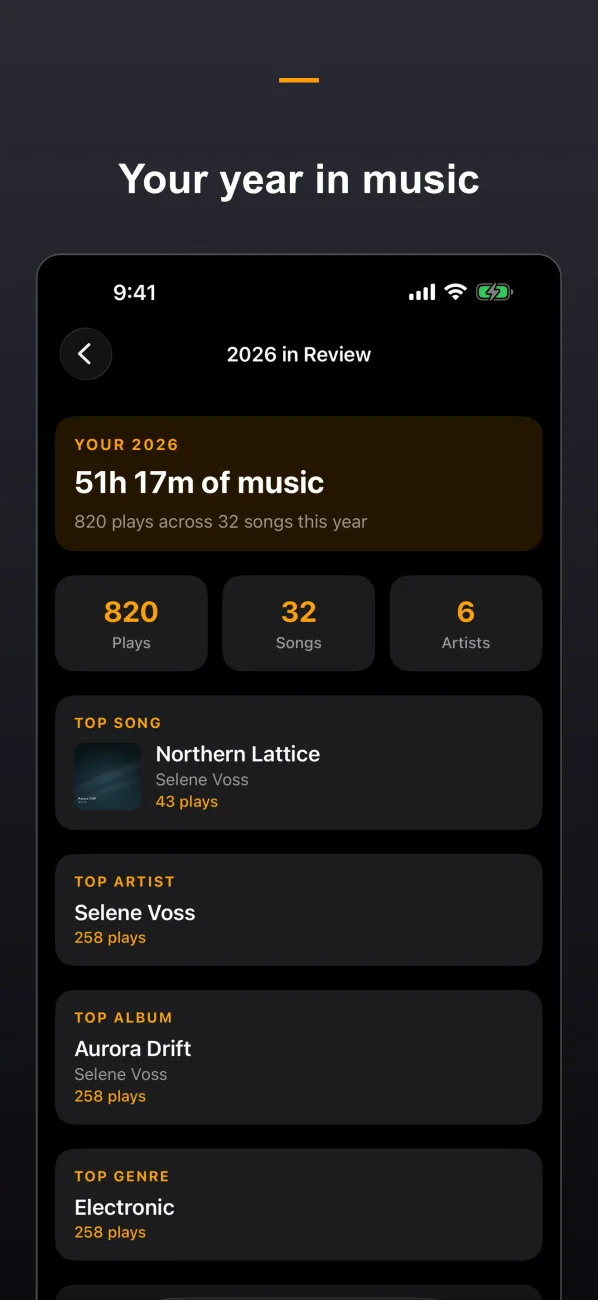
PhaseShift includes a capable free experience. PhaseShift Pro is available as a one-time in-app purchase and unlocks advanced features including the equalizer, ReplayGain, crossfade, waveform overview, A-B repeat, bookmarks, listening statistics, premium themes and visualizers, Apple Watch control, CUE import, batch find and replace, backups, and multi-device sync.
Nouveautés
Version 1.5 · 05/08/2026
PhaseShift 1.5 gives you more control over your library, Now Playing screen, and device sync.
Choose whether a sub device receives your whole library or only selected artists and playlists. A redesigned sync setup makes quality, transfer size, progress, and device roles easier to understand, while catalog-based syncing improves speed and reliability for large libraries.
Customize the Library tab with album, song, pinned, and recently added shelves. You can also adjust album artwork sizes to fit more of your collection on screen.
Tap the song title or artist in Now Playing to explore track details, artist information, albums, and songs. Now Playing controls are more flexible, and playback is more resilient when files or library sources change.
Playlist importing now supports selecting multiple files at once. Settings have also been reorganized so sources, metadata tools, playback options, and library sync are easier to find.
This update also improves artwork transfer, app data cleanup, library maintenance, storage handling, and overall reliability.
Confidentialité de l’application
Ce que Nevv Atlantis LLC déclare sur l’App Store au sujet du traitement des données par cette application.
-
Données non collectées
Le développeur ne collecte aucune donnée à partir de cette application.
Les pratiques en matière de confidentialité peuvent varier, notamment en fonction des fonctionnalités que vous utilisez ou de votre âge.
Informations
- Vendeur
- Nevv Atlantis LLC
- Catégorie
- Musique
- Version
- 1.5
- Mis à jour
- 05/08/2026
- Publié
- 03/07/2026
- Taille
- 32,6 Mo
- Nécessite
- iOS 17.0 ou version ultérieure
- Classification d’âge
- 4+
- Prix
- Gratuit
- Achats intégrés
- Oui
- Langues
- Anglais
- Copyright
- © Nevv Atlantis LLC 2026