
Photospec
Photo Frames, Carousels & EXIF
Conçue pour iPhone, iPad
Gratuit · Achats intégrés
- Classification d’âge4+
- CatégoriePhoto et vidéo
- DéveloppeurMartin Garnett
- LanguesAnglais
- Taille95,3 Mo
Renvoie vers la page App Store officielle
Download.org n’héberge aucun fichier de Photospec. Le bouton ouvre la page de l’application sur App Store, où Martin Garnett la publie. Fiche vérifiée pour la dernière fois le 12/11/2026.
Captures d’écran




À propos
Le développeur n’a pas fourni ce texte dans votre langue.
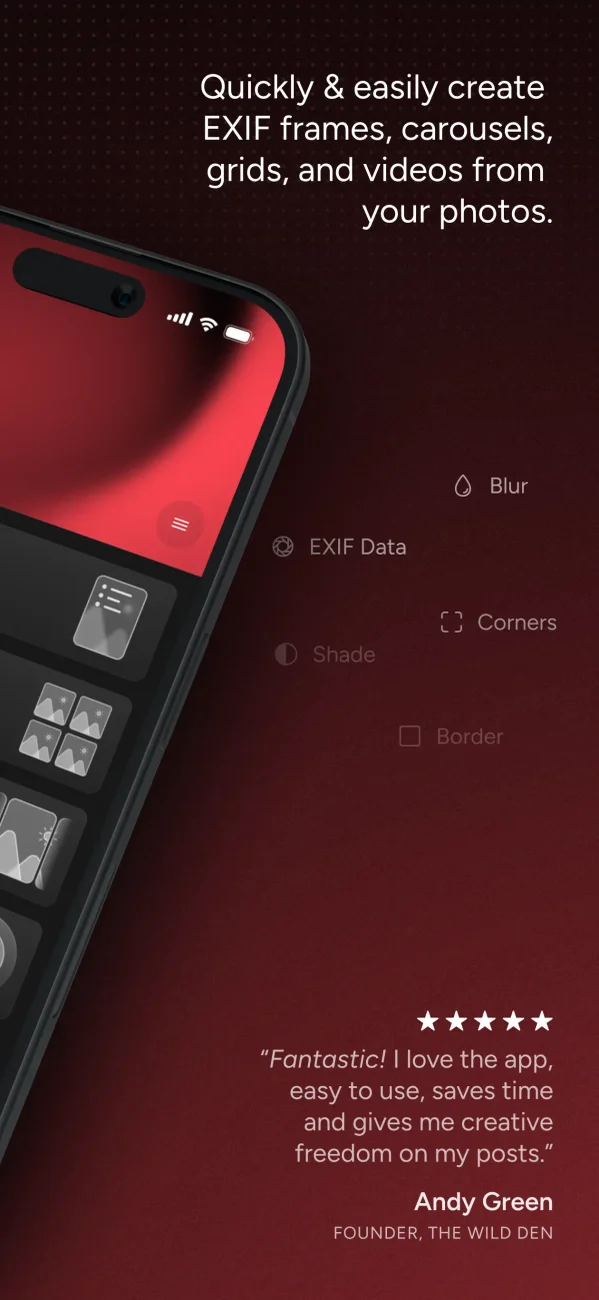
Photospec turns your finished photos and artwork into polished posts, carousels and reels. Add clean borders, build grids, overlay your camera settings, or bring a still image to life with smooth zoom and pan video, all in seconds.
Your edit is done. Photospec takes care of the presentation, so you can get every format you need for Instagram and other social platforms without rebuilding each one by hand.
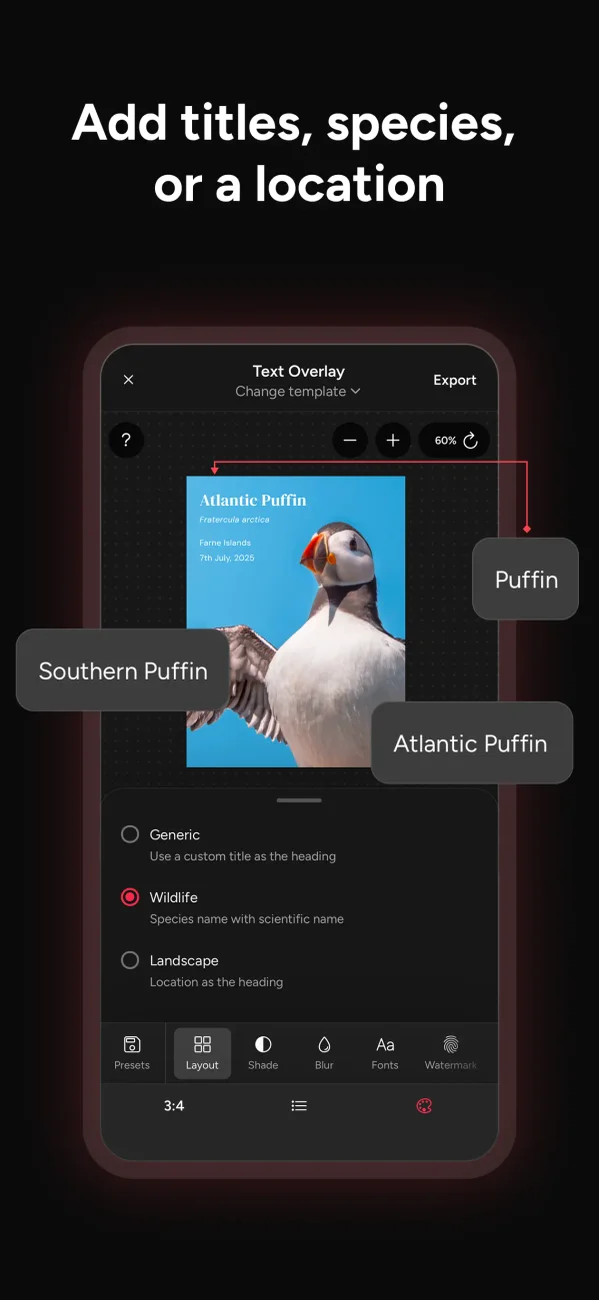
Built for every kind of photographer. Whether you shoot landscapes, streets, portraits, travel or wildlife, Photospec helps you share your work the way it deserves to be seen. Nature photographers can even add species names and descriptions to their shots.
Artists and creators use it too. Frame your paintings and illustrations, show off close-up details in a carousel, or create a slow pan across a finished piece for a reel.
Tell the story behind every image. EXIF frames show the camera, lens and settings you used. Carousels give your detail shots room to be seen. Layouts bring photos and videos from the same shoot or project together on a single slide.
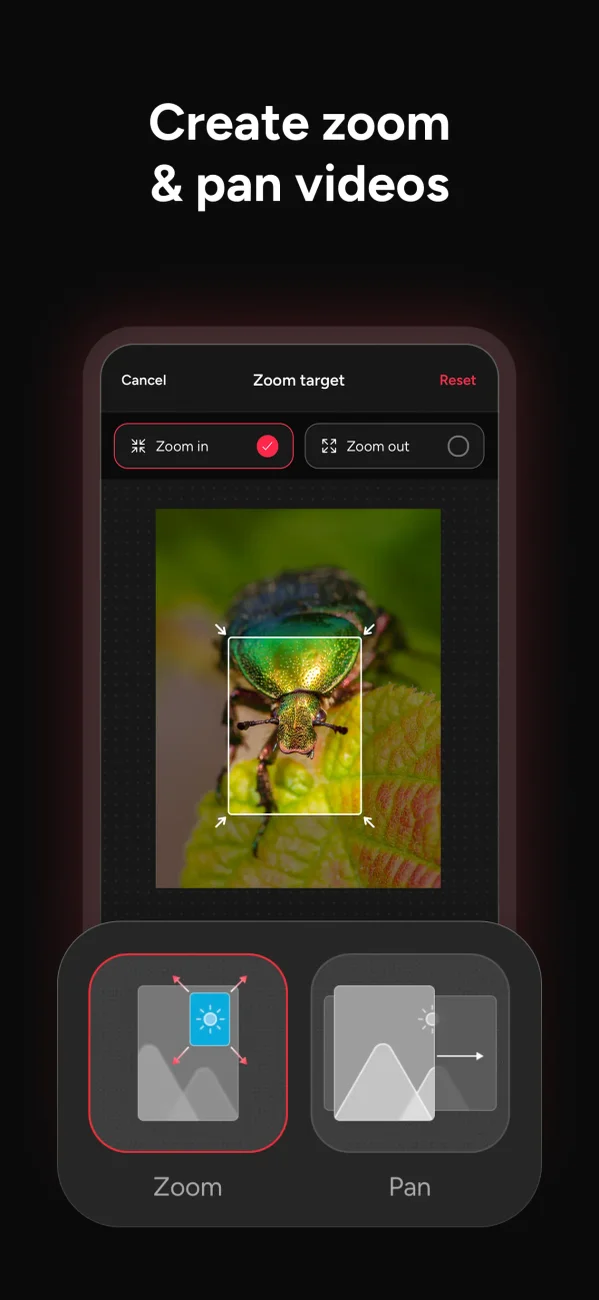
Turn one image into a cinematic clip. Set your start and end framing, choose the duration and easing, then post it as its own slide or stitch several together into a reel.
Restyle a whole set in moments. Save your look as a preset, swap images in and out, and export high-quality files ready to share.
Your work stays on your phone. Everything is processed on-device, and Photospec never edits or generates your images with AI.
FEATURES
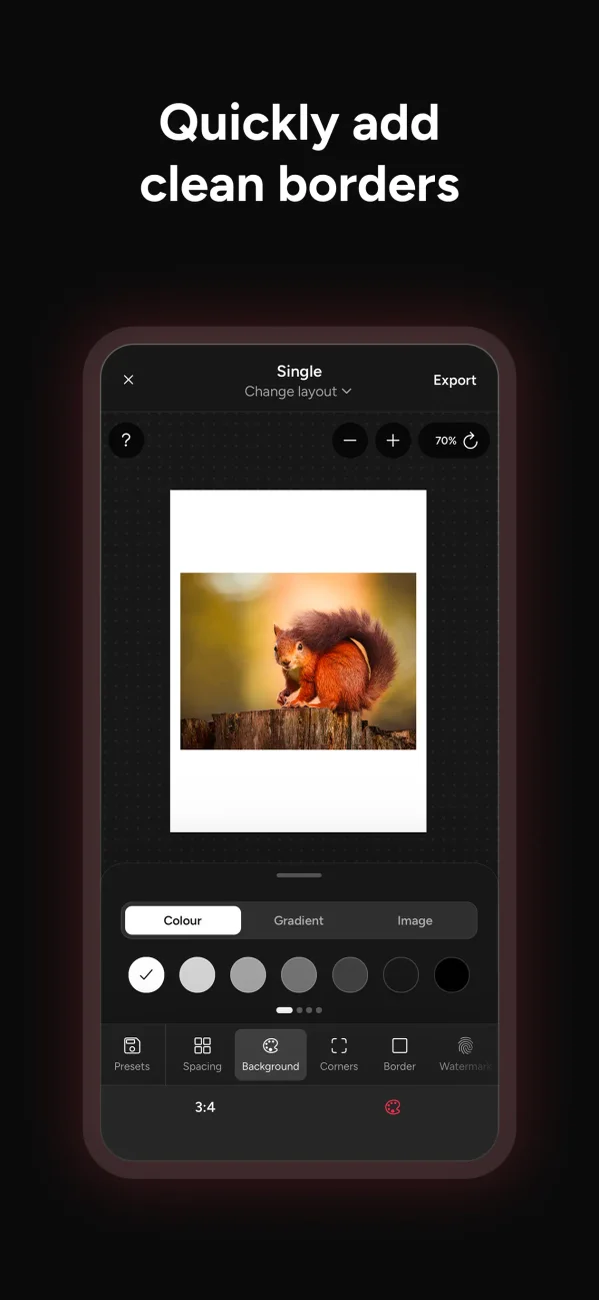
- Add clean borders and frames to any photo or artwork
- Build grids and layouts mixing photos and videos
- Create multi-image carousels for Instagram and other platforms
- Make cinematic zoom and pan videos from a single image
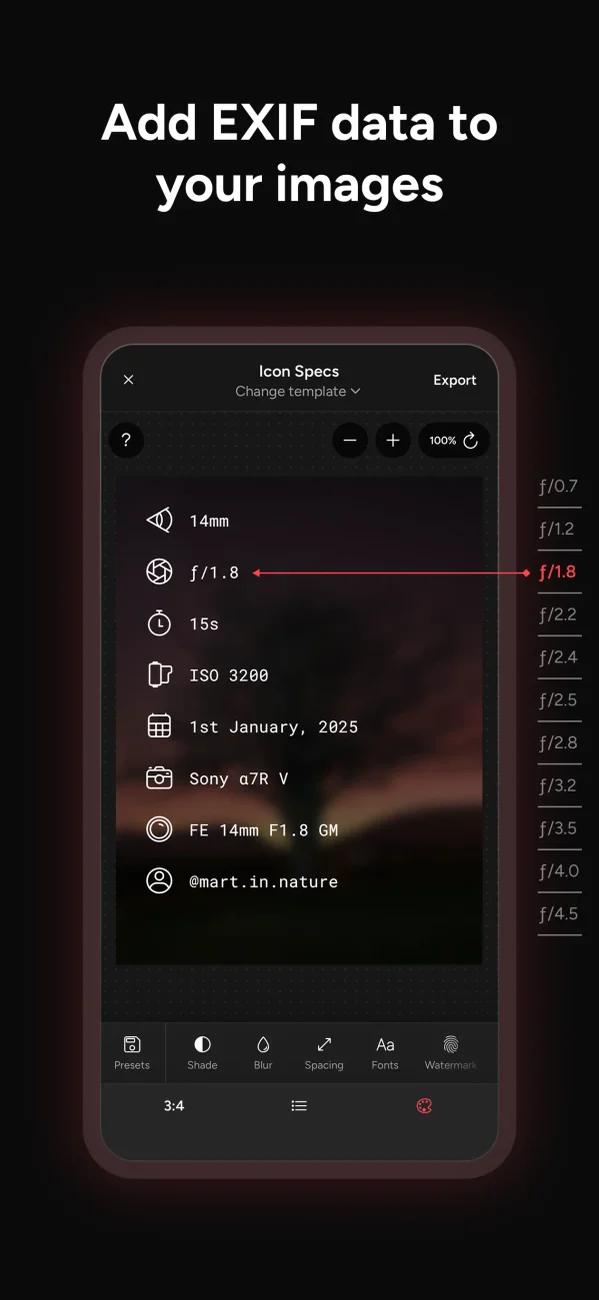
- Overlay camera settings, gear and location, pulled from your photo's EXIF data or added manually
- Add species names and descriptions to wildlife and nature shots
- Start from professionally designed templates and adjust the style to suit you
- Save presets to apply your look in one tap
FREE & PRO
Start free with core templates and tools. Upgrade to Pro for premium templates, species search and advanced video controls.
Terms of Use: https://www.apple.com/legal/internet-services/itunes/dev/stdeula/
Privacy Policy: https://www.photospec.app/privacy-policy
Nouveautés
Version 1.3.0 · 05/10/2026
Introducing Layouts, a new way to tell your stories.
Bring several photos and video clips together in one composition, using a pre-built layout or a custom grid.
NEW
- Layout maker: create grids and unique layouts with multiple photos and videos
- Polaroid template: a new Info frame that shows your details underneath the image, with your camera brand logo where available
- Release notes inside the app, so you can see what's changed after each update
- More background gradients to choose from
IMPROVED
- Image maker is now called Info frames, the home for every template that shows your photo details
- Tap an image to select it, then scale, move or crop it. Tap again to deselect
- New image toolbar: switch between cover and fit, make basic edits, replace or remove an image
- Redesigned style toolbar, so you can jump between styles without closing each one
- Clearer style options: Spacing, Border (previously Keyline) and Background
- Watermark toggle in the style toolbar of every editor
- A new export screen that shows your progress
- Zoom controls now work the same way in every editor
- Carousels now include the image's original aspect ratio as an option
- Plants and fungi added to species search, with closer matches shown first
- New setting to turn off automatic location lookup
FIXES
- Images convert to sRGB on import and export, so they look consistent across screens
- Memory and performance improvements
- Tapping "Return to editor" now keeps the keyboard closed
- Exported images include timestamps, so your device treats each one as a new image
Thanks for your patience with this release. I can't wait to see what you make with Layouts!
Confidentialité de l’application
Ce que Martin Garnett déclare sur l’App Store au sujet du traitement des données par cette application.
-
Données établissant un lien avec vous
Peuvent être collectées et liées à votre identité.
- Achats
-
Données n’établissant aucun lien avec vous
Peuvent être collectées, mais ne sont pas liées à votre identité.
- Emplacement
- Identifiants
- Diagnostic
Les pratiques en matière de confidentialité peuvent varier, notamment en fonction des fonctionnalités que vous utilisez ou de votre âge.
Informations
- Vendeur
- Martin Garnett
- Catégorie
- Photo et vidéo
- Version
- 1.3.0
- Mis à jour
- 05/10/2026
- Publié
- 12/05/2026
- Taille
- 95,3 Mo
- Nécessite
- iOS 16.4 ou version ultérieure
- Classification d’âge
- 4+
- Prix
- Gratuit
- Achats intégrés
- Oui
- Langues
- Anglais
- Copyright
- © 2026 Photospec
Vous aimerez peut-être aussi
-
 First Man PhotographyPhoto et vidéo
-
 LensTrailsPhoto et vidéo
-
 Framio : Cadre photo et EXIFBordure blanche, filtres photo
-
 Exiframer: Cadre Photo & EXIFInfos Caméra, Cadres & Film
-
 Framio - Cadre photo et vidéoUn diaporama photos et vidéos
-
 Shutternote : Cadre EXIFPhotos encadrées avec EXIF
-
 or it didn't happenPhoto et vidéo
-
 ProfeshiePhoto et vidéo
-
 ClubFrame: Concours PhotoSuivez Participations& Retours
-
 Drop Shadow ProPhoto et vidéo