- Classification d’âge4+
- CatégorieUtilitaires
- DéveloppeurHimhuu Co., Ltd.
- LanguesAnglais+ 1 de plus
- Taille5,9 Mo
Renvoie vers la page App Store officielle
Download.org n’héberge aucun fichier de PicSheet. Le bouton ouvre la page de l’application sur App Store, où Himhuu Co., Ltd. la publie. Fiche vérifiée pour la dernière fois le 12/11/2026.
Captures d’écran


À propos
Le développeur n’a pas fourni ce texte dans votre langue.
Put your pictures on one happy page.
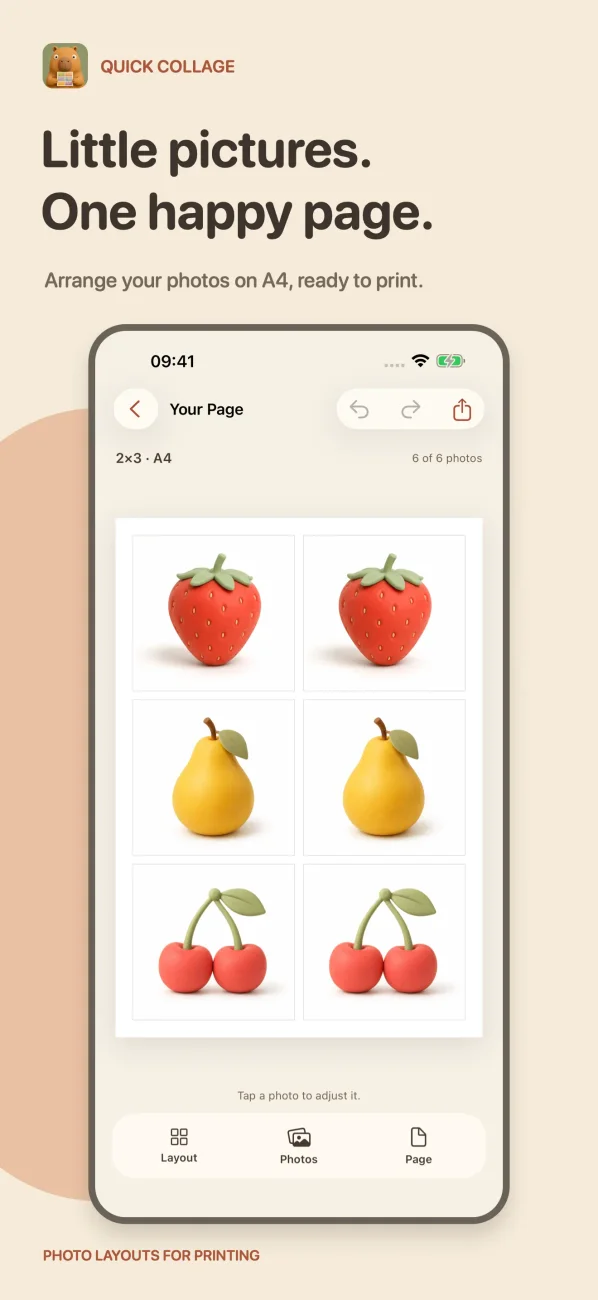
Quick Collage helps you arrange several pictures on an A4 page, right on your iPhone or iPad. Prepare photo cards, craft pictures, learning materials, or repeated designs without opening a desktop editor.
PICK A LAYOUT
Choose from six layouts with space for 1, 2, 4, 6, 8, or 9 pictures. Every layout includes comfortable spacing between images. Use a portrait or landscape page.
ADD YOUR PICTURES
Select several pictures together and fill the page in order. Show the whole picture or fill its space, then drag, zoom, and rotate to adjust the result.
MAKE COPIES EASILY
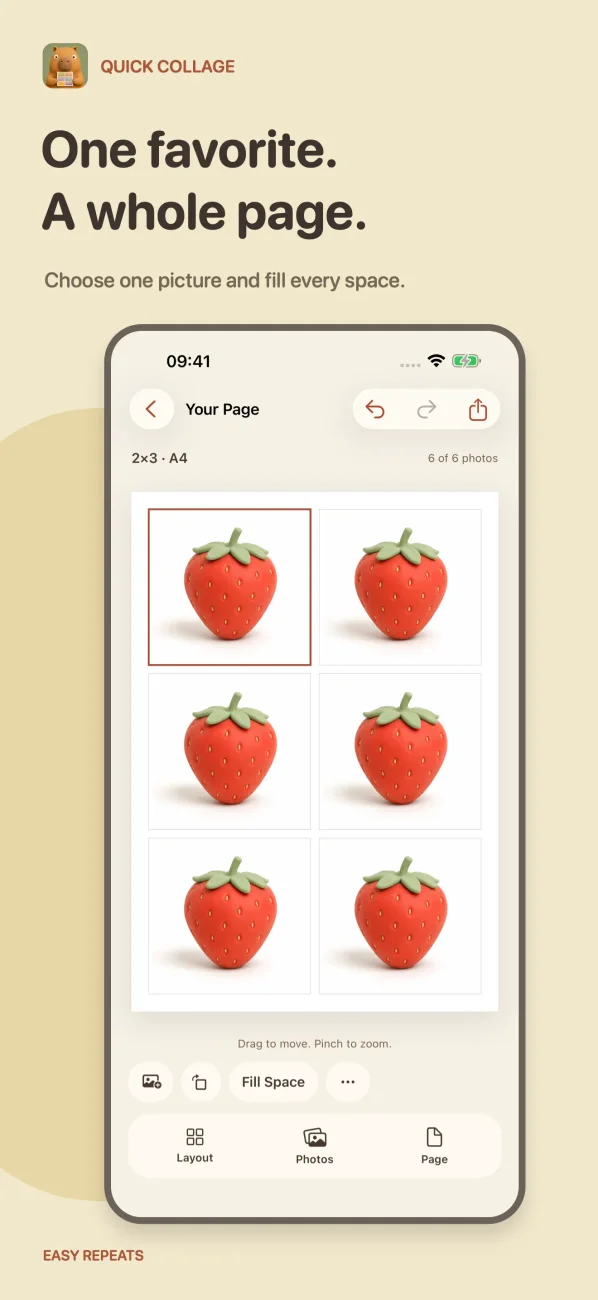
Repeat one picture across the page, copy it to the next empty space, or swap two pictures. Undo and redo let you try changes comfortably.
PREVIEW, PRINT, OR SHARE
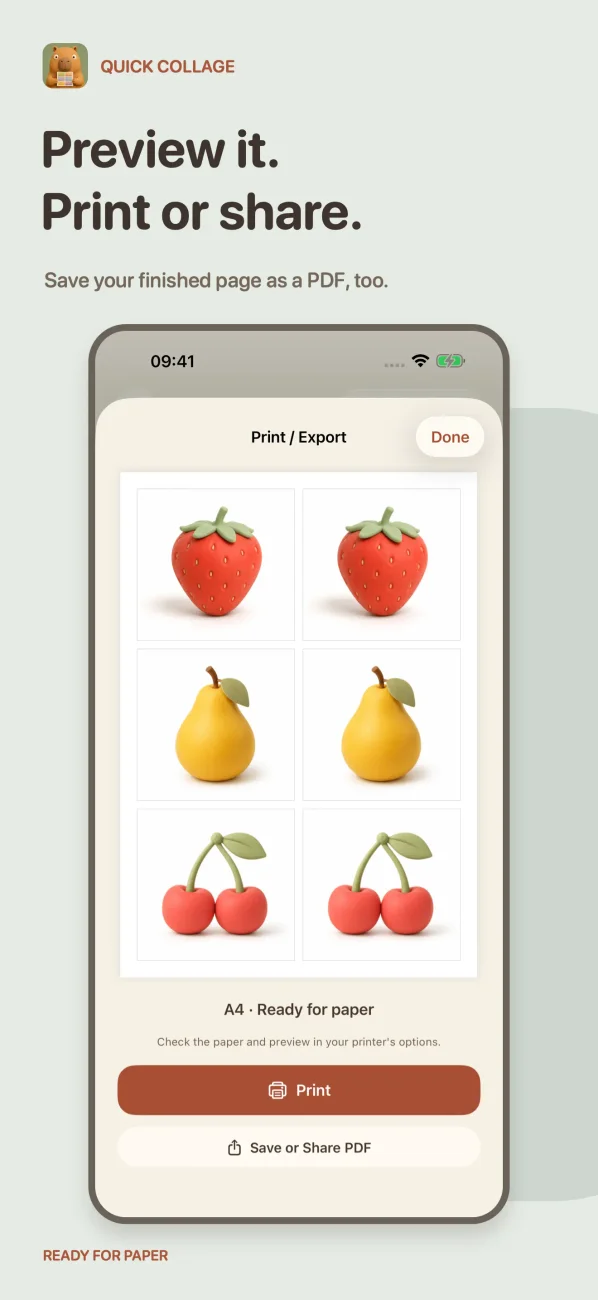
Check your finished page, print with an AirPrint-compatible printer, or save and share a PDF. Optional cutting guides help you cut the page into rectangular cards.
COME BACK TO IT
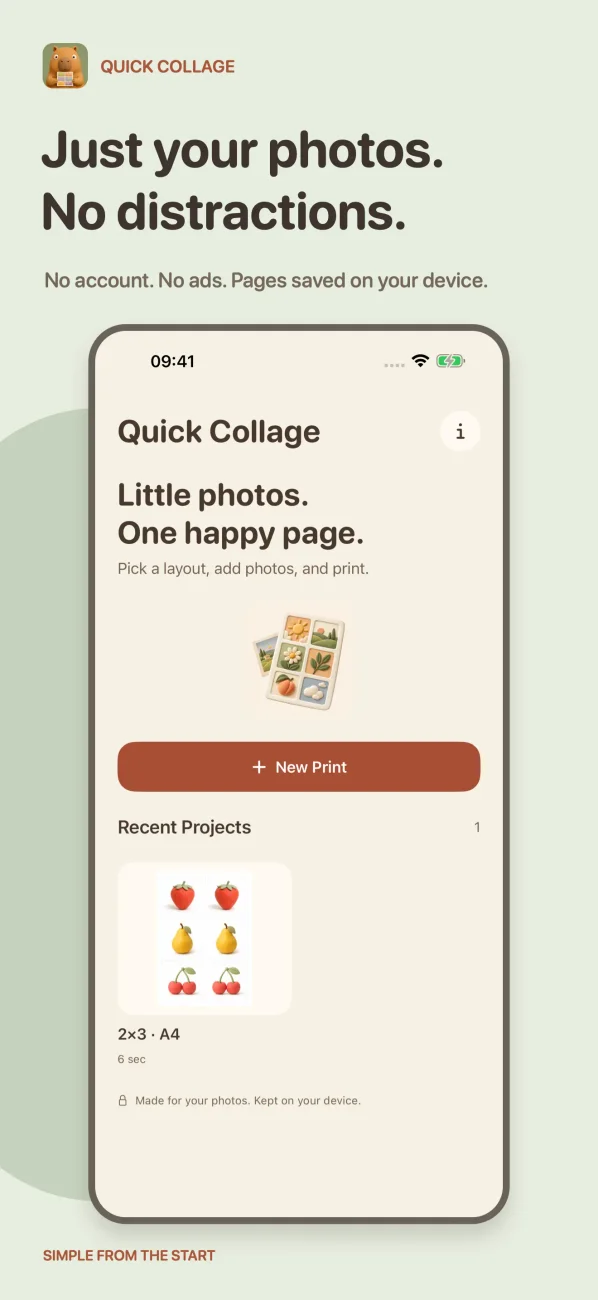
Projects save locally so you can reopen a page and keep editing its pictures and layout.
SIMPLE AND LOCAL
No account, subscriptions, in-app purchases, or ads. Layout and PDF generation happen on your device; Quick Collage does not upload your pictures to its own servers.
Pictures stored in iCloud may need to download through Apple's photo picker. Printing, sharing, cloud file locations, and device backups use the services you choose. Printer and paper options can affect the printed result. This is a simple layout tool, not an exact-size photo editor. Example artwork shown in screenshots is demonstration content; the app uses pictures you add.
We'd love to hear your ideas and suggestions: support@himhuu.com
Confidentialité de l’application
Ce que Himhuu Co., Ltd. déclare sur l’App Store au sujet du traitement des données par cette application.
-
Données non collectées
Le développeur ne collecte aucune donnée à partir de cette application.
Les pratiques en matière de confidentialité peuvent varier, notamment en fonction des fonctionnalités que vous utilisez ou de votre âge.
Informations
- Vendeur
- Himhuu Co., Ltd.
- Catégorie
- Utilitaires
- Version
- 1.0
- Mis à jour
- 16/09/2026
- Publié
- 16/09/2026
- Taille
- 5,9 Mo
- Nécessite
- iOS 17.0 ou version ultérieure
- Classification d’âge
- 4+
- Prix
- Gratuit
- Langues
- Anglais, Chinois simplifié
- Copyright
- © Himhuu 2026